Explore Winter Boy AI Prompts
Browse winter boy prompts for adult men portraits, snow streets, cabins, alpine adventures, winter fashion, train journeys, city lights, and outdoor storytelling. Use each idea for video templates, reels, social posts, covers, and export-ready visuals.
Loading more winter boy prompts...
 Category:
 Duration:
 Aspect Ratio:
Why Create Winter Boy Images With Filmora?
Winter boy prompts work best when outerwear, posture, environment, weather intensity, and light direction are described together. Filmora turns the results into confident portraits, travel covers, and motion-ready winter edits.
Generate Winter Boy With Filmora
Generate Winter Boy With Filmora
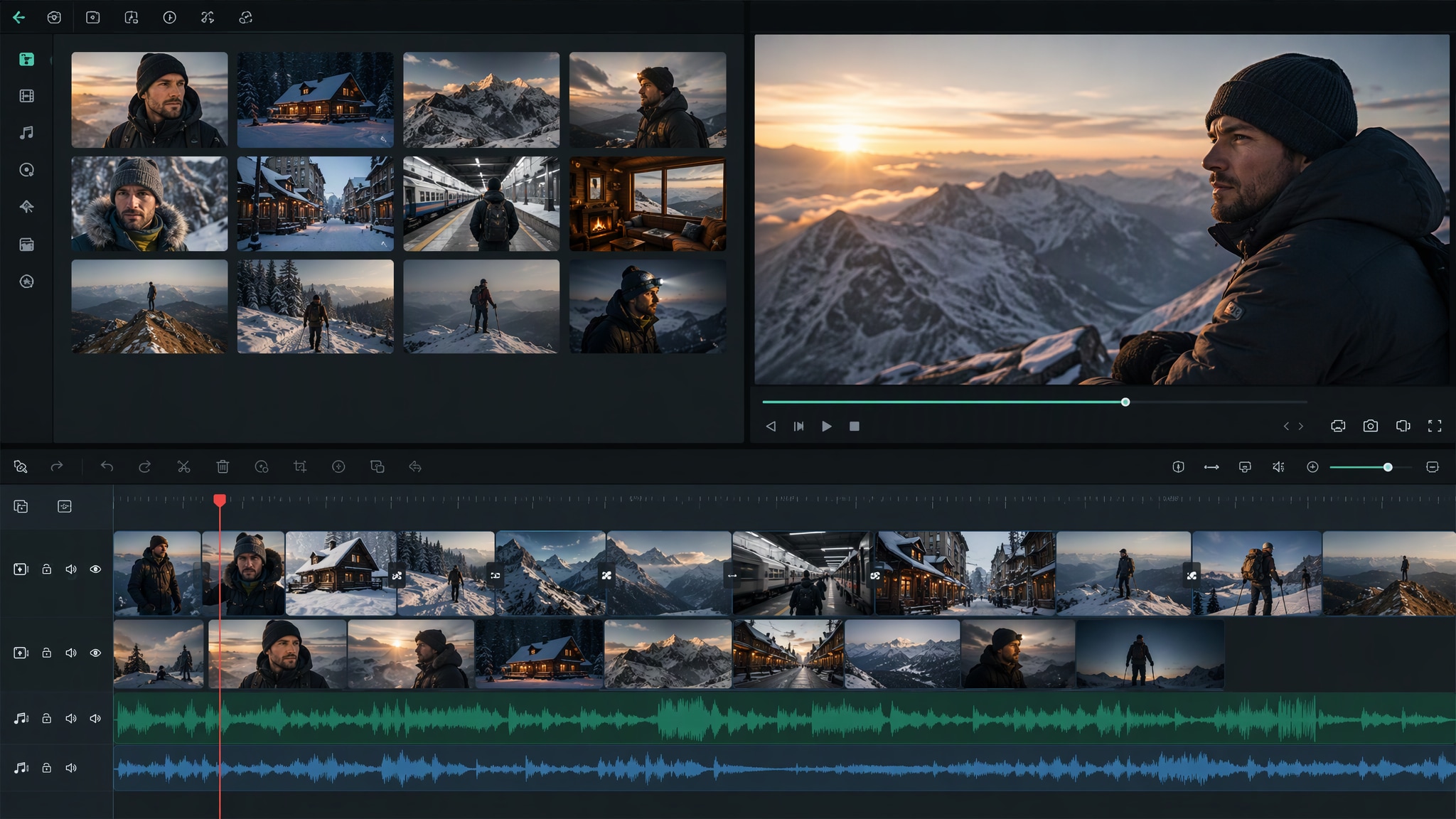
Start with a precise winter boy prompts, then use Filmora's AI image generator to turn adult men portraits, snow streets, cabins, alpine adventures, winter fashion, train journeys, city lights, and outdoor storytelling into clean, edit-ready stills. Use it for adult men portraits, snow streets, cabins, alpine adventures, winter fashion, train journeys, city lights, and outdoor storytelling, then refine crop, color, overlays, and motion in Filmora.
- Prompt to Image - Name the outerwear, stance, setting, weather intensity, and direction of the winter light.
- Clean Visual Structure - Filmora's AI Image Generator helps build confident winter boy portraits for cards, profiles, and seasonal campaigns.
- Fast Iteration - Switch between streetwear, tailoring, outdoor adventure, and quiet lifestyle moods with a precise visual brief.
Use GPT Image 2 for Controlled Composition and Detail
Use GPT Image 2 for Controlled Composition and Detail
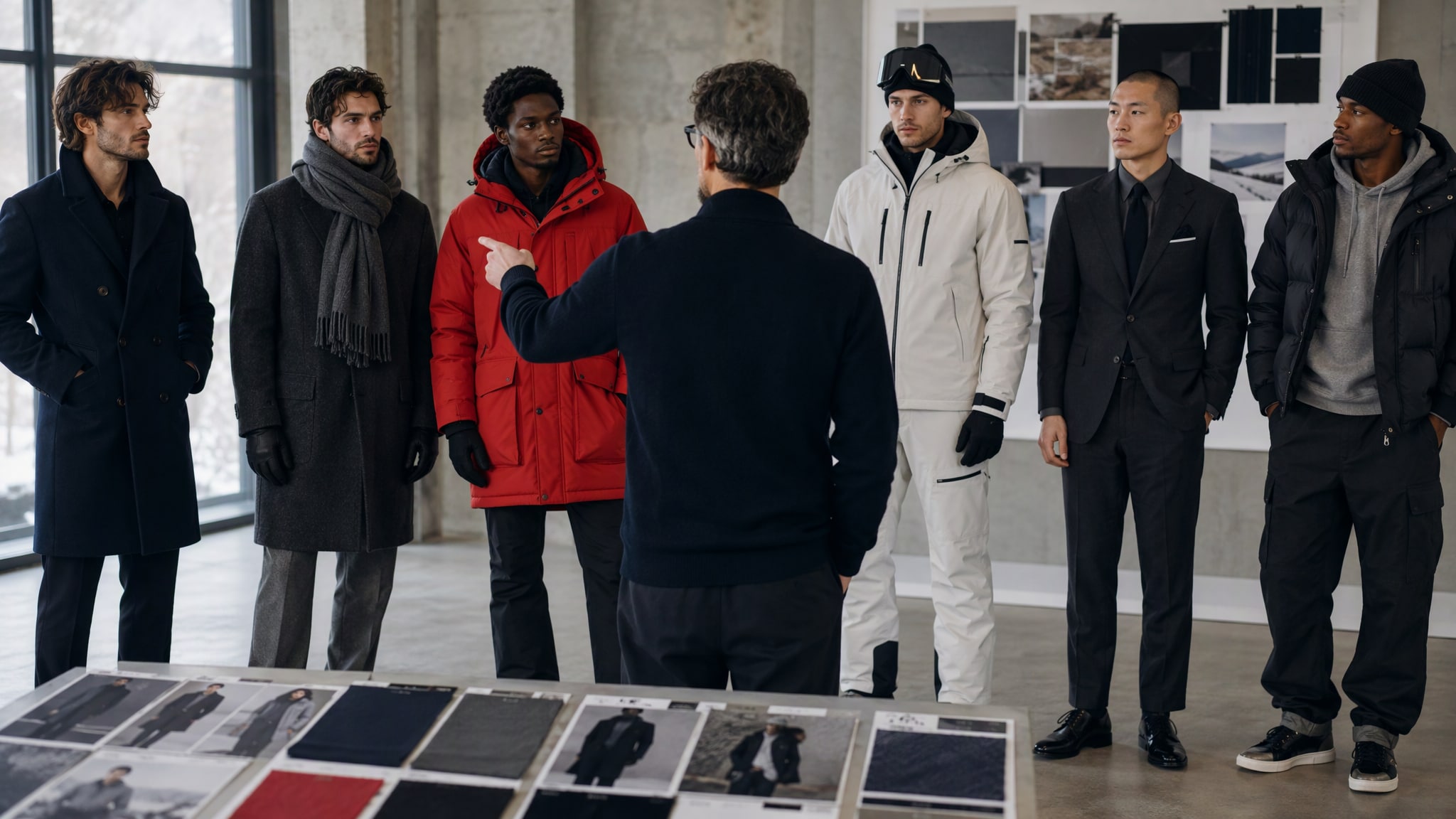
When the scene needs dependable subject detail, texture, or background control, Filmora's GPT Image 2 helps follow a structured prompt. GPT Image 2 helps organize the subject, setting, lighting, materials, and clean space reserved for later design.
- Prompt Following - GPT Image 2 can organize wool, leather, snow haze, reflected light, and title-safe space into one coherent frame.
- Detail Control - Filmora keeps generated detail available for later trimming, overlays, and color finishing.
- Edit-Ready Results - Use a text-free image when the final greeting or headline will be added in the edit.
Try Nano Banana for Fast Creative Variations
Try Nano Banana for Fast Creative Variations
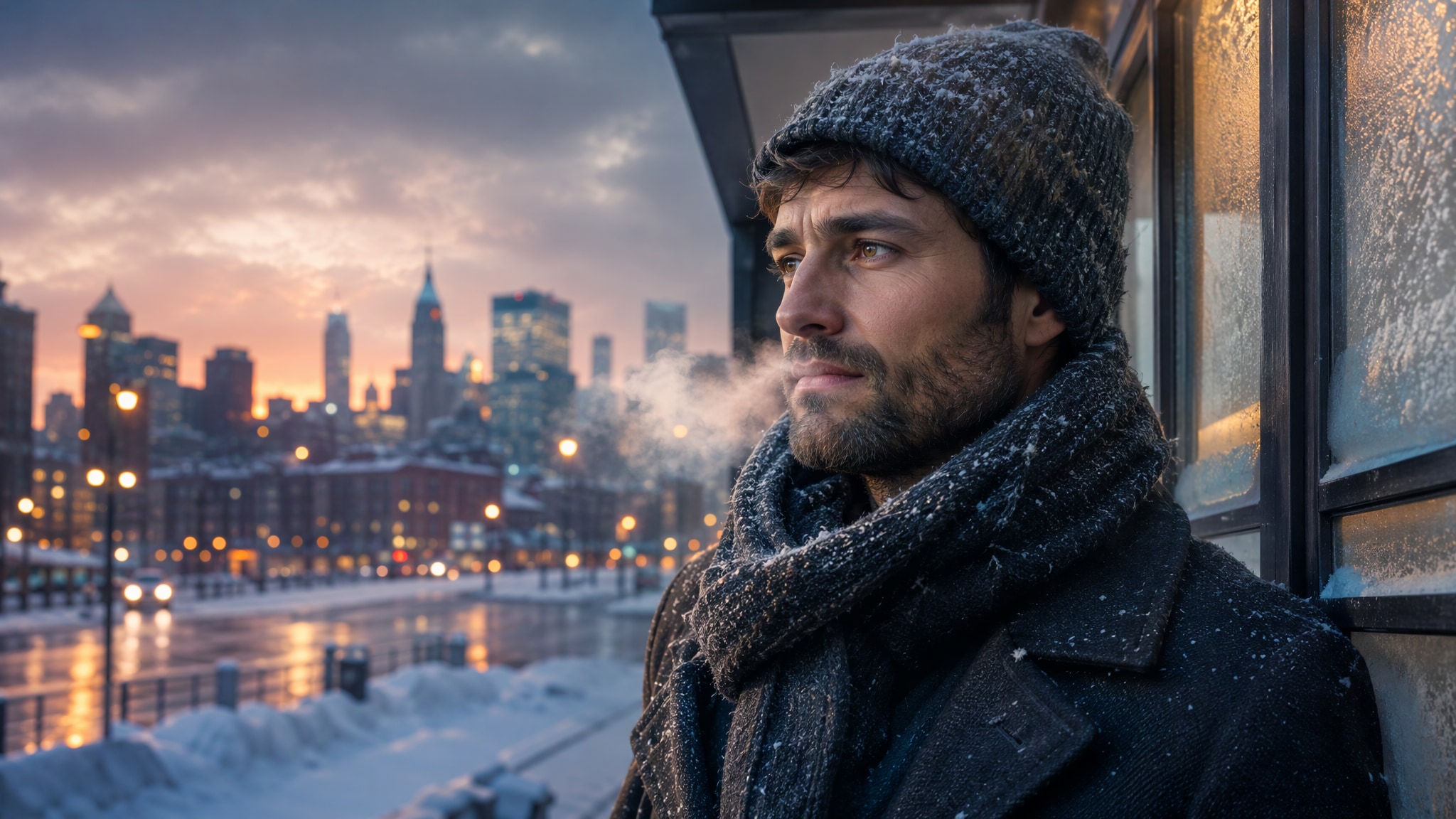
Use Filmora's Nano Banana when one idea needs another palette, mood, composition, or social treatment. Nano Banana helps test alternate palettes, props, backgrounds, and moods while retaining the main direction.
- Style Range - Explore cobalt dusk, cabin amber, silver daylight, forest green, or muted charcoal styling.
- Variant Testing - Nano Banana helps test alternate winter palettes and locations while keeping the main male subject recognizable.
- Creative Flow - Use the strongest variation as the base for a social cover or motion intro.
Turn Winter Boy Into Video
Turn Winter Boy Into Video
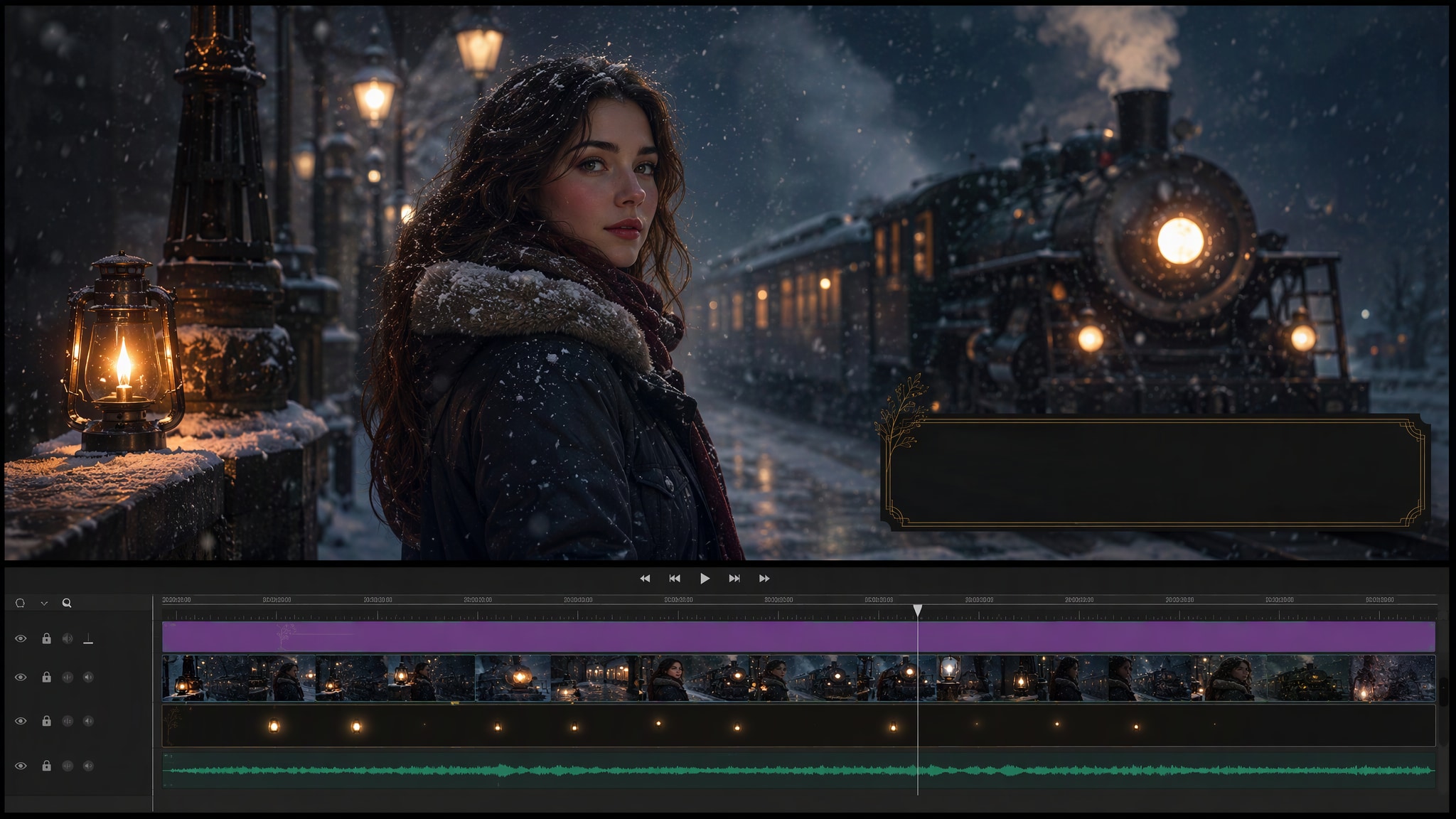
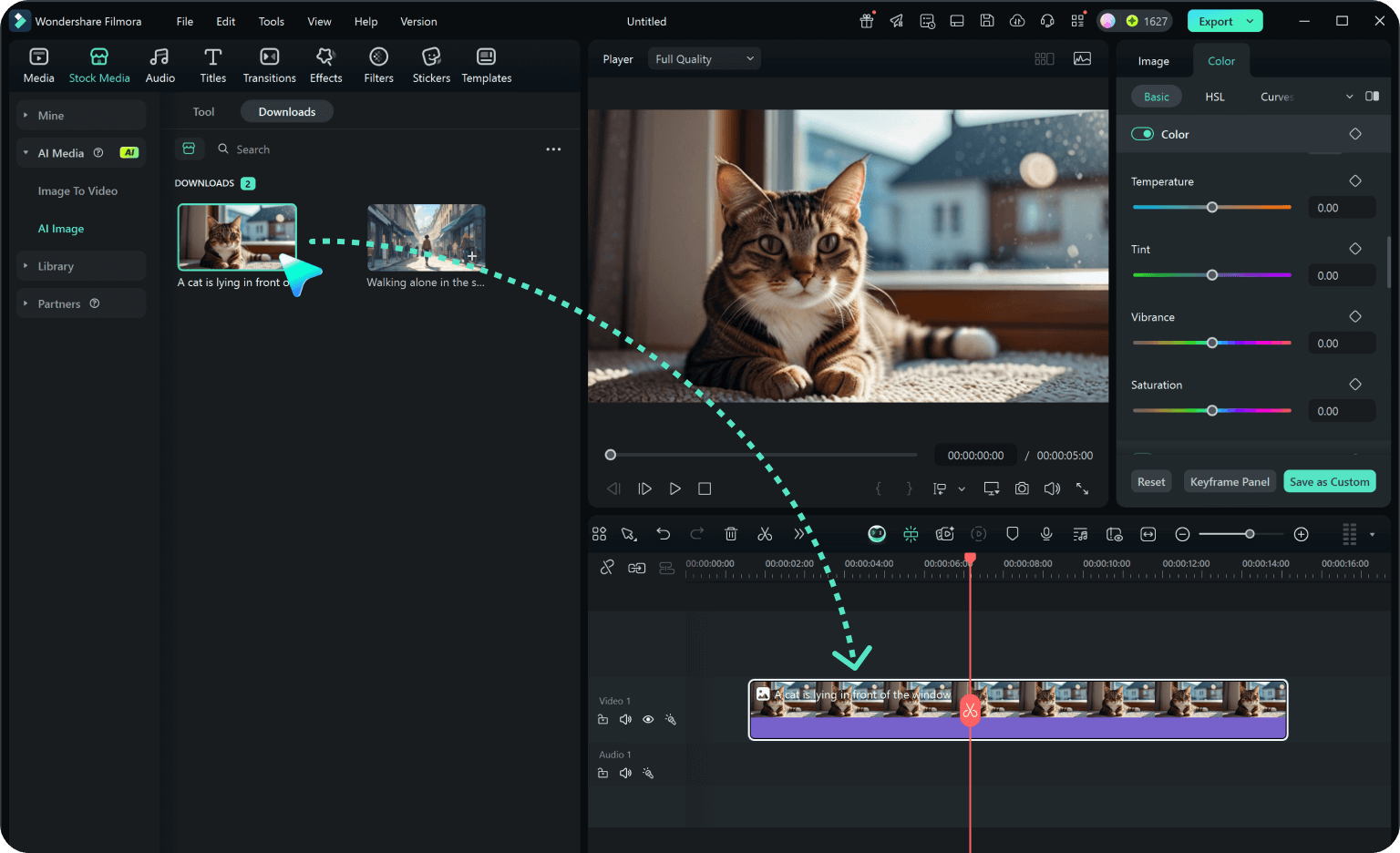
After generating the still, use Filmora's AI Image to Video workflow to add camera movement, overlays, effects, sound, and social-ready exports. Animate a camera move, light change, crowd motion, star trail, motion blur, or a restrained title reveal.
- Motion Ideas - Animate snowfall, breath haze, a slow walk, passing train light, or a gentle skyline reveal.
- Social Formats - Filmora's AI Image to Video workflow gives a still winter portrait a restrained cinematic rhythm.
- Final Export - Layer music, captions, effects, and platform-ready exports on the timeline.
Frequently Asked Questions About Winter Boy Prompts
How to Generate Winter Boy Images With AI
Choose a winter boy setup, define the visual mood, generate the still, then personalize or animate it in Filmora.
Step 1 Choose a Winter Boy Prompt
Step 2 Set Style, Model, and Ratio
Step 3 Generate, Edit, and Export
-
1: Choose a Winter Boy Prompt
Pick a winter boy setup such as an adult man in a winter coat, a snowy street scene, an alpine adventure, a cabin portrait, or a cinematic travel frame. -
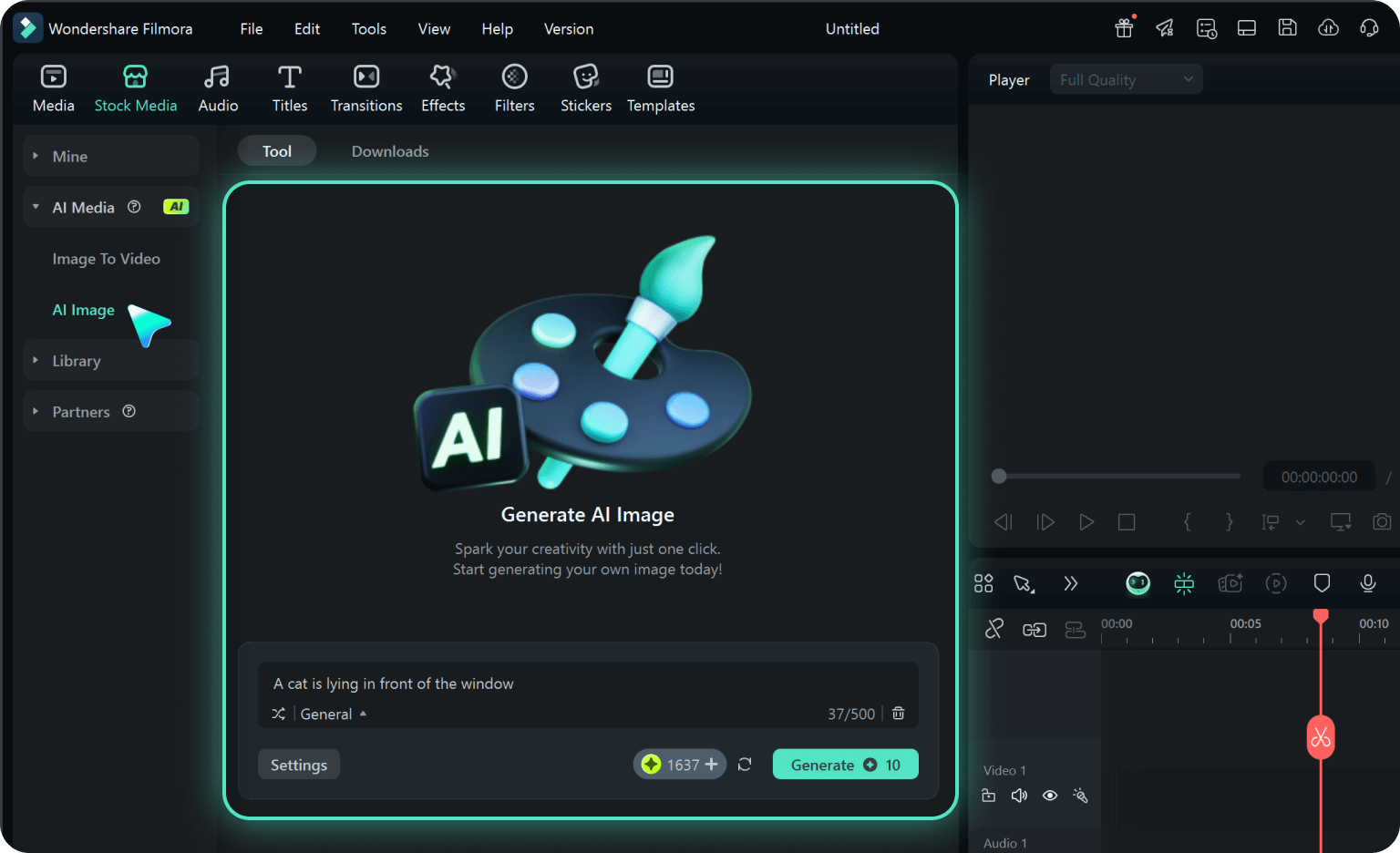
2: Set Style, Model, and Ratio
Paste the prompt into Filmora's AI Image tool, choose GPT Image 2 or Nano Banana, select a ratio, and refine subject detail, lighting, and framing. -
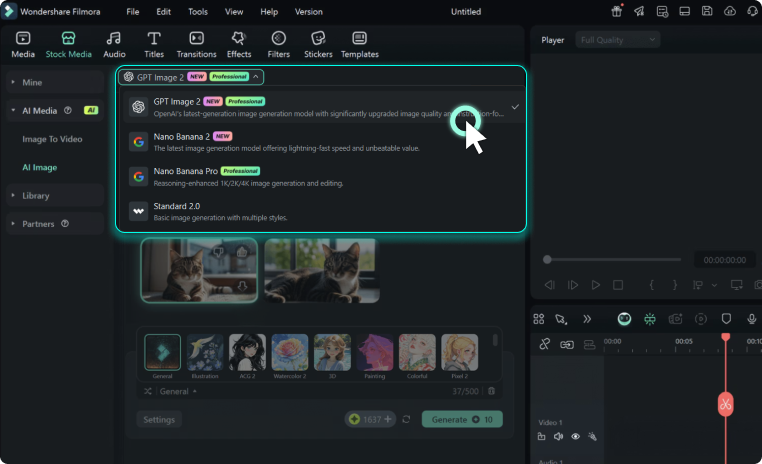
3: Generate, Edit, and Export
Generate the still, adjust crop and color, add motion or overlays if needed, then export it for winter cards, men's portrait posts, outdoor campaigns, seasonal reels, travel covers, and fashion references.
Winter Boy AI Prompts for Premium Visuals
Use winter boy prompts to create adult men portraits, snow streets, cabins, alpine adventures, winter fashion, train journeys, city lights, and outdoor storytelling and motion-ready visuals for Filmora editing.