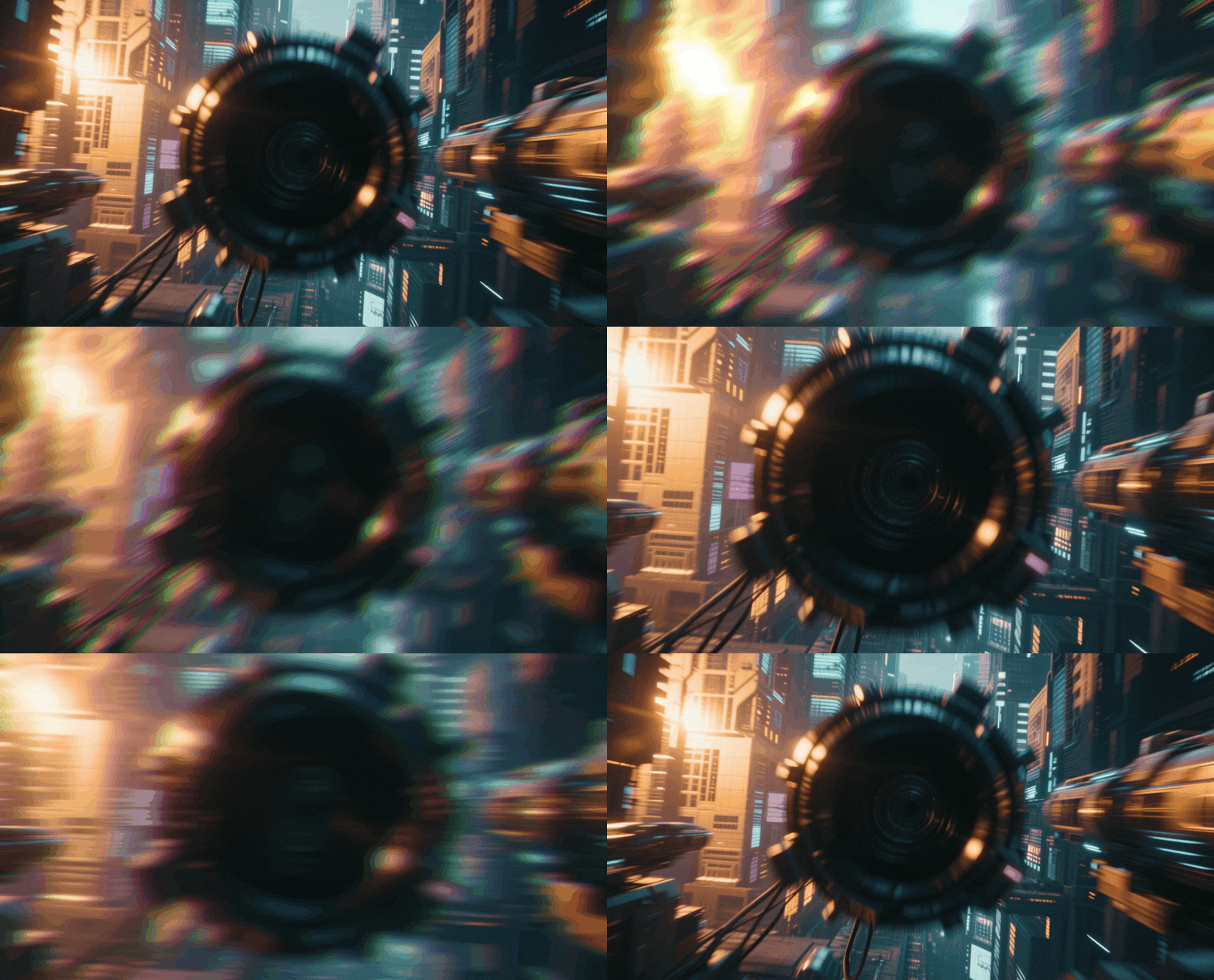
Nature Video Effects & Packs:
Immerse Your Audience in the Elements
Give your outdoor footage the professional polish it deserves. Explore our curated selection of nature video effects, featuring everything from realistic lightning strikes and heavy rain to gentle morning fog and floral overlays. Simply pick your favorite atmospheric style, drag it into your timeline, and create videos that captivate. Perfect for travel vloggers, documentary filmmakers, and creators looking to add organic textures to their content.
Loading more templates...
 Category:
 Duration:
 Aspect Ratio:
Why Use These Nature Effects?
Level up your content effortlessly — the right atmospheric elements turn ordinary clips into cinematic masterpieces!
Command the Elements with Realistic Weather Overlays

Command the Elements with Realistic Weather Overlays
Don't let a clear sky ruin a moody scene or a dull day flatten your visuals. Instantly add atmospheric depth to your footage by layering realistic rain, snow, fog, or lightning effects that blend seamlessly with your original video.
- Drag-and-drop weather assets: from gentle drizzles to heavy blizzards
- Adjustable opacity and blending modes for photorealistic integration
- Perfect for setting the mood in travel vlogs, music videos, and short films
Transform Landscapes with AI Sky Replacement

Transform Landscapes with AI Sky Replacement
Turn a blown-out white sky into a dramatic sunset or a starry night instantly. Filmora’s AI technology automatically detects the horizon and replaces the sky, handling complex masking so you don't have to edit frame by frame.
- One-click sky replacement using advanced AI detection
- Choose from a vast library of clouds, sunsets, auroras, and starry nights
- Fine-tune feathering and edge detection for a natural, professional look
Enhance Atmosphere with Organic Particles & Light

Enhance Atmosphere with Organic Particles & Light
Add a touch of magic and movement to static outdoor shots. Use floating dust particles, falling leaves, or cinematic lens flares to add texture and dimension, making your viewers feel like they are stepping right into nature.
- Cinematic light leaks and sun flares to create warmth and depth
- Organic particle overlays including pollen, dust motes, and falling petals
- Dynamic element packs designed specifically for 4K nature cinematography
FAQs About Nature Video Effects
How To Add Nature Effects to Videos
Whether you're a beginner or experienced creator, adding atmospheric effects to your videos with our editor is intuitive and fast.
Follow these simple steps to improve your videos with Filmora's extensive nature collection.
Step 1 Open Filmora and Import Your Video

Step 2 Choose and Apply Nature Effects

Step 3 Blend and Export

-
Step 1: Open Filmora and Import Your Video
Launch Filmora on your computer and import the video file you want to edit into the media library. Then, drag it to the timeline to start editing. -
Step 2: Choose and Apply Nature Effects
Click the "Effects" or "Stickers" tab in the top toolbar. Search for "Nature," "Rain," or "Light". Select an effect you like and drag and drop it onto your video clip in the timeline to apply it. -
Step 3: Blend and Export
Double click the effect to adjust blending modes (try "Screen" or "Overlay"). Once satisfied, export your video or continue editing.
Step 1 Open Filmora and Import Your Video

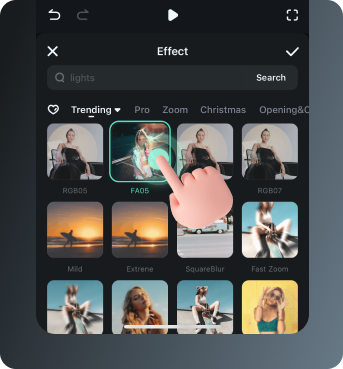
Step 2 Access and Select Nature Effects
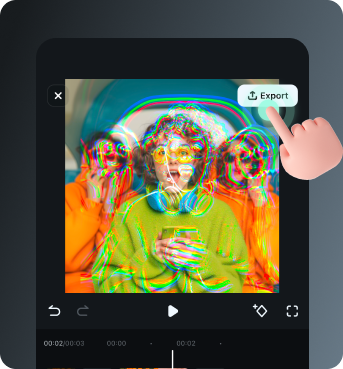
Step 3 Export or Keep Editing
-
Step 1: Open Filmora and Import Your Video
Open the Filmora app on your phone and import the video you want to edit. The clip will be added to your editing timeline automatically. -
Step 2: Access and Select Nature Effects
Tap Effects to browse preset video effects. Look for the Nature category to find rain, snow, and light leaks. Apply to enhance your video instantly. -
Step 3: Export or Keep Editing
After applying the effects, export your video or continue editing with additional animations, stickers, or adjustments.
Explore More Video Effects
From cinematic slideshow effects to dynamic zoom transitions — explore our free, ready-to-use effects for every creative project.