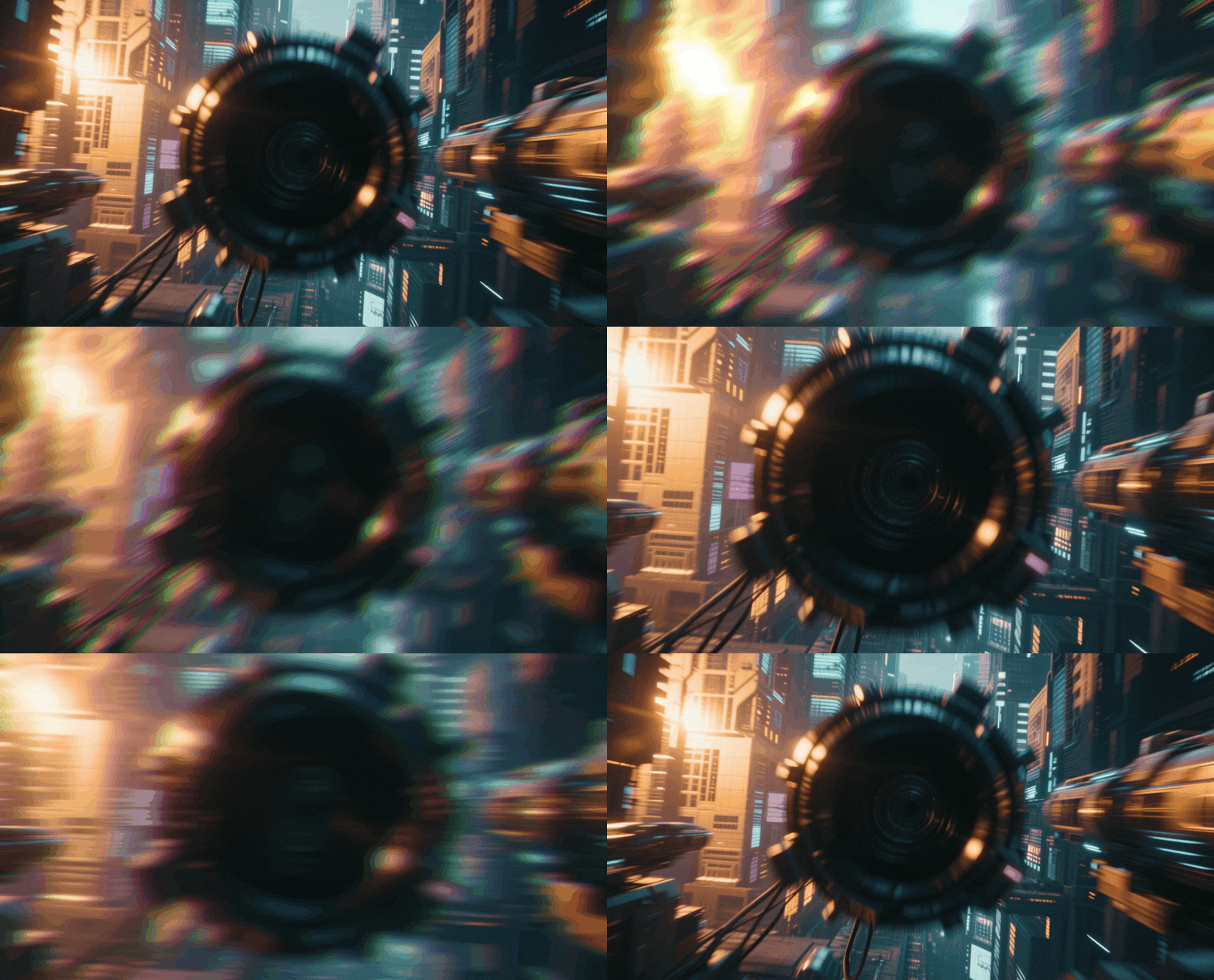
Premium Starburst Effects & Video Filters:
Make Your Content Shine
Give your footage the high-budget commercial look without expensive lenses. Explore our curated selection of starburst video effects and light leak assets, featuring everything from subtle 4-point glints to dramatic 8-point flares. Simply pick your favorite star filter style, drag it onto your timeline, and watch your highlights pop. Perfect for beauty vloggers, holiday content, and creators looking to add a touch of magic to night scenes.
Loading more templates...
 Category:
 Duration:
 Aspect Ratio:
Why Use Starburst Video Effects?
Elevate your visual storytelling—turn simple light sources into dazzling cinematic moments effortlessly!
Illuminate Your Footage with Radiant Starbursts

Illuminate Your Footage with Radiant Starbursts
Instantly transform dull night shots or stage lighting into a spectacular visual experience. Our starburst effects simulate the diffraction of light, turning every bright point into a stunning 4, 6, or 8-point star. It’s the perfect way to add glamour and professional polish to your videos without needing expensive camera equipment.
- Enhance streetlights, candles, and stage lights with a single click
- Choose from multiple star patterns (Cross, Star, Sunburst)
- Perfect for holiday videos, jewelry showcases, and night cityscapes
Achieve the Physical Lens Look Without the Gear

Achieve the Physical Lens Look Without the Gear
Forget screwing on physical glass filters or worrying about the wrong aperture settings. Filmora’s digital starburst effects give you the flexibility to apply, adjust, or remove the effect in post-production. You get the authentic look of a physical star filter with the freedom to change your mind later.
- Replicate the look of expensive optical star filters digitally
- Non-destructive editing: adjust intensity after filming
- Combine with other effects like glow and bokeh for a dreamy look
- Save money on camera accessories while boosting production value
Total Customization for Cinematic Brilliance

Total Customization for Cinematic Brilliance
Don't settle for a static overlay. Filmora allows you to fine-tune every aspect of the starburst effect to match your scene perfectly. Rotate the angle of the diffraction spikes, adjust the length of the rays, and control the threshold so only the brightest lights sparkle.
- Adjustable ray length, angle, and opacity for subtle or bold looks
- Threshold control to target specific light sources
- Animate the sparkle intensity for dynamic music videos
- Color grade your stars to match the mood of your scene
Create Dreamy, Romantic Atmospheres Instantly
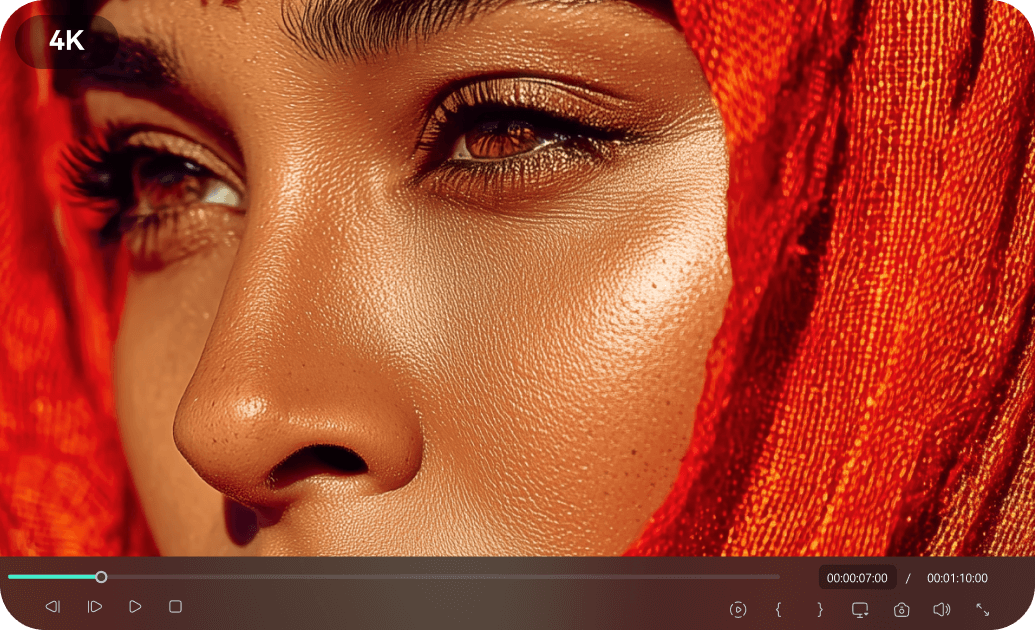
Create Dreamy, Romantic Atmospheres Instantly
The starburst effect isn't just about technical lighting; it's about emotion. Use soft, glowing star filters to create a romantic ambiance for wedding videos, or sharp, energetic flares for dance and music content. It automatically elevates the production value and sets the right mood for your audience.
- Soft-glow options for wedding and memory reels
- High-energy diffraction spikes for concerts and TikTok trends
- Seamlessly blends with background music for emotional impact
- Works perfectly on mobile edits for quick social sharing
FAQs About Starburst Video Effects
How To Add Effects to Videos
Whether you're a beginner or experienced creator, adding effects to your videos with our video effect editor is intuitive and fast.
Follow these simple steps to improve your videos with Filmora's extensive effect collection.
Step 1 Open Filmora and Import Your Video

Step 2 Choose and Apply Video Effects

Step 3 Export or Continue Editing

-
Step 1: Open Filmora and Import Your Video
Launch Filmora on your computer and import the video file you want to edit into the media library. Then, drag it to the timeline to start editing. -
Step 2: Choose and Apply Video Effects
Click the Effects tab in the top toolbar. Under Video Effects, you’ll find multiple effect categories. Select an effect you like and drag and drop it onto your video clip in the timeline to apply it. -
Step 3: Export or Continue Editing
Once you’re satisfied with the effect, export your video or continue editing by adding more effects, text, or music.
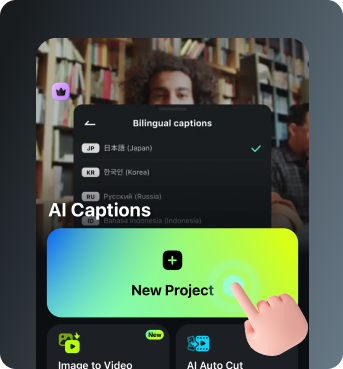
Step 1 Open Filmora and Import Your Video
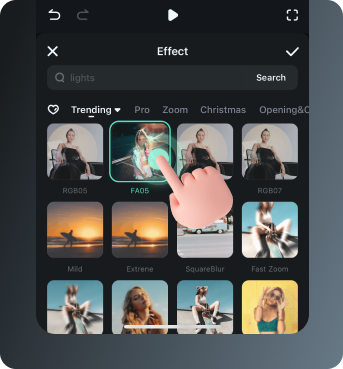
Step 2 Access and Select Your Video Effects
Step 3 Export or Keep Editing
-
Step 1: Open Filmora and Import Your Video
Open the Filmora app on your phone and import the video you want to edit. The clip will be added to your editing timeline automatically. -
Step 2: Access and Select Your Effect
Tap Animation to browse preset video effects and animations. Choose a style you like and apply it to enhance your video instantly. -
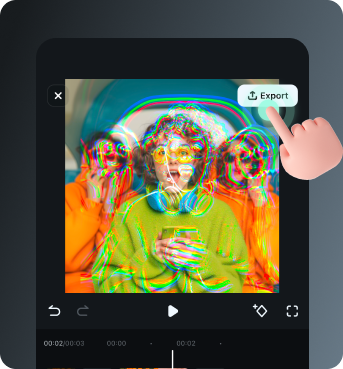
Step 3: Export or Keep Editing
After applying the effects, export your video or continue editing with additional animations, stickers, or adjustments.
Explore More Video Effects
From cinematic starburst effects to dynamic zoom transitions — explore our free, ready-to-use effects for every creative project.