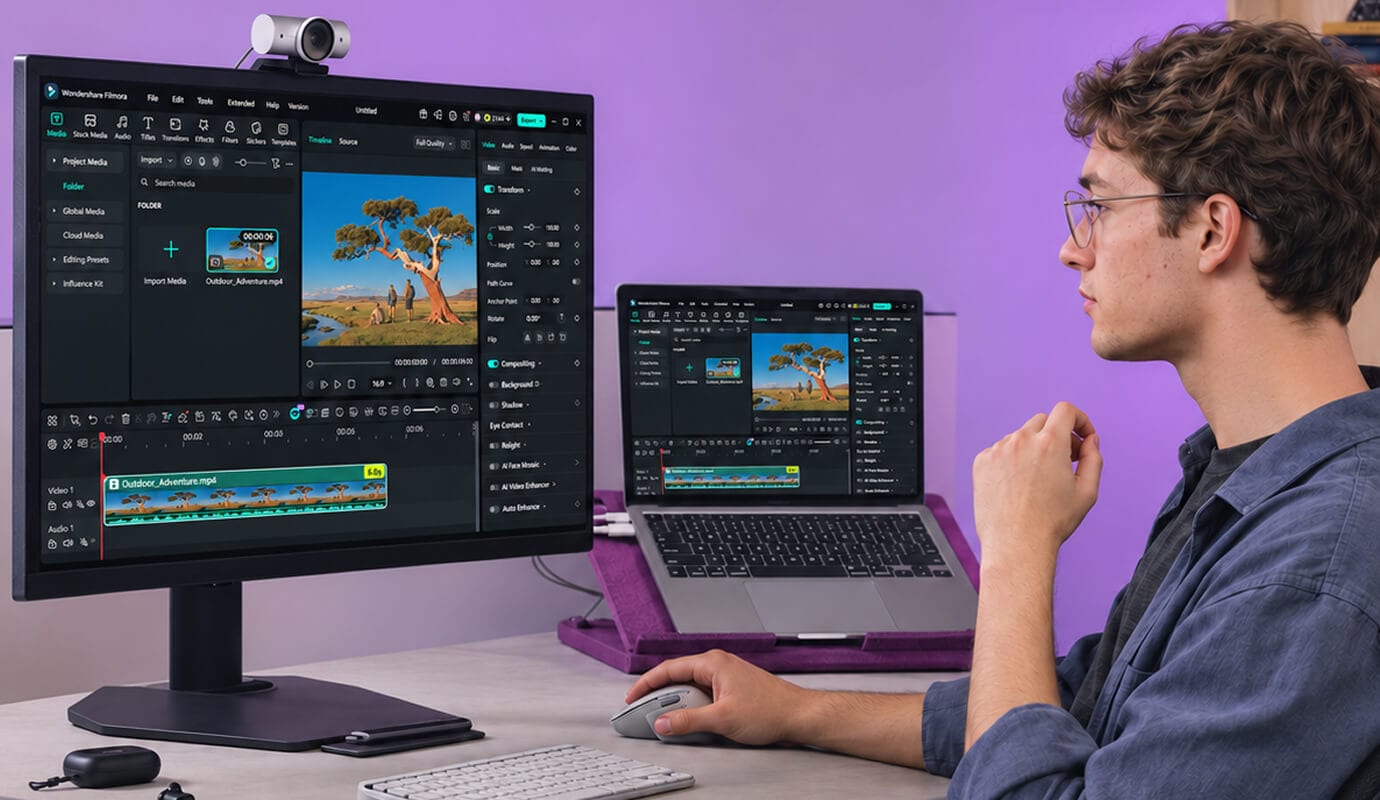
The video editor for teachers and students that makes lessons students actually watch.
Record the lesson once, cut it into something students press play on
— then hand the same video editor to your class for their own projects.
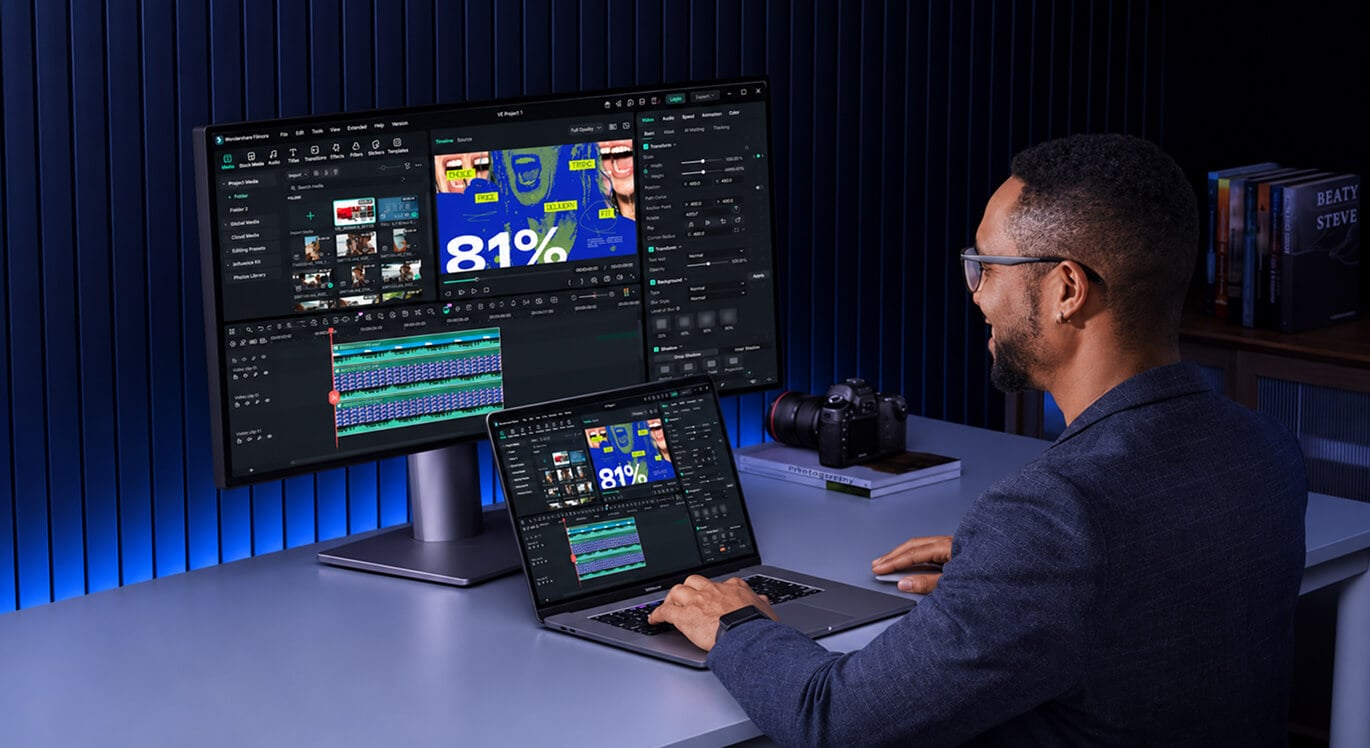
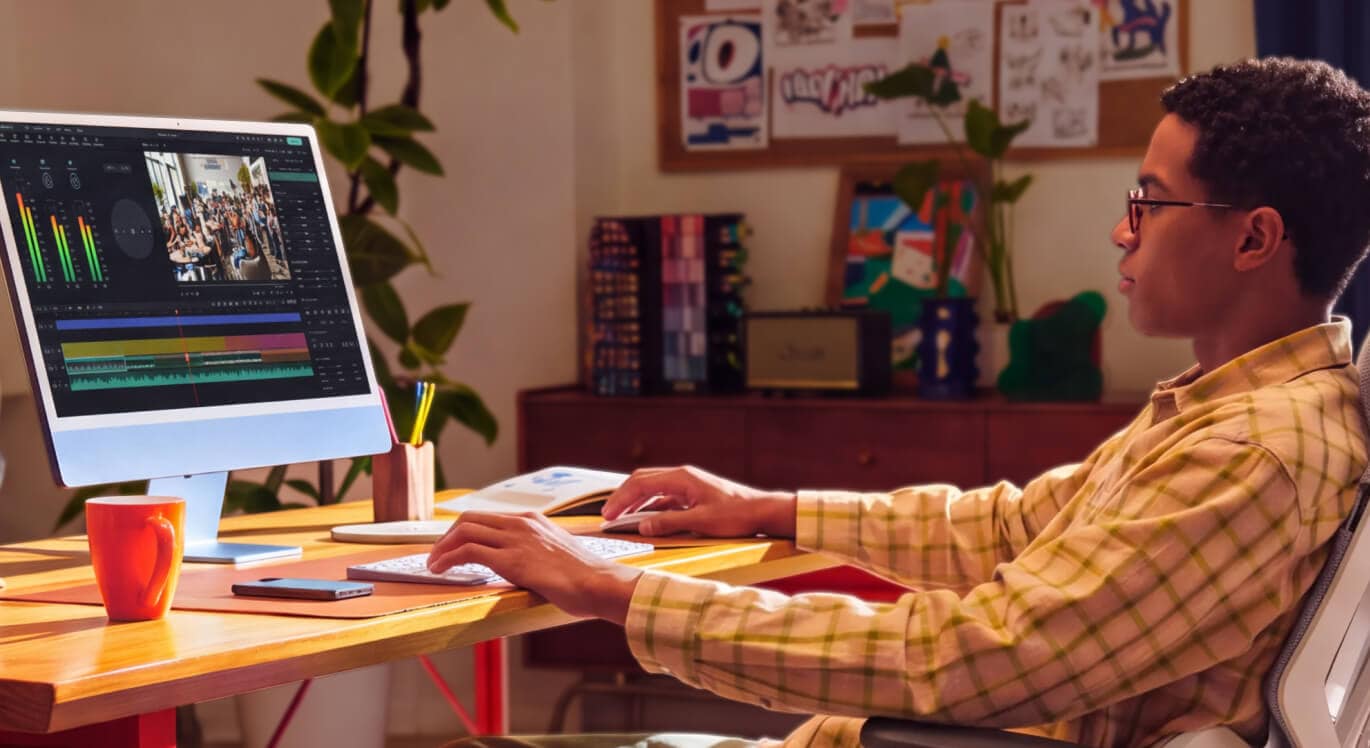

Learn the timeline in one sitting —not one semester.

Auto captions, silence removal, and AI assists built in.

Education templates, royalty-free music, and stock footage included.

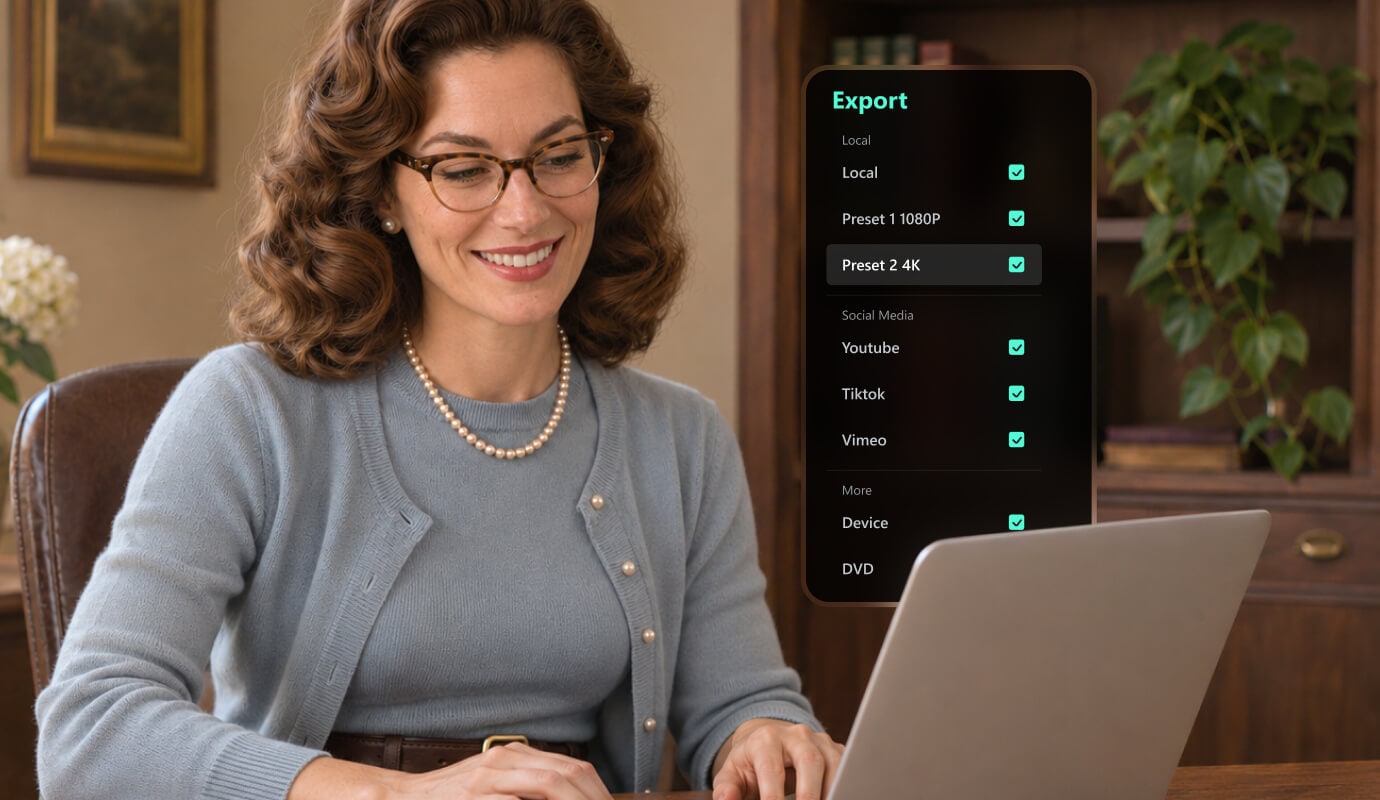
Export files that drop straight into the platforms you already use.
One video editor for teachers and students, two very different jobs.
Same editor. Two very different jobs. Pick your path and
we'll skip the parts that don't apply to you.
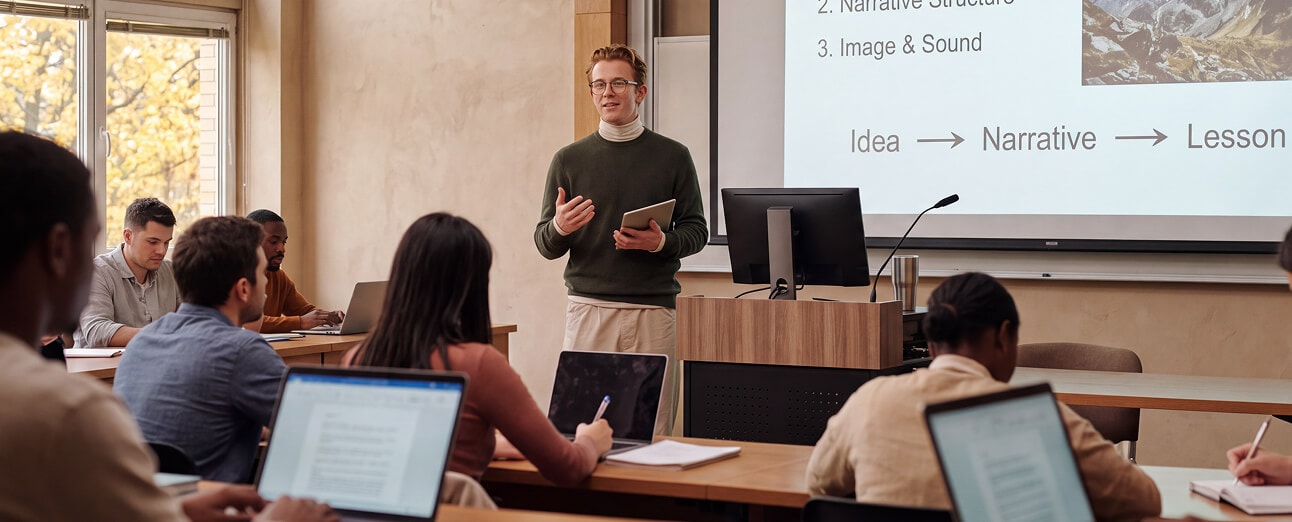
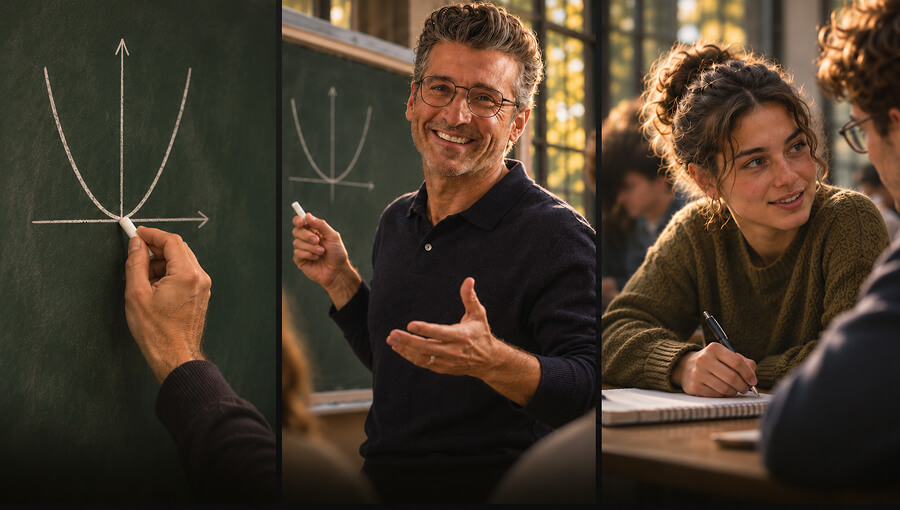
Turn one lesson into a class-ready video.
Record it once with the built-in screen recording software, caption it automatically, and reuse it next term.
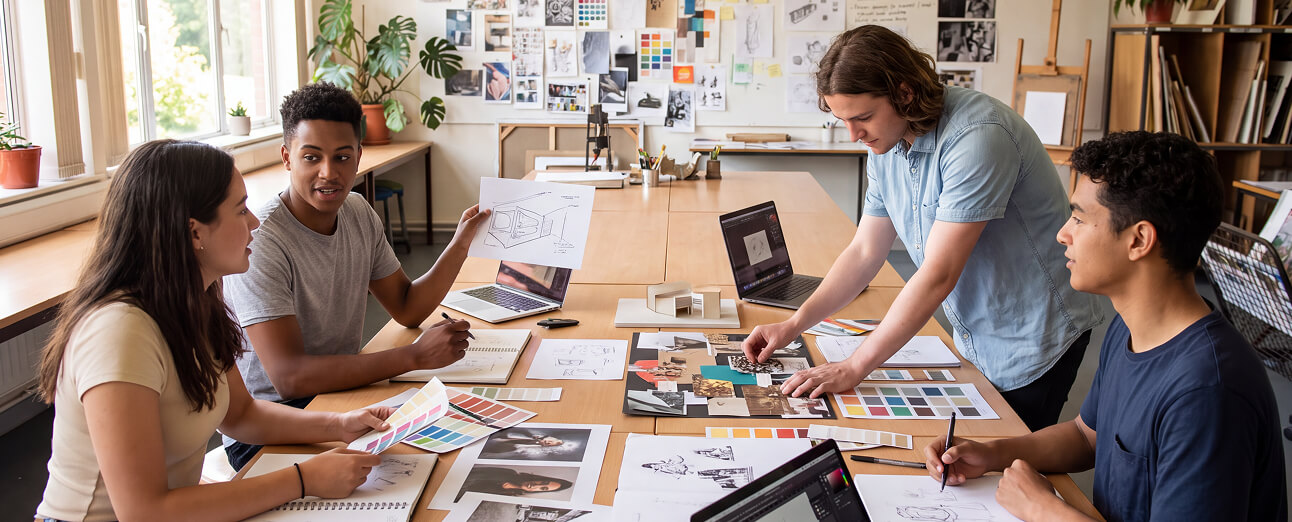
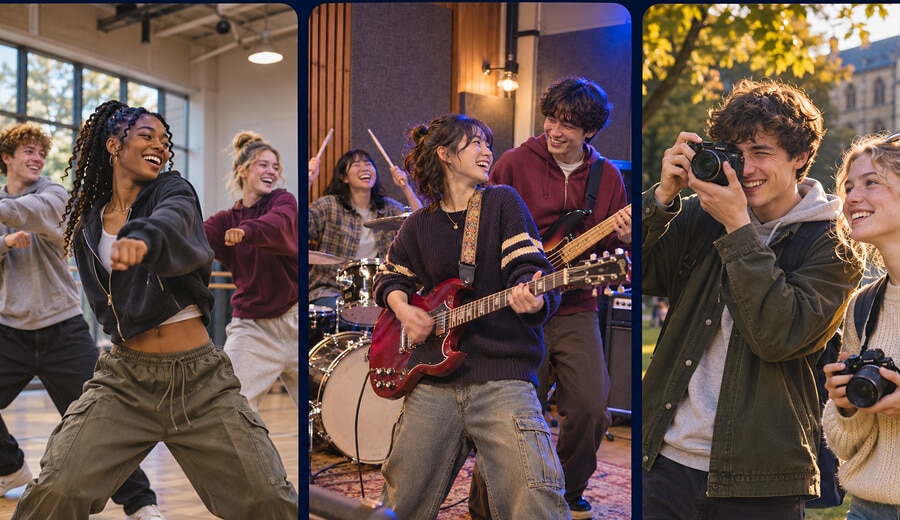
A video editor for students: make the project, the portfolio, and the campus reel.
Start from a template, finish on time, hand in something clean.
From lesson plan to campus promo: what teachers and students make with Filmora
Eight classroom video ideas, from teacher-made lessons to student projects.
Record once, caption automatically, reuse next term.
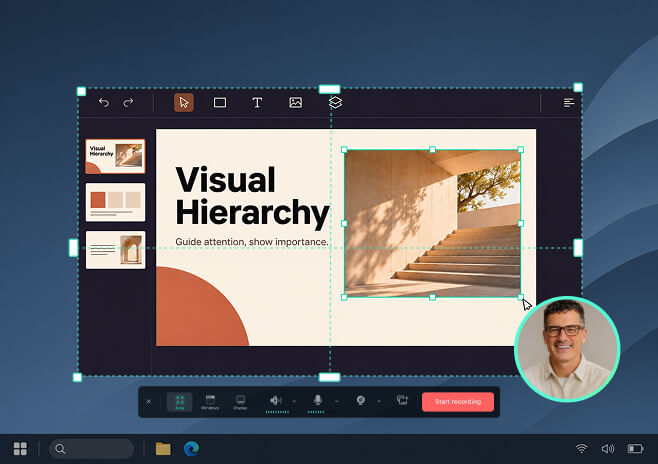
Screen and face together, dead air trimmed.
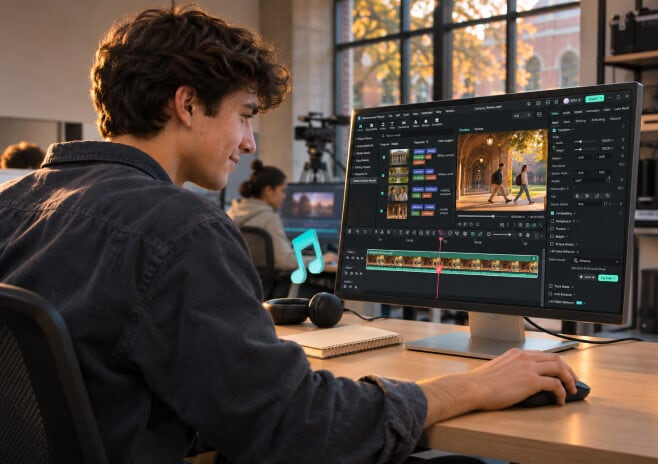
Video editing software for school projects: template in, clean export out, before the deadline.
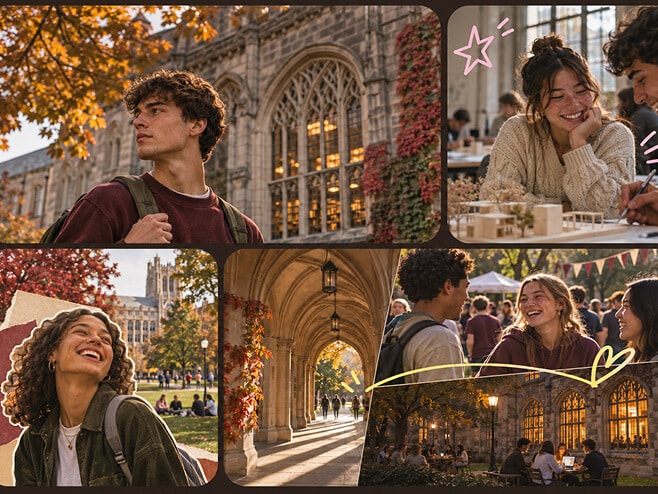
Phone footage in, vertical and widescreen out.
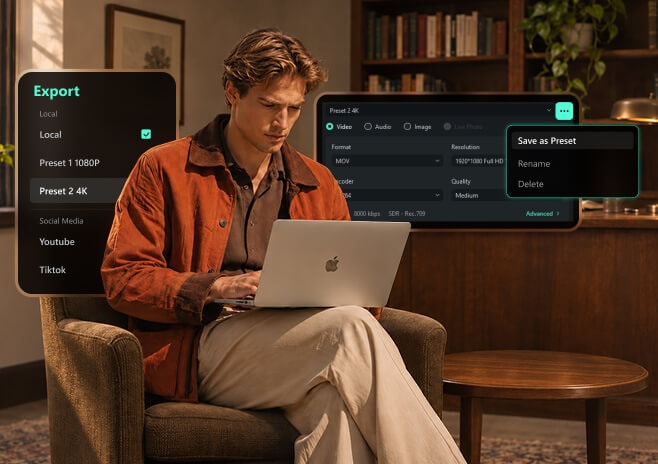
One timeline, every version that department needs.
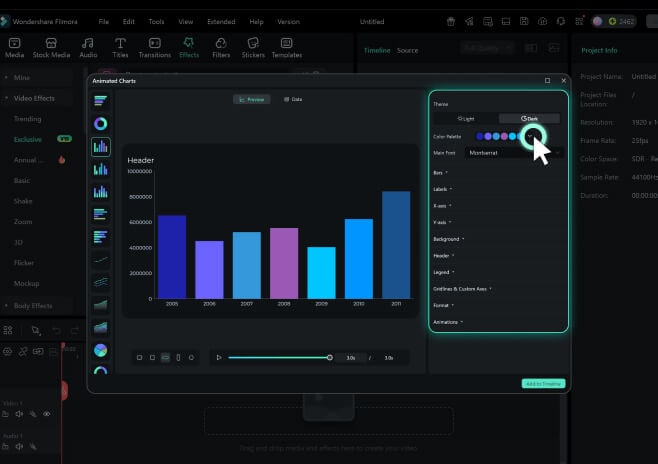
Bring the deck in, add narration, publish.
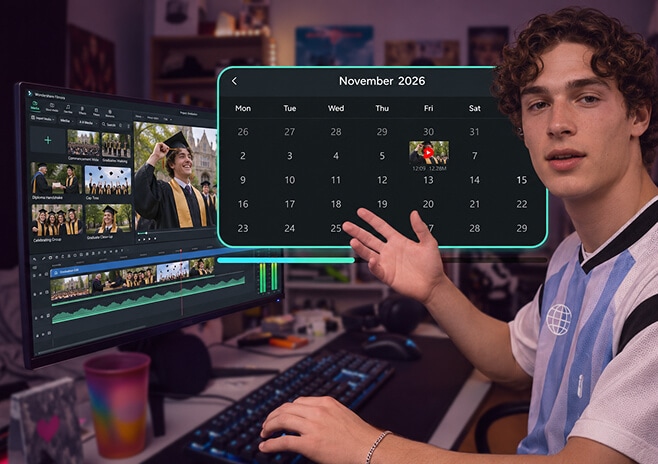
Clips in, event template on, posted the same night.
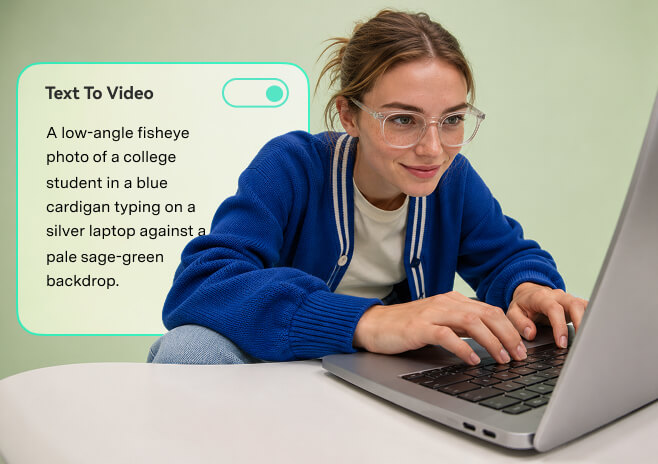
Scripts and slides into video, AI doing the first pass.
Why teachers&studnts pick this video editor
Four things we hear again and again.
Pick one to see what we built for it.
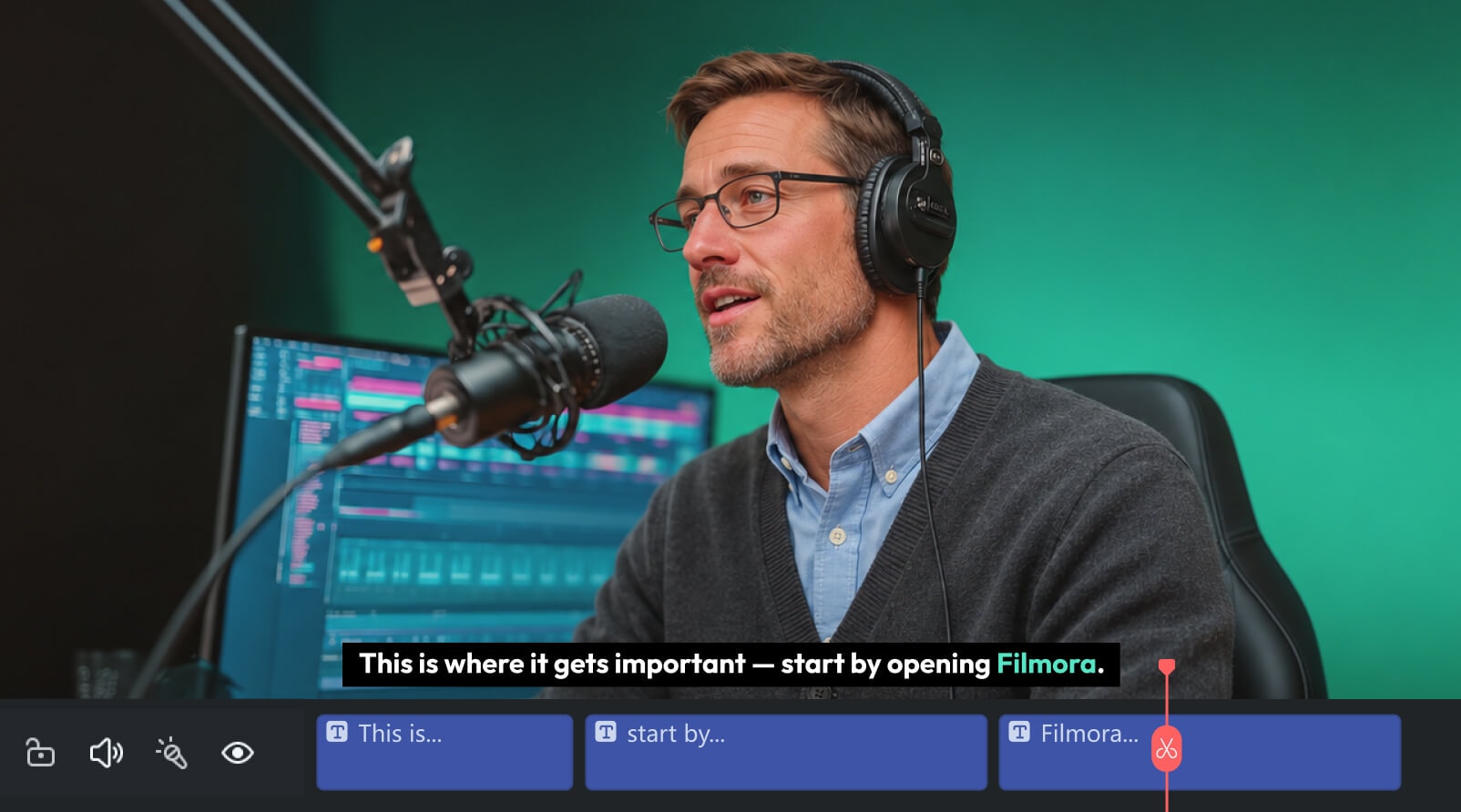
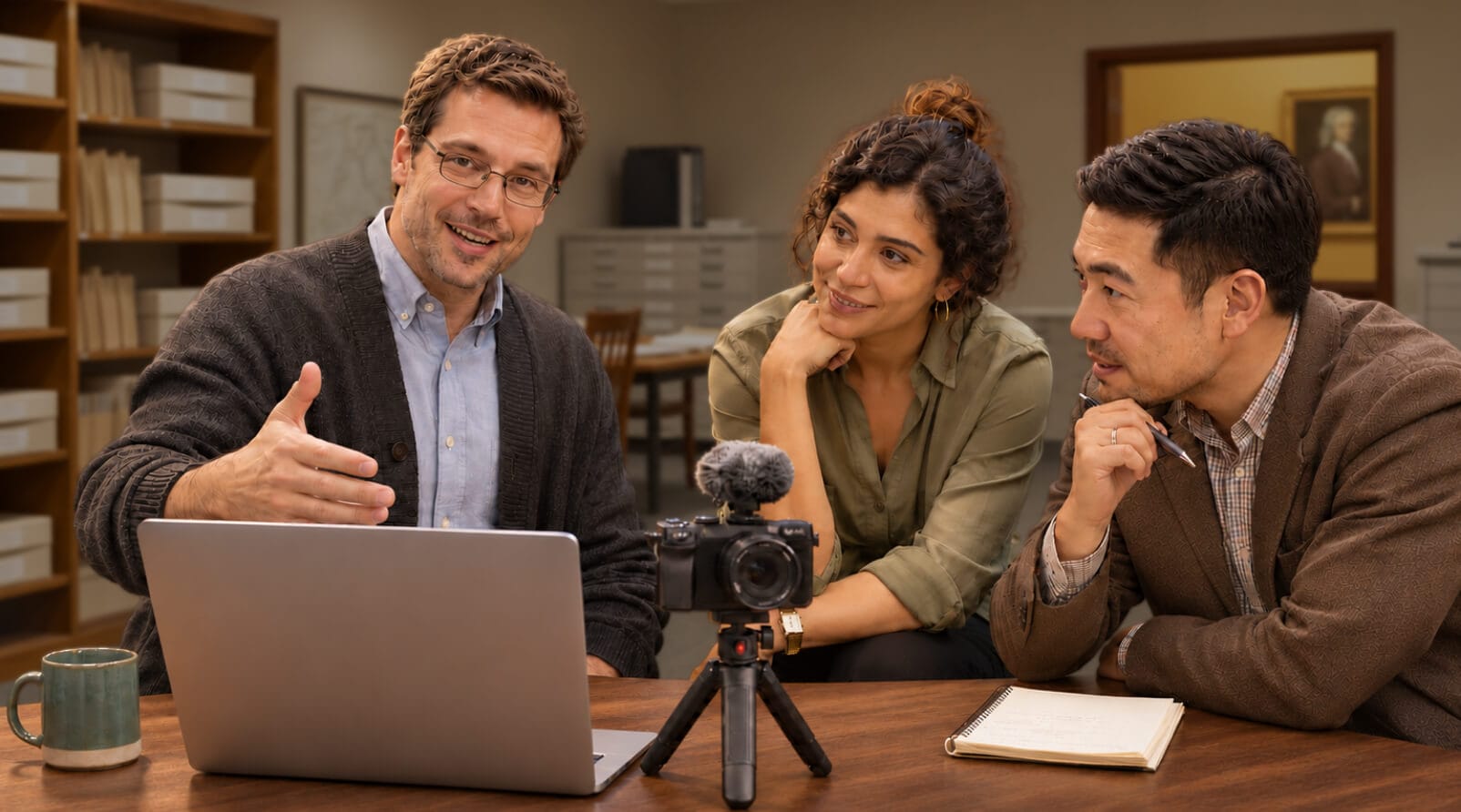
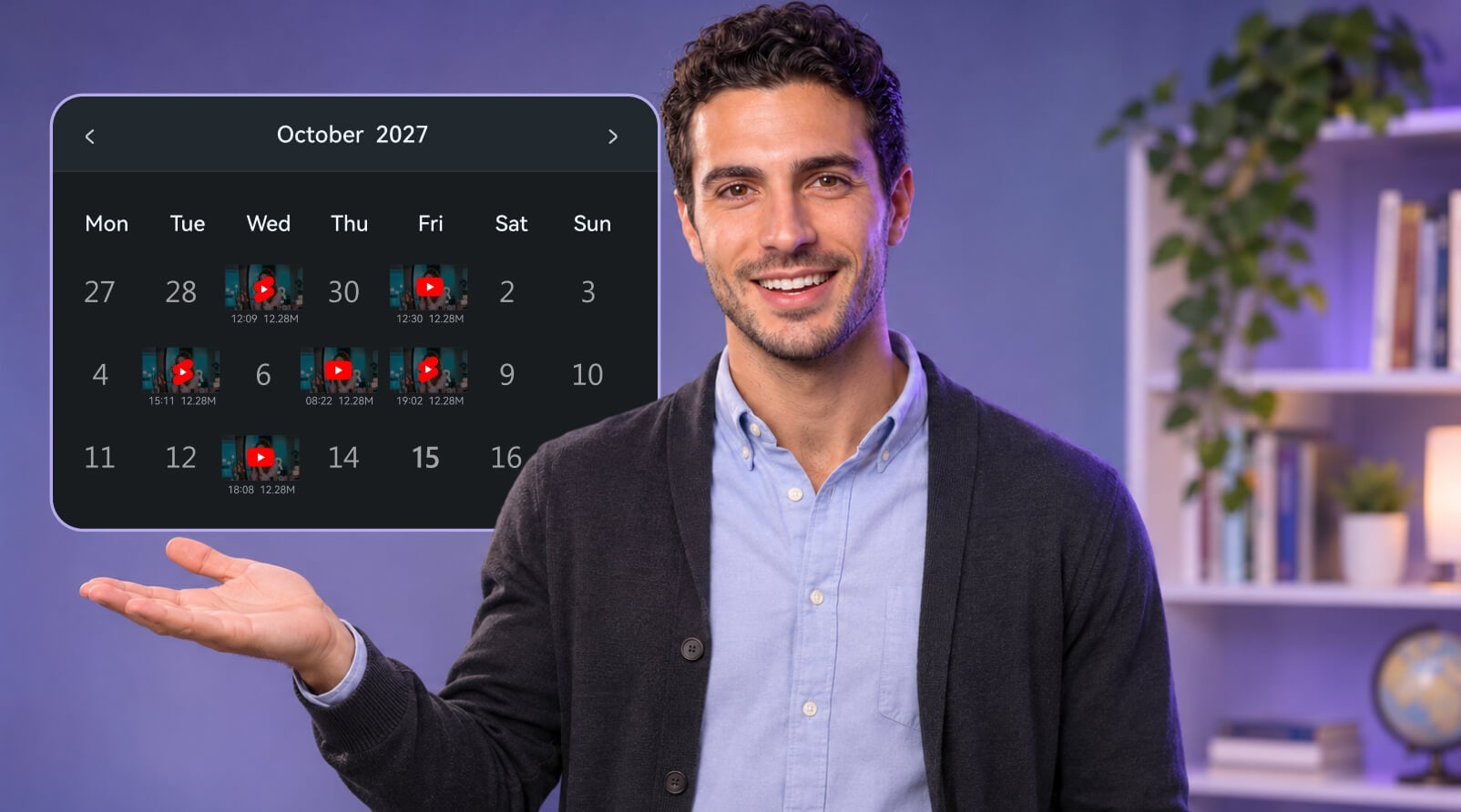
Auto captions, silence removal, and AI assists take the first pass. What's left is the part you actually care about: the teaching.
A drag-and-drop timeline and ready-made templates mean the first export happens in the first session — not in week six.
An education plan built for individuals, a free trial to prove it works, and school-wide deployment when you're ready to roll out.
Your media lives on your own devices and in your account, and you decide what leaves them. You control what gets shared, with whom, and when.
Built for the classroom,
powerful enough to publish
Five features that decide whether a lesson video gets made at all.
and translation
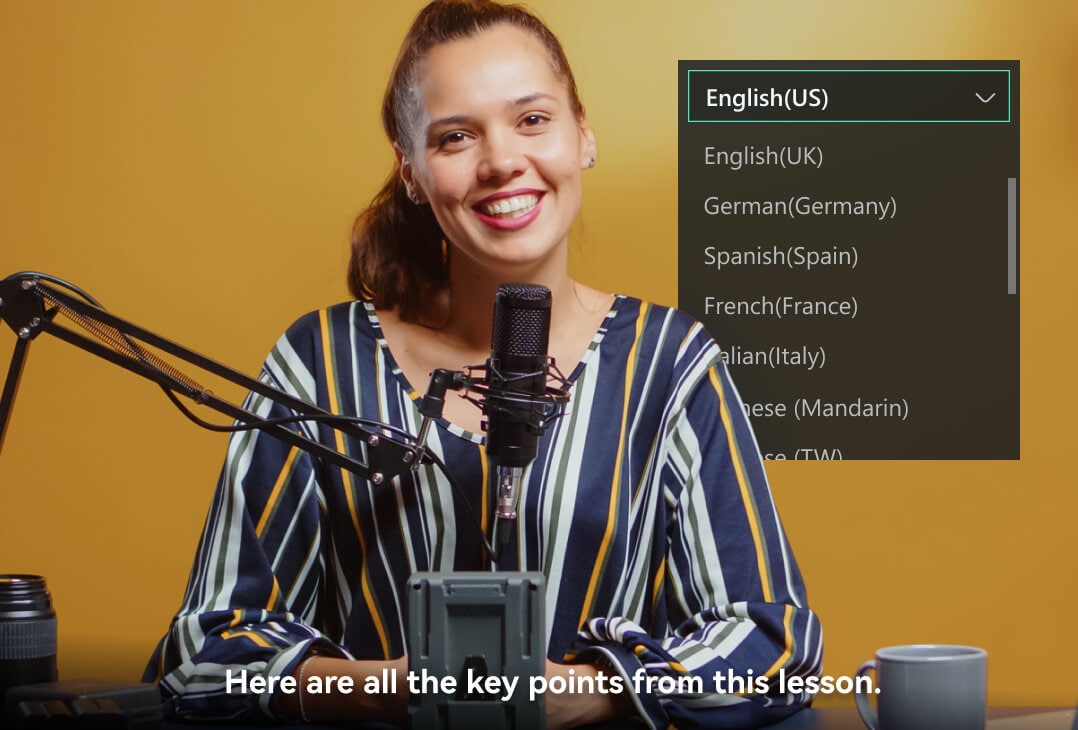
Every lesson gets a subtitle track. Students still learning the language stay with you.
with webcam overlay
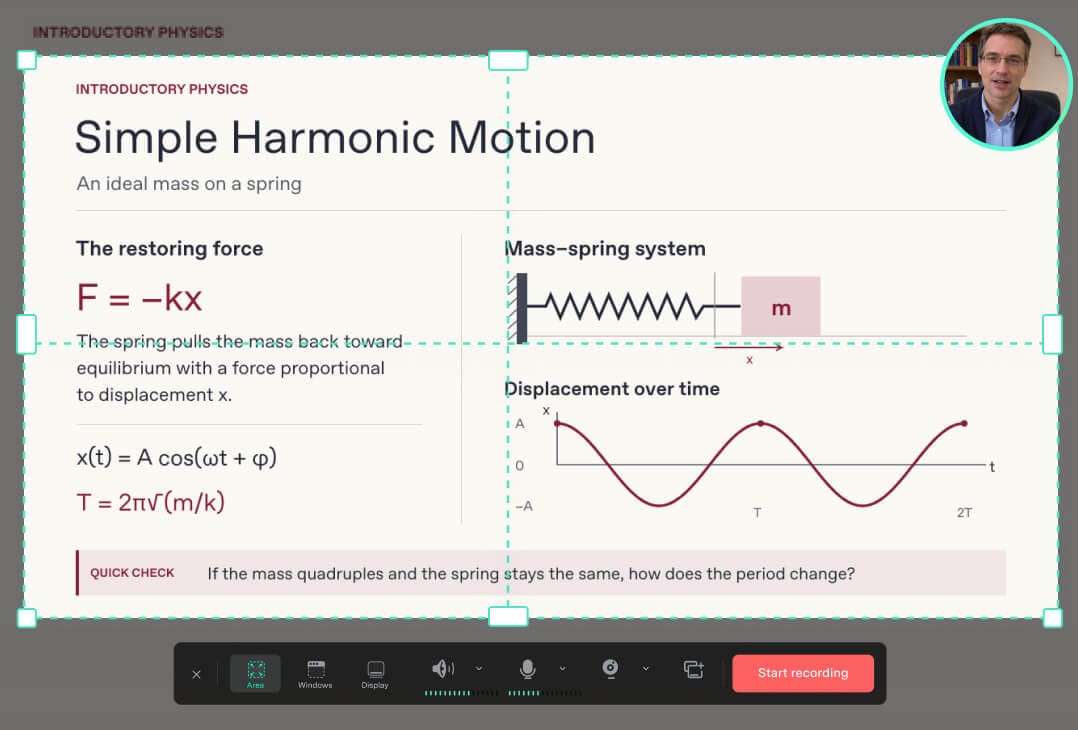
Your screen and your face, captured together — lecture recording that still feels like a conversation.
cleanup
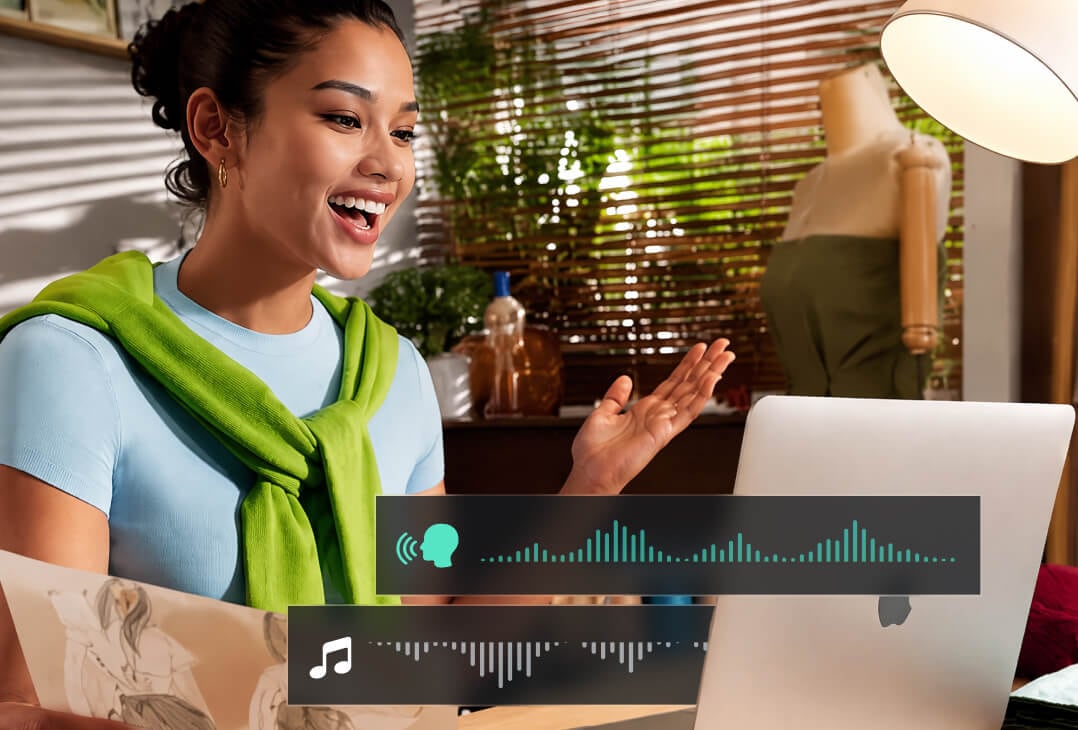
A lesson recorded on a phone still comes out clean.
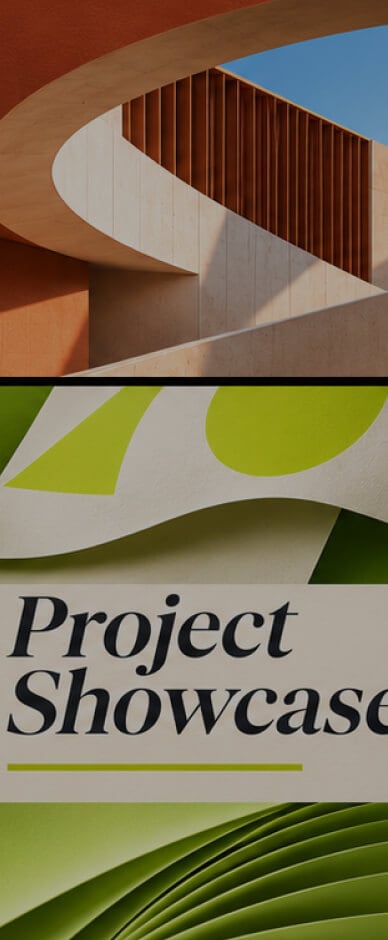
and royalty-free assets
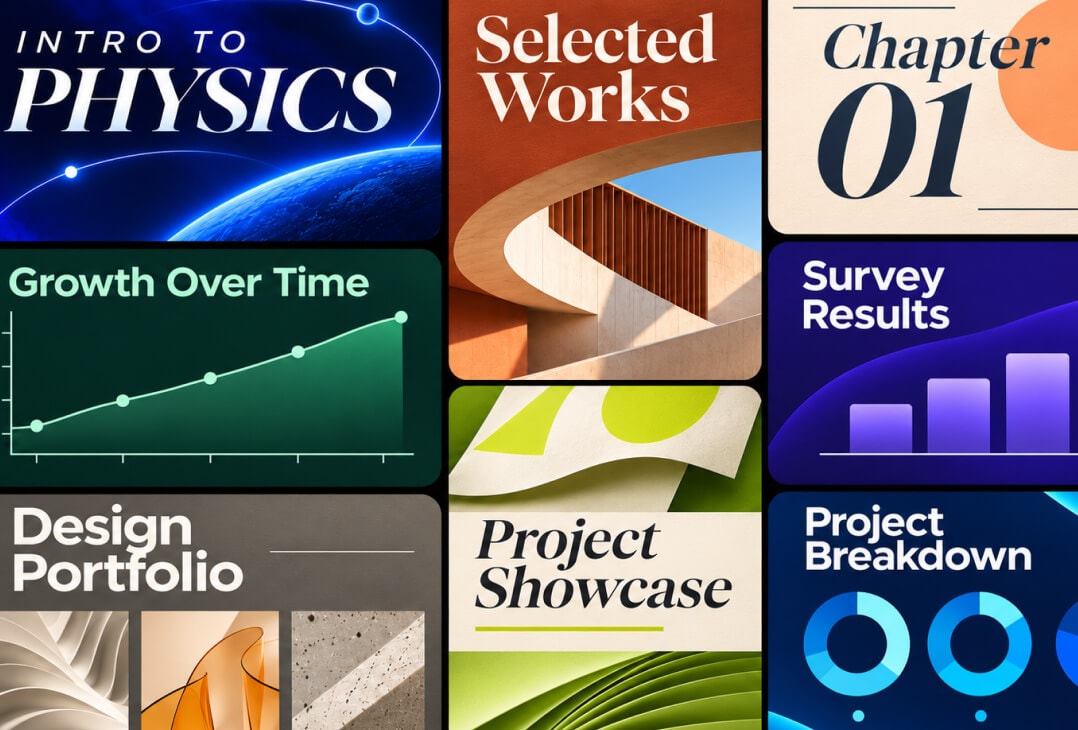
Openers, chart animations, portfolio title cards — start from a finished-looking layout.
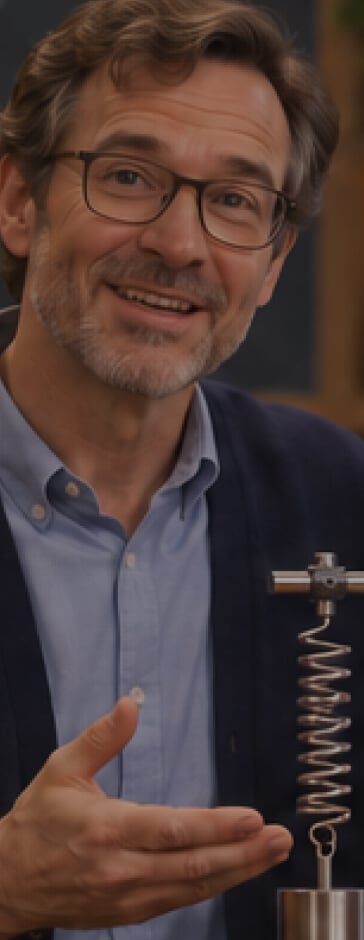
in any aspect ratio
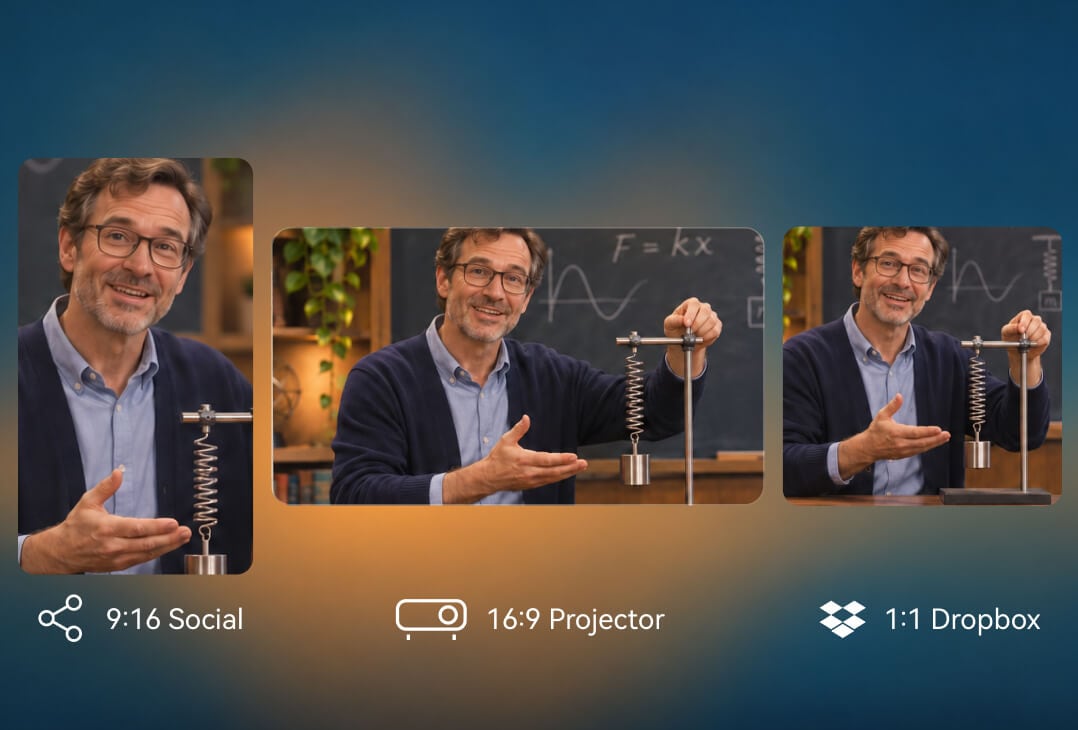
One timeline, several cuts: projector, platform, dropbox.
From raw screen to ready video, in four steps
Record to publish in one sitting. Nothing here needs an editing background.
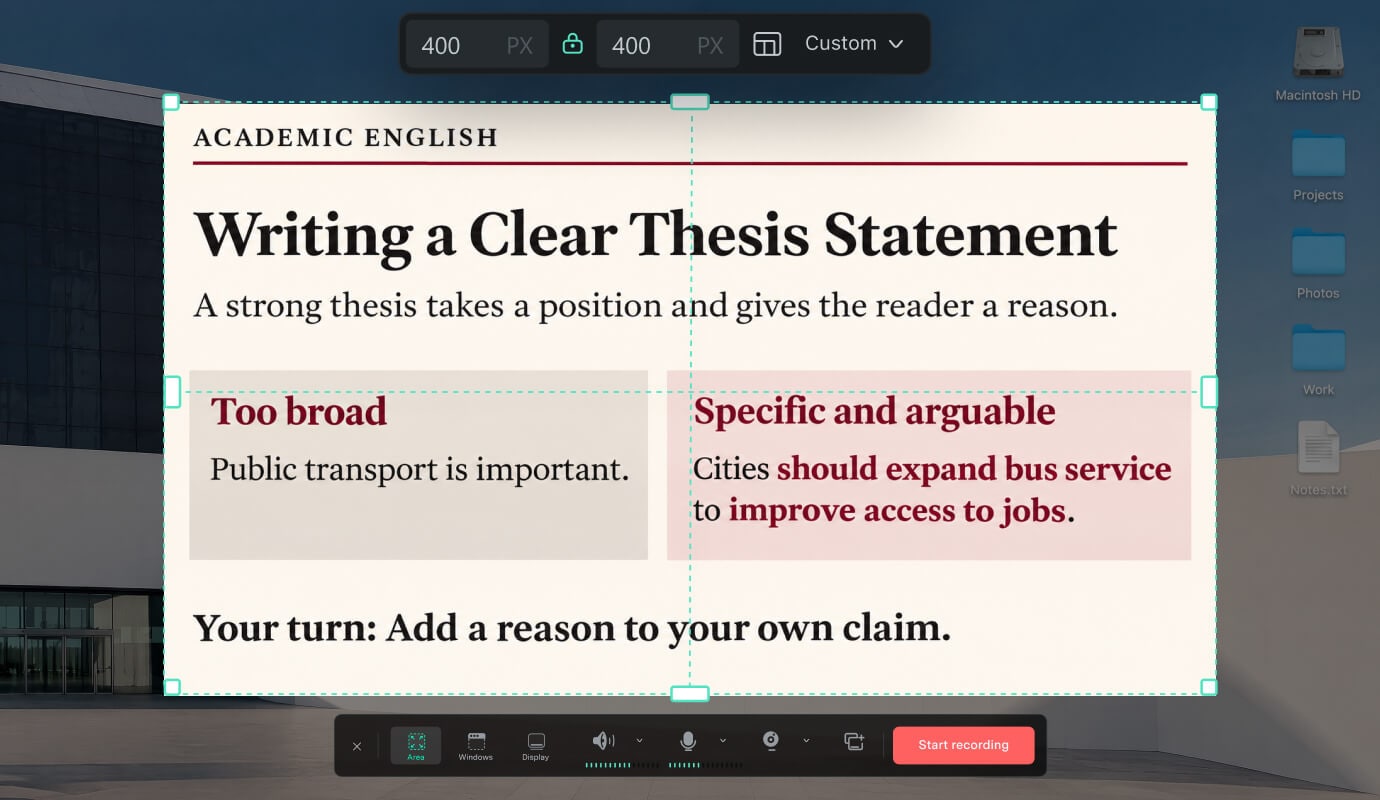
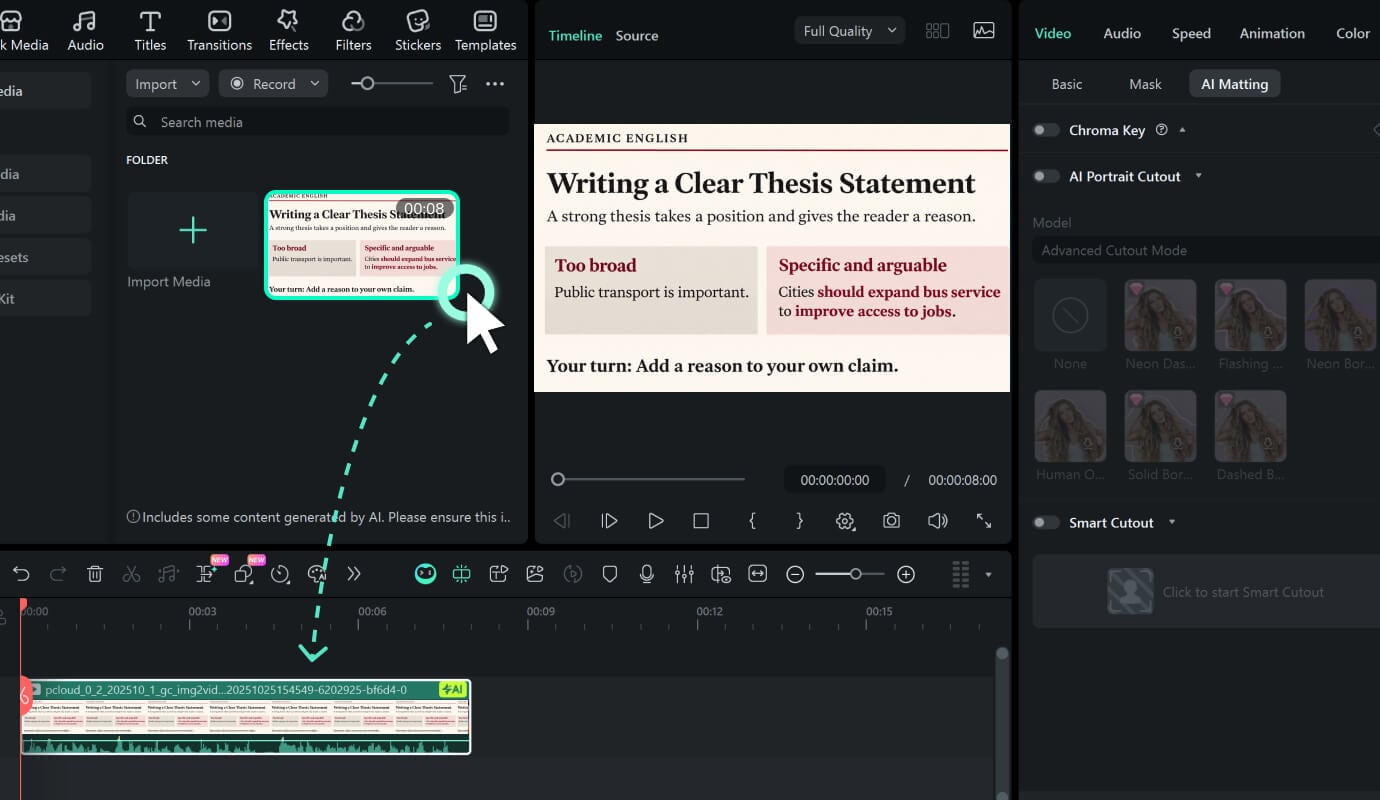
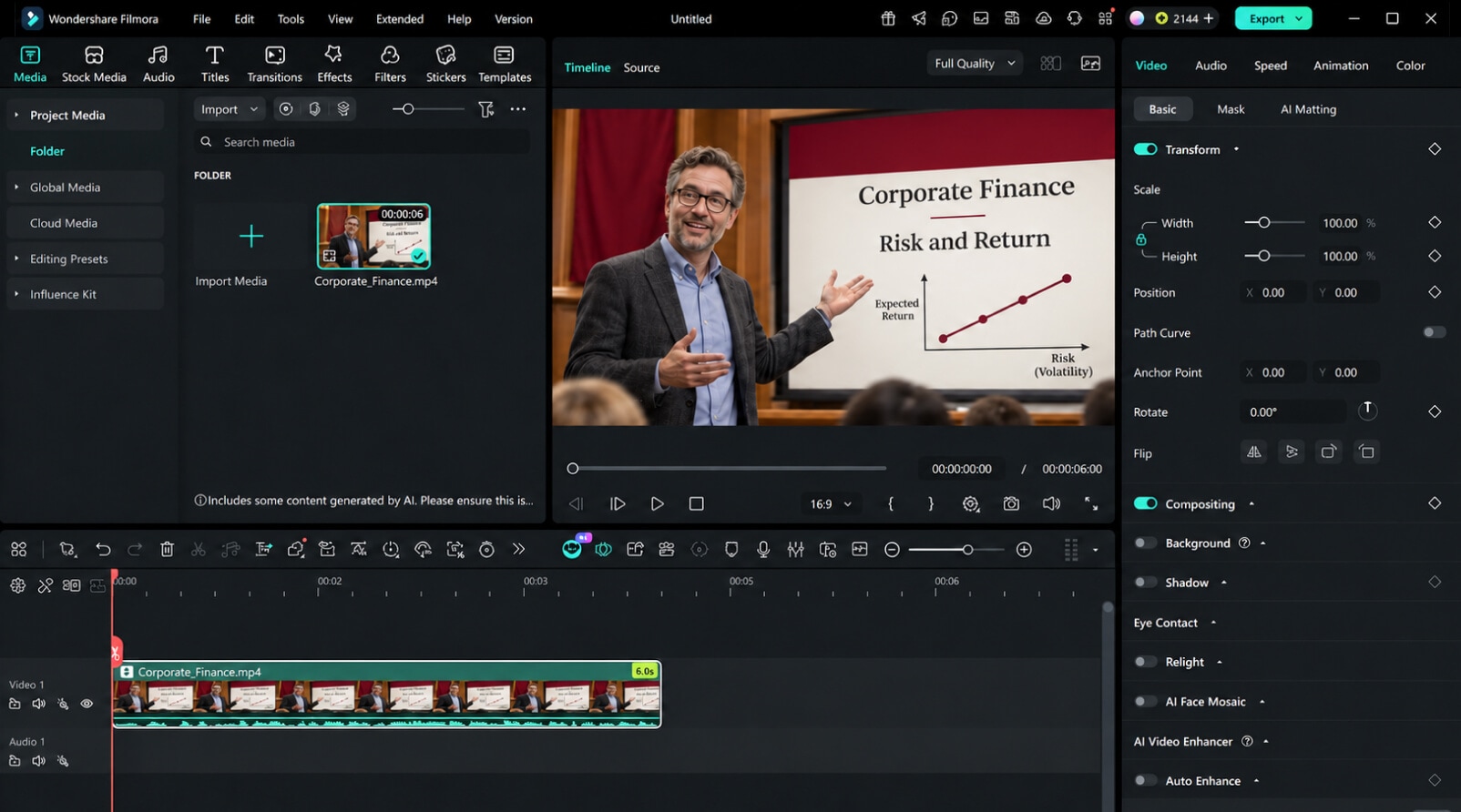
The built-in screen recorder captures screen, camera, or both at once. Phone footage comes in from the device.
Trim, rearrange, and let AI clear the noise and the dead air.
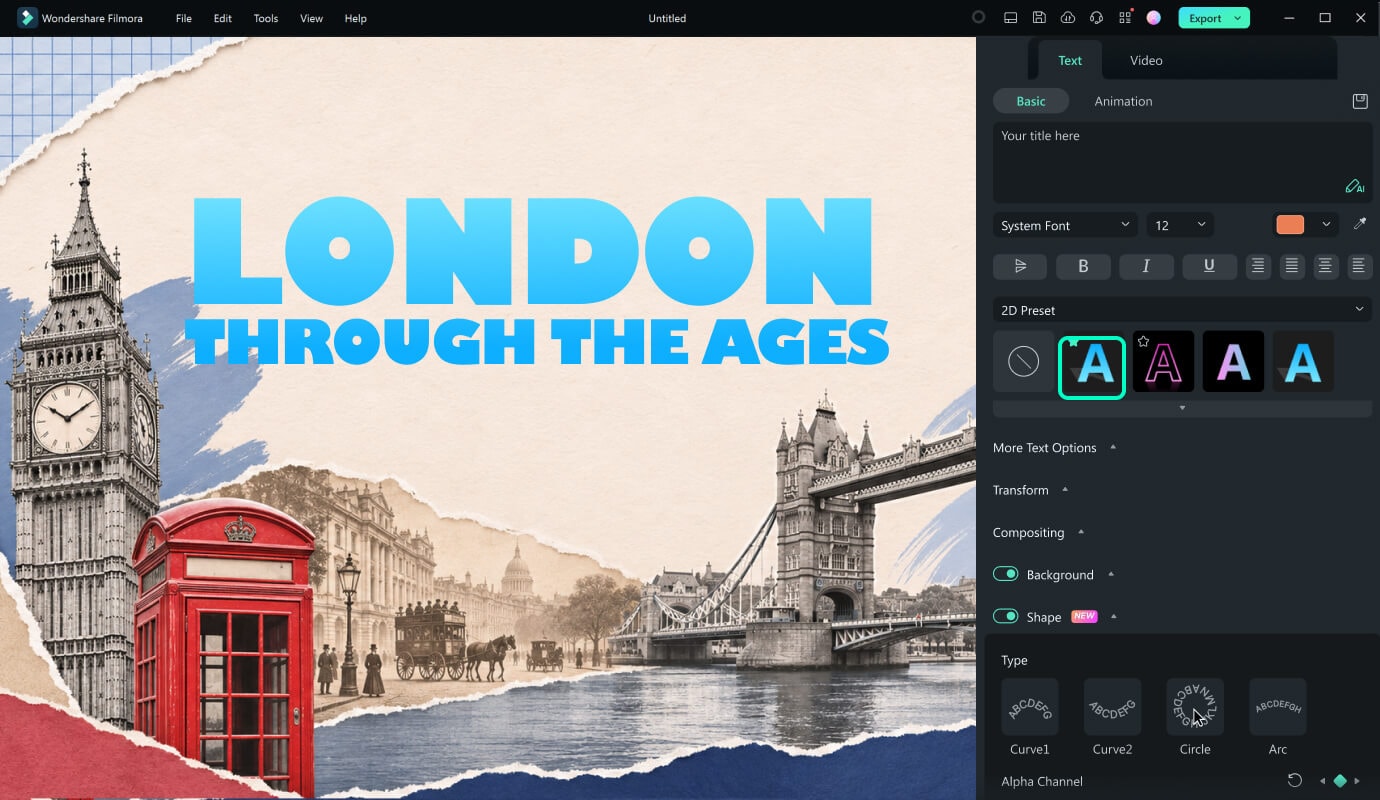
Subtitles generate automatically, then you fix any line by hand.
Export each destination's resolution and aspect ratio.
Six layouts you can hand to
a class tomorrow
Openers, reels, and campus promos — the edit is already built.
Replace the content, keep the timing.

FAQs from teachers and students
Start with your next lesson.
No editing background needed.
Run it on the machine you already have.