


AI is becoming a bigger part of video creation. Wistia found that the use of AI for video creation among professionals jumped from 18% to 41% in one year. As more creators turn to AI to create and edit videos, more platforms are offering tools to support these tasks.
Aleph AI is one of them. It can both create new videos and edit existing ones. But does it deliver the results you would expect? Let's look at its features, pricing, strengths, and limitations to see what it has to offer.
Part 1. A Quick Look at Aleph AI
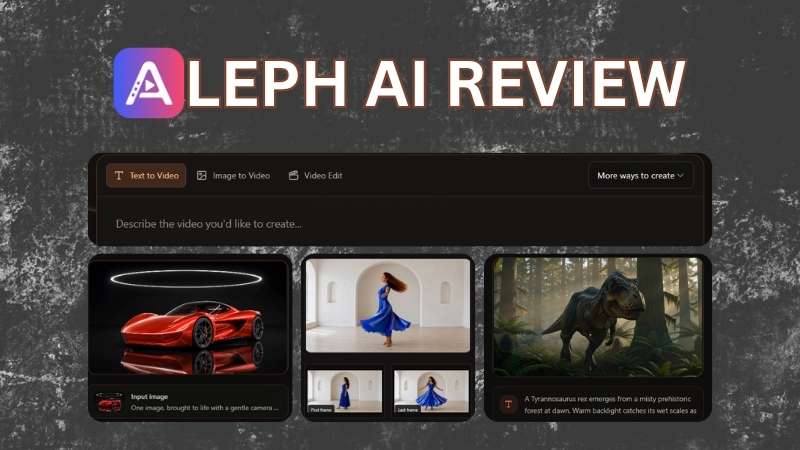
Aleph AI is an AI-powered platform focused on visual content creation. It can help you create images and videos with AI, whether you're starting with an idea or working from existing visuals. You can also use it to explore different concepts and visual directions before deciding what works best.
Overview of Aleph AI
| Category | Overview |
| Platform Type | AI-powered video generator and editor |
| Primary Focus | Generate and edit short videos |
| Editing Capabilities | Edit, extend, and transform existing videos |
| Input | Text and Images |
| AI Model | Seedance, MiniMax, Google, Kling, Wan, and Aleph AI |
| Platform | Web and iOS |
| Ease of Use | Clean interface with clear instructions |
| Best For | Creators and Marketers |
|
Show More
Show Less
|
|
Part 2. Aleph AI Pricing: How Much Does It Cost?
One of the first questions you may have is, “Is Aleph AI free?” Aleph AI offers a free trial, but it isn’t permanently free. New users get 10 credits after signing up, which can be used to generate images or short videos. Here’s what those credits cover:
- Image Generation: Each image generation costs 2 credits.
- Seedance V1.5 Pro Video: Create a 4-second video in 480p without audio.
- Aleph V1.5 Video: Generate a 5-second video in 360p without audio.
Once your 10 free credits run out, they won’t be renewed. You’ll need to upgrade if you want features such as audio generation, watermark removal, or additional edits. Aleph AI offers four pricing plans, which we’ve summarized below.
| Hobby | Basic | Pro | Max | |
| Price | $9.9/month | $19.9/month | $49.9/month | $99.9/month |
| Monthly Credits | 300 credits | 800 credits | 2400 credits | 5000 credits |
| Access to Templates & Effects | Unlimited | Unlimited | Unlimited | Unlimited |
| Project History | 30 days | 60 days | 100 days | 360 days |
| Concurrent Jobs | 4 | 4 | 4 | 4 |
| Ads & Watermark | None | None | None | None |
| Commercial Rights | Included | Included | Included | Included |
|
Show More
Show Less
|
||||
Part 3. What Does Aleph AI Offer?
Now that we’ve covered what Aleph AI is and how its pricing works, let’s look at the part that matters most: what you can actually do with it. Below, we’ll go through its main AI video generation and editing features.
Create Videos from Your Ideas

Let’s start with Aleph AI Video Generator. Instead of starting from scratch, you can give it a text prompt, image, or reference to guide the generation. You can also choose the video’s size, resolution, and duration based on your needs. From realistic scenes to cinematic, fantasy, and product videos, the tool supports a range of visual styles.
Create Images in Different Styles

Another useful feature is Aleph AI's Image Generation tool. Describe your idea in plain language or use the reference images to guide the look and style of the generated result. The tool also includes more than 30 styles, so you can experiment with different looks for your images.
Edit Your Videos with AI
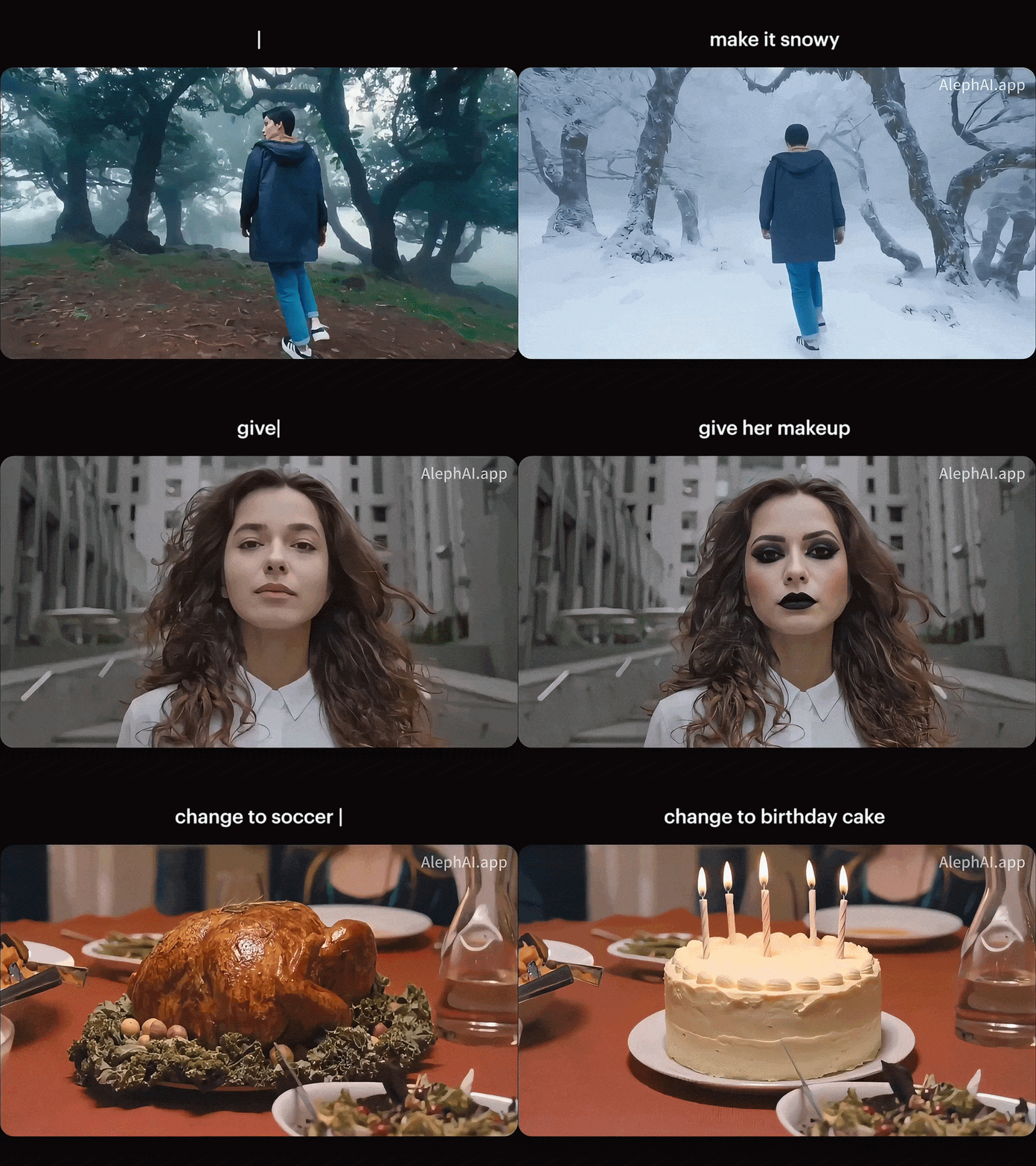
If you're familiar with video editing, Aleph AI’s Video Editor helps make changes using text prompts. You can add or remove people and objects, transform elements in the scene, change camera angles, and apply different visual styles. The AI also keeps the rest of the footage close to the original.
Apply New Styles to Your Videos

With Aleph AI’s Video Style Transfer tool, you can give an existing video a new visual style without starting over. It supports MP4, MOV, and WebM files. Choose from preset styles such as anime, cartoon, watercolor, and 3D. If you have something specific in mind, you can also enter your own prompt.
Explore Aleph AI Templates
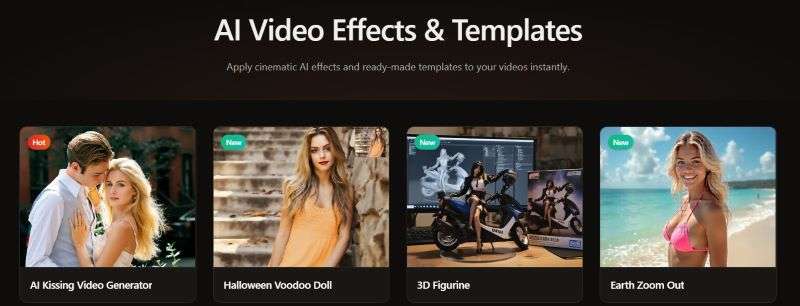
For a faster way to create videos, you can choose from Aleph AI's collection of video effects and templates. They work well for social media content, especially when you don't want to start from a blank canvas. Upload a clear portrait, landscape, or object image, select a template or effect, and the AI generates the result for you.
Part 4. Aleph AI Review: Pros and Cons
After going through Aleph AI’s features, we have a better idea of what the platform brings to the table. Let’s take a closer look at the platform’s strengths and limitations before deciding whether it’s worth using.
- Fast Generation: Image and video generation is fairly quick, even on the free plan.
- Built-in Audio Generation: Turn on the audio option to generate matching sound with your video.
- Good Output Quality: The generated videos have sharp visuals and clear details.
- Limited Video Length: Aleph AI can only generate videos up to 15 seconds long.
- Limited Manual Editing: If something isn't quite right, you need to prompt the AI again instead of making small manual adjustments, which uses more credits.
- Not Ideal for Full-Length Projects: Aleph AI works well for generating individual clips, but you'll need another editor to assemble them into a complete, polished video.
Part 5. Does Aleph AI Fit Your Workflow?
Aleph AI can fit into different creative workflows, whether you’re creating new video content or working with footage you already have. However, its features may be more valuable for certain types of creators and projects. Here’s who we think can benefit the most from Aleph AI.
| If You Are… | What You Can Create… |
| Marketing Team | Promotional videos, social media content, product visuals, ad concepts |
| Filmmaker | B-roll, location shots, visual references, and scene previews |
| Fashion Professional | Styling concepts, campaign videos, collection previews |
| Content Creator | Trendy clips, supporting footage, content variations |
|
Show More
Show Less
|
|
Bonus: Get More Editing Control with Wondershare Filmora
Aleph AI is a great option if you want to create visuals quickly. However, making detailed manual adjustments can be difficult since the platform relies heavily on prompts. You may also need another tool to combine individual clips and turn them into a complete video.
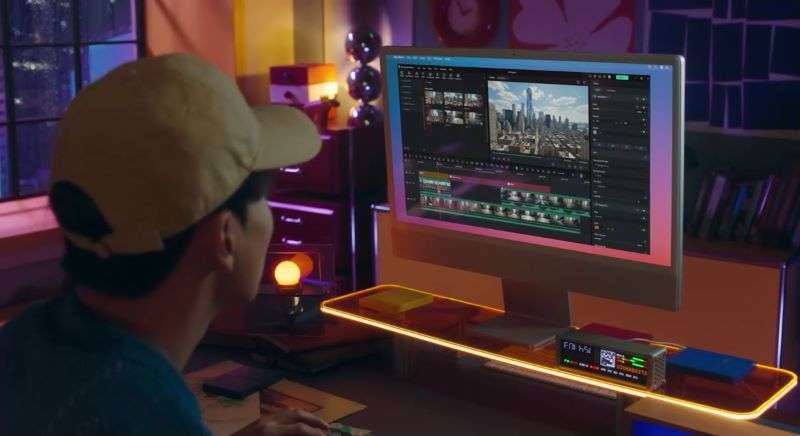
As an alternative, Wondershare Filmora offers a more complete editing workflow. It comes with AI tools while still giving you more control over your video. Filmora also includes a built-in video editor, so you can combine your clips and finish your video on the same platform before posting it on social media.
How Can Filmora Help with Video Editing?
Filmora comes with an intuitive Timeline Video Editor. It gives you a clear view of your entire project as you edit. You can arrange, trim, and sync clips with precise control, making it easier to shape your footage into a finished video.

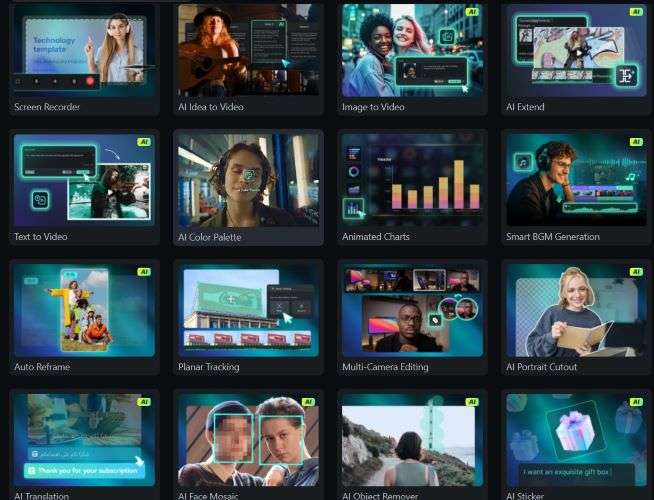
Filmora also comes with a range of AI tools that can help you refine different parts of your video. While Aleph AI focuses on generating images and videos from prompts, Filmora gives you more options for editing and polishing your content after generation.
- Audio: Filmora includes a built-in audio library along with AI Music and Sound Effect Generator. These tools let you create music and sound effects that fit the mood of your video.
- Visuals: You can use tools like AI Color Palette and AI Sticker Generator to adjust your video's look and add extra visual elements.
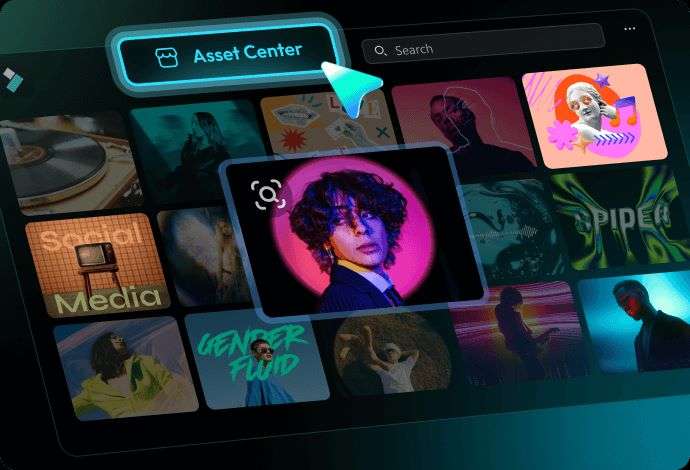
Filmora gives you access to thousands of creative assets for your projects. The built-in stock media library includes videos and images you can use as B-roll. So, you don’t need to search other platforms just to fill the visual gaps.
Filmora gives you control over how your video is exported. You can choose different aspect ratios for platforms like TikTok, Instagram, and YouTube. It supports up to 4K resolution and formats such as MP4, MOV, and GIF.
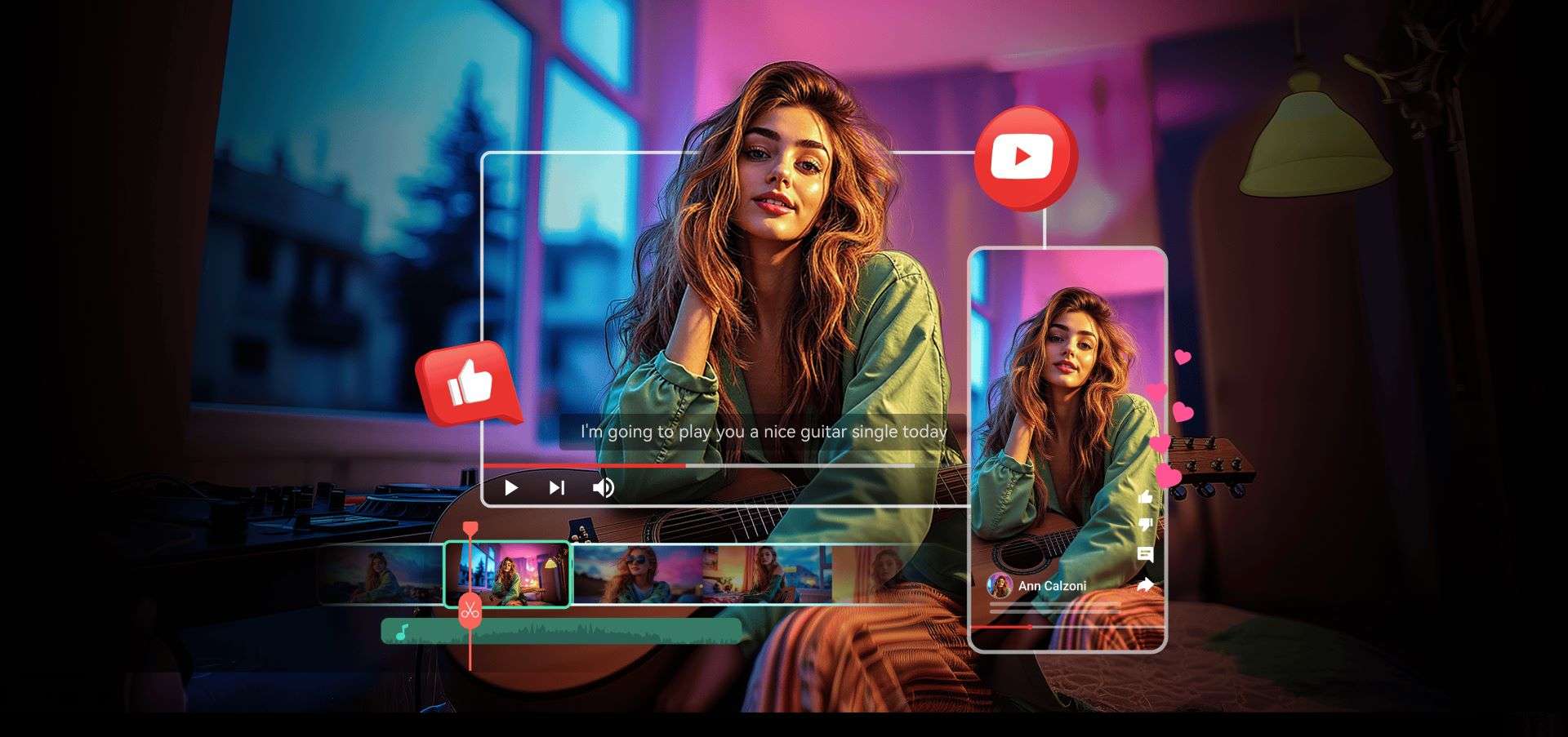
You can also use Filmora to keep your social media content on schedule. The Social Content Planner lets you schedule uploads ahead of time. You can also monitor your video performance over time to see how your content is doing.

 Secure Download
Conclusion
Aleph AI is a convenient option for generating images and short videos quickly. It's also useful for making quick changes to existing footage. However, the platform doesn't give you much control over the final output. When a result isn't what you expected, you may have to regenerate it and spend more credits.
Wondershare Filmora gives you more room to refine the result. You can combine your Aleph AI videos and polish them with audio, effects, and other assets. With flexible export options, you can prepare the final video for different social media platforms.
FAQs
-
1. What is Aleph AI finance?
Aleph AI and Aleph are different products. Aleph AI finance is a platform that helps finance teams manage financial data, planning, and reporting. -
2. Is Aleph AI the same as Runway's Gen-4 Aleph model?
No. Aleph AI is a standalone AI video platform. Meanwhile, Runway's Gen-4 Aleph is an AI model developed by Runway for video editing and stylization. -
3. Does Aleph AI support multiple languages?
Yes. Aleph AI supports up to 11 languages, including English, Simplified Chinese (Mandarin), Japanese, Korean, French, German, Portuguese, Spanish, Vietnamese, Arabic, and Dutch.
