
Trying different AI tools for image and video creation can get expensive when each one comes with its own subscription. You might prefer one platform for image generation but need another for video, and the costs quickly add up, and that platform could be Cuty AI.
Cuty AI offers multiple models in one subscription, including tools for creating talking avatars, editing images, and generating music. But having all these options in one place doesn't automatically mean they're worth the cost. Let's take a closer look at what Cuty AI offers, how its models perform, and how much you get for your credits.
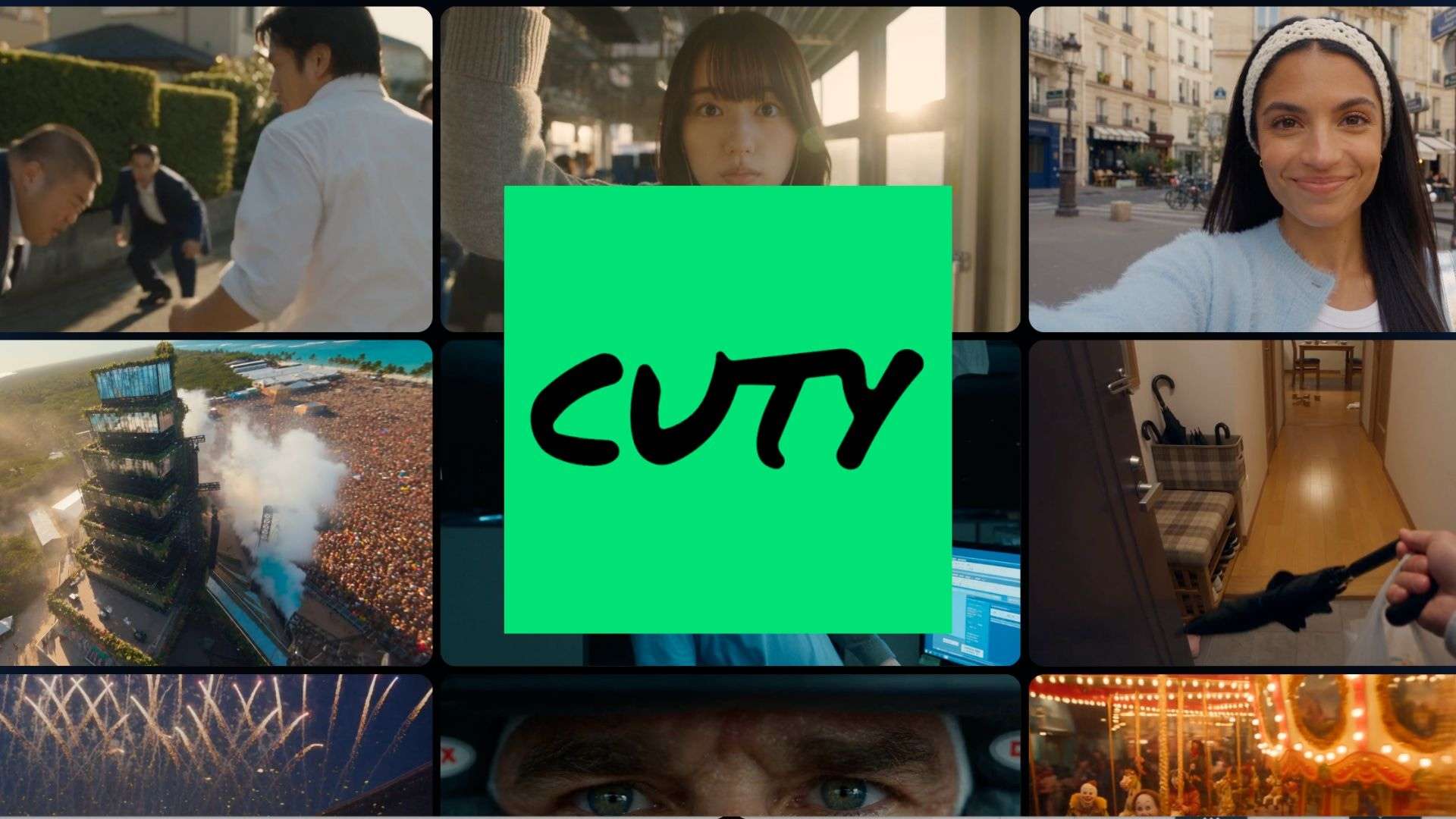
Part 1. What Is Cuty AI and What Can You Create With It?
If you regularly create images, short videos, or social media content, you likely use several AI tools for one project. Cuty AI combines different image and video generators with tools for talking avatars, music generation, and visual editing in one web-based platform.
Take a look at its main categories and what you can make with them:
| Category | What you can create | Examples |
| AI Image | Generate images from text prompts or edit existing pictures | GPT Image, Nano Banana 2, Seedream |
| AI Video | Create short clips from text prompts or still images | Kling, Seedance, Veo, Sora |
| AI Avatar | Create talking videos using a portrait, script, or uploaded audio | Talking Avatar, Lip Sync |
| AI Music | Generate music from text descriptions | AI Music Generator |
|
Show More
Show Less
|
||
Beyond its main generators, Cuty AI includes tools for face and character swapping, motion control, background removal, and image or video enhancement. These features give you more ways to modify generated content or make changes to existing files.
Part 2. A Closer Look at Cuty AI Key Features
Cuty AI covers a wide range of creative tasks, from generating images and videos to making music and talking avatars. Its studios have different workflows and settings, so the experience depends on the type of content you're making.
Access to Multiple AI Models
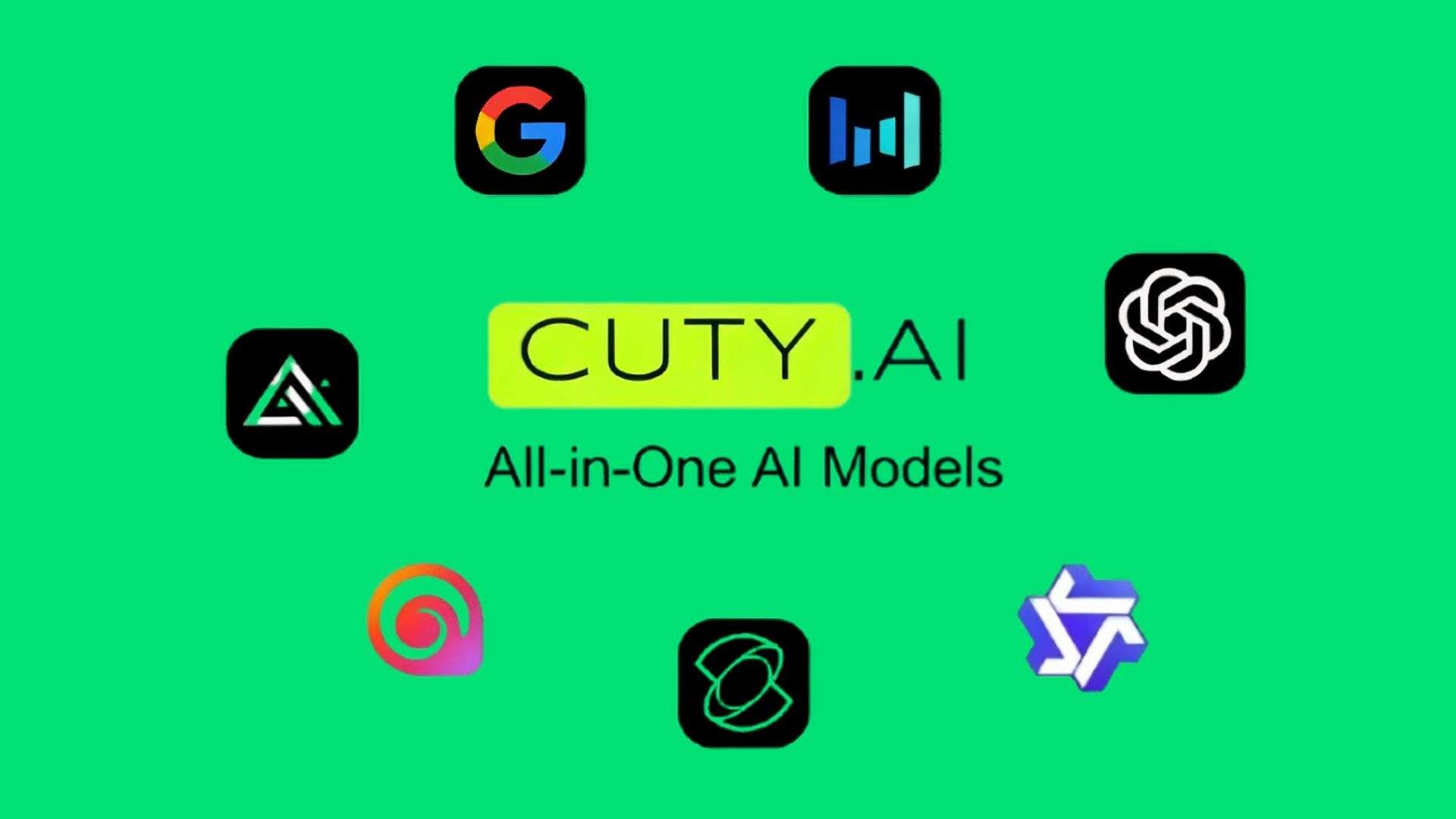
One of Cuty AI's main strengths is its model selection. The image and video studios offer several generators, including:
- Image: GPT Image 2.6, Nano Banana 2, Nano Banana Pro, Seedream 5 Pro, and Flux 2 Pro.
- Video: Seedance 2.5, Kling 4.0, MiniMax H3 Max, Veo 3.1, and other options.
You can switch between available models to compare their results, but your subscription determines which ones you can access. For example, Seedance 2.5 is excluded from the Lite plan. Check the pricing page for the latest model restrictions.
AI Image Generation
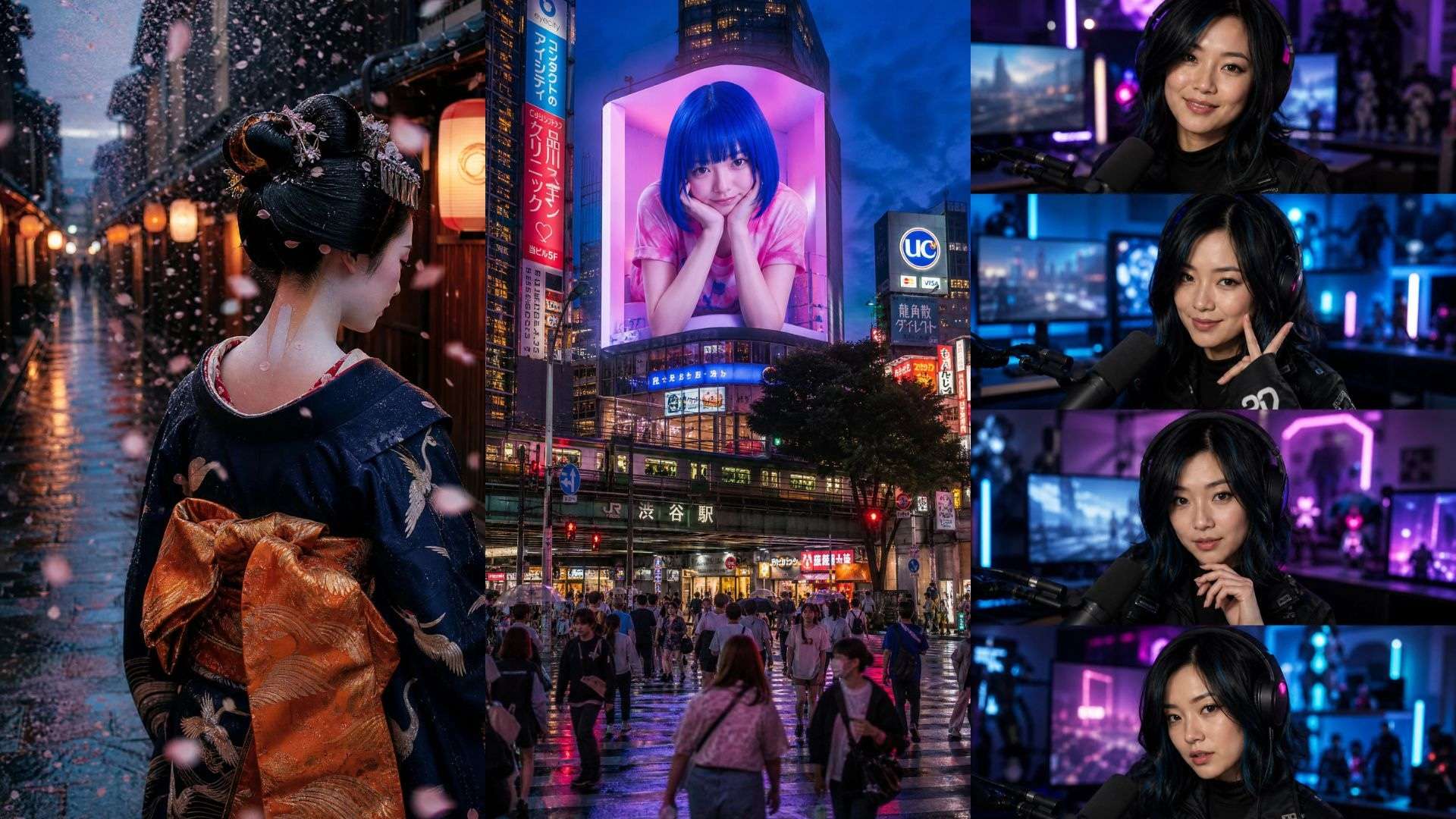
The Cuty AI Image Studio supports both text-to-image generation and image-based editing. Enter a prompt to create something new or upload reference images to guide the output. The platform supports up to 16 reference images for supported workflows. You can also choose an available model and adjust settings such as aspect ratio, resolution, and image quantity.
AI Video Generation
For video creation, Cuty AI supports two main workflows:
- Text-to-video: Turn a written description of a scene into a clip.
- Image-to-video: Upload a still image and describe the movement you want to see.
The Video Studio also allows you to start and end frame uploads for supported models. These references help guide the clip's opening and closing scenes. Keep in mind that duration, resolution, and other settings vary by generator.
AI Avatar and Editing Tools
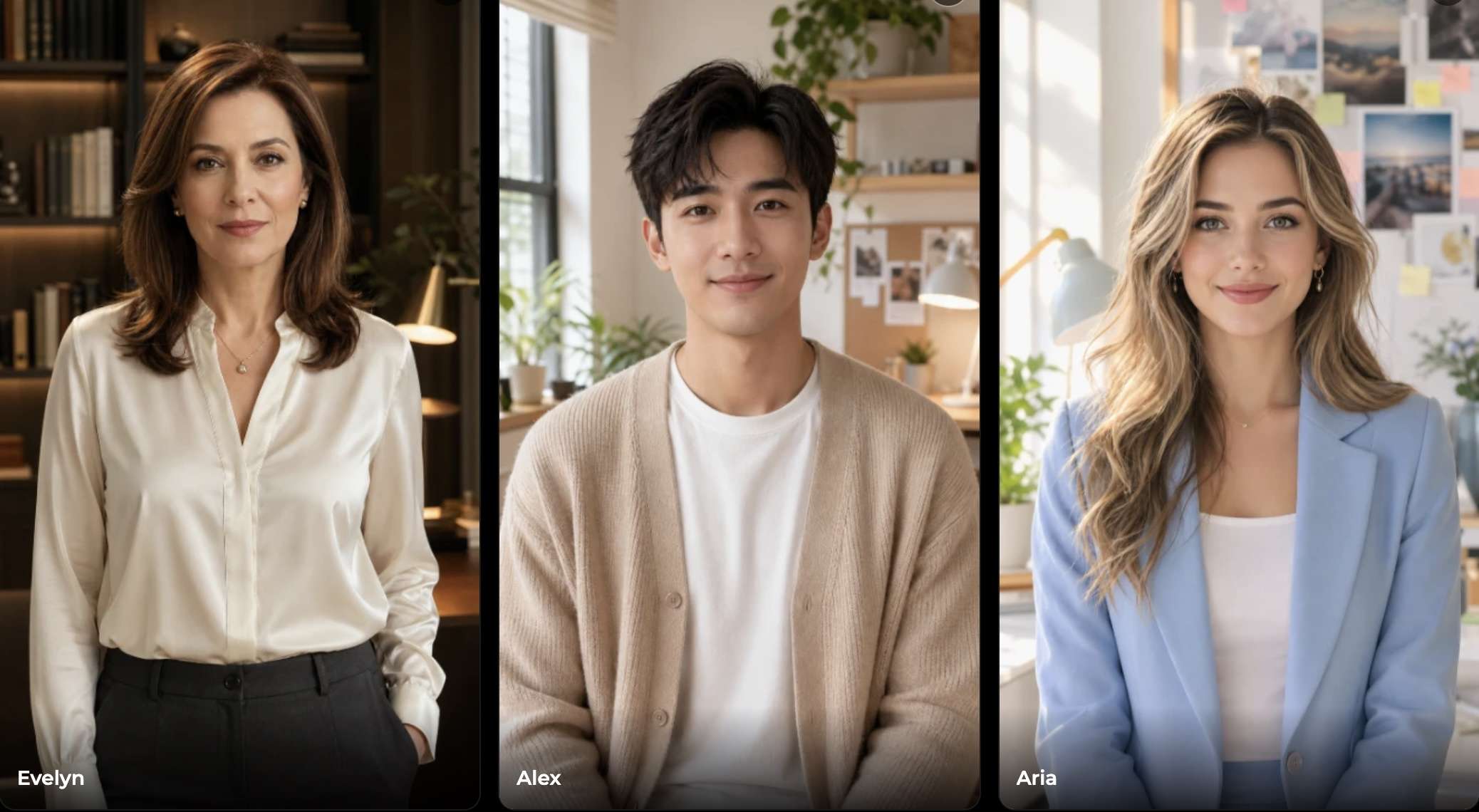
Cuty AI's Avatar Studio can turn a portrait into a speaking character. Choose a ready-made avatar or upload your own photo, then provide a script, audio file, or voice recording. The generated video synchronizes the avatar's mouth movements with the speech. There are two generation modes:
- Standard: 6 credits per second.
- Pro: 10 credits per second.
The studio also includes text-to-speech, supporting more than 40 languages and several emotion styles.
Other editing options cover different needs. Photo Face Swap changes a face in an image, while Lip Sync matches a character's mouth movements to an audio track. Motion Control uses a reference video to guide movement, and the platform also provides background removal, image upscaling, and video enhancement. Explore these options in the Cuty AI Avatar Studio.
AI Music
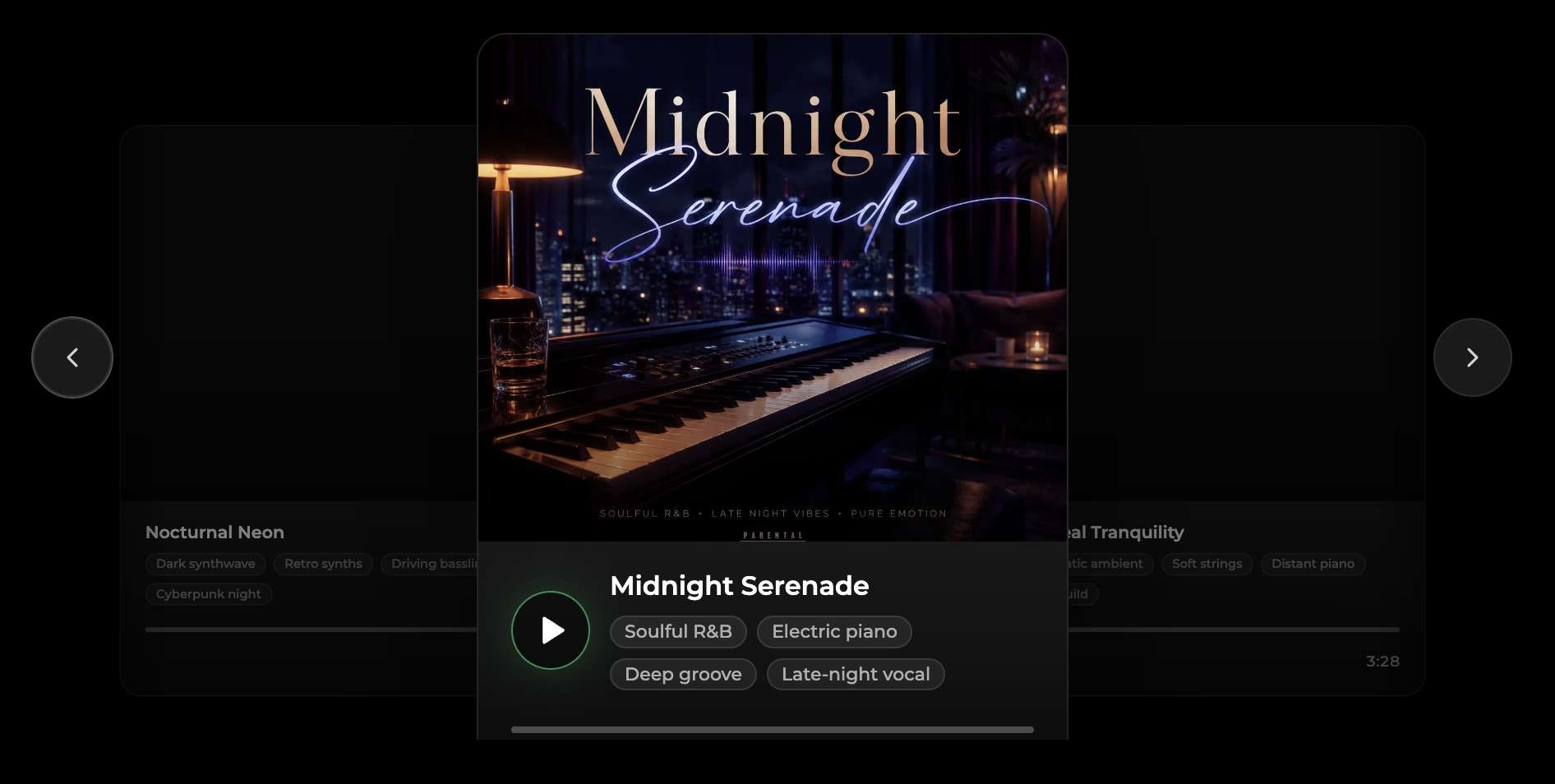
The AI Music Generator creates tracks from text descriptions or custom lyrics. Easy mode requires a short prompt, while Advanced mode gives you more control over the song's title, lyrics, genre, and vocals.
You can generate vocal songs or instrumental tracks in styles such as pop, rock, R&B, EDM, jazz, lo-fi, and K-pop. This could be useful for making background music for videos or social media posts. Cuty AI offers commercial usage rights for paid-plan generations, but check the applicable licensing terms before publishing tracks commercially.
Character Swap
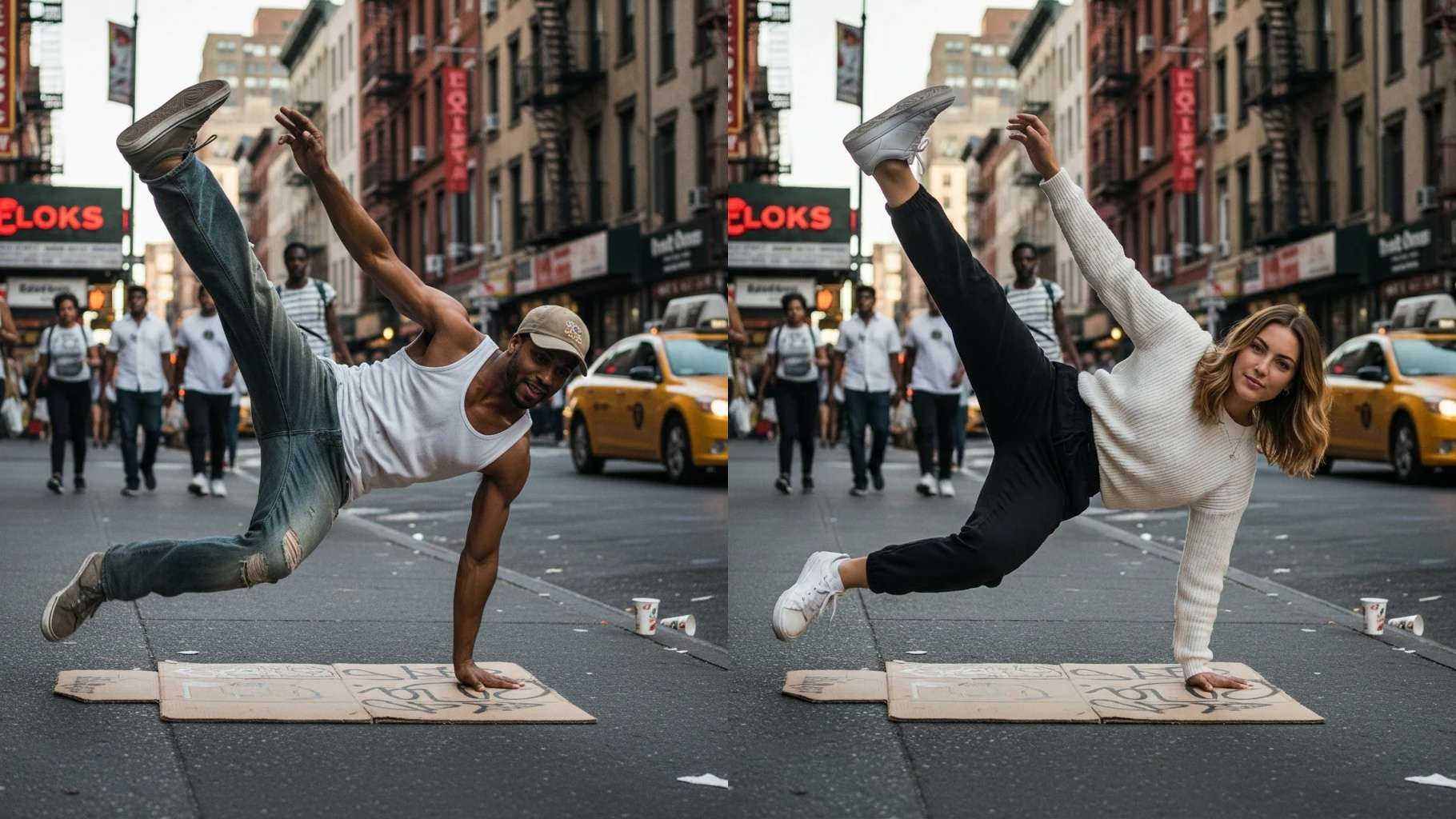
Character Swap replaces a person throughout an existing video. Upload the source footage and a reference image of the replacement character. Cuty AI then matches the new subject to the original person's movements while retaining the surrounding scene.
The recommended source video length is under 15 seconds. The reference image should be in JPG, PNG, or WEBP format. Unlike a regular photo face swap, this tool swaps the subject in a video, making it better suited for short character-based scenes. Try it through the Character Swap tool.
Agent CLI
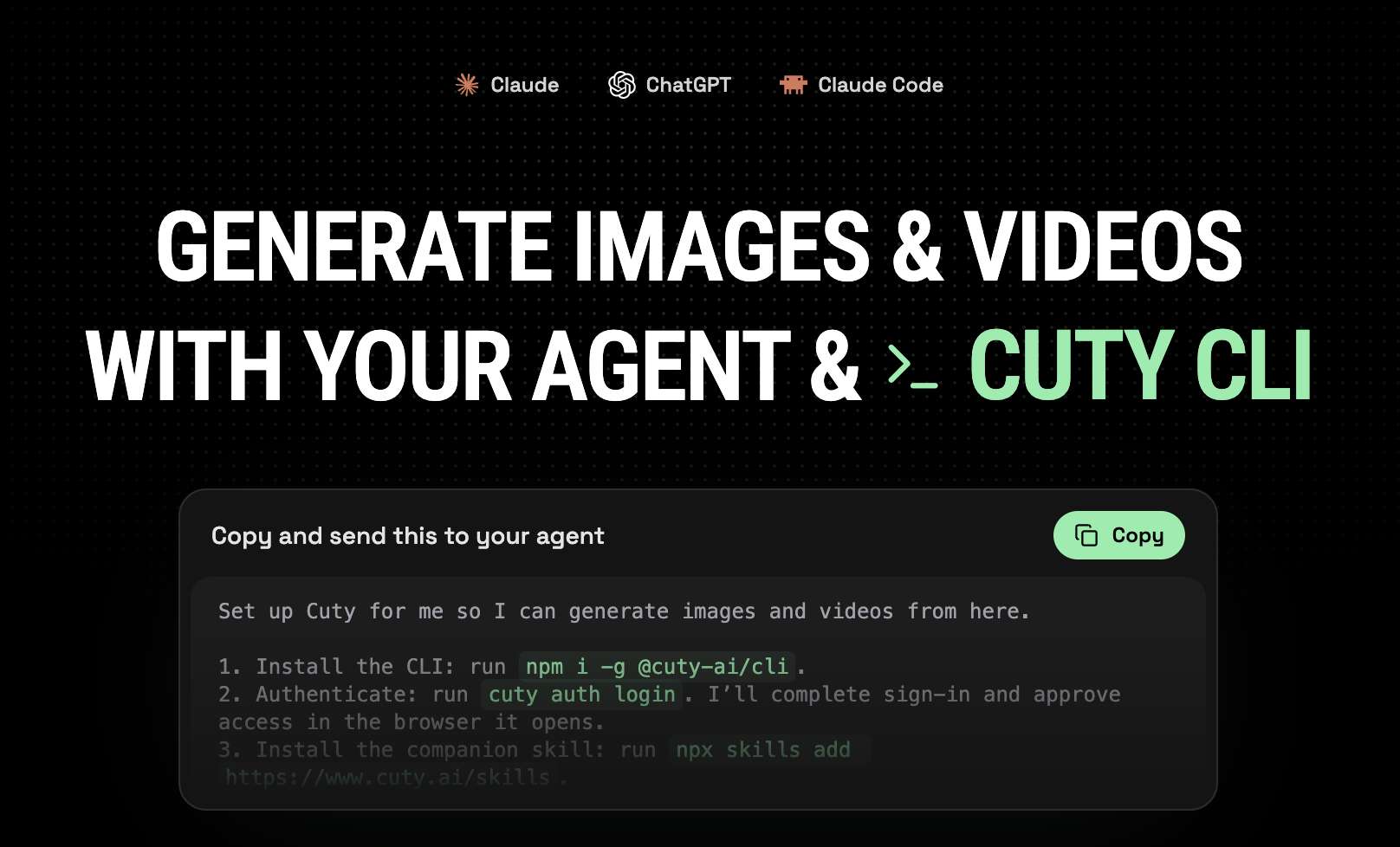
Cuty AI also provides an Agent CLI for users who want to create images and videos through AI assistants instead of using the website directly. After connecting your Cuty account, you can send generation requests through a supported agent.
Setting it up requires Node.js 22.12 or later, the Cuty CLI package, and a Cuty account. Once connected, the CLI uses your existing account credits, so you don't need to purchase a separate balance.
Note: This feature is mainly useful for developers or people who regularly use AI assistants for their work. If you prefer a simpler way to generate content, the regular Cuty AI studios are easier to navigate.
Part 3. Testing Cuty AI: Image and Video Generation Quality
A long list of AI models doesn't necessarily guarantee good results. To see how Cuty AI performs, generate images with Nano Banana Pro and videos using Seedance 2.5. We evaluated both based on visual quality, consistency, and the overall generation experience.
Image Quality: Details, Styles, and Prompt Accuracy

Nano Banana Pro produces detailed images with clear subjects, defined textures, and balanced lighting. It also handles different visual styles, from cinematic photography to anime-inspired artwork.
- Fine details: Facial features, reflections, and textures are generally sharp, though some complex elements look slightly artificial.
- Lighting and composition: Highlights and shadows add depth, while the main subjects remain easy to identify.
- Style variety: It handles realistic and illustrated visuals with noticeable differences in appearance.
- Prompt accuracy: The generated images capture the main ideas well, although a few smaller details may differ from what the prompt describes.
Overall, the lighting, textures, and overall composition are consistently well presented. Minor flaws appear in some details, but they don't significantly affect the main visual.
Video Quality: Motion, Consistency, and Realism
The 5-second, 720p clip generated with Seedance 2.5 has a cinematic look. Characters and surroundings remain recognizable, but fast-moving scenes expose some limitations, such as occasional blurring and awkward physical interactions that stand out when watching the action closely.
Ease of Use and Generation Speed
Both studios have a straightforward layout, with the model selector, prompt box, and output settings easy to find. Most users should be able to start generating without much setup.
- Image generation: Allow approximately 20-60 seconds for a Nano Banana Pro image.
- Video generation: A 10-second Seedance 2.5 clip may take around 2–5 minutes.
- Credit usage: Costs vary by model, so repeated attempts can use credits quickly.
Processing times are estimates and may change with server load, resolution, and other generation settings. Actual results may take longer during busy periods.
Part 4. Cuty AI Pricing Breakdown
Cuty AI has four subscription tiers: Lite, Pro, Max, and Ultra. The plans differ in monthly credit allowances, access to AI models, and how many image or video generations can run simultaneously.
| Plan | Monthly Credits | Annual Price* | Concurrent Tasks |
| Lite | 300 | $4.90/month | 1 |
| Pro | 1,000 | $8.90/month | 2 |
| Max | 6,000 | $53.90/month | 6 |
| Ultra | 8,000 | $63.90/month | 8 |
|
Show More
Show Less
|
|||
*Discounted rates with annual billing.
Model Access and Credit Usage
Lite includes image generation and selected video models. Access to all listed image and video models starts with Pro. Max and Ultra add 365-day unlimited access to selected models, while Ultra also includes 20 free Seedance 2.5 generations.
Extra Credits and Expiration
Monthly subscription credits expire at the end of each billing cycle and don’t carry over. If you use them up early, you can buy additional credit packs without changing your subscription plan.
Part 5. Cuty AI Pros and Cons
Cuty AI gives you plenty of models to experiment with, but not every feature is available on every plan. Credit costs can also add up, especially when generating videos or trying several versions.
- Access to models such as Nano Banana Pro, Seedance 2.5, Kling, and Veo.
- Separate studios for image, video, avatar, and music generation.
- Extra tools for character swapping, lip sync, and motion control.
- Up to eight concurrent generation tasks on the Ultra plan.
- Paid users can purchase extra credits without upgrading their plan.
- Lite excludes certain premium models, including Seedance 2.5.
- Video generation can use credits quickly, particularly at higher resolutions or longer durations.
- Unused monthly credits expire instead of rolling over.
- Editing controls are less extensive than those in dedicated image and video editors.
- Generated videos can still have awkward movements, inconsistent details, or abrupt transitions.
Bonus: Refine Cuty AI-Generated Videos with Filmora
After downloading your Cuty AI videos, you may find that some scenes run too long, transitions feel abrupt, or the final edit needs music and subtitles. Wondershare Filmora lets you make these changes without going back to Cuty AI to generate everything again.
Some useful features in Filmora you can use for polishing your video include:
- Multitrack Timeline: Arrange clips in sequence and add voiceovers, background music, transitions, and captions on separate tracks.
- AI Video Extender: Extend a short clip when you need a scene to last a little longer.
- Auto Captions: Automatically transcribe spoken dialogue and turn it into subtitles.
Use Cuty AI to create the footage, then import it into Filmora to adjust the pacing, sound, and subtitles before exporting your finished video.
 Secure Download
Conclusion
Cuty AI has a lot to explore, especially if you enjoy testing different image and video models. Its image generation delivers detailed results, though video quality can be inconsistent during fast movements. Premium models also require higher-tier plans, and frequent video generation can quickly use up your credits.
Cuty AI is a good choice for content creators who regularly use several generation tools and want access to them through a single subscription. However, if you mainly need one image or video generator, you're better off paying for a dedicated tool rather than a plan filled with features you rarely use.
FAQs
-
1. What can you create with Cuty AI?
You can generate images from text prompts, turn prompts or still images into videos, create talking avatars, and make music from text descriptions. Cuty AI also has tools for face swapping, character replacement, lip sync, motion control, background removal, and upscaling. -
2. Does Cuty AI offer free credits?
Yes. New users can sign up and try Cuty AI with free credits without subscribing. However, the balance is limited and may only cover a few generations, especially for video models with higher credit costs. Paid plans start at 300 credits per month. -
3. Which AI models are available on Cuty AI?
Options include Nano Banana Pro and other image models, and video generators such as Seedance 2.5, Kling, Veo 3.1, and Sora. Not every model is included in every subscription, so check the plan details if you have a particular generator in mind. -
4. How many credits does Cuty AI use to generate a video?
The cost depends on the model, clip duration, resolution, and generation settings. A 10-second video can cost considerably more than a short, low-resolution clip. Cuty AI displays the required credits for the selected settings, so check the estimate before generating, especially if you plan to make several versions.
<faq>