


 TL;DR:
D-ID's Creative Reality™ Studio 3.0 is a browser-based AI platform best suited for businesses and educators needing to quickly generate scalable, multilingual avatar presenter videos and real-time conversational agents.
● The software animates stock, uploaded, or Stable Diffusion-generated photos using voice cloning and lip-sync adaptation, functioning effectively for corporate localization but lacking the scene control required for cinematic filmmaking or advanced motion graphics.
● Moving beyond one-way videos, the V4 Expressive Visual Agents update enables users to configure real-time, emotionally responsive AI avatars connected to company knowledge bases for interactive website embedding, sales assistance, and onboarding.
● D-ID provides a 14-day free trial limited to 3 minutes of video generation, and because the platform lacks multi-track timeline capabilities to adjust repetitive facial movements in longer scenes, users typically must export their raw clips to external software like Wondershare Filmora for trimming, transitions, and final polishing.
Ask AI for a summary
 ChatGPT
 Perplexity
 Gemini
 Claude
 Grok
Grok
What if you could turn a single photo into a talking AI presenter in just minutes? D-ID was created to make that possible. Starting off as a simple talking-photo tool, it has now evolved into a broader AI avatar and visual agent platform focused on multilingual video creation, conversational AI agents, and interactive digital presenters.
With Creative Reality™ Studio 3.0, you can create AI avatar videos, translate content into multiple languages, clone voices, and build real-time AI agents with more natural facial expressions and lip-sync animation. For more information about D-ID, we’ve put together a comprehensive D-ID review below.
Part 1. What Is D-ID and How Does It Work?
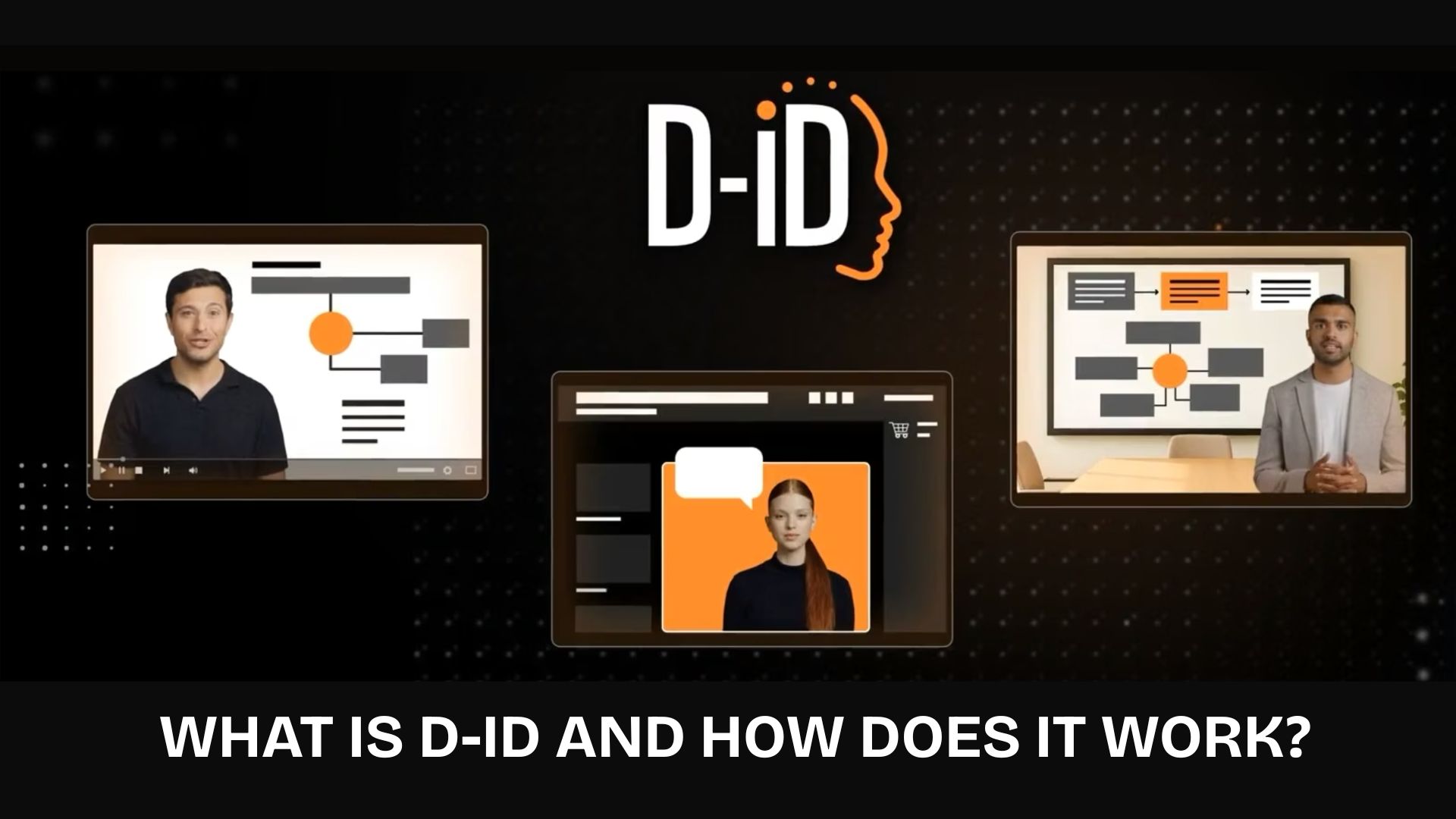
D-ID is an AI video and visual agent platform designed for creating avatar-based content without traditional filming. Although originally known for talking photo animations, the platform has expanded into AI presenters, multilingual videos, and conversational visual agents for business communication and customer interaction.
Its main workspace, Creative Reality™ Studio 3.0, allows users to generate AI avatar videos, interactive agents, and localized content directly from a browser. The platform now focuses more on scalable AI communication than just avatar animations.
How D-ID Works
D-ID is accessible through a self-service studio, API, and enterprise integrations. The basic workflow is simple:
- Choose or upload an avatar
- Add text or voice
- Customize language and voice settings
- Generate the video or AI agent
D-ID is also available as a mobile app for Android and iOS, so you can create AI avatar videos directly from your phone.
Who Is D-ID Best For?
D-ID works best for:
- Businesses and Enterprise Teams
- Marketers
- Educators
- Training and Onboarding
- Multilingual Communication
- AI Customer Support Experiences
However, it may feel less suitable for:
- Cinematic AI Filmmaking
- Advanced Video Editing
- Motion Graphics-Heavy Projects
- Creators Needing Full Timeline Editing Tools
Part 2. D-ID Studio 3.0 Features
Creative Reality™ Studio 3.0 is D-ID’s self-service workspace for creating AI avatar videos directly from a browser. It’s designed to simplify video production by combining avatars, voice generation, translation, and interactive AI tools in one place.
Studio 3.0 keeps the creation process fairly simple, so you can produce training videos, multilingual presentations, and customer-facing AI content without a complicated setup.
AI Avatars and Talking Photos
D-ID offers several ways to create avatar-based videos, based on your content style:
- Stock avatars: Choose from built-in presenters designed for business, educational, and marketing content.
- Uploaded photos: Create a digital twin by uploading your own portrait or character image and turn it into a speaking avatar.
- AI-generated avatars: Generate a face from scratch using D-ID's built-in text-to-image tool, powered by Stable Diffusion.
If you are a business, you can also create more personalized avatar experiences for training, onboarding, or customer communication.
Text-to-Video and Voice Features
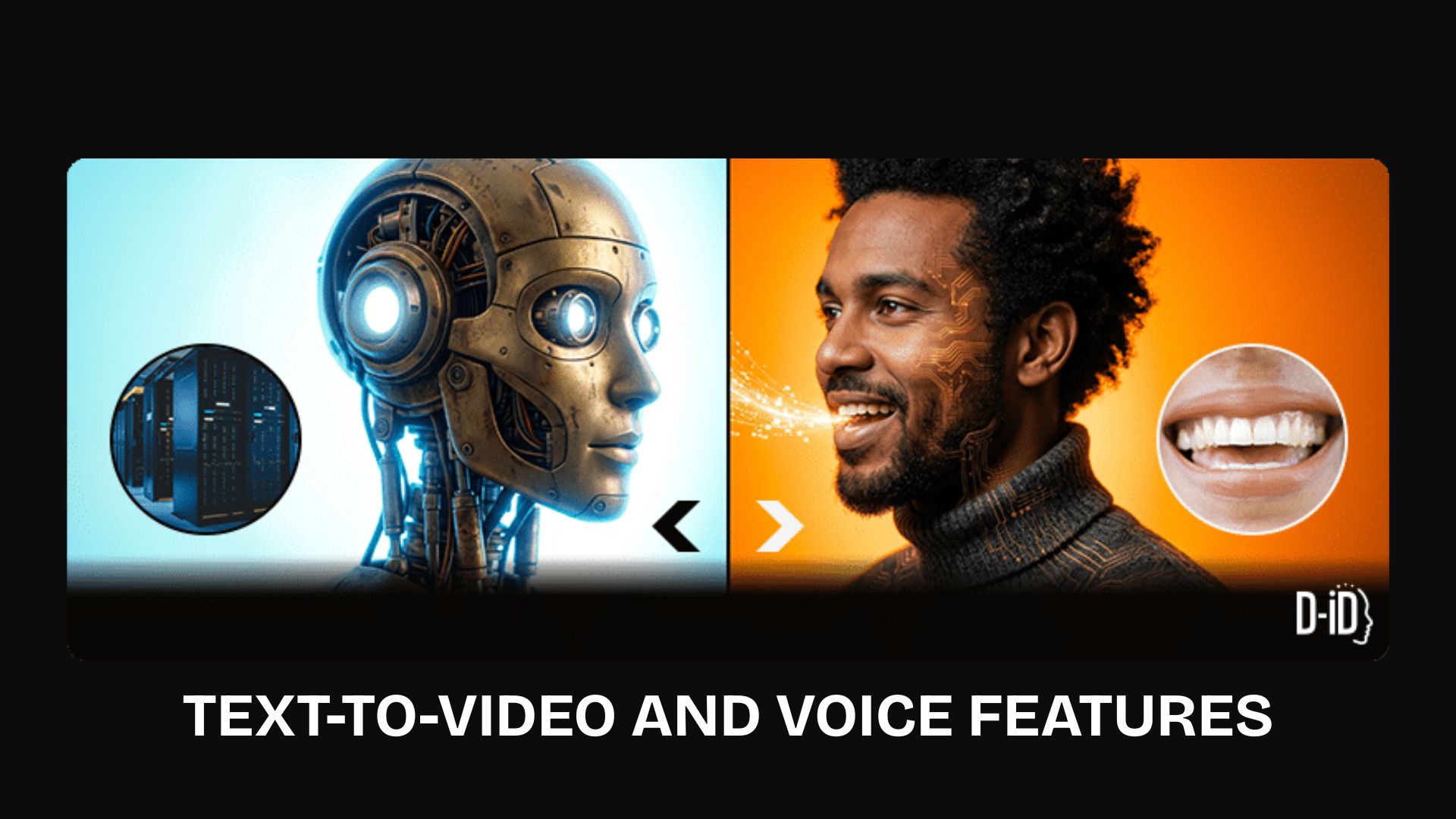
D-ID includes several AI voice and narration tools for generating videos from text or audio. Supported capabilities include:
- Text-to-speech generation
- Voice uploads
- Voice cloning
- Multiple languages
- AI-generated narration
Video Translation and Localization
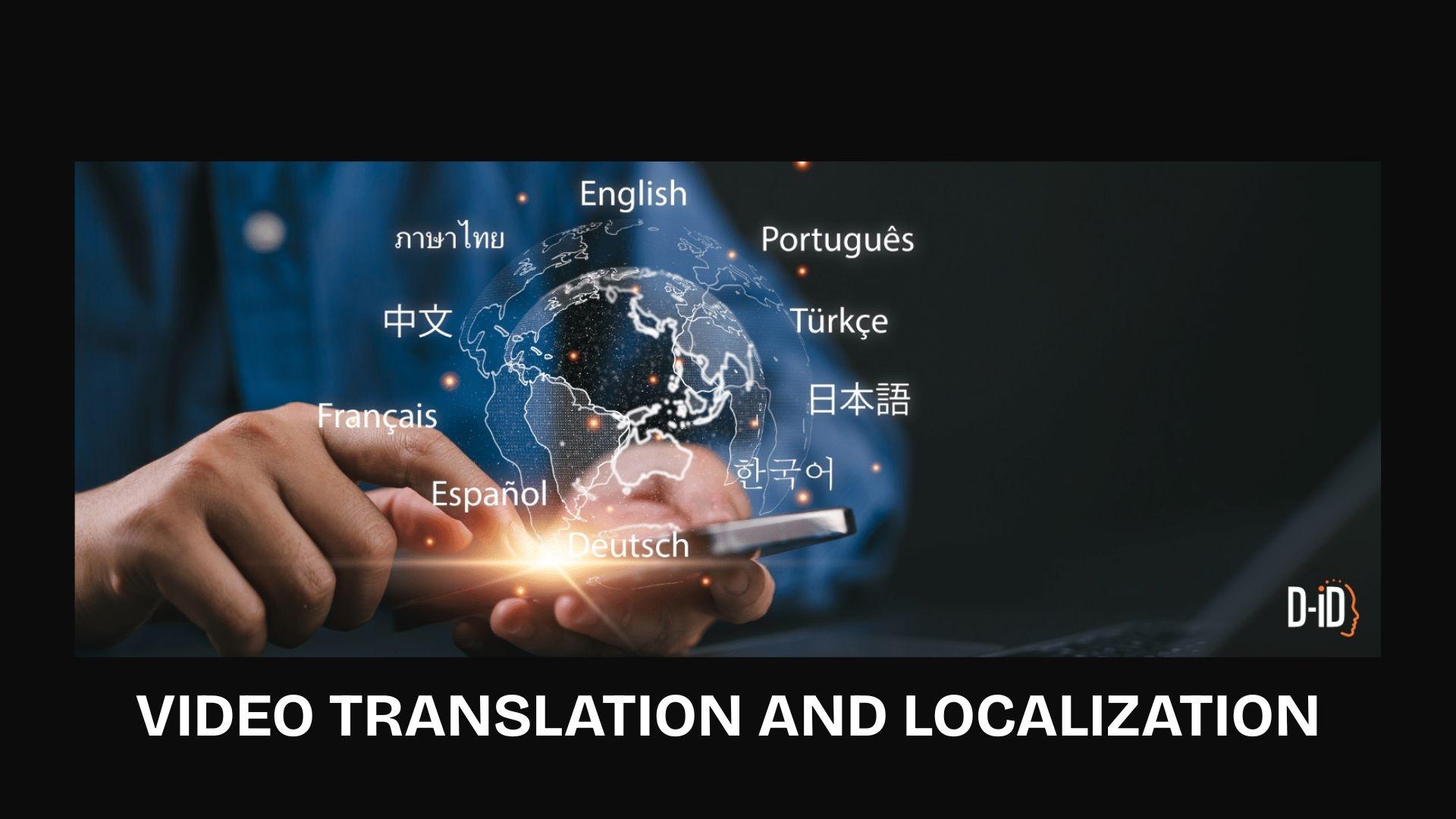
Another main focus of Studio 3.0 is multilingual communication. D-ID supports video translation and localization workflows designed for global content creation. Current capabilities include:
- Multilingual dubbing
- Lip-sync adaptation
- Localization workflows
- Preserving voice identity across languages
All of this makes the platform highly valuable for companies, educators, and teams creating content for international audiences.
Part 3. D-ID Visual Agents and AI Interaction
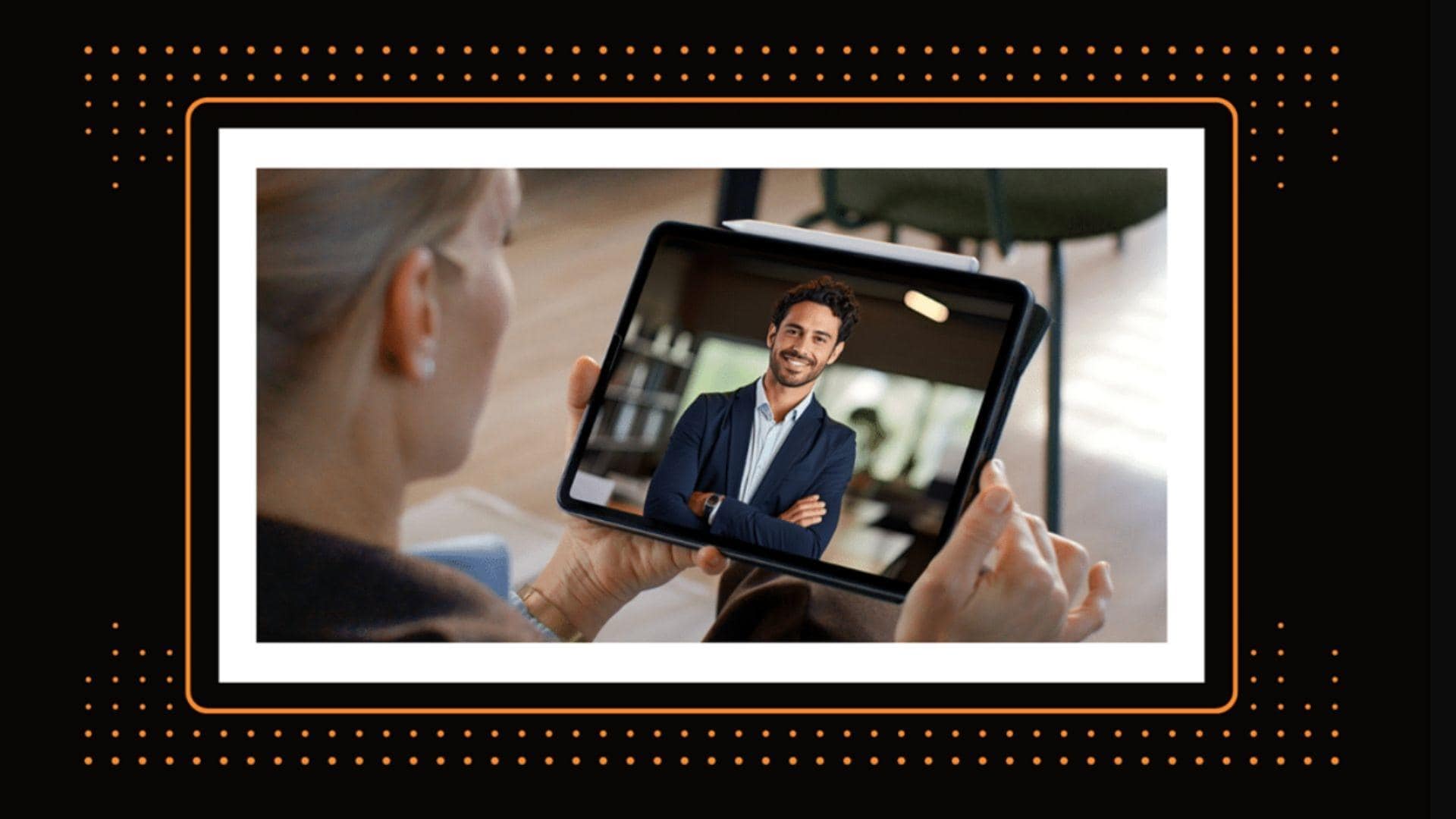
Although D-ID avatar videos remain a core feature of the platform, its latest update places greater emphasis on interactive AI experiences. Beyond creating one-way presenter videos, D-ID is now expanding its services to include conversational avatars and real-time visual agents designed for customer communication, onboarding processes, and AI-powered interactions.
What Are D-ID Visual Agents?
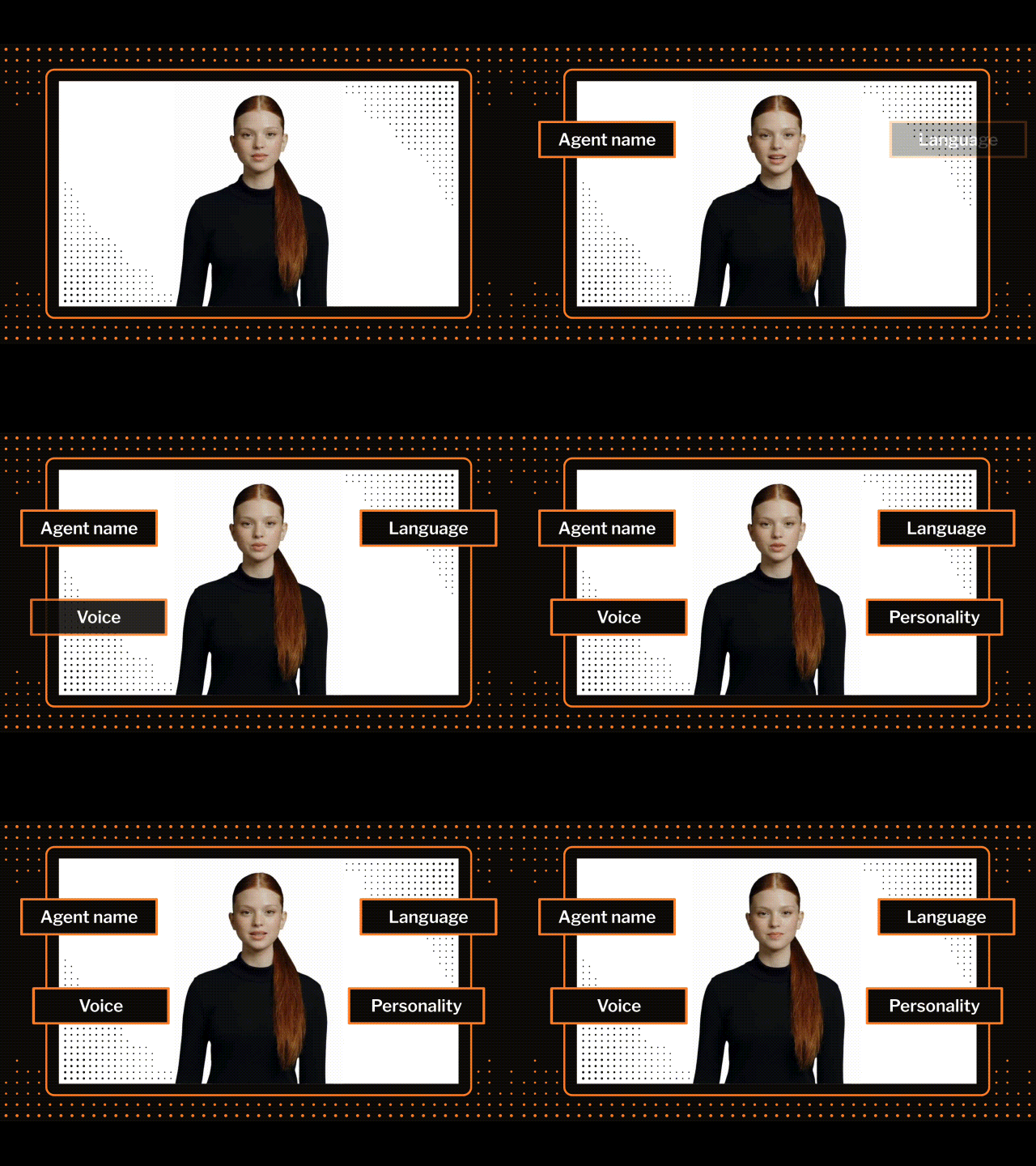
D-ID Visual Agents are AI-powered conversational avatars that can interact with users in real time. Unlike conventional video avatars that merely play a scripted message, Visual Agents are designed to respond dynamically through AI-generated conversations, knowledge bases, and connected language models.
This is how the D-ID’s visual agents work:
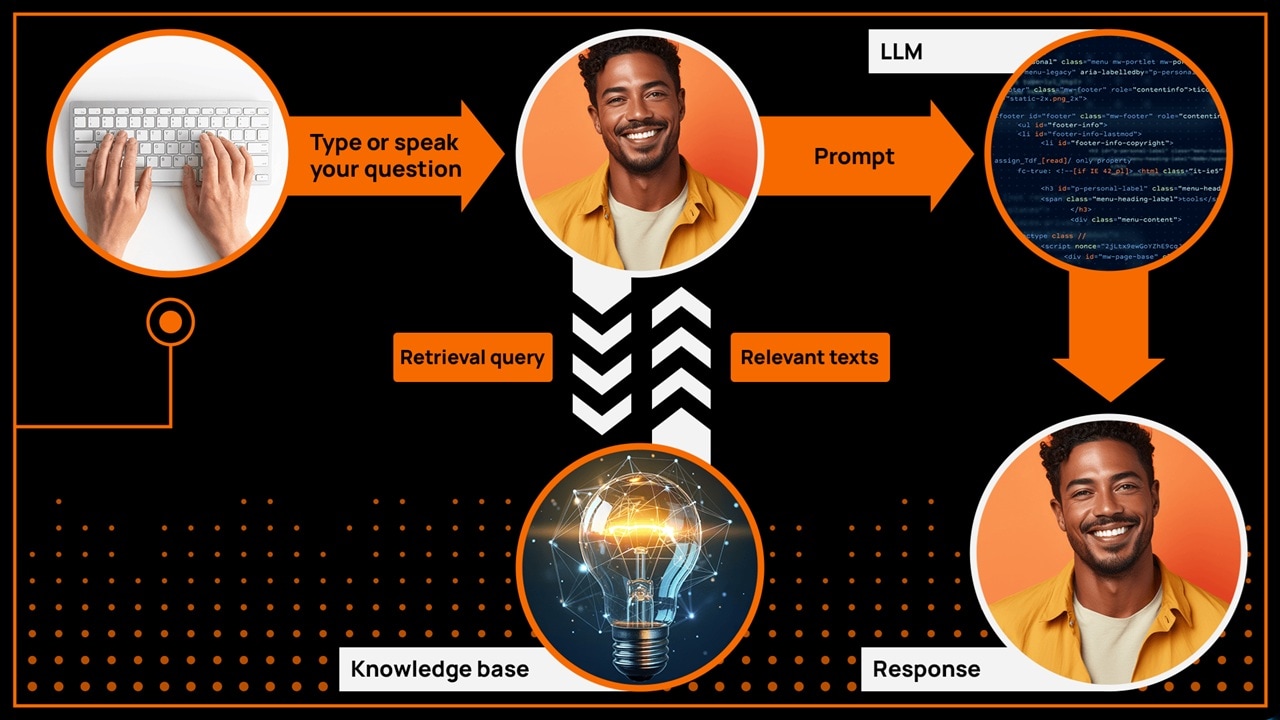
D-ID's latest release, V4 Expressive Visual Agents, now adds emotionally intelligent responses to make the interactions feel more human. You can define each agent's role, tone, and personality to match your brand or use case.
In practice, this opens the door to a wide range of applications, including:
- AI onboarding assistants: Help guide new employees, customers, or users through onboarding processes.
- Customer support avatars: Provide conversational support with AI-generated responses and visual interaction.
- Interactive sales presenters: Deliver product information and answer customer questions in a more engaging format.
- Knowledge-base assistants: Connect AI avatars to uploaded documents or company information for smarter responses.
- Website AI agents: Embed conversational avatars directly into websites for real-time interaction.
Part 4. D-ID Pricing (Updated 2026)
D-ID offers several subscription plans for individuals, creators, teams, and enterprise users. Pricing is mainly based on monthly credits, video generation usage, and access to advanced features such as premium avatars, API tools, and conversational AI agents.
If you want to try D-ID for free, you can start with its 14-day free trial. After that, you can choose one of its paid plans depending on your needs.
| Trial | Lite | Pro | Advanced | |
| Price | $0 | Start from $4.7/mo or $56/yr (40 credits) | Start from $16/mo or $191/yr (60 credits) | Start from $108/mo or $1,293/yr (400 credits) |
| Monthly Videos, Agents, Video Translate & API | 3 mins | 10 mins/mo | 15 mins/mo | 100mins/mo |
| Voice Clone | 1 voice clone | 3 voice clone | ||
| Embedded Agent | 1 | 1 | 3 | |
| Standard/Premium Voices | Standard | Standard | Premium | Premium |
| Personal Avatar | 3 | 5 |
Part 5. D-ID Video Quality, User Experience, and Limitations
D-ID is no longer trying to be just another talking-photo app. In 2026, the platform feels much more focused on AI-powered communication, especially for businesses creating multilingual presentations, onboarding videos, and interactive avatar experiences. But how well does it actually perform?
Avatar Realism
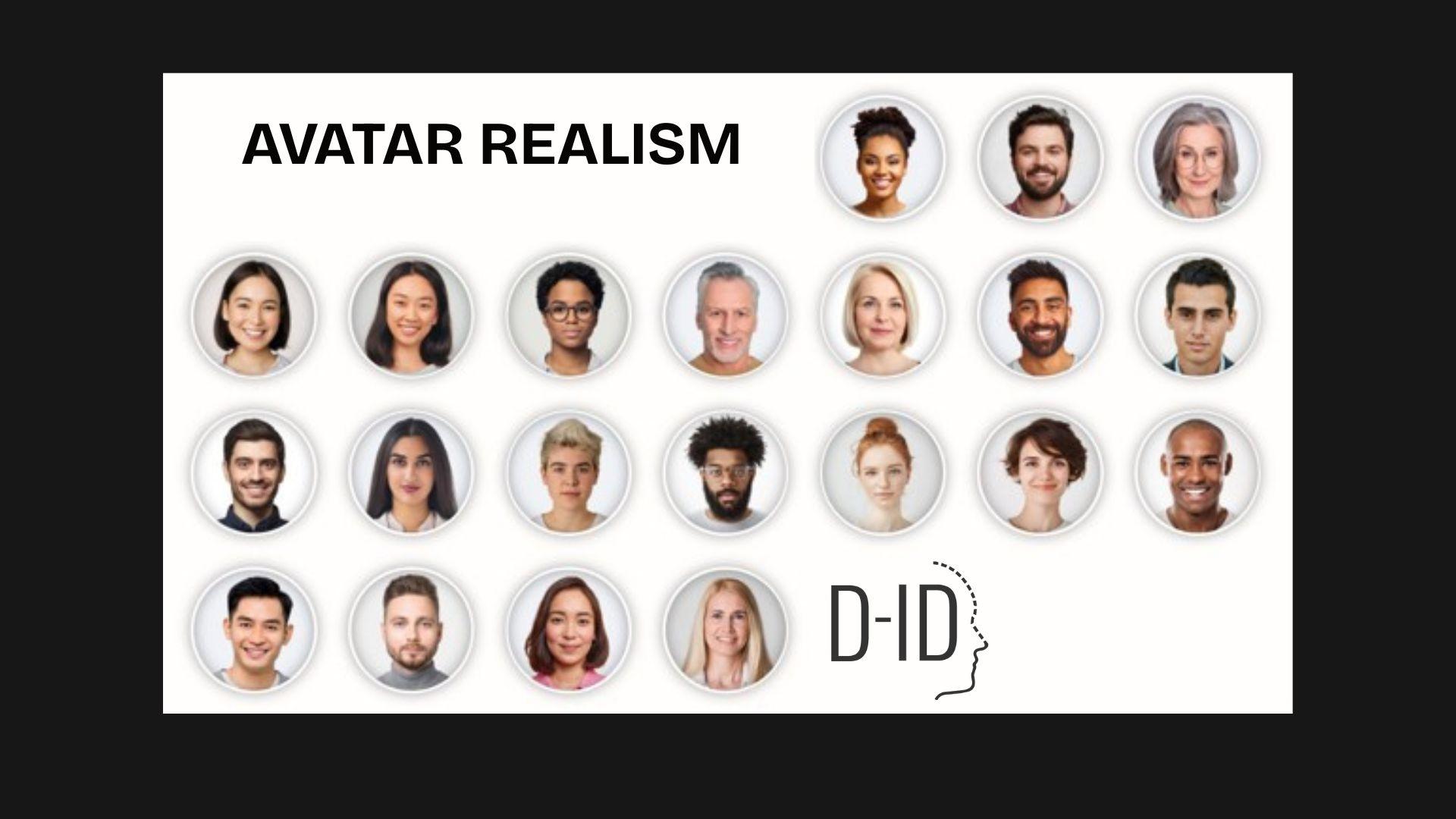
D-ID works best for presenter-style videos such as explanatory videos, onboarding content, training materials, and AI spokesperson videos. Lip-sync animation is generally smooth, and facial movement looks more natural than in many older avatar tools.
The platform also handles multilingual narration quite well, especially for business communication and localization workflows. However, realism still has some limitations. In longer conversations or more emotional scenes, certain avatars can still feel slightly artificial or repetitive.
Ease of Use
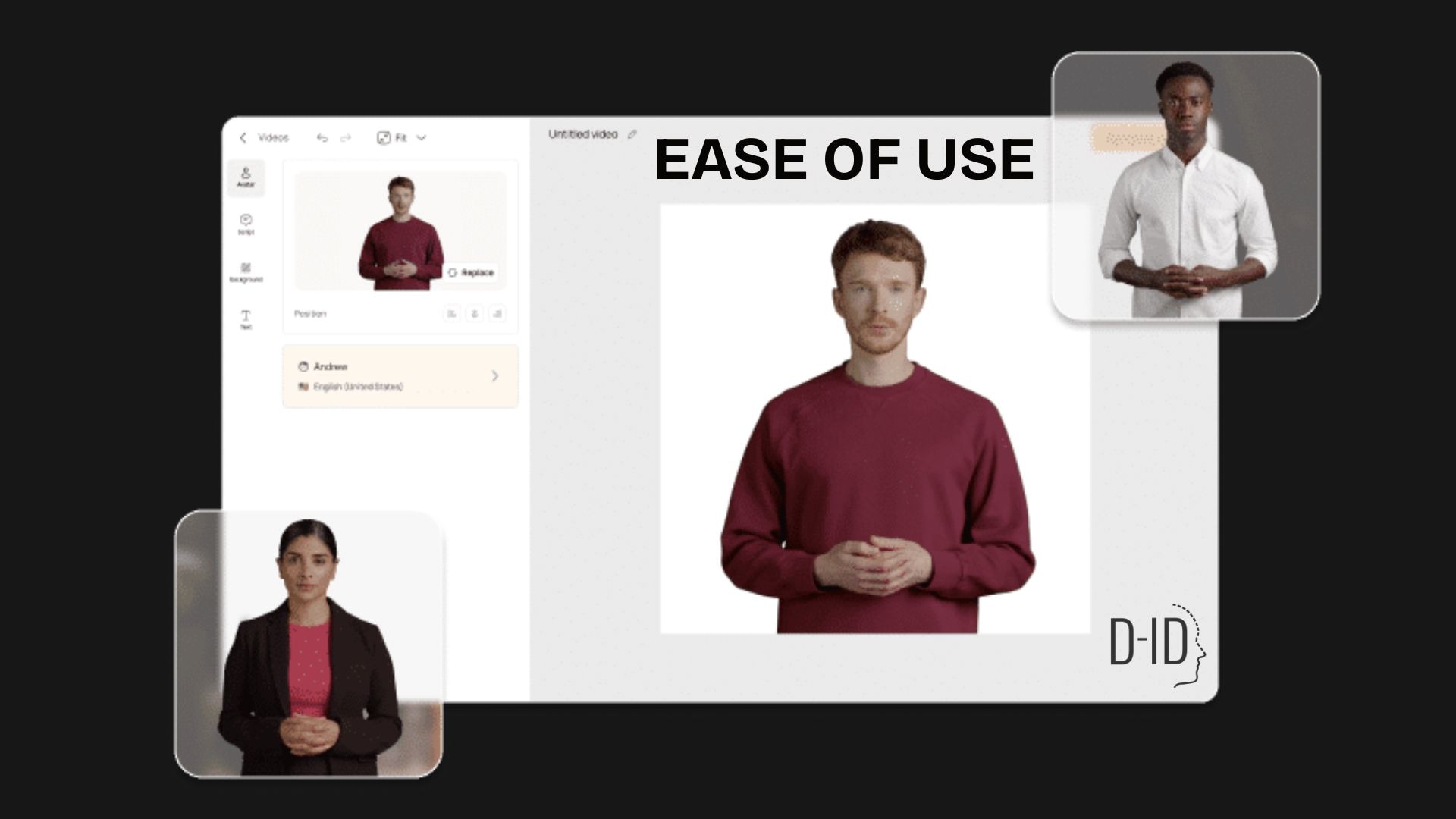
One of D-ID’s biggest strengths is its beginner-friendly workflow. The interface is clean, browser-based, and easy to navigate, even for users with no editing experience. Creating a video is relatively easy with only a few steps:
- Go to D-ID Studio and create an account.
- Inside the dashboard, click Create Video.
- Choose an avatar from D-ID’s built-in presenters or upload your own photo.
- Add your script using typed text, uploaded audio, or AI voice narration.
- Select the language, voice, and speaking style you want.
- Customize the video settings if needed, including background and avatar style.
- Generate the video and wait for the rendering process to finish.
- Preview the final result, then download the exported video.
Overall, the workflow feels simple and efficient for quick content creation.
Rendering Speed and Workflow
D-ID is designed for quick AI video production. Most short avatar videos can be rendered quite quickly, so the platform is highly useful for companies, marketers, educators, and teams that create content at scale.
However, D-ID is not a full professional video editor. If you are seeking advanced timeline editing, cinematic effects, or detailed scene control, you may still need separate editing software.
D-ID Pros and Cons
- User-friendly browser-based workflow
- Advanced talking-photo technology
- Fast AI avatar video generation
- Useful multilingual translation features
- Conversational AI agent capabilities
- Suitable for business and training content
- API and enterprise integrations available
- Some avatars can still look artificial
- Limited cinematic video capabilities
- Not designed for advanced video editing
- Credit-based pricing can become expensive
- Some advanced features require higher-tier plans
- More focused on businesses than creators in 2026
Part 6. Make D-ID Avatar Videos Look More Professional
D-ID is a reliable tool for quickly creating talking avatars, especially for presentations, training videos, and AI-powered voiceover content. However, after exporting a video, many users end up editing it on another platform to make the final result look more polished.
For example, you might want to:
- Trim out pauses or awkward timing
- Combine multiple avatar clips
- Add subtitles and animations
- Insert background music
- Add transitions or branding
- Create shorter social media versions
D-ID keeps the creation process simple, but editing flexibility inside the platform is still fairly limited.
 Secure Download
Complete Your Videos in Filmora
Wondershare Filmora works well for polishing D-ID AI videos after generation. You can import exported avatar clips into a full multi-track timeline and edit them more freely. Inside Filmora, you can:
- Cut and rearrange clips
- Layer video, audio, images, and text
- Add transitions and motion effects
- Customize captions and subtitles
- Adjust colors and audio
- Create vertical or widescreen versions for social media
Filmora also includes AI-powered tools that pair nicely with avatar videos, including:
- AI subtitles and speech-to-text
- Smart Short Clips for cutting long avatar videos into shorter clips
- AI translation features
- AI audio cleanup
- AI music and sound tools
- Templates for YouTube Shorts, TikTok, and Reels
- Screen recording and presentation tools
If you are creating business presentations, explanatory videos, training content, or social media videos, combining D-ID with Filmora creates a more streamlined materials-editing workflow with greater creative control over the final result.
Secure DownloadConclusion
D-ID has evolved far beyond simply creating talking photo videos. The platform offers a powerful combination of AI avatars, multilingual video tools, and visual conversational agents for business communication, training, marketing, and customer interactions. Creative Reality™ Studio 3.0 keeps the workflow simple, allowing beginners to create avatar videos without complex editing skills.
Although the platform still has some limitations in terms of editing flexibility and avatar realism, it works well for fast-paced presenter-style content and scalable AI communication. For users looking to create AI avatar videos quickly, D-ID is still one of the more practical platforms available today.
FAQs
-
What is D-ID used for?
D-ID is most commonly used for creating AI avatar videos, talking photos, multilingual presentations, and conversational visual agents. Businesses, marketers, educators, and content creators often use the platform for training videos, onboarding, customer support, and AI spokesperson content. -
Can D-ID turn a photo into a talking video?
Yes. D-ID allows users to upload a portrait or image and animate it into a speaking avatar with AI-generated lip-sync and facial movement. This talking-photo technology is still one of the platform’s most recognizable features. -
Is D-ID free to use?
Yes, D-ID offers a free trial, but it comes with fairly strict limits. The free trial lasts 14 days and includes up to 3 minutes of video generation.
