
Advanced video editors offer plenty of control, but editing long videos can still mean hours of trimming pauses, adding captions, and finding the right clips. That’s exactly why advanced creators rely on a powerful FireCut plugin to automate the heavy lifting and keep creative momentum going.
Originally popular as a go-to tool for FireCut Premiere Pro users, this smart editing assistant expanded its reach to DaVinci Resolve as well (ProVideo Coalition). But what can it actually do, and does it make editing faster without taking control away from you? In this review, we’ll dive into everything FireCut AI has to offer to see if it truly lives up to the hype and transforms your editing workflow.
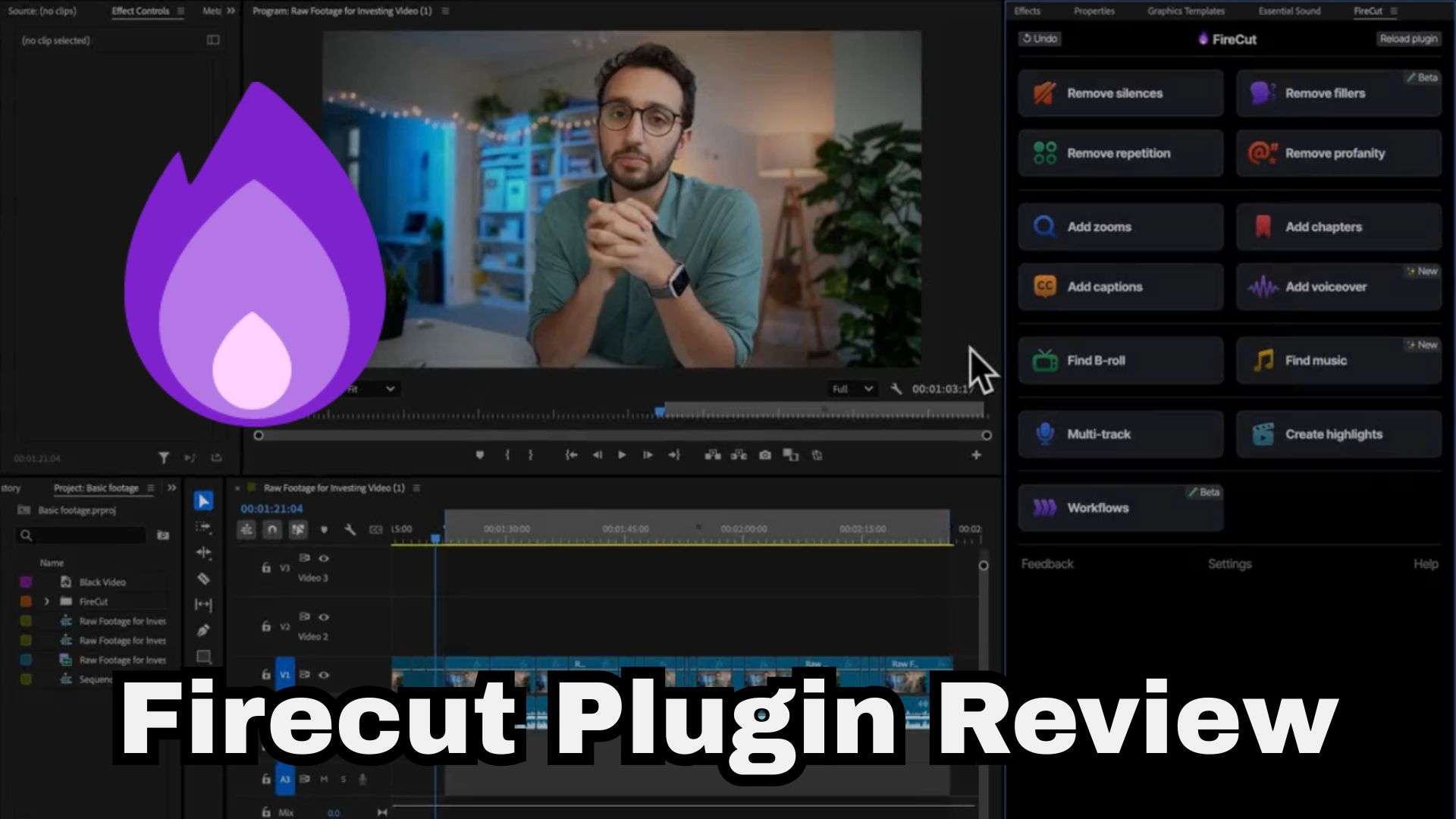
Part 1. FireCut: The AI Editing Plugin Built for Professional NLEs
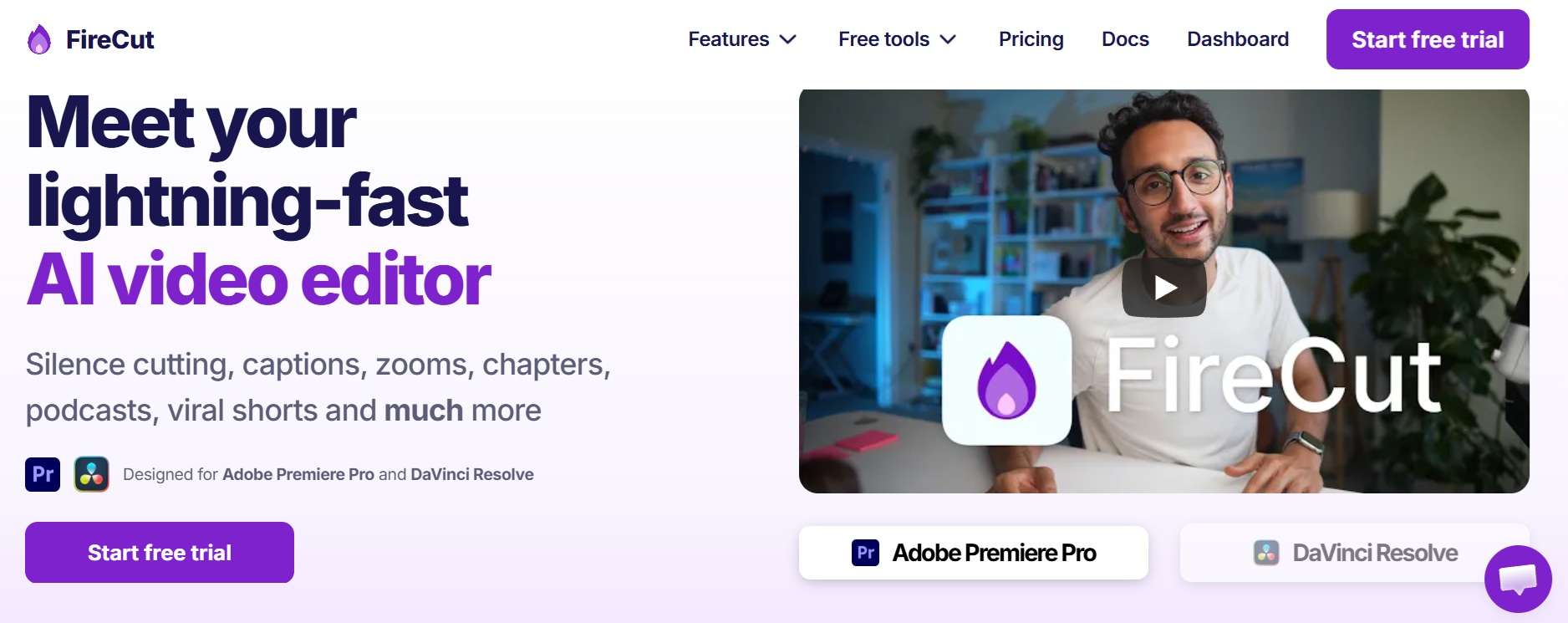
Let's get this right out of the gate: FireCut isn't a standalone cloud editor. It's a native workflow tool that runs inside your editing software, currently Adobe Premiere Pro (2022 or newer) and DaVinci Resolve. Its job is to take over the repetitive first-pass work: trimming dead air, adding captions, cleaning up spoken clutter and even switching cameras on podcasts.
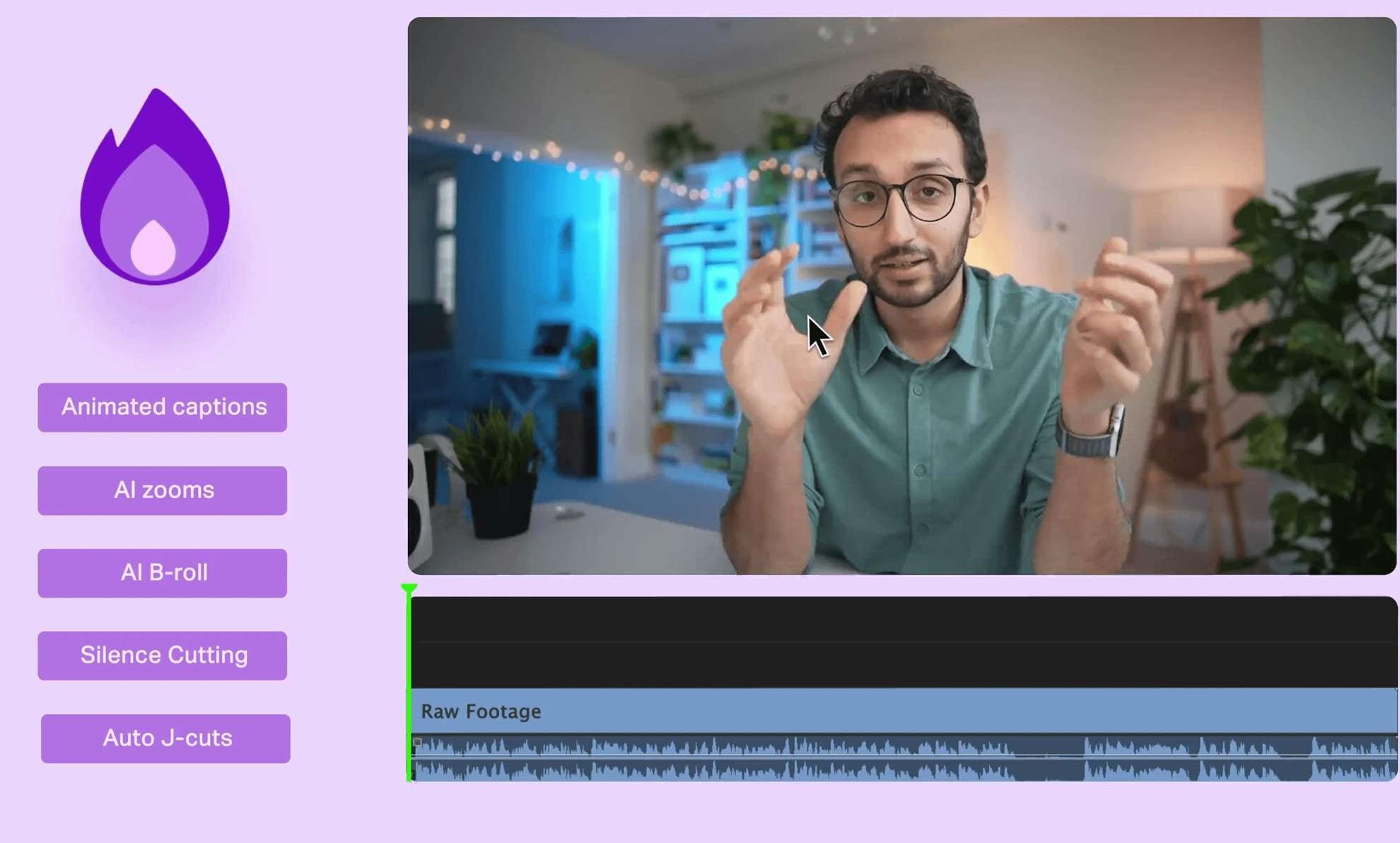
Not that FireCut: the moissanite mix-up
There's one thing worth clarifying: the FireCut plugin has no connection to “Firecut LLC Moissanite,” which is a jewelry and gemstone brand. That's because searches for “Firecut LLC” can land you there. The editing tool's website, firecut.ai, credits FireCrafts Ltd. as its company.
The FireCut app we’re talking about here is strictly built for video creators looking to save massive chunks of editing time.
The Free Web Suite from FireCut
FireCut also has a set of free browser-based utilities that are separate from the main plugin. They're handy when you need to transcribe, record, or convert something without opening a full video editor, and the site says there's nothing to download.
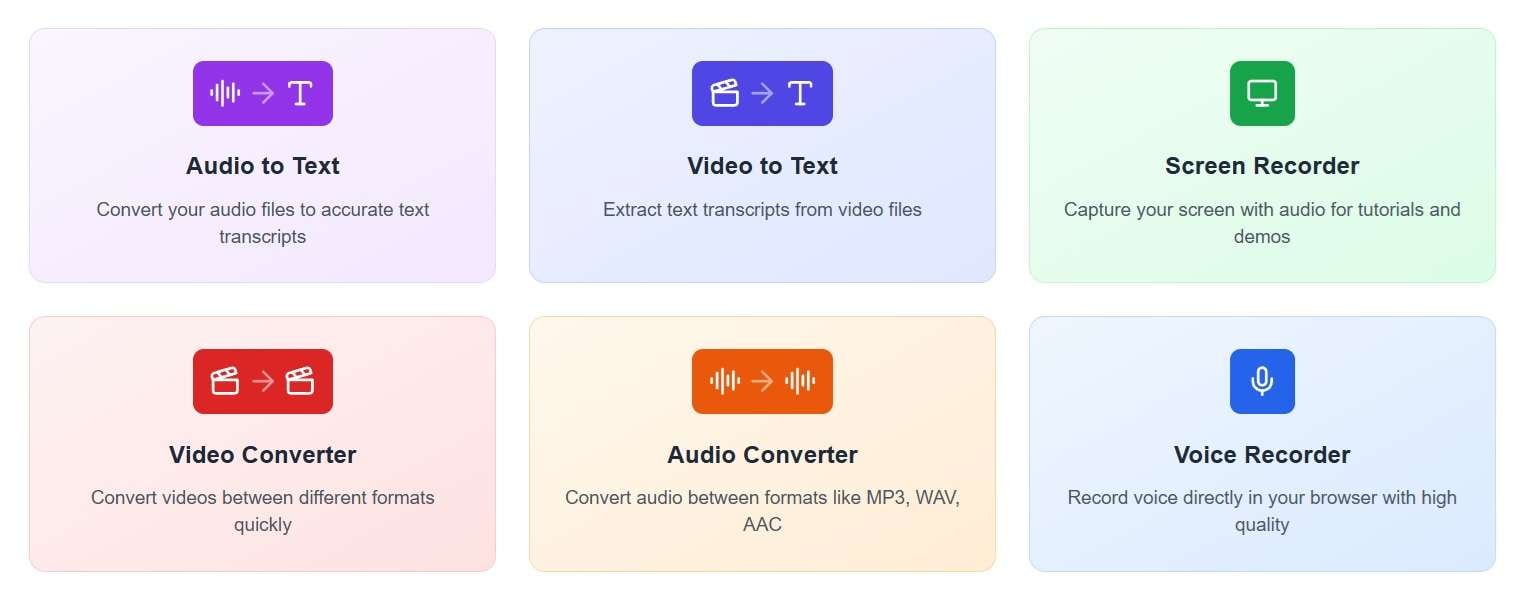
Below are the free features available in FireCut:
- Audio to Text: Converts raw audio files into clean text transcripts directly in your browser.
- Video to Text: Extracts written scripts or captions from uploaded video files.
- Screen Recorder: Quick browser-based screen capture for software demos, presentations, or tutorials.
- Video & Audio Converter: File format conversion utility (MP4, MOV, MP3, WAV, etc.) without needing software installation.
- Audio Recorder: Simple, high-quality browser voice recorder for memos, voiceovers, or podcasts.
Part 2. What Can You Actually Do With the FireCut Plugin?
So what can you actually do with the FireCut plugin? Quite a few, actually. The toolkit is designed to handle repetitive tasks across 50+ languages with impressive transcription accuracy.
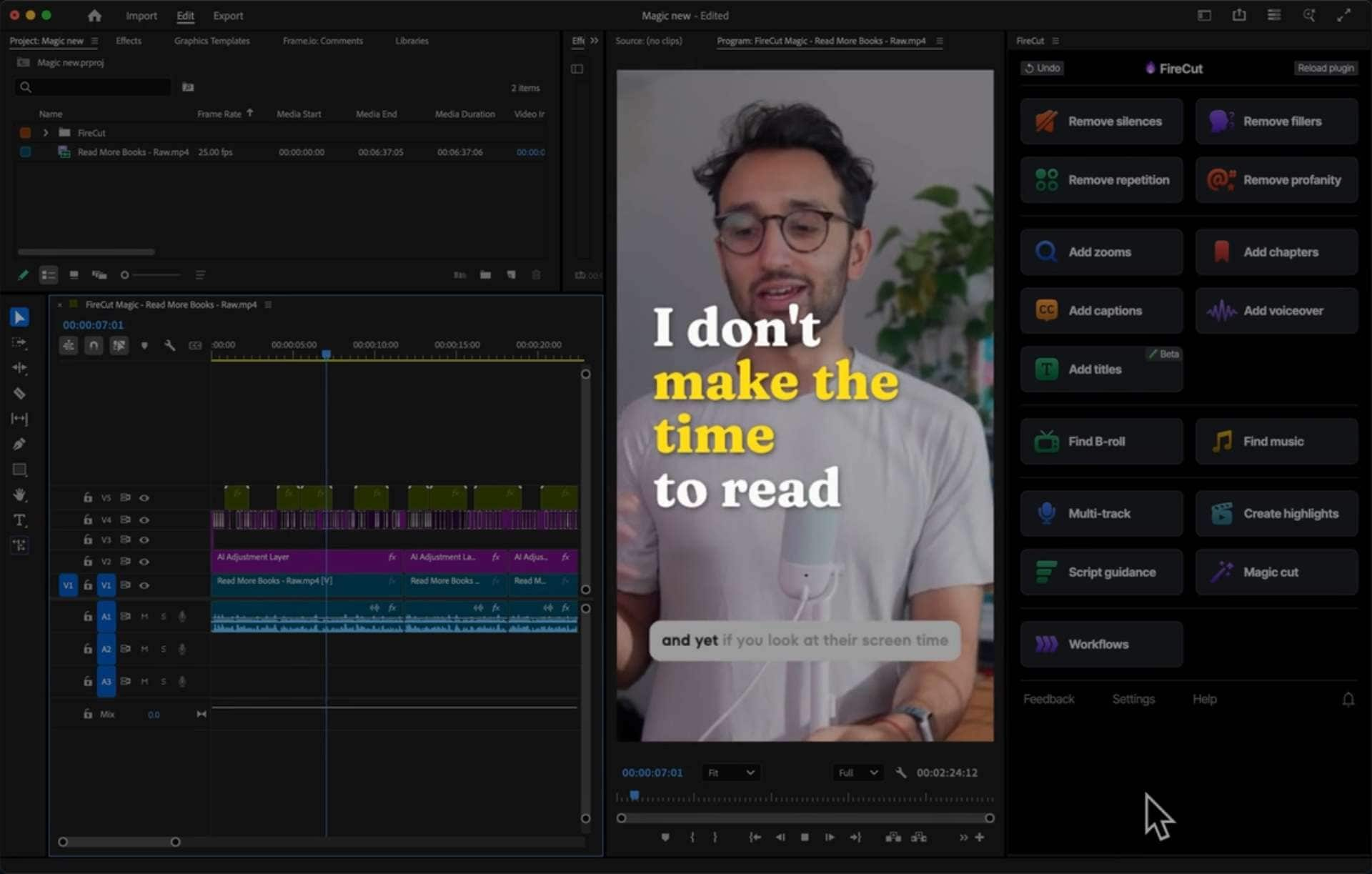
Let's have a look:
- Remove Silences: Automatically scans waveforms and slices out gaps or dead air with customizable threshold padding.
- Remove Profanity: Finds swear words and mutes or bleeps them (custom bleep sounds on Max).
- Remove Filler Words: Trims out verbal clutter like "ums," "ahs," and "likes".
- Remove Repetition: Spots repeated takes and stutters so you keep the best one.
- Add Zooms: Adds automatic punch-in zooms at key moments.
- Add Captions: Renders animated, customizable social captions directly onto your NLE timeline.
- Add Voiceover: Converts text to natural AI voiceovers inside your project.
- Add Chapter: Detects topic transitions and generates automated markers/chapters for long-form content or YouTube.
- Auto B-Roll: Automatically searches stock libraries (Pexels, Storyblocks, etc.) and drops relevant B-roll over your dialogue.
- Auto Shorts: FireCut Shorts can create highlights from long clips, turn them into vertical sequences, auto-reframes subjects, and add styled captions.
- Auto Music: Generates or places background music tailored to the mood and pace of the video.
- Auto Edit Podcast: Manages multi-track audio and multi-camera setups with automated camera switching based on the active speaker.
Part 3. How to Get FireCut: Installation, License Key, and Pricing
Setting up FireCut is pretty easy, but remember: since it’s a native extension, you’ll need Adobe Premiere Pro or DaVinci Resolve installed on your system first. To start, swing by the official website at https://firecut.ai/ and sign up with your Google account. It will automatically activate a trial period so you can have a FireCut AI free test run for 7 days.
After signing up, grab your unique FireCut license key from your account dashboard (inside DaVinci Resolve plans). What’s left is to open the extension panel in Premiere Pro or Resolve, paste the key, and you're good to go.
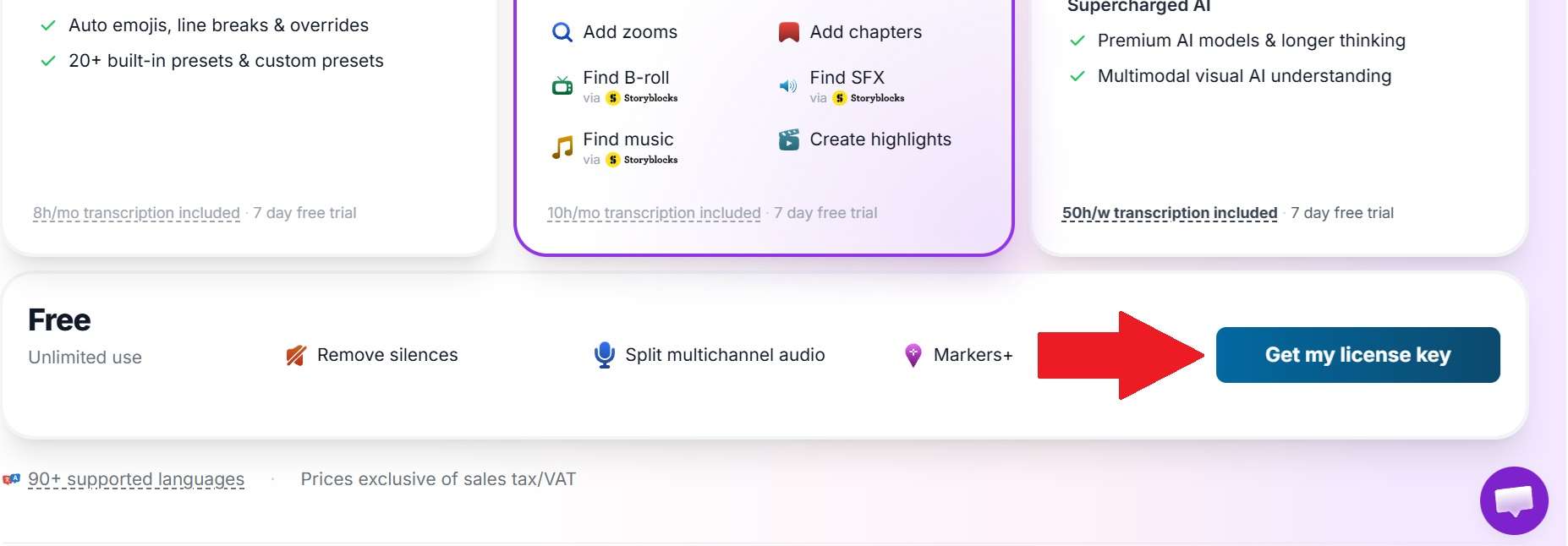
Pricing Tiers: Premiere Pro, DaVinci Resolve, and Shorts
Once your trial wraps up, you'll need to grab a paid plan from either Premiere Pro, DaVinci Resolve, or FireCut Shorts. We’ll explain in three different tables to make it easy to digest.
Premiere Pro Plans
| Plan | Monthly Price | Yearly Price (per month) | What You Get |
| Starter | $10 | $5 | One-click and advanced silence cutting, J-cuts, access to the FireCut Discord community |
| Pro | $18 | $11 | Everything in Starter plus 25 hours of transcription a month, captions in 50+ languages with emojis, podcast editing, clip highlights, and more |
| Max | $32 | $21 | Everything in Pro plus 100 hours of transcription a month, script-guided editing, Magic cut, AI, and more |
DaVinci Plans
| Plan | Monthly Price | Yearly Price (per month) | Highlights |
| Captions | $7 | $4 | Styled captions in 90+ languages, 8 hours of transcription a month, 20+ presets |
| Pro | $12 | $9 | Full AI editing suite, 10 hours of transcription a month |
| Max | $59.99 | $49.99 | Everything in Pro plus 50 hours of transcription a week, AI voiceover, image and music generation, workflows, 4K B-roll |
FireCut Shorts Plans
| Plan | Price | What You Get |
| Free | $0 | 25 videos a month, up to 5 minutes per clip, 720p quality, watermark, silence cutting, transitions, sound effects, zoom cuts |
| Paid | $29/month monthly or $19/month (billed yearly) | Same 25 videos a month and 5-minute clips, plus captions in 50+ languages with auto emojis, Storyblocks B-roll and music, audio enhancement, title and description suggestions and intro hooks |
Part 4. Where FireCut Shines and Where It Falls Short
With all those capabilities and the price tags above, is FireCut worth the money? That depends on how it performs for you. Based on FireCut's own materials and independent reviews, it has real strengths and a few clear limits, so considering all of them fairly is the real key.
- Handy Free Tools: The browser utilities (transcribers, converters, recorders) are useful for quick jobs, plus a free DaVinci Resolve tier.
- Time Savings on Talking-Head Content: Automates 80% of repetitive cutting work (silences, filler words, duplicate takes) in a single click.
- Smart Multi-Cam Switching: Takes the headache out of switching camera angles manually across complex multi-track podcast setups.
- Multi-Language Precision: Excellent caption accuracy across 50+ languages with customizable graphic presets.
- Host Software Required: You cannot use the full FireCut plugin suite standalone; you must maintain an active host subscription like Premiere Pro or DaVinci Resolve.
- Modest Visual Customization: While functional, the built-in graphics, auto B-roll inserts, and transitions can sometimes feel basic or lacking compared to manual motion graphic templates.
- Transcription Usage Caps: Lower tiers come with monthly hour caps that heavy creators or agencies can burn through quickly.
- Requires Manual Proofing: Like all AI tools, silence cuts can occasionally clip natural dramatic pauses, requiring manual review.
Part 5. Create Content in an All-in-One Video Editor: Wondershare Filmora
While FireCut AI is a great extension, relying on plugins means paying for and managing complex pro editors like Premiere Pro or DaVinci Resolve. Maintaining these separate applications and subscriptions may feel like extra work, especially for personal projects, YouTube videos, or social content.
If you're looking for a simpler, budget-friendly way to get the same automated workflow in a single box, Wondershare Filmora is a top-tier alternative worth checking out.

Filmora packs every smart feature straight into its core engine, so you won't need to stack FireCut plugins onto a steep learning curve. You get the exact same silence trimming, automated text-based speech edits, background music generation, and vertical short creation right out of the box.
Why Consider Filmora?
Between those and the silence, caption, and shorts tools, Filmora allows you to rough-cut and polish a video in one program. If you already love Premiere Pro or DaVinci Resolve, downloading FireCut can still make a lot of sense, but if you don't, Filmora is a simpler route.
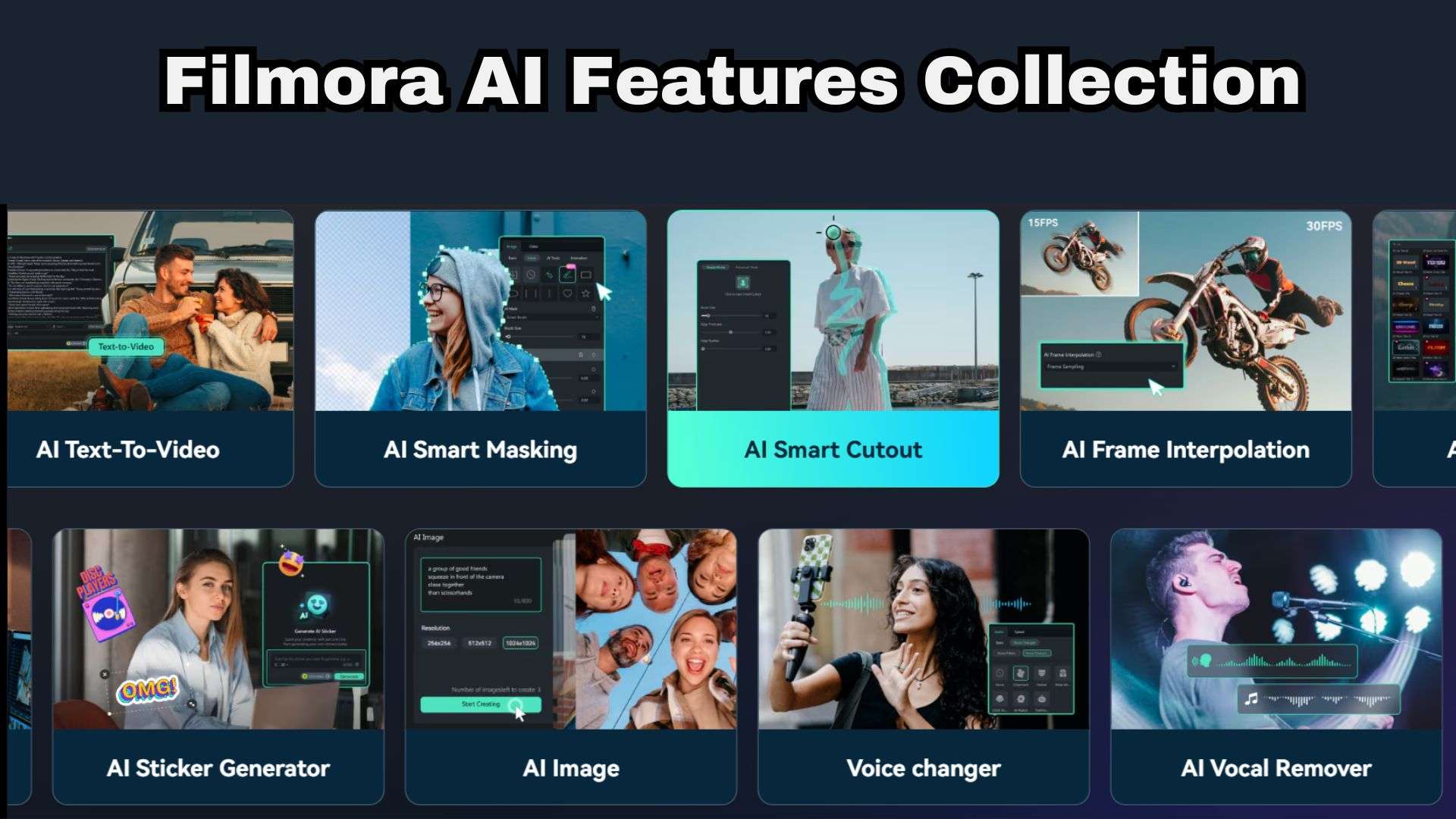
Below are a few Filmora AI features that the FireCut plugin just can't match:
- AI Video Beauty Filter: Smooth out skin tones and touch up subject appearance instantly without needing complex color grading node trees.
- AI Auto Color Palette: Match the look and feel of a reference video shot by copying its color scheme onto your footage with one click.
- AI Copywriting (ChatGPT-Powered): Draft video titles, script outlines, and YouTube descriptions directly inside your project editor.
- AI Social Content Planner: Keep your post schedules organized and generate content ideas without leaving the application.
 Secure Download
Conclusion
FireCut is easily one of the most effective timeline plugins available for professional editors inside Premiere Pro or DaVinci Resolve. Its main strength is automating repetitive tasks, although transcription limits and manual corrections still matter. It's worth considering if those time savings justify another subscription.
On the flip side, if you'd rather keep editing and creative tools together, Wondershare Filmora is an alternative worth exploring. Its standalone editor combines timeline controls with AI-assisted captions, text editing, video retouching, color tools, and social-content features.
FAQs
-
Does FireCut slow down timeline performance inside Adobe Premiere Pro or DaVinci Resolve?
Not noticeably! FireCut runs its heavy AI transcription and waveform calculations in the cloud. Once processed, it simply applies native cuts and markers to your sequence timeline, leaving playback performance smooth. -
Can I transfer my FireCut license key to a second computer?
Yes. You can manage active seats from your online dashboard. To move your license to a laptop or secondary workstation, simply deactivate the old session from your profile and enter your key on the new device. -
Will FireCut alter or overwrite my original source video files?
Never. FireCut operates completely non-destructively. It performs cuts, split clips, and adds tracks exclusively within your NLE sequence file, keeping your original raw media files safe and completely untouched.