
On September 11, 2026, Medeo AI introduced VideoClaw, an AI video agent designed to connect trend discovery, content research, and video production in one workflow. Combined with its chat-based approach, the Medeo AI video generator aims to make creating videos feel as simple as having a conversation.
But does it actually make video production easier, or is it just another AI gimmick? Our honest Medeo AI reviews break down everything from core features and Medeo AI pricing to its real-world pros and cons, so you can decide if it's worth adding to your creative toolkit.

Part 1. Meet Medeo: An AI Video Creator Built Around Conversations
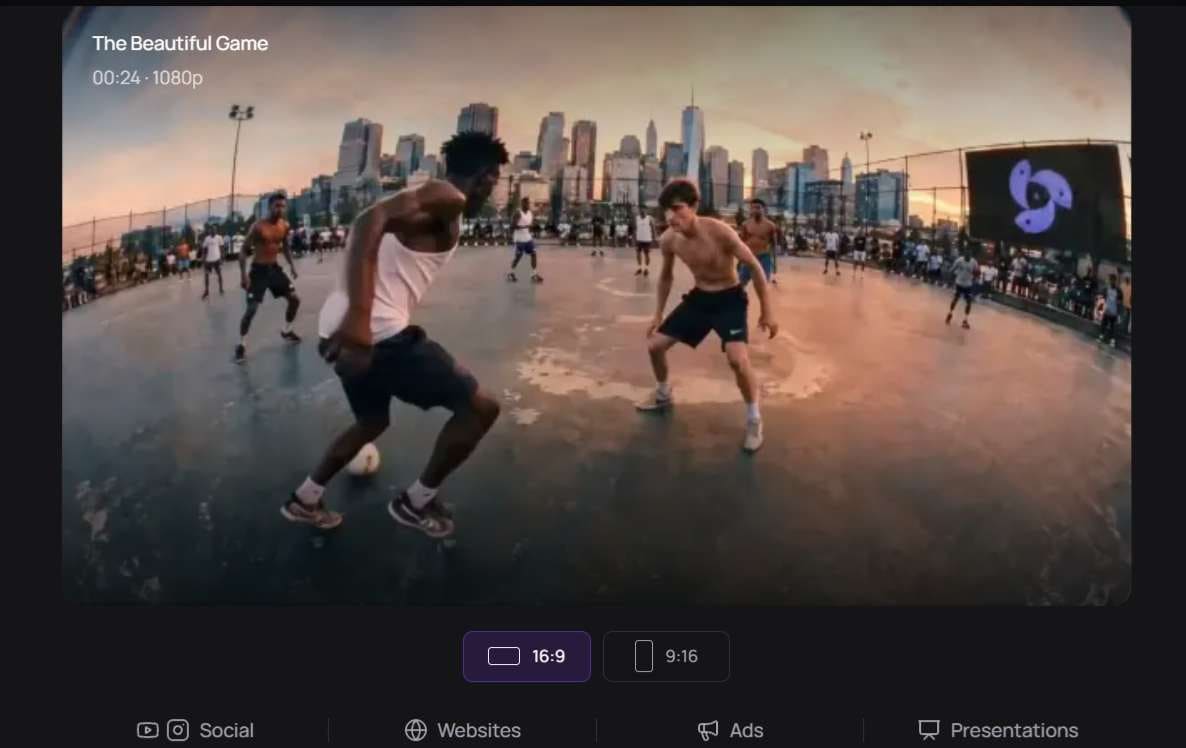
Most video tools hand you a timeline and wish you luck. Medeo flips that around: you start with a conversation, and the video shows up afterward. That's because Medeo AI is a prompt-driven video and image creation studio built around a simple premise: making a video should feel like texting a creative partner.
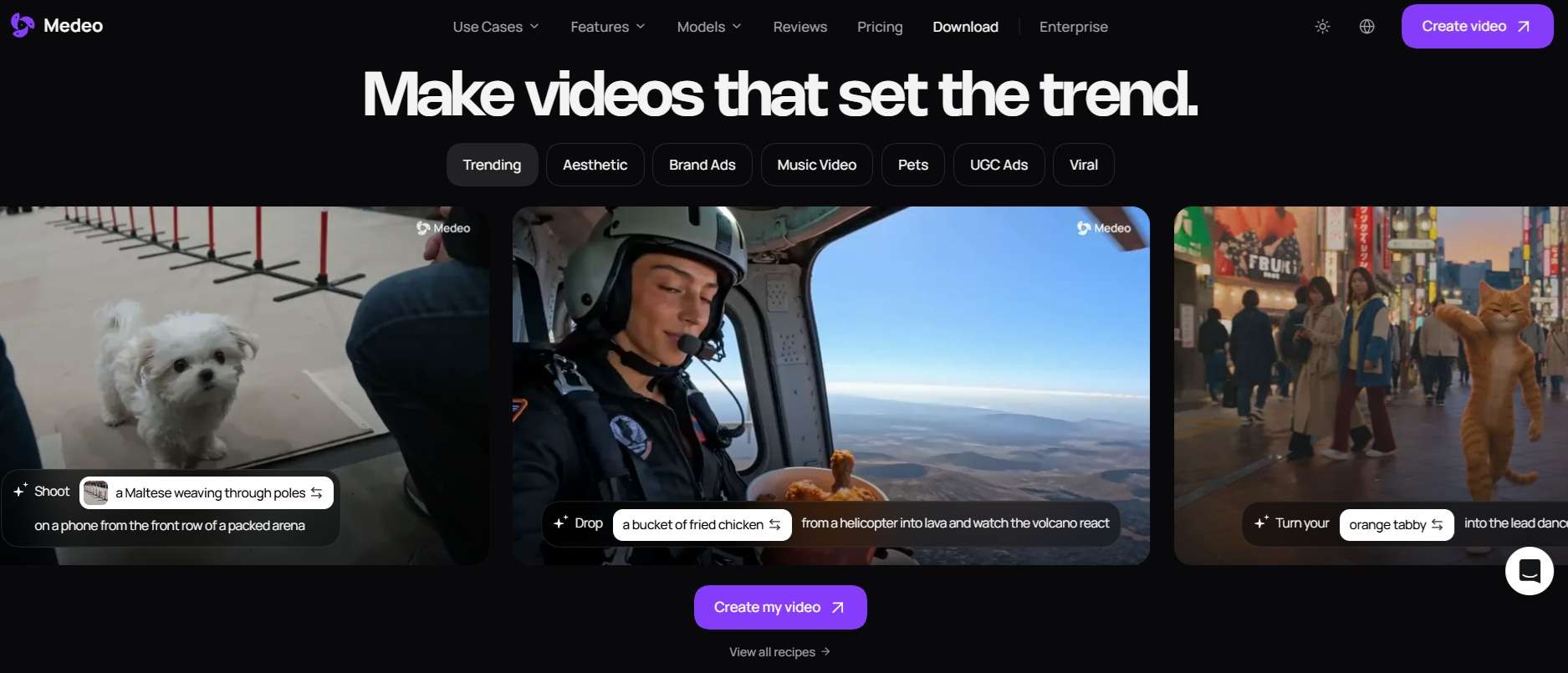
How Does It Work?
If you’re not familiar with this approach, the explanation above might seem even more confusing to grasp. So, here is how the chat-based workflow actually plays out in practice:
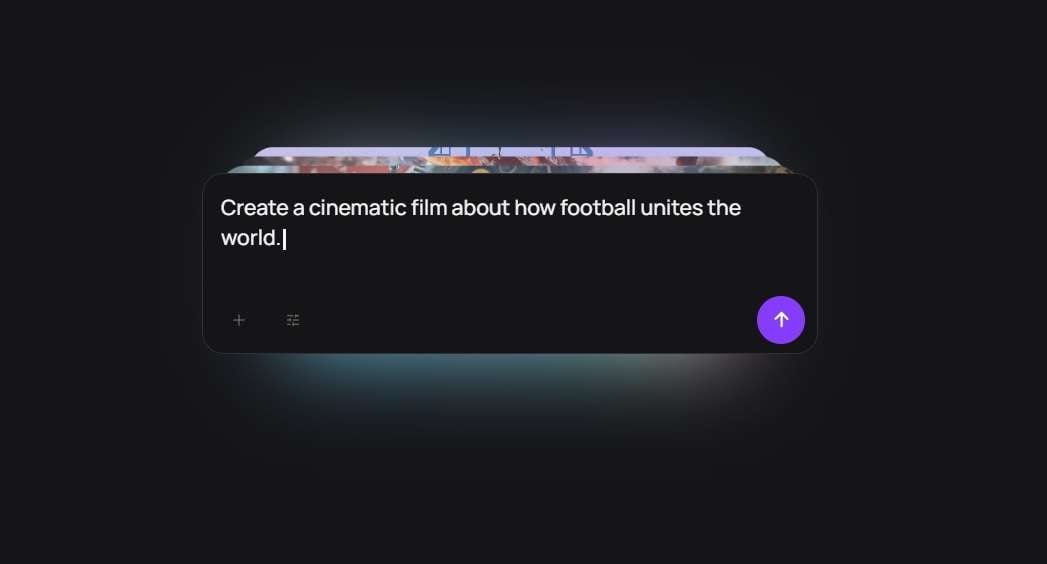
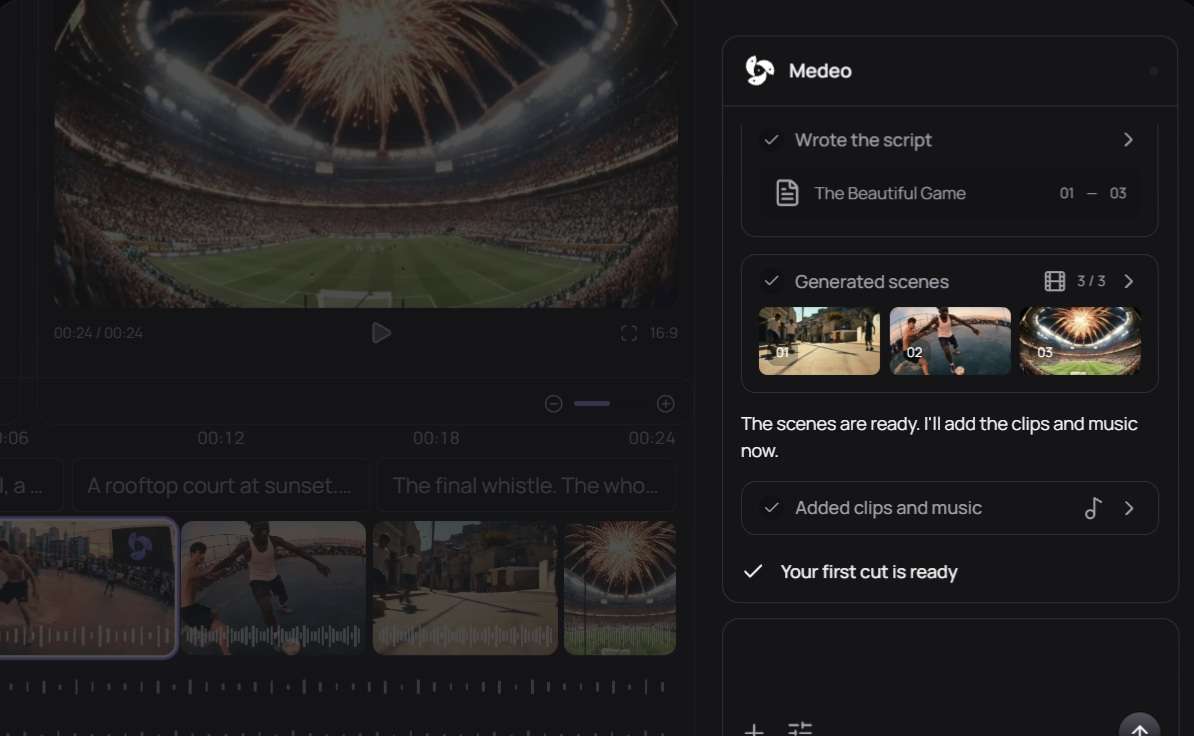
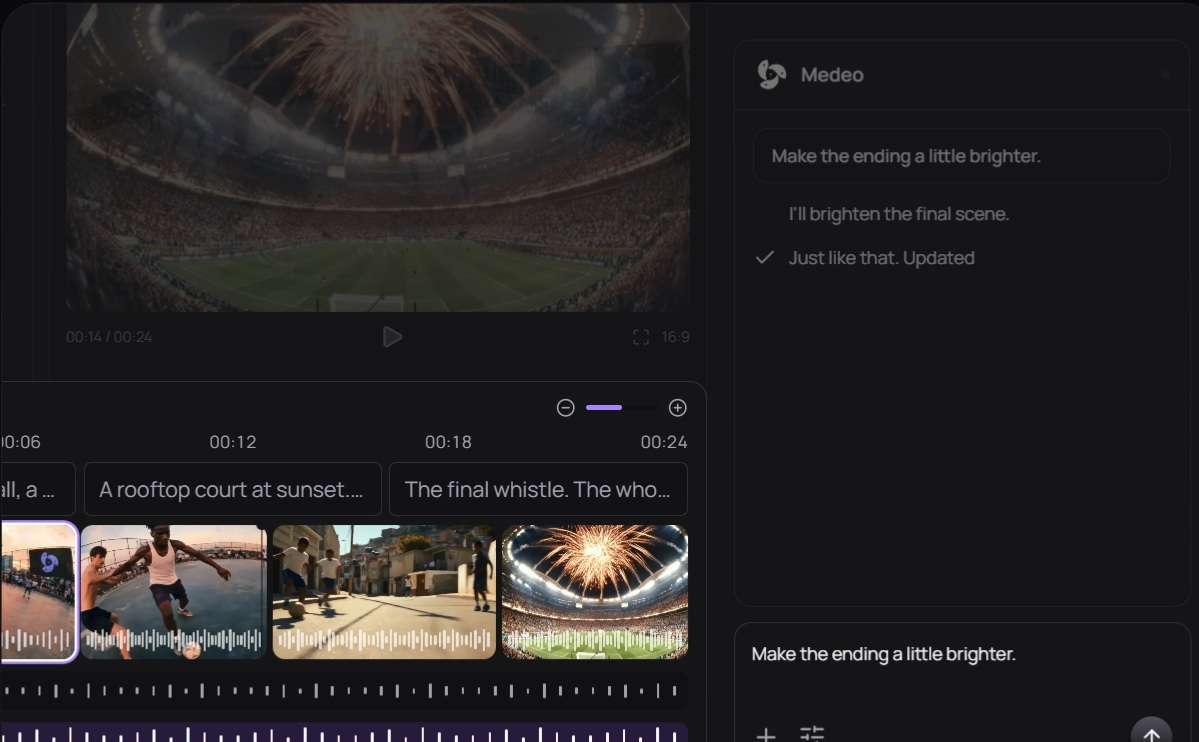
Part 2. How to Access Medeo AI and What It Really Costs
Fortunately, getting inside the Medeo workspace takes less than a minute, no matter what device you prefer working on. If you like working on a bigger screen, you can head straight to their official site in any web browser. Once you complete your Medeo AI login (using your email or a quick Google sign-in), you’ll land directly inside the main dashboard.

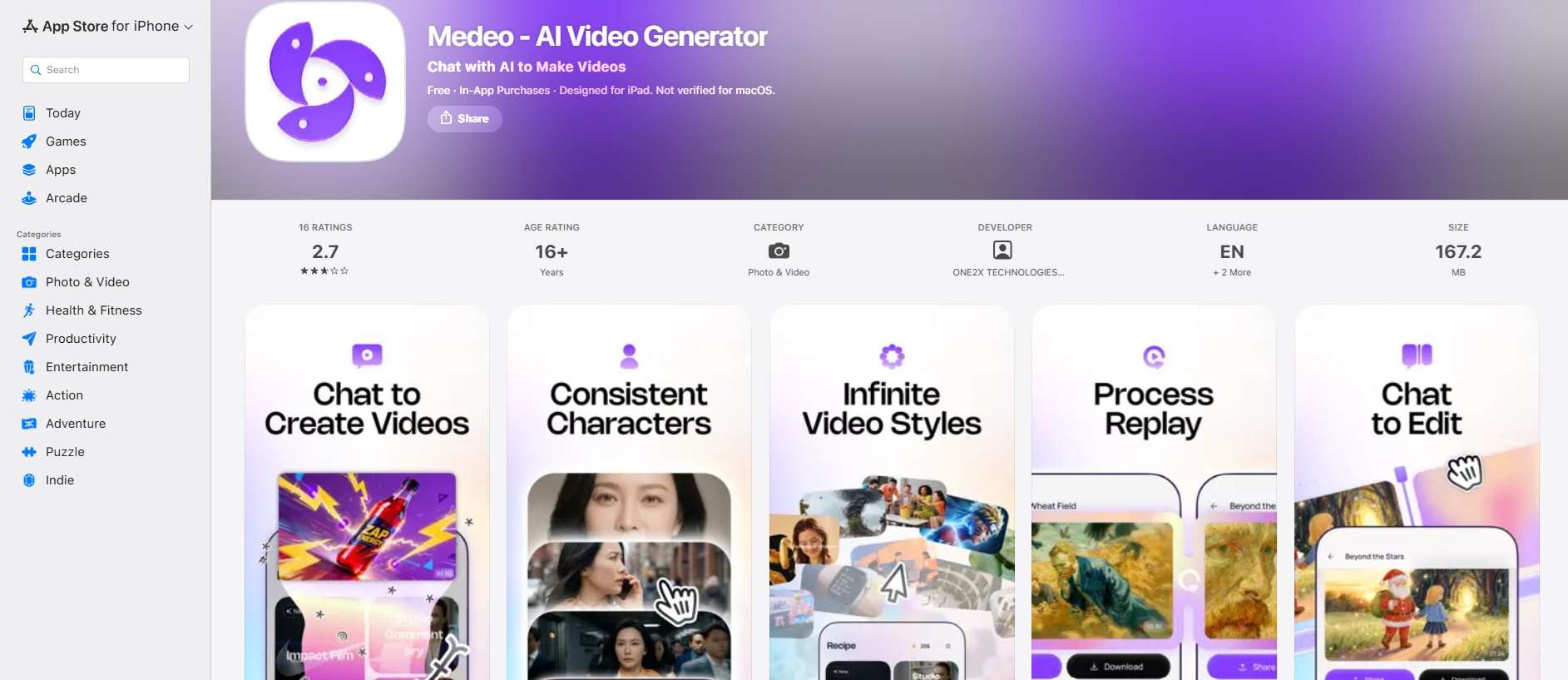
But what if you prefer creating from your couch or while commuting? No worries! You can easily grab the official Medeo AI app on both iOS (via the App Store) and Android (via Google Play) to generate and tweak clips right from your phone.
Free vs Paid: Do You Need Subscriptions?
Is Medeo AI free? Well, Medeo has a free plan, but it works more like a window than a door. The free version gives you the core Medeo experience, including 1 GB of storage, video creation through chat, the video editor, and the collaborative editing tools.
However, Medeo runs on a credit system, and the free plan doesn’t include any free credits. So, you can explore and set up projects for free, but to actually create something, you’ll need to subscribe to one of the paid plans: Pro, Insider, or Elite.
| Pro | Insider | Elite | |
| Monthly Price | $35/month | $95/month | $295/month |
| Yearly Price | $336/year($28/month equivalent) | $912/year($76/month equivalent) | $2,832/year($236/month equivalent) |
| Monthly Credits | 700 | 2,400 | 9,000 |
| Estimated AI Video | ~3 minutes (30 minutes with stock video) | ~10 minutes (100 minutes with stock video) | ~40 minutes (400 minutes with stock video) |
| Best For | Casual creators | Regular YouTubers & social marketers | Agencies & high-volume content teams |
|
Show More
Show Less
|
|||
Part 3. What Can Medeo Do? A Closer Look at Its Top Features
Besides a long list of AI models to choose from (video models like Seedance, Kling, Veo 3.1, Wan, Grok Imagine, Hailuo, and Happy Horse, plus image models like GPT Image 2, Nano Banana, Midjourney, and Seedream), Medeo packs quite a few features.
1. AI Video Generator
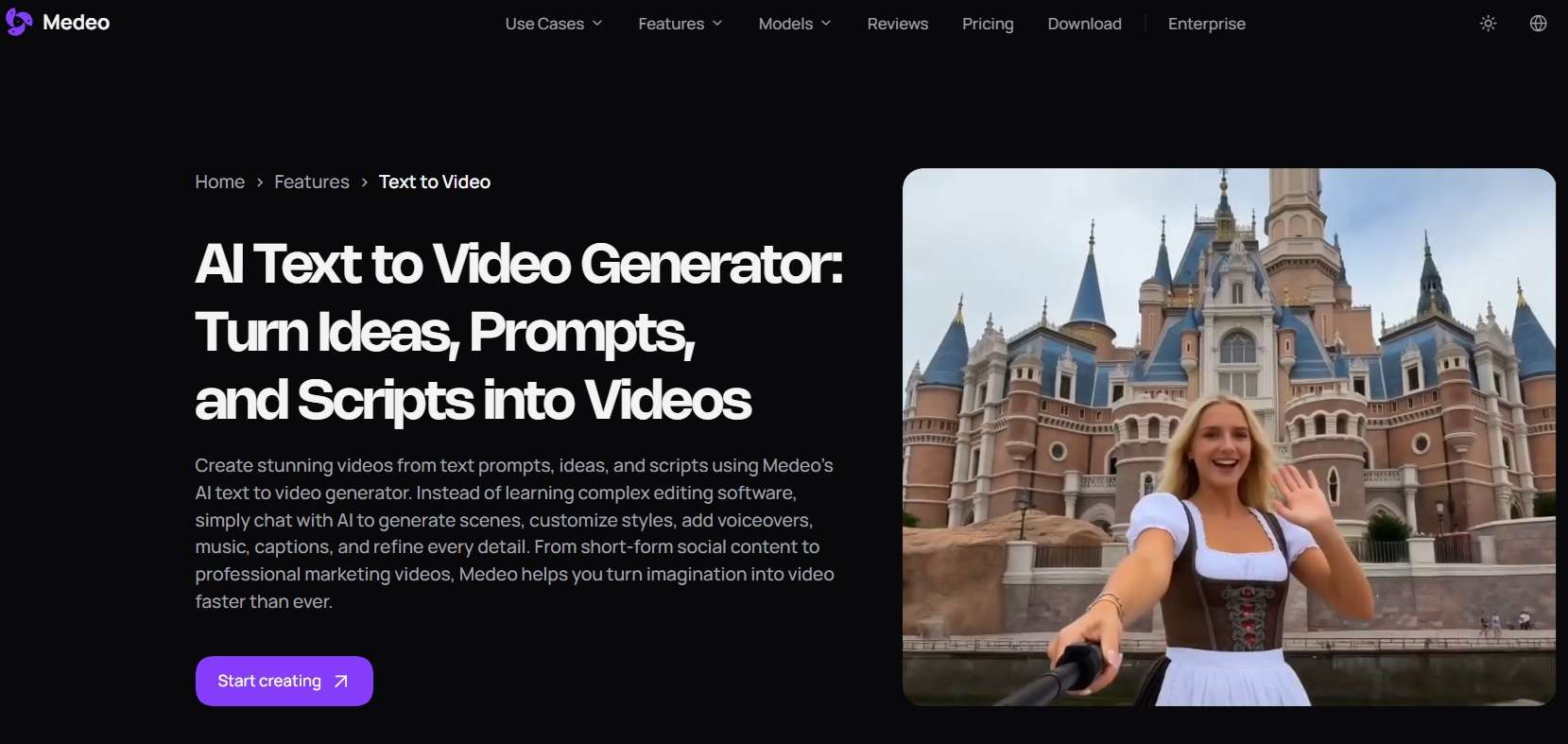
The Medeo AI video generator is one of the platform's main attractions. It supports both text-to-video and image-to-video workflows. But what makes it unique, you can make a Medeo AI video by uploading a reference clip, a script, a PDF or slide deck, or a blog URL, and it will transform that to explainer clips.
2. AI Image Generator

Medeo's built-in image studio handles both text-to-image generation and image-to-image restyling. You can whip up custom YouTube thumbnails, concept art, or consistent character portraits using models like Midjourney, Nano Banana Pro, and Seedream 5.0, then send those images straight into the video generator with one click.
3. AI Video Editor
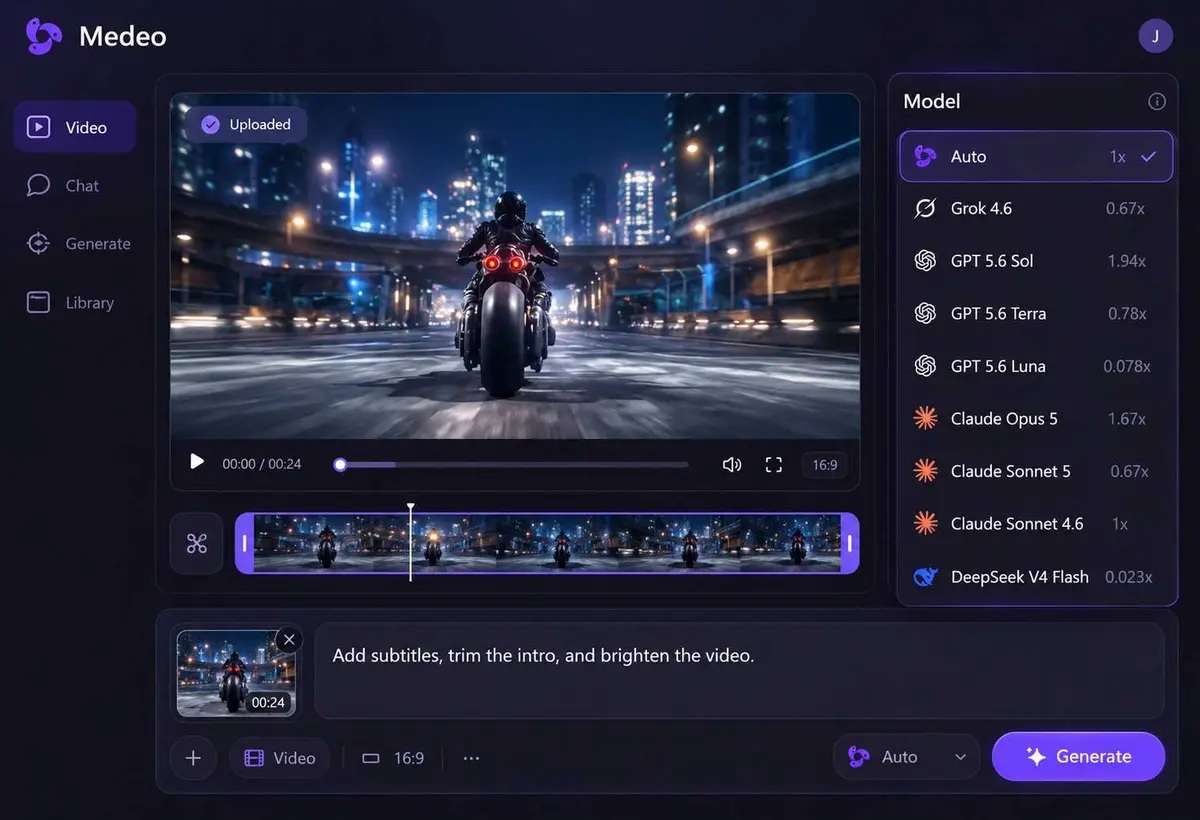
After you're done creating, Medeo includes a hybrid AI editor. You can ask the chat assistant to trim pauses, adjust playback speed, or generate an AI voiceover, while the synced Visual Track lets you fine-tune auto-captions, drop in stock B-roll, and balance background audio without getting lost in complicated menus.
4. AI Clothes Changer

Built for fashion creators and e-commerce sellers, the Medeo AI clothes changer works on both photos and videos. All you need to do is simply upload your file (JPG, PNG, and WebP for images; MP4, MOV, and AVI for video), describe the outfit, and download the result. This can be useful for fashion content, outfit transitions, creative character videos, or simple visual experiments.
5. Recipe
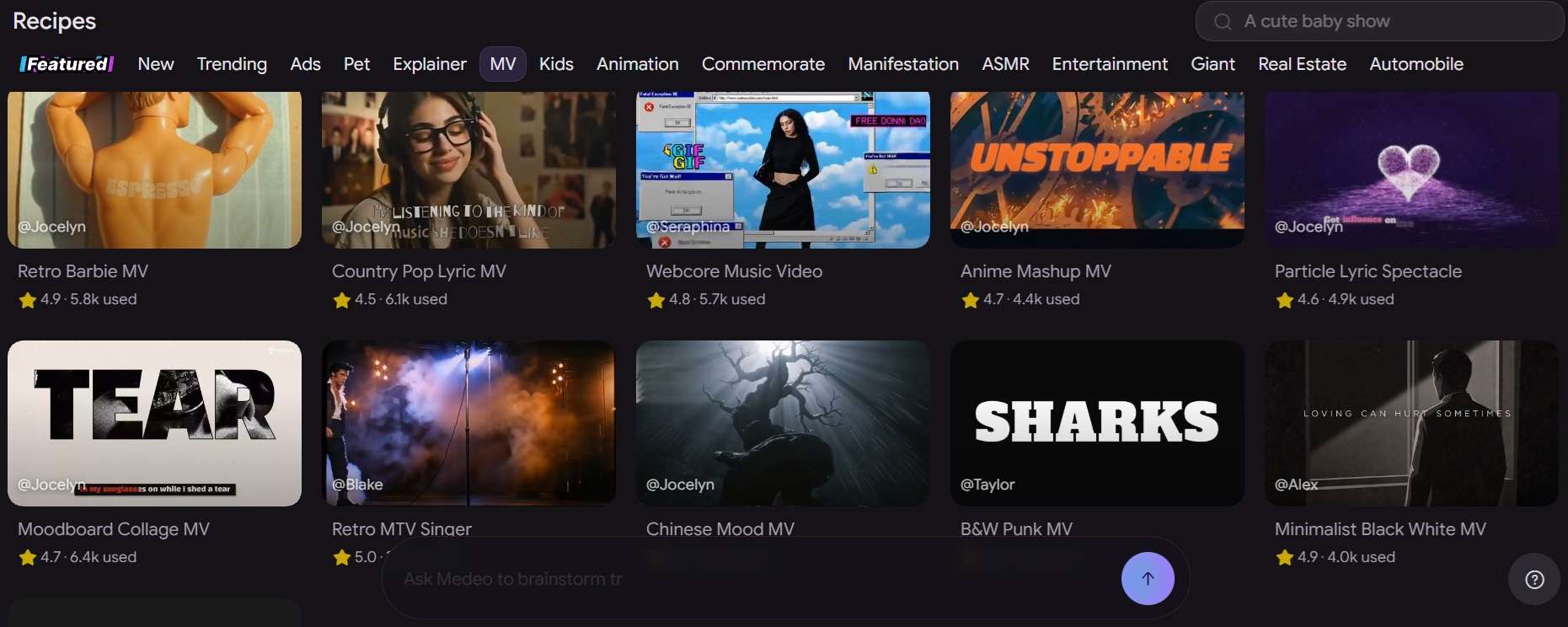
This is Medeo’s version of templates: a reusable video workflow with a proven creative direction. With these capabilities, Medeo can be anything you want it to be: Medeo AI music video generator, anime generator, video explainers, and more.
Part 4. Is Medeo Worth It? Pros and Cons
On paper, a chat-driven studio that writes, generates, edits, and even swaps outfits sounds like a dream come true. Still, an honest Medeo AI review should balance it out by taking a closer look at both the good and the bad.
- Unique Recipe Options: With 832 niche, creative templates, from lyric music videos to 3D explainers, you get proven starting points for ways to make videos.
- Chat-Based Editing Feels Approachable: The conversational workflow makes it easy for total beginners and removes almost all technical intimidation.
- Cross-Platform Convenience & URL-to-Video: Seamless switching between web and mobile apps, plus fast conversion of blog posts or product URLs into social-ready clips.
- The Free Version Only for Browsing: You can’t really create anything, since the free plan doesn’t come with credits.
- Relatively Expensive Subscription Plans: The Pro plan starts at $39 per month on the website, which may be difficult to justify for casual creators.
- Questionable Mobile App Reviews: On the Apple Store, the app's rating is at 2.7/5. Some users report rendering problems, editing issues, and customer support concerns.
Part 5. Medeo Alternative: Get Better Deals with Filmora
Medeo AI app is surely nice, the features are great, and the chat-based approach certainly has its strengths. But the free version is so limited, and the cheapest subscription option is at $35/month, which is quite a lot.
If you’re on a budget, we’re not sure if that’s the best deal, especially when there are other options like Wondershare Filmora. This all-in-one video editor offers pretty much what Medeo offers, but at a lower cost and with flexible paid plans. Plus, the app is available on Windows, macOS, iOS, and Android, so compatibility isn’t a problem either.
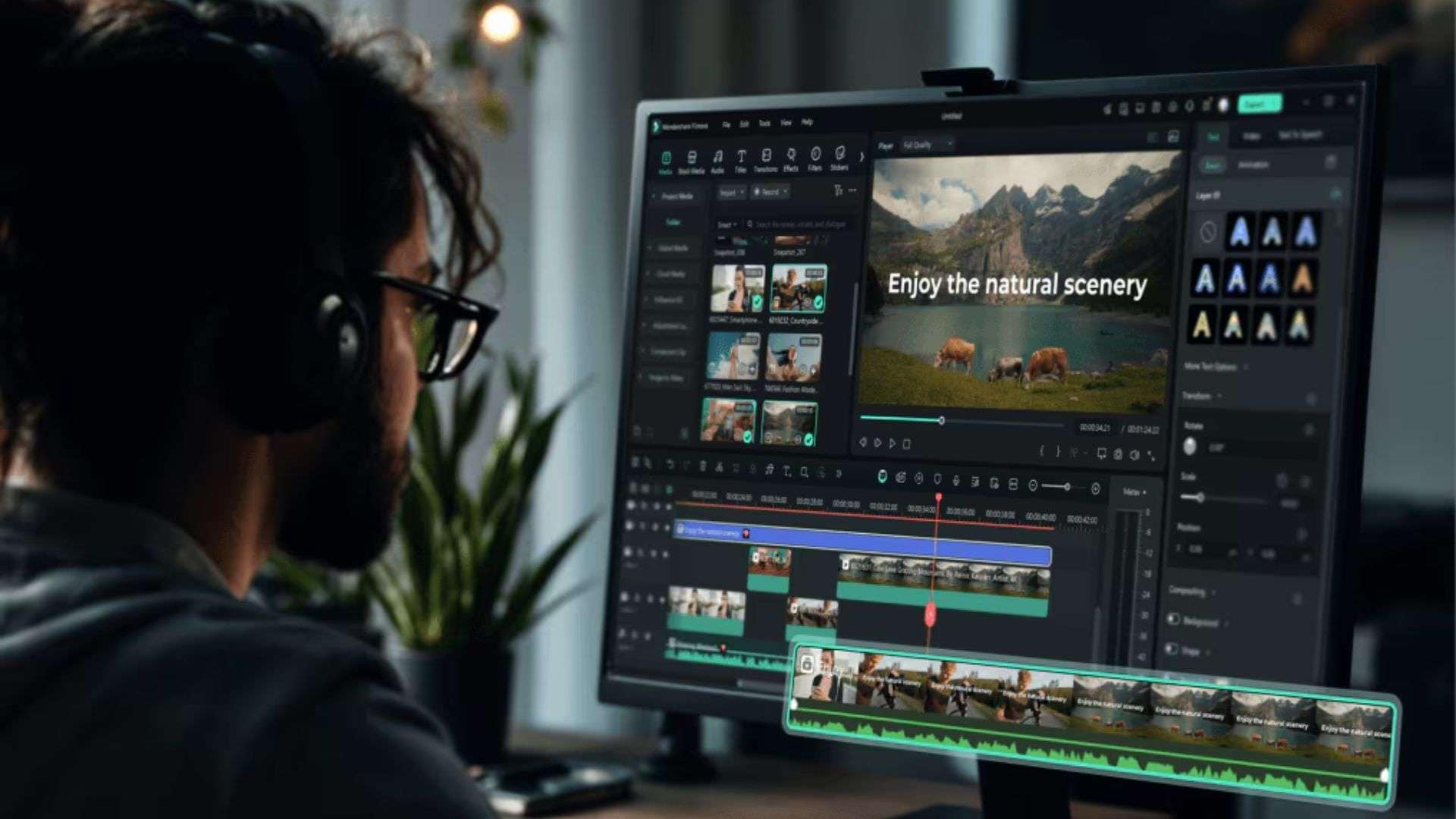
What More Can You Get With Filmora?
Where Filmora really pulls ahead is what happens after your initial clip is generated. It includes tools for editing, visual effects, captions, color matching, and social media publishing. Here are a few features that can make editing faster and your videos better:
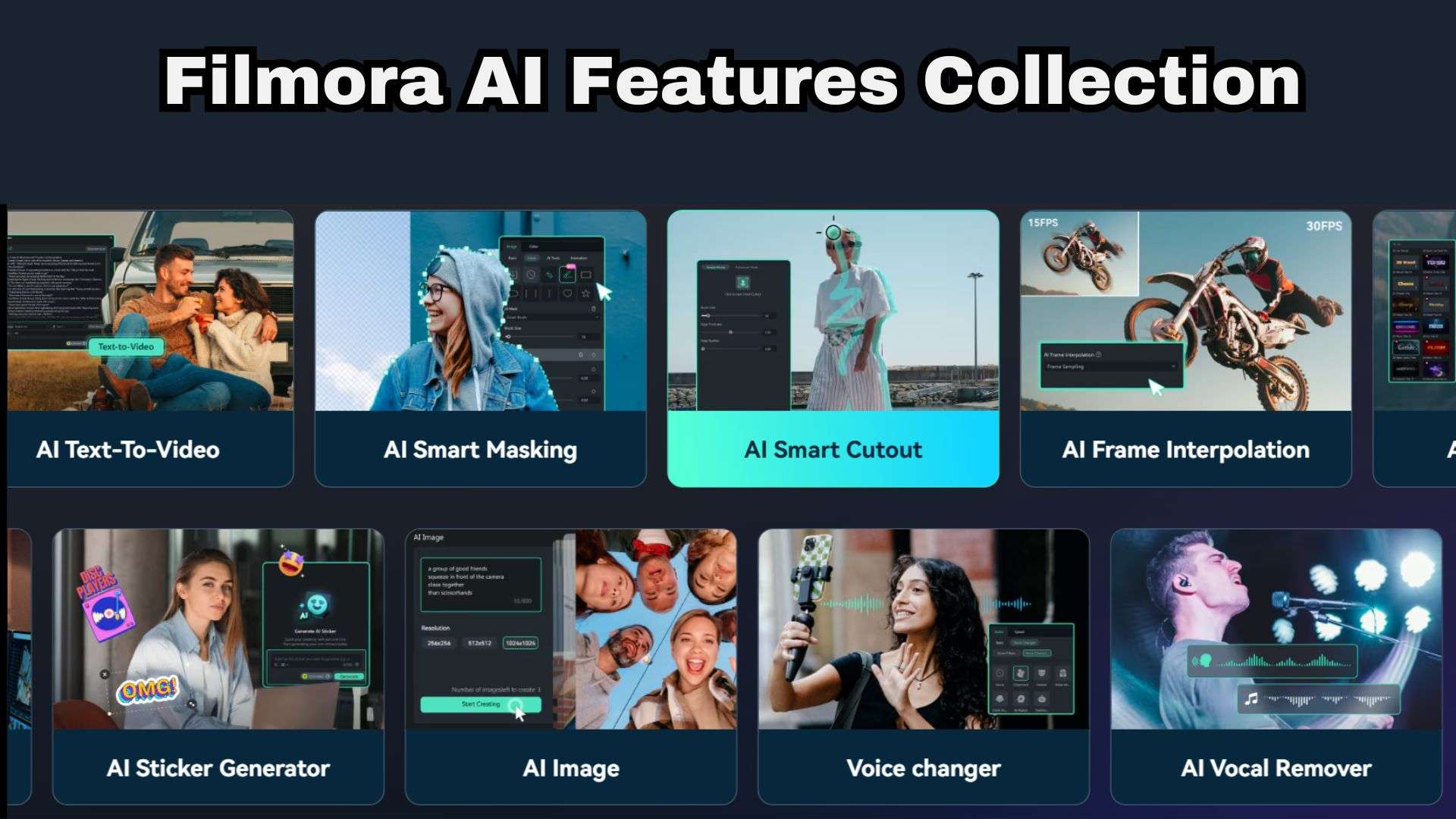
- AI Pen Tool: Draw custom paths, masks, or glowing stroke animations directly onto your footage so graphics and cutouts follow your exact hand-drawn lines.
- Motion & Planar Tracking: Pin text, logos, or screen replacements onto moving people or angled surfaces so your overlays move seamlessly with the camera.
- AI Color Palette: Spot a movie frame or photo whose color mood you love? Filmora samples its tones and matches your video's color grading in a single click.
- AI Caption & Video Translation: Automatically generate dynamic, eye-catching subtitles and translate spoken dialogue into dozens of languages with synced captions.
- AI Media Analysis: Drop hours of raw footage into your project and let the AI automatically detect highlights, scene changes, and key subjects so you find your best moments in seconds.
- AI Social Content Planner: Organize, schedule, and publish your finished videos straight to YouTube, TikTok, and Instagram right from inside your editing workspace.
 Secure Download
Conclusion
Medeo is an interesting AI video platform that makes creation feel more conversational. Its chat-based editing, creative Recipes, and access to multiple AI models give it plenty of potential. But the credits, the price, and the mixed app reviews mean it deserves a careful, small-budget test before you commit to anything bigger.
If you’d rather edit than gamble on credits, Filmora is the easier bet. With cheaper pricing, you'll get timeline editing, AI captions, tracking, color tools, and social publishing features that can help you take a project from rough footage to a polished video.
FAQs
-
Is there an official Medeo AI desktop app for Windows or Mac?
No. The download page only offers iOS and Android apps, and on a computer you use it in your browser at medeo.app, which works fine on Windows and Mac. The iPhone app can also install on Macs with an Apple M1 chip or newer, but the developer hasn’t verified it for macOS. -
Can I cancel my Medeo subscription at any time?
Yes. Cancelling takes effect at the end of your current billing cycle, so you keep your plan’s benefits until then, and then your account drops back to Free. The catch is that already-paid fees aren’t refunded, so if you’re on a yearly plan, you’ve committed to the full year. If you subscribed through the App Store or Google Play, you’ll usually manage it there. -
Do unused Medeo credits roll over to the next month?
No. Credits that come with your plan are valid only for the current month and expire at month’s end. The exception is top-up credit packs, which last 3 years but can only be bought by paid subscribers. If you upgrade mid-month, your unused credits stay valid until their original expiry and get spent before the new ones.