
As short-form content continues to dominate the internet, creators are under constant pressure to pump out viral videos. One platform rapidly gaining traction is Ssemble. Despite early estimates from GetLatka placing its 2024 revenue at $1.3K, the platform's momentum has exploded, with its community already posting over 404,000 clips that have racked up 448 million views.
The Ssemble AI clipping tool promises to effortlessly turn long YouTube videos into scroll-stopping Shorts, Reels, and TikToks. But is this video generator really as game-changing as creators say, or just another overhyped tool? Today, we’ll take a closer look and break down everything you need to know in this Ssemble review.

Part 1. What Is Ssemble? Understanding the AI Clipper
Basically, Ssemble AI was built for creators who don’t want to spend three hours scrubbing through a two-hour podcast just to find three 30-second highlight moments.
The Ssemble AI clipping system automatically analyzes long-form footage, picks out high-engagement hooks, auto-transcribes speech, and reformats everything into vertical 9:16 videos ready for TikTok, Instagram Reels, and YouTube Shorts.
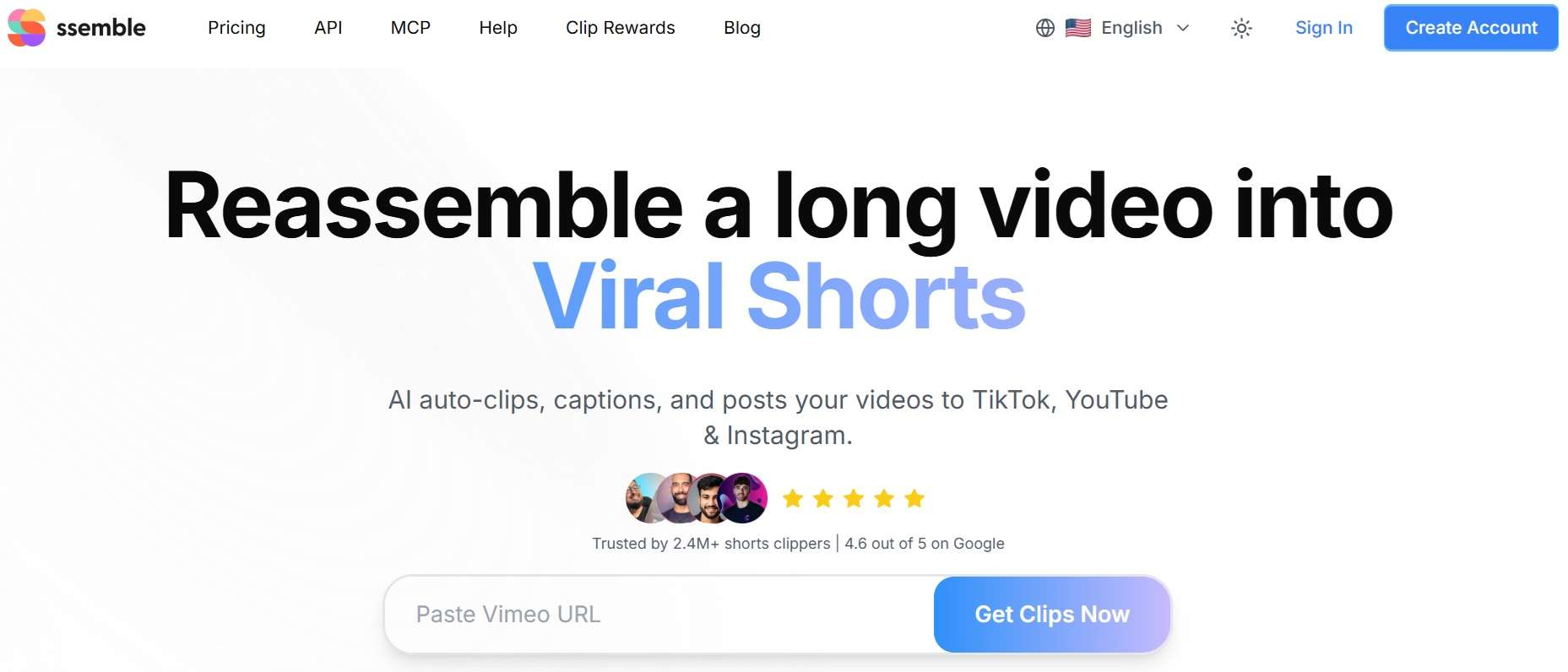
You'll see people call this an Ssemble YouTube converter because of its ability to paste a YouTube link and generate edited short clips shortly. Besides YouTube links, it also accepts links from sites like Vimeo, Kick, and Twitch, or uploaded MP4 and MOV files.
Target Audience:
- Podcasters.
- Social media managers.
- Stream clippers.
- Content creators looking to scale short-form output without manual scrubbing.
Ssemble MCP: Connecting AI Assistants directly to Video Editing
One of the most unique aspects of the Ssemble platform is its dedicated Model Context Protocol (MCP) server. It is like an open standard that lets AI assistants like Claude Desktop, Cursor, VS Code, and Windsurf talk directly to other tools.
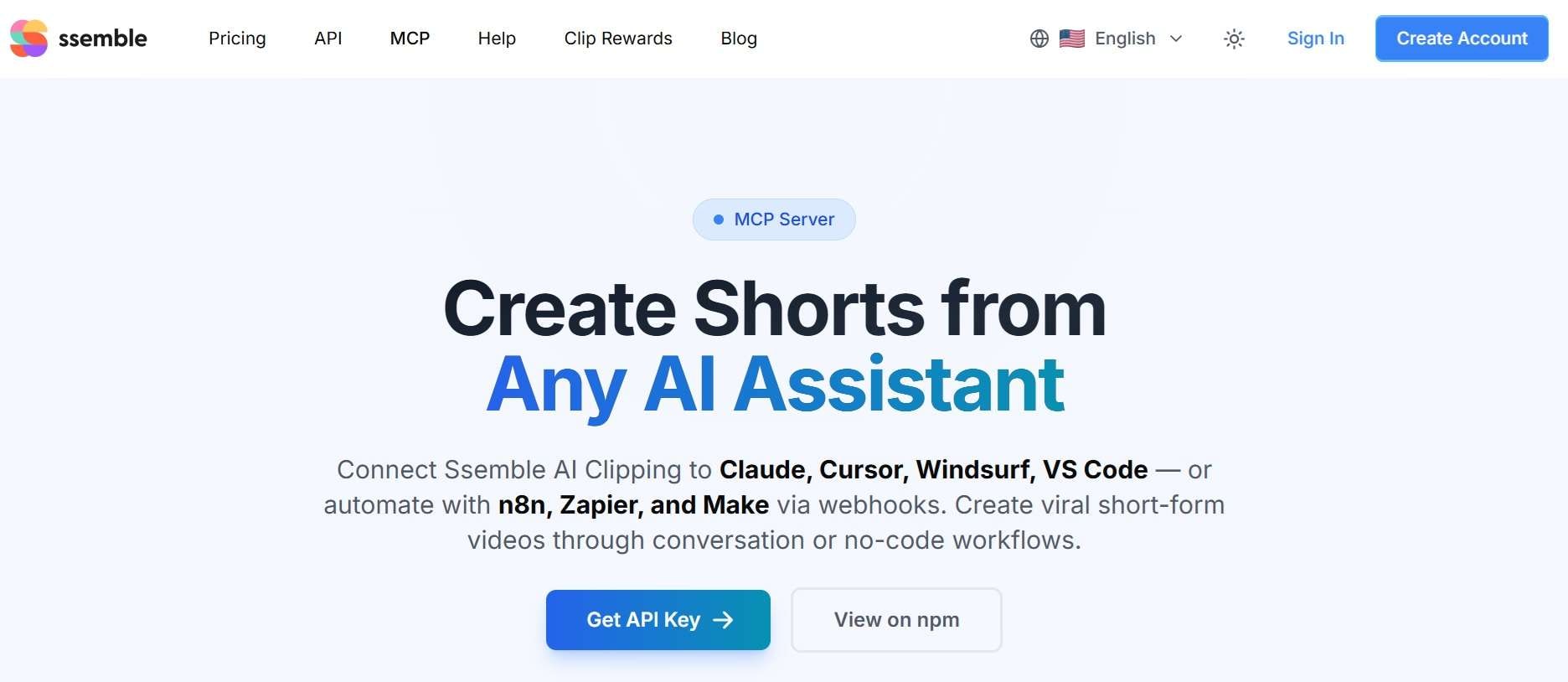
A quick breakdown of what the MCP integration offers:
- Conversational Control: Send clipping requests through a compatible AI assistant.
- Automated Processing: Submit requests and retrieve results without having to keep the entire process open in one session.
- Webhook Support: Connect clipping tasks to broader automation sequences using supported tools.
- Developer-Friendly Setup: Use a local MCP server or the hosted endpoint, depending on your preferred setup.
Part 2. Ssemble Availability & Pricing
Before jumping in, let's clarify how you actually use the platform and address some common questions floating around social media. Ssemble operates 100% inside your web browser. There is no software to install on your computer, so it’s super easy to jump into your Ssemble login session from any device.
⚠️ Important Safety Warning
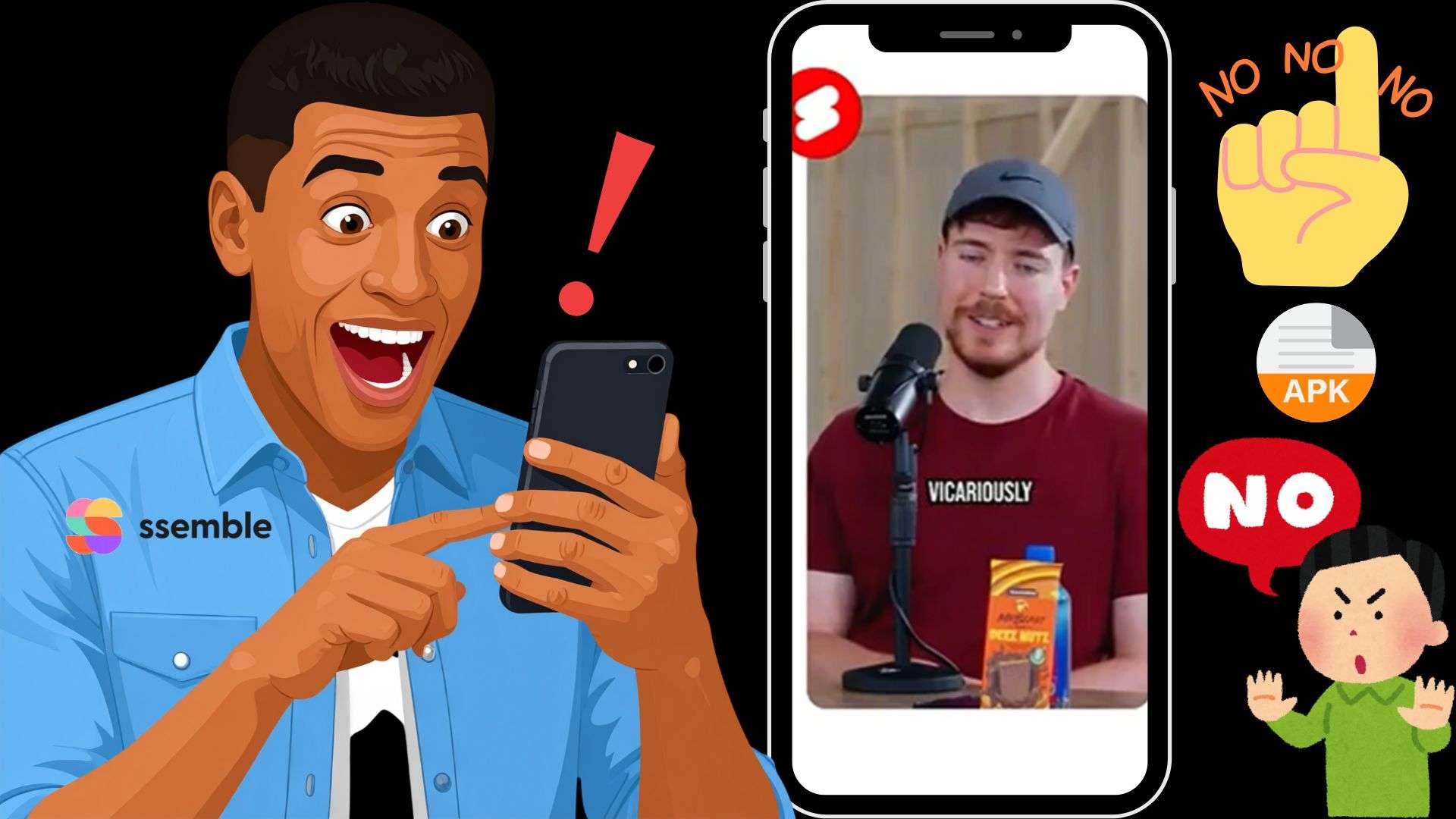
You might see sketchy websites offering a downloadable Ssemble app, an Ssemble mod APK, or an app Ssemble free installer for Android. Do not download these! There is no official mobile APK or standalone desktop installer. These third-party Ssemble free APK links floating around are unauthorized and frequently bundled with malware.
How Much Does Ssemble Cost?
When looking for an Ssemble free version or testing if it is Ssemble AI free, things can get tricky. That's because the platform uses credits to process video footage. 1 credit covers one video, with up to 20 minutes of source footage per credit.
To use it fully, you'll need to buy a plan before you can test the AI on your own footage. Plans can be billed monthly or yearly, and yearly billing saves up to 60%.
| Plan | Monthly Billing | Yearly Billing | Video Credits | Social Account |
| Pro | $15/month | $72/year | 360/year | 1 |
| Expert | $30/month | $144/year | 840/year (720 + 120 bonus) | 3 |
| Business | $60/month | $288/year | 1,800/year (1,440 + 360 bonus) | Unlimited |
| Custom | $100/month | $480/year | 2,600/year (2,000 + 600 bonus) | Unlimited |
|
Show More
Show Less
|
||||
Part 3. Quick Tour: How to Use Ssemble to Make Shorts
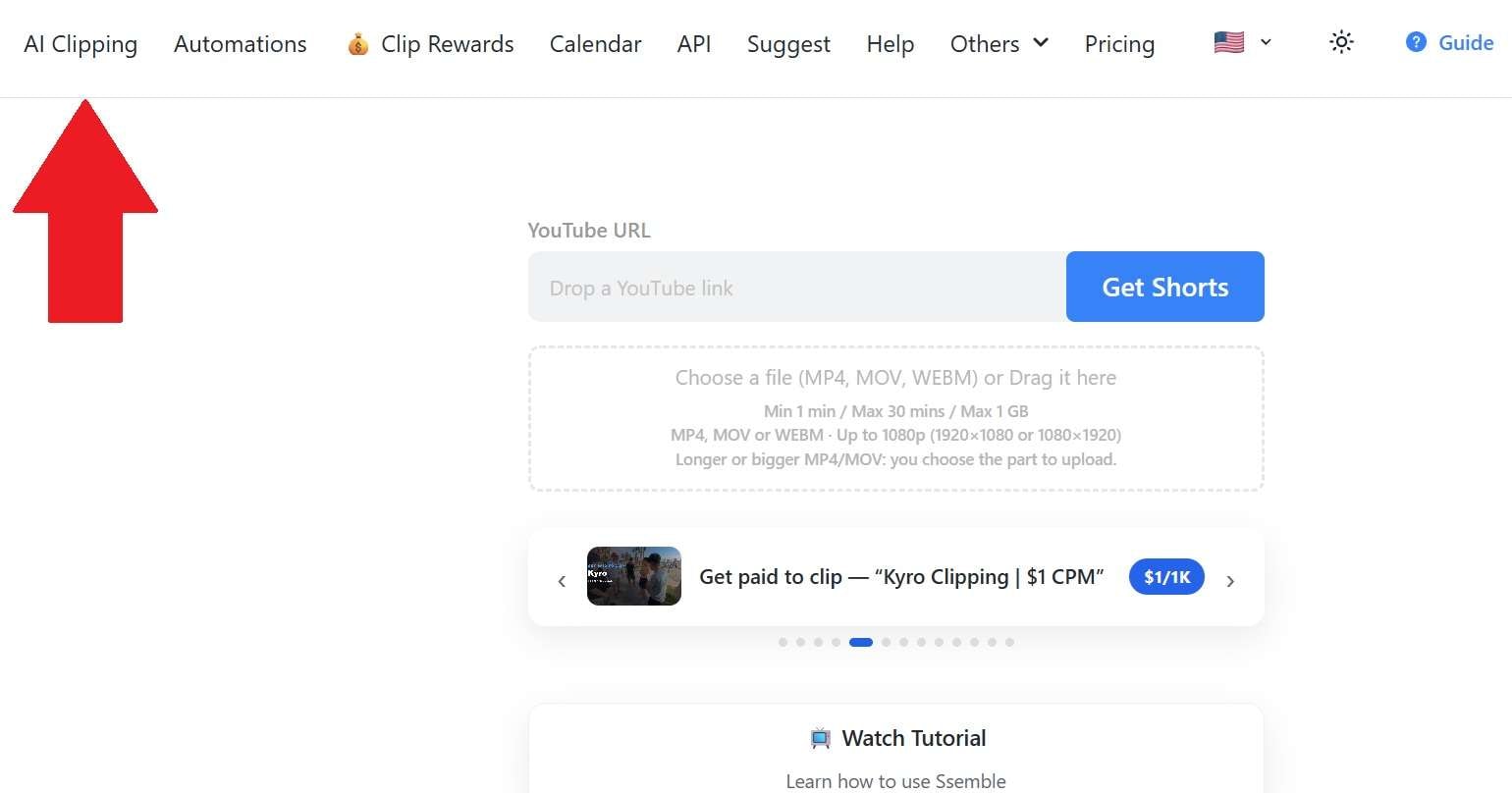
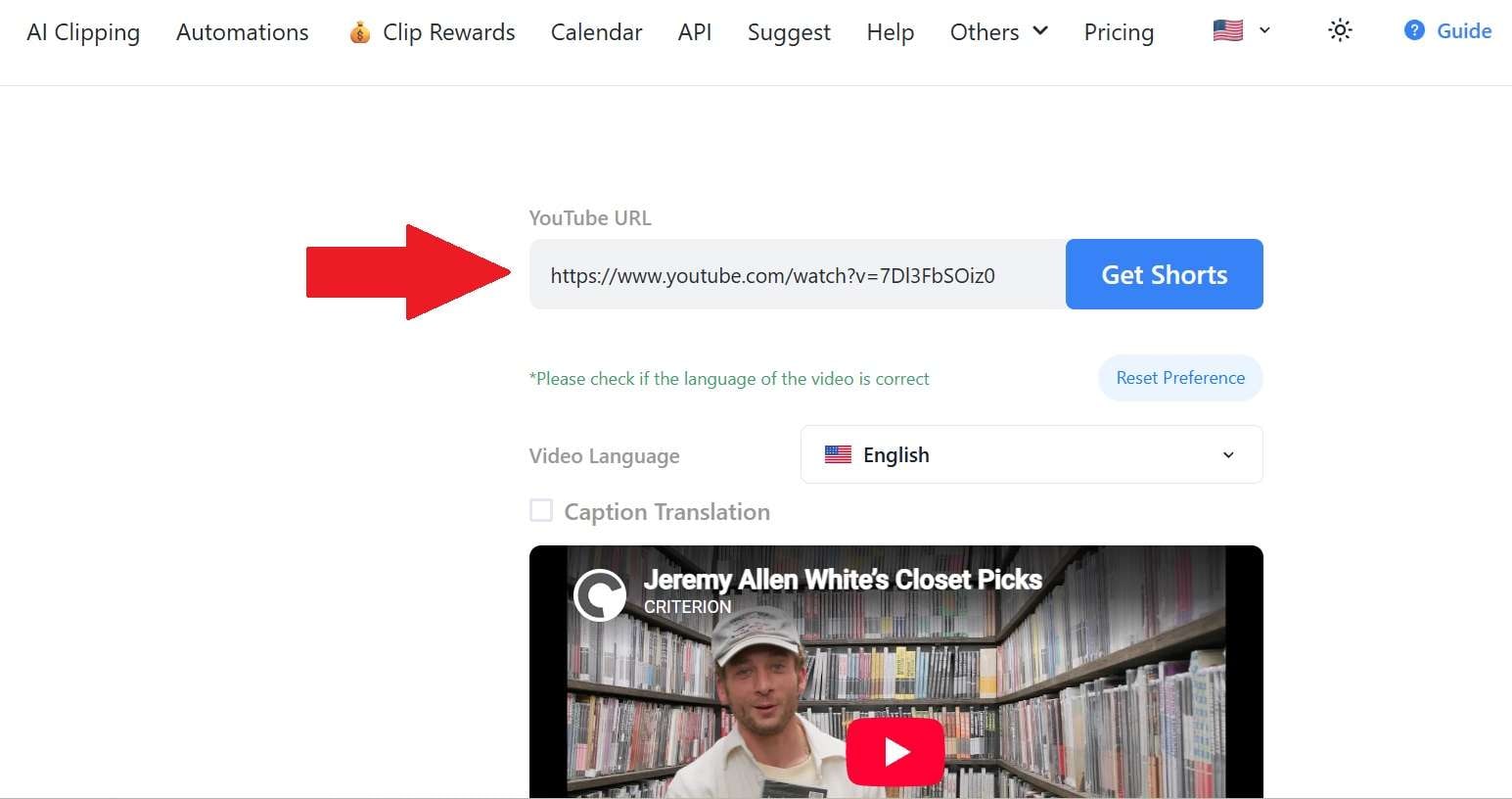
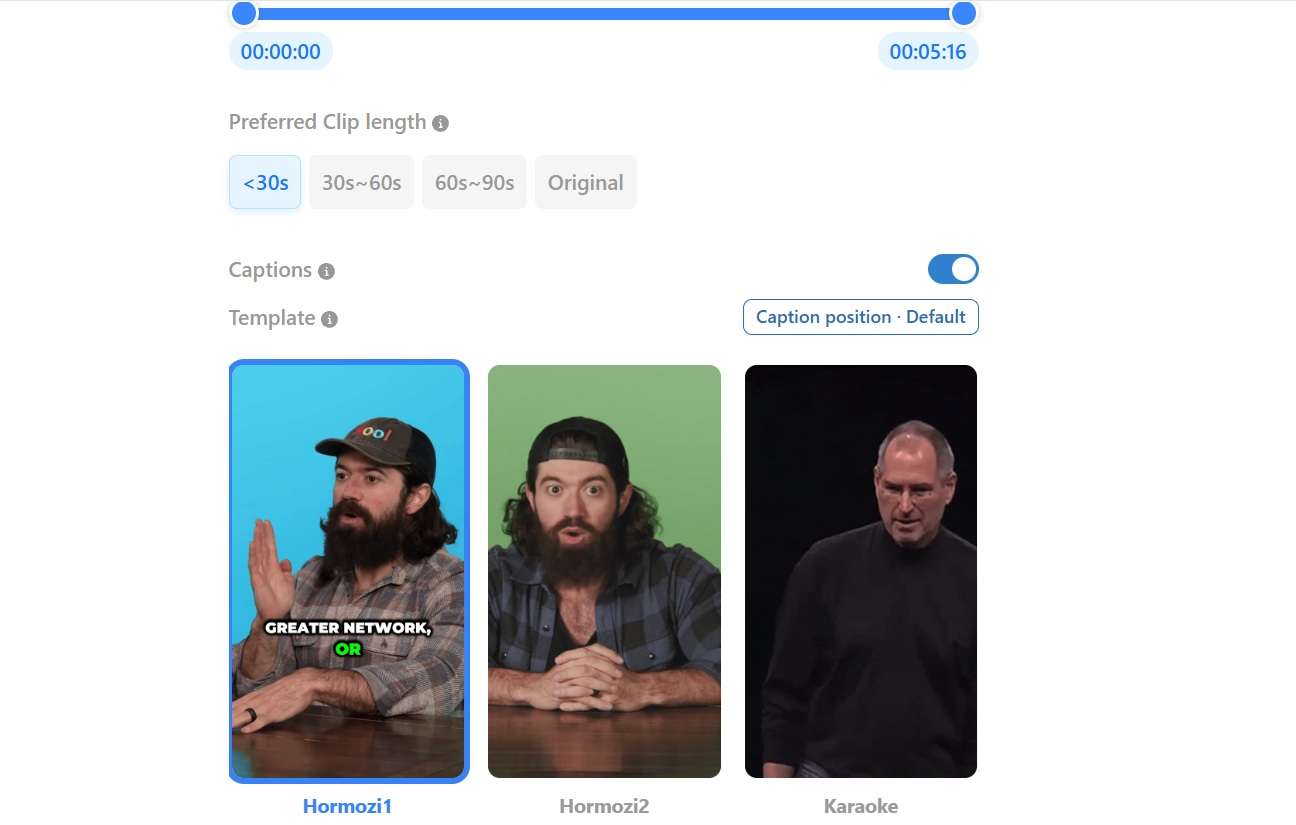
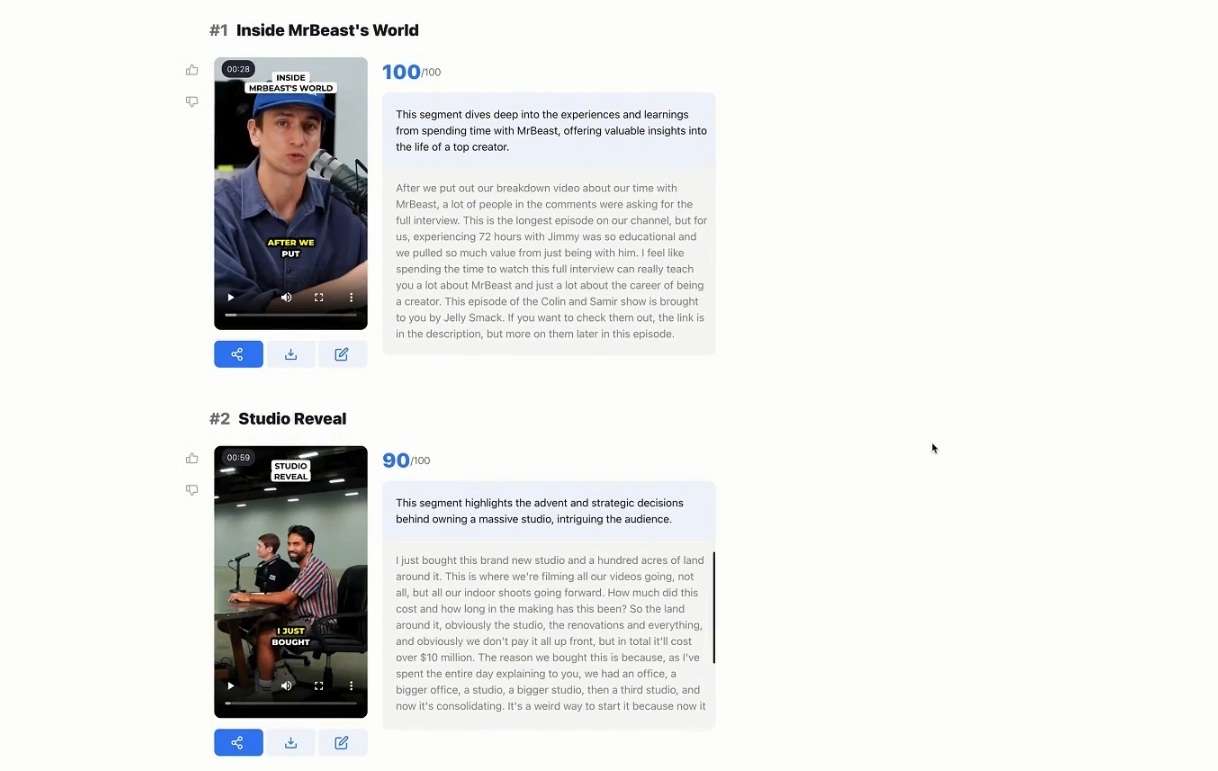
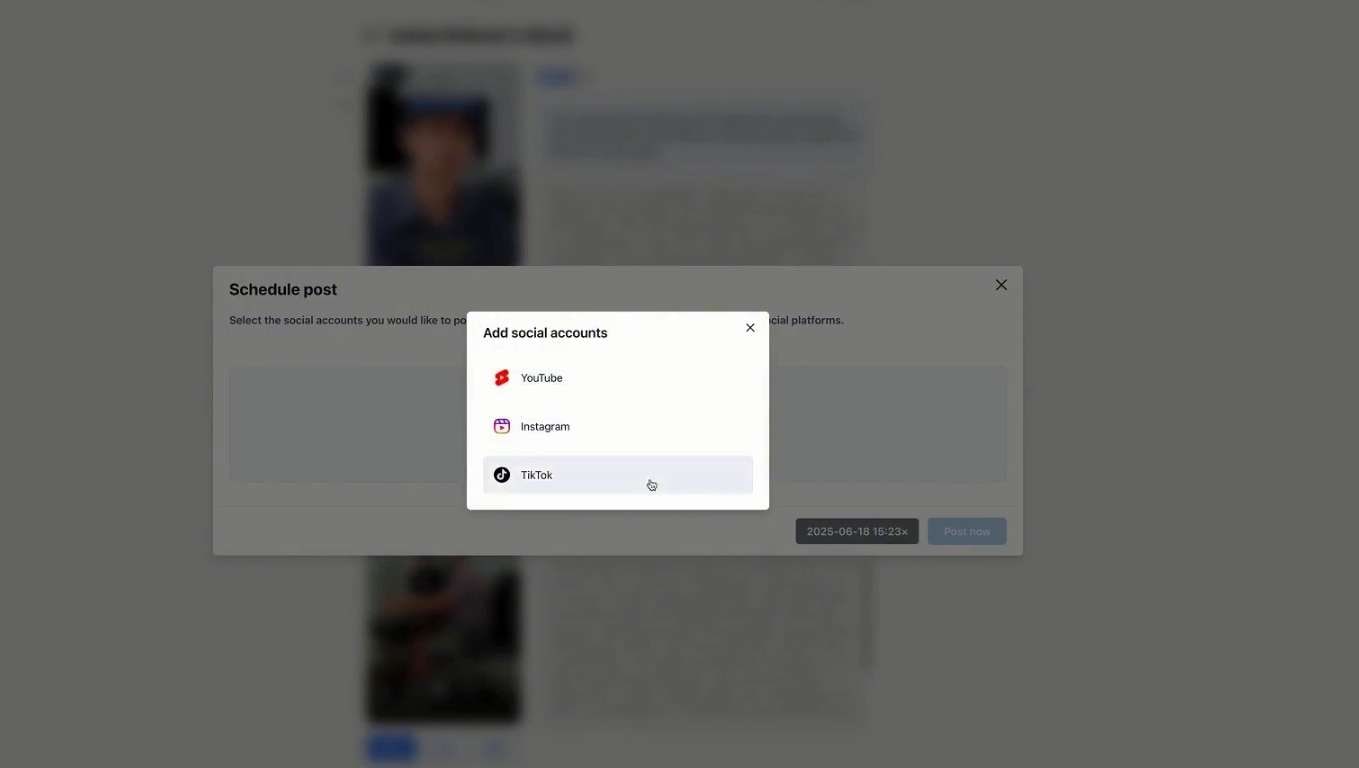
When it comes to performance, the platform claims the AI does most of the heavy lifting, but is Ssemble legit work like that? There's no better way than trying it out yourself. Here is a quick step-by-step walk-through of how the workflow operates:
Part 4. Is Ssemble Worth It? Weighing Ssemble’s Strengths and Drawbacks
After spending real time testing the tool and reading Ssemble reviews across Ssemble Reddit discussions and creator communities, it's clear that it has clear strengths and a few real drawbacks. Let's weigh both sides fairly.
- Innovative MCP Server Integration: The MCP setup makes app Ssemble uniquely powerful for AI power-users, developers, and LLM-driven automation pipelines.
- Up-to-Date & Insightful Resources: Maintains an active blog with warm-up guides, monetization strategies, and shadowban avoidance tactics.
- Specialized Tracking Modes: Includes tailored tracking algorithms, such as Sports Mode (action/ball tracking) and dual-screen gaming overlays.
- Channel Automation & Scheduling: Hands-off 24/7 monitoring of YouTube channels automatically generates and posts new shorts on a schedule.
- No Free Trial or Free Credits: Users cannot preview output quality on custom video files without purchasing a paid plan upfront.
- Strict Credit Rollover Policies: Unused video processing credits reset each billing cycle and do not roll over to the next month.
- Limited Deep Video Editing Control: Designed strictly for automated clipping; lacks timeline-level keyframing, advanced visual effects, and complex multi-track timeline editing.
- Advanced Feature Learning Curve: Setting up webhooks, API tokens, or MCP integrations requires technical confidence beyond basic UI clicking.
Part 5. Do More Than Just Clipping With Wondershare Filmora
Ssemble AI clipping tools are worth considering if your main goal is automating short-form clipping. But if you want more say over the final result, you may prefer a tool that combines AI-assisted clipping with a full editing timeline.
Wondershare Filmora takes that broader approach, including its AI Smart Short Clips feature for turning longer videos into short-form content, plus a much bigger editing toolbox.

What Else Can You Do With Filmora?
Filmora isn't only a clip generator. It also lets you refine the footage, add effects, adjust timing, and build a more customized final video.
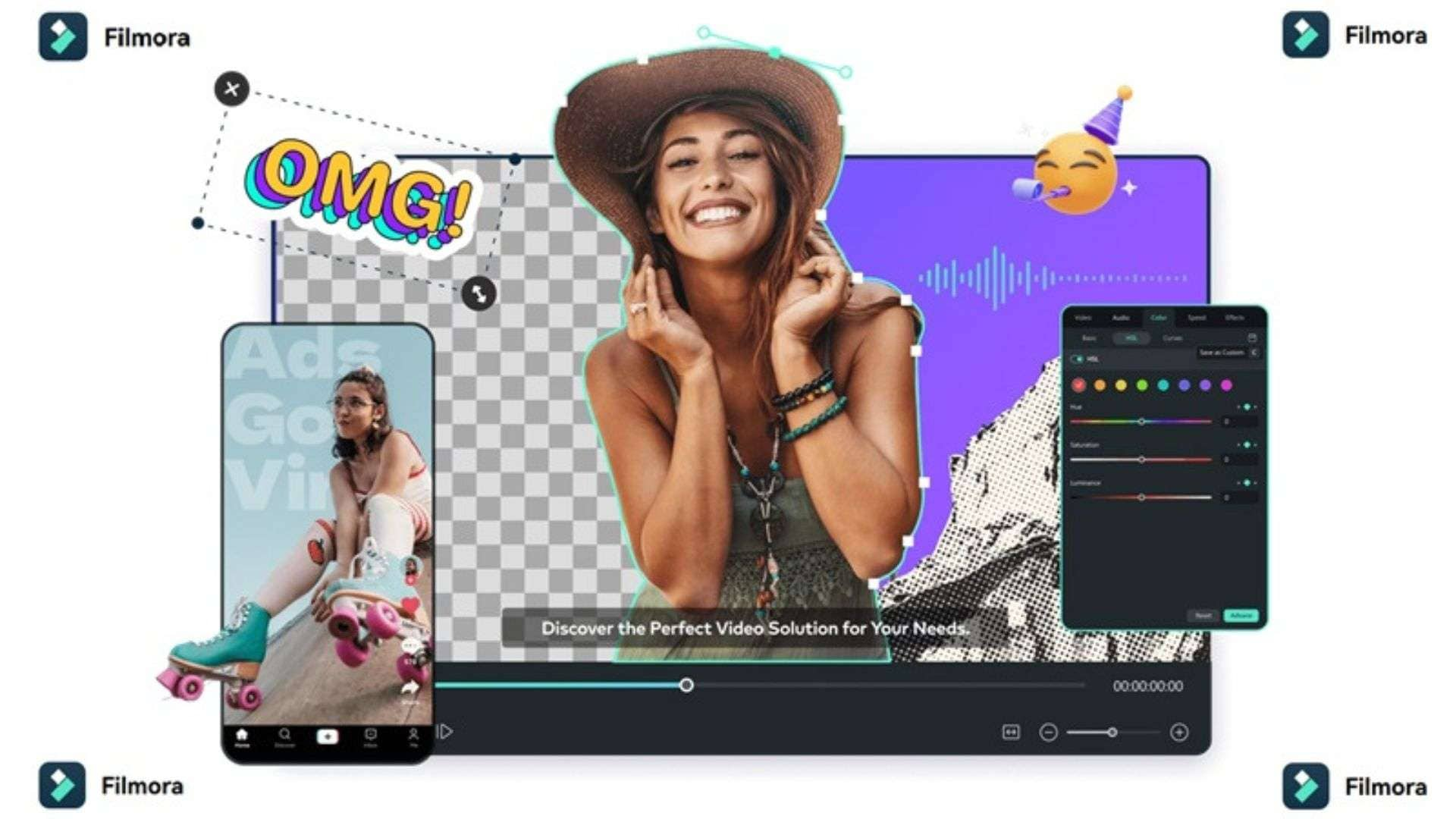
Check out five areas worth exploring in Filmora:
- Multimodal AI Generation: Generate complete video drafts, scripts, AI images, background music, and natural voiceovers directly from simple text prompts or ideas.
- Professional Multi-Track Editing Timeline: Fine-tune AI-generated shorts with frame-by-frame precision, custom cuts, dynamic transitions, and advanced color grading.
- Extensive Native Asset Library: Access millions of royalty-free stock videos, audio tracks, video effects, visual filters, and animated stickers without leaving the application.
- Deep-End AI Feature Controls: Precision editing tools including Planar & Motion Tracking, Keyframing, AI Masking, AI Text-Based Editing, and AI Speech Enhancement.
- Cross-Platform Compatibility: You are free to work wherever you want. That's because Filmora is available on Windows, macOS, iOS, and Android with cloud project synchronization across all your devices.
 Secure Download
Conclusion
If you publish lots of short clips from long videos, Ssemble can save hours of scrubbing. Plus, its MCP and automation tools are a real draw for power users. The catches are no free trial, credits that reset each cycle, and limited editing control.
If you want complete control over your content, advanced AI tools, and a full editing environment, Wondershare Filmora is an ideal step up. With Filmora's AI Smart Short Clips alongside its rich multi-track timeline, you can turn long footage into polished, professional videos ready for any platform.
FAQs
-
Can Ssemble automatically remove background noise or enhance dialogue in clipped videos?
Ssemble performs basic audio leveling and voice isolation during its caption synchronization process. However, for deep audio restoration, noise removal, or fine-tuned equalizer adjustments, you'll want to refine your audio using a dedicated video suite like Filmora. -
What happens to my generated clips if I decide to cancel my Ssemble subscription?
You retain full commercial ownership of any clips generated while your account was active. Even after canceling your subscription, your created clips remain stored in your dashboard so you can download them at any time. -
Is it legal to clip long-form YouTube videos and monetize them using Ssemble Clip Rewards?
It depends on who owns the footage. The safe route is to clip only your own content, or content you have clear permission or a license to use. Clip reward programs usually come from creators who authorize clipping, and posting someone else's video without permission can lead to copyright claims, removed videos, or lost monetization.