


 TL;DR:
Zeemo AI is an automated captioning and short-form video creation platform optimized for creators prioritizing publishing speed on platforms like TikTok and YouTube Shorts, though its lack of advanced timeline controls makes it less ideal for complex editing projects.
● The free tier restricts exports to 720p resolution and 1-minute videos, while paid plans starting at $6.67/month allow up to 4K exports and 5-hour uploads, but users must monitor usage because AI video generation tools deplete credit limits significantly faster than basic subtitle generation.
● Creators can operate the platform via web browsers or official iOS and Google Play apps, but must strictly avoid downloading modified Android APKs or unofficial "premium unlocked" files due to severe malware and account security risks.
● Zeemo excels at rapid, single-layer workflows with built-in downloading and conversion utilities, whereas Wondershare Filmora is the required alternative for users who need multi-track timeline editing, cinematic effects, and precise audio adjustments for long-form content.
Ask AI for a summary
 ChatGPT
 Perplexity
 Gemini
 Claude
 Grok
Grok
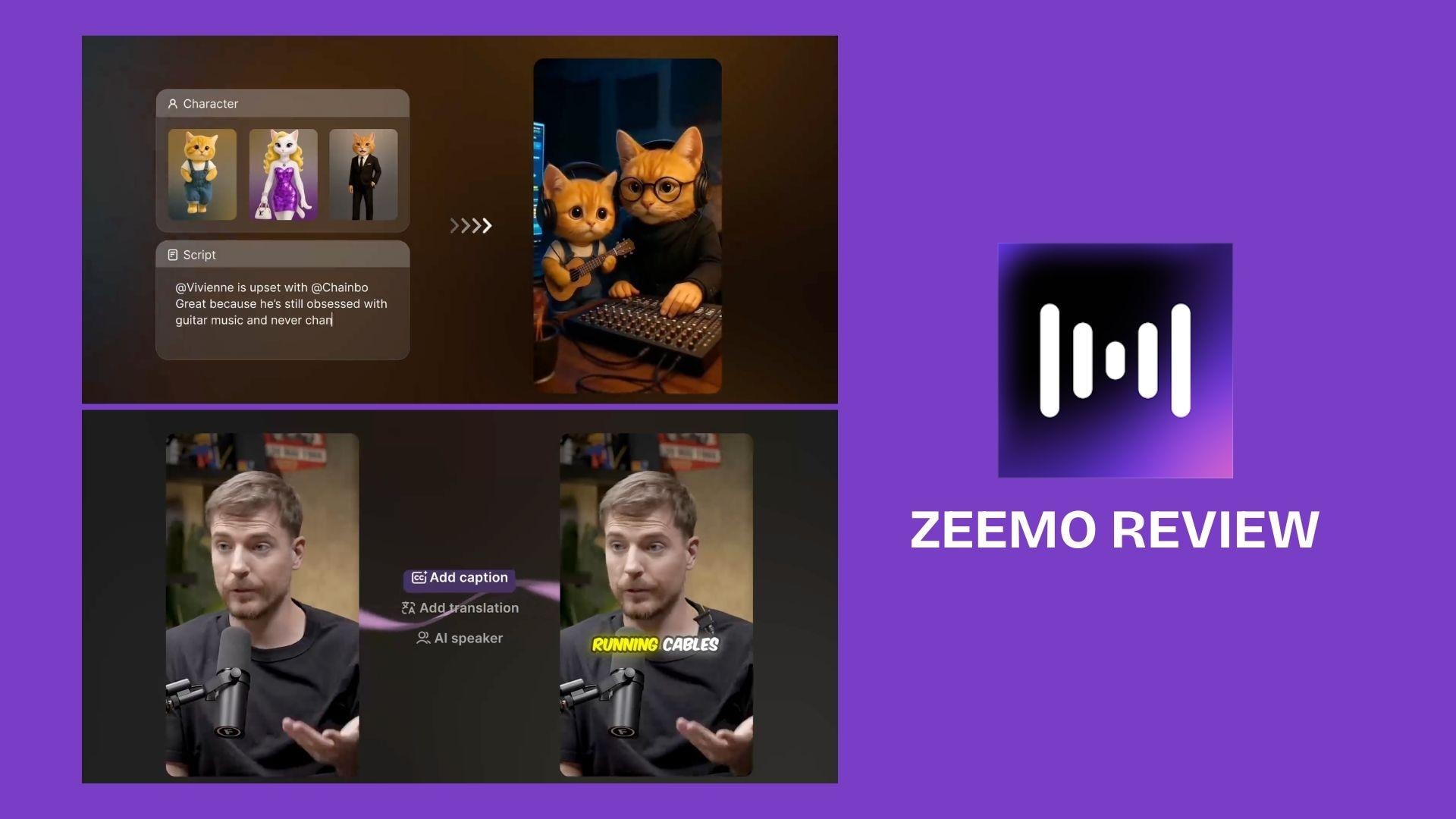
Creating captions manually can eat up hours, especially if you post often on YouTube Shorts, TikTok, Instagram Reels, or work with multilingual videos. That’s why tools like Zeemo AI are useful: they help generate captions, translate subtitles, edit videos, and create short-form content faster.
Zeemo has been around since 2018, and according to GetLatka, Zeemo AI reached $330K in revenue in 2025. In this review, we’ll look at how Zeemo performs in 2026, what features stand out, where it still feels limited, and whether it’s worth using.
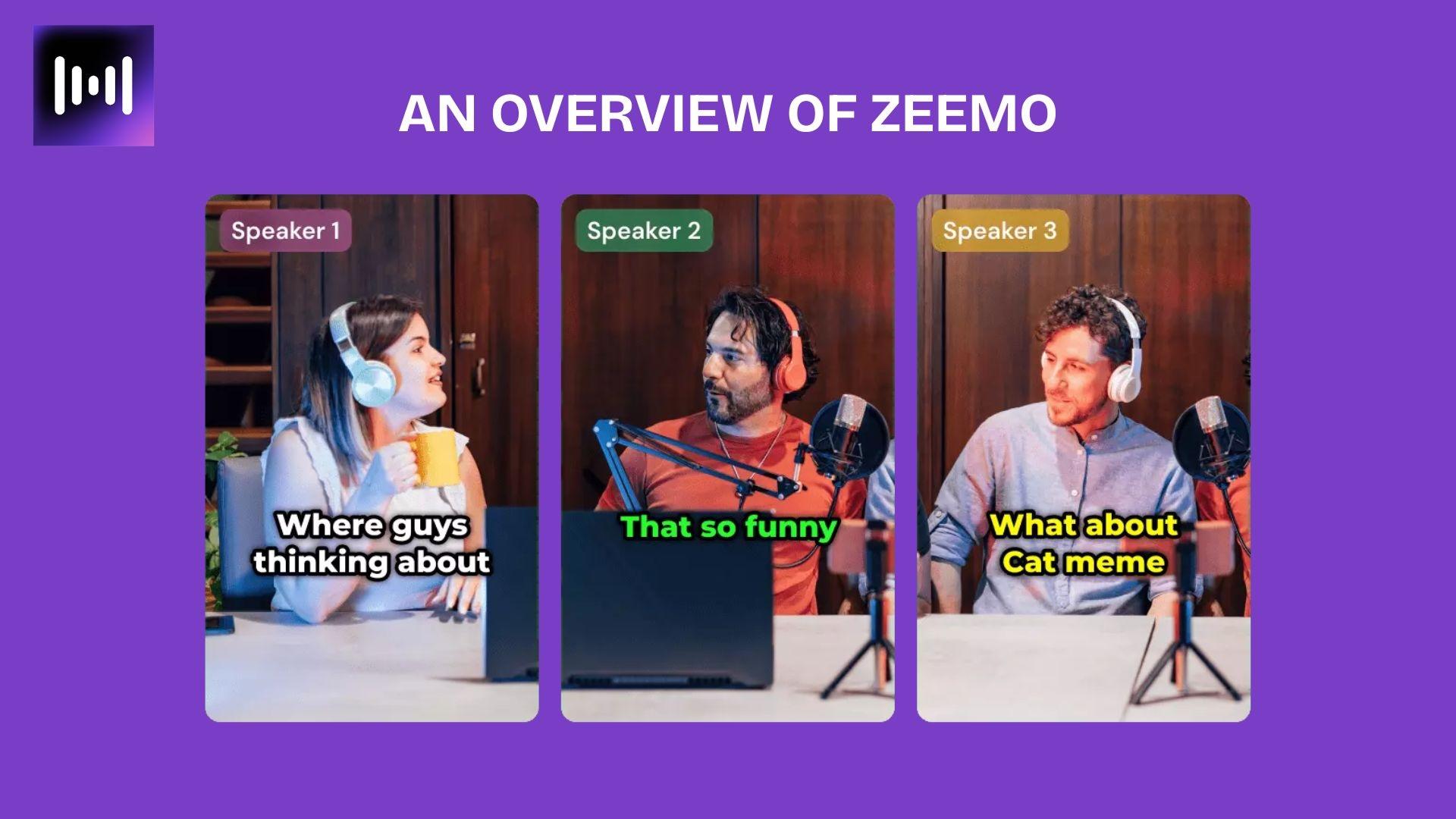
Part 1. An Overview of Zeemo
So, what is Zeemo? Well, Zeemo AI is an AI-powered captioning and video creation tool designed specifically for short-form content. It gained popularity thanks to its automatic subtitles, animated captions, and subtitle translation tools for creators on TikTok, YouTube Shorts, and Instagram Reels.
Over the years, Zeemo AI video maker & caption expanded beyond captions and now includes:
- AI subtitle generation.
- Subtitle translation.
- AI video generator tools.
- Faceless video creation.
- Video downloading utilities.
- Basic video editing features.
One of the things that sets Zeemo apart is how easy its workflow is. You simply upload a video, generate automatic subtitles, edit them, and export them in just a few minutes.
Zeemo is mainly for:
- Short-form creators.
- Social media managers.
- Podcast clipping accounts.
- Non-editors who need fast captions and quick exports.
For creators prioritizing speed and easy publishing, Zeemo offers a much simpler experience than traditional editing software.
Part 2. Zeemo Pricing: Free & Subscription Plans
Zeemo AI offers both free and paid plans, depending on how often you use the translation tool, AI features, and export options. The free version is a good way to try out the platform, but you’ll quickly run into limitations if you publish content regularly.
Here’s a brief overview of the Zeemo pricing plans currently available:
| Free | Pro | Expert | Business | |
| Pricing | $0 | From $6.67/month (annual billing) | From $13.33/month (annual billing) | From $15.99/month (annual billing) |
| Credits | 120 credits/year | 3600 credits/year | 7200 credits/year | Higher usage limits |
| Caption Video Length | Up to 1 minute | Up to 3 minutes | Up to 5 hours | Extended limits |
| Export Quality | 720P | 1080P | 4K | 4K |
| Schedule Social Posts |
It’s worth understanding Zeemo’s credit system before you subscribe:
- Caption generation usually uses fewer credits.
- AI video generation and faceless video tools can burn through credits much faster.
- If you upload daily Shorts, Reels, or multilingual videos, a lower-credit plan may run out sooner than you expect.
So, for casual creators, the Pro plan should be enough. But for agencies, podcast clipping, or bulk video workflows, the Expert plan is the safer choice.
Part 3. Zeemo Features and Use Cases
Zeemo is no longer just an AI-powered subtitle tool. The platform now includes several creator-focused features designed for fast short-form content production, especially for TikTok, Reels, and YouTube Shorts workflows.
Here’s a closer look at the main features and how people typically use them.
1. Subtitles & Transcription
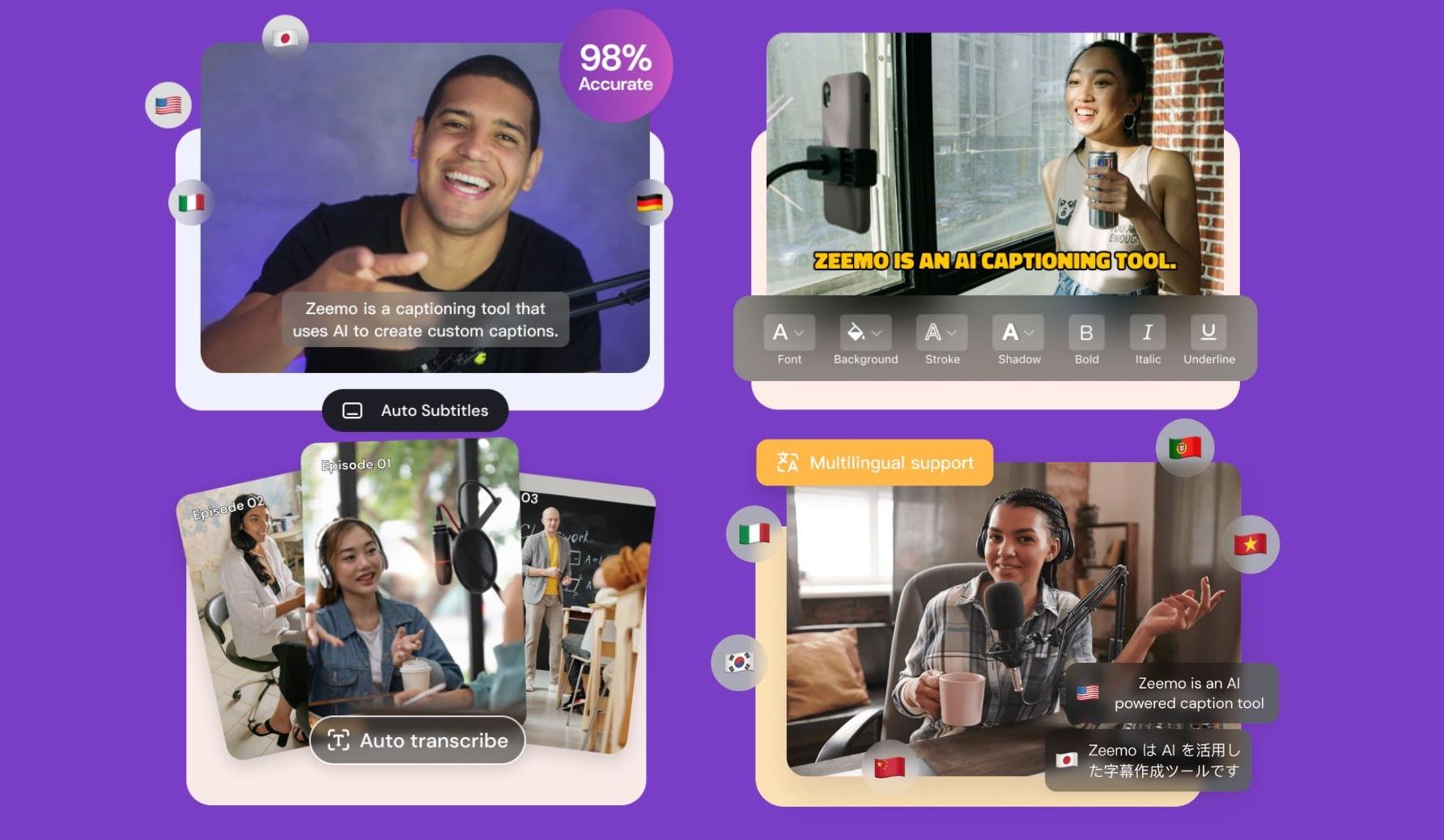
This is still the core of the platform. Zeemo AI captions & subtitles automatically generates subtitles from uploaded videos and lets users customize the caption style afterward. It supports multiple subtitle templates, animated text styles, emoji captions, and multilingual translation.
Common use cases:
- YouTube Shorts captions.
- TikTok subtitles.
- Podcast clips.
- Educational content.
- Multilingual videos.
- Interview snippets.
The workflow is quite simple for non-editors, which is the main reason why this tool has been popular in the first place.
2. Video Editor
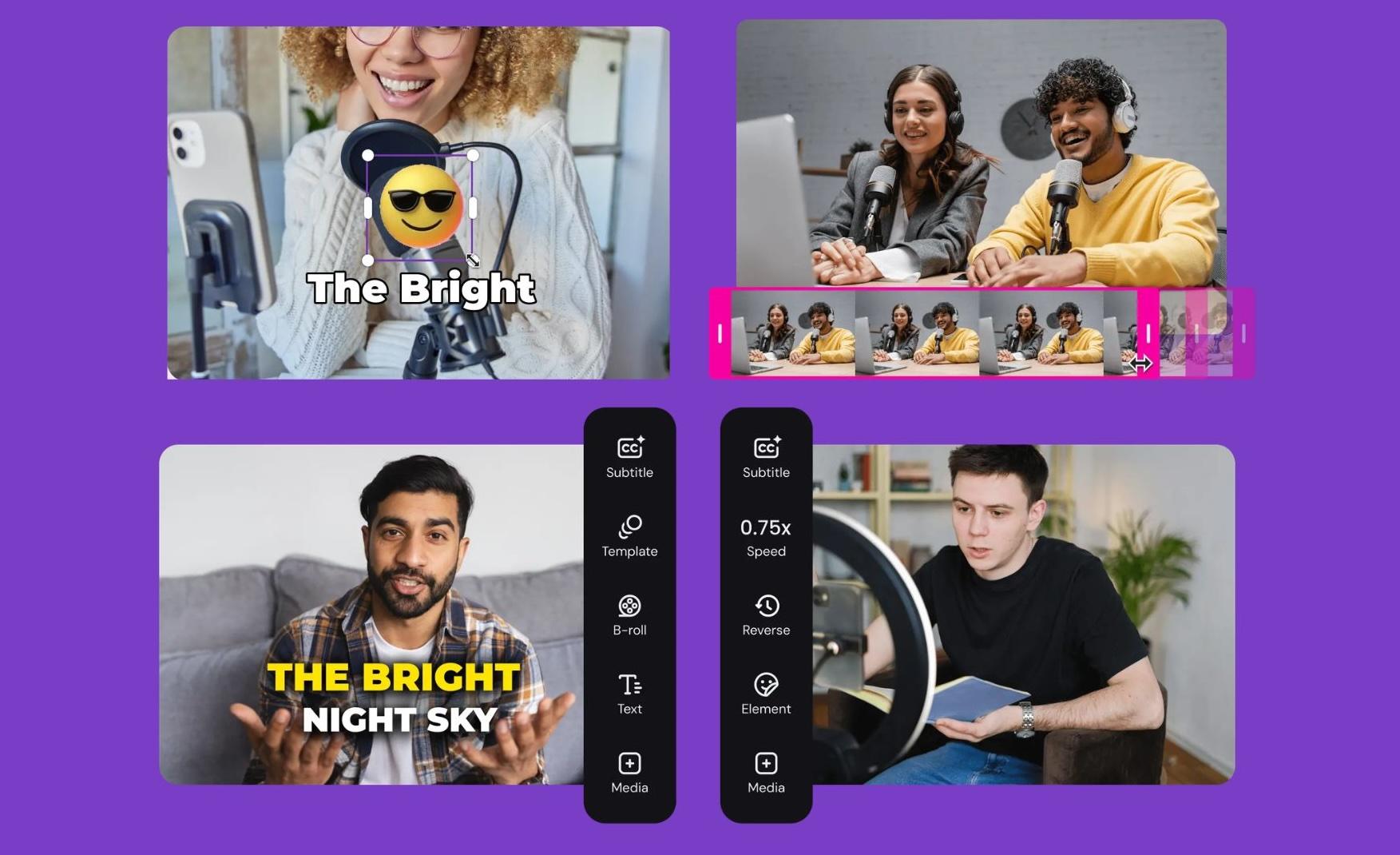
Zeemo also includes a lightweight editing tool for preparing short-form content.
Users can:
- Trim clips.
- Resize videos.
- Add text.
- Insert stickers or GIFs.
- Adjust aspect ratios.
- Add background music.
The editor focuses more on quick publishing than detailed editing. It works well for creators who mainly need social-ready content without having to open a full editing program.
3. Video Downloader
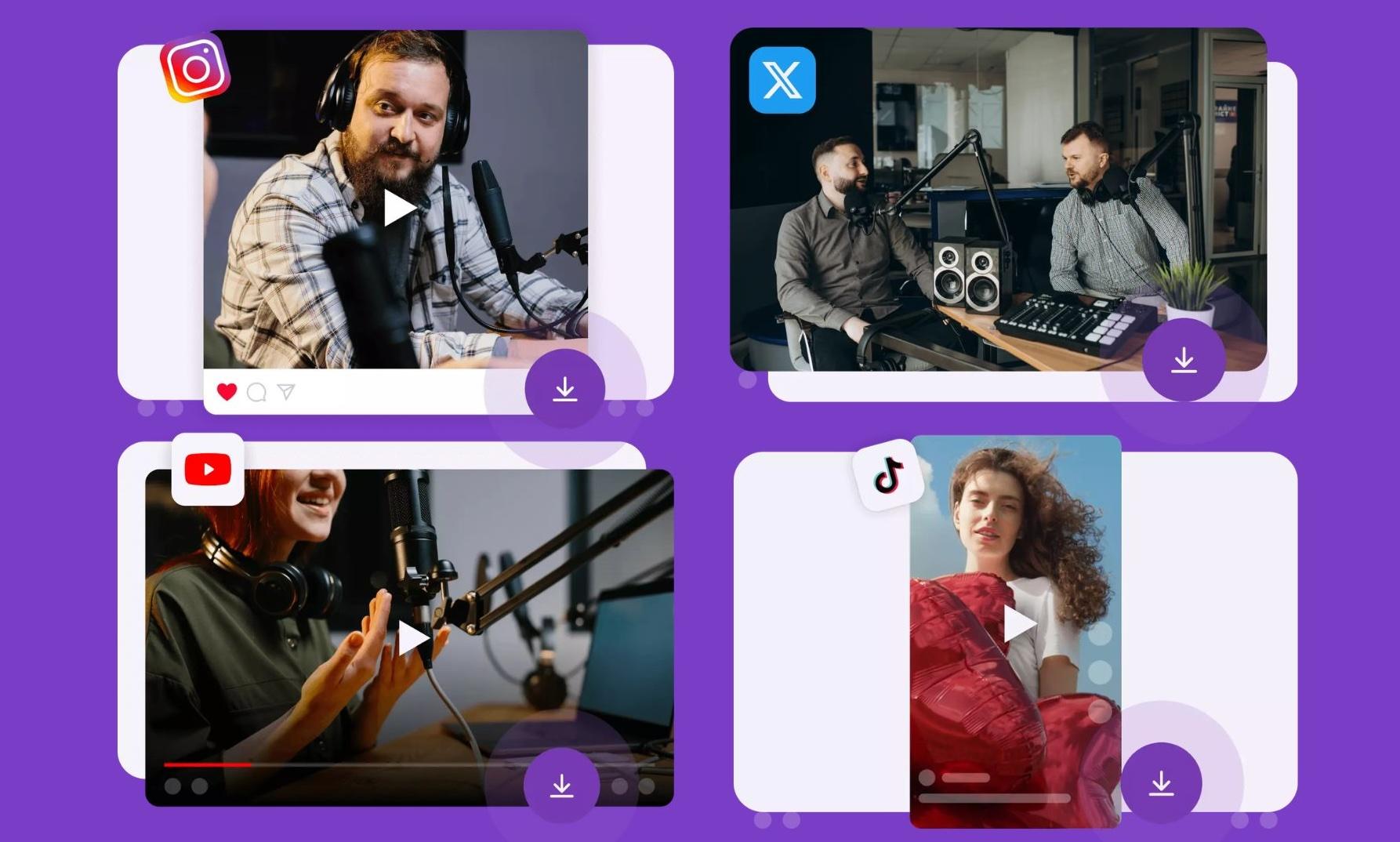
One of the more searched features is the Zeemo AI video Downloader tool.
The platform includes downloading tools for:
- YouTube videos.
- TikTok videos.
- Instagram clips.
- X/Twitter videos.
There’s also interest around “Zeemo AI Youtube video downloader” since creators often convert long-form content into Shorts or save reference clips for editing. This feature adds convenience as users can manage downloads and text overlays in one place.
4. Video Converter
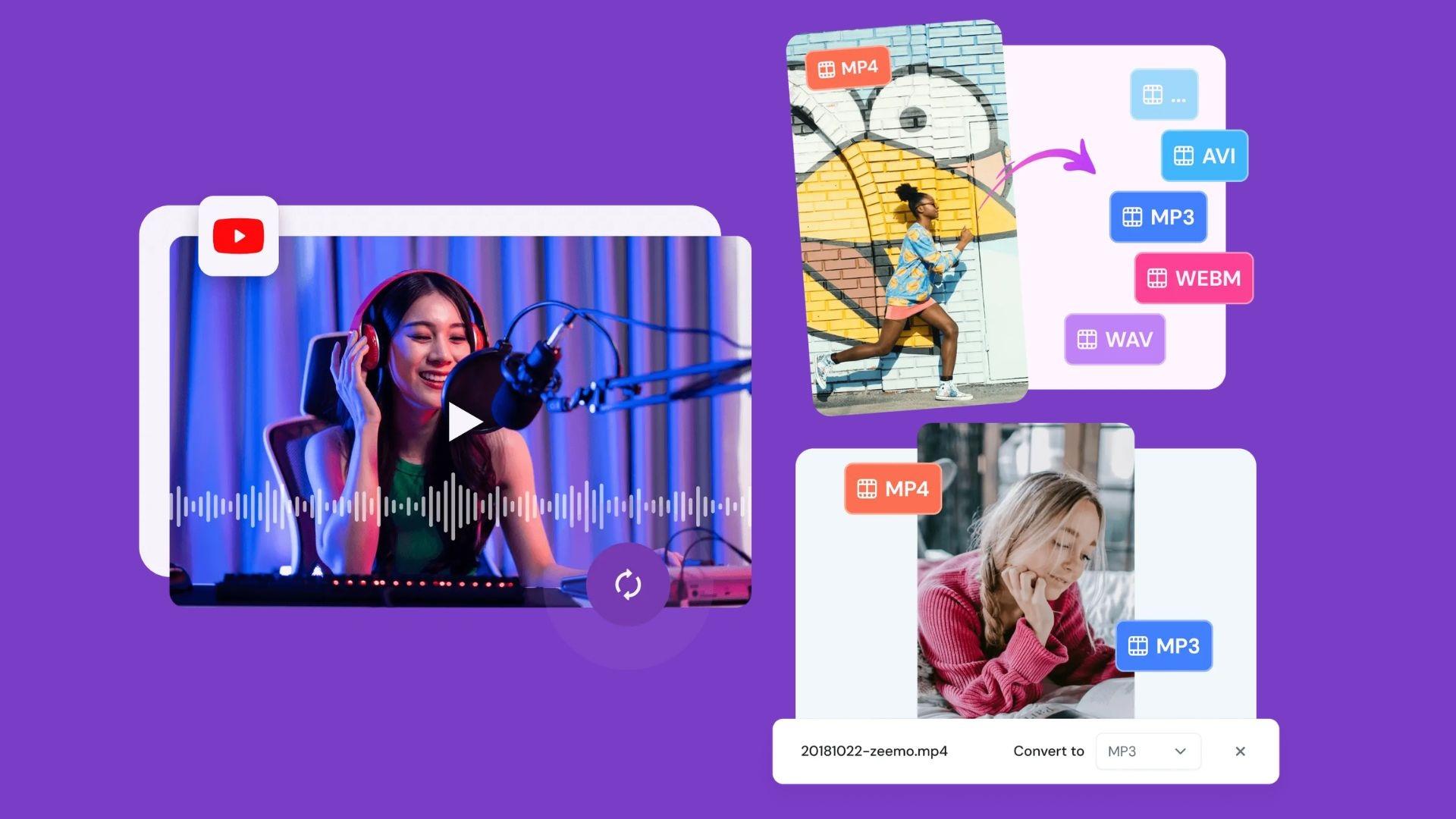
Zeemo includes basic conversion tools for creators working across multiple platforms.
Users can convert:
- YouTube to MP3.
- Video to audio.
- Different video formats.
- Social media export sizes.
This is useful for podcast extraction, voiceover workflows, or preparing clips for different upload requirements. These converter tools are simple, yet they can reduce the need for additional browser-based utilities.
5. Video Generator
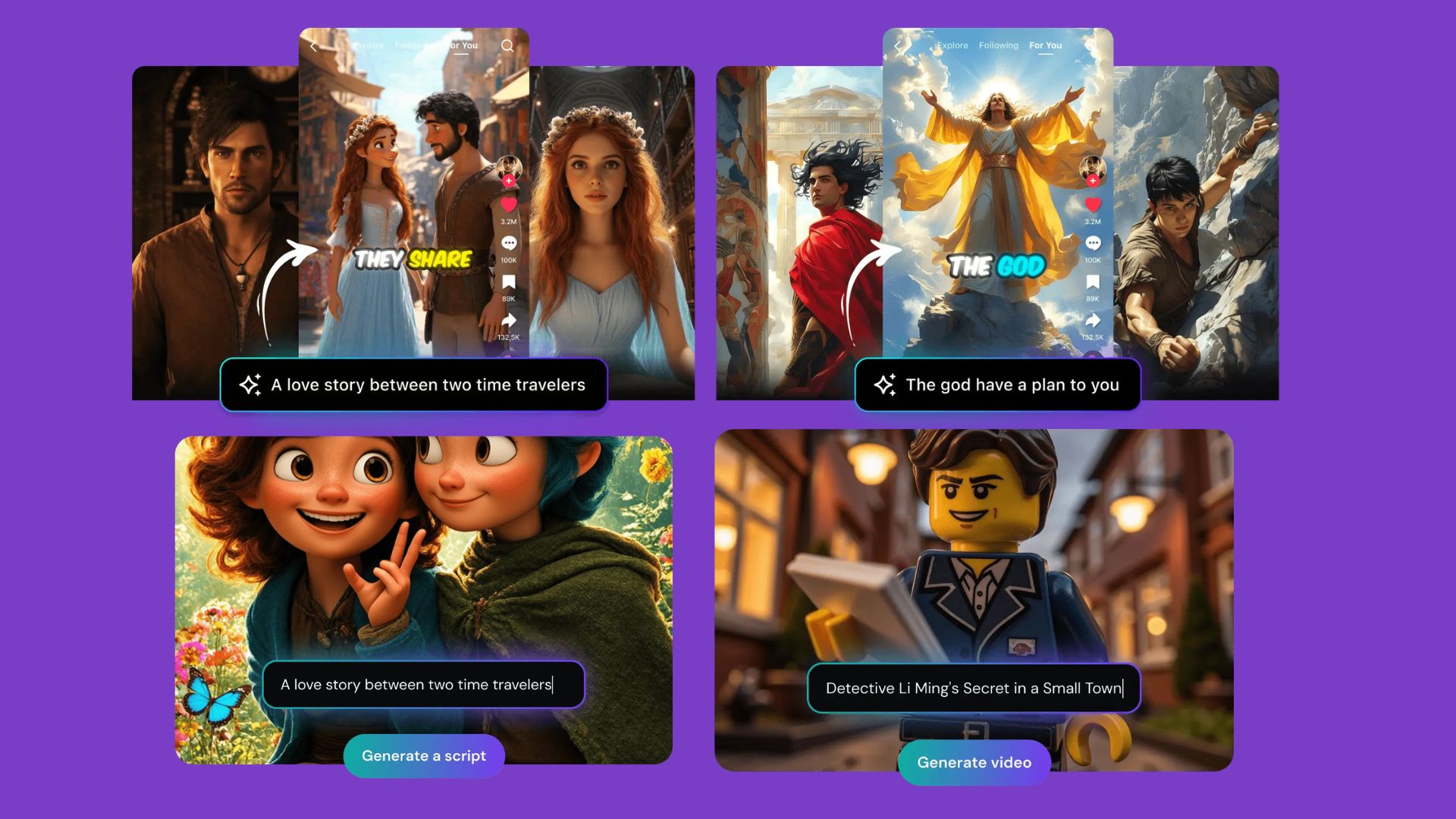
The newer Zeemo AI video generator tools focus on automated content creation.
Users can generate:
- AI faceless videos.
- Story videos.
- Short promotional clips.
- Text-to-video content.
- AI voiceover videos.
These tools are mainly designed for speed and volume. Creators running faceless channels or high-frequency posting schedules may find them useful for producing quick drafts and social content.
Customization is still more limited compared to traditional editors, but the workflow is much faster for simple short-form production.
Part 4. How to Access Zeemo: Mobile vs Website
Zeemo AI is accessible via both a web browser and a mobile app, giving creators the flexibility to edit content in the way that works best for them.
On Website
The Zeemo website is the main workspace for most users. After signing in, the homepage gives quick access to Zeemo’s major tools, including:
- AI captions.
- AI video generator.
- Subtitle translation.
- Video editor.
- Video downloader.
- Video converter.
The interface is clean and beginner-friendly, with most tools accessible directly from the left-side navigation or categories on the homepage. Uploading videos is straightforward, and the workflow mainly follows:
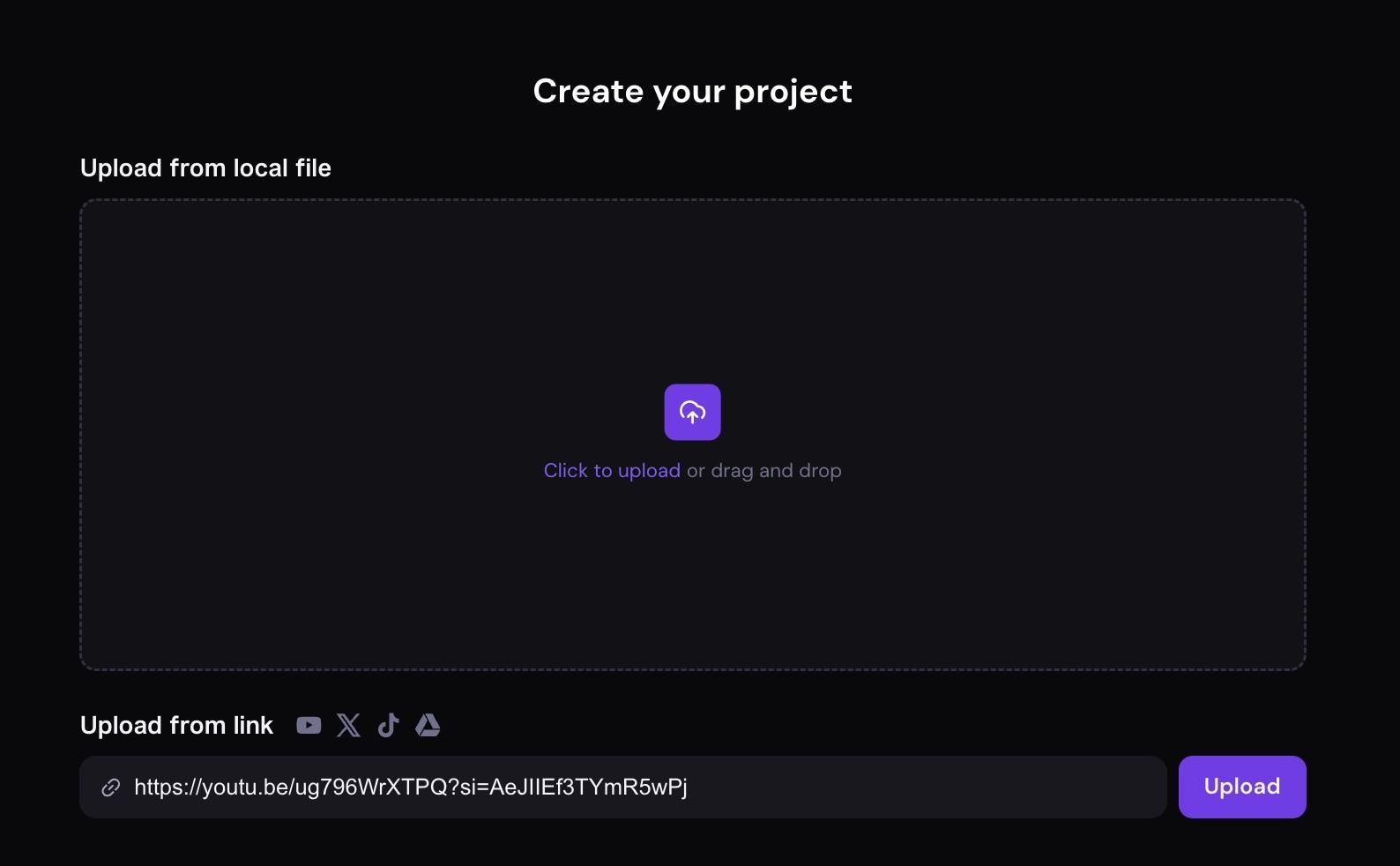
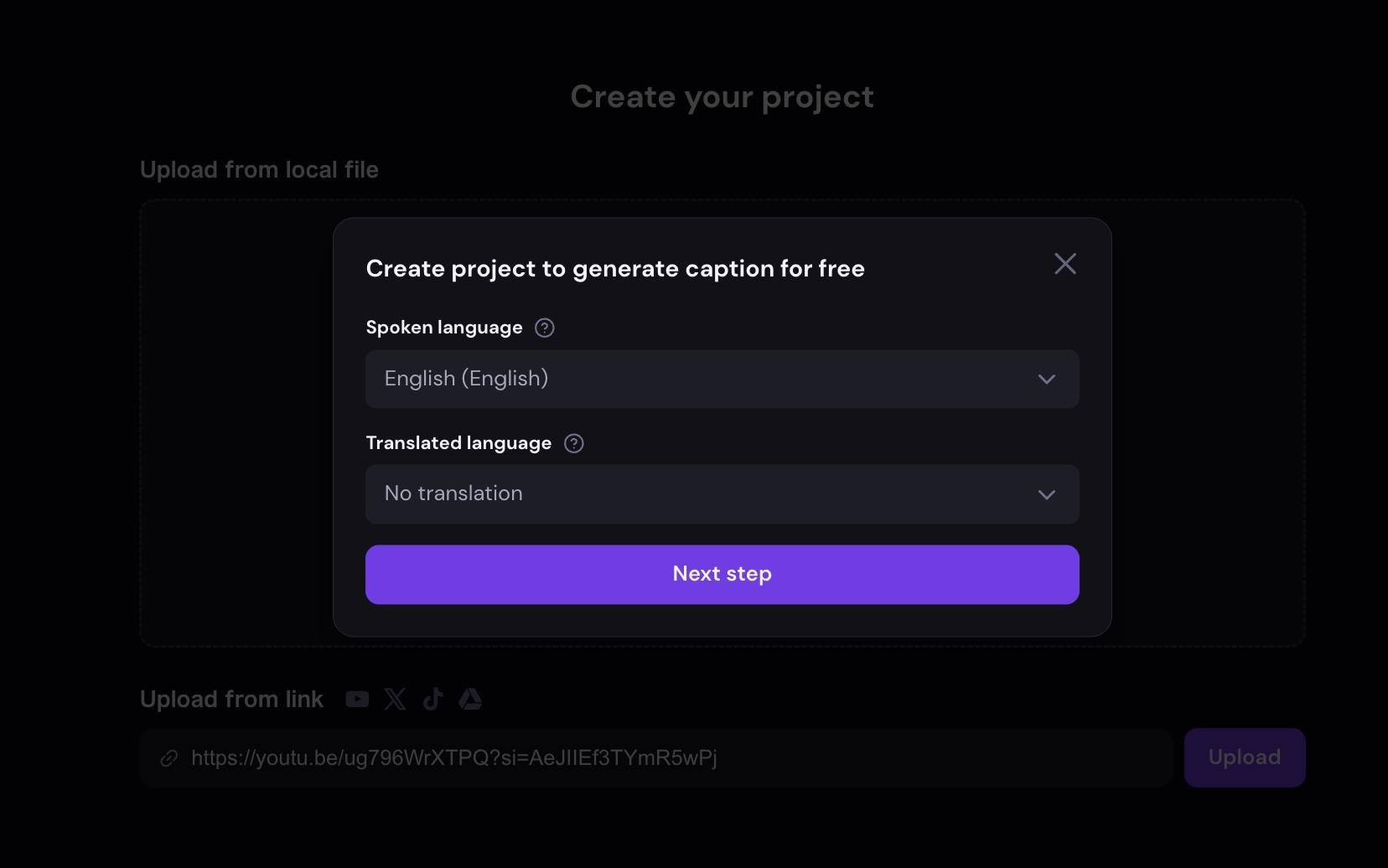
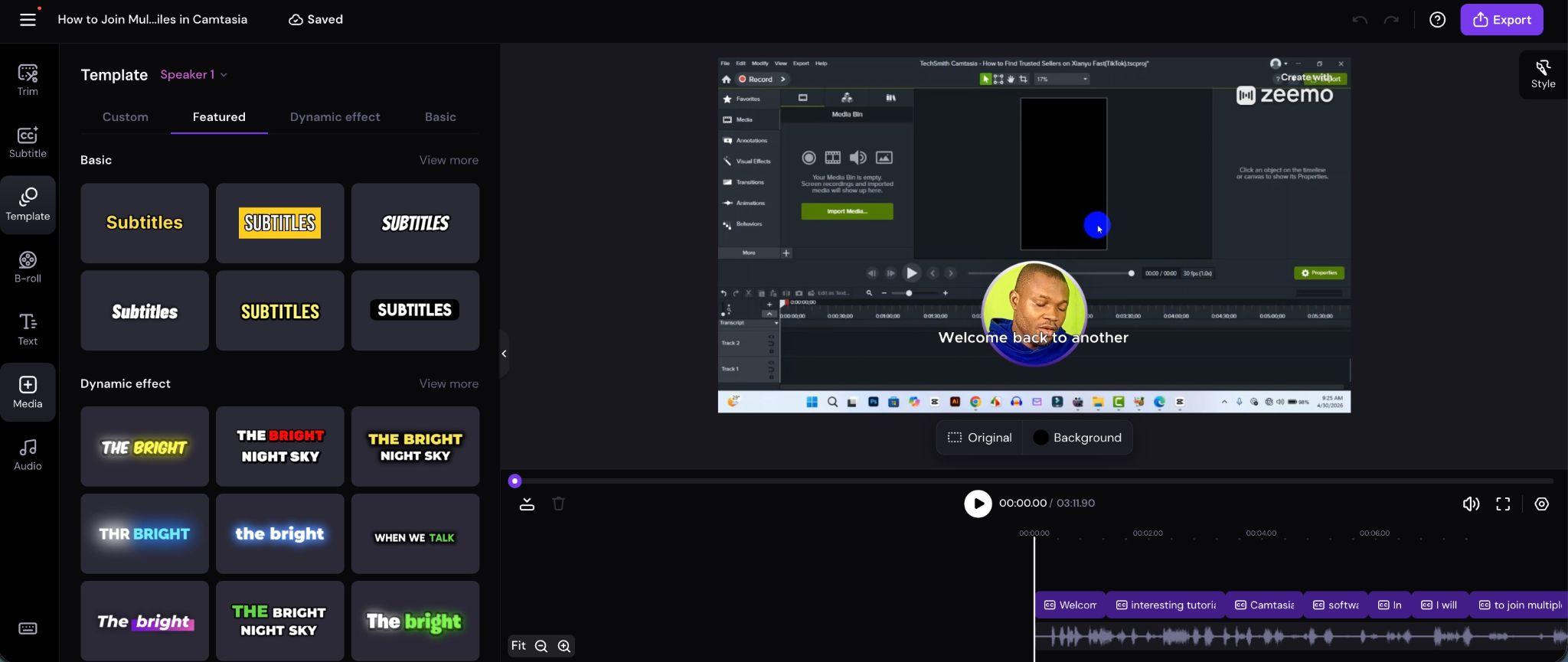
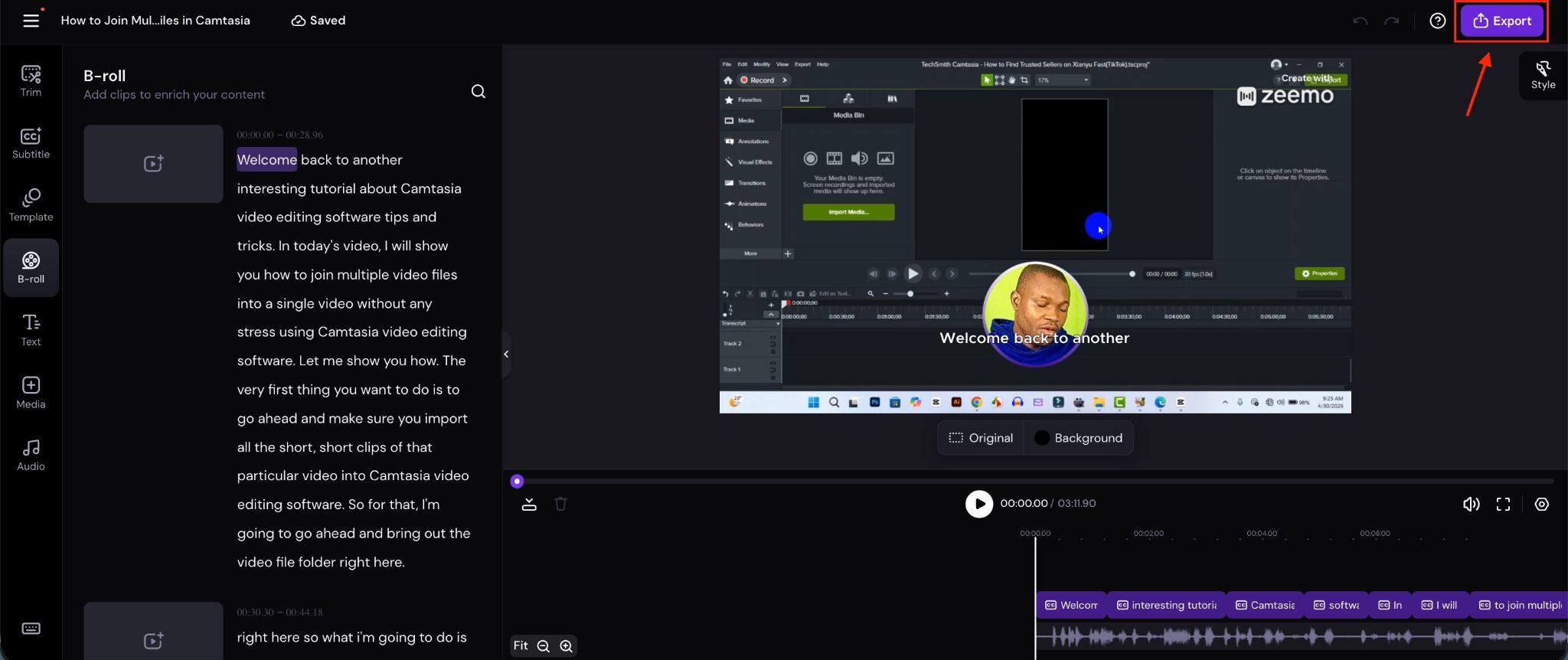
The web version feels more practical for longer videos, batch uploads, and larger editing projects.
On Mobile App
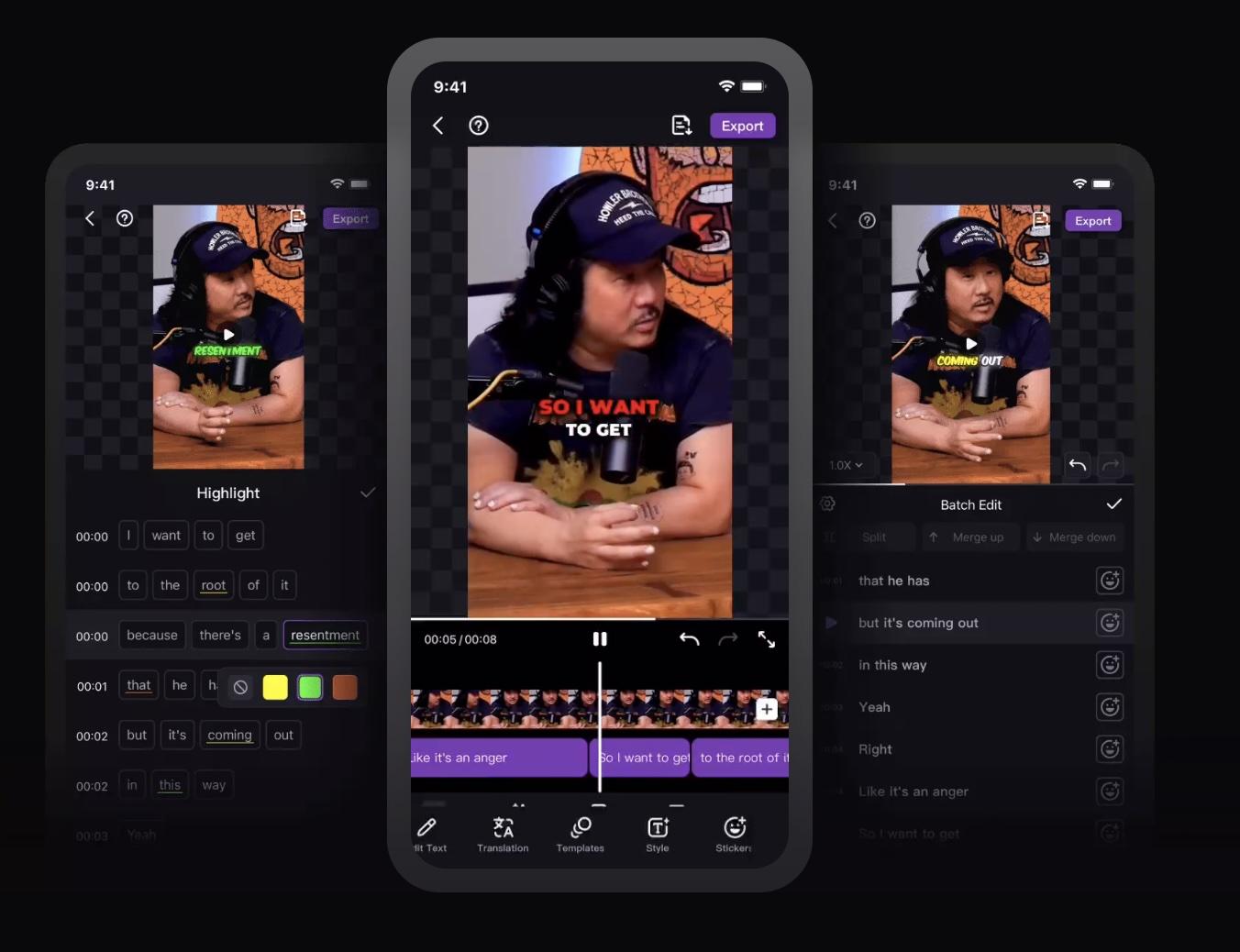
Zeemo is also available as a mobile app for creators who edit directly from their phones.
Official download links:
- iPhone/iOS: Zeemo on App Store.
- Android: Zeemo on Google Play.
The mobile app includes:
- AI captions.
- Subtitle translation.
- AI filmmaker.
- AI faceless video tools.
- Video trimming.
- Music insertion.
- Social-ready subtitle templates.
According to the App Store listing, the app supports video exports up to 4K and videos up to 5 hours on higher plans.
⚠️ Beware of Zeemo APK ⚠️
Many users search for terms like “Zeemo AI APK”, “Zeemo AI premium unlocked”, or “Zeemo AI captions MOD APK”, but downloading unofficial APK files is risky. Modified APKs can contain malware, unstable modifications, or compromised login credentials.
Research on modded Android apps has repeatedly shown they carry significantly higher security risks compared to official app store versions. Using the official website, App Store, or Google Play version is the safer option for both security and account stability.
Part 5. Zeemo Pros, Cons, and User Feedbacks
Based on user reviews and hands-on testing, Zeemo AI mostly delivers on its main promises: fast caption generation, subtitle translation, and quick short-form content production. The platform performs best for:
- TikTok videos.
- YouTube Shorts.
- Reels.
- Podcast clips.
- Talking-head content.
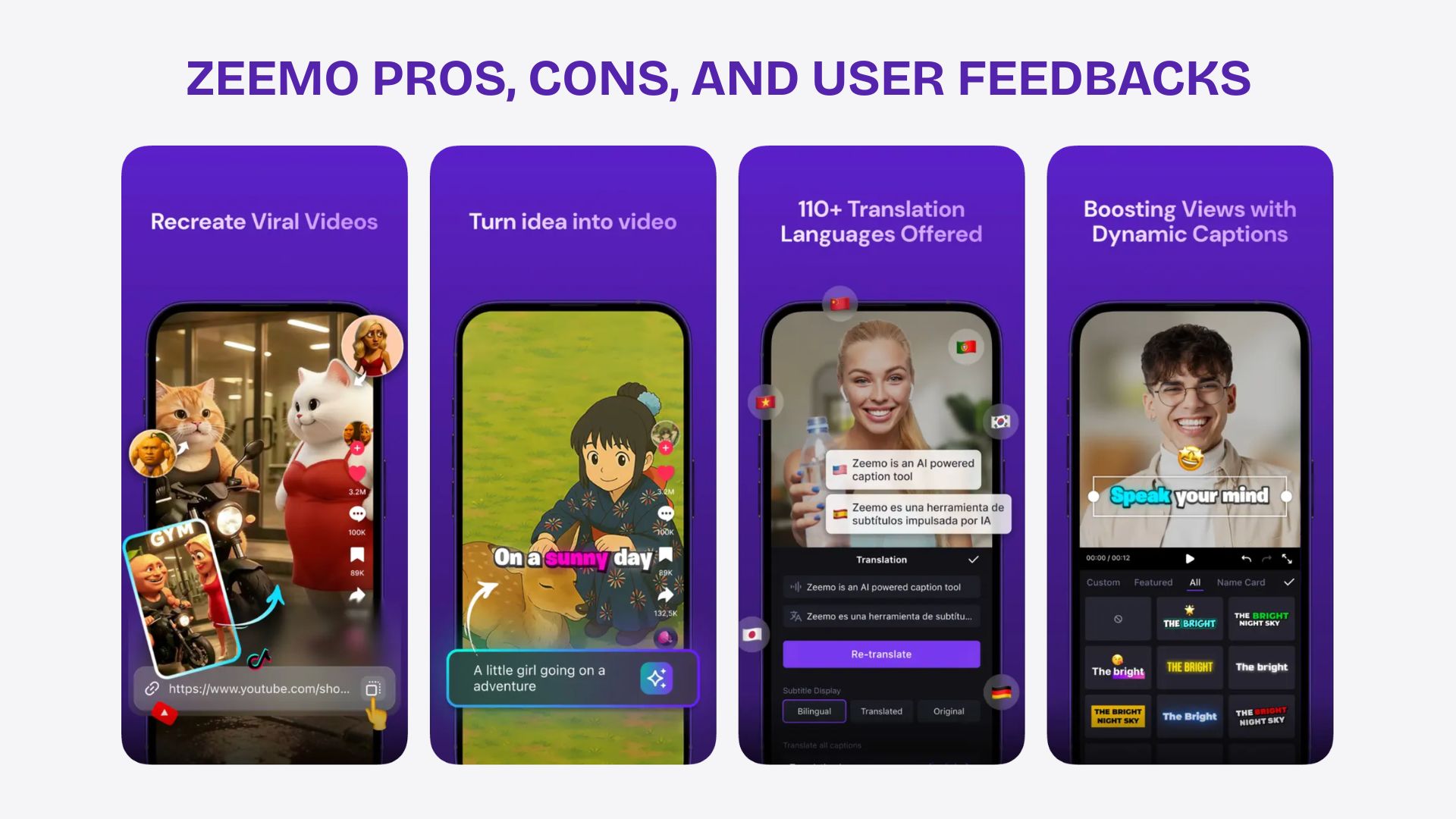
The captioning workflow is fast, and subtitle accuracy is usually reliable when audio quality is clear. Users also frequently praise the animated caption styles and multilingual subtitle support. On the App Store, many reviews highlight how much time Zeemo saves compared to manual captioning.
The AI video generator and faceless video tools are useful for quick content drafts, though they still feel fairly basic compared to traditional editors like Wondershare Filmora.
Some users also mention:
- ❌Occasional subtitle mistakes.
- ❌Limited customization.
- ❌Export restrictions on lower plans.
- ❌Translations need manual edits sometimes.
Nevertheless, the platform remains popular because it simplifies content production for non-editors and fast-paced creators.
Pros and Cons of Zeemo
- Caption generation is fast enough for high-volume Shorts and Reels posting.
- Subtitle styles look more social-media-ready than plain captions.
- Translation tools make multilingual content easier to publish.
- Easy enough for beginners with no editing experience.
- Combines captions, downloading, conversion, and AI tools in one place.
- The mobile app workflow feels smooth for quick edits.
- AI speaker detection and animated captions help videos feel more engaging.
- Useful for podcast clips, talking-head videos, and faceless content.
- Batch processing helps speed up repetitive uploads.
- Credits can run out quickly with heavy AI video use.
- AI-generated videos still feel somewhat generic.
- Some subtitle translations need manual correction.
- Editing controls are limited compared to full video editors.
- Exporting depends heavily on internet speed.
- Caption styles can start to feel repetitive.
- Longer videos may need more subtitle cleanup.
- Advanced creators may still need separate editing software.
Part 6. Zeemo Alternative for Full Editing and More Control
After considering all the factors above in our review, we can vouch that Zeemo AI works well for fast captions and quick social media content, but for longer projects or those requiring a more polished finish, the platform starts to feel restrictive.
The platform focuses heavily on automation, so editing flexibility is more limited when working on:
- Multi-layer edits.
- Detailed audio adjustments.
- Cinematic effects.
- Long-form YouTube videos.
- Advanced motion graphics.
For creators seeking deeper editing control, it is much better to turn to tools like Wondershare Filmora.
 Secure Download
It combines AI-powered tools with a full-featured multi-track timeline editor, so it's more suitable for creators handling both short and long-form content. Alongside subtitles and transcription, Filmora also includes AI video generation, format conversion, advanced effects, audio editing, motion tracking, and layered editing workflows.
One feature Filmora does not include is a built-in video downloader like the Zeemo AI video download tools. Still, many creators prefer it because the overall editing workflow feels far more complete.
| Zeemo | Filmora | |
| Platform | Browser + mobile app | Desktop + mobile app |
| AI Caption (Accuracy) | Fast and reliable for social content | More editable within timeline workflows |
| Languages Supported | 95+ subtitle languages | Multiple subtitle translation languages |
| Input Formats | Optimized for quick social uploads | Broader support for professional editing formats |
| Quality | Best for quick publishing | Better for polished and long-form projects |
| AI Models | AI captions, faceless videos, AI video tools | AI captions, AI image/video generation, AI editing tools |
| Timeline Editor | Basic editing tools | Full multi-track timeline editor |
For creators mainly focused on captions and fast publishing, Zeemo remains a practical choice. But for users who want stronger editing control and more polished results, Filmora offers a more flexible workflow overall.
Secure DownloadConclusion
Zeemo AI has grown into much more than a simple subtitle tool. In 2026, it works best as a fast content production platform for creators handling Shorts, Reels, TikTok videos, podcast clips, and multilingual social content. The automatic captions, translation tools, and lightweight AI video features can significantly save editing time, especially for beginners or those with high-volume posting schedules.
The platform still feels more automation-focused than editing-focused, so advanced creators may eventually want more control. Even so, for quick publishing, accessible workflows, and efficient caption generation, Zeemo remains one of the more practical AI creator tools currently available.
FAQs
FAQs
-
Is Zeemo AI safe?
Yes, the official version of Zeemo AI is generally safe to use for captions, subtitles, and AI video tools. It’s best to download it from the official website, App Store, or Google Play. Avoid unofficial APKs or cracked versions such as “Zeemo AI premium unlocked” as they may pose security risks. -
Can I use Zeemo to convert YouTube to MP3?
Yes. Zeemo includes YouTube-to-MP3 and video conversion tools that help creators extract audio or repurpose content more easily. Users should still follow copyright rules when downloading content. -
Is there a limit on video upload size?
Yes. Upload limits are based on your subscription plan. The free version supports shorter videos, while paid plans allow much longer uploads, including videos up to 5 hours. -
Can I customize subtitle styles in Zeemo?
Yes. Zeemo allows users to customize subtitle fonts, colors, animations, templates, and highlighted words. The styles are mainly designed for Shorts, Reels, TikTok, and other social video formats.
