
Explore Cozy Apple Pie Aesthetic AI Prompts
Use these apple pie AI prompts to create warm bakery stills, rustic dessert scenes, and polished food photography with Filmora's AI image generator.
Loading more apple pie aesthetic prompts...
Make Apple Pie Aesthetic Visuals in Filmora
Filmora helps food creators generate cozy dessert images, refine prompt styles, animate stills, and export polished videos from one workflow.
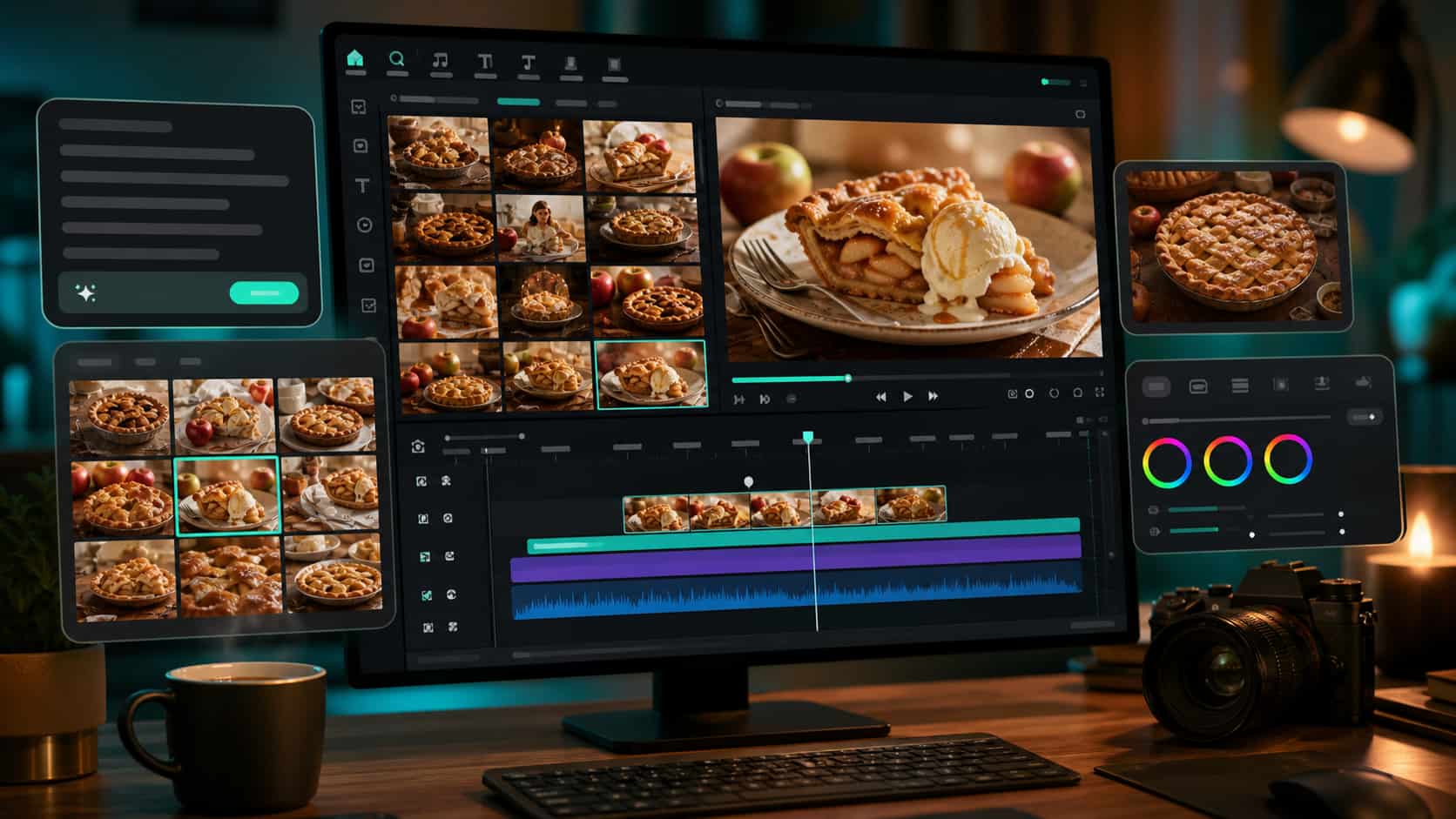
Generate Warm Dessert Looks from Text
Start with a written apple pie prompt and use Filmora's AI Image Generator to create golden crusts, rustic props, and cozy bakery lighting.
- Prompt-first creation - Turn food styling ideas into ready-to-edit visuals.
- Seasonal aesthetics - Explore autumn, cafe, picnic, and holiday moods.
- Creator workflow - Bring generated images directly into your Filmora edit.
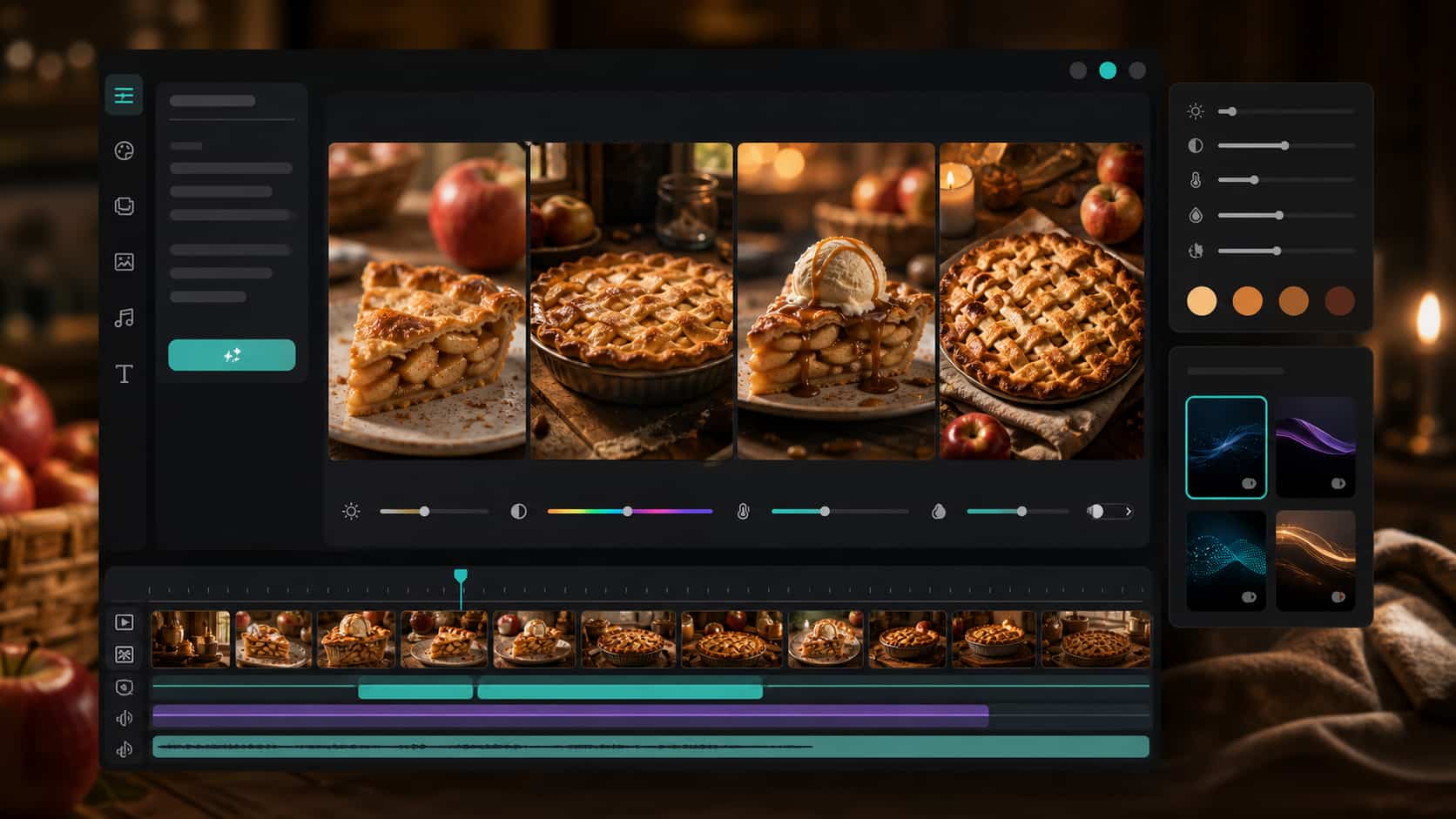
Refine Food Styles with Versatile AI Models
Every food page needs a distinct look. Filmora workflows let you test realistic bakery lighting with GPT Image 2 and remix prompt directions with Nano Banana tools.
- Model flexibility - Match the output to cozy, editorial, or commercial food photography.
- Infinite variations - Compare crust texture, props, color temperature, and crop.
- Seamless editing - Keep image generation and video finishing in one creative space.
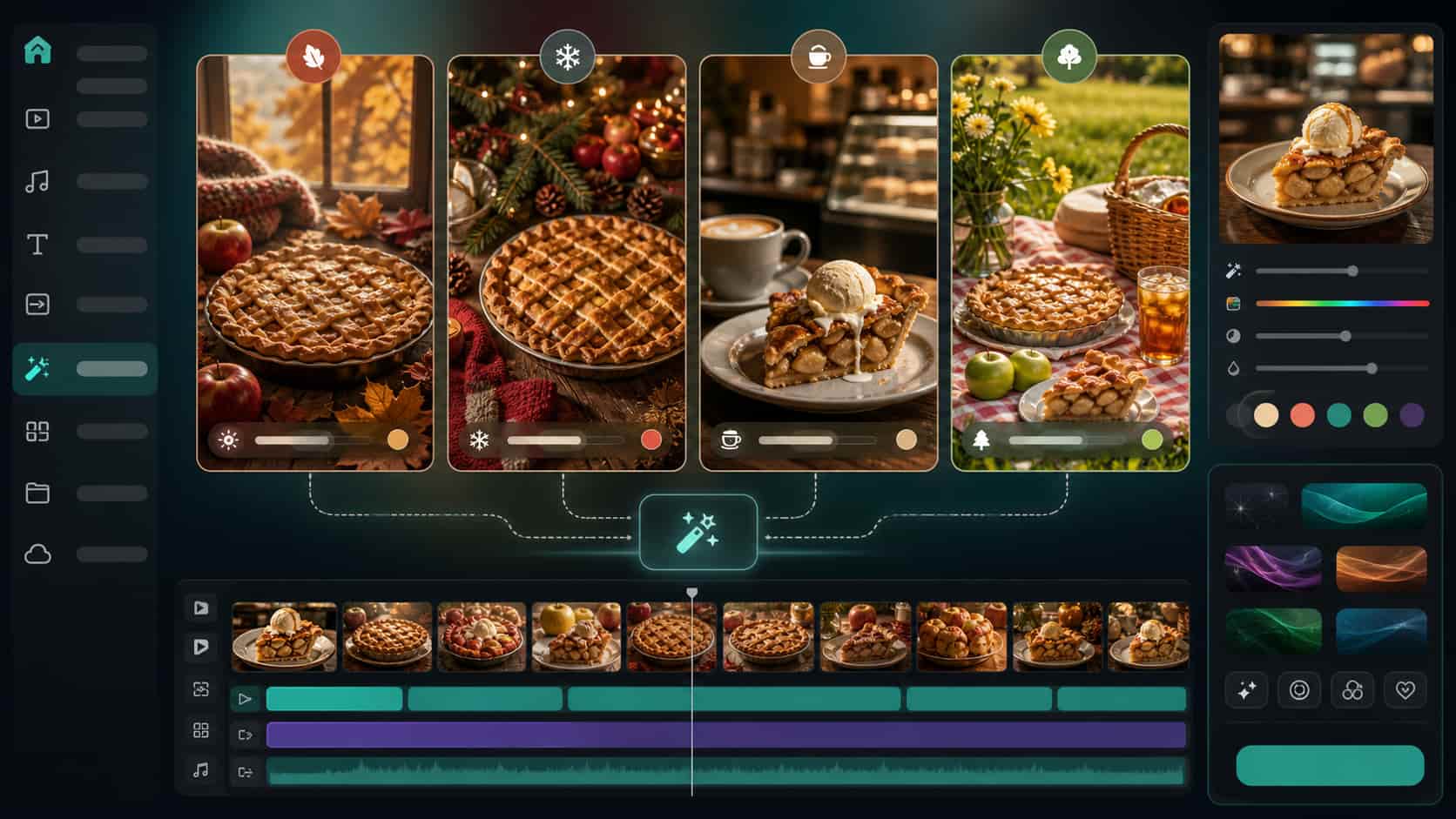
Remix Seasonal Food Assets Fast
Use Filmora's Nano Banana image generator to turn one apple pie concept into holiday, orchard, cafe, and cottagecore visual sets.
- Campaign variations - Adapt one dessert direction for multiple social posts.
- Brand consistency - Keep warm tones and product styling aligned.
- Fast iteration - Swap props, backgrounds, and lighting through text prompts.
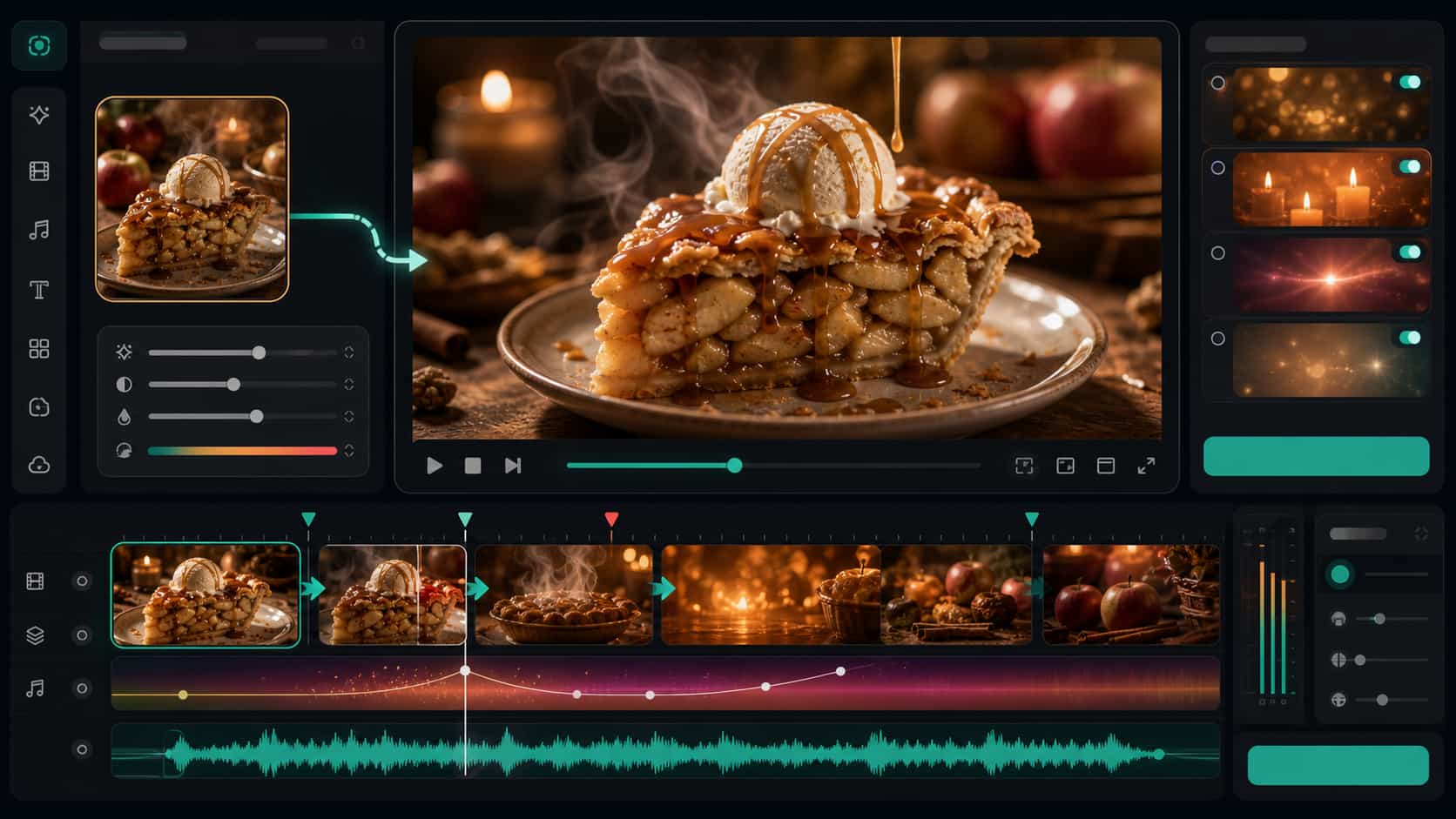
Animate Dessert Visuals for Video
A warm apple pie image is only the beginning. With AI Image to Video, timeline editing, text overlays, and video effects, you can create short-form food promos from still images.
- Animate your art - Add steam, drizzle, camera motion, and subtle mood changes.
- Polish the story - Layer stickers, captions, and music for social platforms.
- Export anywhere - Share finished Reels, Shorts, and ads from Filmora.
Frequently Asked Questions About Apple Pie AI Prompts
How to Use Apple Pie Aesthetic Prompts in Filmora
Follow these simple steps to transform cozy dessert ideas into polished food images and videos.
Step 1 Access the AI Image Generator

Step 2 Enter Your Apple Pie Prompt

Step 3 Generate, Edit, and Export

1. Access the AI Image Generator
Launch Filmora and open the AI Image module. Choose the model that best fits realistic or stylized food photography.2. Enter Your Apple Pie Prompt
Paste a detailed prompt with crust texture, props, lighting, setting, and aspect ratio.3. Generate, Edit, and Export
Bring the generated visual into the timeline, add motion or effects, then export for your audience.
Apple Pie Aesthetic Prompts for ChatGPT: Create Cozy Warm Vintage Visuals
Looking for the perfect Apple Pie aesthetic prompt for ChatGPT? From golden lattice crusts and warm cinnamon spices to cozy rustic kitchens and nostalgic autumn light — Filmora helps you turn your mouthwatering creative ideas into stunning AI-generated images. Generate, edit, and enhance your aesthetic visuals all in one seamless workflow.




