Explore Halloween Stock Videos for Every Spooky Story
Preview scary stock footage, spooky backgrounds, pumpkin scenes, ghost clips, haunted locations, witches, skeletons, and Halloween party visuals
Loading more Halloween Stock Videos...
 Category:
 Duration:
 Aspect Ratio:
Build Complete Halloween Videos With Stock Footage
The collection covers Halloween stock footage for haunted stories, pumpkin videos, ghost scenes, party backgrounds, witch visuals, skeleton clips, and horror-game sequences. Filmora lets you preview each asset, place it on the timeline, and combine it with color, transitions, titles, stickers, and sound. Browse more creative options through Filmora's stock media tools.
Discover Halloween Stock Footage for Every Story
Discover Halloween Stock Footage for Every Story
Set the mood for your Halloween video with the right stock footage. From eerie landscapes and haunted locations to spooky characters and festive scenes, the right clips help bring your ideas to life. Filmora's video editor makes it easy to trim, combine, and customize footage for your Halloween projects.
- Choose dark, atmospheric clips to create suspense and horror-inspired scenes.
- Mix pumpkins, ghosts, witches, and festive visuals for fun Halloween videos.
- Match footage styles, colors, and pacing to create a consistent visual story.
Turn Halloween Footage Into a Cinematic Video
Turn Halloween Footage Into a Cinematic Video
Give your Halloween footage a distinctive look with creative editing techniques. Use Filmora's color grading tools to create eerie tones, adjust brightness and contrast, and enhance the atmosphere. Add video transitions and visual effects to connect scenes and make your final video more engaging.
- Set the Mood – Apply darker tones and adjust contrast for a chilling Halloween atmosphere.
- Add Visual Effects – Enhance ordinary footage with spooky overlays, light effects, and atmospheric details.
- Improve the Flow – Use transitions and speed adjustments to create suspense or a playful Halloween rhythm.
Match Color, Titles, and Sound to the Footage
Match Color, Titles, and Sound to the Footage
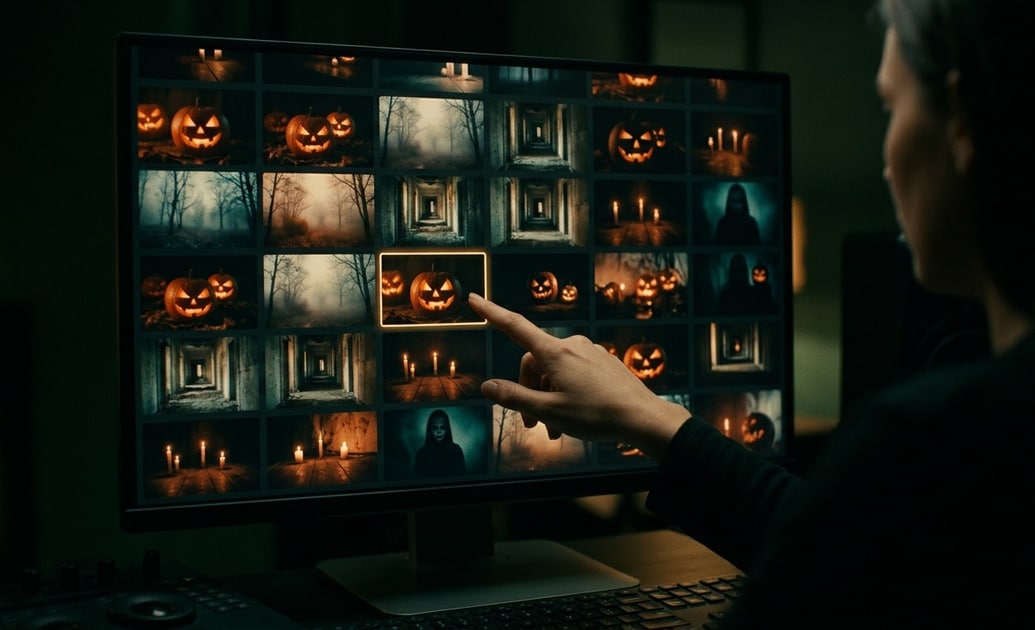
Use Filmora's video filters to unify footage from different collections, then add restrained video effects for fog, glow, glitch, or supernatural atmosphere. Finish with readable titles and sound cues that support the scene without hiding important visual details.
- Use cooler shadows and reduced saturation for scary stock footage and haunted locations.
- Use warmer orange highlights for pumpkin videos, party scenes, and playful Halloween clips.
- Pair ghost footage, warning scenes, or haunted castles with whispers, impacts, or risers from the AI Sound Effect Generator.
Frequently Asked Questions About Halloween Stock Videos
How to Use Halloween Stock Videos in Filmora
Find, download, and customize Halloween stock footage in three simple steps inside Filmora.
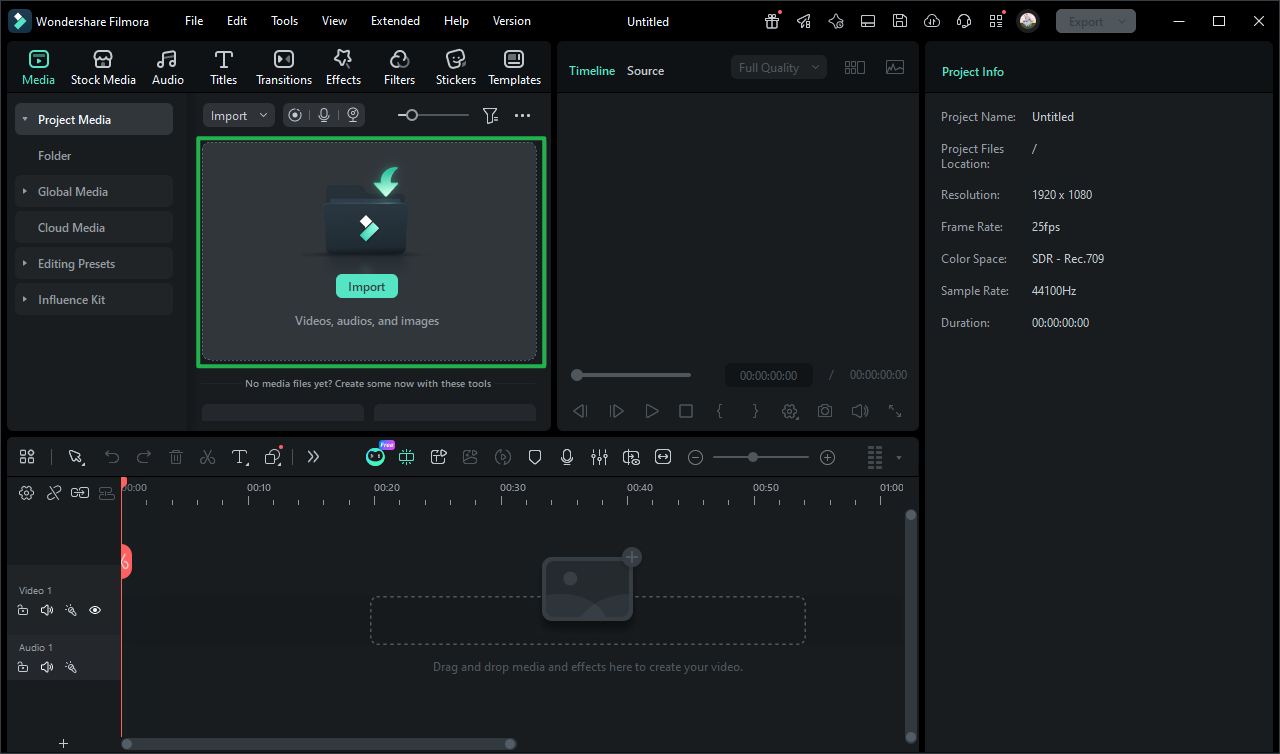
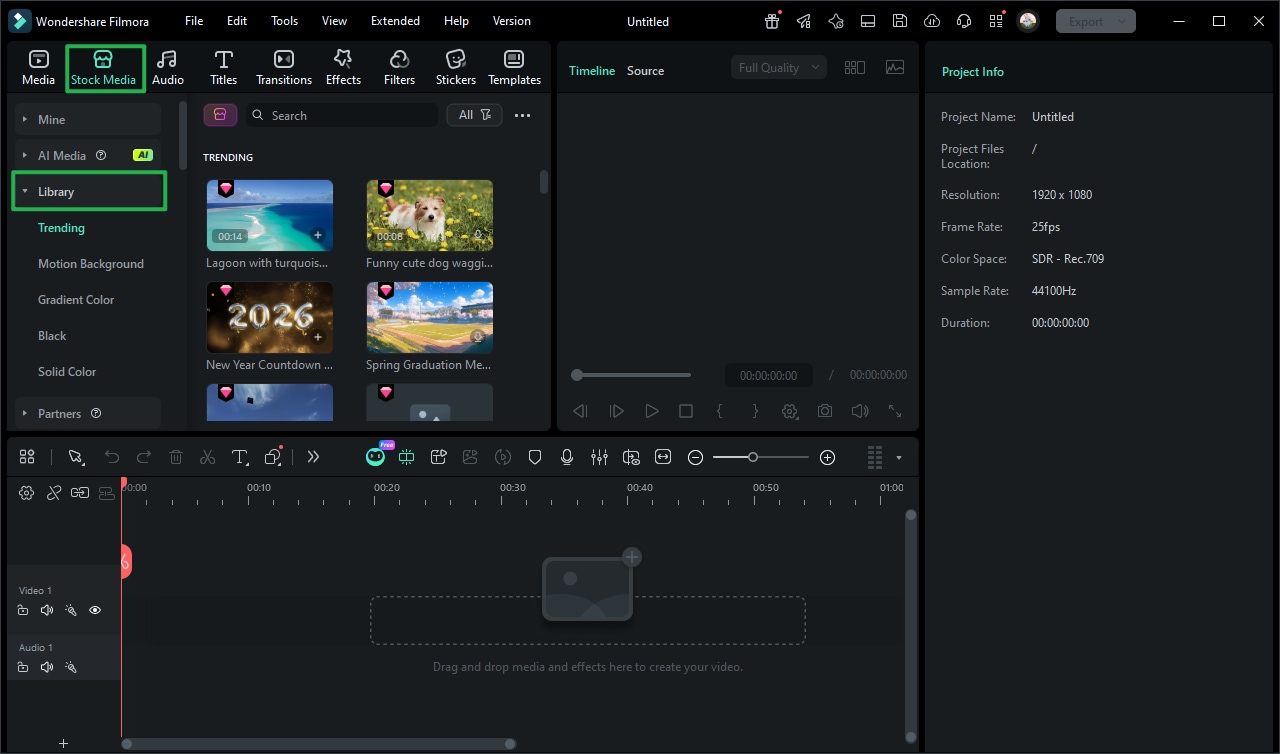
Step 1 Browse Halloween Stock Media
Step 2 Download Your Favorite Clip
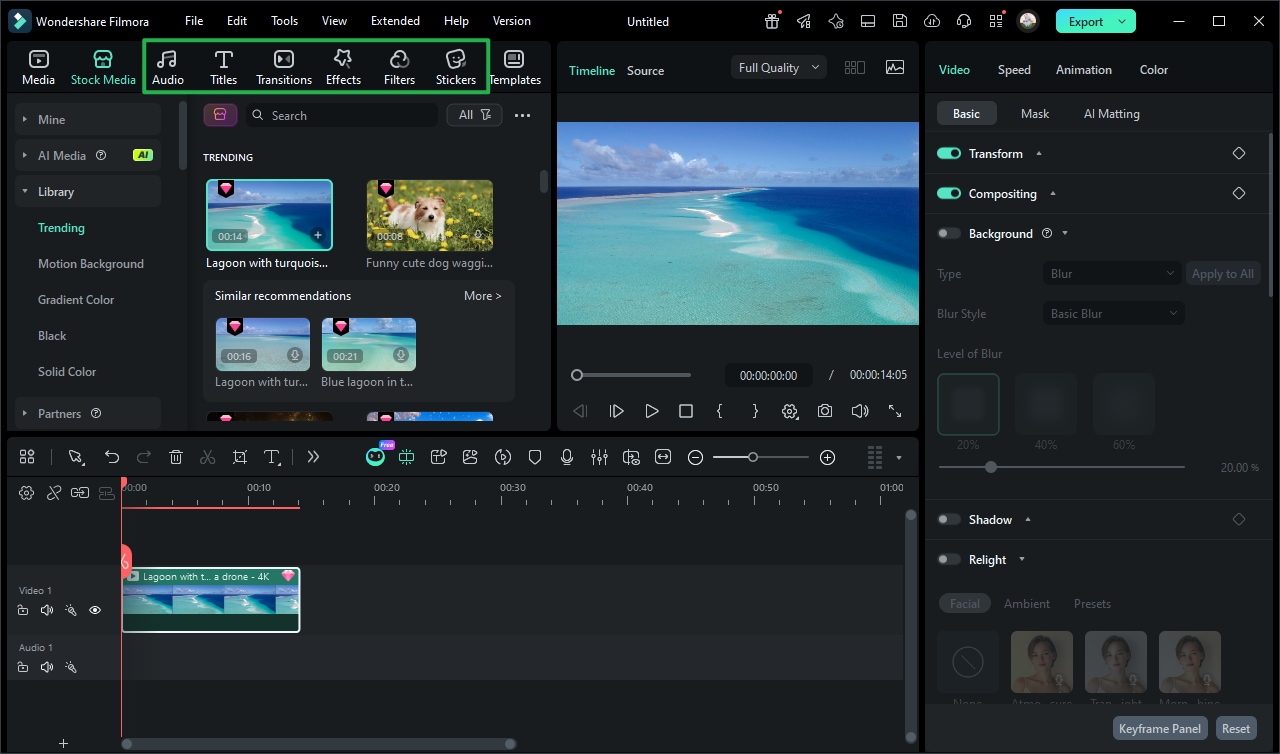
Step 3 Add and Customize
-
1: Browse Halloween Stock Media
Open Filmora's Stock Media library and search for Halloween stock videos. Preview ghost footage, pumpkin scenes, haunted locations, scary clips, and party backgrounds to find the right visual. -
2: Download Your Favorite Clip
Click the download icon on your chosen Halloween clip to add it to Filmora's local asset library and prepare it for immediate use in your project. -
3: Add and Customize
Drag the downloaded clip onto the timeline, then trim its duration and adjust the crop, scale, speed, color, and opacity to match the rest of your Halloween edit.