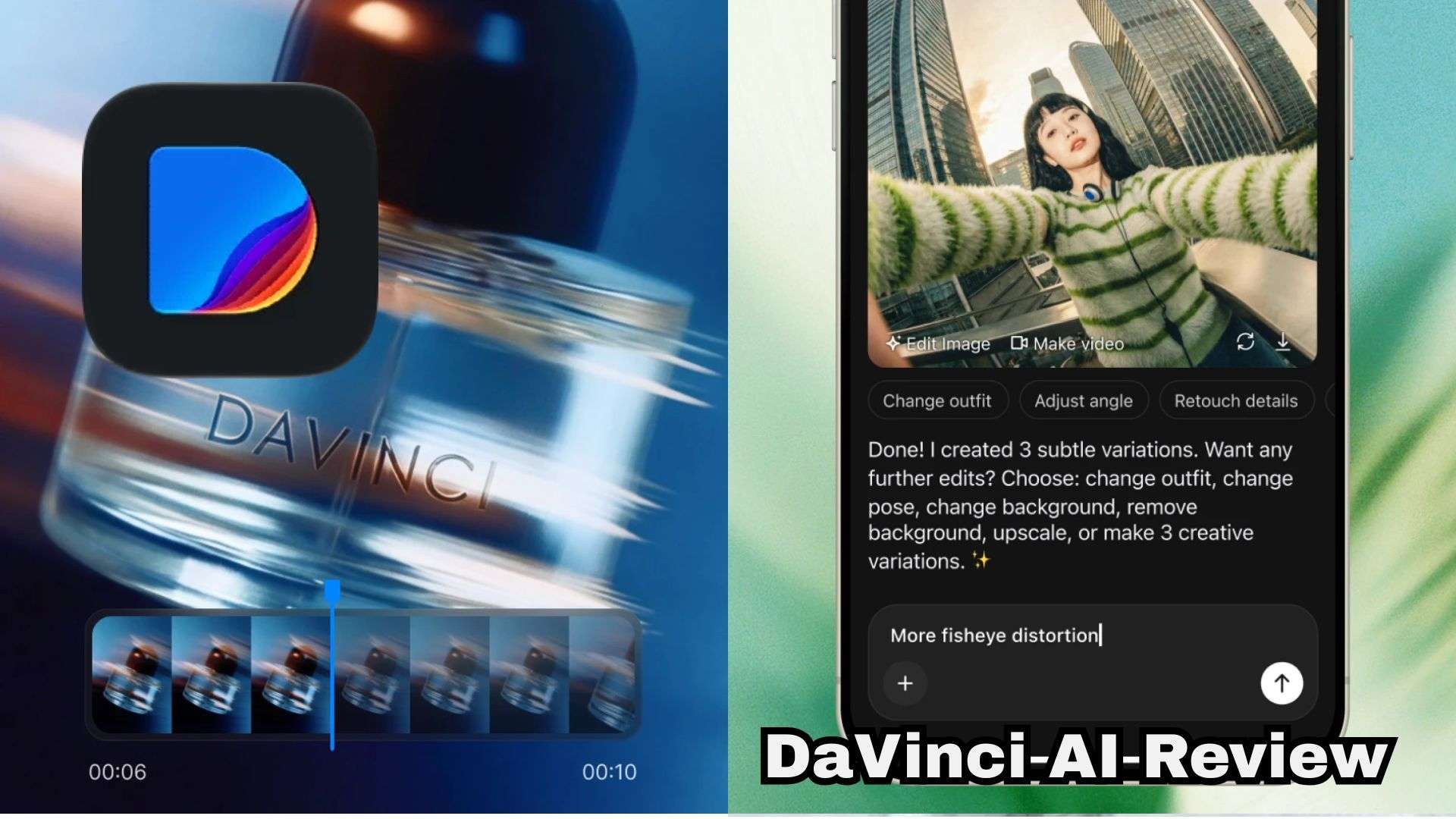
With over 63% of video marketers now using AI tools to churn out content, multi-model platforms have become a dream workspace for creators. One of them is DaVinci AI, an AI-powered creative suite for generating and editing visuals, including AI videos and images.
However, stacking up multiple subscriptions isn't cheap, and paying for features you might not even use is a fast way to burn through your creative budget. So, our DaVinci AI review will dissect its features, generation quality, credit systems, and hidden subscription gotchas so you can decide if it's actually worth your money.
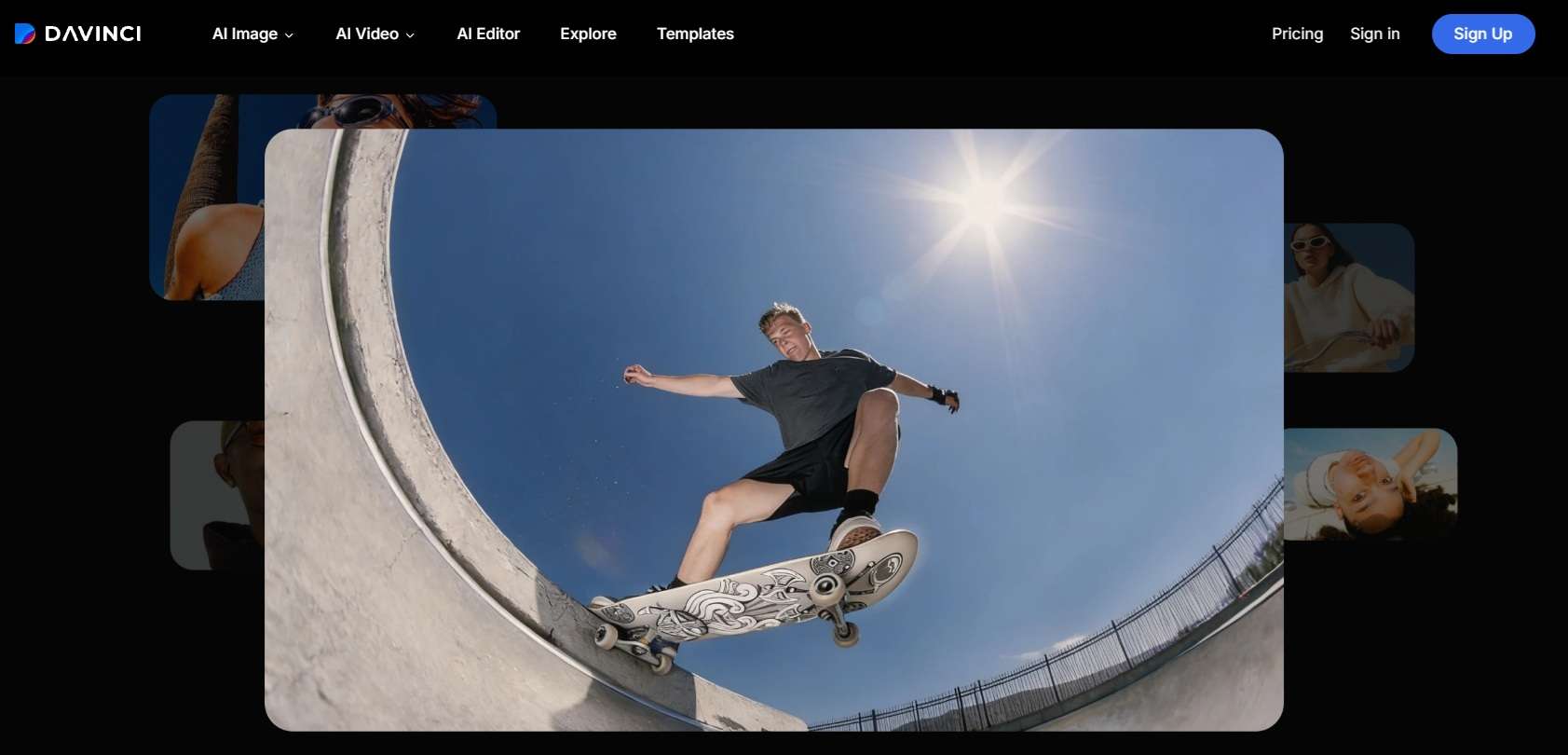
Part 1. DaVinci AI: High-Powered AI Models in One Hub
Before we begin our review, let's clear up one major point of confusion right away: DaVinci AI has zero connection to Blackmagic Design’s world-famous video editor, DaVinci Resolve. Their similar names don't mean they share the same developer or purpose.
The DaVinci AI video generator we will talk about was developed by HubX, and it is a generative media platform for people who want to create visual and audio content with AI.
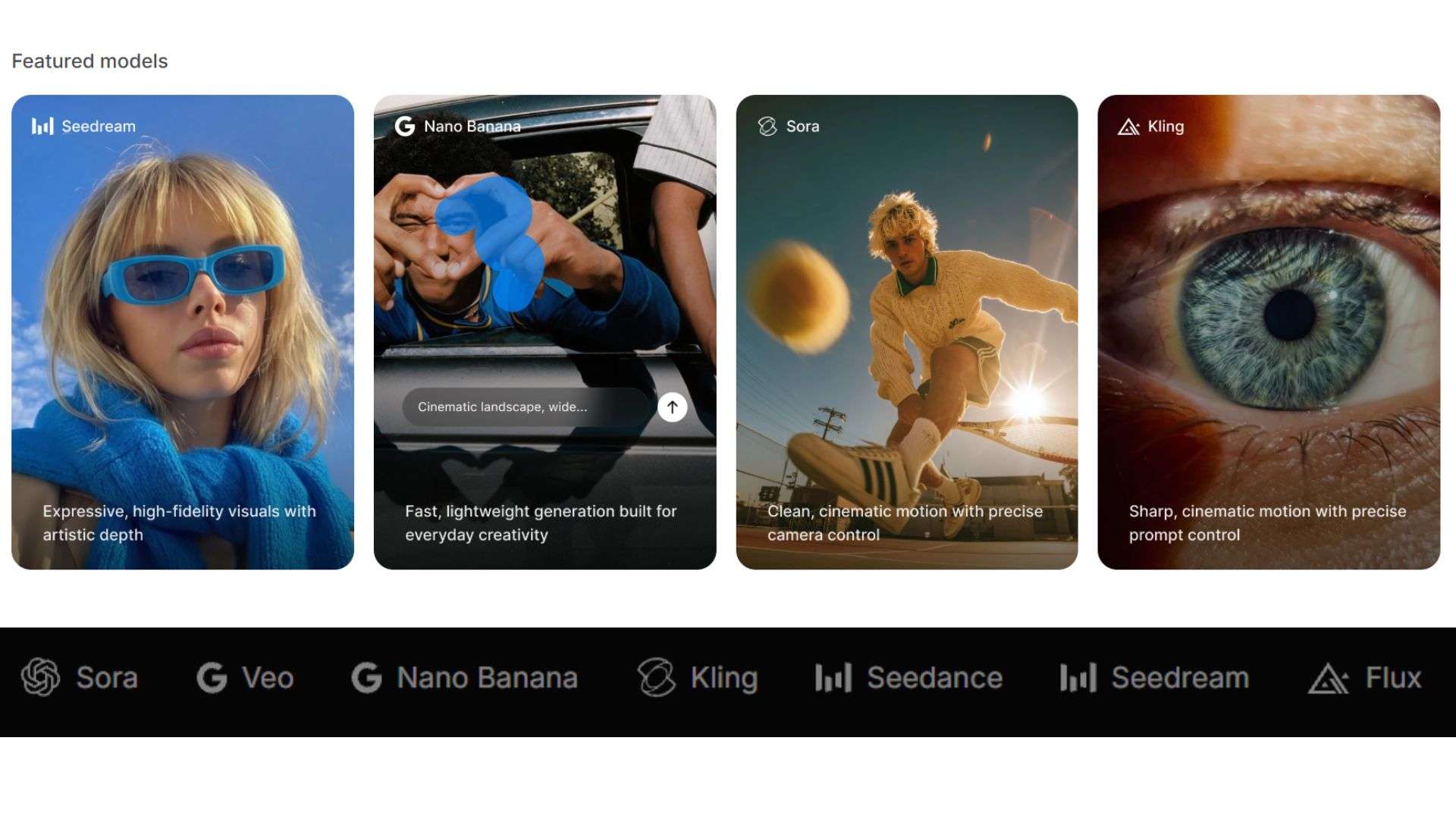
You'll have plenty of AI generative models like OpenAI Sora, Google Veo, Flux, Seedream, Kling, and Nano Banana under one platform. And because of that, the platform is ideal for social media creators, e-commerce store owners, and marketing teams who need high-impact visual assets fast.
Access DaVinci AI Through Your Phone
You can access the platform on any desktop web browser, so there's no need to download DaVinci AI if you're working on a laptop. But if you're someone who creates on the go, there's a dedicated DaVinci AI app ready to download on both Android (Google Play Store) and iOS (Apple App Store).
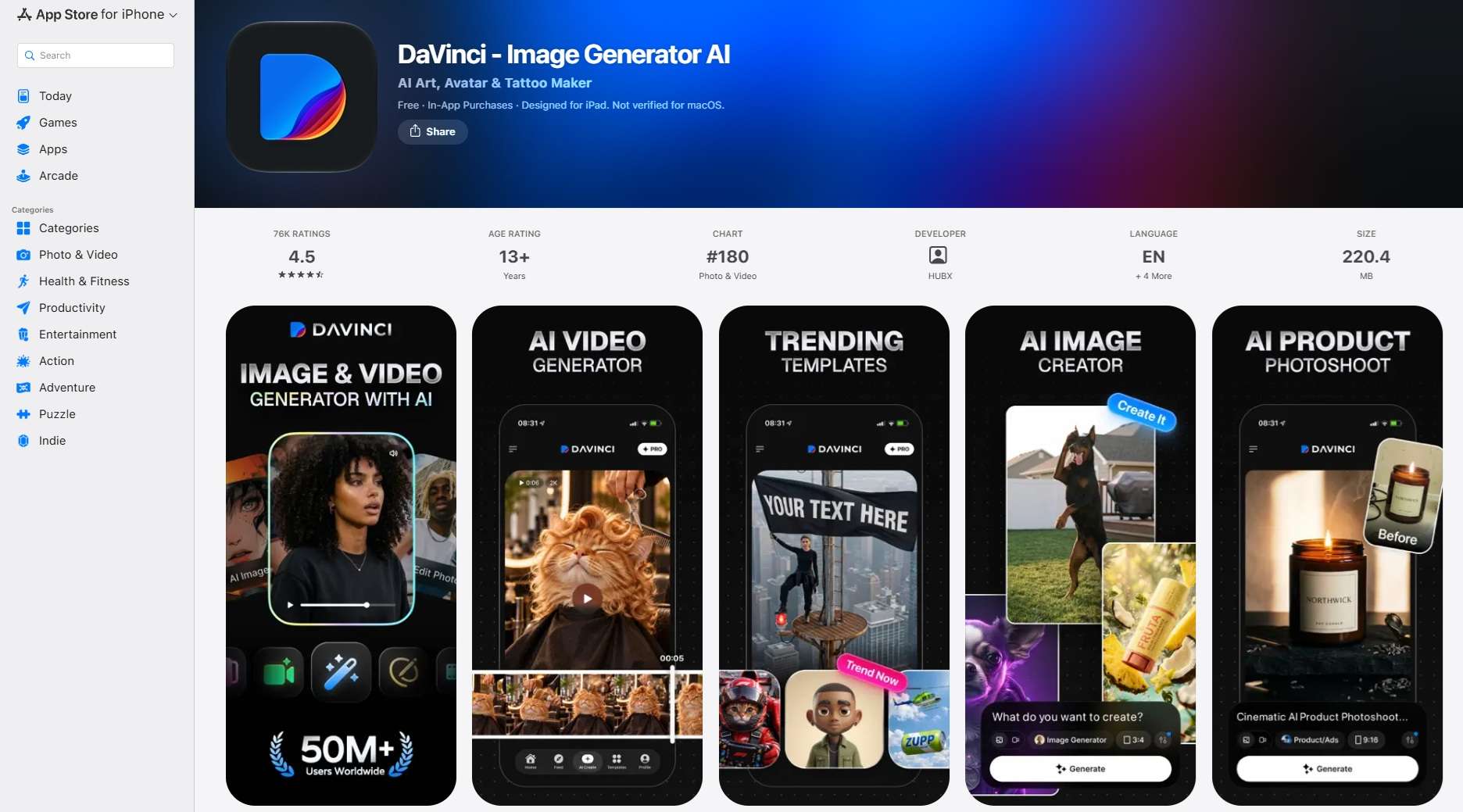
The mobile apps sync your project history instantly with your desktop account. You can prompt a scene during your morning commute, render a quick video clip on your phone, and have the finished asset ready to post before you even sit down at your desk.
Part 2. DaVinci AI Pricing Explained: Credits and Subscriptions
DaVinci AI's pricing deserves a closer look because the subscription fee is only part of the equation. The platform runs on credits. Meaning, every image, video, or track you make costs some number of credits, and you’ll see the cost before you hit generate.
When you first sign up for a DaVinci AI free trial account, you get a small starter balance of around 25 credits, and that evaporates after a couple of test runs. If you want to keep creating, you'll be prompted to pick a subscription plan.
| Plan | Price | Credits | Image Limit | Video Limit |
| Pro | $29.99/month | 2,200/month | Up to 500 | Up to 100 |
| Max | $69.99/month | 5,000/month | Up to 1,000 | Up to 250 |
| Ultimate | $174.99/month | 15,000/month | Up to 3,000 | Up to 750 |
| Creator | $329.99/month | 40,000/month | Up to 8,000 | Up to 2,000 |
|
Show More
Show Less
|
||||
On-Demand Credit Top-Ups
DaVinci AI pricing can also be flexible. If you find yourself in the middle of a major project and run out of monthly credits before your renewal date, you don't have to upgrade your entire tier right away. You can purchase standalone credit top-ups right inside your user dashboard:
| Price | Credits |
| $8.99 | 1,000 |
| $15.99 | 2,000 |
| $39.99 | 5,000 |
| $69.99 | 10,000 |
| $89.99 | 15,000 |
| $149.99 | 25,000 |
|
Show More
Show Less
|
|
Part 3. What You Get Inside DaVinci AI: Main Features Breakdown
Once you pick a plan, what do you actually get to play with? Well, DaVinci AI groups its capabilities into dedicated workspaces so you can move from a simple idea to a finished piece of media without getting lost. Let's break them down.
Video Studio
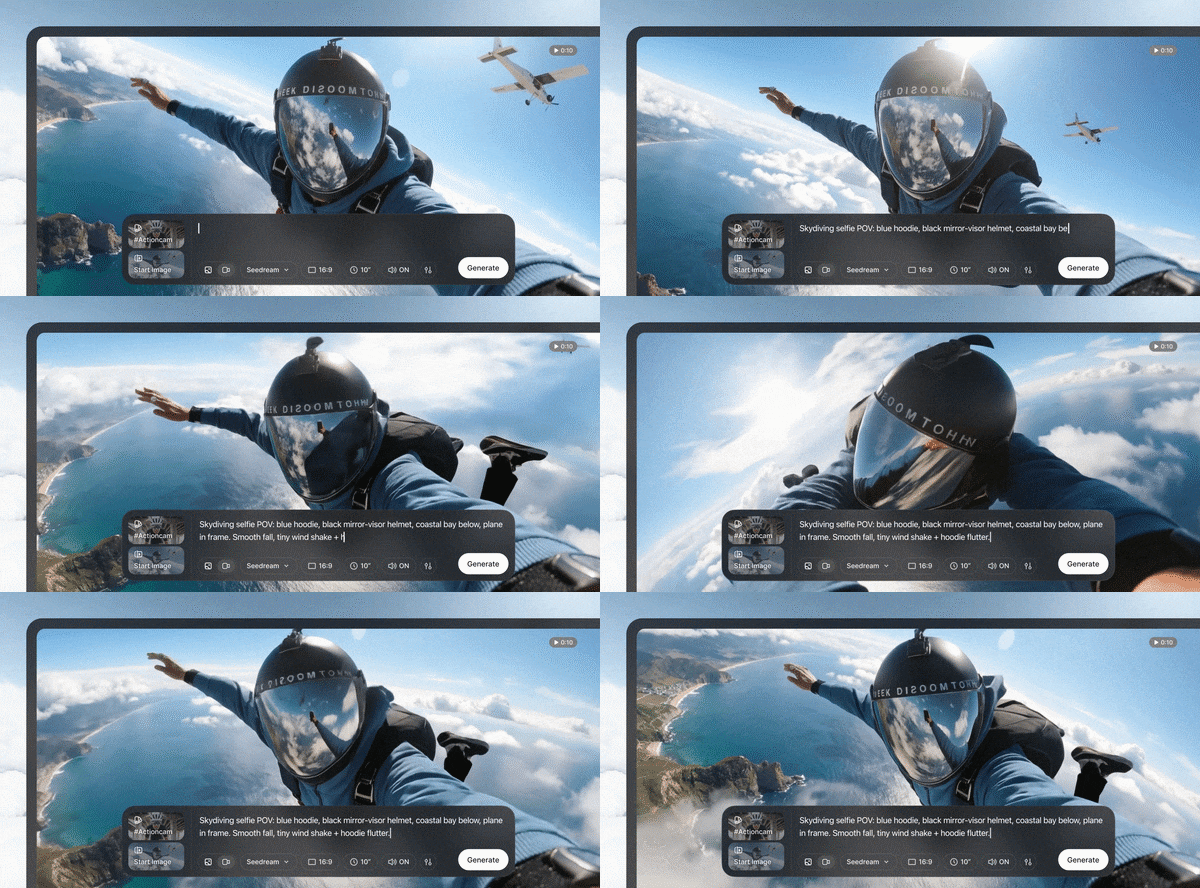
The DaVinci AI text-to-video generator and image-to-video tool sits right at the center of the platform, so you can type a scene or upload a still and watch it move. You can also edit clips and extend them. But remember, the quality of the DaVinci AI video depends heavily on the model and your prompt, so expect a few tries before you land on the keeper.
Image Studio
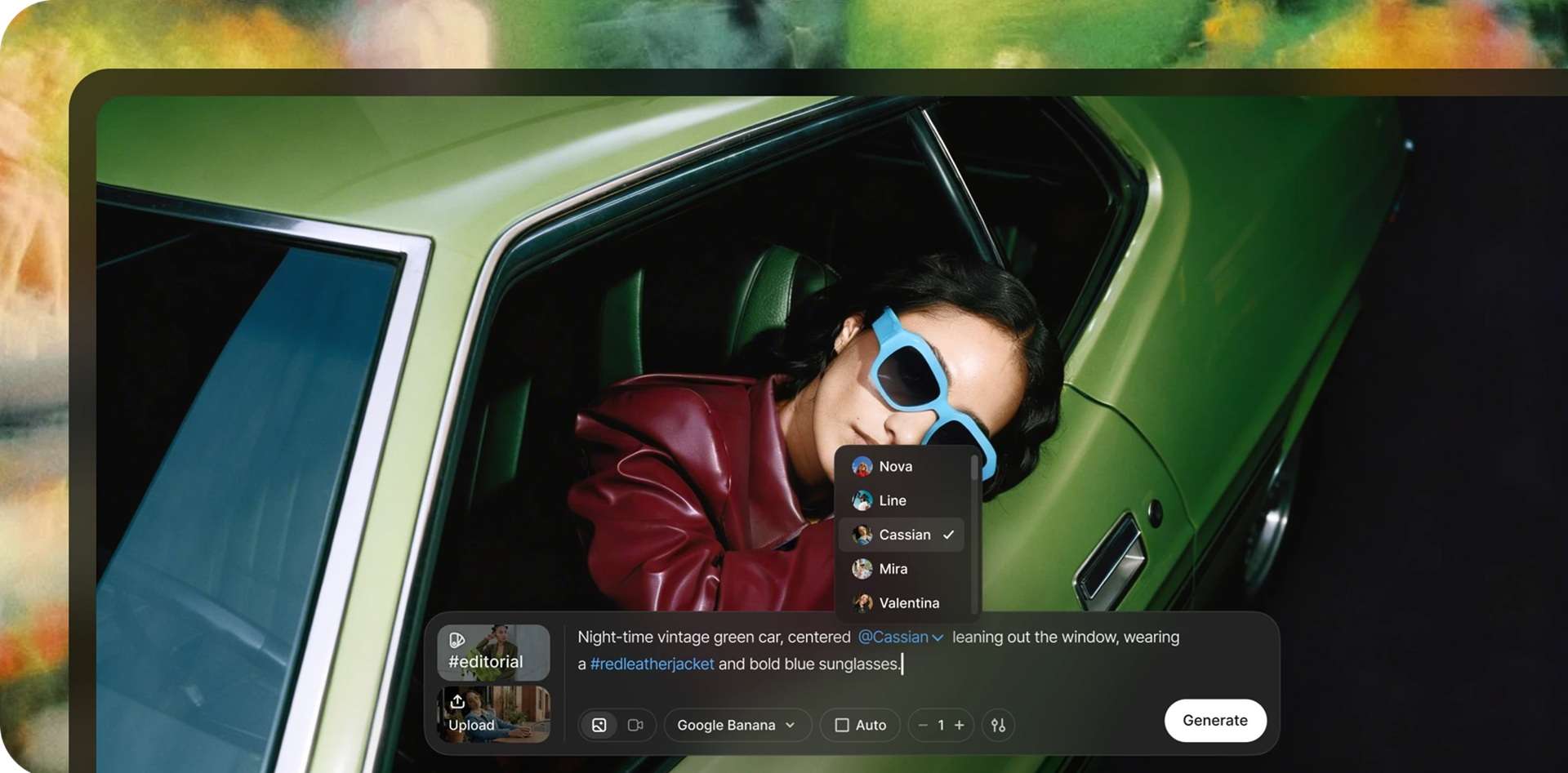
Meanwhile, the DaVinci AI image generator handles everything from dramatic artistic concepts to ultra-realistic portrait photography. You get a full suite of localized image editing tools. You can remove unwanted background clutter, swap out specific objects in a scene, or use the upscale engine to boost lower-resolution pictures into crisp, print-ready visuals.
Audio Studio
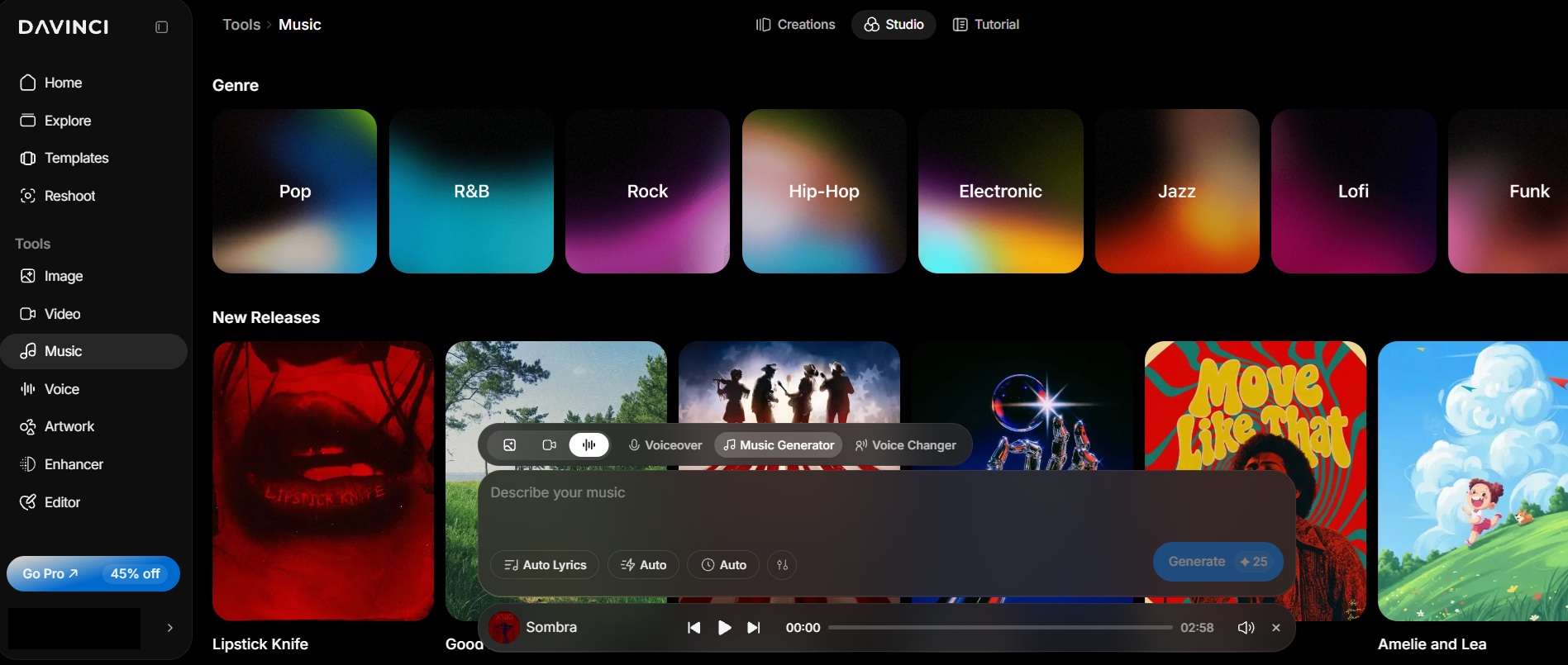
Beyond visuals, you get a DaVinci AI music generator (pick a genre, mood, and language, even write your own lyrics or make songs with vocals) and a voice generator with 194 voices across 73 languages, built on engines like ElevenLabs and MiniMax Speech. That’s handy for narration and multilingual videos. Voice changing is on the feature list too.
Reshoot
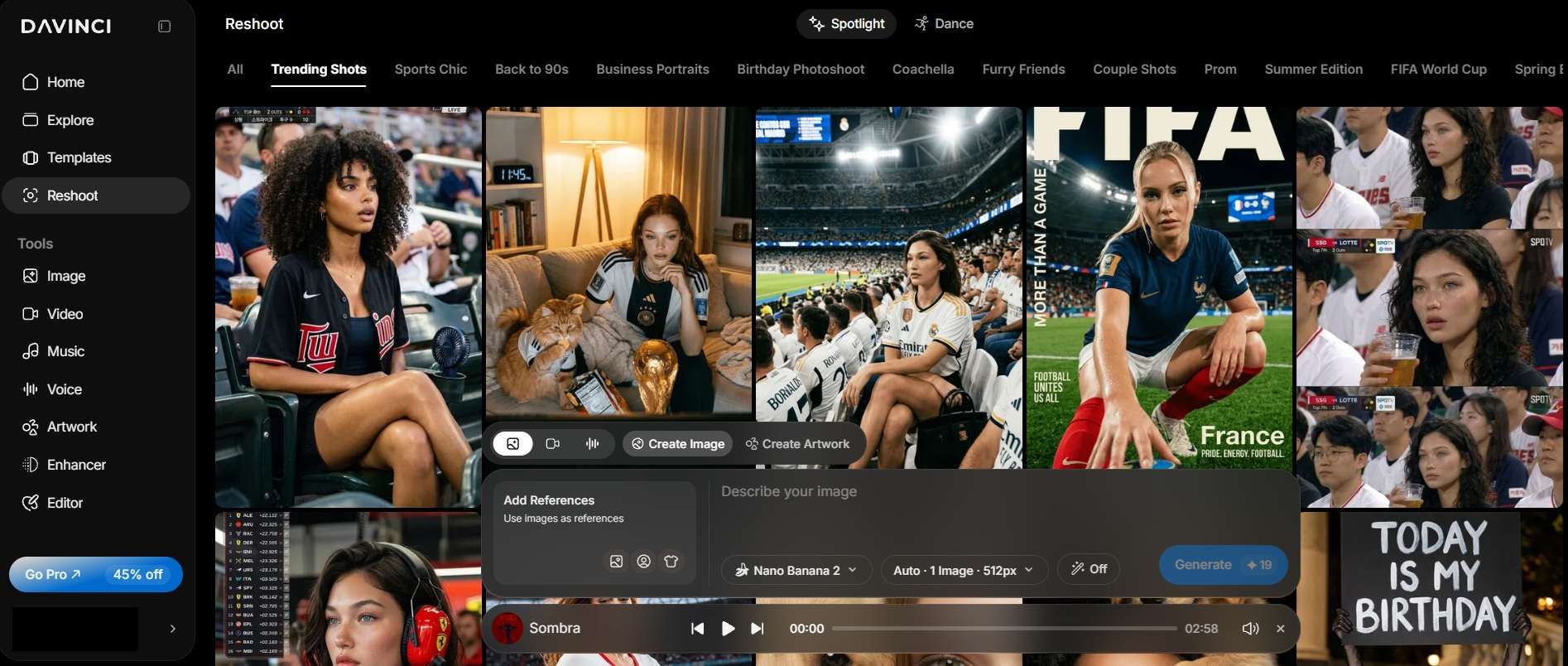
Reshoot is the DaVinci AI signature feature, and for a good reason. It kind of works like a DaVinci AI image feature, but instead of starting from scratch, you get a strong reference to begin with, so the result is much more accurate than simply typing a prompt. The references are varied and extensive too, ranging from sports, music festivals, summer vibes, and more.
Creative Templates
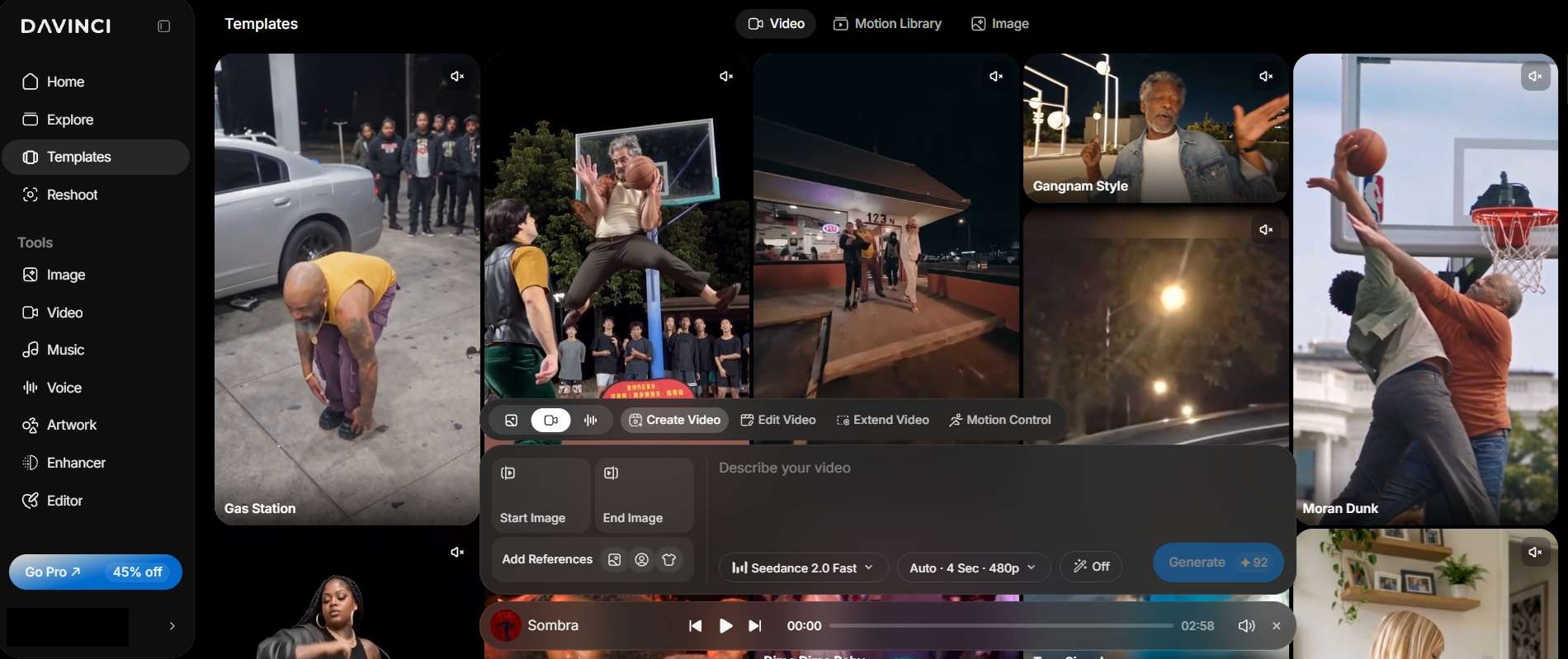
If you're not in the mood to write prompts, you can have a quick creation using DaVinci AI's templates. These are ready-made starting points across plenty of niches: YouTube thumbnails, business portraits, logos, product ads, and more. Pick one, swap in your details, and you’re off.
Editor
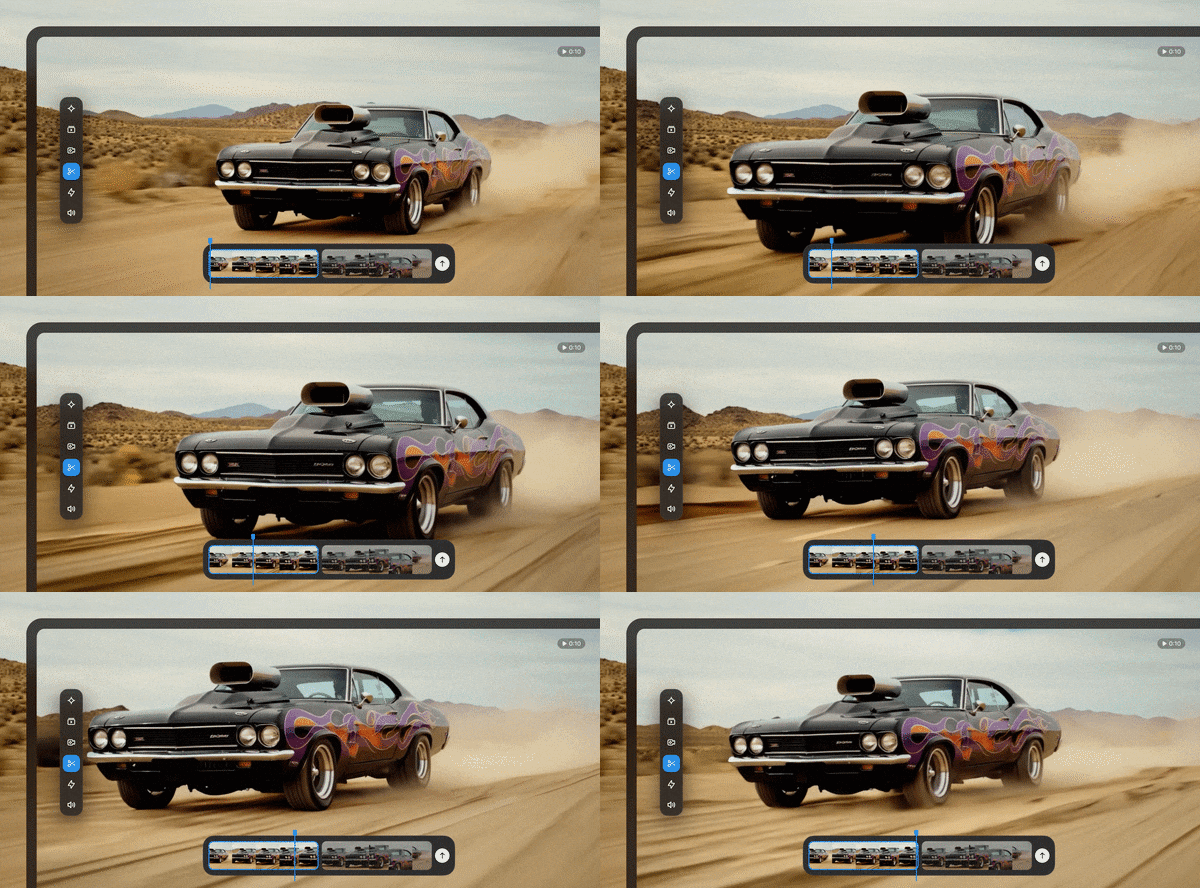
DaVinci AI's built-in editor handles the quick fixes: removing backgrounds, erasing stray objects, adjusting lighting, upscaling. But don't assume its editor works like a traditional video-editing timeline. If you're assembling a longer video with multiple scenes, narration, music, captions, and precise timing, you may need a dedicated editor to finish the job.
Part 4. DaVinci AI Pros and Cons: Is It Good Enough to Justify Its Price?
Given the price points, DaVinci AI packs a massive range of features into a single workspace. However, rich features alone do not guarantee a smooth user experience. So, is DaVinci AI good enough and does it deliver enough value to justify its price tag? Here is a balanced look at where DaVinci AI excels and where it falls short.
- On-the-Go Mobile Flexibility: Native Android and iOS apps mean mobile creators can generate, edit, and post content directly from their phones.
- No Technical Expertise Needed: Clean, prompt-driven UI makes it easy for non-designers to generate visual content within minutes.
- Lots of AI Models: Having Sora, Veo, Kling, and more in one place beats paying for each separately.
- Frustrating Free Trial Limits: The initial 25-credit allotment is too small to properly test video features, essentially pushing you into a paid plan almost immediately.
- Limited to Short-Form Media: DaVinci AI video generator is great for 5 to 10 second clips and ads, not for long or complex video projects.
- Confusing Subscription Gotchas: Trial offers can convert into recurring subscription charges if you don't actively keep track of your renewal dates.
Part 5. Looking for a DaVinci AI Alternative? Try Wondershare Filmora
After considering all the factors above, here is our verdict: DaVinci AI is awesome for making standalone clips and images. But the pricier plans, the short-form focus, and the lack of a traditional multi-track editing timeline mean it won’t suit every workflow.
If you want AI help and deep editing control, Wondershare Filmora is a strong alternative worth a look.
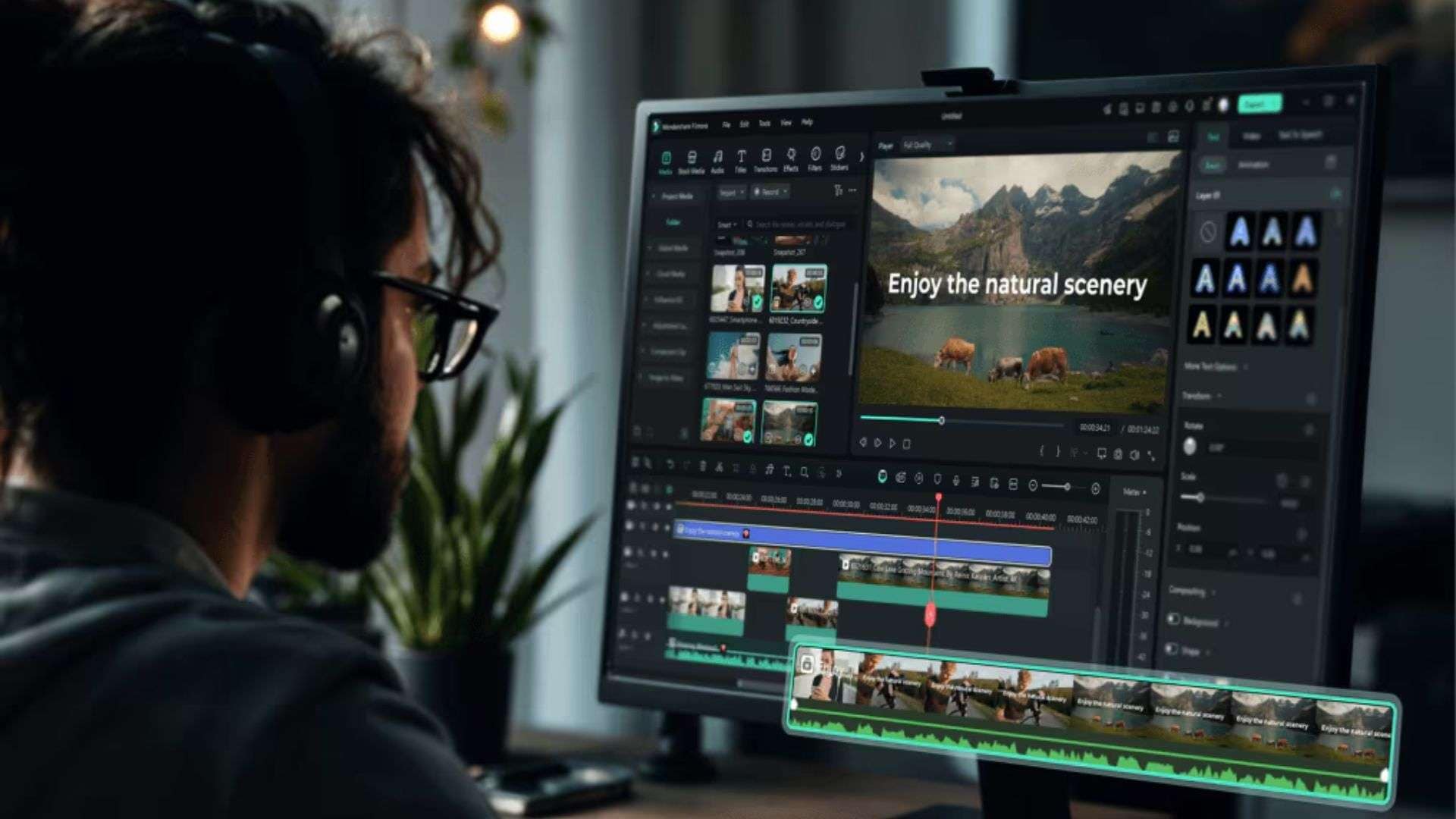
Why Consider Filmora for Your Next Video Project?
Filmora is more than just an AI video generator. Plenty of creators generate a clip in one tool and finish the edit in the other. But if you can only afford one, ask yourself: do you need to make new footage, or edit the footage you already have?
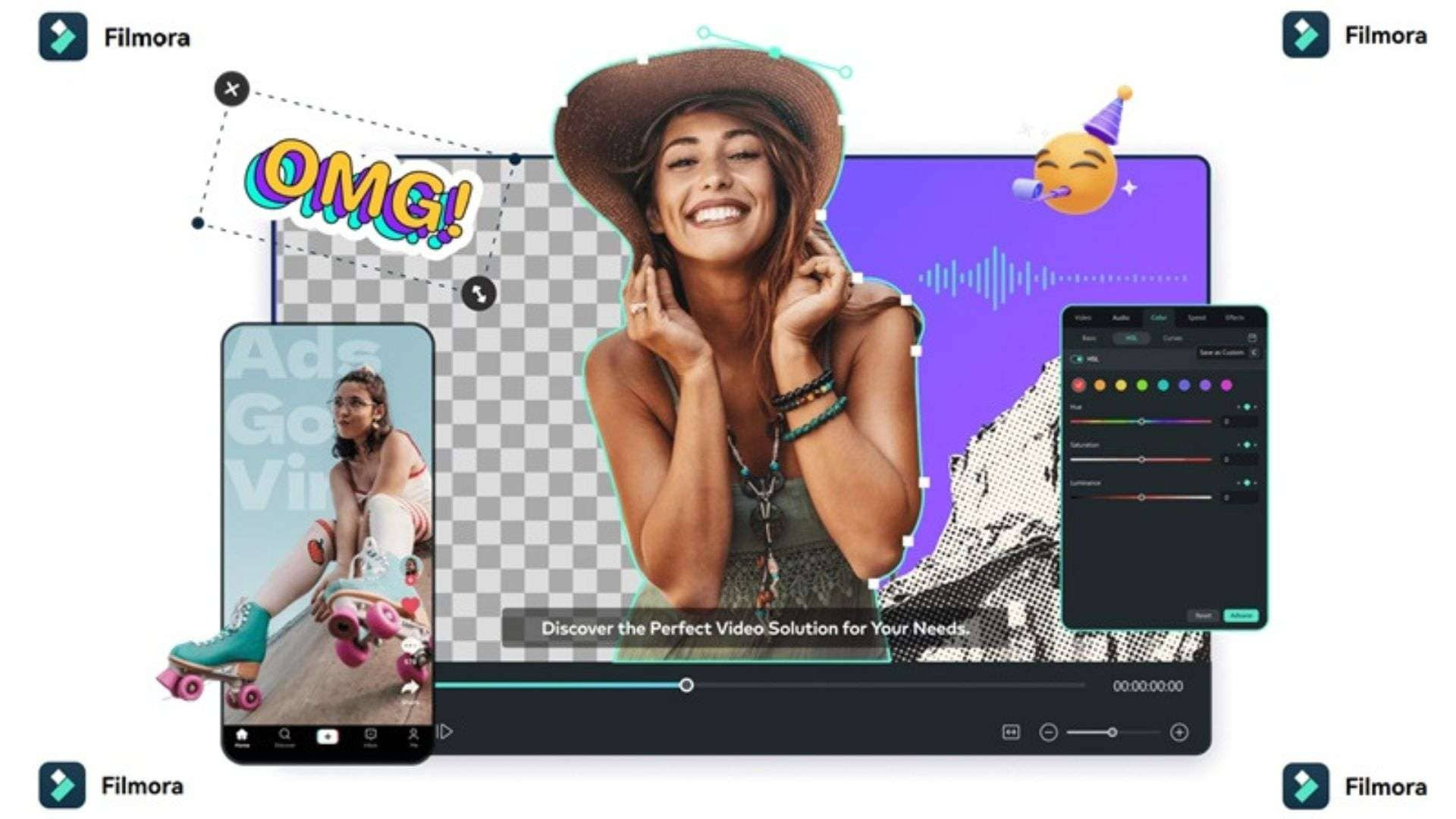
A few of the many reasons why Filmora comes out on top are:
- Professional Multi-Track Editing Timeline: Offers full frame-by-frame video editing, multi-layer video tracks, and precise audio scrubbing that pure AI generators lack.
- Deep-End Built-in AI Features: Packed with integrated AI tools, including AI Copywriting, AI Color Palette, Motion Tracking, AI Audio Stretch, and AI Translation.
- Extensive Media & Effects Library: Provides instant access to millions of stock videos, audio tracks, visual effects, transitions, and motion titles without consuming per-generation credits.
- Long-Form Video Capabilities: Filmora is unrestricted by short clip durations. You can easily edit long-form YouTube videos, podcasts, and full tutorials.
- Flexible & Transparent Pricing: Offers standard lifetime perpetual licenses as well as affordable annual plans without hidden credit-per-second conversion rates.
- Cross-Platform Compatibility: Runs smoothly across Windows, macOS, iOS, iPadOS, and Android with cloud project syncing.
 Secure Download
Conclusion
Overall, DaVinci AI earns its keep if you pump out short visuals all week and want Sora, Veo, and Kling without juggling logins. But be aware of its flaws: credits don’t roll over, the trial renews at a higher price, and it won’t replace a proper editor.
And if your real bottleneck is editing, not generating, give Wondershare Filmora a try. Its multi-track timeline, built-in AI tools, and long-form support let you turn clips (AI-made or not) into finished videos without a credit meter ticking in the background.
FAQs
-
1. How do I process a DaVinci AI cancel subscription request?
The cancellation process depends on where you purchased your subscription.
Web: Sign in > Dashboard > Account Settings > Billing > Cancel Subscription.
iOS: Settings > Apple ID > Subscriptions > DaVinci AI > Cancel Subscription.
Android: Google Play Store > Profile Icon > Payment Subscriptions > Subscriptions > DaVinci AI > Cancel Subscription. -
2. Is DaVinci AI safe and legit to use?
Yes, DaVinci AI is safe and fully legitimate. The platform is owned and operated by HubX, a recognized app development company. The main complaints we found aren’t about scams; they’re about billing: auto-renewing trials and non-refundable fees. -
3. Do unused monthly credits roll over to the next billing cycle?
No. Your plan’s credits refresh to the full allowance at the start of each billing period, and leftovers don’t carry over. However, standalone top-up credit packs purchased separately typically remain active in your account until you spend them.