


When you hear the word canvas, your mind probably jumps straight to popular graphic design tools. But MiriCanvas steps beyond basic layouts by blending everyday design tools with powerful features like the MiriCanvas AI video generator.
With more than 2 million users worldwide, it certainly caught our attention, but does it really have enough to stand out? In this review, we’ll look at its features, pricing, and AI tools to see if MiriCanvas DesignHub is worth trying.
Part 1. What Is MiriCanvas? A Quick Look at the Platform
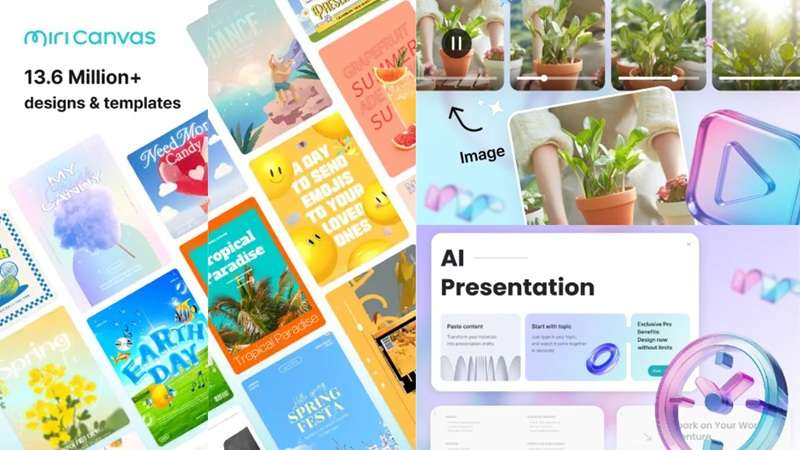
Ever feel like traditional design software throws way too many complex buttons at you when all you want is a quick graphic? That is pretty much why MiriCanvas exists. Built by Miri D.I.H Co., Ltd., the platform highlights more than 800,000 templates and 10 million design elements, including photos, icons, videos, and audio.
The real balance MiriCanvas strikes is between traditional, hands-on canvas editing for people who want full control, and one-click AI tools for people who'd rather describe what they want and let the platform handle the heavy lifting.
Because of that, the platform is a total lifesaver for small business owners, social media managers, students, and everyday non-designers who need professional graphics without hiring an agency.
Part 2. How to Access MiriCanvas: Getting Started and Account Setup
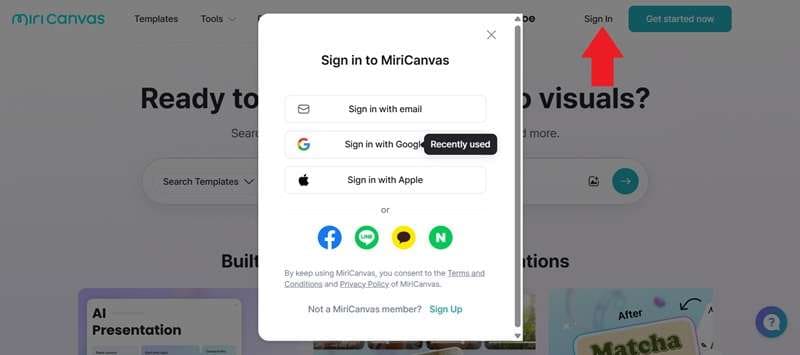
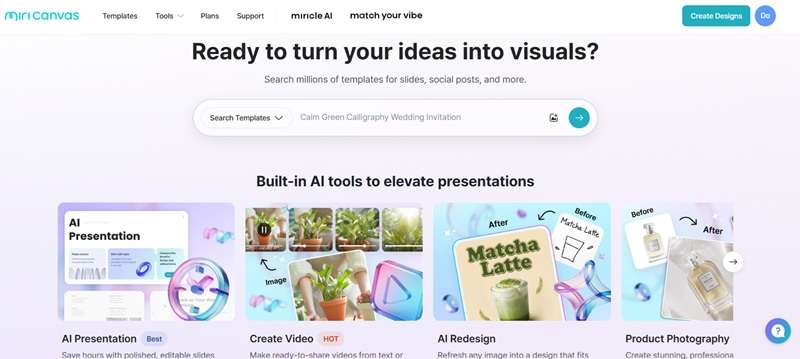
MiriCanvas is mostly a web-based platform, so most people will be using it straight from their browser at https://www.miricanvas.com/. To unlock the full experience, you'll need to register for an account and click the Miricanvas log in button. Here's how it works:
Access MiriCanvas on Your iPhone Too!
If you'd rather design on the go, MiriCanvas also has an official mobile app, though right now it's iPhone-only. You can grab the official app directly from the Apple App Store to work right from your phone. It brings the core editing workspace directly to your mobile screen, making quick edits on the move super convenient.
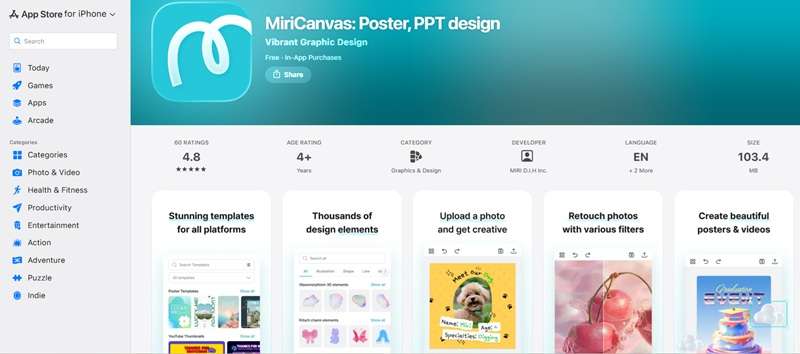
Now, is Miricanvas safe to download from other sources? Well, we definitely wouldn't recommend that. Installing any APK or mod file from third-party resources brings lots of risks. So, Android users will have to stick to the browser version for the time being, at least until (or if) MiriCanvas decides to expand there.
Part 3. From Templates to AI Video: MiriCanvas Features Breakdown
Templates are still a huge part of the experience, but stopping there would undersell MiriCanvas video creation capabilities. Once you dig into the tools, it starts to look less like a simple template library and more like a general-purpose visual creation platform.
1. Extensive Templates
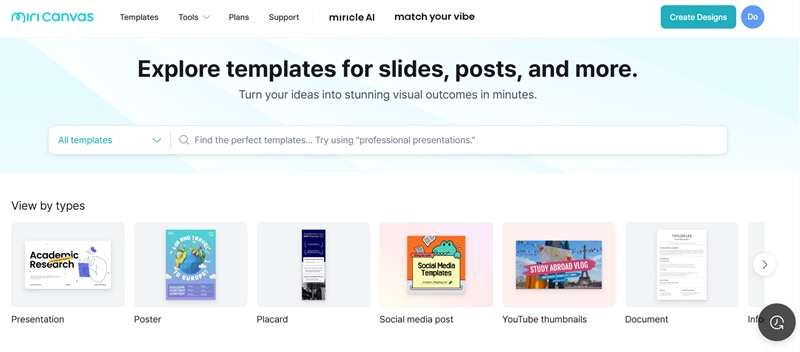
This is still the foundation of the platform. Go visit https://www.miricanvas.com/en/templates and you'll find over 50,000 templates are available even on the free plan, covering everything from social media posts and YouTube thumbnails to resumes, business plans, posters, and full slide decks. You just swap out the text, adjust colors to match your vibe, and you are good to go.
2. AI Presentation

Instead of building a deck slide by slide, MiriCanvas's AI Presentation Maker lets you type in a topic and a page count, and it generates a full outline you can edit before the actual slides get created. Once you're happy with the outline, pick a design theme and the AI builds out a complete, editable presentation.
3. AI Video Generator
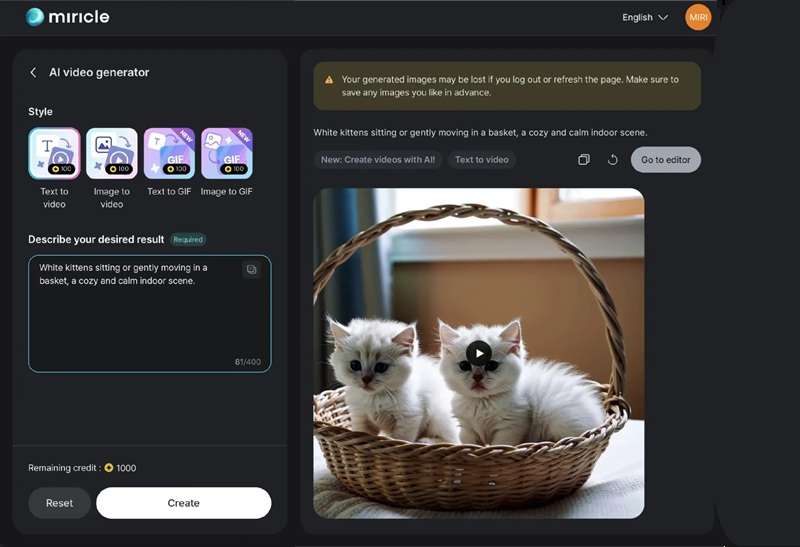
This is the newer Miricanvas video generator feature, and it's built around Kling AI's video generation technology. You can go from a written idea straight to a short video (text-to-video), or use the Miricanvas image-to-video workflow if you have photo references. Once generated, the result can be dropped into MiriCanvas's own editor, where you can make further edits..
4. AI Photo Editor
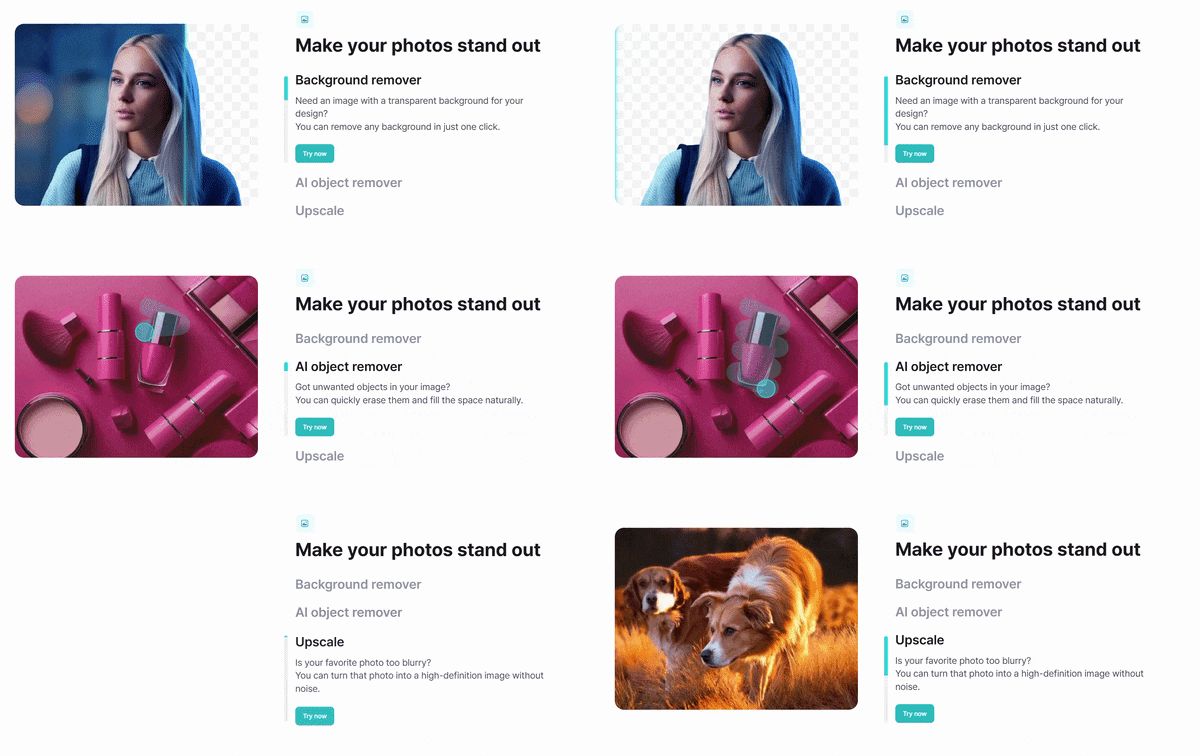
Besides MiriCanva's AI video features, the platform also offers several useful image-editing tools. You get single-click background removal, object erasing to wipe out unwanted clutter, and upscaling to crisp up blurry graphics instantly.
Part 4. MiriCanvas Free vs Pro: What Do You Get?
When it comes to pricing, MiriCanvas is honestly pretty generous. The free plan alone gets you access to over 50,000 templates, 350,000-plus photos and graphics, and 1GB of personal storage. Logging in also nets you a batch of credits (around 200) to test out the AI tools like the Miricanvas AI image-to-video generators.
If that free tier starts feeling limiting, though, upgrading or buying Miricanvas Pro unlocks quite a bit more:
| Feature | Free Plan | Pro Plan |
| Price | $0 | $11.99 / month |
| Templates | 50,000+ | Unlimited premium templates |
| Photos & Graphics | 350,000+ | Unlimited premium photos & graphics |
| Storage | 1GB | 10GB |
| Background Removal | Limited | Unlimited |
| Task History | Not included | 7-day task history and restore |
| Best For | Casual and occasional design work | Frequent creators and professionals |
|
Show More
Show Less
|
||
Part 5. Should You Use MiriCanvas? Pros and Cons at a Glance
So far, it might sound like MiriCanvas can't do much wrong. But no tool is perfect, and going in assuming otherwise is a fast way to end up disappointed later. Better to weigh the ups and downs honestly from the start.
Here is an honest breakdown of where it shines and where it hits a wall.
- Super Beginner-Friendly: The drag-and-drop workspace feels clean, responsive, and completely painless to learn.
- Huge Asset Library: Millions of elements mean you rarely run out of creative choices.
- Generous Free Trial Space: Giving 200 credits right after login lets you test real features without throwing down a credit card first.
- Affordable Pro Pricing: At $11.99/month, it's a genuinely cheaper alternative to Canva Pro's $15/month.
- Basic Timeline Video Controls: You cannot do deep multi-track video editing, complex audio mixing, or precise clip splicing.
- Mobile Limited to iOS: Android users currently miss out on the dedicated mobile app experience.
- AI Generation Built for Short Clips: It's not designed for longer, story-driven video projects, that's a different kind of tool entirely.
- Watermarks on Premium Assets: Accidental use of paid elements on the free plan leaves watermarks on exports.
Bonus: Filmora as a More Complete Option for Video Creation
Don't get us wrong, MiriCanvas is genuinely great, and it works well for what it's built for. But it's mostly at its best for design-related projects and presentations. If your content strategy relies heavily on deep video storytelling, multi-clip projects, or precise audio editing, MiriCanvas can start to feel a bit thin.
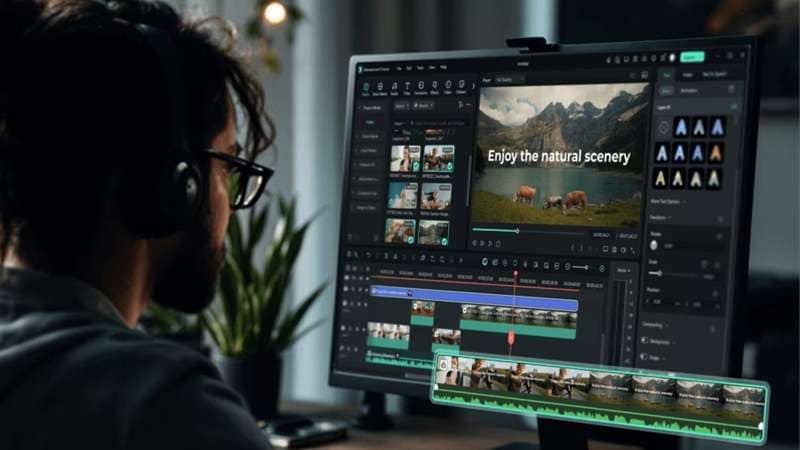
For that kind of deep-dive video work, a dedicated tool like Wondershare Filmora is the stronger pick. Filmora is a full all-in-one video editor that covers the same generation-and-design territory MiriCanvas DesignHub offers, and then keeps going well past it.
Why Filmora is a Great Next-Level Alternative
1. Multiple AI Models
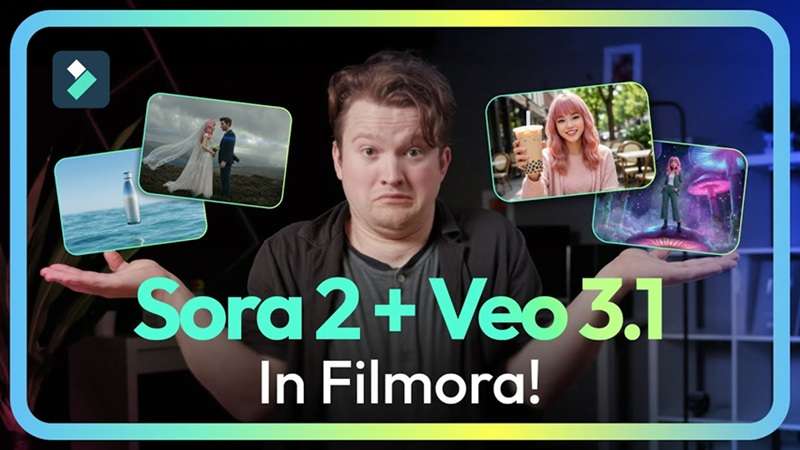
Instead of sticking to one basic visual engine, Filmora integrates cutting-edge models like Veo 3.1, Sora 2, Seedance 2.0, HappyHorse, Nano Banana, and GPT Image 2 straight inside your editing suite.
2. Multiple Ways to Create AI Video
All of those models show up across several different AI video generator features inside Filmora, letting you start a project from text, an image, an audio track, a rough idea, or even a full script, depending on what you're working with.

3. Richer Media Library
MiriCanvas has a huge collection of design assets, and that's great for visual projects. Filmora takes a more video-centered approach. Its current offering includes 2.9 million templates and creative assets, along with video effects, filters, stickers, and royalty-free music, giving you far more raw material to actually build a finished edit rather than just a styled slide.

4. Available on Android Too
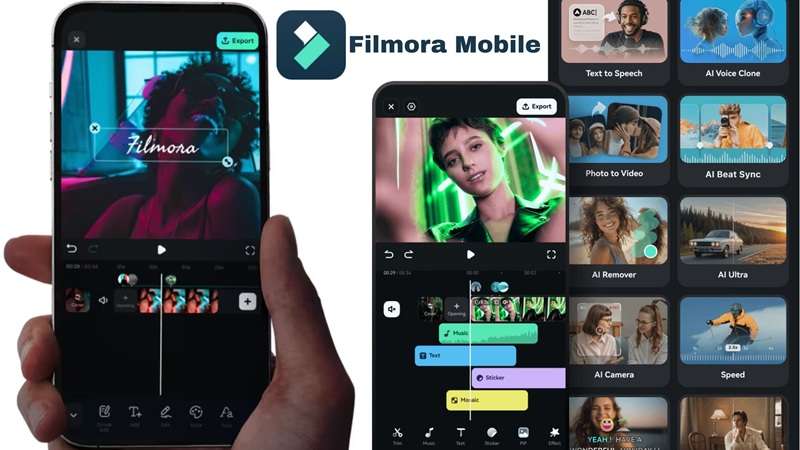
Unlike MiriCanvas's mobile app, which is iPhone-only, Filmora's mobile app is available on both Android and iOS, so you're not locked out of editing on the go just because of what phone you carry.
 Secure Download
Conclusion
MiriCanvas earns its growing user base fairly. The free plan is genuinely generous, the AI presentation maker turns a blank page into a finished deck in minutes, and the addition of a real MiriCanvas AI video generator shows the platform isn't standing still.
But if your work leans more into actual video storytelling; longer projects, multiple scenes, a real narrative arc, it's worth pairing MiriCanvas with (or switching to) Wondershare Filmora. With access to a much wider range of AI video models, multiple ways to start a project, a richer media library, and an Android app to match its iPhone version, Filmora picks up right where MiriCanvas's video tools start to run out of room.
FAQs
-
Can I import my existing PowerPoint (.pptx) or PDF files directly into MiriCanvas for editing?
Yes, you can upload existing PowerPoint or PDF files straight into the workspace. The system parses your layout so you can edit text, swap out images, and apply new styles directly on top of your original slides. -
Does MiriCanvas support real-time team collaboration for remote group projects?
It sure does. By setting up a shared team workspace, team members can jump on the exact same project link simultaneously, leave inline comments, and edit layouts together in real time. -
Can I export my finished designs directly to my social media accounts from the workspace?
Direct social sharing integrations are built into the export menu. Once you finish polishing your graphic or clip, you can link your preferred social platforms and publish directly without having to download files to your local drive first.
