


Vmake doesn’t want to be just another AI platform that gets lost in the crowd. PR Newswire reported that the recent addition of its Master model pushes the Vmake AI video enhancer up to 8K, adding to an already growing list of video tools.
This leaves us with one big question: is Vmake AI only good for upscaling, or are its creative features just as impressive? Today, we will dive into all the details to see if it is truly worth your time.
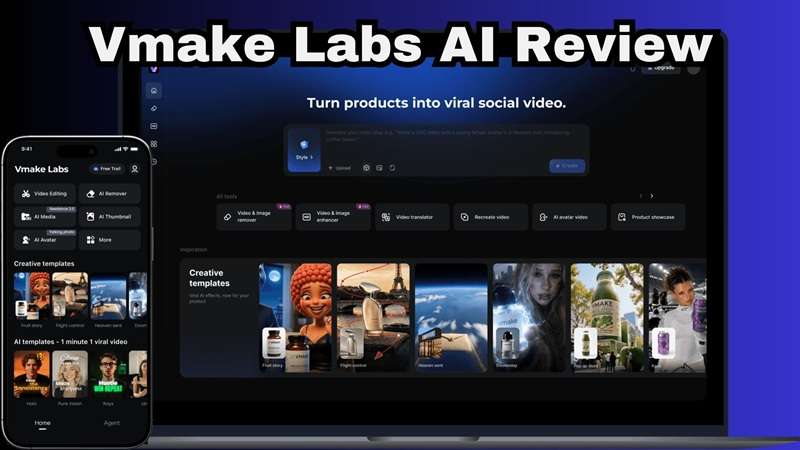
Part 1. What Is Vmake AI? A Quick Overview
Vmake started out as a browser-based video and image editing tool, but it's since rebranded itself as Vmake Labs, an AI social video studio built by Starii Tech Pty Ltd. If you first came across Vmake because of its enhancer, you might assume it is another AI upscaling tool. That would be selling it a little short.
It bundles together generation, enhancement, cleanup, and captioning tools under one roof, aimed squarely at people who need to pump out social content fast without hiring an editor for every clip.
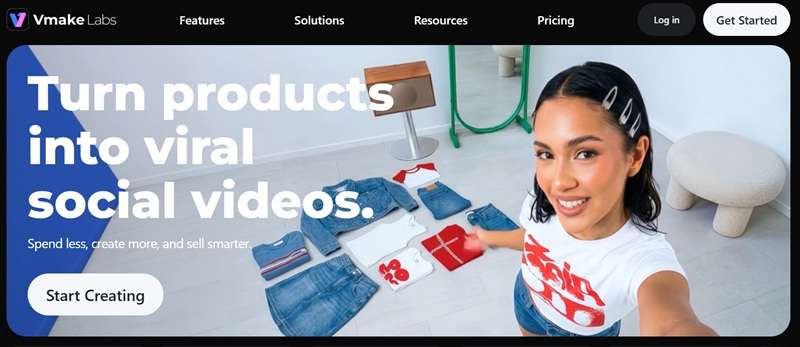
Given that focus, it's not really built for hobbyists tinkering for fun; it's aimed at people who need content output quickly:
- Content Creators: Streamlining daily uploads with fast captions and quality boosts.
- E-commerce Sellers: Transforming flat product photos into moving video ads.
- Social Media Marketers: Testing multiple video styles across TikTok, Reels, and Shorts.
- Affiliate Marketers: Making quick shoppable videos that grab attention in the feed.
- Fashion & Product Brands: Placing apparel items on virtual models without booking studio sessions.
Vmake AI Availability: Web, Android, and iOS
You can use Vmake straight from your browser at vmake.ai, which is honestly the easiest way to get a feel for the platform. There are also official apps for both Android and iOS if you'd rather edit and generate content from your phone, listed under the developer name Starii Tech Pty Ltd.
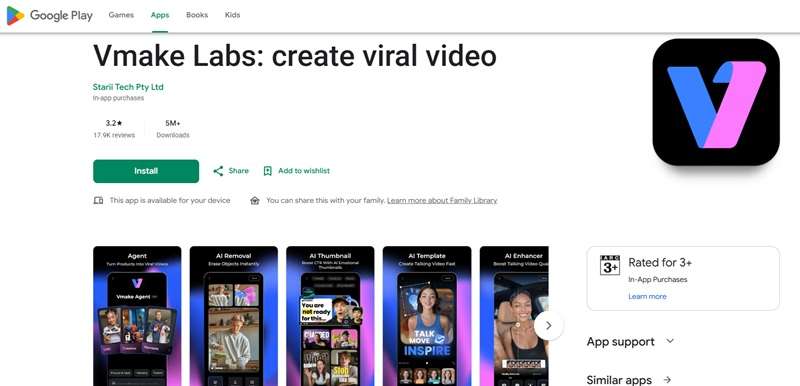
If you've searched for a “Vmake AI APK” hoping to sideload the app outside the Play Store, we'd genuinely steer you away from that. Downloading APKs from unofficial sources is a real security risk, and it's simply not necessary here. The official Android app is right there on Google Play, and iOS users can grab the legitimate app from the App Store.
Part 2. Inside the Vmake AI Toolkit: What Can It Actually Do?
Vmake's AI toolkit has grown into a genuinely long list at this point, more than we could realistically cover in one sitting. So instead of listing every single feature, let's walk through the five tools that actually matter most for the people this platform is built for.
1. AI Video Generator
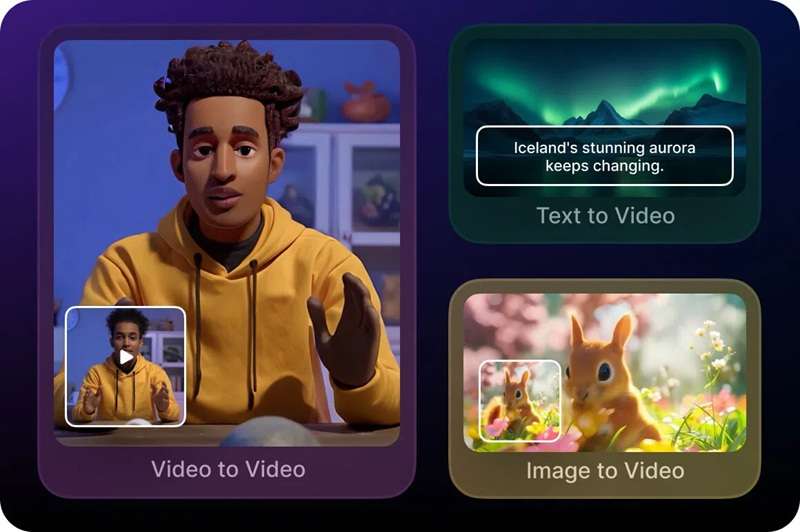
The Vmake AI video generator supports text-to-video, image-to-video, and video-to-video workflows. So you aren't limited to typing a prompt and hoping for the best. You can also give the AI an image or existing video as a reference. That makes it useful for things like:
- Product showcase videos.
- Short social clips.
- UGC-style content.
- Product ads.
- Visual concepts.
- Turning still product images into moving content.
2. AI Video Enhancer
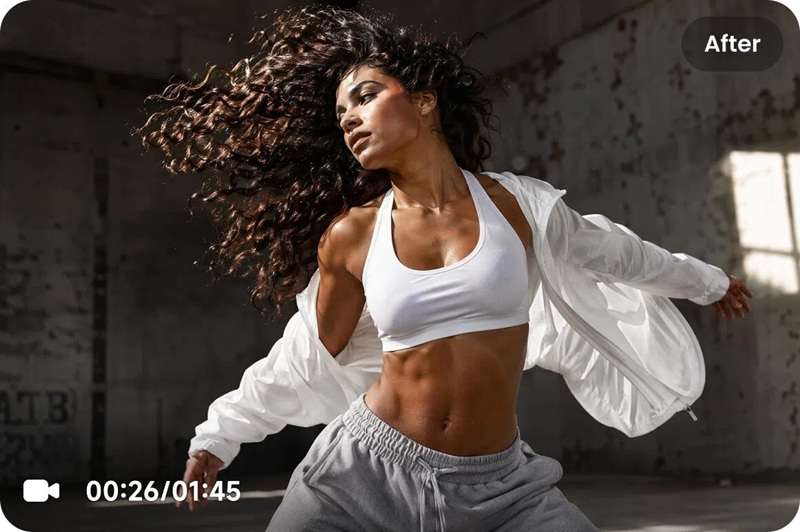
Vmake AI enhancer is probably the feature that put Vmake on many people's radar. If you use the website, the feature can be used for free. But Vmake AI free enhancer also comes with quality. There are three processing tiers: Fast for quick cleanup, Quality for AI-driven detail reconstruction, and the newer Master mode for a cinema-grade, professionally shot look.
3. AI Watermark and Text Remover
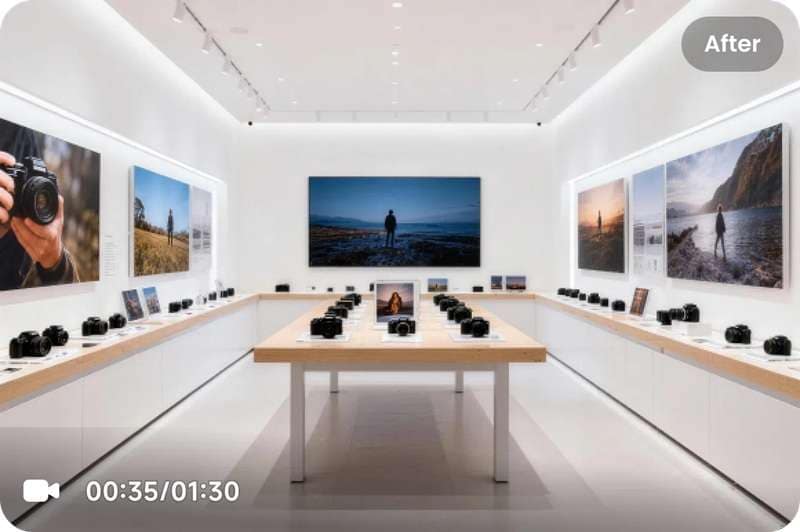
Another feature that gets plenty of attention is the Vmake AI video watermark remover. It can detect and remove unwanted watermarks and logos. There's also the Vmake AI text remover feature that can target burned-in captions and other text elements. These two are especially handy for repurposing stock footage or cleaning up clips before adding your own branding.
4. AI Captions Generator
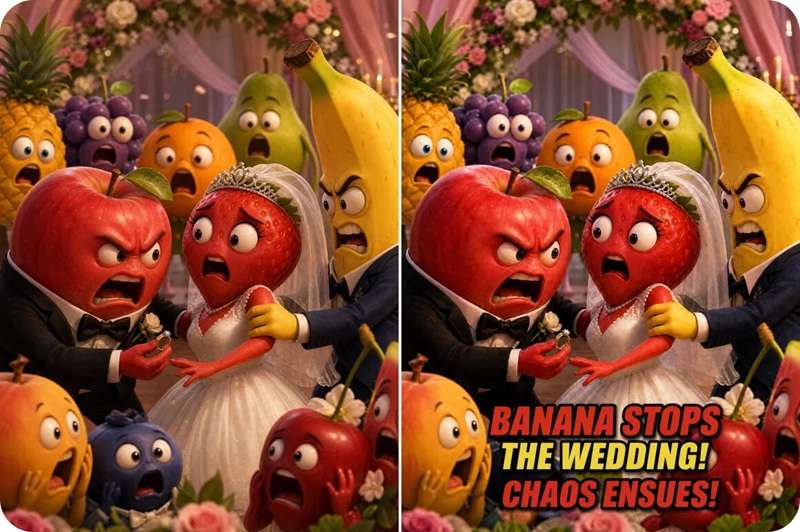
If you're making short-form videos, captions aren't exactly optional anymore. And by using Vmake's AI caption generator feature, you can instantly turn spoken audio into eye-catching animated text overlays. On top of that, it's another Vmake AI free feature if you access it online, making it the go-to option to save the tedious manual syncing work.
5. Fashion Model Studio
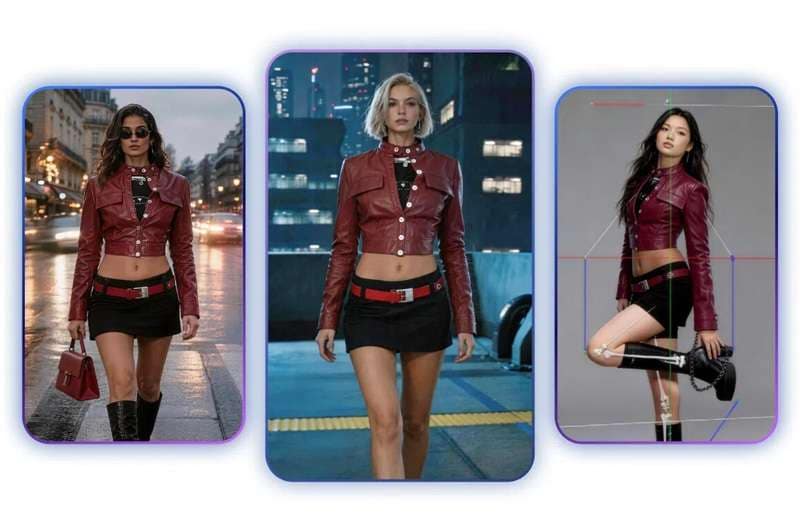
Vmake Labs also provides various creative templates aimed squarely at fashion and product sellers. The Vmake AI fashion model studio lets apparel sellers upload flat clothing photos and render them onto realistic virtual models. You can test out different poses, skin tones, and backgrounds, completely bypassing the cost of traditional studio photography.
Part 3. Is Vmake AI Free? Subscriptions and Daily Limits Explained
Vmake does have a free plan, but it's designed more as a way to try the platform than as a full replacement for a paid workflow. Free users receive 20 credits each day, and those credits are valid for one day.
Free exports also come with watermarks, limited model choices, and lower resolution outputs. To unlock clean exports and full 8K access, you have to upgrade. Here is how the paid options break down:
| Feature | Plus | Pro |
| Price | $9.99/month or $69.99/year | $29.99/month or $209.99/year |
| Monthly Credits | 1,000 / month | 4,500 / month |
| Daily Core Tool Uses | ~10x/day | ~50x/day |
| Max Export | 1080p | 2K / 4K |
| AI Models | Seedance 2.0, Sora 2, Veo 3.1, Seedream 4.0, GPT Image 1 | Everything in Plus, + Wan 2.2, Kling O1, Kling 3.0, Nano Banana 2, Nano Banana Pro, Nano Banana |
|
Show More
Show Less
|
||
If you want the exact, current numbers before subscribing, it's worth double-checking Vmake's official pricing page directly, since these figures can shift over time.
Part 4. Strengths & Limitations: Is Vmake AI Right for You?
This is really the moment of truth. After spending real time inside Vmake Labs and generating Vmake AI video, we've got a much clearer picture of where it earns its reputation and where it still falls a bit short. Weighing both sides should make your decision a lot easier.
- Master Mode Enhancement Stands Out: Few competitors in this price range offer cinema-grade upscaling all the way to 8K.
- Fashion Model Studio Fills a Real Niche: It's a genuinely useful shortcut for apparel and product sellers who can't budget for constant photoshoots.
- Cross-Platform Sync: You can easily swap between working on your desktop browser and editing on your phone.
- Trending Caption Presets: Styled subtitles fit modern TikTok and Instagram Reels formatting right out of the box.
- Generated Clips Lean Short: It's built for social-length content, so don't expect it to replace a tool meant for longer, cinematic projects.
- No Multi-Track Timeline: You cannot arrange complex video scenes, layer audio tracks, or do detailed timing edits here.
- Daily-Use Caps Limit High-Volume Days: Even with credits left over, hitting the 10x or 50x daily cap on core tools can stall a busy production day.
- Mixed Experiences On the App Store: The mobile apps have strong user ratings overall, but individual reviews also mention issues with paywalls, processing results, and daily usage restrictions.
Part 5. Vmake AI Alternative: Why Filmora Is Worth Considering
While Vmake is handy for asset cleanup and rapid generation, you might hit a wall if you want to assemble full-length content or gain full artistic control over your edits. So, it never hurts to compare your options before committing your budget to one platform.
If you need a complete editing environment, Wondershare Filmora is a top contender worth checking out. This is a full all-in-one editor that covers most of what Vmake Labs offers, plus quite a bit more inside the same program.
1. Create From Your Audio Too!
Vmake mainly works from text prompts or reference images, but Filmora also supports generating video directly from audio input with its AI audio-to-video feature. That's particularly handy for:
- Podcasts.
- Voice recordings.
- Commentary videos.
- Narrated stories.
- Audio-based social clips.

2. Great From Long-Form Project Too
This is probably the biggest difference between the two. Vmake's current positioning is heavily centered on social video creation, especially TikTok, Reels, Shorts, UGC, product content, and marketing. Filmora can handle those projects too, but it isn't limited to them. You can use it for:
- YouTube videos.
- Tutorials.
- Interviews.
- Vlogs.
- Product reviews.
- Podcasts.
- Short films.
- Presentations.
- Social clips.
- Long-form branded content.
3. Extensive Media Library
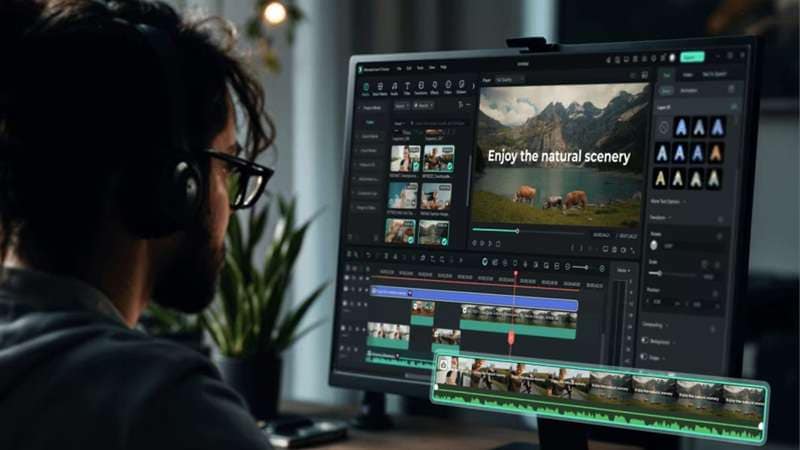
Filmora comes with a large collection of creative assets, including stock media, video effects, transitions, titles, stickers, music & sound effects, and templates. On top of that, its AI tools can also generate or modify assets when you need something more specific.

4. Social Media Friendly Feature
Filmora keeps pace with short-form demands too. It includes AI auto-reframing to convert horizontal videos into vertical formats, smart copywriting assistants, instant thumbnail generators, and an integrated social content planner calendar to schedule your posts.

 Secure Download
Conclusion
Vmake AI earns its reputation fairly. The Master model's jump to 8K enhancement is a genuine standout, and bundling a video generator, watermark remover, captions tool, and fashion model studio into one credit system makes it a convenient pick. However, if you want total creative control, long-form timeline editing, and a deeper set of post-production tools, pairing or replacing web utilities with full software like Wondershare Filmora is a smart move.
It covers the same generation-and-enhancement territory Vmake does, but adds audio-to-video generation, real long-form editing power, a genuinely extensive media library, and publishing-focused tools like AI auto reframe and a social content planner, all in one program.
FAQs
-
Is Vmake AI Safe to Use?
Yes, using the official website or downloading the app directly from official app stores is secure. Your uploaded files process through protected cloud servers. Just make sure to avoid unverified third-party APK sites to protect your device. -
Does Vmake AI work well for TikTok and Instagram content?
Yes, this is genuinely where the platform is strongest. Its video generator, captions tool, and enhancer are all built around short, social-length clips, which lines up perfectly with what TikTok and Instagram Reels actually need. -
Can Vmake AI translate videos into other languages?
Vmake's toolkit includes a video translation feature alongside its captioning and voiceover tools, letting you adapt content for different language audiences without re-shooting anything. As with the rest of the platform, deeper translation and voiceover options tend to be tied to the paid plans rather than the free tier.
