Explore the Best Prompts for Realistic Grape Photos
Browse our curated gallery to find the ultimate AI wine grape vineyard image prompt. Use Filmora's versatile text-to-image models to produce stunning still lifes or dynamic video templates featuring luscious, high-definition fruit.
Loading more AI grape image prompt examples...
 Category:
 Duration:
 Aspect Ratio:
Why Master the AI Grape Image Prompt?
Generating lifelike fruit imagery requires precision. With Filmora’s powerful models—including the versatile GPT image 2 architecture and Nano Banana 2—you can instantly visualize the perfect harvest.
Perfect Your Product Photography
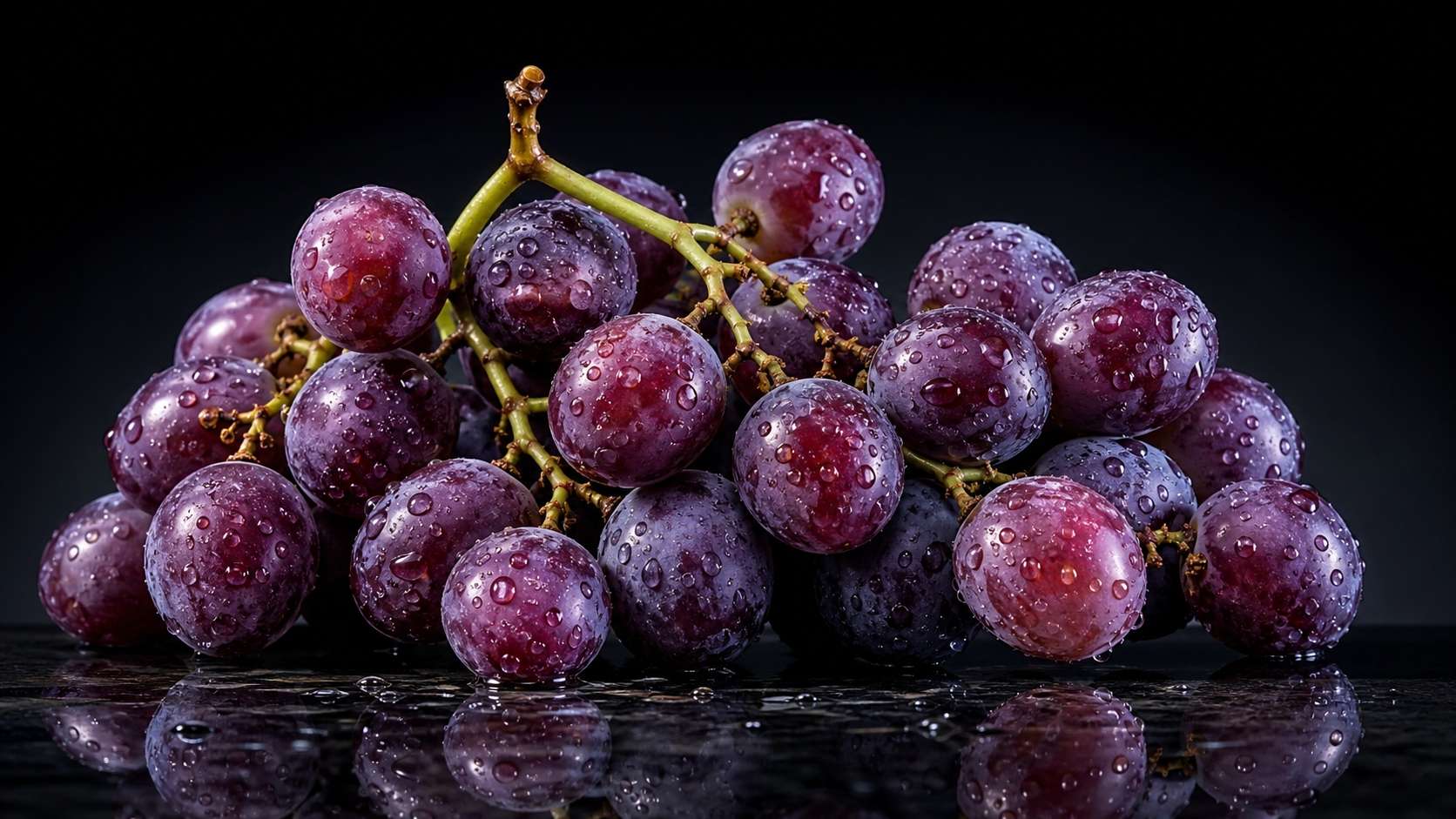
Perfect Your Product Photography
Wondering how to generate grape product photography with AI? Filmora lets you craft studio-quality visuals without expensive camera gear. By utilizing precise lighting descriptors and model selections, your digital fruits will look crisp and commercial-ready.
- Studio Lighting - Replicate softbox and ring light aesthetics instantly.
- Water Droplets - Add hyper-realistic condensation to the grape skins.
- High Definition - Output commercial-grade 4K visuals effortlessly.
Capture the Golden Hour Magic
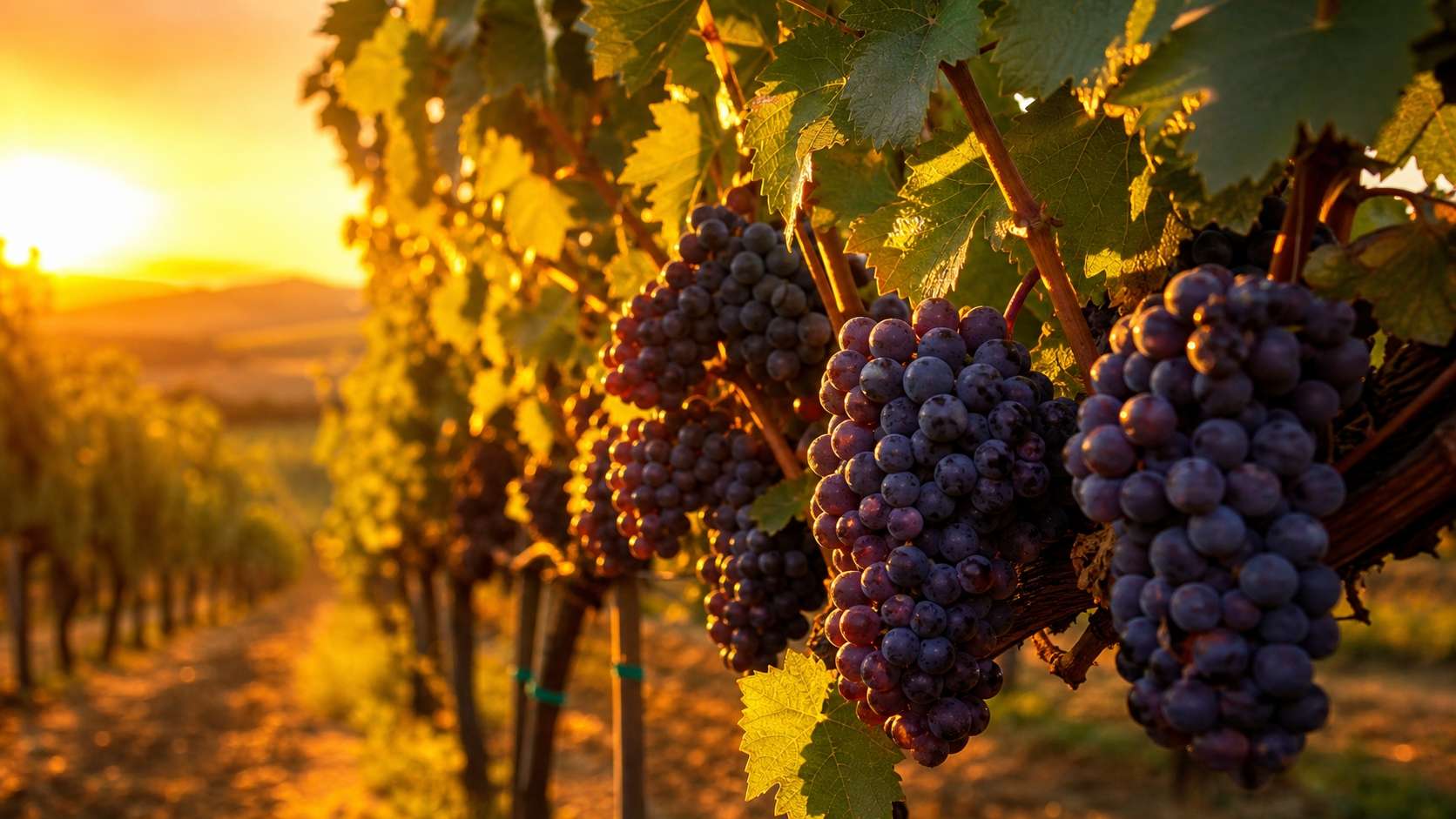
Capture the Golden Hour Magic
Nothing beats the warm, ambient glow of late afternoon. Enter an AI prompt for grapes on vine at golden hour into Filmora's Image Generator, select GPT image 2 or Nano Banana Pro, and watch as sun-drenched vineyards materialize on your screen.
- Ambient Warmth - Simulate the exact color temperature of sunset.
- Depth of Field - Blur the background for cinematic focus.
- Dynamic Shadows - Cast natural, elongated vine shadows across the bunches.
Explore Macro and Close-Up Details
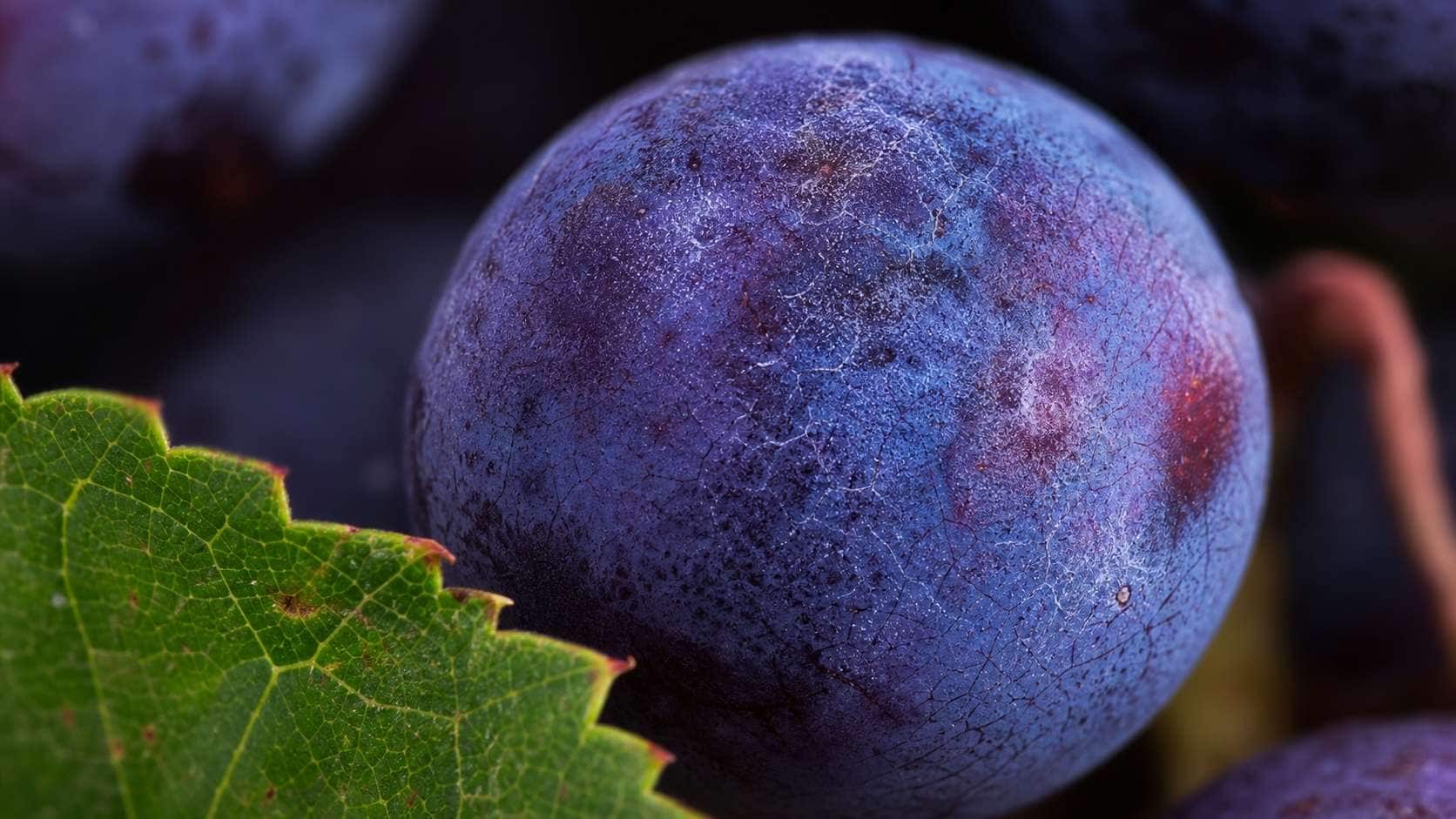
Explore Macro and Close-Up Details
For creators looking to mimic a macro close up grape prompt for Midjourney, Filmora offers unparalleled texture control. Zoom in on the delicate bloom (the powdery film on grapes) and intricate vein structures of the leaves.
- Texture Generation - Bring out the subtle, dusty skin of fresh grapes.
- Macro Lenses - Emulate a 100mm macro lens look directly through text.
- Vivid Colors - Push the vibrance of purples, greens, and deep reds.
Transform Static Images Into Dynamic Visuals
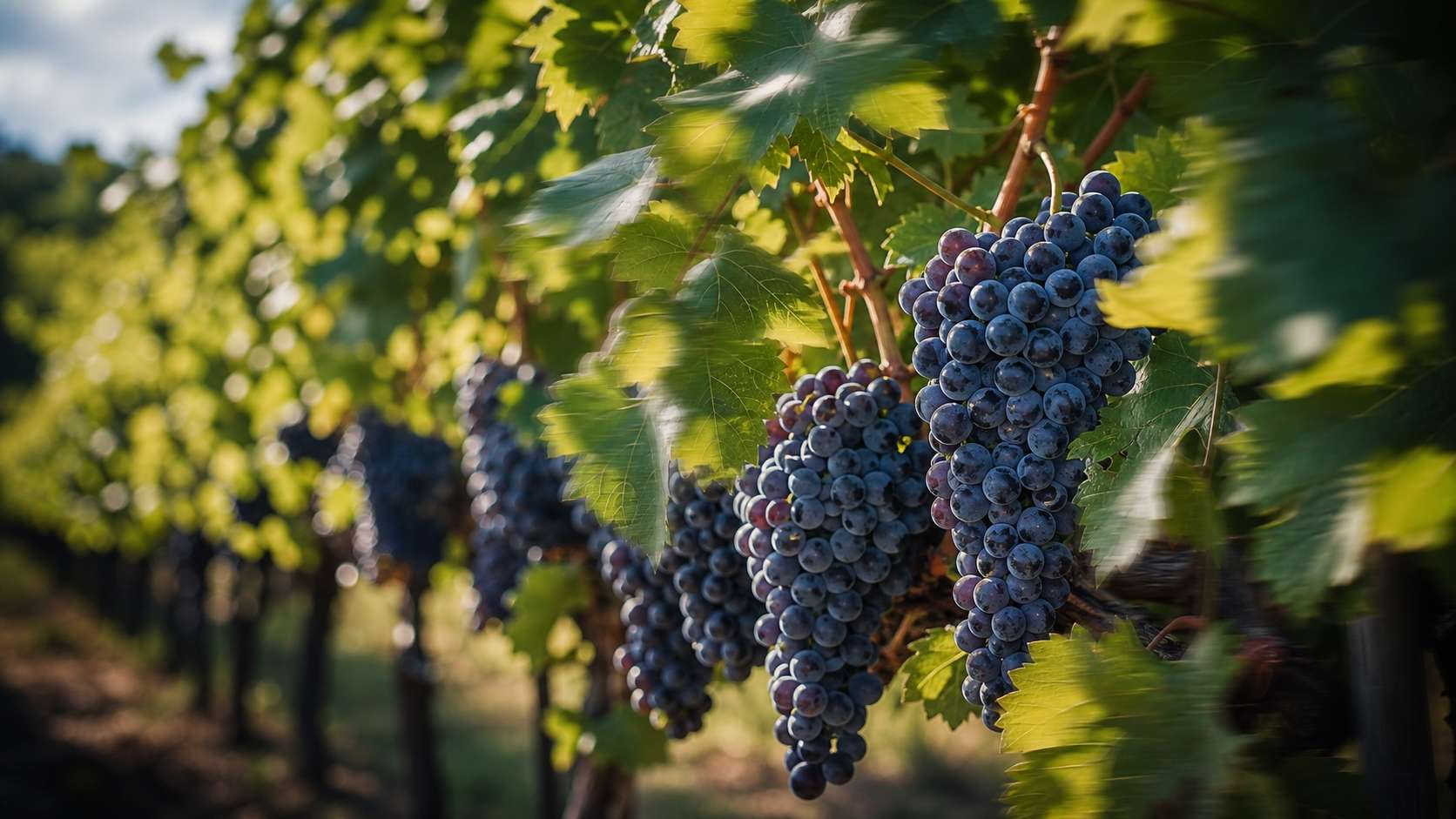
Transform Static Images Into Dynamic Visuals
Once you have crafted the perfect still using your ai grape image prompt, take it a step further. Use Filmora’s AI image to video feature to add subtle motion, like wind rustling the vineyard leaves or light shifting across the fruit, turning your art into captivating video effects.
- Subtle Motion - Animate static vineyard scenes with gentle breezes.
- Effortless Transition - Blend AI-generated stills into full video projects.
- Engaging Content - Captivate your audience with moving, photorealistic fruit.
Frequently Asked Questions About AI Grape Prompts
How to Generate Realistic AI Grape Images 🍇
Craft breathtaking vineyard scenes and product shots using Filmora's advanced text-to-image models and our curated ai grape image prompt collection. 🍷
Step 1 Choose a Grape Prompt 🍇

Step 2 Select Your AI Model 🤖

Step 3 Generate and Edit ✨

-
1:Choose a Grape Prompt 🍇
Browse the best prompts for realistic grape photos. Select a style—whether it is a lush vineyard at golden hour, a studio macro shot, or a rustic wine cellar setting. -
2:Select Your AI Model 🤖
Open Filmora and navigate to the AI Image Generator. Choose from industry-leading models like GPT image 2, Nano Banana 2, or Nano Banana Pro for the highest quality render. -
3:Generate and Edit ✨
Paste your ai grape image prompt and generate. Enhance your stunning fruit photography with Filmora's built-in color correction, AI copywriting for captions, and dynamic video effects.
AI Grape Image Prompts for Realistic Fruit Photos
Use AI grape image prompts to create macro clusters, vineyard scenes, product photos, wine-inspired still life images, and social-ready fruit covers.