
10+ Book Character Dress Up Prompts:
Instant AI Copy & Paste
Tired of the same old costume ideas? These AI prompts are your secret weapon for creating an unforgettable World Book Day dress up look. From detailed descriptions of fantasy heroes to modern twists on classic characters, simply pick a prompt, paste it into our AI Image Generator, and watch your idea come to life. Perfect for getting inspired, planning your DIY costume, or sharing your creative concepts online.
Loading more templates...
 Category:
 Duration:
 Aspect Ratio:
Bring Your Book Character Dress Up Ideas to Life
with AI-Powered Tools
A winning World Book Day costume starts with a great idea. With Filmora’s AI tools, you can instantly generate stunning visuals for any book character dress up concept, from fantasy heroes to storybook animals. Generate a base image with a simple text prompt, then bring it to life with animation, cinematic effects, and custom text to plan and share your costume masterpiece.
Instantly Visualize Your World Book Day Dress Up Ideas with AI
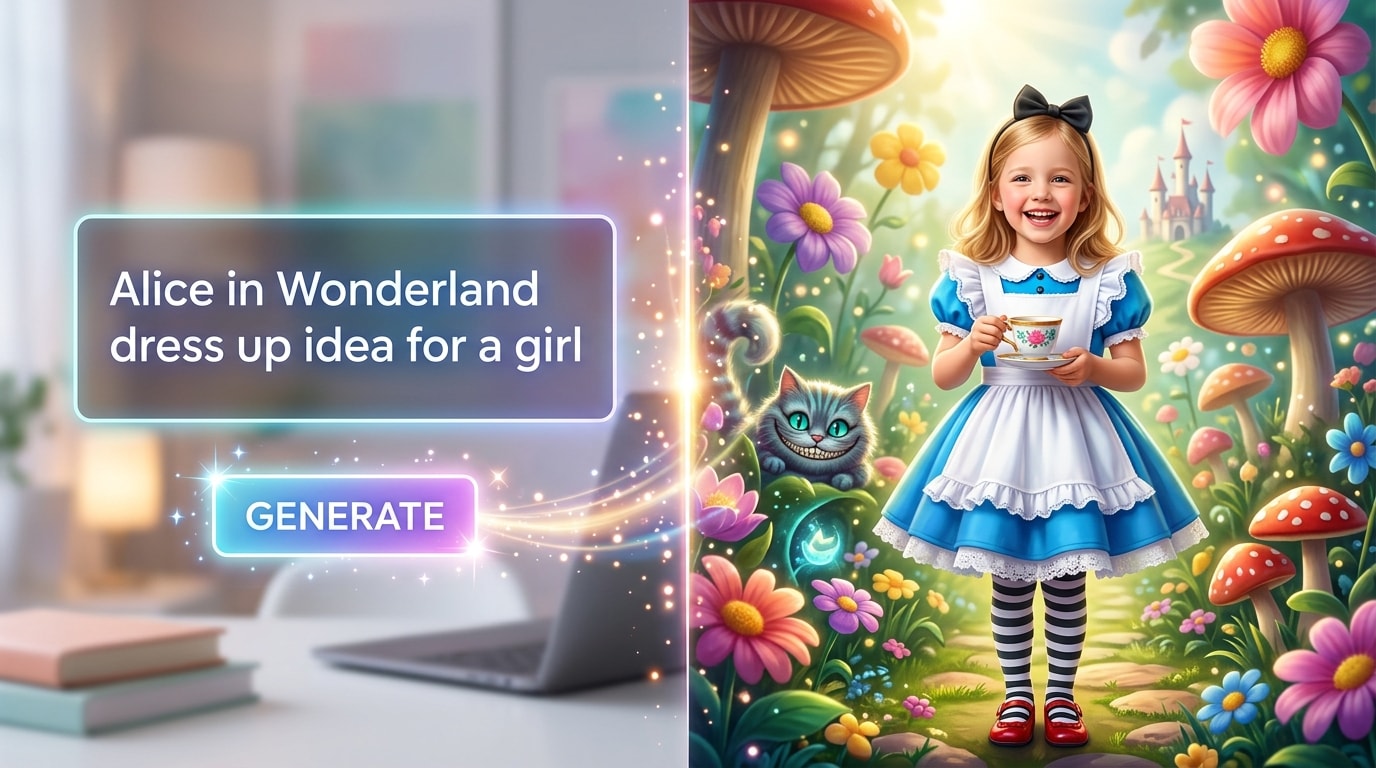
Instantly Visualize Your World Book Day Dress Up Ideas with AI
End the guesswork and see your costume idea come to life before you start creating. Simply describe any character from any book—like "Harry Potter casting a Patronus charm" or "The Mad Hatter at a tea party"—and our AI Text-to-Image tool will generate a high-quality visual concept. It's the perfect way to brainstorm, refine details, and find inspiration for your World Book Day look.
- Endless Costume Variations – Generate countless costume options for any book character, from classic heroes to obscure villains.
- Diverse Artistic Styles – Experiment with photorealistic, cartoon, watercolor, or storybook illustration styles to find the perfect aesthetic.
- Plan with Confidence – Save time and money by visualizing your costume concept before buying or making any materials.
Transform Your Book Character Concept into a Magical Animated Scene
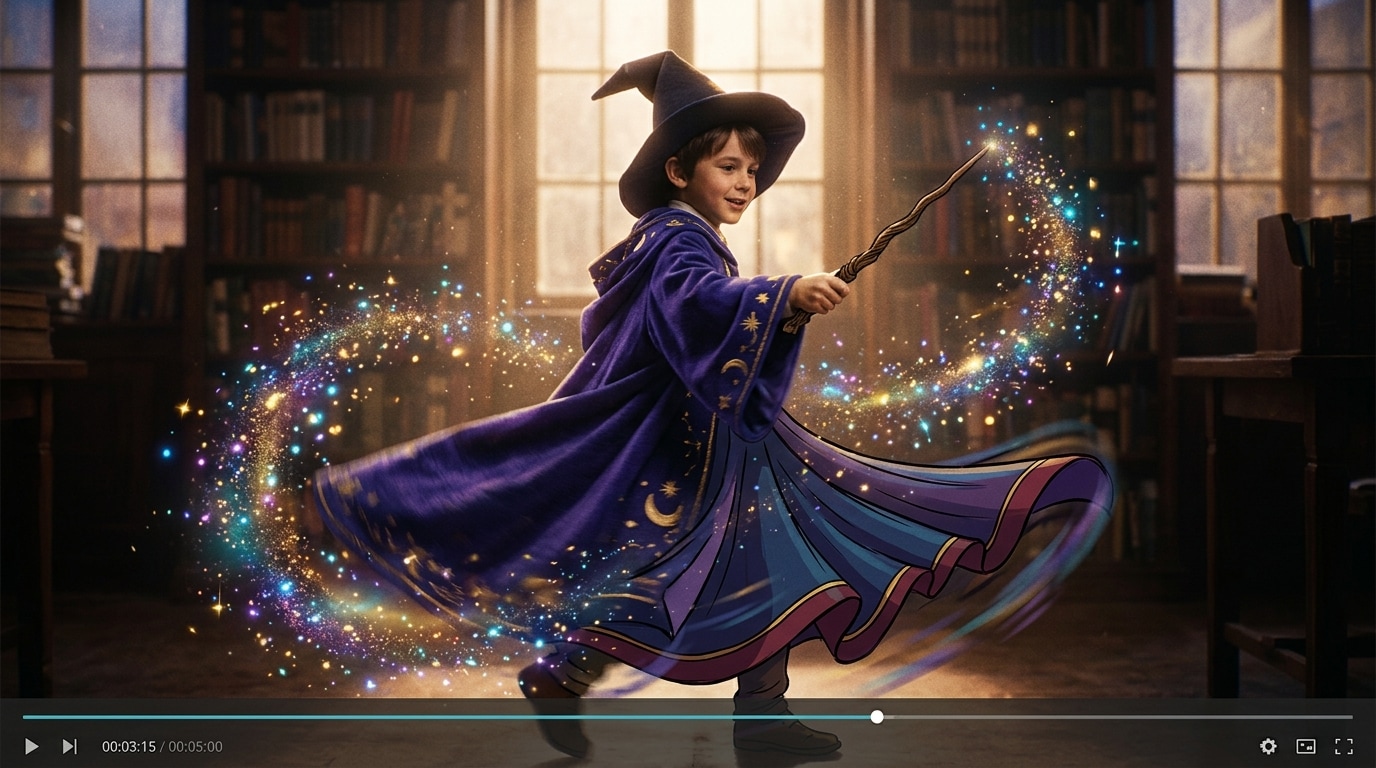
Transform Your Book Character Concept into a Magical Animated Scene
Why just show a static image when you can bring your character to life? Use our AI Text-to-Video feature to transform your generated costume design into a short, dynamic animation. Show your wizard casting a spell, your superhero taking flight, or your favorite character in their iconic setting. It's the ultimate way to showcase your creative vision on social media.
- Iconic Moments Animated – Turn any static image into a moving scene, perfect for showing a character's signature action or power.
- Social Media Ready – Create shareable video clips for TikTok, Instagram Reels, or YouTube Shorts to reveal your World Book Day costume idea.
- Dynamic World-Building – Add moving backgrounds, magical effects, and cinematic flair to place your character right in their story.
Perfect Every Detail with AI-Powered Costume Refinements
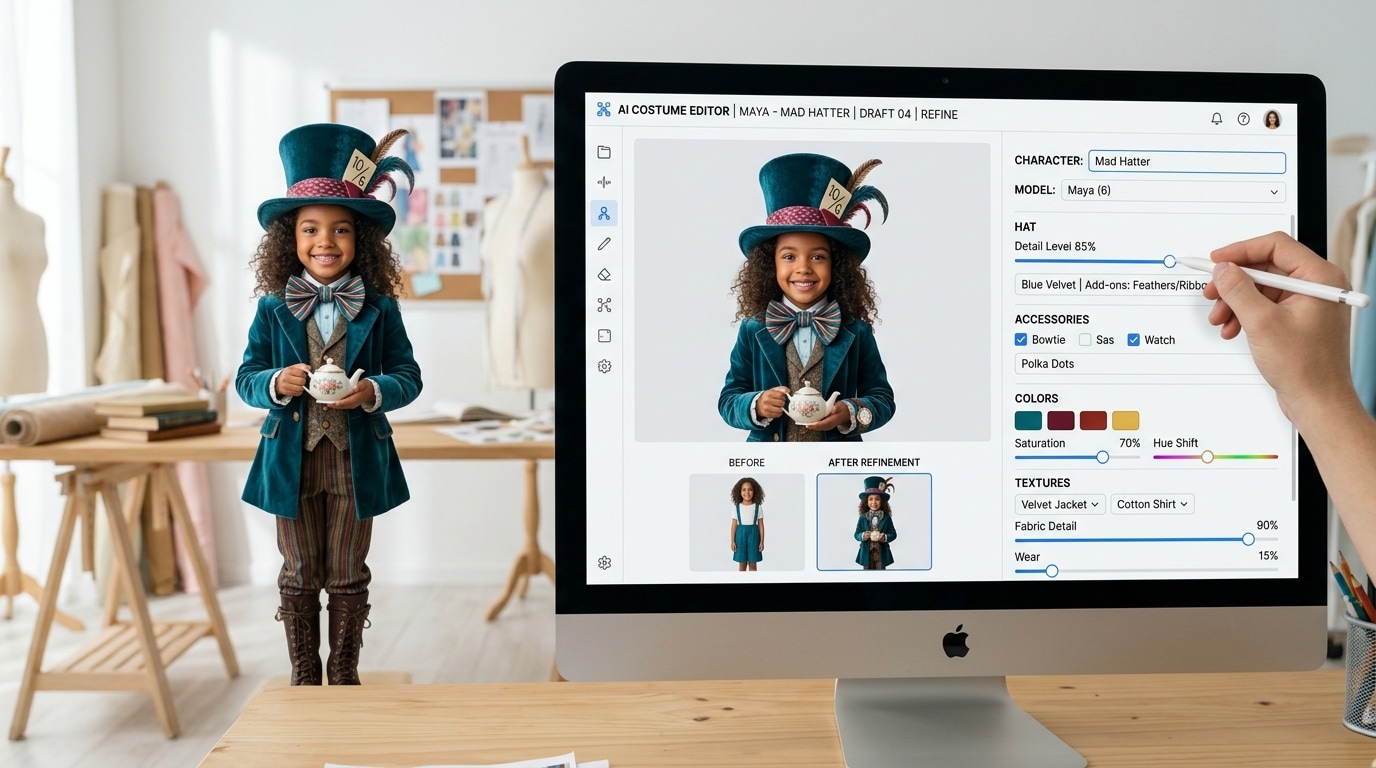
Perfect Every Detail with AI-Powered Costume Refinements
A truly great costume is all about the details. Once you have your base image, use AI tools to refine and perfect your design. Add or modify key props, adjust colors to match the book's description precisely, or place your character in their signature environment for a fully immersive concept. This level of control ensures your final look is perfectly polished.
- Accessorize with AI – Easily add or modify crucial accessories like wands, glasses, swords, or hats to complete your character's look.
- Book-Accurate Colors – Fine-tune costume colors and textures to perfectly match the descriptions written by the author.
- Set the Scene – Instantly place your character in their signature environment, from a magical castle to a dystopian city.
FAQs About World Book Day Dress Up Ideas
How to Create a Book Character Dress Up Image with Filmora
Popular on TikTok and Instagram for costume planning, AI image generation lets you create trending and unique book character photos in seconds. This guide shows beginners how to generate a personalized World Book Day dress up image using AI tools—no design experience required!
Step 1 Open the AI Image Generator

Step 2 Enter Your Book Character Prompt

Step 3 Download and Edit Your Character Image

-
1:Open the AI Image Generator
Start Filmora, create a new project, go to "Stock Media", and select "AI Image" to get started. -
2:Enter Your Book Character Prompt
Select your aspect ratio and style, enter your book character dress up prompt, and click "Generate" to instantly create your image. -
3:Download and Edit Your Character Image
Preview the generated character image, click download, and drag it into your project for further editing or export it directly.
More Than Just Book Character Ideas
Filmora isn’t just for making World Book Day dress up concepts—it also generates stunning AI photos for any theme, AI-powered videos, and lets you edit your creative projects all in one simple tool.








