Explore Winter Baby and Kids AI Prompts
Browse winter baby & kids prompts for fully clothed baby and child portraits, safe family scenes, padded blankets, winter windows, sweaters, crafts, and supervised outdoor ideas. Use each idea for video templates, reels, social posts, covers, and export-ready visuals.
Loading more winter baby and kids prompts...
 Category:
 Duration:
 Aspect Ratio:
Why Create Winter Baby and Kids Images With Filmora?
Baby and kids winter images should stay fully clothed, family-friendly, and safely framed, with prompts focused on fabric, light, color, and adult supervision. Filmora helps turn approved stills into gentle keepsakes and milestone greetings.
Generate Winter Baby and Kids With Filmora
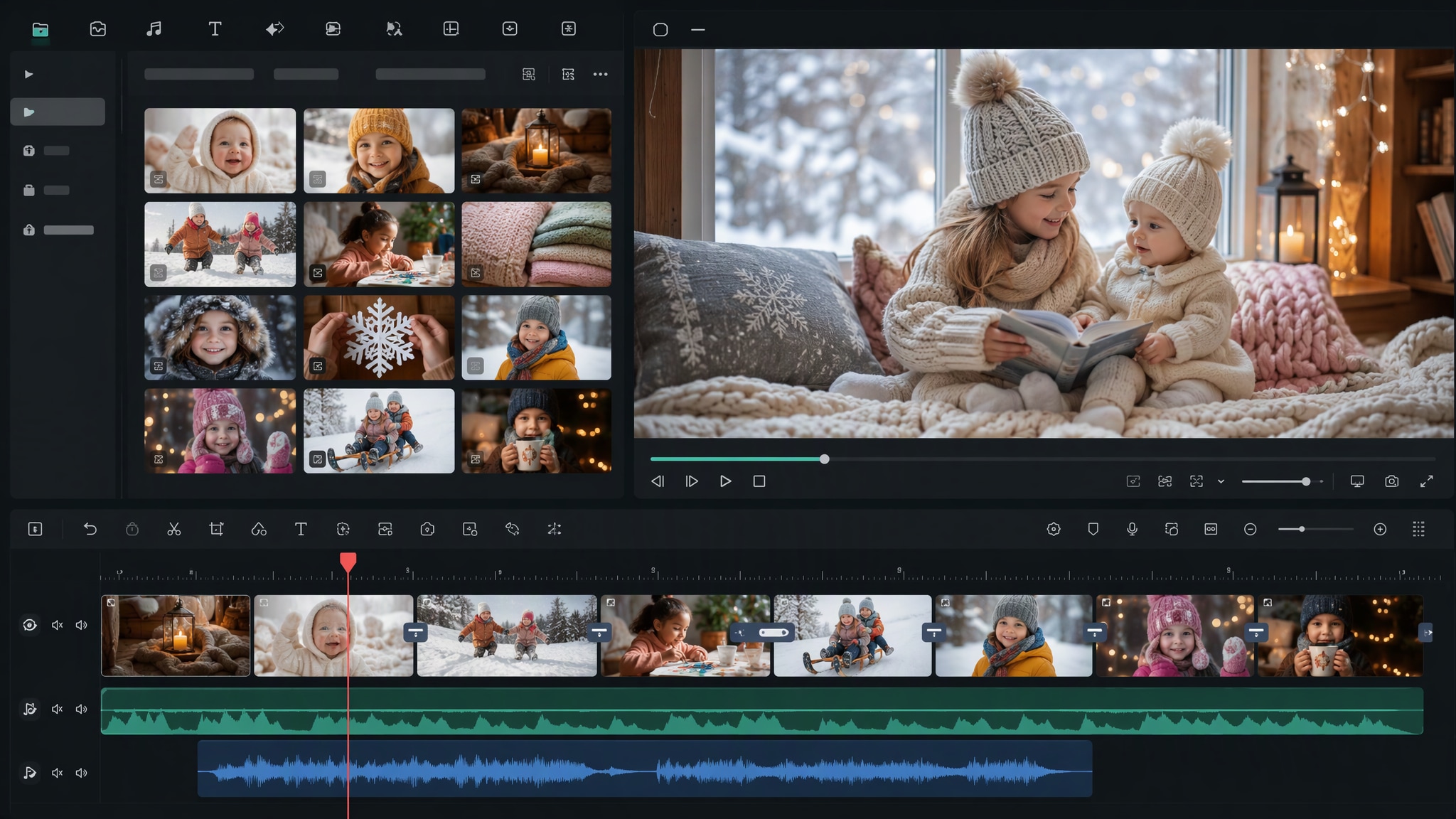
Generate Winter Baby and Kids With Filmora
Start with a precise winter baby & kids prompts, then use Filmora's AI image generator to turn fully clothed baby and child portraits, safe family scenes, padded blankets, winter windows, sweaters, crafts, and supervised outdoor ideas into clean, edit-ready stills. Use it for fully clothed baby and child portraits, safe family scenes, padded blankets, winter windows, sweaters, crafts, and supervised outdoor ideas, then refine crop, color, overlays, and motion in Filmora.
- Prompt to Image - Keep children fully clothed and safely posed while specifying soft fabric, gentle light, and an uncluttered winter setting.
- Clean Visual Structure - Filmora's AI Image Generator helps create family-friendly winter keepsakes with a clear, calm composition.
- Fast Iteration - Choose indoor, supervised outdoor, milestone, sibling, or parent-and-child directions as needed.
Use GPT Image 2 for Controlled Composition and Detail
Use GPT Image 2 for Controlled Composition and Detail
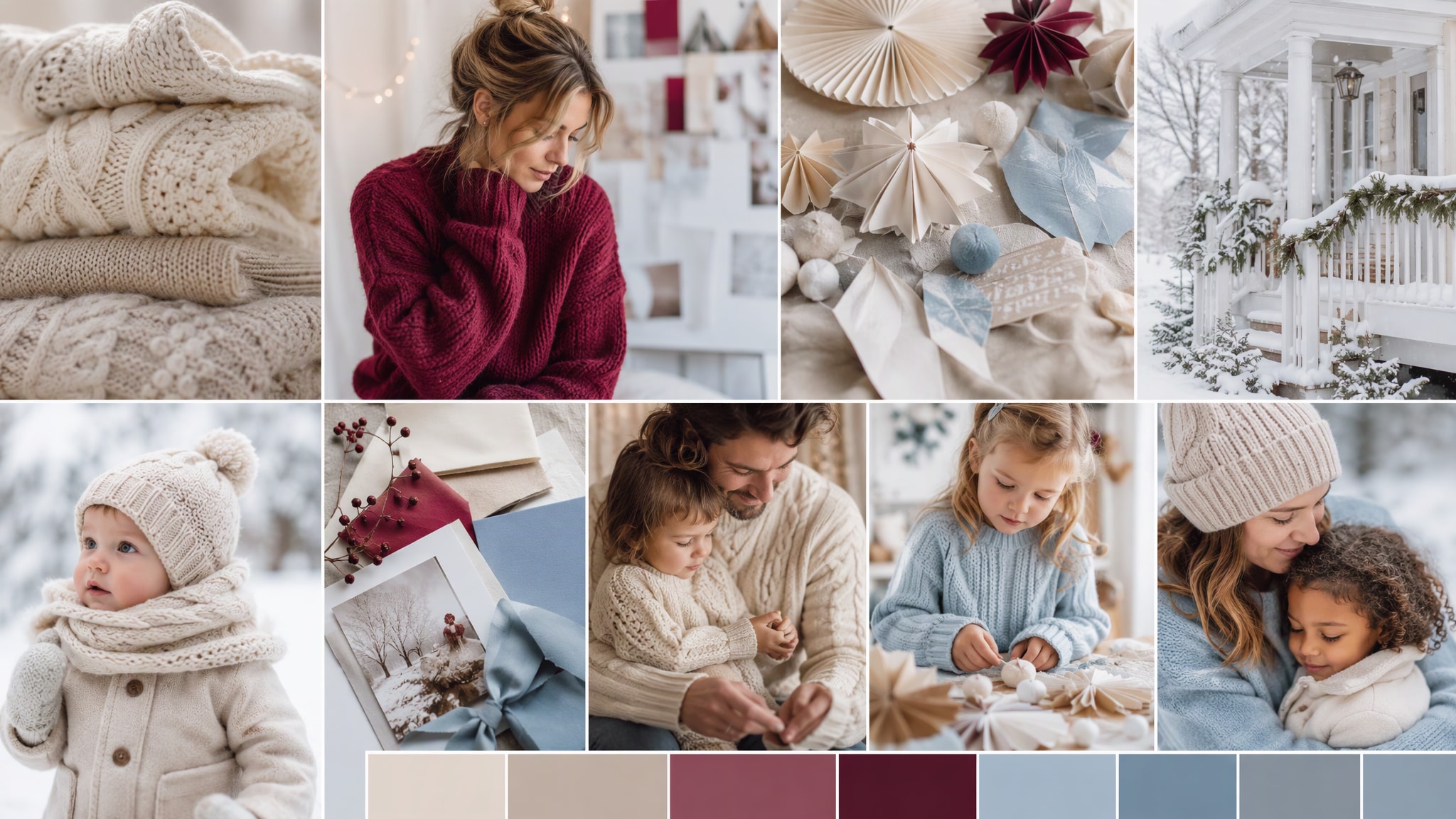
When the scene needs dependable subject detail, texture, or background control, Filmora's GPT Image 2 helps follow a structured prompt. GPT Image 2 helps organize the subject, setting, lighting, materials, and clean space reserved for later design.
- Prompt Following - GPT Image 2 can preserve blanket texture, knitwear, soft bokeh, and safe framing for a gentle milestone image.
- Detail Control - Filmora lets families add accurate names, dates, and greetings later without forcing text into the generated scene.
- Edit-Ready Results - Keep props simple, comfortable, and appropriate for the child-friendly visual brief.
Try Nano Banana for Fast Creative Variations
Try Nano Banana for Fast Creative Variations
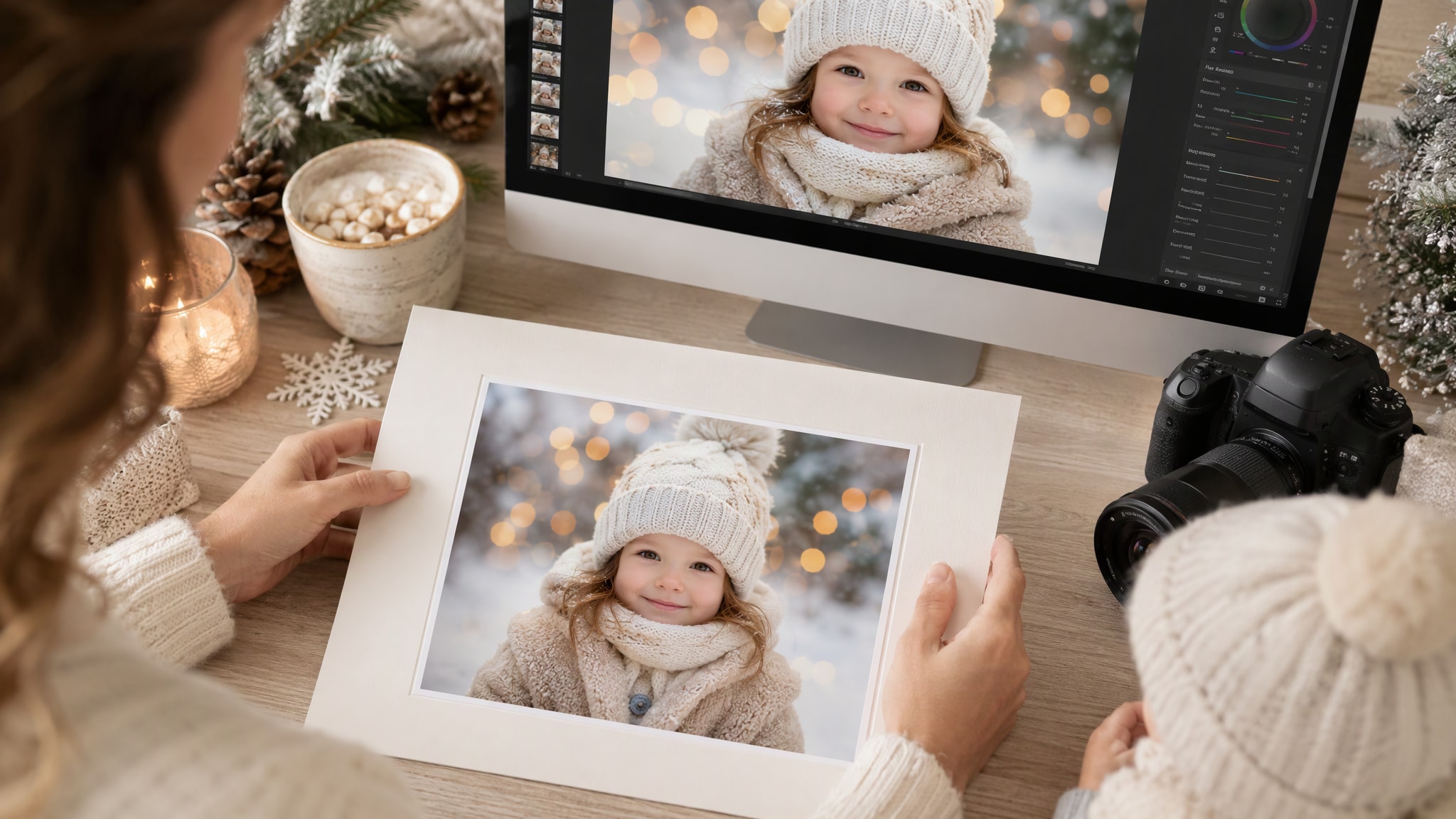
Use Filmora's Nano Banana when one idea needs another palette, mood, composition, or social treatment. Nano Banana helps test alternate palettes, props, backgrounds, and moods while retaining the main direction.
- Style Range - Try cream, powder blue, berry red, pine green, or soft gold while keeping lighting diffused and reassuring.
- Variant Testing - Nano Banana supports quick variations for albums, private keepsakes, and family greeting cards.
- Creative Flow - Use the approved still as a source for several restrained layouts.
Turn Winter Baby and Kids Into Video
Turn Winter Baby and Kids Into Video
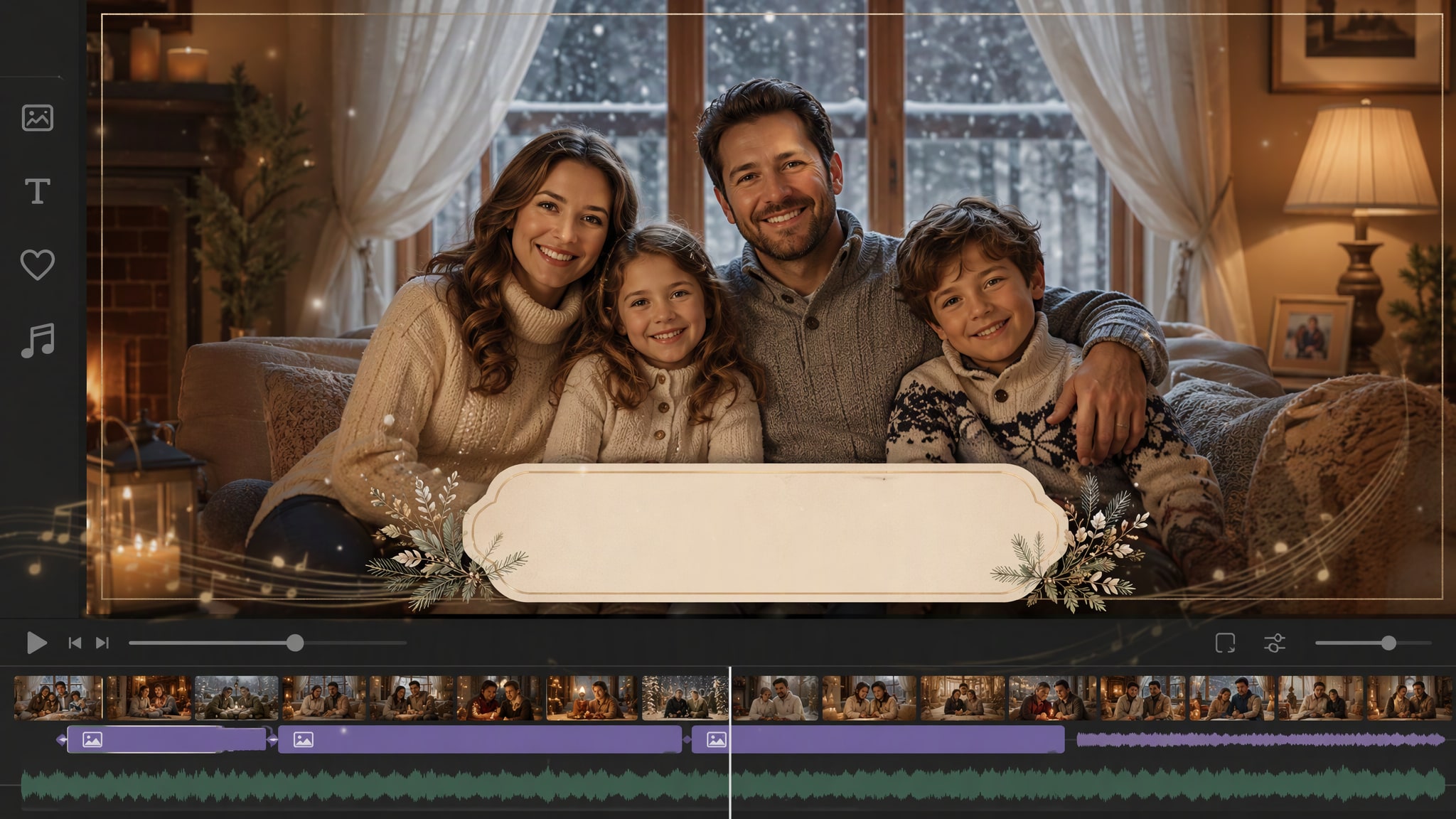
After generating the still, use Filmora's AI Image to Video workflow to add camera movement, overlays, effects, sound, and social-ready exports. Animate a camera move, light change, crowd motion, star trail, motion blur, or a restrained title reveal.
- Motion Ideas - Animate curtain movement, falling snow outside a window, a soft sparkle, or a slow keepsake zoom.
- Social Formats - Filmora's AI Image to Video tools help turn a safe still into a gentle family memory clip.
- Final Export - Finish with quiet music, simple captions, and the required social aspect ratio.
Frequently Asked Questions About Winter Baby and Kids Prompts
How to Generate Winter Baby and Kids Images With AI
Choose a winter baby and kids setup, define the visual mood, generate the still, then personalize or animate it in Filmora.
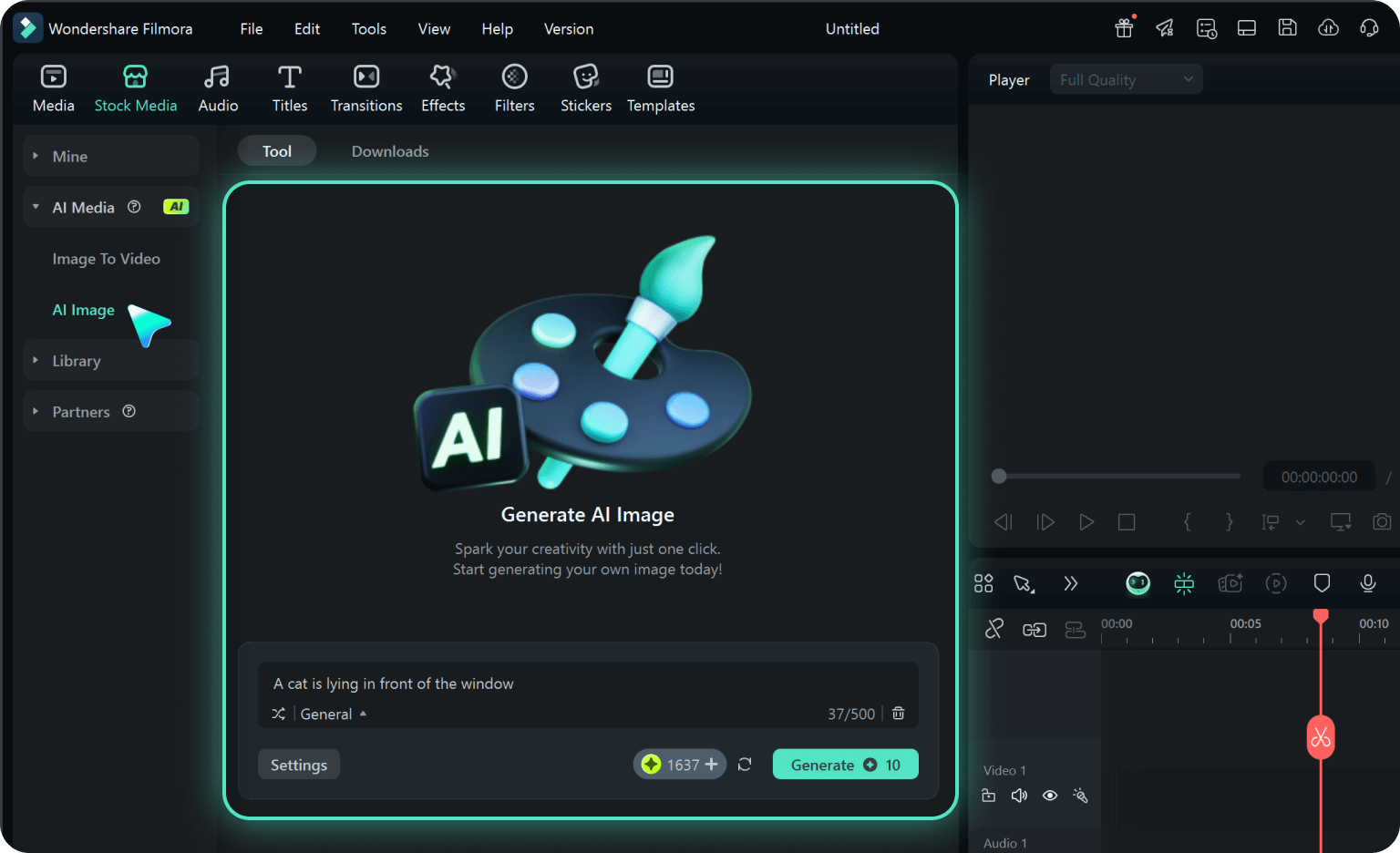
Step 1 Choose a Winter Baby and Kids Prompt
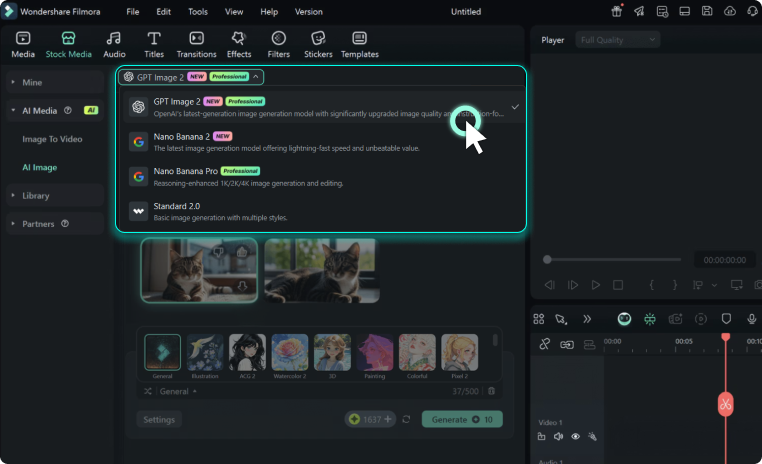
Step 2 Set Style, Model, and Ratio
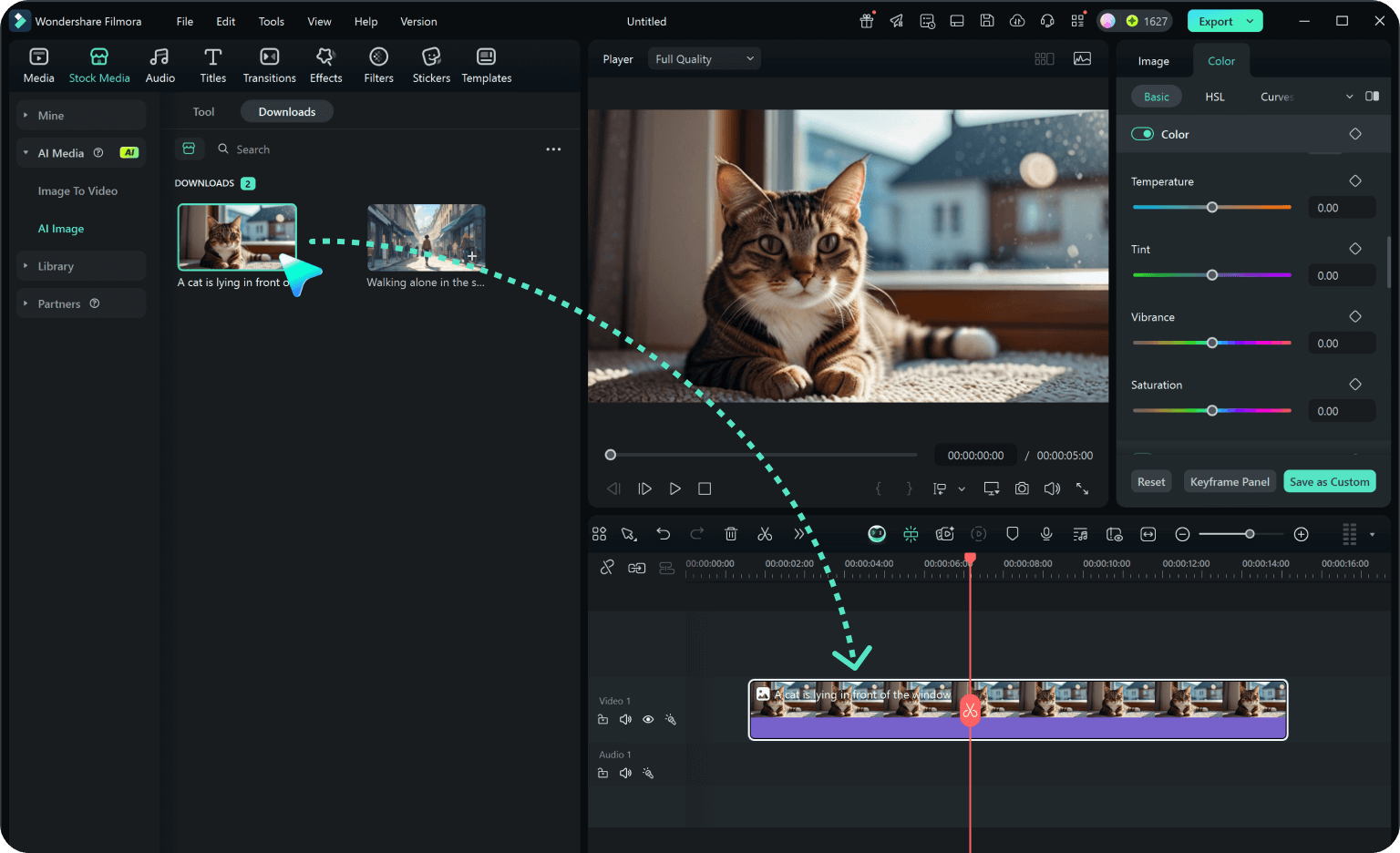
Step 3 Generate, Edit, and Export
-
1: Choose a Winter Baby and Kids Prompt
Pick a winter baby and kids setup such as a fully clothed baby on a padded set, supervised children at home, a family window scene, cozy knitwear, or a gentle milestone portrait. -
2: Set Style, Model, and Ratio
Paste the prompt into Filmora's AI Image tool, choose GPT Image 2 or Nano Banana, select a ratio, and refine subject detail, lighting, and framing. -
3: Generate, Edit, and Export
Generate the still, adjust crop and color, add motion or overlays if needed, then export it for family albums, milestone cards, private keepsakes, winter greetings, gentle reels, and child-friendly photo stories.
Winter Baby and Kids AI Prompts for Premium Visuals
Use winter baby & kids prompts to create fully clothed baby and child portraits, safe family scenes, padded blankets, winter windows, sweaters, crafts, and supervised outdoor ideas and motion-ready visuals for Filmora editing.