
India Wedding Stickers & Bridal Elements
Beautiful, royalty-free stickers to elevate your wedding storytelling
Loading more wedding stickers...
 Category:
 Duration:
 Aspect Ratio:
Create Beautiful Indian Wedding Videos in Minutes
Bring every wedding moment to life with elegant Indian wedding stickers, festive visuals, and cinematic effects. Easily create romantic, vibrant, and culturally inspired videos with simple drag-and-drop editing.
Traditional Wedding Graphics

Traditional Wedding Graphics
Add authentic Indian wedding elements to your videos with beautifully designed stickers and decorative assets.
- Mehndi Patterns - Elegant henna-inspired designs for romantic scenes.
- Festive Decorations - Mandap, marigolds, kalash, and more.
- Cultural Symbols - Traditional icons for spiritual ceremonies.
- 4K Quality Assets - Sharp visuals for professional-looking edits.
Festive Colors & Styles

Festive Colors & Styles
Enhance every ceremony with vibrant color grading and cinematic wedding effects.
- Wedding Presets - Make reds, golds, and florals stand out instantly.
- Motion Tracking - Attach stickers to moving people or objects.
- Custom Opacity - Blend graphics naturally into your footage.
- Cinematic Lighting - Match sticker lighting with your scenes.
Ready for Social Sharing

Ready for Social Sharing
Create and share stunning wedding highlights on Instagram, WhatsApp, YouTube, and more.
- Social Media Ratios - Export vertical, square, or widescreen videos.
- Smooth Transitions - Connect wedding moments seamlessly.
- Music Beat Sync - Match effects with Bollywood music automatically.
- Fast Export - Share videos quickly with family and friends.
India Wedding Stickers – Quick Answers
How to Apply India Wedding Stickers in Filmora
Three simple steps to add warmth, tradition, and romance to your wedding videos.
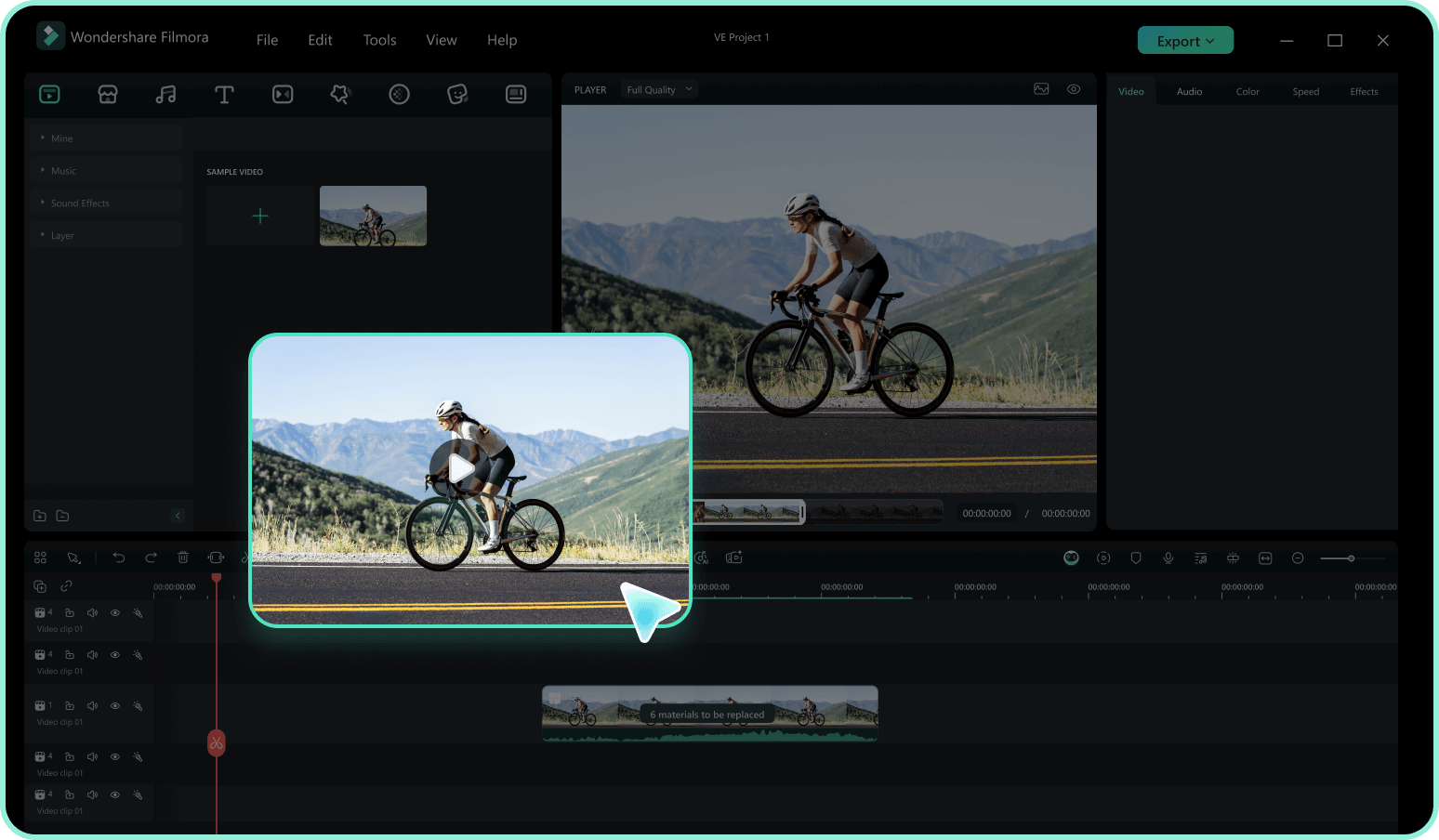
Step 1 Access the Sticker Library
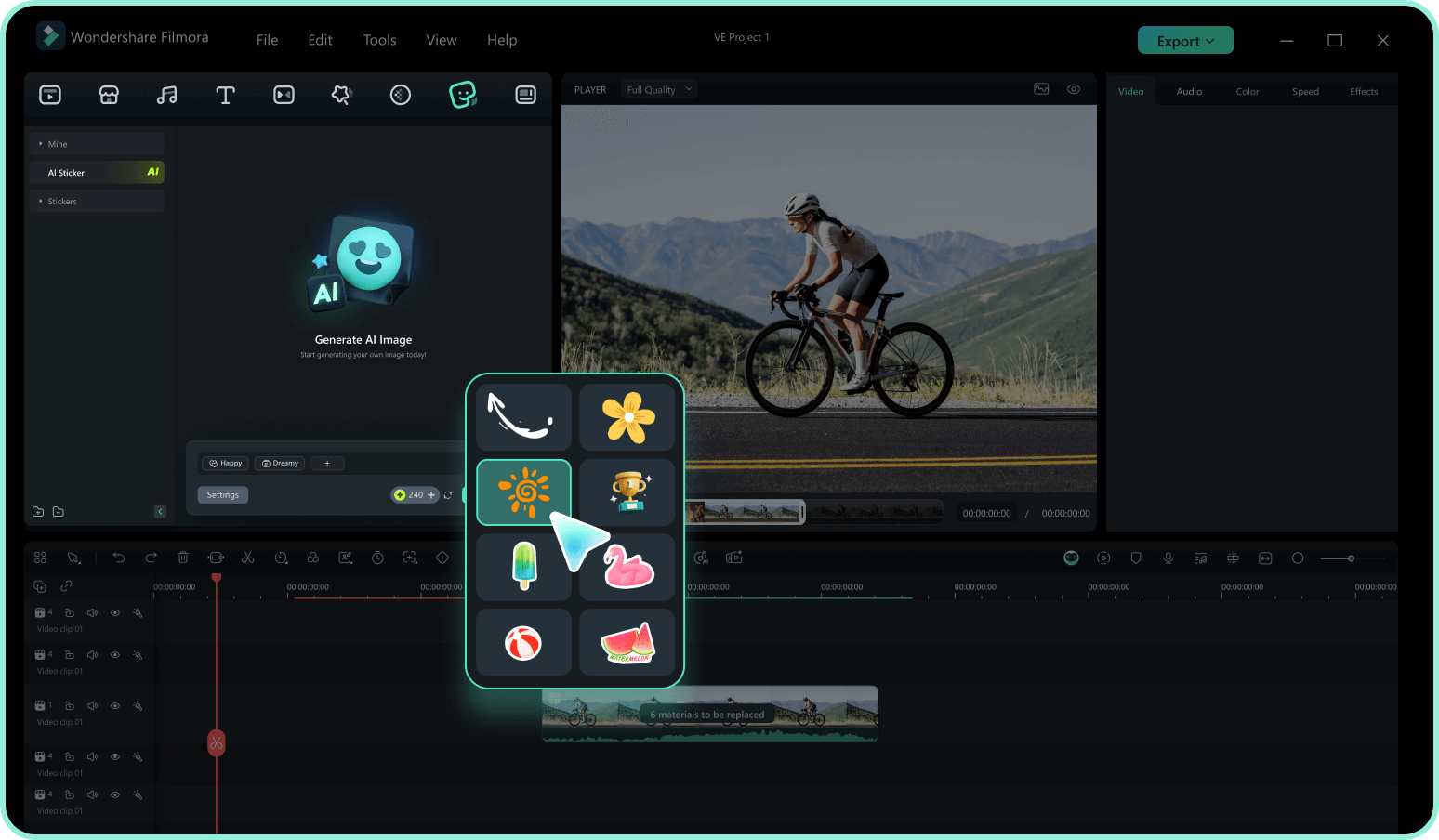
Step 2 Position and Adjust
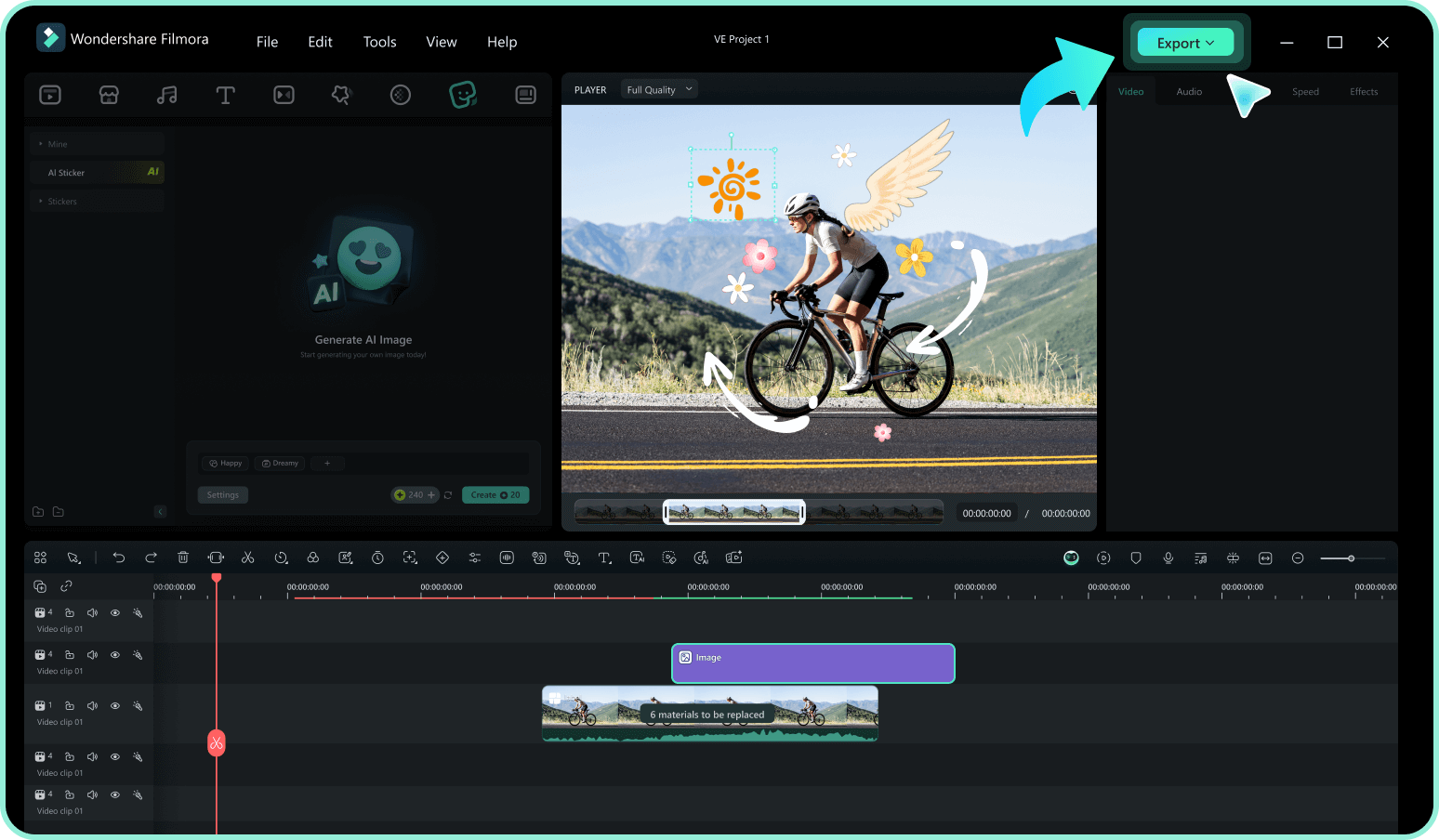
Step 3 Animate and Export
-
1:Access the Sticker Library
Open Filmora and navigate to the "Elements" tab. Search for "India Wedding" to browse a variety of traditional motifs, then drag your favorite sticker onto the timeline video editor. -
2:Position and Adjust
Double-click the sticker on the timeline to resize it or change its position. You can also use the "Transform" tools to rotate the graphic so it fits perfectly around your wedding subjects. -
3:Animate and Export
Apply a "Motion" preset to give your sticker a festive entrance. Once your video is ready, click "Export" and choose 4K resolution to ensure every traditional detail remains stunning for your audience.
Beyond Stickers: Create Custom Wedding Scenes with AI
Can't find the exact traditional backdrop or bridal portrait? Use Filmora's AI tools to generate custom images and videos from simple prompts. Blend AI-generated content with our wedding stickers to build completely unique, personalized wedding films—fast.








