
100+ Women's Day Video Stickers & Packs:
Empower Your Content for March 8th
Give your International Women's Day videos the visual impact they deserve. Explore our curated selection of Women's Day video stickers and overlay assets, featuring everything from animated purple ribbons and feminist badges to empowerment quote frames. Simply pick your favorite Women's Day sticker style, drag it into your timeline, and create content that resonates. Perfect for creators, brands, and educators celebrating women's achievements on social media.
Loading more templates...
 Category:
 Duration:
 Aspect Ratio:
Celebrate Women's Achievements with
Animated Video Stickers & Effects
International Women's Day is a moment to honor, inspire, and amplify women's voices — and your video content should reflect that energy. With Filmora's collection of Women's Day video stickers, you can instantly add thematic polish to your edits. From bold empowerment overlays to elegant floral frames, our drag-and-drop tools make it easy to create impactful content without complex editing skills.
Ready-to-Use Women's Day Animated Stickers
Ready-to-Use Women's Day Animated Stickers
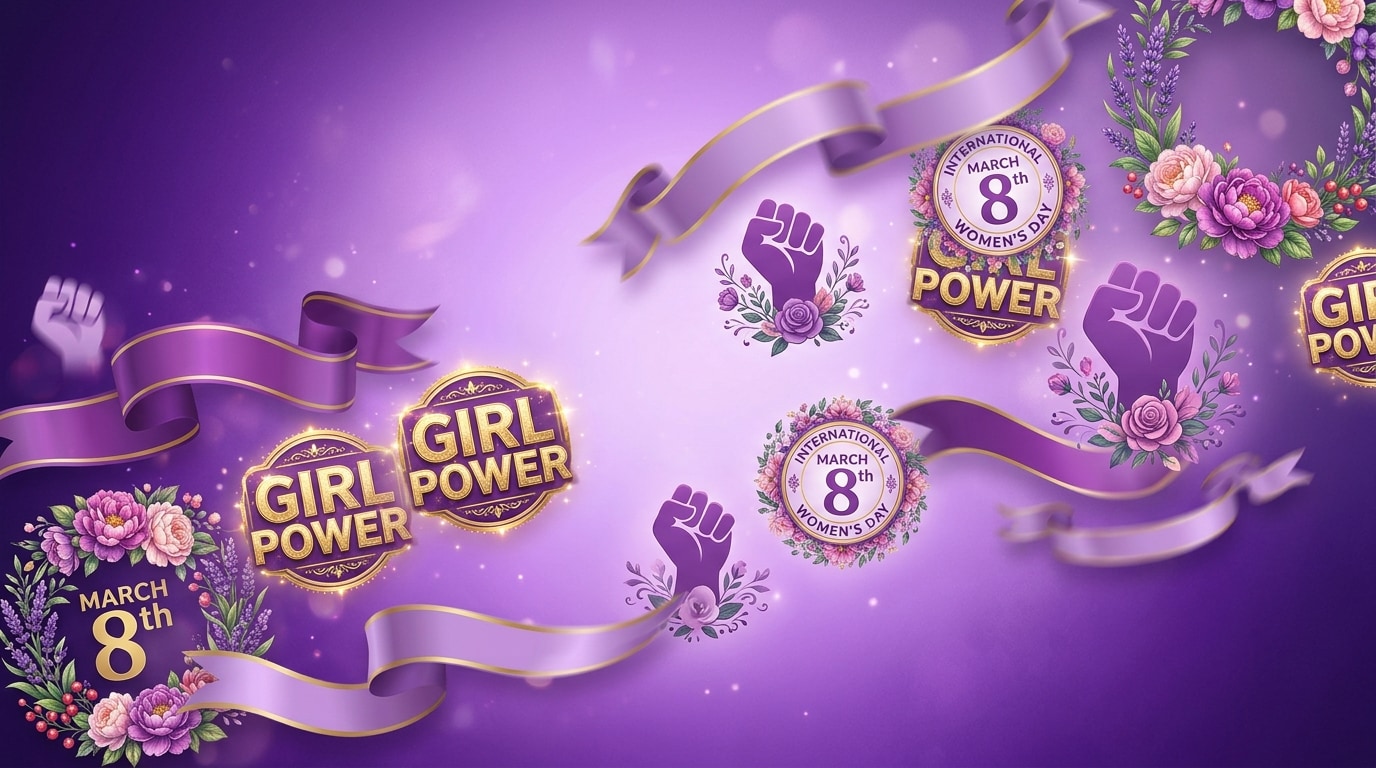
Browse a curated collection of animated stickers themed around International Women's Day. From purple ribbon badges and feminist icons to floral celebration frames and March 8th overlays, every sticker is designed to make your tribute videos, brand campaigns, and social content pop instantly.
- Empowerment Themes - Purple ribbons, raised fists, girl power badges, and equality symbols.
- Drag-and-Drop Simple - Place any sticker on your timeline and resize — no design skills needed.
- Multi-Platform Ready - Crisp on 9:16 TikTok, 1:1 Instagram, and 16:9 YouTube formats.
Create Custom Women's Day Stickers with AI
Create Custom Women's Day Stickers with AI
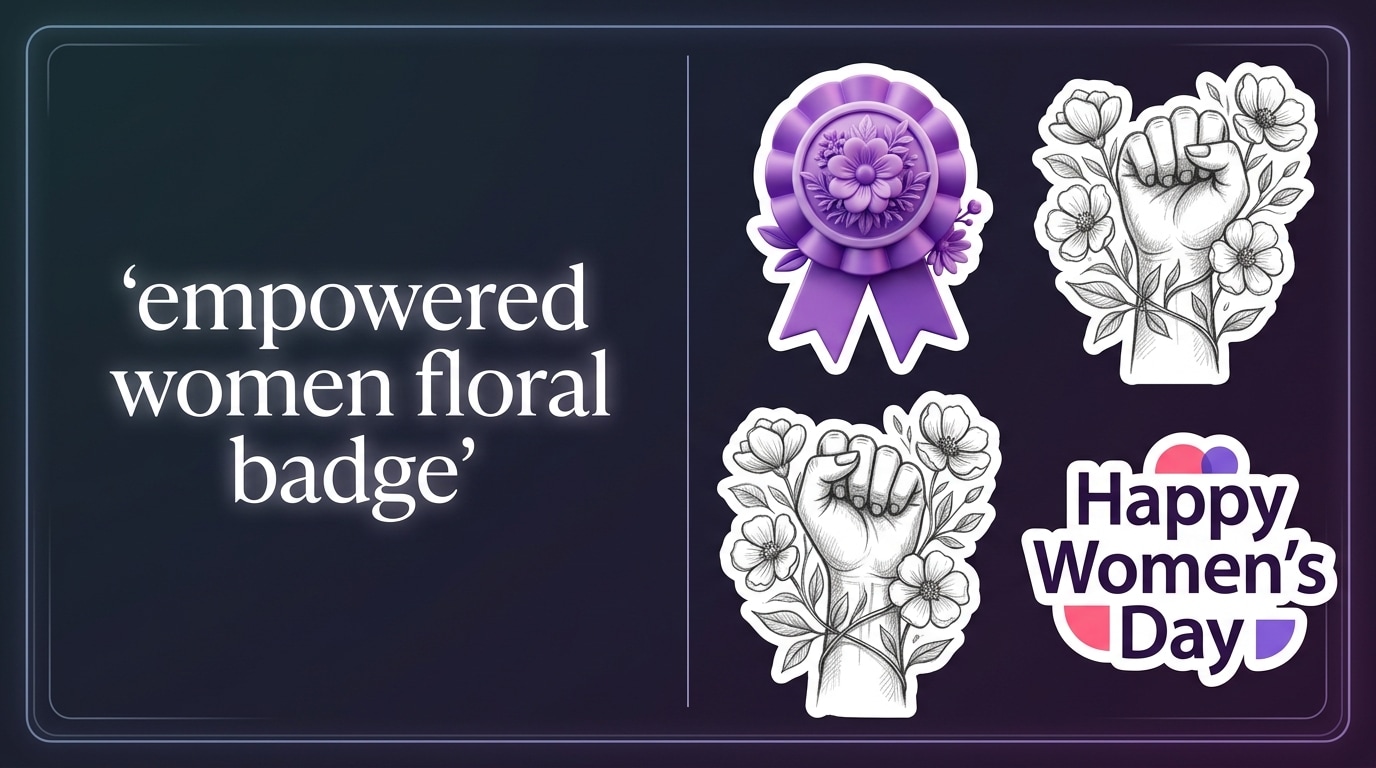
Need a sticker that matches your exact vision? Filmora's AI Sticker Generator turns your text prompts into custom sticker designs in seconds. Type a description like "purple ribbon with empowerment quote" and choose from multiple AI-generated options in 11+ styles including 3D, sketch, and pixel art.
- Text-to-Sticker - Describe your idea and get custom Women's Day stickers instantly.
- 11+ Art Styles - From sleek vectors to charming illustrations and realistic 3D renders.
- Fully Unique - No copyright concerns; every AI-generated sticker is original to your project.
Auto Emoji Stickers Synced to Your Expressions
Auto Emoji Stickers Synced to Your Expressions
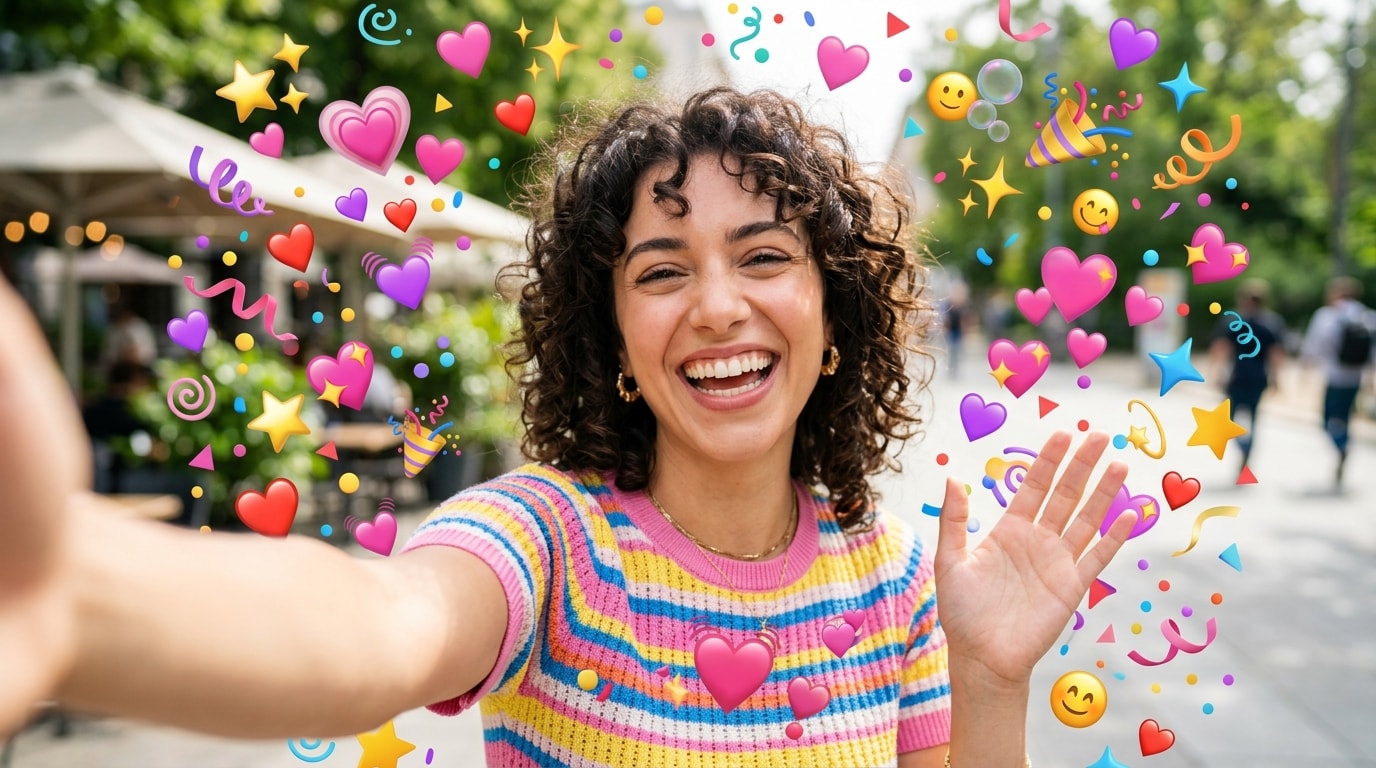
Let AI handle the sticker placement. Filmora analyzes your video's captions and facial expressions, then automatically adds matching emoji stickers at the right moments. When you smile, cheer, or celebrate in your Women's Day video, the right reaction sticker appears on cue — saving editing time and making your content more dynamic.
- Smart Detection - AI reads your expressions and captions to place the right emoji automatically.
- Time-Saving - Skip manual sticker placement; let the AI sync stickers to your video rhythm.
- Engagement Boost - Reaction stickers increase viewer retention on TikTok and Instagram Reels.
FAQs About Women's Day Video Stickers
How to Add Women's Day Stickers to Your Video with Filmora
Create impactful Women's Day content in three simple steps. No design experience needed — just drag, drop, and export your celebration video.
Step 1 Open Filmora and Import Your Video
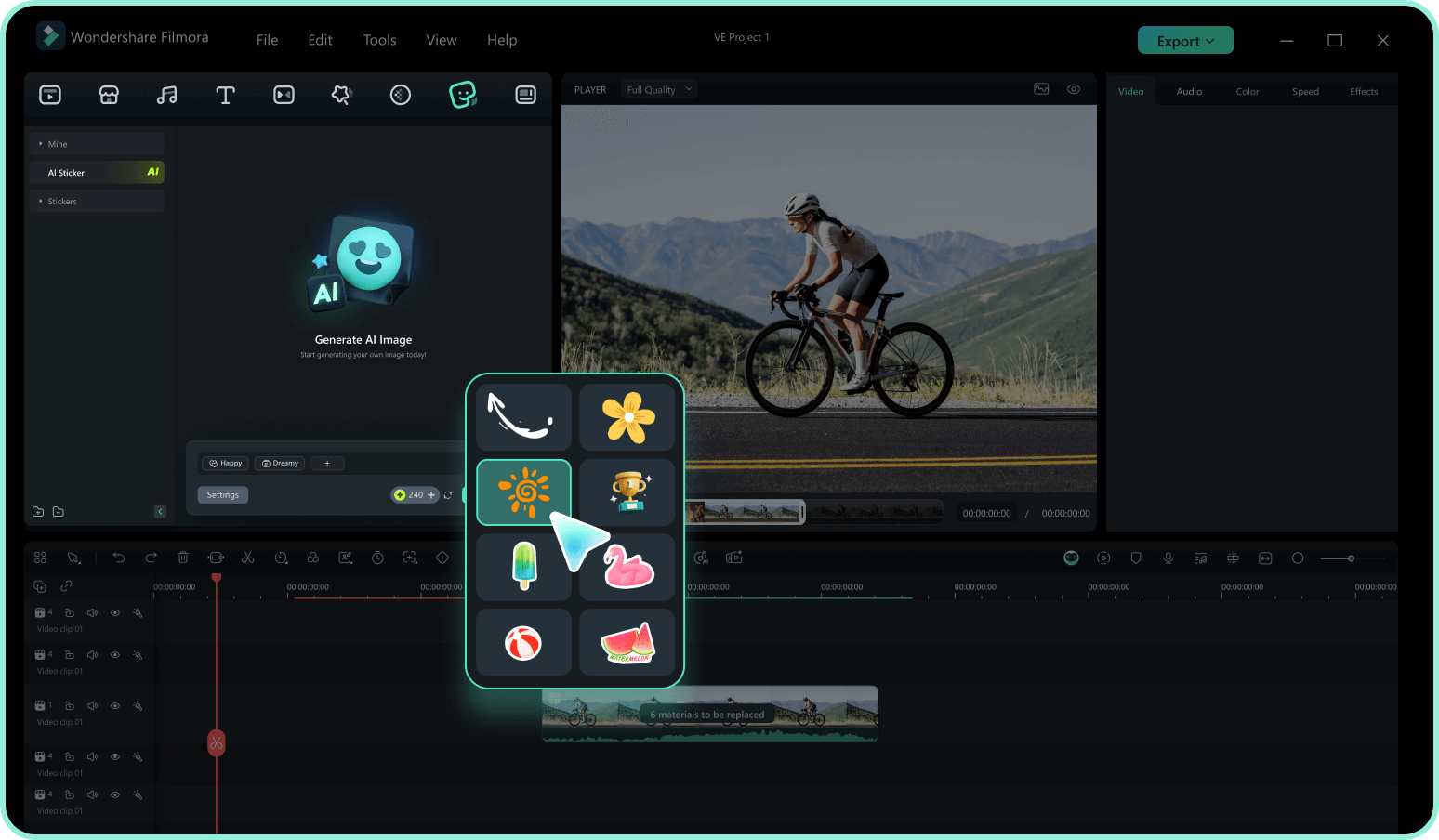
Step 2 Browse and Add Women's Day Stickers
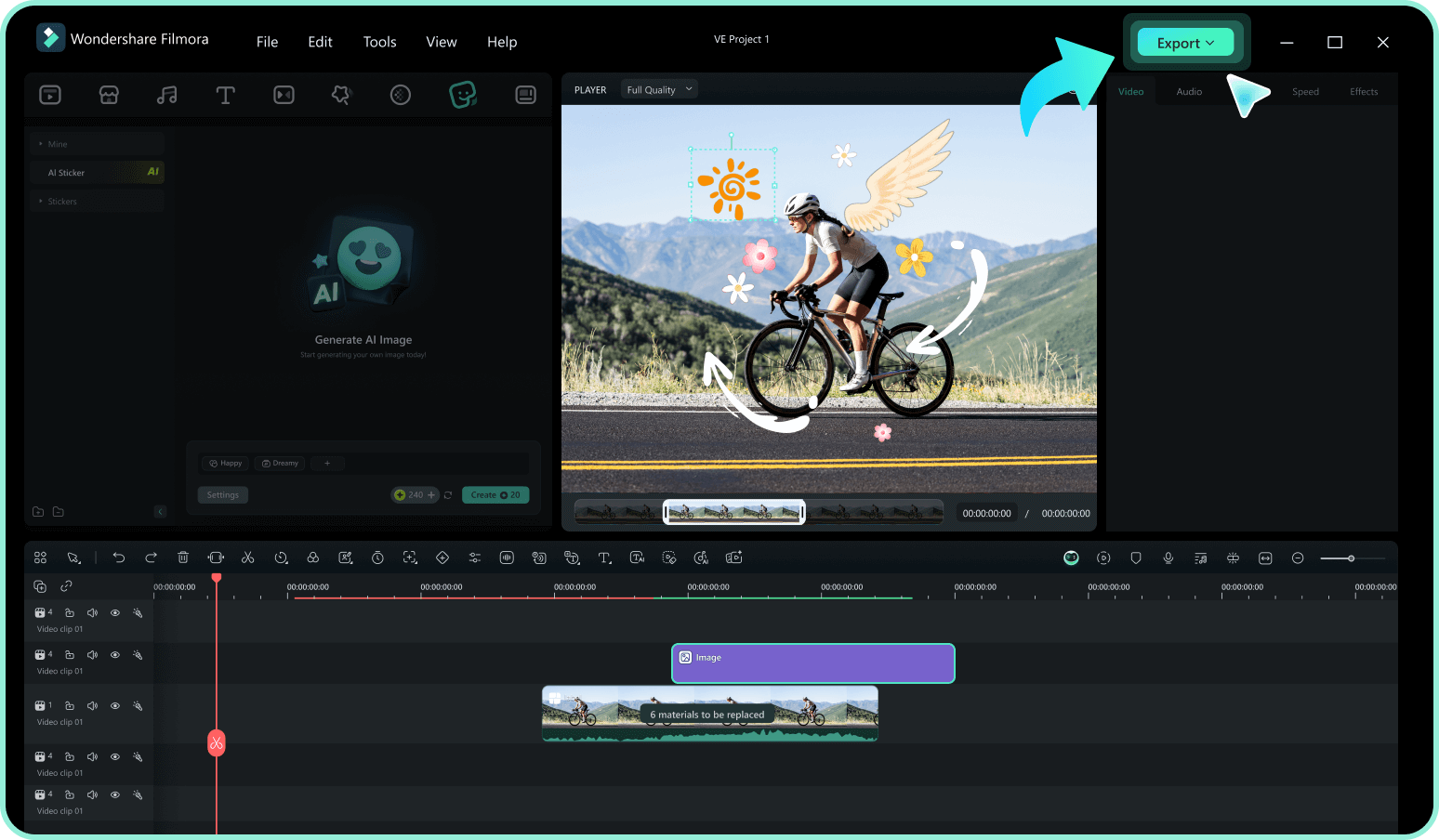
Step 3 Export and Share Your Video
-
1:Open Filmora and Import Your Video
Launch Filmora and create a new project. Import the video clip you want to enhance with Women's Day stickers into your media library. -
2:Browse and Add Women's Day Stickers
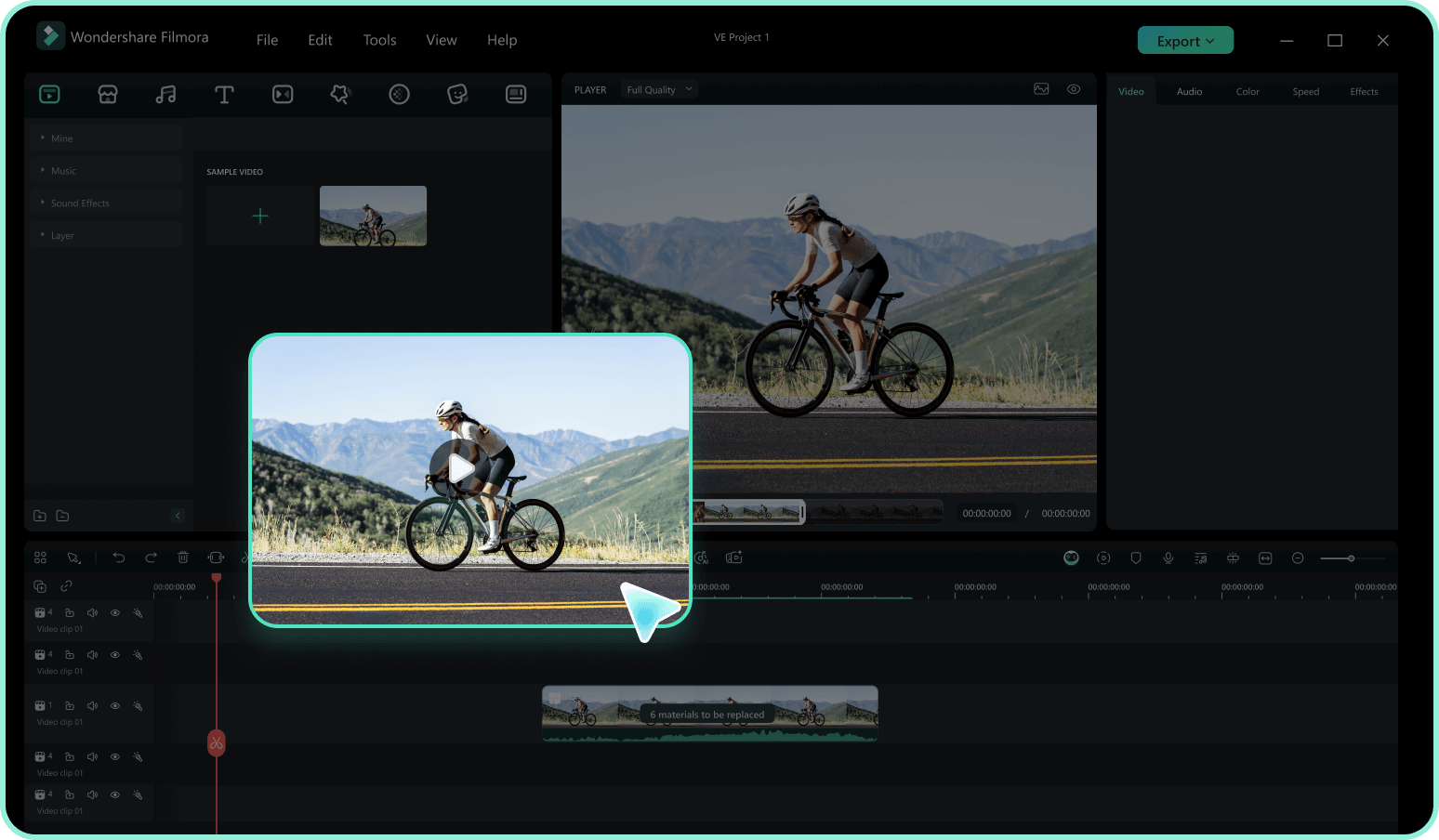
Go to the "Stickers" tab, search for "Women's Day," and preview the options. Drag your chosen sticker onto the timeline and resize or reposition it in the preview window. -
3:Export and Share Your Video
Preview your video with the Women's Day stickers applied. Make final adjustments, then export in the format and aspect ratio that fits your target platform.
More Than Just Women's Day Video Stickers
Filmora is your all-in-one creative studio. Beyond Women's Day stickers, explore AI-powered tools that generate music, remove backgrounds, and create stunning visual effects to keep your content trending all year round.








