

 100% Security Verified | No Subscription Required | No Malware
This preset collection is designed for creators and brands who shoot first for Instagram Reels but still want their content to look native and polished when reposted on TikTok.
Use these Filmora filter ideas to match Instagram's aesthetic with TikTok's fast-scrolling feed, so your cross-platform edits feel consistent, on-brand, and ready for campaigns.
In this article
Daylight City Vibes for Scroll-Stopping Reposts
Soft Street Neutral
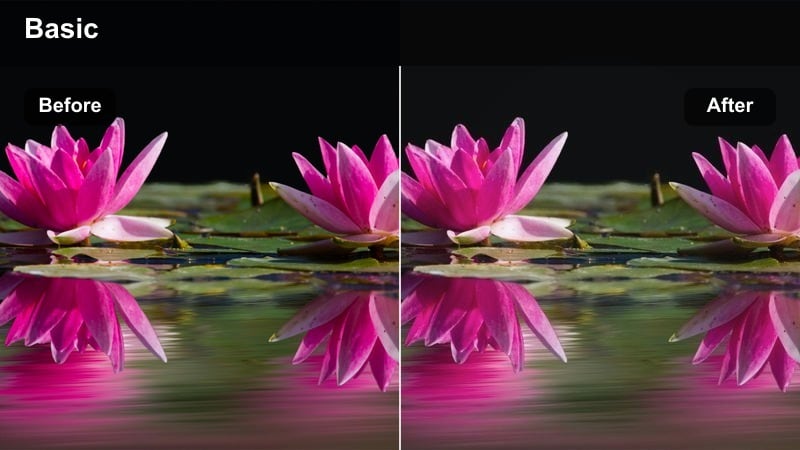
- Effect look: Soft contrast with muted saturation and gentle skin-tone protection for bright city days.
- Best for: Lifestyle talking-head clips, outfit checks, and casual street B-roll in daylight.
- Editing tip: Lower saturation slightly for TikTok to avoid over-bright colors after compression and add a tiny clarity boost for text overlays.
Soft Street Neutral is ideal when you want your Reels-to-TikTok reposts to feel clean and modern without looking over-edited. In Filmora, use a subtle S-curve for contrast, then gently reduce overall saturation while protecting orange and red tones so skin still looks natural on both platforms.
When you apply this as your base filter in Filmora, you can export one master vertical file and reuse it for Reels, TikTok, and even Shorts. Before exporting to TikTok, nudge midtones slightly darker and raise clarity just a touch so captions and on-screen text remain readable against city backdrops, even on smaller screens.
Use Filmora's AI tools to keep Reels and TikTok colors aligned
Filmora's AI-powered color tools help you lock in a consistent palette so your Instagram-first edits carry the same mood when you repost to TikTok. Analyze a reference Reel from your brand or creator profile, then let AI suggest exposure and white-balance tweaks that keep skin and city tones aligned.
Once you save this AI-adjusted look as a preset, you can apply it across new projects so every TikTok repost still feels like it belongs to the same visual world and campaign.
 secure download

Preview filters on vertical city clips before posting
Before you lock a Reel look for TikTok reposting, drop a short vertical test clip into Filmora and cycle through your saved filters. This lets you see how shadows, signage, and skin tones respond in motion, instead of relying only on thumbnails.
By comparing a few options side by side, you can quickly spot filters that look great on Instagram but turn too contrasty, flat, or noisy after TikTok compression and UI overlays.
secure downloadSave your Instagram Reel filters as reusable presets
Once you have an Instagram Reel filter that also works for TikTok, save it as a custom preset in Filmora. Group presets by scenario, like daylight city, night neon, or indoor creator spaces, so you can switch your entire cross-platform look with a single click.
These presets help you maintain a consistent social platform video style filter across campaigns, while still leaving room for quick TikTok-specific tweaks like contrast or vignette changes.
secure downloadUrban Clean Pop
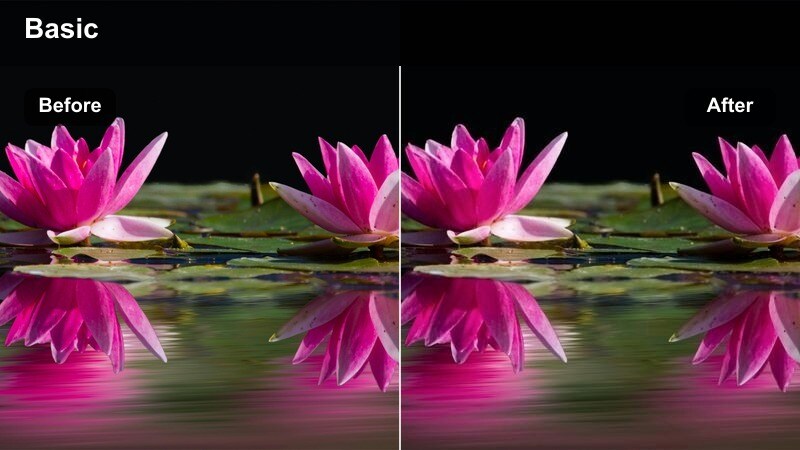
- Effect look: Crisp whites, subtle teal shadows, and a hint of saturation for billboards and street colors.
- Best for: Brand campaigns in downtown areas, product holds against city backdrops, and walking vlogs.
- Editing tip: Use this filter at 70–80 percent intensity on TikTok to keep the look punchy without crushing shadow detail.
Urban Clean Pop adds a polished, ad-ready sheen to your city shots by brightening whites and giving shadows a light teal cast while preserving true-to-life skin tones. In Filmora, combine this with the Color Match and HSL tools to emphasize your brand colors in signage, outfits, or packaging so they stand out in busy streets.
Because it is easy to overdo, keep the filter strength below 100 percent when exporting for TikTok, and monitor dark glass or shadow areas for crushed detail. Use scopes and a phone preview to ensure text, logos, and fine lines remain clean once the video becomes a TikTok repost filter across your ad sets.
City Vlog Soft HDR
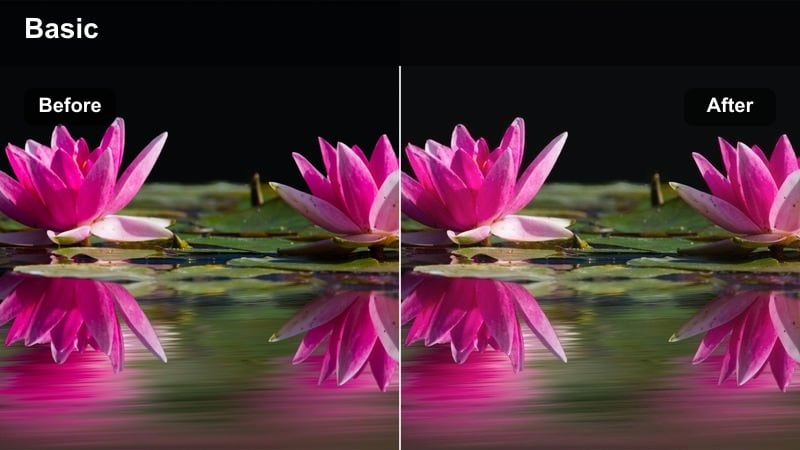
- Effect look: Gentle HDR-style lift in shadows with balanced highlights to keep skies and buildings detailed.
- Best for: POV walking tours, city-day-in-the-life vlogs, and transportation transitions like subway and bus shots.
- Editing tip: On TikTok, pair this filter with a slight vignette to focus attention on the subject in busy street scenes.
City Vlog Soft HDR is tuned to rescue information in bright skies and deep building shadows, making it perfect for daytime POV content that moves quickly between lighting conditions. In Filmora, raise shadow exposure carefully while pulling highlights down, then add a touch of local contrast so the scene still feels dimensional on small screens.
For TikTok reposts, place a very soft vignette around the frame to subtly guide attention to your subject or on-screen text without making the look feel heavy. This approach keeps details like signs, crosswalks, and street textures visible in TikTok's smaller preview window while maintaining a natural social platform video style filter.
Indoor Creator Spaces and Studio Aesthetic
Creator Desk Soft Glow
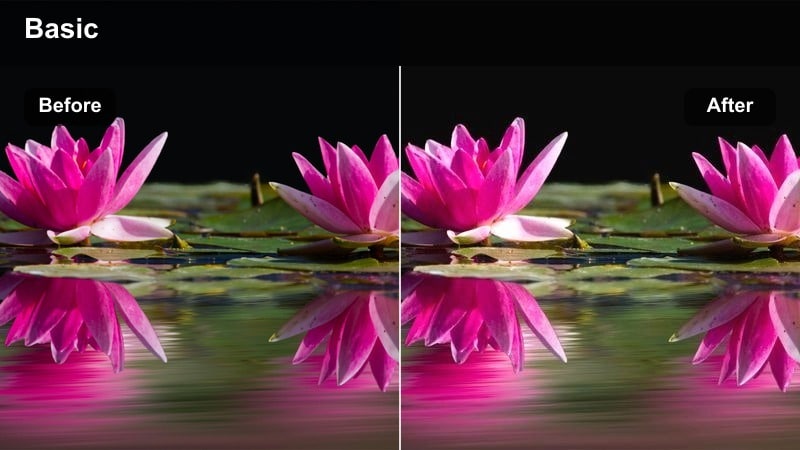
- Effect look: Soft glow, warm midtones, and smoothed highlights for cozy desk and workspace shots.
- Best for: Desk setups, talking to camera at your workstation, and productivity or editing tutorials.
- Editing tip: Drop sharpness slightly for TikTok to keep faces flattering and reduce distraction from background clutter.
Creator Desk Soft Glow leans into a warm, inviting mood that makes talking-head clips feel approachable and bingeable. In Filmora, you can create this by warming midtones, slightly lifting blacks, and adding a touch of bloom or glow to bright areas like monitors and key lights.
When you prepare a TikTok repost, reduce overall sharpness to smooth out noise from indoor lighting and let viewers focus on your face and on-screen tips. This Instagram Reel filter for TikTok helps you reuse the same desk footage across platforms without constantly regrading or re-shooting.
Studio Neutral Flat
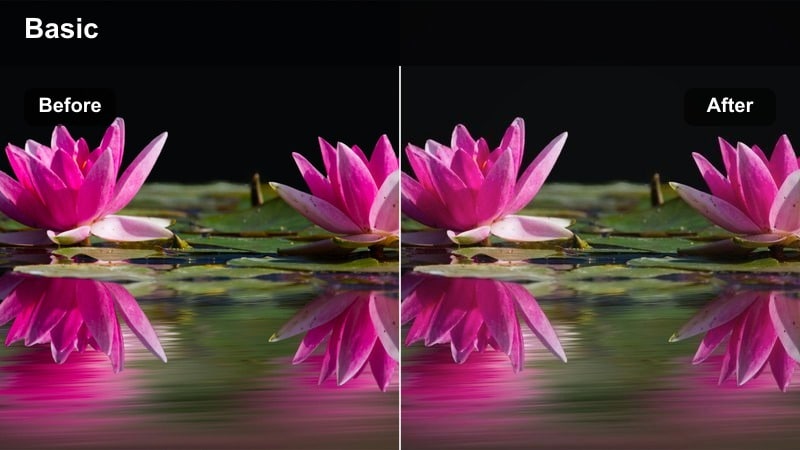
- Effect look: Low-contrast, neutral color profile that preserves detail and keeps lighting changes subtle.
- Best for: UGC product demos, sponsored reads, and multi-shot edits where different cameras are mixed.
- Editing tip: Add contrast with Filmora's curves tool after this filter so you can fine-tune separately for Reels and TikTok exports.
Studio Neutral Flat is designed as a base look that keeps colors honest and contrast gentle, making it much easier to mix clips from phones, webcams, and mirrorless cameras. In Filmora, start with this neutral filter, then use Color Match between shots so all angles share the same baseline tone.
After you apply the filter, add a contrast curve tailored to each platform: a slight lift in contrast for TikTok to cut through the For You feed, and a softer variant for Reels to maintain flexibility in the grid. This workflow gives campaigns and UGC compilations a unified look without sacrificing authenticity.
Apartment Daylight Aesthetic
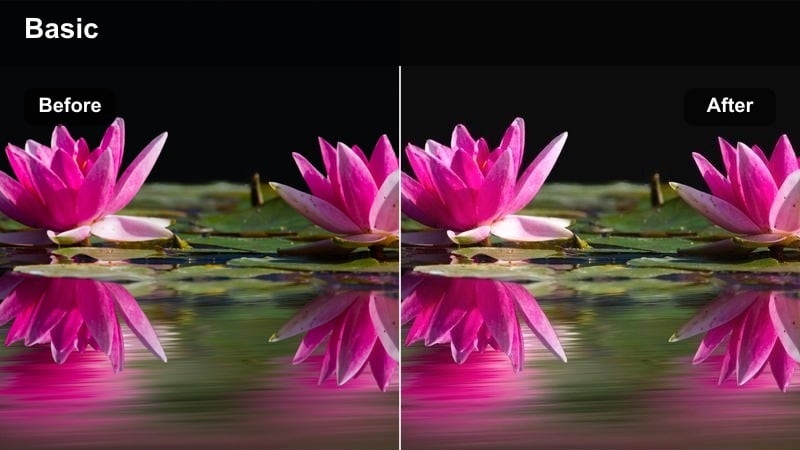
- Effect look: Bright exposure with cool whites and gentle warmth on skin for window-lit apartments.
- Best for: GRWM videos, apartment routine clips, and lifestyle storytelling in small spaces.
- Editing tip: Use subtle highlight roll-off to avoid blowing out windows when moving between shots for TikTok transitions.
Apartment Daylight Aesthetic keeps your space airy and bright while still rendering skin tones with a soft warmth that flatters GRWM and routine content. In Filmora, raise exposure, cool down whites, and apply a mild highlight roll-off so big windows do not clip when you move through the room.
For TikTok exports, test fast transitions and trending cuts against this filter to ensure windows and lamps do not flicker or blow out between shots. The result is a consistent, premium apartment vibe that feels native whether viewers discover it through Reels or TikTok.
Nightlife, Neon, and After-Dark Energy
Neon City Punch
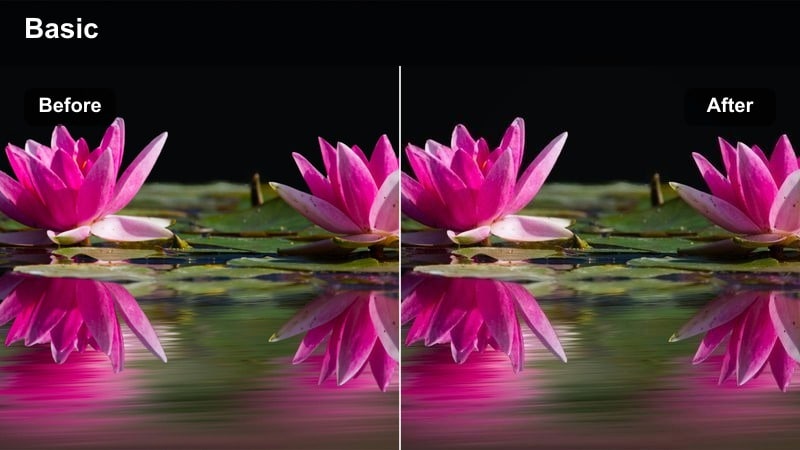
- Effect look: Deep contrast with vivid neon blues and magentas while keeping skin from turning overly colored.
- Best for: Night-out clips, rooftop parties, street-style transitions under signs, and nightlife B-roll.
- Editing tip: On TikTok, lift shadows slightly to avoid pure black blocks when the app compresses darker scenes.
Neon City Punch amplifies sign colors and LED accents so night scenes feel energetic and intentional rather than noisy and underexposed. In Filmora, deepen contrast, selectively boost blues and magentas with HSL, and use skin-tone isolation to stop faces from picking up harsh color casts.
Because TikTok's compression can crush dark areas, raise black levels slightly and keep grain under control so shadows retain detail. This creates nightlife Reels that repost cleanly to TikTok while maintaining the same punchy, on-brand color language across your social channels.
Subway Moody Film
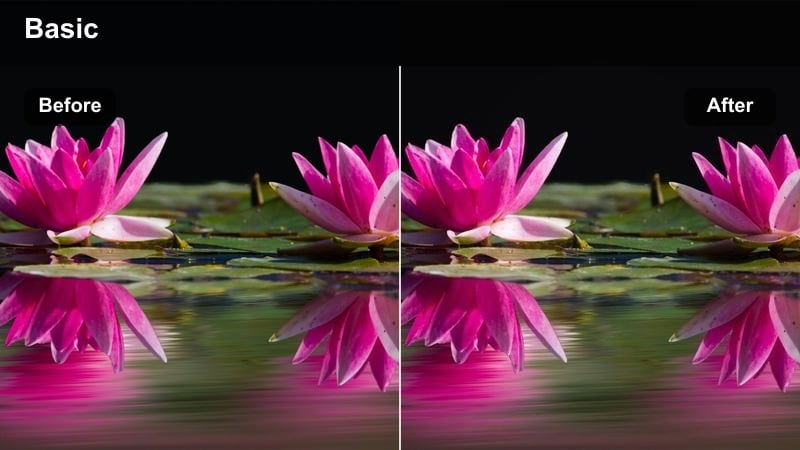
- Effect look: Film-inspired grain with green-tinted shadows and warm highlights for underground transit scenes.
- Best for: POV train rides, escalator transitions, and reflective window shots at night.
- Editing tip: Dial down the grain slightly for TikTok so it stays visible without becoming muddy after upload.
Subway Moody Film adds a cinematic transit vibe, combining cooler, slightly green shadows with warmer highlight zones to mimic classic film stocks. In Filmora, apply a modest grain layer, shift shadow tint toward green, and warm highlights so fluorescent station lights feel stylized instead of harsh.
When posting to TikTok, keep grain subtle and export at a higher bitrate so it stays textured instead of blocky. Paired with slow push-ins or whip transitions between stations, this filter can turn simple metro footage into a cohesive visual story across Reels and TikTok.
Rooftop Gold Hour to Night
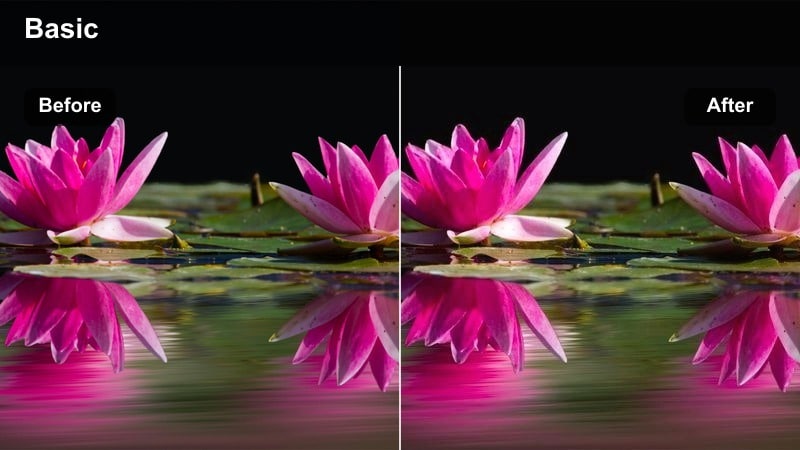
- Effect look: Smooth transition-friendly color from warm golden hour into cooler blue hour without harsh jumps.
- Best for: Rooftop reveals, city skyline transitions, and outfit changes filmed from sunset into night.
- Editing tip: On TikTok, cut between beats and maintain this filter across all clips so lighting shifts feel like part of the transition.
Rooftop Gold Hour to Night is built to carry a single sequence from sunset warmth into cooler night tones without obvious color breaks. In Filmora, apply this filter consistently across all rooftop clips, then fine-tune white balance shot by shot so the sky and city lights evolve smoothly.
For TikTok, time your cuts to music beats and use the same filter across outfit changes or skyline reveals so the changing light feels intentional. This becomes a powerful Instagram Reel filter for TikTok when you want one hero transition that works across both platforms and multiple placements.
Campaign-Ready and UGC-Style Polish
UGC Natural Trust
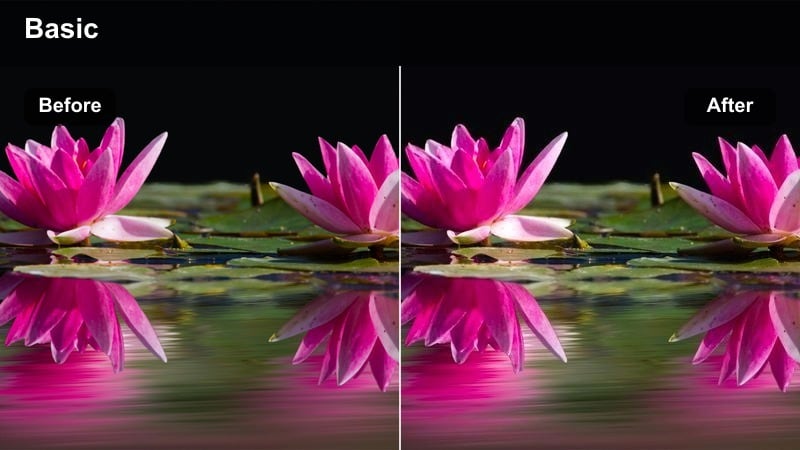
- Effect look: Very light contrast and subtle warmth that keeps footage believable and close to in-camera color.
- Best for: UGC review clips, testimonial-style videos, and brand whitelisting creatives that need authenticity.
- Editing tip: Keep this filter gentle on TikTok so viewers feel the clip is honest, not overly edited or ad-heavy.
UGC Natural Trust is intentionally minimal, adding just enough polish to clean up footage while preserving the look of everyday, organic content. In Filmora, apply a soft contrast curve, a small warmth boost, and minor noise reduction, but avoid strong tints or heavy sharpening.
Because audiences on TikTok and Reels are sensitive to content that feels too ad-like, keep filter intensity low and rely on native captions or stickers to signal brand partnerships. This makes the same clip work as both organic UGC and whitelisted ads without breaking viewer trust.
Campaign Crisp Brand
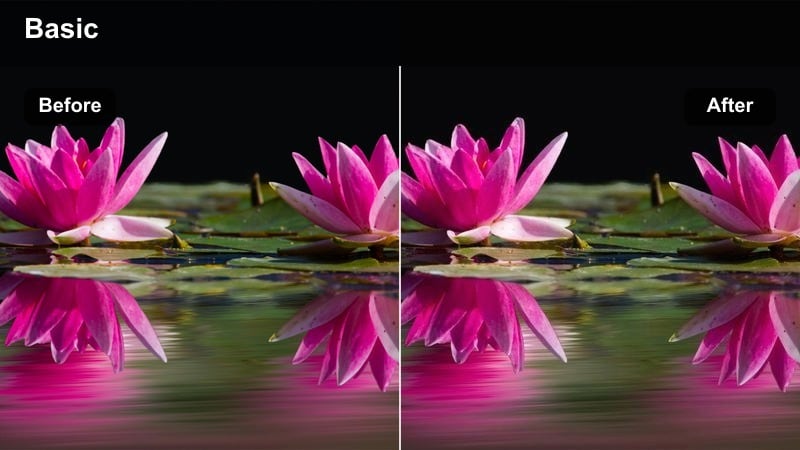
- Effect look: High clarity, precise contrast, and slightly boosted brand colors for a performance-ad-ready look.
- Best for: Performance creatives, hook-driven ads, and strong CTA edits used in paid promotion on both platforms.
- Editing tip: Test slightly reduced contrast on TikTok to avoid halos around crisp text and logos.
Campaign Crisp Brand is your go-to when you need product and logo details to read clearly in the first second of a scroll. In Filmora, combine enhanced clarity, defined contrast, and selective saturation boosts on brand colors so packaging, UI screens, or app demos immediately stand out.
Because TikTok overlays comments and captions near the bottom of the frame, preview your ad with these elements turned on in a draft. If you see halos or fringing around text, gently lower contrast and sharpening until edges look clean while the overall image stays punchy for both Reels and TikTok.
Social Series Consistent
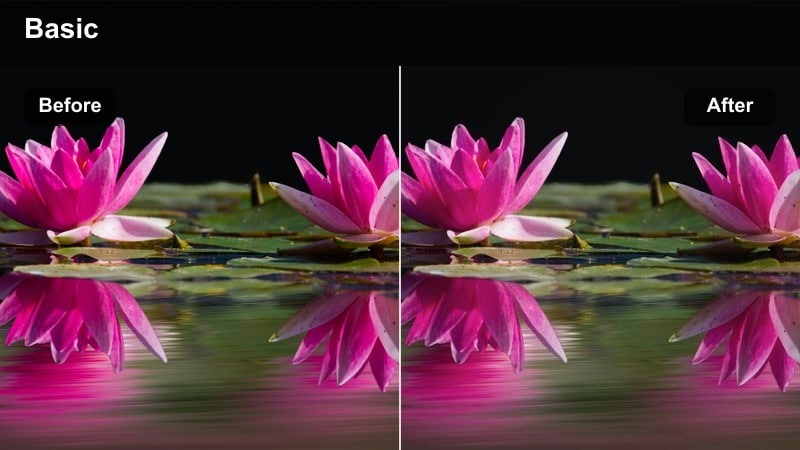
- Effect look: Medium contrast with a subtle color tint that acts like a show LUT for recurring content series.
- Best for: Weekly city diaries, ongoing tip series, and branded creator-led shows that live on Reels and TikTok.
- Editing tip: Save this look as a custom preset in Filmora and apply it at the end of your edit so each episode feels unified.
Social Series Consistent functions like a lightweight show LUT that gives every episode in your series a recognizable signature. In Filmora, create this by choosing a single subtle tint (for example, a soft teal or peach bias) and a mid-level contrast that works across indoor, outdoor, and night shots.
Apply the filter as the final step in your workflow, then export platform-specific versions with adjusted framing or text. Over time, this consistent Instagram Reel filter for TikTok turns your recurring series into a recognizable brand property across feeds, thumbnails, and playlists.
Tips for Using Instagram Reel Filters For Tiktok Content Filters in Filmora
- Always test a short 5–10 second vertical export on TikTok drafts to see how your chosen Instagram Reel filters for TikTok survive compression before scheduling full campaigns.
- Design your color and contrast in Filmora with text overlays in mind, leaving clean space where TikTok captions, comments, and buttons will sit on-screen.
- Build one fully color-graded master timeline in Filmora, then duplicate it for Reels and TikTok so cross-platform videos do not suffer from subtle color mismatches.
- Use gentler, natural-looking filters like UGC Natural Trust for testimonials and review-style clips, reserving bolder looks for hooks, transitions, and performance ads.
- Turn your favorite social platform video style filter combinations into Filmora presets to keep your batch editing workflow fast and consistent.
- When repurposing Reels as TikTok reposts, slightly lower saturation and extreme contrast to reduce artifacts introduced by additional compression.
- Check your edits on an actual phone screen and in TikTok preview mode, not just on a desktop monitor, to confirm that skin tones and brand colors still look right.
- Group presets in Filmora by scenario, such as daylight city, indoor creator space, and nightlife neon, so your cross-platform content library stays organized and on-brand.
The right Instagram Reel filters can travel smoothly to TikTok when you design them with compression, UI overlays, and cross-platform brand consistency in mind. By planning your looks around real mobile playback instead of just export settings, you reduce surprises and keep colors aligned everywhere.
Build your favorite looks once in Filmora, save them as presets, and reuse them for TikTok reposts, style-matched creator campaigns, and recurring series content. This approach turns color into a repeatable system instead of a one-off decision, so every new video feels like part of the same on-brand universe.
secure download