
The global AI video generator market has reached an estimated $847 million to $946 million in 2026, and over 78% of marketing teams are adopting AI video workflows (Pictory). Because of this, content creators face a distinct friction point: juggling multiple monthly subscriptions across separate image, audio, and video platforms.
That's why platforms like Creen AI exist. It’s a multi-model platform that brings several creative tools together. But is the Creen AI video generator good enough for creators to only rely on it? Scroll down to find out! We’ll see if its multi-model setup can streamline your production.
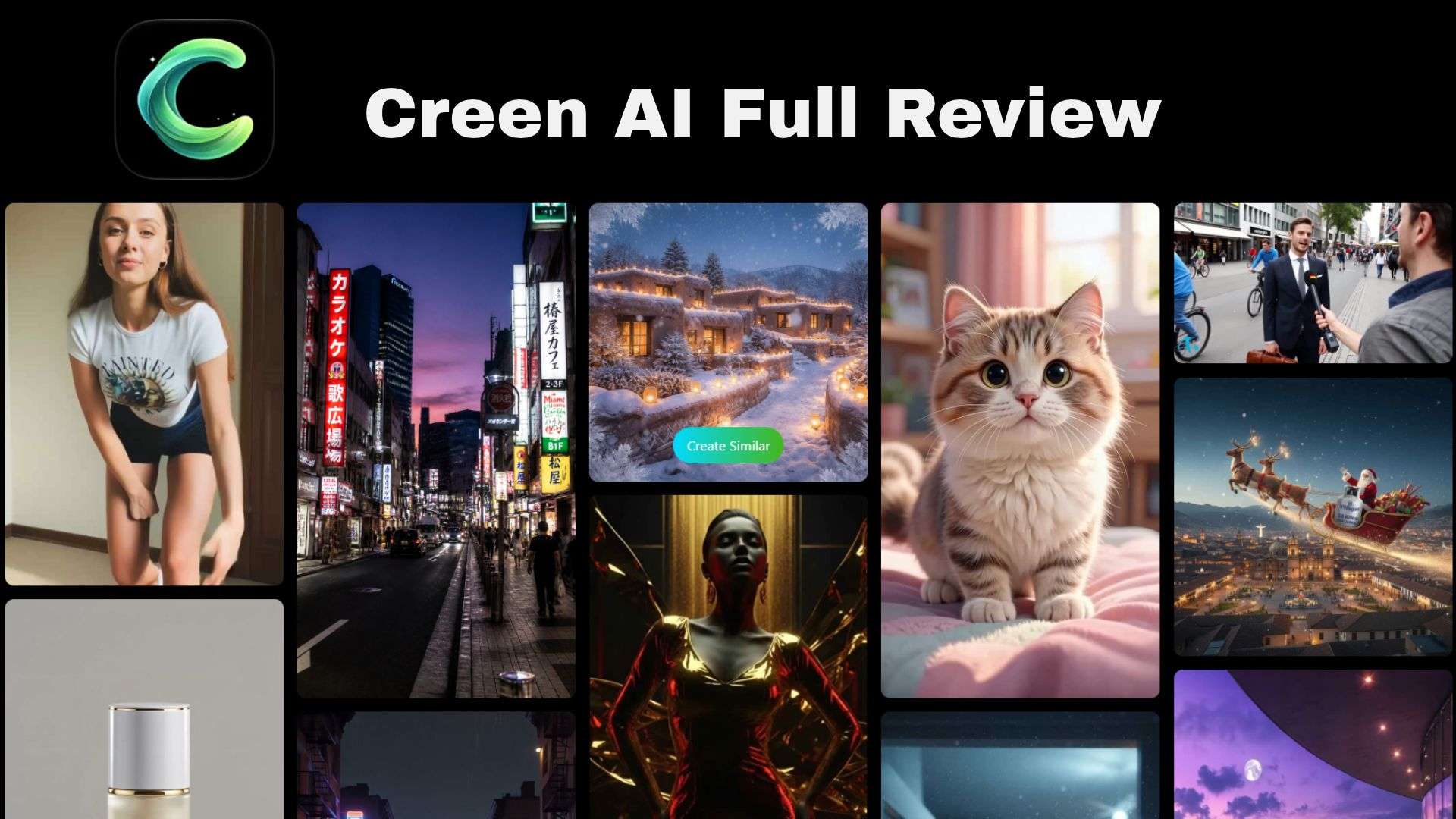
Part 1. Inside Creen AI: A Multi-Model Studio for AI Content Creation
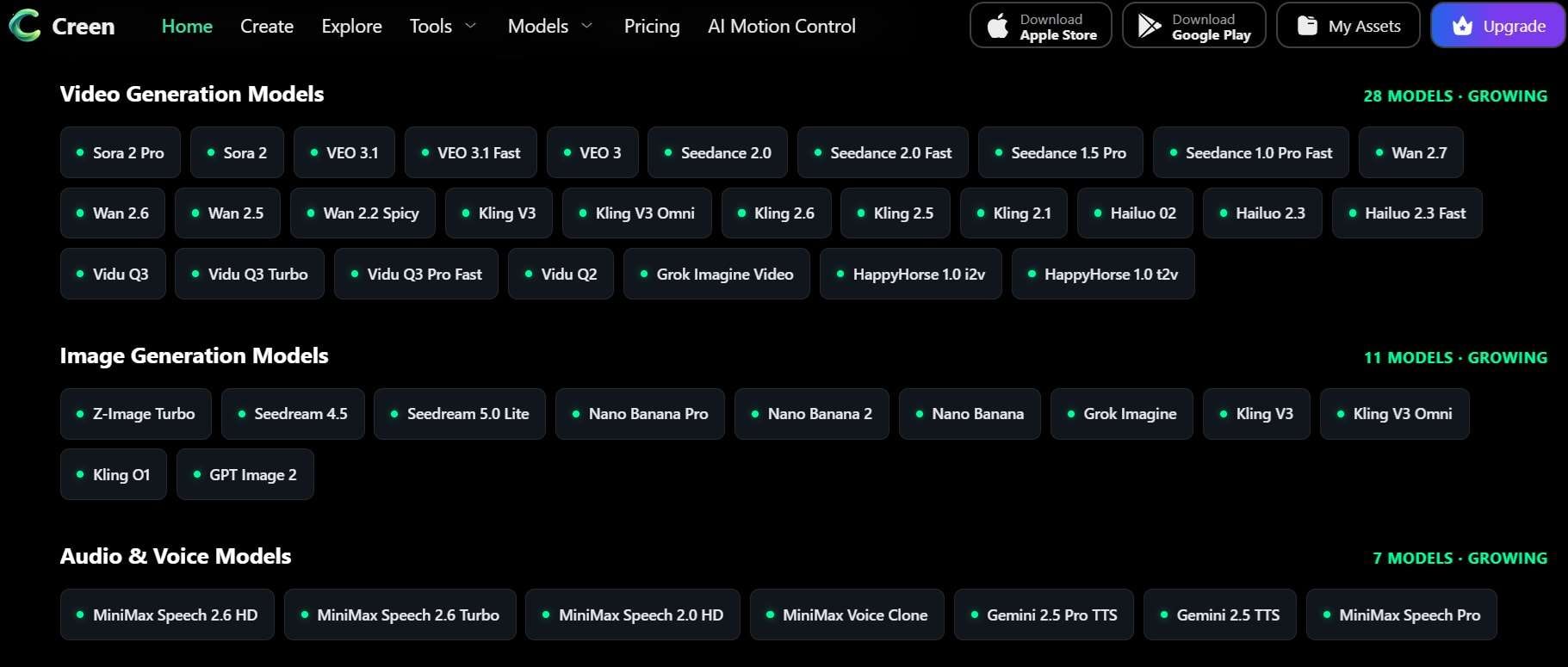
It's better to think of Creen AI as a multi-model aggregator rather than another single-purpose generator. That's because currently, the platform supports 28 video engines, 11 image engines, and 7 audio engines, which is where the “40+ engines” claim comes from.
The video lineup includes names like Sora 2, Veo 3.1, Kling V3, Seedance 2.0, Wan 2.7, Hailuo, Vidu, and Grok Imagine Video. On the image side, you’ll find Nano Banana Pro, Seedream, GPT Image 2, and more.
Access Creen AI: Web Platform and Mobile Apps
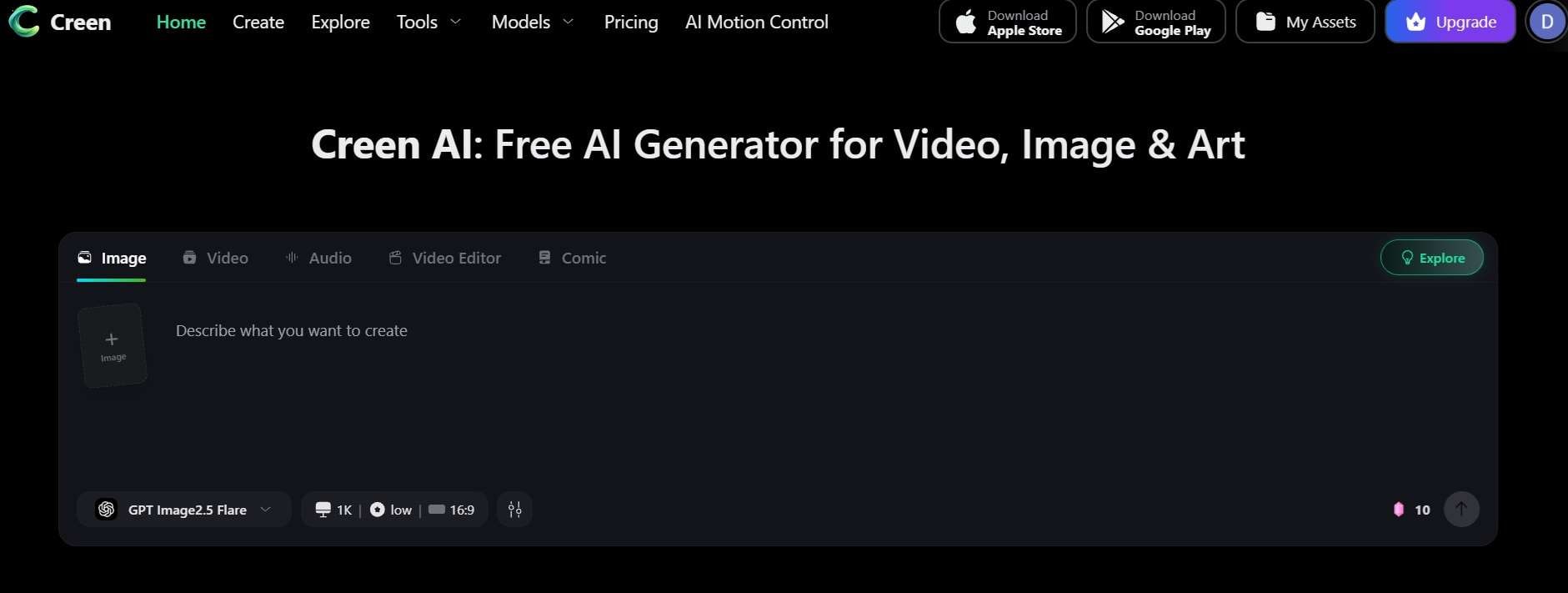
Getting started with Creen AI is relatively straightforward across devices. The main access is through the official site. All you need to do is visit https://www.creen.ai/ to access the full workspace. Keep in mind that a quick Creen AI login is required upfront before you can test prompts or view the dashboard interface.
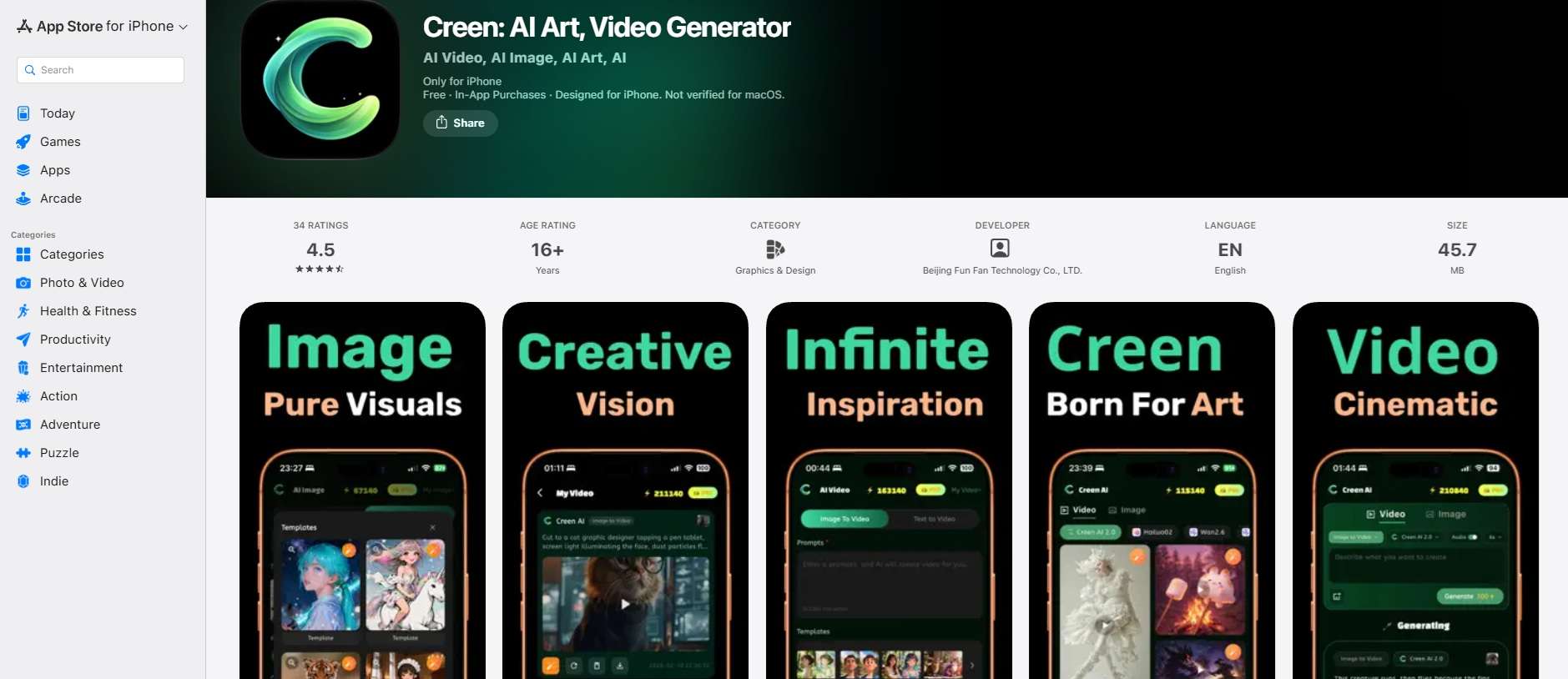
There are also mobile versions. This is for those who prefer working on their phone or tablet.
- Download the Creen AI app for iOS on the Apple App Store.
- Download the Creen AI app for Android on the Google Play Store.
⚠️ A Quick Safety Warning on Third-Party Downloads
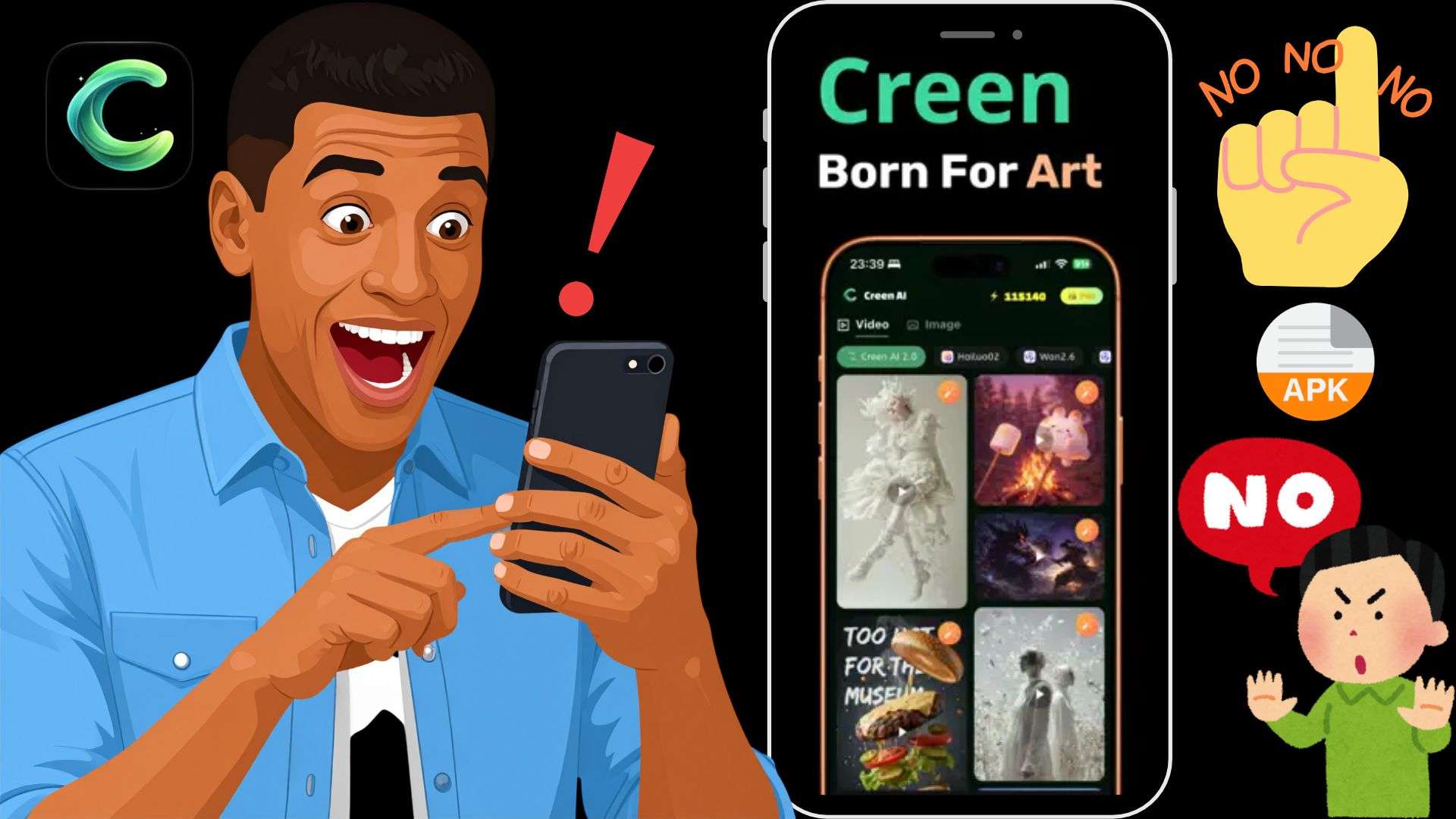
You’ll see sites offering a Creen AI APK or a “mod” version with free credits. Don’t. APK files from unverified repositories are a classic route for malware, stolen logins, and hidden payment charges, and an unofficial copy can’t magically unlock credits anyway, since those live on Creen’s servers. Always install directly through verified stores!
Part 2. Creen AI Pricing Guide: How Credits and Subscriptions Work
Let's get to the point: is Creen AI free? Well, partly. The platform runs on credits. And once you complete your initial login, the platform drops 100 FREE credits right into your account. Meaning, you can run initial prompts, render draft stills, and see how the UI feels without handing over credit card info. When that runs dry, you have two ways to get more:
- Subscribe to a plan.
- Buy a credit pack.
Creen AI Subscription Plans
There are four plans. Annual billing is roughly half the monthly price, and plan credits refresh every cycle and don’t roll over.
| Plus | Pro | Max | Ultra | |
| Monthly Price | $15 | $29 | $59 | $189 |
| Yearly Price | $7.5 | $14.5 | $29.5 | $94.5 |
| Credits | 3,000 | 8,000 | 20,000 | 80,000 |
| Best For | Light hobbyists | Consistent social content creators | Professional users | Small agency teams & heavy daily output |
|
Show More
Show Less
|
||||
Creen AI Credit Packs
If you don’t need a plan’s extras, you can buy credits on their own. The bigger your monthly commitment, the bigger the bonus:
| Monthly Price | Bonus | Credits |
| $20 | 0% | 5,000 |
| $30 | 10% | 7,500 |
| $60 | 15% | 15,000 |
| $100 | 20% | 25,000 |
| $300 | 40% | 75,000 |
| $600 | 50% | 150,000 |
| $1000 | 60% | 250,000 |
|
Show More
Show Less
|
||
Part 3. Feature Breakdown: What You Can Create with Creen AI
Creen AI’s features collection includes tools for animating still images, generating artwork, controlling character movements, and creating audio. Below, we'll take a closer look at what you can expect from each one.
AI Video Generator
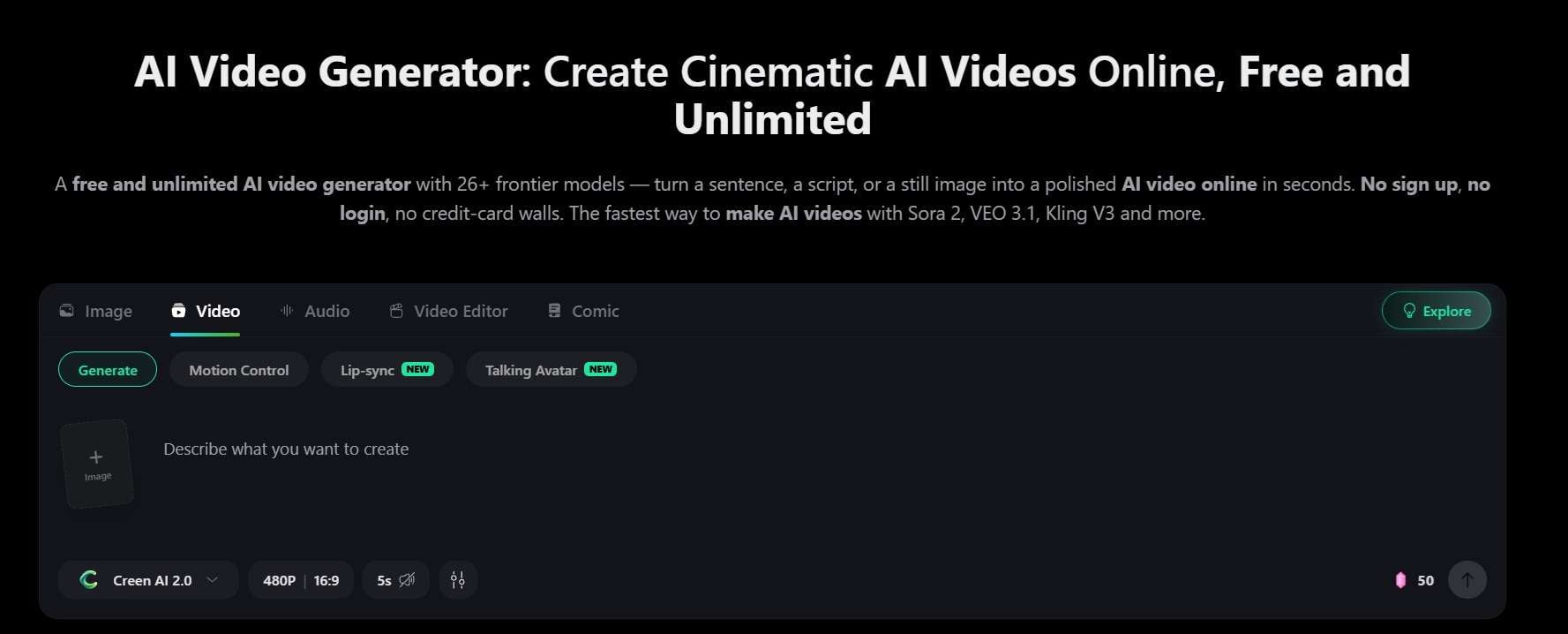
The primary attraction here is the Creen AI video generator feature. It supports both Text-to-Video (building moving clips directly out of written prompts) and Image-to-Video (taking a static photo or digital artwork and driving dynamic motion into it). There are also templates for things like story arcs and product reels, plus related tools like talking photos and lip sync.
AI Motion Control
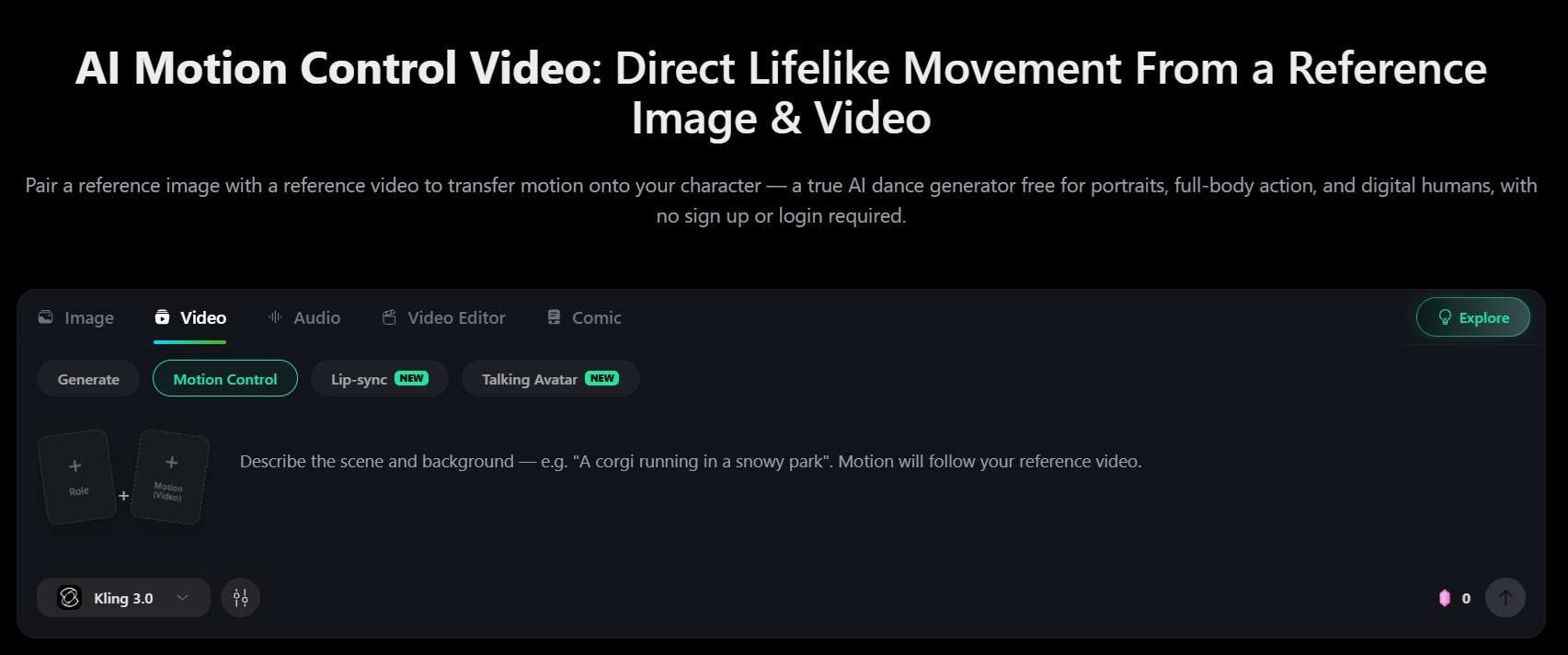
To stop your subject's face or body from warping into surreal nightmare visuals, you can rely on Creen AI's motion control feature. It works by motion transfer: you give it a reference image (who your character is) and a reference video (how they move), and it reads the movement from the video and applies it to your character while keeping the face, outfit, and proportions consistent.
AI Image Generator
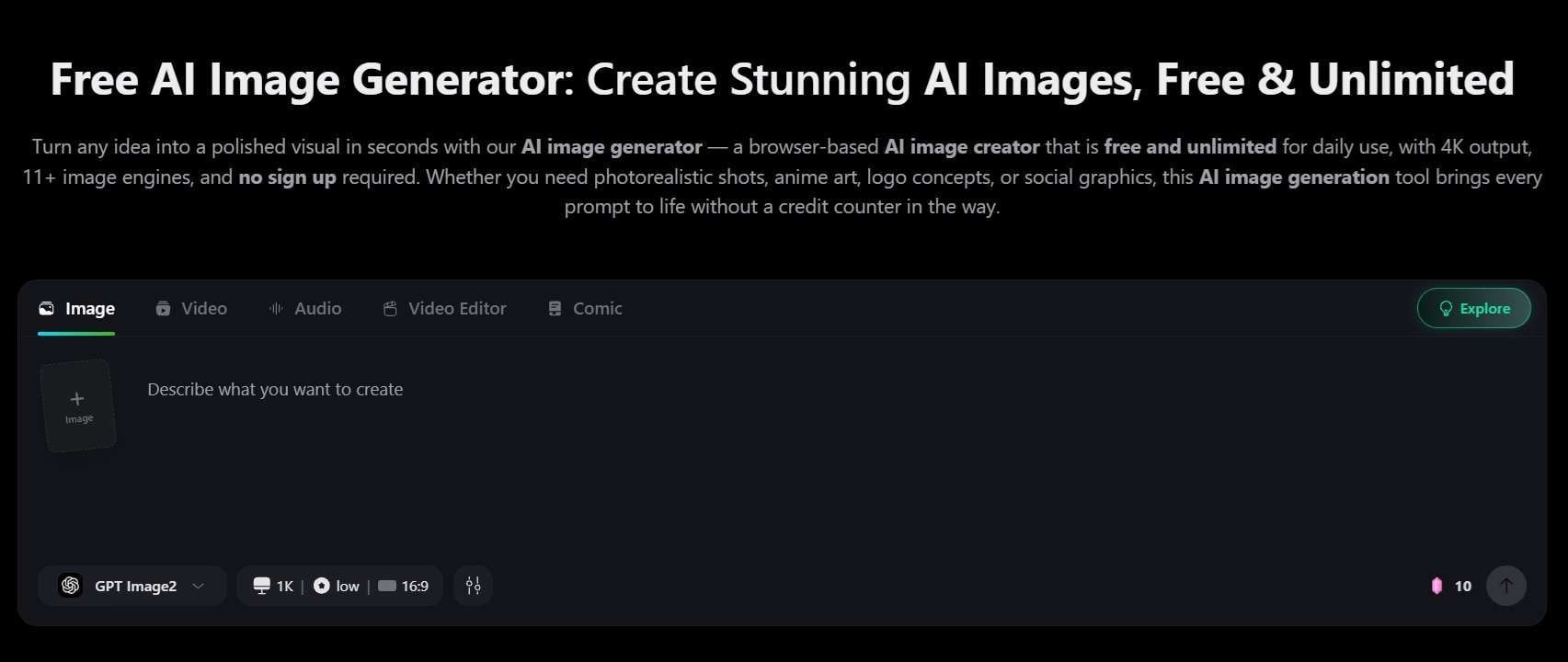
The Creen AI image generator feature covers text-to-image and image-to-image, where you upload one or several references and describe what to change. It outputs up to 4K, and you can copy each generation’s seed to reproduce a composition, use negative prompts to exclude things (like blur), and weight parts of your prompt. There’s also a one-click Studio Ghibli-style filter, an anime generator, and an AI image enhancer for sharpening and enlarging pictures.
AI Music Generator
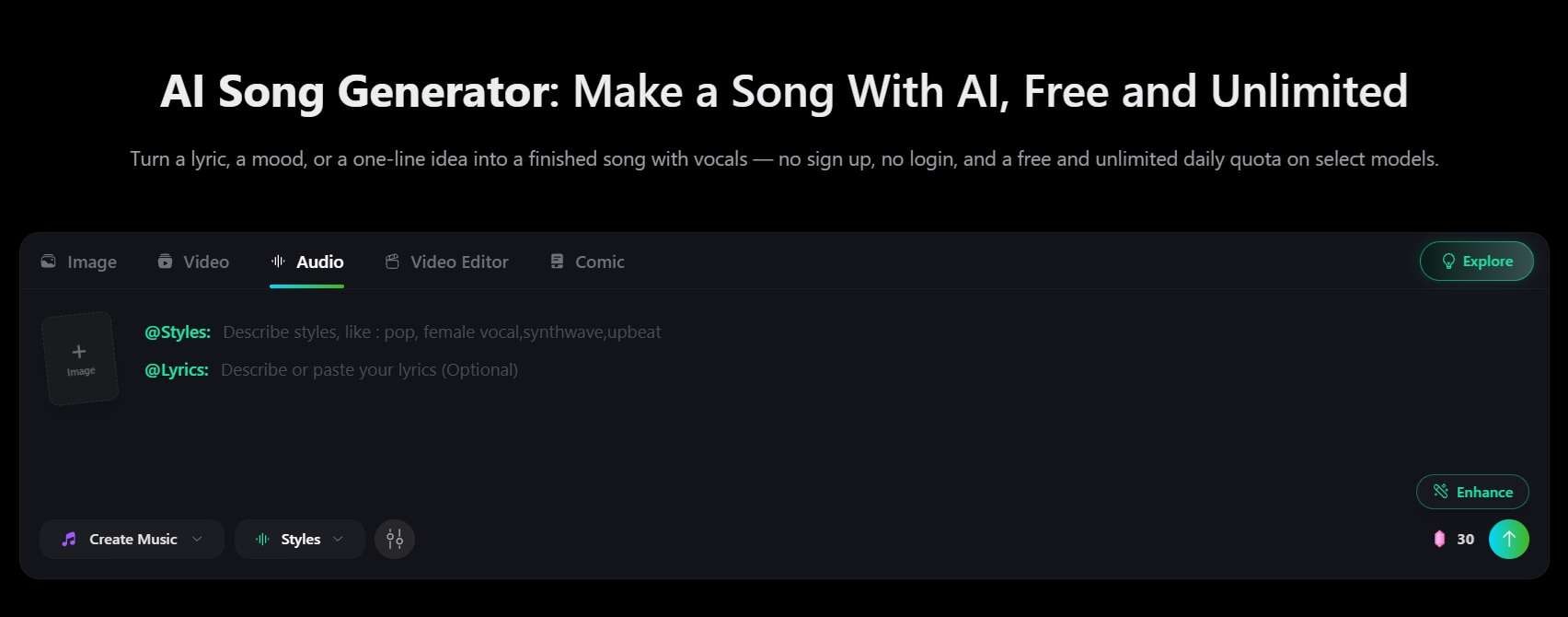
Under audio, Creen AI gives you text-to-speech with 100+ voices across 20+ languages, sound effects you create from a text description, and an AI song generator that turns lyrics or a mood into a finished song with vocals. Its audio models include MiniMax and Gemini speech engines, and a voice-clone model is on the list too.
Editing Capabilities
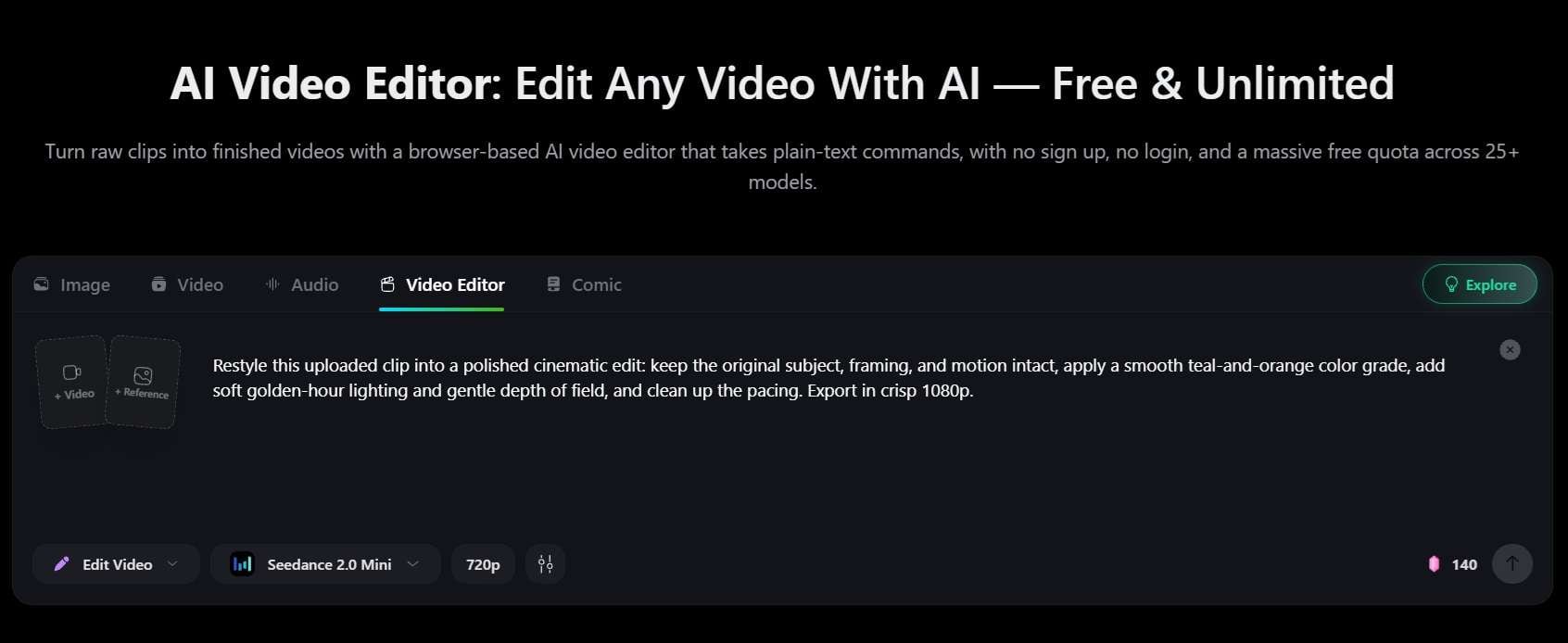
After you generate your Creen AI video clips, you can also change what you’ve made. The character swap tool rewrites who is on screen in a clip while holding the motion, lighting, and background steady. The video extender adds more time to a clip that ends too soon (handy given the 10-second cap), and there’s an AI video editor that uses prompts.
Part 4. Our Honest Verdict: Where Creen AI Excels and Falls Short
Having multiple AI generation tools in one place is certainly appealing, but convenience alone doesn't determine whether a platform is worth using. Just like any platform, Creen AI has some interesting strengths, along with a few limitations that could affect the overall experience. Let's look at both sides.
- Generous Sign-Up Credit Bonus: Providing 100 free credits upon login lets you thoroughly test visual quality before spending any real money.
- Cross-Platform Flexibility: Smooth sync between desktop web browsers and native iOS/Android apps allow you to switch between desktop and phone.
- Multi-Model Choice Diversity: 28 video, 11 image, and 7 audio engines mean one workspace can replace several subscriptions.
- Opaque Credit Metering: The interface lacks a prominent real-time credit counter during prompt setup, making it easy to accidentally burn through balance on high-tier video models.
- Mandatory Immediate Login: Users cannot browse or preview the dashboard interface without logging in first.
- Short Duration Constraints: Video outputs are restricted to short-form clips (typically 5–10 seconds), requiring external tools for full-length projects.
Part 5. Need More Editing Control? Finish Your Creen AI Videos With Filmora
Creen AI is really nice for making clips. But like most AI platforms, it gives you short ones. If your project is longer than a few seconds (a YouTube video, a promo, a story), you’ll need something else to pull it all together.
Thankfully, Wondershare Filmora can help you solve the issue. While Filmora includes its own powerful AI creation features, it brings deep-end timeline editing controls that standalone generation hubs simply don't have.
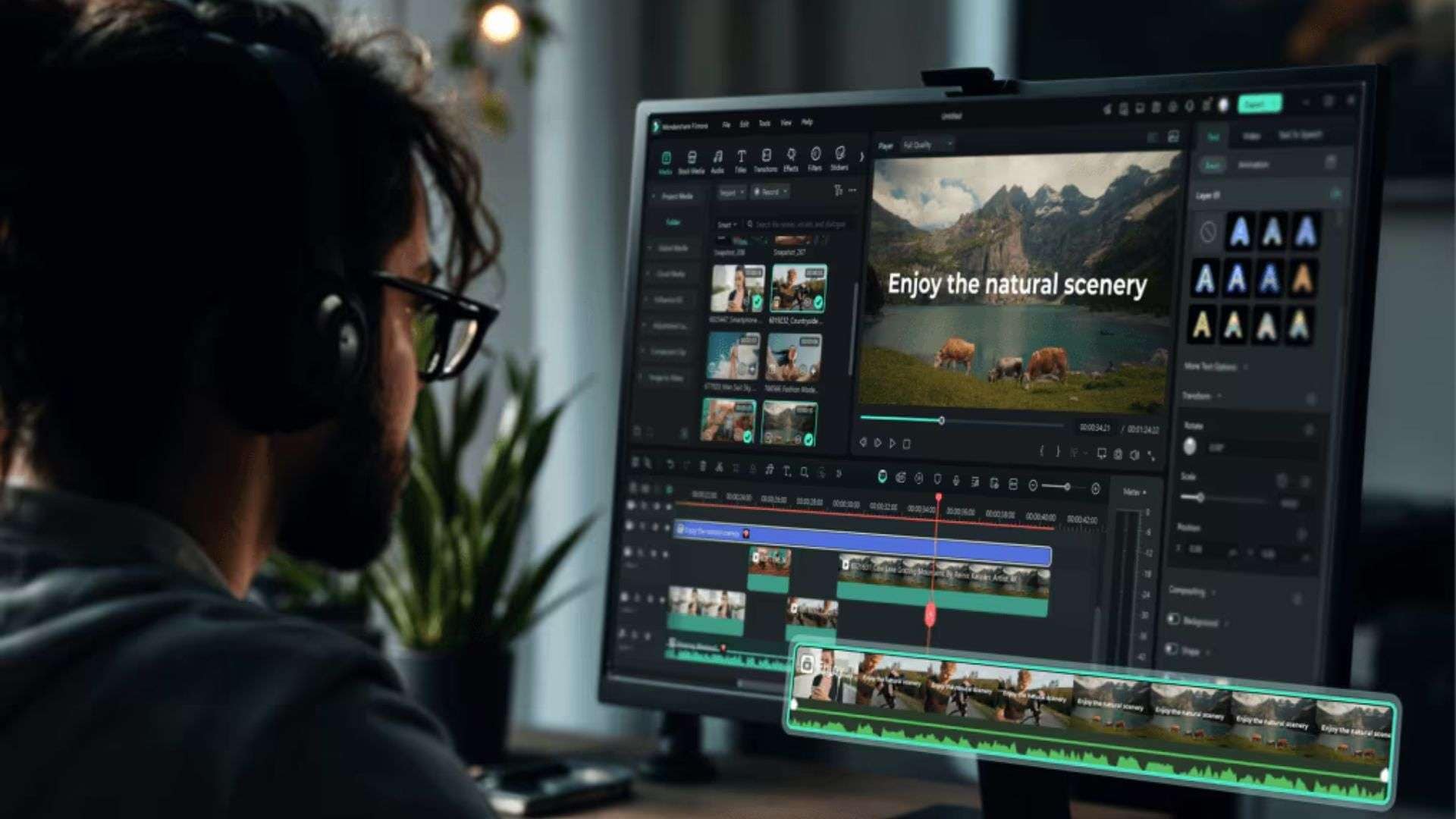
That gives you two ways to work:
- Do It All in Filmora: Use Filmora to handle generation, editing, color grading, and audio mixing all in one place.
- Use Creen and Filmora Together: Generate quick AI clips inside Creen AI and drop them into Filmora's multi-track timeline.
Key Filmora Post-Production Features for AI Clips
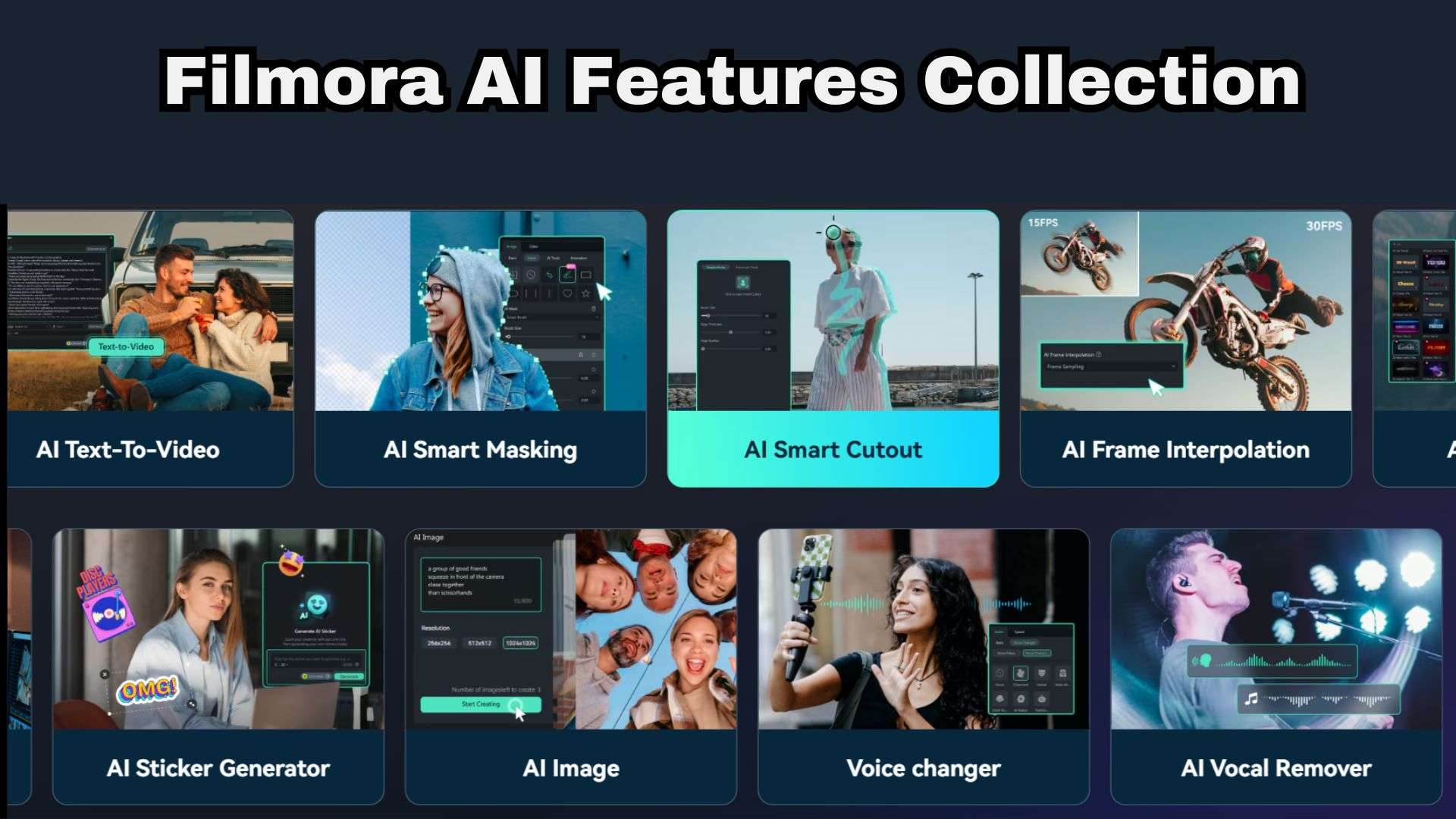
When bringing raw Creen AI video clips into Filmora, you can rely on several tools to turn your footage into a seamless final video:
- AI Color Palette: Pulls a color palette from a reference photo or video and applies it, so clips from different models look like they belong together.
- Motion and Planar Tracking: Pinpoints objects or surfaces within generated AI video clips to pin text, graphics, or callouts smoothly.
- Keyframing: Fine-tunes custom scale, rotation, opacity, and position transforms beyond basic AI motion presets.
- AI Audio Tools: Features AI Audio Stretch, Background Noise Removal, and Audio Ducking to sync generated voiceovers and background tracks seamlessly.
- AI Smart Cutout & Masking: Allows creators to isolate subject elements from Creen AI videos and composite them over new backgrounds without green screens.
- Speed Ramping: Controls clip velocity curve adjustments to smooth out erratic AI-generated motion artifacts.
 Secure Download
Conclusion
Creen AI is a strong pick if you like experimenting. You get plenty of free playing room, dozens of engines, and handy extras like motion control. However, because its video outputs are limited to short standalone clips, it works best as an asset generation hub rather than a complete editing environment.
If you want to turn those Creen AI video clips into cohesive, high-impact content, pair your visual generations with Wondershare Filmora. Using Filmora’s timeline editor, motion tracking, AI color matching, and keyframing tools, you can easily pull your AI clips together into a polished, professional video project ready for any audience!
FAQs
-
How does Creen AI handle prompt consistency when switching between different AI models?
Because different AI models interpret descriptive text, lighting cues, and style rules in unique ways, prompt output will vary when you switch engines. To keep things consistent, lean on reference images, use the seed control to reproduce an image composition, and for characters in motion, use motion control, which locks identity from your reference. -
Does Creen AI save your generation's history?
With an account, yes. An account lets you save projects and manage your creations, and your generations, history, and saved assets stay on your account even if you cancel a subscription. If you’re generating without logging in, don’t count on it being saved, so download anything you want to keep. -
What happens to unused monthly subscription credits at the end of a billing cycle?
They’re replaced. Plan credits refresh to your monthly allowance and don’t roll over, so if you use 5,000 of 8,000 on Pro, you start the next cycle with 8,000, not 11,000. Credit pack credits are different: they never expire.