
Create Graduation Outfit for Photos, Profiles & Social Posts
A strong graduation outfit prompt is no longer just about choosing a dress. Users are actively searching for graduation photo outfit ideas, what to wear under graduation gown, white graduation dress looks, and photo-ready styling that works with real campus locations. The most save-worthy visual direction combines clean white or light-colored outfits, elegant silhouettes, graduation caps, draped gowns, campus steps or columns, and bright, flattering light. Gemini AI helps turn these ideas into realistic images that feel both stylish and achievable.
Loading more templates...
 Category:
 Duration:
 Aspect Ratio:
Create, Animate, and Edit Graduation Outfit Content with AI
Filmora brings graduation outfit ideas to life across the full creative workflow—from generating realistic images to turning them into engaging videos and refining them for social media. Instead of stopping at a single image, you can build complete graduation content that is ready for sharing, storytelling, and personal expression.
🎨 Generate Graduation Outfit Images from Text or Your Own Photo
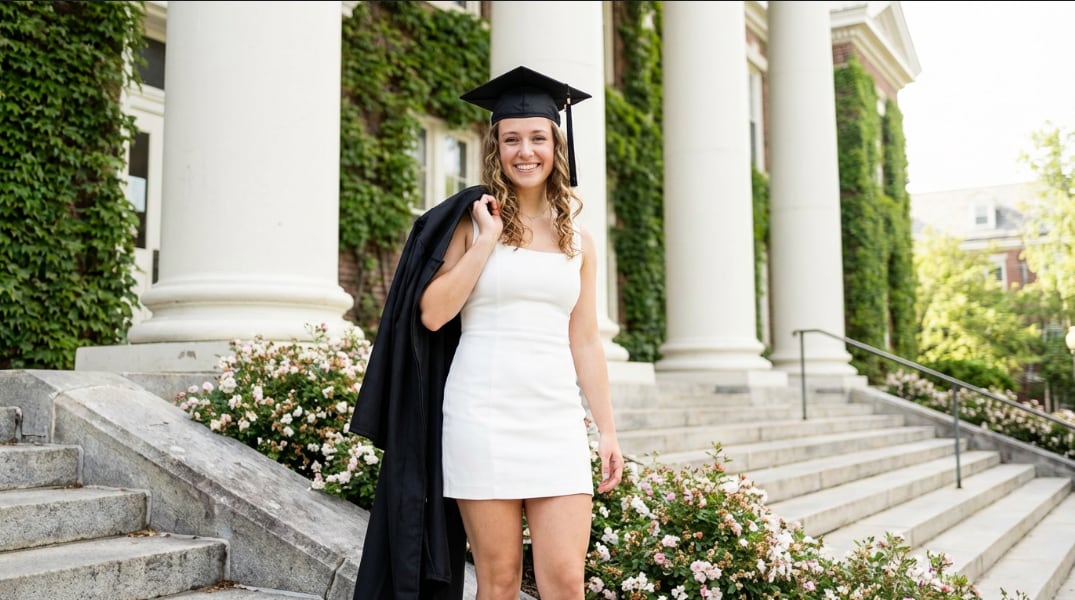
🎨 Generate Graduation Outfit Images from Text or Your Own Photo
Create realistic graduation outfit ideas from a simple prompt or transform your own portrait into a polished graduation look using an AI Image Generator. This supports both inspiration and personalization—whether you're exploring outfit options or visualizing your final graduation style before the event.
- Text-to-Image & Photo-to-Image - Generate a complete graduation outfit from scratch or upload a selfie to create a personalized cap-and-gown look.
- High-Intent Outfit Types - Create white graduation dresses, tailored suits, modest outfits, matching sets, and formal ceremony looks.
- Cap & Gown Styling - Ensure realistic graduation details like caps, tassels, stoles, and diplomas are correctly rendered.
- Identity-Preserving Results - Maintain facial features and natural proportions for more believable graduation visuals.
🎬 Turn Graduation Outfit Images into Short Videos
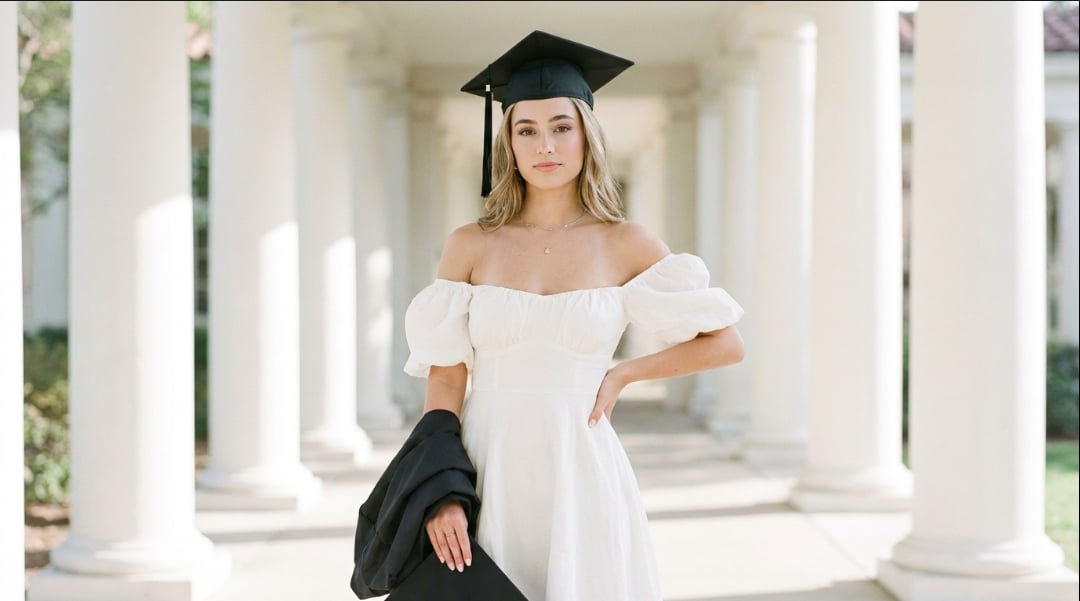
🎬 Turn Graduation Outfit Images into Short Videos
Go beyond static images by turning your graduation outfit visuals into dynamic, scroll-stopping videos. This is ideal for social platforms where motion content performs significantly better than still images using Text-to-Video technology.
- Image-to-Video Animation - One-Tap Photo Animation helps animate graduation portraits with subtle motion like walking or camera movement.
- Cinematic Effects - Add transitions, depth, and lighting effects to create a more editorial, film-like graduation aesthetic.
- Social-Ready Formats - Easily generate vertical 9:16 videos for TikTok, Reels, and Stories.
- Storytelling Moments - Create graduation narratives like cap toss, diploma reveal, or candid celebration scenes.
✨ Edit and Enhance Graduation Photos & Videos for Social Media
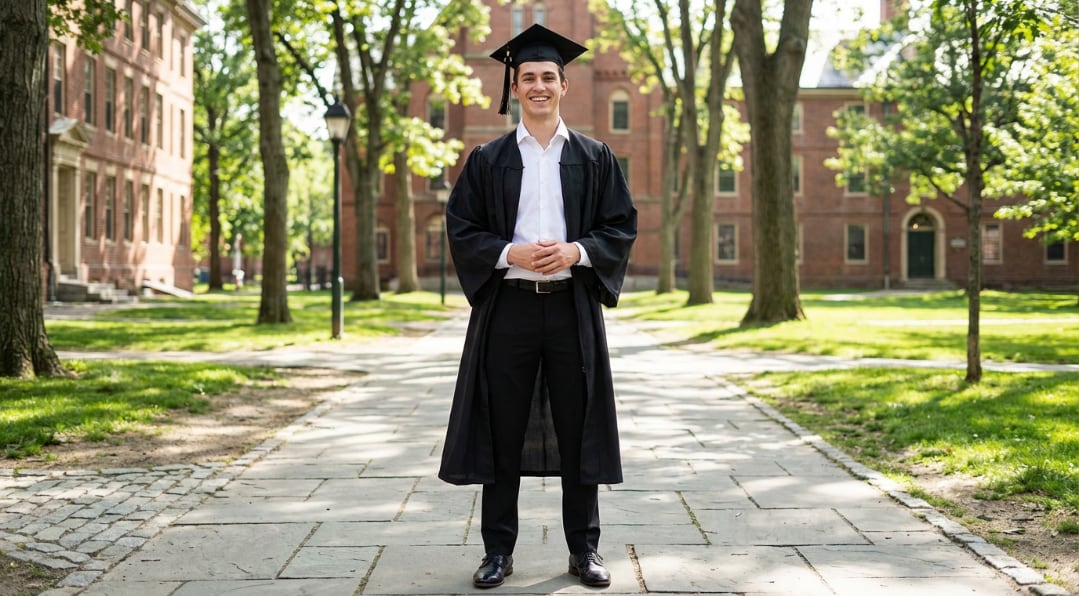
✨ Edit and Enhance Graduation Photos & Videos for Social Media
Refine your graduation content with built-in editing tools to ensure every image or video looks polished and cohesive. From subtle adjustments to full creative edits, use AI video generator tools to elevate the final output.
- Photo & Video Enhancement - Improve lighting, color, and clarity for a clean, professional finish.
- Background & Style Adjustments - Swap or refine campus backgrounds, adjust tones, and maintain visual consistency with bokeh backgrounds.
- Detail Optimization - Fine-tune outfit textures, skin tones, and overall composition using professional color grading.
- Multi-Platform Export - Adapt content for Instagram posts, profile pictures, Pinterest saves, or video thumbnails.
FAQs About Graduation Outfit AI Prompts
How to Create Graduation Outfit AI Images in 3 Steps
Create polished graduation outfit visuals from a prompt or a selfie in just a few steps.
Step 1 Enter a Prompt or Upload a Portrait

Step 2 Generate the Graduation Outfit Image
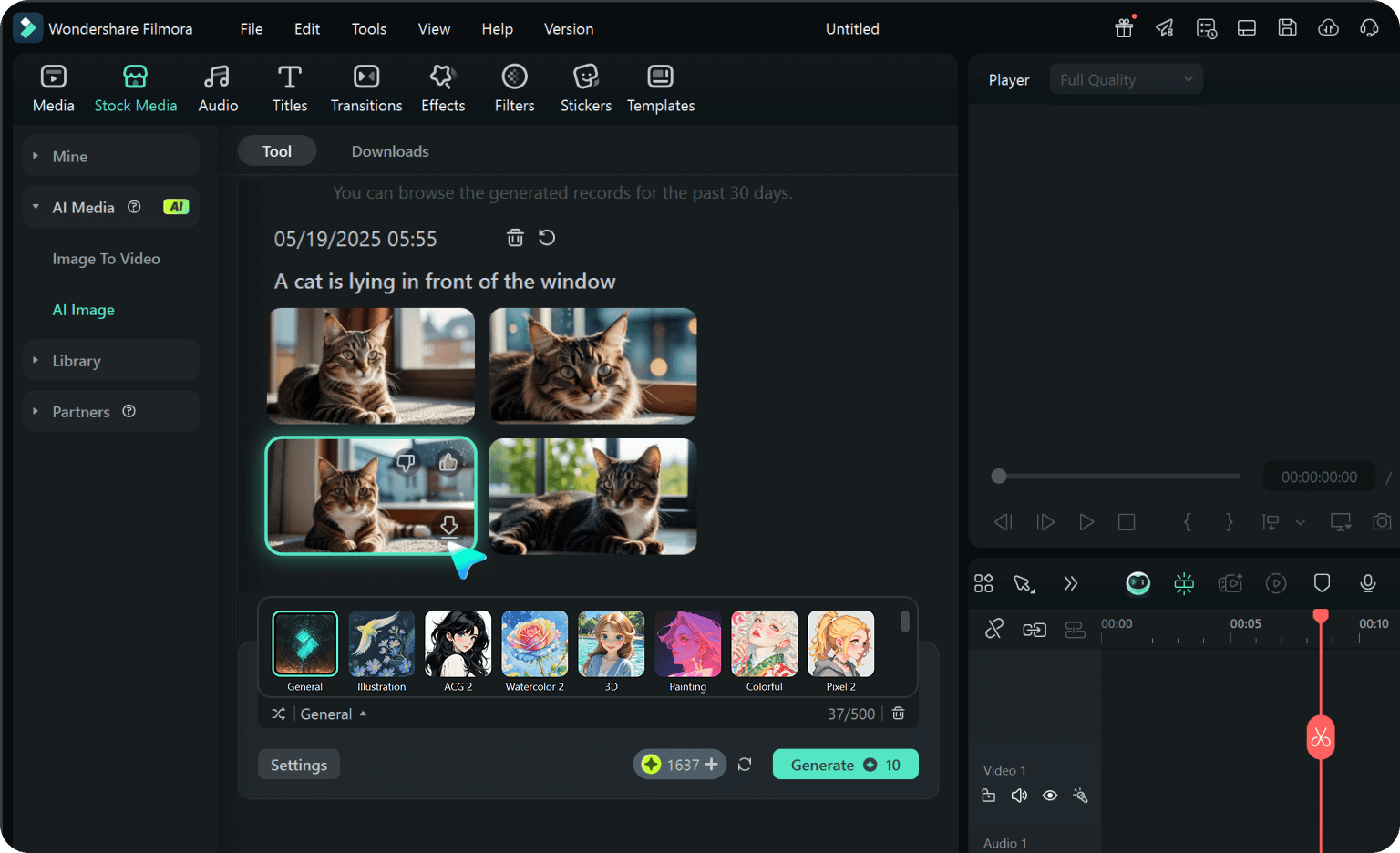
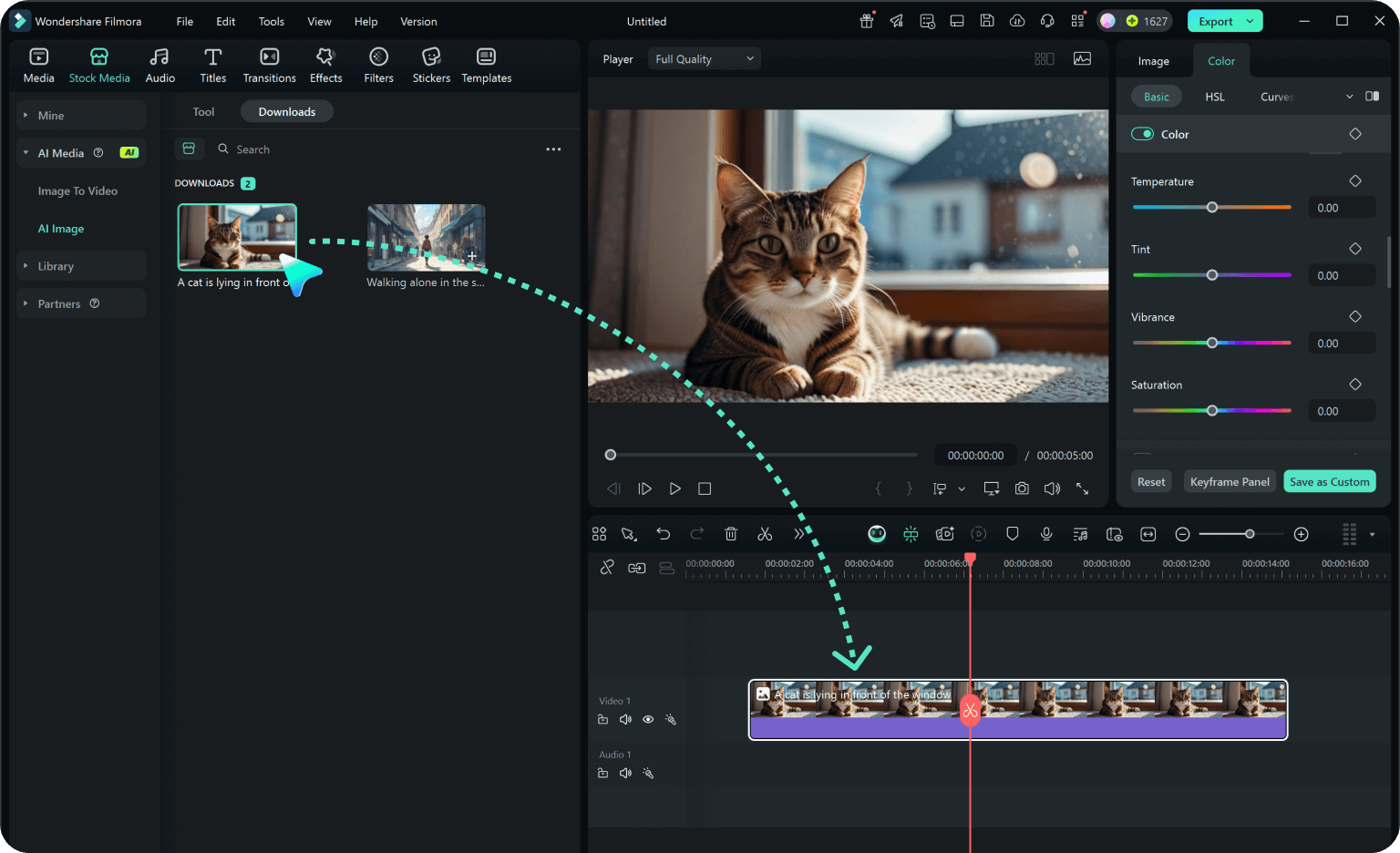
Step 3 Animate or Edit for Social Media
-
1:Enter a Prompt or Upload a Portrait
Describe the outfit or upload a photo to start generating your graduation look. Go to "Stock Media", and select "AI Image" to get started. -
2:Generate the Graduation Outfit Image
Select the AI model, enter your graduation outfit prompt, and click "Generate" to instantly create your polished graduation image. -
3:Animate or Edit for Social Media
Preview the generated image, click download, and drag it into your project to add add voiceovers or music, then export directly.
Explore More Graduation Outfit AI Prompt Ideas
From classic white dresses and cap-and-gown portraits to school-color styling and personalized looks, Gemini AI prompts make it easy to turn graduation ideas into polished visual content ready for sharing.








