
Roy Editz AI Photo Editing Prompts:
Instantly Copy, Customize, and Create
Move beyond basic filters with professionally structured AI prompts inspired by popular Roy Editz photo styles. Select a concept, customize the subject, lighting, clothing, background, or mood, and generate a distinctive image with your preferred AI platform. These prompt ideas are ideal for profile pictures, cinematic portraits, promotional content, and attention-grabbing social posts.
Loading more templates...
 Category:
 Duration:
 Aspect Ratio:
Bring Roy Editz AI Photo Prompts to Life
with Powerful Creative Tools
Turn a simple creative idea into a complete visual workflow with Filmora’s AI-powered tools. Generate original images from descriptive prompts, improve image quality, animate still photos, and fine-tune every result for your preferred platform. Whether you are creating a profile picture or a campaign-ready visual, Roy Editz AI photo editing prompts help you start with greater clarity and creative control.
Turn Creative Ideas into Striking Photos with AI Image Generation
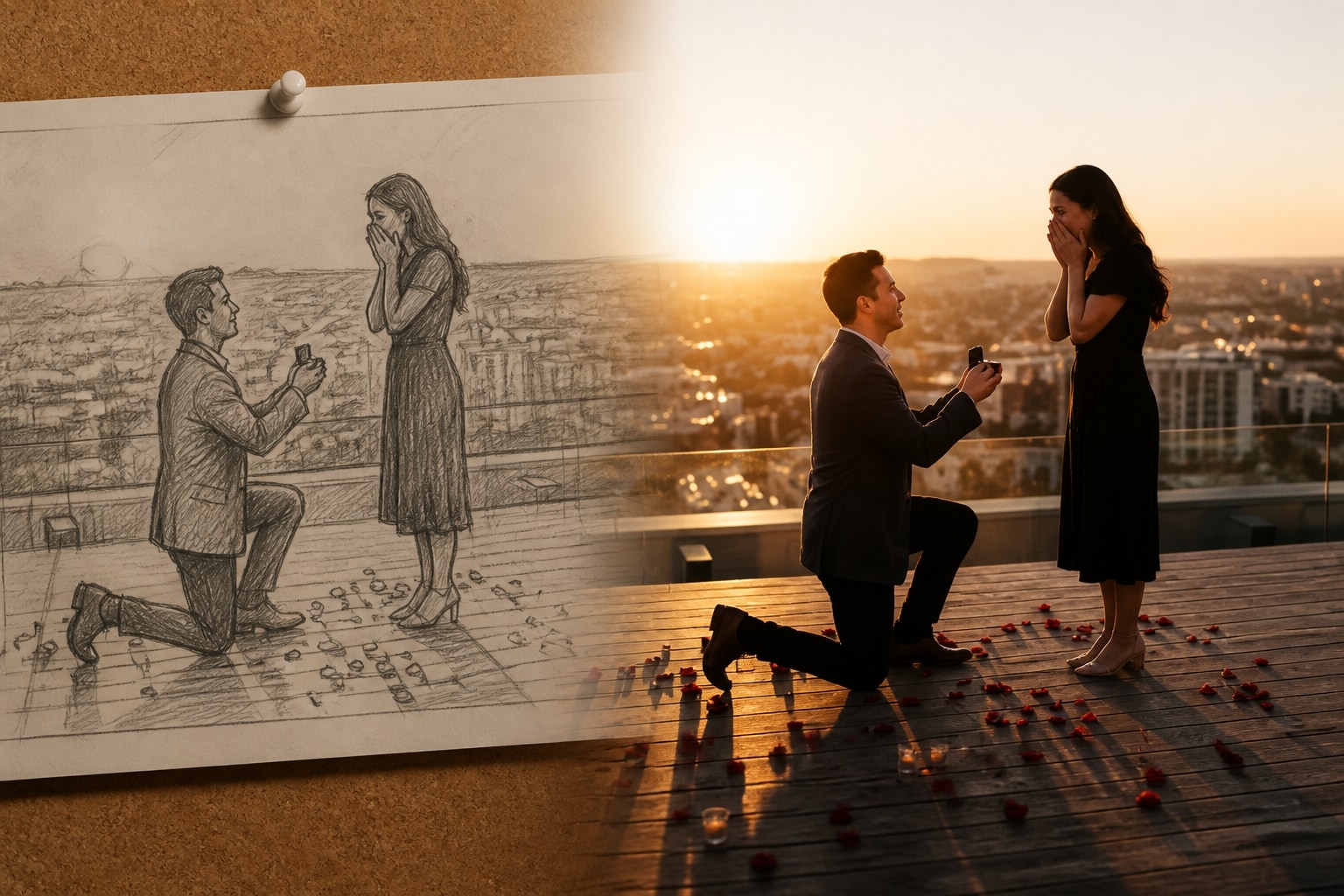
Turn Creative Ideas into Striking Photos with AI Image Generation
Describe the subject, setting, lighting, wardrobe, camera angle, and atmosphere you want, then let AI translate those details into an original visual. Roy Editz AI photo editing prompts provide a structured starting point, helping the generator understand both the composition and the desired aesthetic. This streamlined process reduces guesswork while making it easier to explore cinematic, realistic, fantasy, or editorial styles. The result is faster content creation with more consistent creative direction.
- Prompt-Guided Image Creation – Build detailed scenes from text instructions covering the subject, environment, mood, lighting, and visual style.
- Flexible Creative Customization – Personalize each prompt with your preferred clothing, hairstyle, location, color palette, or camera perspective.
- Platform-Ready Compositions – Generate portraits and graphics suited to profile pictures, posts, thumbnails, advertisements, and vertical social content.
Reveal Sharper Detail and Professional Polish with AI Enhancement
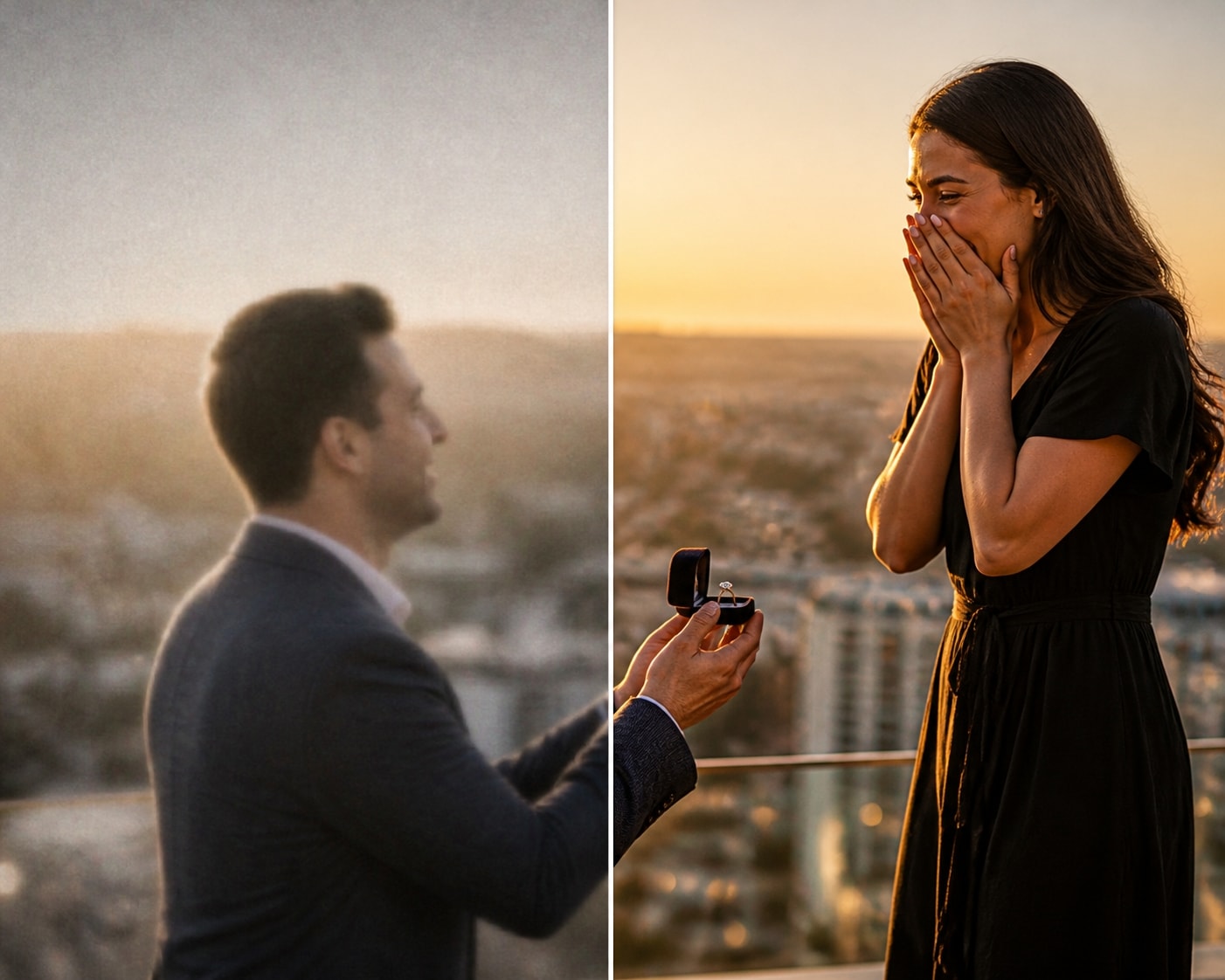
Reveal Sharper Detail and Professional Polish with AI Enhancement
Once your image has been generated or uploaded, AI enhancement can improve its overall clarity and visual balance. Intelligent processing helps refine soft details, reduce distracting noise, and strengthen color and contrast without requiring complicated manual adjustments. This is especially valuable when preparing Roy Editz-style portraits for close-up viewing or high-resolution publishing. A more polished image gives your creative concept greater impact across screens and platforms.
- Intelligent Detail Recovery – Improve facial definition, textures, edges, and other important visual elements that may appear soft or unclear.
- Balanced Color and Lighting – Refine exposure, contrast, saturation, and tonal consistency for a cleaner, more professional appearance.
- Higher-Quality Social Exports – Prepare enhanced images for profile photos, thumbnails, digital campaigns, prints, and high-resolution posts.
Transform Static Roy Editz Photos into Engaging AI Videos
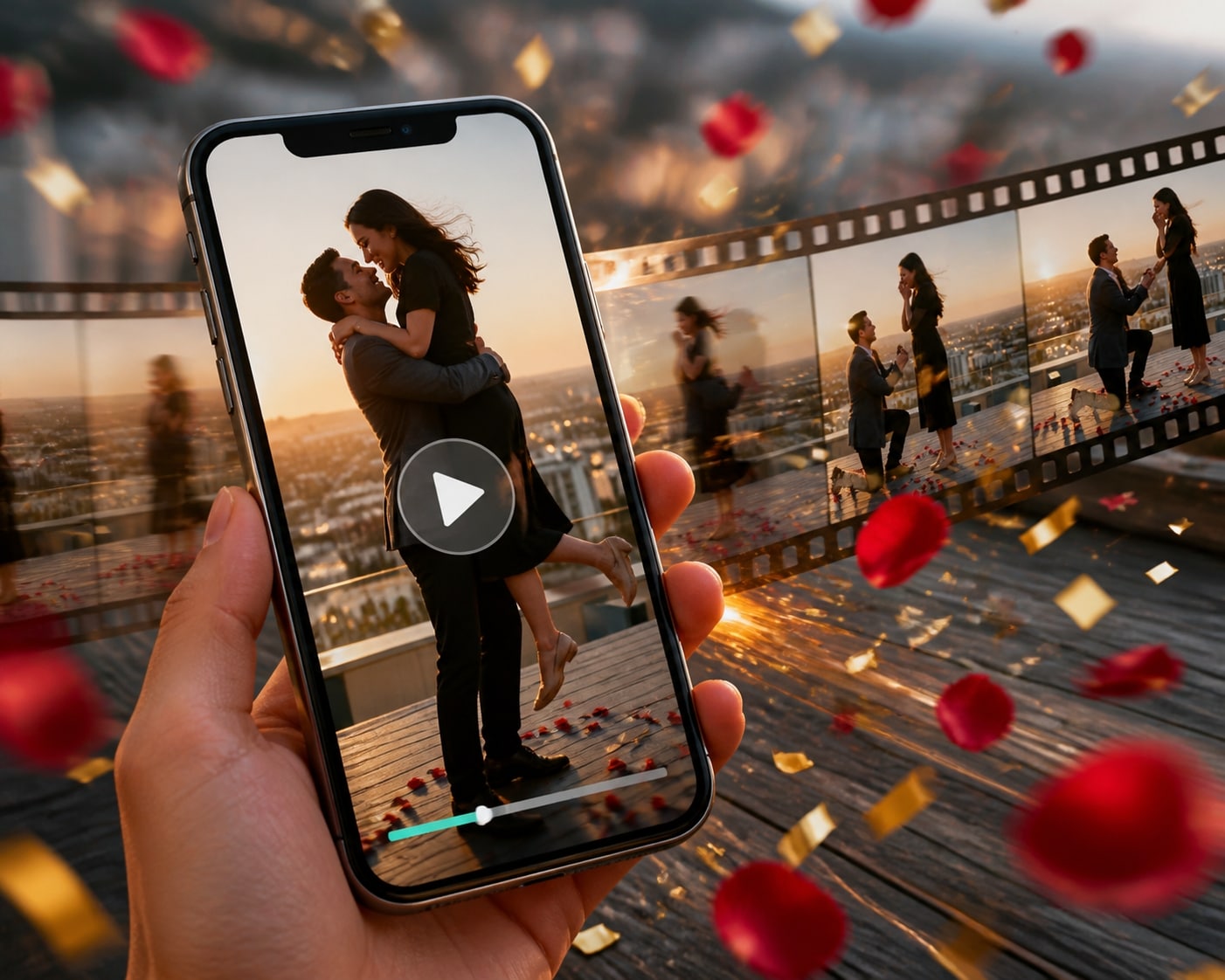
Transform Static Roy Editz Photos into Engaging AI Videos
Give your finished photo a new dimension by converting it into a short, dynamic video. AI image-to-video technology can introduce camera movement, environmental motion, and cinematic transitions while preserving the central visual concept. You can then add music, text, effects, or pacing adjustments to shape the clip for your audience. This makes one Roy Editz AI photo more versatile for Reels, Shorts, TikTok posts, and promotional videos.
- Natural-Looking Photo Animation – Add subtle subject movement, camera motion, depth, and atmospheric effects to bring still images to life.
- Social-First Video Formats – Adapt your animated visual for vertical Reels, TikTok videos, YouTube Shorts, Stories, and promotional posts.
- Complete Creative Finishing – Combine your AI animation with captions, transitions, music, sound effects, and branded design elements.
Create Better Results Faster with Customizable Roy Editz Prompt Workflows
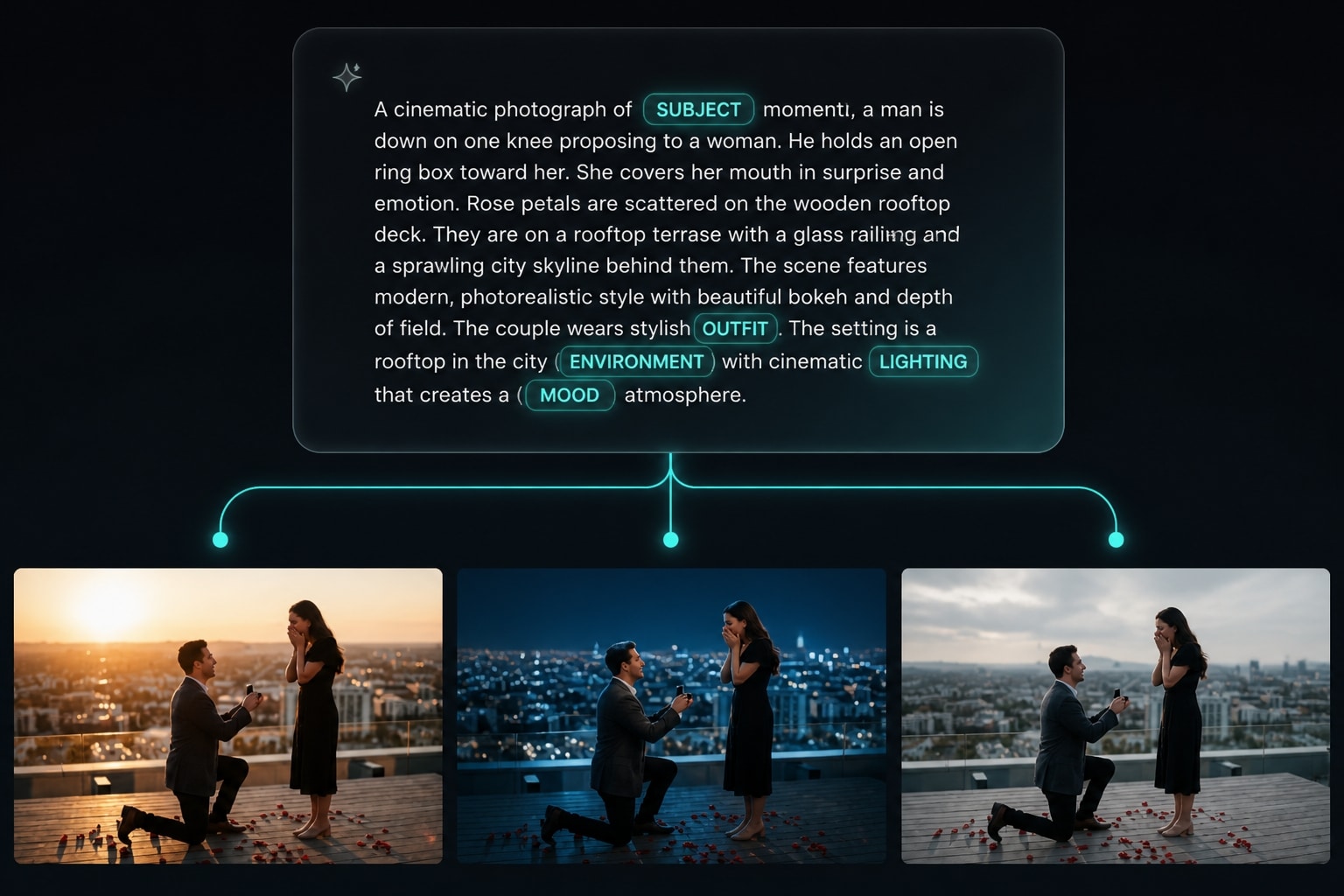
Create Better Results Faster with Customizable Roy Editz Prompt Workflows
A well-structured prompt gives an AI tool clearer creative instructions and makes successful results easier to reproduce. Start with a Roy Editz AI photo editing prompt, replace the key details, and test focused variations instead of rewriting everything each time. This repeatable approach helps creators compare styles, maintain consistency, and develop a recognizable visual identity. It also makes prompt-based editing more approachable for beginners while preserving flexibility for experienced users.
- Copy-and-Customize Prompt Frameworks – Quickly adapt ready-made instructions by changing the subject, outfit, environment, lighting, mood, or art direction.
- More Consistent Creative Results – Reuse successful prompt structures across multiple images to maintain a cohesive visual style or campaign theme.
- Faster Prompt Experimentation – Test targeted variations and refine one creative variable at a time to identify the strongest result efficiently.
Frequently Asked Questions About Roy Editz AI Photo Editing Prompts
How to Create a Photo with a Roy Editz AI Prompt
Turn a ready-made prompt into a distinctive AI photo in three straightforward steps. Customize the creative details, generate your image, and polish the result for social media, personal branding, or promotional content—no advanced design experience required.
Step 1 Open the AI Image Generator

Step 2 Customize Your Roy Editz Prompt
Step 3 Enhance, Export, and Share
-
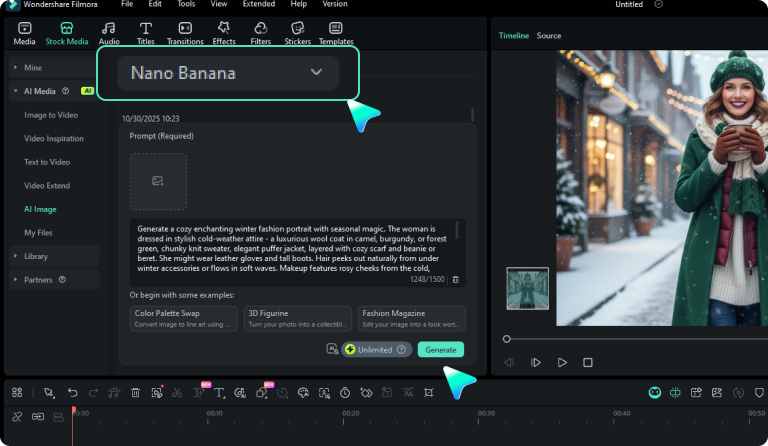
1:Open the AI Image Generator
Launch Filmora, create a new project, go to “Stock Media,” and select “AI Image” to begin. -
2:Customize Your Roy Editz Prompt
Paste a prompt, adjust the subject, clothing, background, lighting, and mood, then click “Generate” to create your image. -
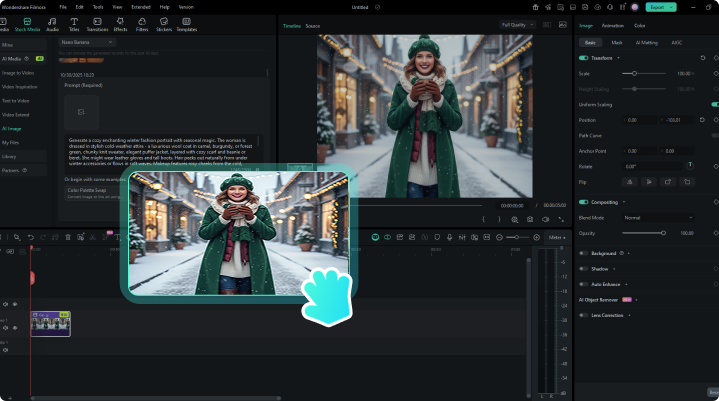
3:Enhance, Export, and Share
Choose the strongest result, improve it with Filmora’s editing tools, and export the final image for your preferred platform.
Explore More AI Photo Prompt Ideas
Expand your creative toolkit with prompts for portraits, celebrations, travel scenes, couples, families, retro aesthetics, and AI-generated videos.








