Filmora
Filmora - AI Video Editor
Edit Faster, Smarter and Easier!
OPEN
Filmora Video Editor
Effortlessly create video with AI.
  • Various AI editing tools to increase your video creation efficiency.
  • Offer popular templates and royalty-free creative resources.
  • Cross-platform functionality for editing everywhere.
Edit Video for Free Edit Video for Free
qrcode-img
Scan to get the Filmora App
Sicherer Download 100% Security Verified | No Subscription Required | No Malware

Best Mist Filters & Glow Effects for Cinematic Videos

Liza Brown
Liza Brown Originally published Sep 30, 25, updated Sep 30, 25

Soft, glowing visuals never go out of style in filmmaking. From wedding highlight reels to music videos, creators love using mist filters to add a cinematic atmosphere to their shots. These filters reduce harsh contrast, create a delicate halo around lights, and give everything a dreamy, romantic tone.

Traditionally, videographers used physical lens filters like the Tiffen Pro Mist or Black Mist Filter to achieve this effect. But you don’t need extra gear anymore—Wondershare Filmora makes it possible to recreate mist effects digitally with just a few clicks.

In this guide, we’ll break down Filmora’s best mist filter resources, walk you through a simple step guide, and share pro tips and tools to help you create stunning, cinematic videos that feel just as magical as real lens-filter footage.

Part 1. What Are Mist Filters?
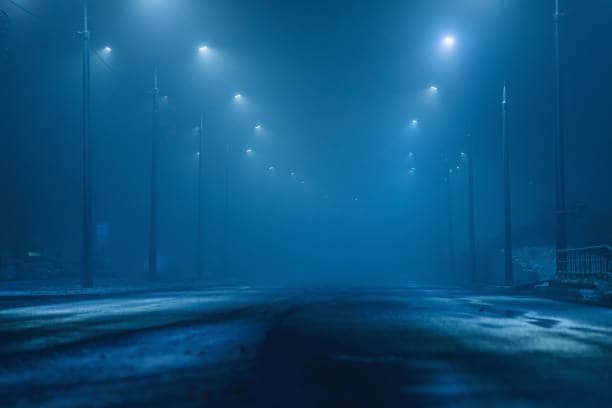
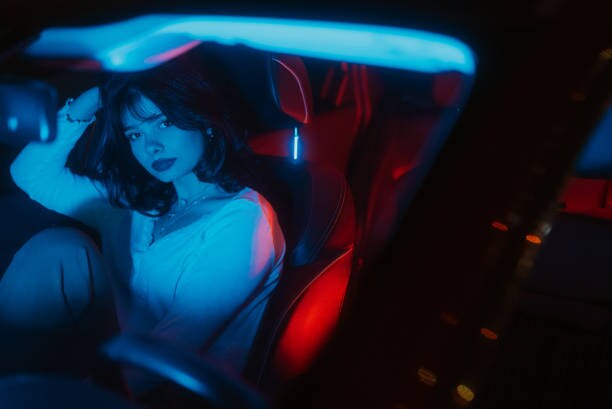
Black mist filter effect on cinematic portrait footage.

Mist filters are tools (physical or digital) that soften highlights, lower contrast, and add a glowing effect to bright areas of your footage. This creates a film-like, dreamy look that’s perfect for:

  • Wedding videos (romantic glow)
  • Portraits (flattering skin tones)
  • Cinematic shots (ethereal atmosphere)

Physical options include the Tiffen Pro Mist and Black Mist Filters, widely used in Hollywood and commercial filmmaking. But for creators editing at home, Filmora’s built-in mist filters and overlays are a simpler, cost-effective way to achieve the same cinematic glow digitally.

Part 2. Filmora Mist Filter Resources

Filmora includes a wide variety of effects that mimic Pro Mist and Black Mist filters. These presets are designed to give your footage the same glow and dreamy softness usually achieved with physical lens filters like the Tiffen Pro Mist. Below are 10 of the best mist filter effects you can use, with notes on what makes each one unique and when to try them.
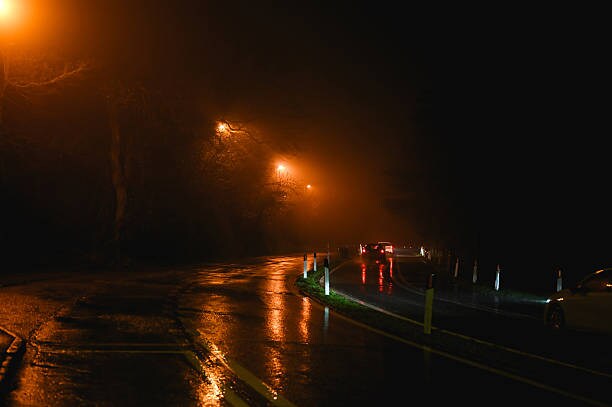
1
Black Mist Glow Filter
Replicates the classic Black Mist lens look—reduces contrast and adds smooth halos to highlights. Excellent for moody portraits, glowing streetlights, and intimate interiors.
Black mist glow filter in Filmora video editor.
2
Pro Mist Overlay Effect
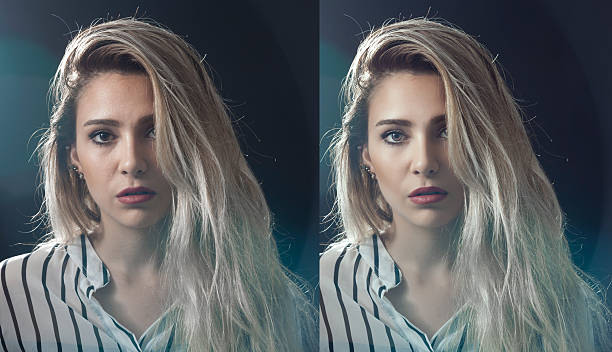
Inspired by Tiffen Pro Mist. Delivers delicate cinematic glow without heavy blur—ideal for interviews, storytelling clips, and indie films.
Pro mist overlay effect for dreamy visuals.
3
Dreamy Haze Filter
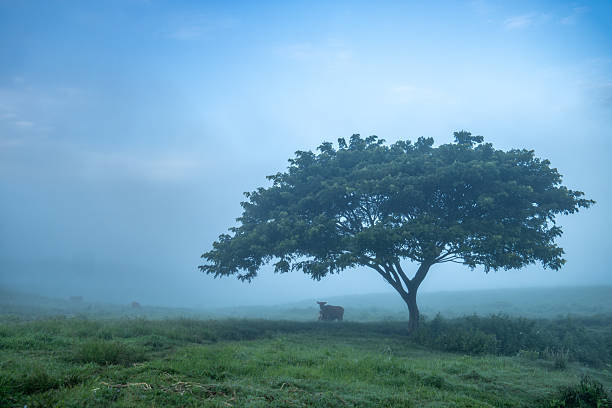
Applies a light, fog-like veil for an ethereal mood—perfect for weddings, fantasy edits, and slow-motion magic. Transforms the entire atmosphere of a scene.
Dreamy haze overlay in Filmora.
4
Cinematic Glow Preset
Balances bloom and clarity for a polished, big-screen look. Great for shorts, brand ads, and YouTube projects aiming for movie-like visuals.
Cinematic glow filter effect in Filmora.
5
Soft Highlight Diffusion Effect
Tames bright light sources (sun, candles, neon) with gentle halos instead of harsh blowouts—ideal for nightlife vlogs, cozy interiors, and music videos.
Soft diffusion filter for highlights in video.
6
Pastel Mist Tone Filter
Combines diffusion with pastel color grading for lifestyle, fashion, and mood-driven edits—think soft portraits, café scenes, and dreamy skies.
Pastel tone mist filter applied to lifestyle video.
7
Romantic Wedding Glow Pack
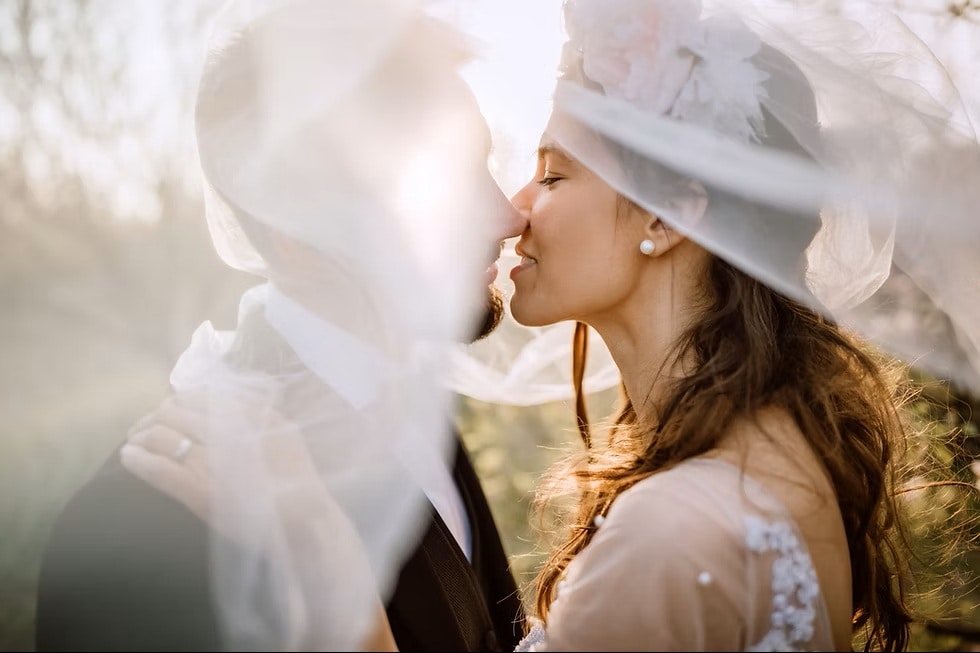
Adds warmth, softness, and magical halos to enhance emotional storytelling—perfect for entrances, first dances, and candlelit moments.
Romantic glow filter pack for weddings in Filmora.
8
Low Contrast Mist Filter
Gently lowers contrast to remove hard edges, mimicking classic film stock—great for documentaries, retro pieces, and timeless storytelling.
Low contrast filter for cinematic style.
9
Golden Hour Mist Overlay
Enhances sunrise/sunset warmth with glowing mist—fantastic for travel vlogs, lifestyle shoots, and outdoor B-roll when you missed perfect light on set.
Golden hour glow filter effect in Filmora.
10
Tiffen-Inspired Glow Preset
Softens edges, reduces contrast, and blooms lights while keeping detail—closest to a Pro Mist vibe without physical gear. Great for indie “Hollywood” looks.
Tiffen pro mist inspired filter in Filmora.

Part 3. Simple Step Guide

Mist effects may look advanced, but Filmora makes them beginner-friendly. Apply them in five easy steps:

1
Open Filmora → Effects → Filters → Mist/Glow
Launch Filmora and head to the Effects panel. Under Filters, open the Mist/Glow category (e.g., Black Mist, Dreamy Haze, Golden Hour Glow).
2
Drag Your Chosen Filter onto the Timeline
Drag and drop the effect over the clip you want to enhance. Filmora applies it instantly so you can preview the glow in real time.
3
Adjust Intensity & Blending Mode
Fine-tune by lowering opacity or testing blending modes. Keep it subtle for weddings; go stronger for fantasy or stylized cinematic edits.
4
Combine with LUTs or Color Grading
Pair the mist effect with LUTs or Filmora’s color tools. Try a warm LUT for romance or a teal–orange LUT for blockbuster vibes.
5
Export in HD or 4K
Export in high quality so the glow stays crisp. Choose aspect ratios and formats suited for YouTube, Instagram, or client delivery.

Part 4. Further Info

Other Software/Tools

  • Lightroom (for misty still photos).
  • Tiffen Black Pro Mist lens filter for authentic in-camera glow.

Filmora Features to Enhance Mist Filters

  • Motion Tracking + Glow Titles – Attach glowing captions to moving subjects.
  • AI Portrait Tools – Keep subjects sharp while diffusing backgrounds.
  • Light Leak Transitions – Blend mist with lens flares for dreamy storytelling.

Pro Tips for Authentic Glow

  • Film near backlighting or candles for natural synergy with mist.
  • Keep the glow subtle—excessive bloom can blur detail.
  • Pair with soft background music to elevate the cinematic mood.

Conclusion

Mist filters remain beloved in photography and filmmaking, adding softness, glow, and emotional atmosphere that instantly elevates any video. While many professionals rely on hardware like Tiffen Pro Mist and Black Mist filters, Wondershare Filmora offers digital mist filters and overlays that make the same dreamy look accessible to everyone.

From wedding films and portraits to lifestyle vlogs and cinematic B-roll, Filmora’s mist filters give your videos a magical, professional edge—all without extra equipment.

Liza Brown
Liza Brown Sep 30, 25
Share article: