

 100% Security Verified | No Subscription Required | No Malware

Cool Instagram reel filters are essential for tech brands, streetwear creators, and minimalist visual editors who want clean, on-brand visuals without spending hours in color grading panels.
Below are 12 Filmora filter presets that deliver slick blue tones, sharp contrast, and cinematic polish for fashion reels, tech product clips, and modern city edits, all tuned for fast, consistent results.
In this article
Urban Night Tech Vibes
Neon Blue Grid
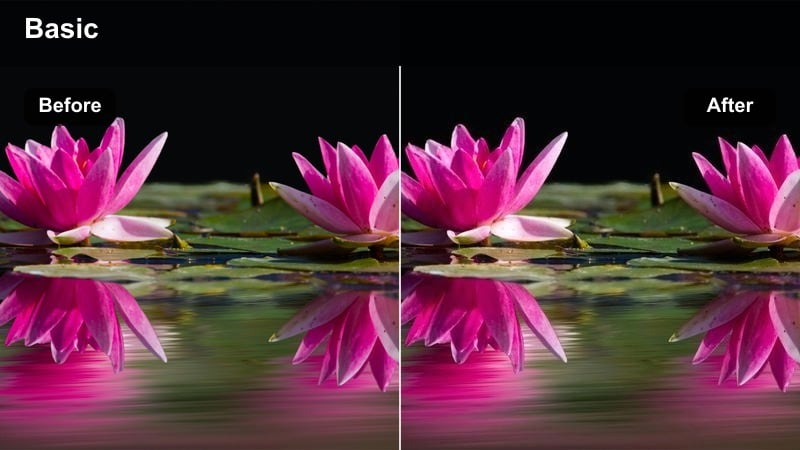
- Effect look: Cool blue neon cast with crisp contrast and subtle glow on highlights
- Best for: Night city streetwear reels with LED signs or RGB gaming setups
- Editing tip: Lower saturation on warm tones to keep the blue glow clean and futuristic.
Neon Blue Grid wraps your frame in a digital blue wash that makes LEDs, neon signs, and RGB strips pop while keeping blacks tight and modern. In Filmora, it is ideal when you want a cyberpunk-inspired look without losing clarity on outfit textures, logos, or gear details.
Apply this filter to night city walks, gaming desk B-roll, or creator intros, then nudge the HSL sliders to gently desaturate oranges and yellows so skin tones stay natural under heavy blue light. Add a light vignette and a slow push-in keyframe to keep attention locked on your subject amid busy downtown visuals.
Lock In a Consistent Cool Palette with AI Tools
Use Filmora s AI-powered color matching to turn cool Instagram reel filters like Neon Blue Grid into a consistent visual language across your entire project. Once you dial in the perfect blue neon look on a hero shot, you can instantly match the rest of your clips to that same aesthetic.
This keeps your tech or streetwear brand feeling cohesive from first frame to last, even if you shot on different days, cameras, or locations. The AI tools handle the heavy lifting so your grid and Reels feed stay polished and on-brand.
 secure download

Preview Cool Filters in Real Time
Filmora lets you hover over filters in the Effects panel to instantly preview how each cool look hits your urban night or gaming clips. This makes it easy to compare multiple blue-leaning presets before you commit to one for your whole reel.
You can stack subtle extras like glow, grain, and vignettes on top of your chosen filter to customize the mood without rebuilding the grade from scratch. It is a fast way to evolve a stock preset into a signature brand look.
secure downloadCombine Filters with LUTs for Cinematic Depth
For creators chasing a more cinematic Instagram Reel aesthetic, Filmora lets you combine cool filters with 3D LUTs for advanced color separation. Use a LUT to establish your base palette, then fine-tune with filters so skin tones and brand colors stay under control.
This workflow is perfect for tech products and fashion edits where you want rich, stylized blues without sacrificing clarity in logos, fabrics, or UI details. Lightly adjust intensity sliders so the look never feels overprocessed.
secure downloadSteel City Noise
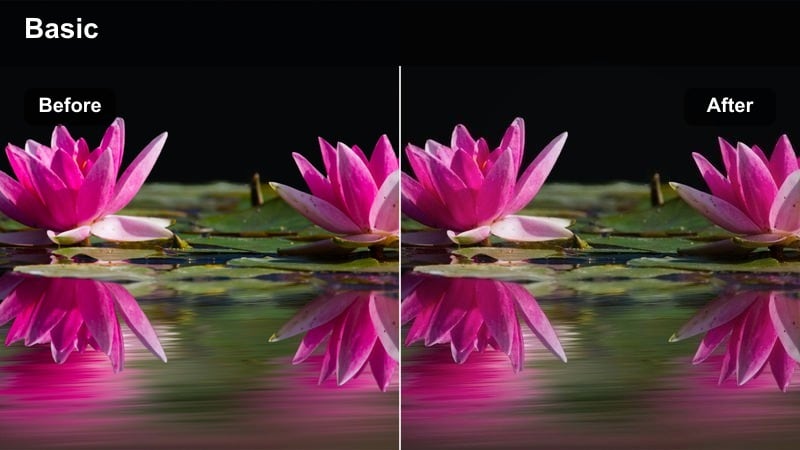
- Effect look: Desaturated steel blues, lifted blacks, and a fine digital grain overlay
- Best for: Minimalist tech product clips and moody parking garage outfit reels
- Editing tip: Reduce grain for high-end product shots; increase it for gritty street sequences.
Steel City Noise cools your footage into a steel-blue palette with subtly lifted blacks and elegant grain, giving garages, alleys, and industrial spaces a premium yet lived-in feel. In Filmora, this works especially well on monochrome outfits and brushed metal gear where texture matters.
Use this filter on parking lot lookbooks, stairwell clips, and close-ups of sneakers or devices resting on concrete. For polished tech campaigns, decrease grain and boost sharpness so logos remain clean; for gritty streetwear edits, increase grain strength and add handheld camera shake for raw, documentary-style motion.
Midnight Screen Glow
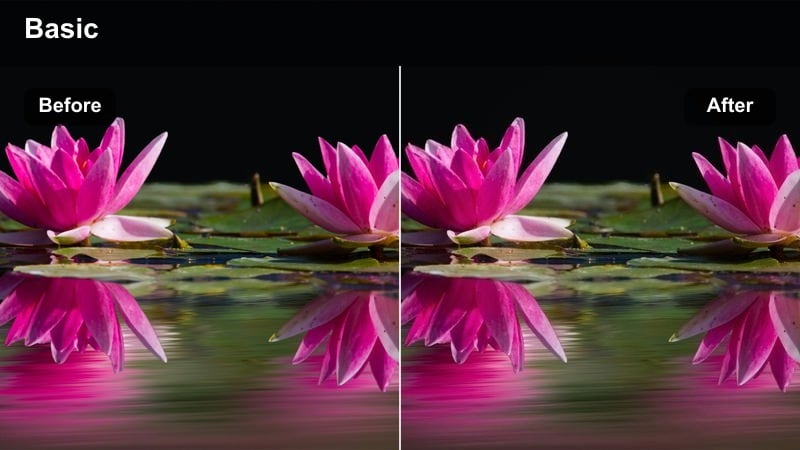
- Effect look: Soft blue highlight bloom with deeper blacks and subtle cyan midtones
- Best for: Late-night laptop edits, coding reels, and dark studio B-roll
- Editing tip: Darken shadows slightly to keep the glow from washing out your frame.
Midnight Screen Glow leans into the look of a single monitor or laptop lighting the scene, adding cyan midtones and a soft bloom to highlights while keeping blacks rich. It is perfect in Filmora for aesthetic desk setups, coding time-lapses, and creator-night-routine reels.
Place this filter on shots where your main light is a screen or LED panel, then drop the shadow slider a touch to prevent the glow from flattening the image. Add slow push-ins, cursor or typing overlays, and gentle blur transitions between clips to reinforce the cozy, focused late-night editing vibe.
Daytime City Minimal Aesthetic
Concrete Clean Cut
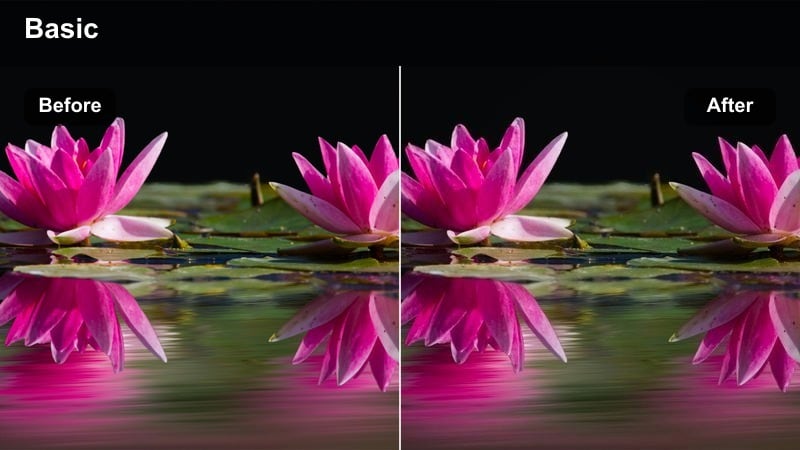
- Effect look: Neutral cool balance, high clarity, and slightly lifted shadows for crisp city details
- Best for: Daytime city outfit reels and modern storefront B-roll
- Editing tip: Dial back clarity if faces look too sharp, especially for close-up fashion shots.
Concrete Clean Cut gives daytime city shots a sharp, minimal polish with cool neutrality and lifted shadows that reveal detail in concrete, glass, and metal. Applied in Filmora, it is ideal for crisp OOTD walks, storefront reveals, and wide architectural frames where straight lines matter.
Use this filter on reels that feature clean sidewalks, glass facades, and structured outfits like blazers, cargos, and sneakers. If close-ups start to look overly textured, slightly reduce clarity and soften skin with a light beauty filter while keeping buildings and logos tack-sharp for a premium editorial finish.
Soft Slate Street
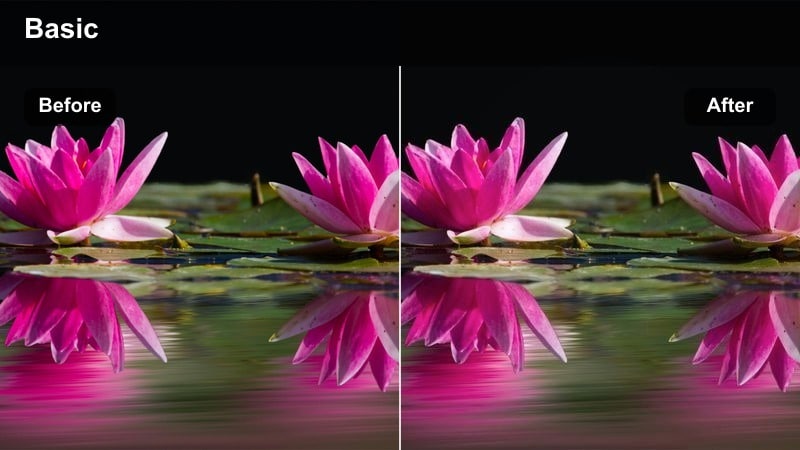
- Effect look: Soft contrast with cool slate blues and gentle skin tone protection
- Best for: Lookbook-style fashion reels and lifestyle walking shots in clean neighborhoods
- Editing tip: Increase saturation slightly if your clothing palette is mostly monochrome.
Soft Slate Street wraps your scenes in understated cool blues with smoothed contrast, creating an editorial look that flatters both outfits and skin. In Filmora, it helps lifestyle content feel stylish and calm, especially in neighborhoods with light concrete, muted storefronts, and tree-lined sidewalks.
Apply this filter to walking clips, candid laughing shots, and slow-motion hair or fabric movements. If your wardrobe leans black, white, and grey, add a touch of saturation in the color panel so accessories like bags, shoes, or jewelry still stand out while the overall grid retains a soft, slate-toned cohesion.
Metro Glass Reflect
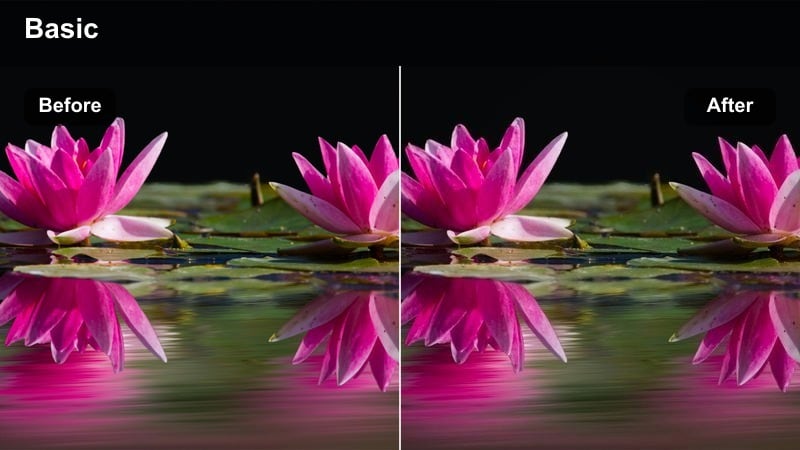
- Effect look: High contrast, clean whites, and a cool tint that enhances glass reflections
- Best for: Store window shots, mirrored sunglasses reels, and modern office exteriors
- Editing tip: Boost highlights slightly so reflections pop without clipping important details.
Metro Glass Reflect is built to make reflections the star of your composition, with strong contrast and cool whites that emphasize glass and polished metal. In Filmora, it works brilliantly for office towers, retail windows, car exteriors, and mirrored sunglasses where you want crisp, reflective surfaces.
Use this filter on vertical pans of skyscrapers, storefront B-roll, and POV shots shot through windows. Gently raise highlights to give reflections more punch while watching the scopes to avoid clipping, then add slow tilt or parallax movements so light and city shapes dynamically slide across the glass in your reels.
Studio Tech Product Highlights
Hyper Cool Showcase
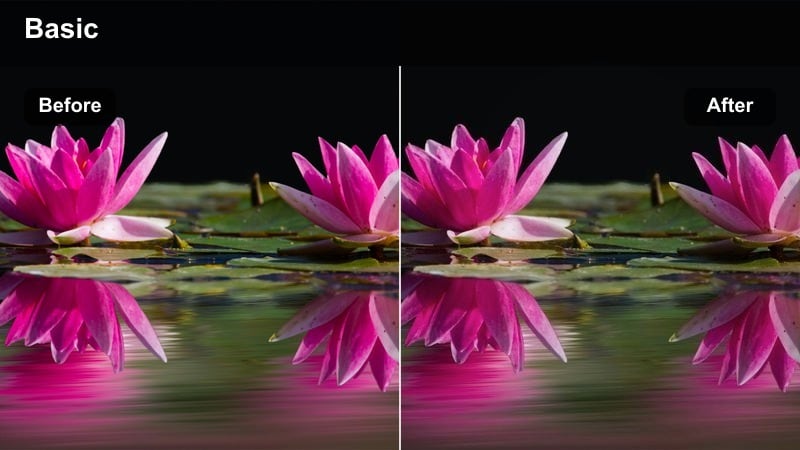
- Effect look: Cool white balance with boosted micro-contrast and punchy blacks
- Best for: Close-up tech product clips on clean backdrops for Instagram reels
- Editing tip: Pull back contrast slightly for reflective materials like glossy phones or screens.
Hyper Cool Showcase is tuned for product clarity, cooling your whites and bumping micro-contrast so edges, logos, and textures look razor sharp. In Filmora, it is perfect for smartphone spins, smartwatch close-ups, earbud flatlays, and any clip where you want a high-end tech-store feel.
Place this filter on clips shot over neutral backdrops like white desks or matte grey boards, then adjust contrast if reflections start to clip on glass or glossy finishes. Combine with smooth rotation keyframes, macro cut-ins, and simple on-screen text for specs so your Instagram Reels play like polished mini product commercials.
Chrome Edge Detail
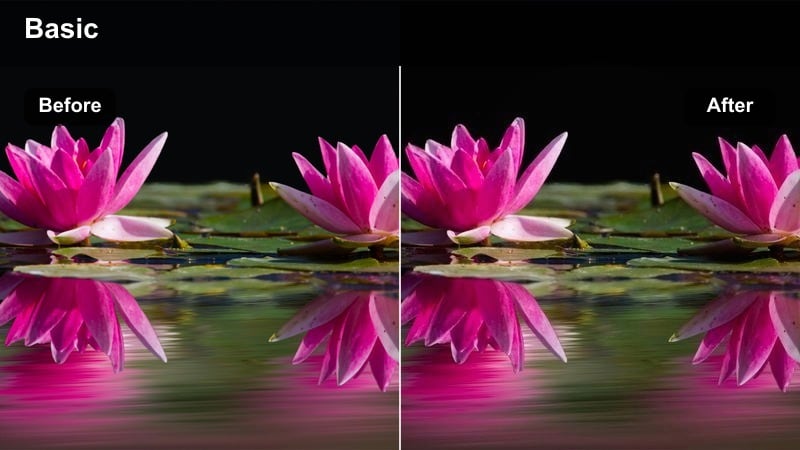
- Effect look: Slick chrome-like highlights, cool midtones, and enhanced edge sharpness
- Best for: Macro shots of devices, keyboards, and metal accessories
- Editing tip: Use tighter crops and slow motion so viewers can really see the detailed edges.
Chrome Edge Detail exaggerates the shine and structure of metal, plastic, and glass by cooling midtones and sharpening edges for a chrome-like sheen. In Filmora, it is ideal for macro shots of keyboard switches, laptop corners, ports, camera lenses, and metallic accessories.
Apply this filter to slow, controlled shots and punch in with tight crops so viewers can appreciate the micro-detail. Use Filmora s speed ramping and smooth zooms to glide along edges and ports, syncing accent beats with key reveals to make your reel feel like a high-budget hardware teaser.
Minimal Lab Setup
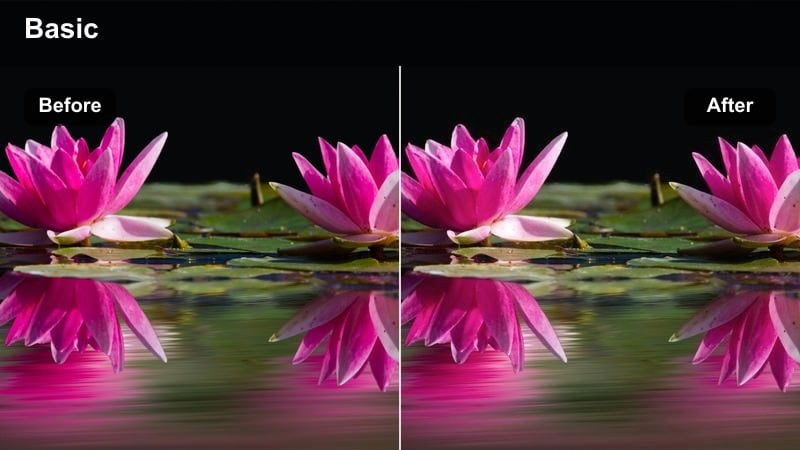
- Effect look: Soft cool whites, low saturation, and balanced contrast for clean product tables
- Best for: Overhead unboxings, desk tours, and minimalist tech workspace reels
- Editing tip: Keep your background simple so the filter s subtle cool palette stays intentional.
Minimal Lab Setup creates a calm, clinical vibe with cool whites, modest saturation, and balanced contrast, making desks and overhead tables look like a tidy test lab. In Filmora, it shines on unboxings, workspace tours, and top-down layouts where symmetry and negative space matter.
Use this filter on shots framed like flatlays or overhead scenes, aligning your gear on invisible grid lines so every item feels deliberately placed. Leave open space for text callouts and UI overlays, and keep props limited to essentials so the subtle cool palette and organized layout remain the hero of the reel.
Fashion Motion and Cinematic Streets
Cool Runway Move
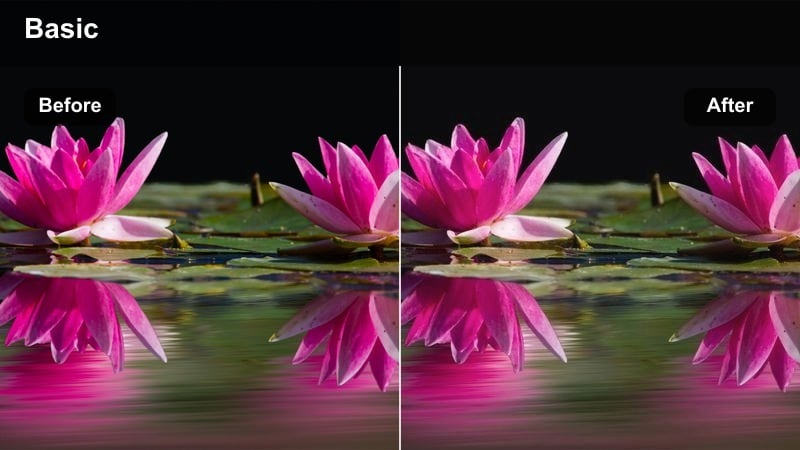
- Effect look: Editorial cool shift with subtle fade in blacks and polished skin tones
- Best for: Street runway walks, outfit transitions, and lookbook reels
- Editing tip: Add Filmora motion blur to spins and turns for a smoother, high-fashion feel.
Cool Runway Move brings an editorial-grade cool cast to your fashion reels, gently fading blacks while maintaining smooth, flattering skin tones. In Filmora, it is perfect for crosswalk walks, alley struts, and step-to-camera transitions that mimic a runway show.
Apply this filter to shots framed with strong city backdrops, then add motion blur to spins, hair flips, and bag swings for luxe fluidity. Cut your clips on the beat and alternate wide and mid shots, letting the filter keep colors cohesive while your pacing and camera angles deliver the high-fashion energy.
Subway Cool Trail
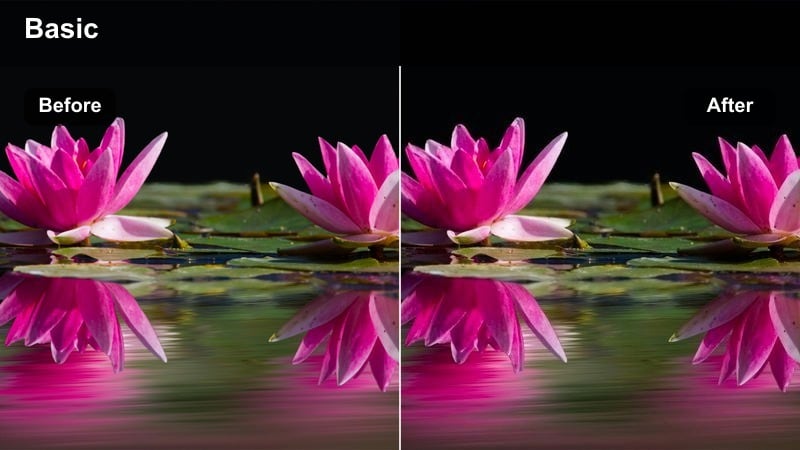
- Effect look: Deep cool shadows, teal highlights, and slight motion emphasized in lights
- Best for: Subway platform shots, escalator rides, and underground fashion reels
- Editing tip: Use directional transitions that follow your subject s movement through the station.
Subway Cool Trail pushes shadows toward deep blues and teals, giving underground spaces a sleek, urban-cinematic feel while emphasizing motion in passing lights and trains. In Filmora, it excels on subway platforms, escalators, tunnels, and commuter bridges where leading lines are everywhere.
Apply this filter to tracking shots that follow your subject along the platform or up escalators, then use directional transitions that move in the same direction as your subject. Add slight speed ramps as trains enter or exit the frame and sync those shifts to your audio to make the whole reel feel tightly choreographed around the cool underground palette.
City Dusk Cinematic
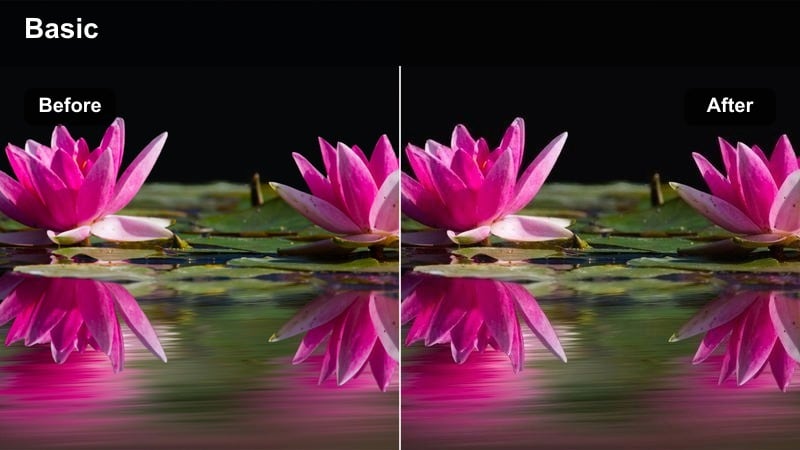
- Effect look: Cool dusk blues with soft contrast and subtle highlight roll-off for a filmic feel
- Best for: Golden hour to blue hour street reels and slow-motion city walks
- Editing tip: Shoot slightly earlier than full blue hour so the filter has sky detail to work with.
City Dusk Cinematic leans into late-evening blues with gentle contrast and smooth highlight roll-off, turning rooftops and street walks into film-style sequences. In Filmora, it supports emotional or reflective reels that show skyline silhouettes, traffic trails, and slow, intentional movement.
Use this filter on footage captured just before full blue hour so there is still color in the sky, then slow your camera moves to simple pans and tracking shots. Lay in understated music, keep cuts longer, and let the filter handle the moody cool palette while your storytelling focuses on silhouettes, horizon lines, and reflective moments.
Tips for Using Cool Instagram Reels Filters in Filmora
- Shoot slightly underexposed in-camera so cool filters can lift shadows without crushing detail.
- Keep outfits and product colors simple when using strong blue tone effects to avoid clashing hues.
- Use consistent white balance across all clips so filters look uniform from shot to shot.
- Combine motion blur and speed ramping with cool filters for smoother fashion and city transitions.
- Create a reusable Filmora preset that stacks your favorite filter, vignette, and grain for fast reel workflows.
- Test every filter on a hero shot first, then use AI Color Match to spread that look across the full reel.
- Mix one primary cool filter with subtle secondary effects instead of stacking many strong looks at once.
Cool Instagram reel filters give tech brands, streetwear creators, and minimalist editors an instant way to lock in a clean, modern visual identity without spending hours tweaking curves.
Test a few of these Filmora presets on your next fashion reel, tech product clip, or modern city edit, then save your favorite combo as a custom preset so every new reel stays on-brand in just a few clicks.
secure downloadNext: Cinematic TikTok Video Filters for Filmic Short Content
