

 100% Security Verified | No Subscription Required | No Malware


 ChatGPT
 Perplexity
 Gemini
 Claude
 Grok
Grok
Light brown sits in a sweet spot between warm and neutral. It feels grounded, cozy, and familiar, which is why it is often linked to comfort, trust, and stability in color psychology. In video and design, light brown tones can make a frame feel homely, artisanal, or quietly luxurious, depending on how you combine them with creams, charcoals, and deeper browns.
If you want vlogs, thumbnails, intros, and branding to share the same warm, cohesive identity, building the right light brown color palette is essential. Below are 15 curated light brown color palettes with HEX codes, designed for creators and Filmora users who want consistent, aesthetic visuals across YouTube channels, Reels, TikToks, and branded content.
In this article
Soft & Cozy Light Brown Color Palettes
Caramel Latte Morning
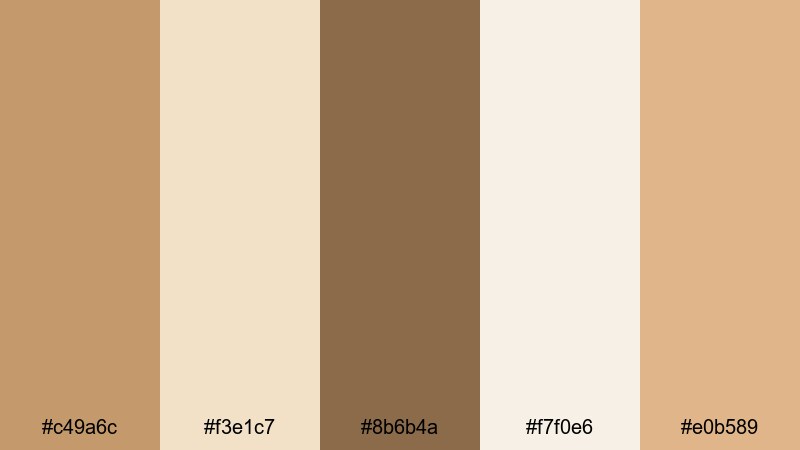
- HEX Codes: #c49a6c, #f3e1c7, #8b6b4a, #f7f0e6, #e0b589
- Mood: Warm, comforting, and relaxed like a slow weekend brunch.
- Use for: Ideal for lifestyle vlogs, morning routines, and cozy thumbnail designs.
Caramel Latte Morning is a creamy blend of caramel and latte tones, softened by pale cream highlights. It feels like first light through a kitchen window, making your footage instantly more inviting and homely. The mix of mid-tone browns and gentle off-whites keeps the frame warm without feeling heavy.
Use this palette for morning routines, desk diaries, self-care vlogs, and soft podcast intros. In thumbnails, pair the lighter HEX codes (#f3e1c7, #f7f0e6) as backgrounds with darker browns (#8b6b4a) for text or borders so your titles stay readable. For channel branding, this palette works beautifully on lower-thirds, subscribe buttons, and end screens when you want a friendly, approachable identity.
Pro Tip: Keep Your Light Brown Aesthetic Consistent with Filmora
Once you fall in love with a palette like Caramel Latte Morning, consistency is everything. In Filmora, you can save your favorite warm light brown values as custom colors and reuse them across text, shapes, overlays, and graphics. That way, your intro, b-roll, and social cutdowns all share the same soft latte mood instead of drifting into slightly different browns.
Try building a simple style system: use your lightest HEX as background for title cards, a mid-tone brown for body text, and the richest caramel as an accent line or icon color. Filmora makes it easy to duplicate these elements across timelines, so your entire channel feels like one cohesive light brown brand.
AI Color Palette
If you have a photo that perfectly captures your dream light brown aesthetic a coffee flat-lay, a cozy living room, or a beige outfit shot you can turn it into a video-wide look with Filmora. Filmora's AI Color Palette feature lets you pull the color mood from a reference image and apply it to other clips in just a few clicks.
Import your Caramel Latte Morning reference image or a frame graded with these HEX codes, then use AI Color Palette to match the rest of your footage. This keeps all your shots aligned: the skin tones stay soft, shadows stay chocolatey instead of gray, and your channel thumbnails, b-roll, and reels share the same warm latte glow.
 secure download

HSL, Color Wheels & Curves
Even within a single light brown palette, different cameras can shift colors toward orange, yellow, or gray. Filmora's HSL, color wheels, and curves tools help you fine-tune those tones so your caramel browns stay smooth and consistent. You can gently desaturate oranges, warm up the mid-tones, and lift the shadows to keep the look soft and cozy instead of harsh.
Use the color wheels to warm mid-tones for skin, cool highlights slightly so they do not blow out, and add a subtle S-curve for cinematic contrast. For more guidance on balancing tones, check out Filmora's color correction tips for video editing and then refine your own light brown recipe inside the editor.
secure download1000+ Video Filters & 3D LUTs
To speed up your grading process, you can start with Filmora's library of preset looks and then nudge them toward your light brown palette. Filmora's video filters and 3D LUTs make it easy to add warm, neutral, or vintage-inspired tones with a single click, then adjust intensity until your browns match the HEX codes you planned.
Combine a warm film LUT with softer curves and lowered saturation for a dreamy caramel aesthetic, or use a clean, neutral filter as a base and tint it slightly toward beige. Once you find a combination that suits your brand, save it as a custom preset so every new video starts from the same light brown foundation.
secure downloadSugar Cookie Studio
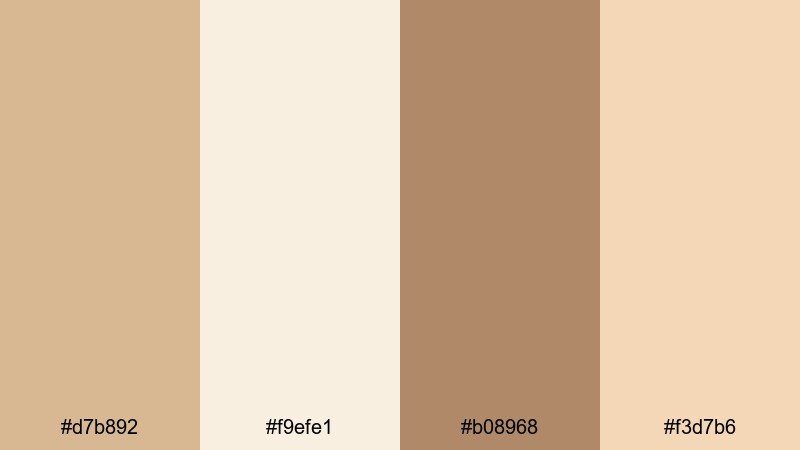
- HEX Codes: #d7b892, #f9efe1, #b08968, #f3d7b6
- Mood: Gentle, sweet, and nostalgic.
- Use for: Perfect for DIY channels, baking videos, and soft product flat-lays.
Sugar Cookie Studio feels buttery and playful, with light browns that recall baked cookies, vanilla icing, and warm kitchen light. The pale creams and peachy tones keep everything airy, while the slightly deeper brown adds just enough contrast for pleasing visuals.
Use this palette in recipe videos, craft tutorials, Etsy product showcases, or kid-friendly content. In thumbnails, place your subject against #f9efe1 or #f3d7b6, and use #b08968 for titles or price tags. For channel branding, these shades work well on overlays, chapter markers, and end-screen cards when you want a soft, family-focused aesthetic.
Faded Knit Blanket
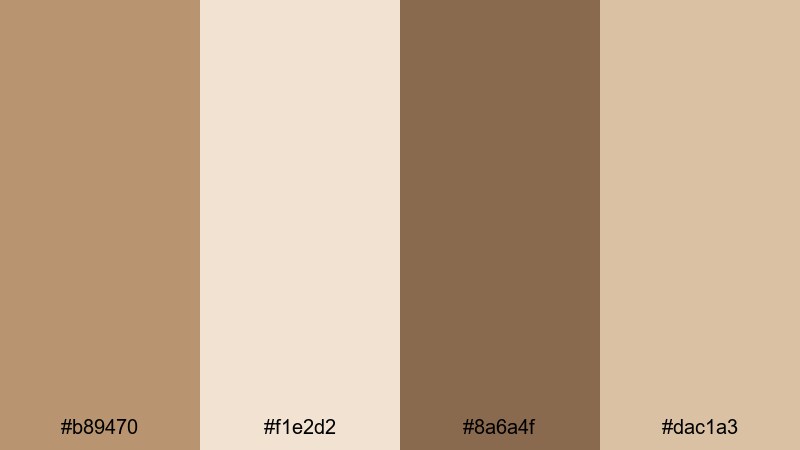
- HEX Codes: #b89470, #f1e2d2, #8a6a4f, #dac1a3
- Mood: Snug, vintage, and intimate.
- Use for: Great for storytime videos, reading corners, and minimalist talking-head shots.
Faded Knit Blanket mixes muted light browns with worn cream tones for a lived-in, nostalgic feel, like your favorite old sweater. The slightly desaturated browns suggest softness and texture, making close-up shots feel more tactile and personal.
Apply this palette to slow storytelling vlogs, book reviews, quiet productivity sessions, or therapy and coaching channels. In Filmora, you can lean into the vintage feel by lowering saturation slightly and adding grain. Use #f1e2d2 or #dac1a3 for background cards and #8a6a4f for subtle, legible text on overlays, lower-thirds, or intro titles.
Toasted Oat Daydream
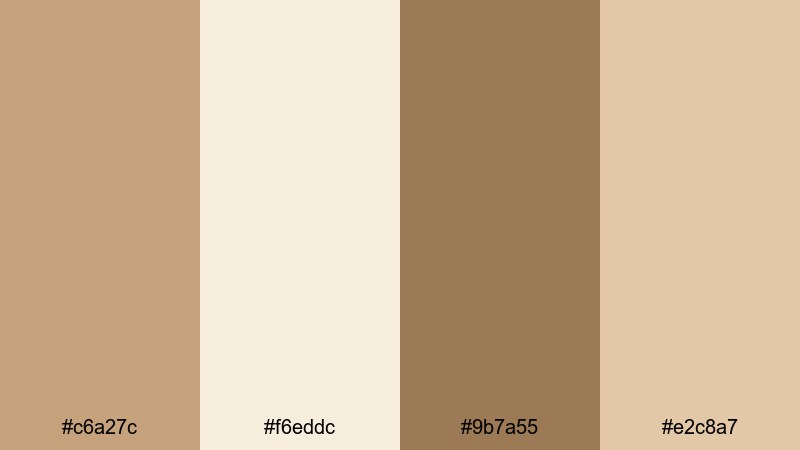
- HEX Codes: #c6a27c, #f6eddc, #9b7a55, #e2c8a7
- Mood: Relaxed, dreamy, and quietly optimistic.
- Use for: Use for wellness content, journaling reels, and calm productivity scenes.
Toasted Oat Daydream combines warm oat browns with diffused, creamy neutrals. It feels like slow mornings, soft sunlight, and peaceful background music. The darker #9b7a55 grounds the palette, while #f6eddc and #e2c8a7 keep the overall impression light and hopeful.
This is ideal for mental health check-ins, bullet-journal videos, ASMR writing sounds, and aesthetic study-with-me sessions. Use the lightest tone as the base for text slides or checklists, with the richer browns highlighting headings, progress bars, or on-screen prompts. In thumbnails, pairing a soft background with a slightly darker text band can help your titles stand out while staying gentle on the eyes.
Modern Minimal Light Brown Color Palettes
Urban Sandstone Minimal
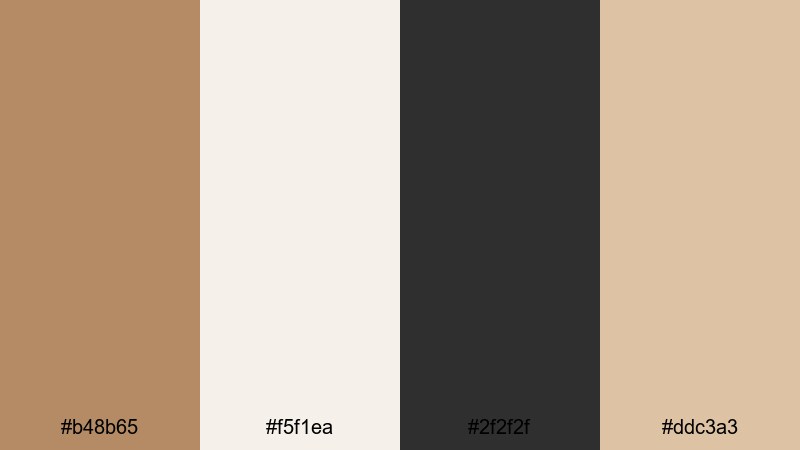
- HEX Codes: #b48b65, #f5f1ea, #2f2f2f, #ddc3a3
- Mood: Clean, modern, and grounded.
- Use for: Ideal for tech reviews, desk setups, and minimalist channel branding.
Urban Sandstone Minimal pairs a cool-leaning light brown with sharp charcoal and off-white. The result feels sleek and contemporary while still warmer than strict black-and-white. The sandstone tones prevent your visuals from looking sterile, which is perfect for creators who want a professional yet human look.
Use #f5f1ea as your primary background for titles, overlays, and UI elements, letting #2f2f2f handle main text and icons. The browns (#b48b65, #ddc3a3) are your accent colors for progress bars, button backgrounds, and frame borders. This palette works especially well in Filmora when you design clean title templates for reviews, unboxings, SaaS explainer videos, and channel trailers.
Soft Leather Workspace
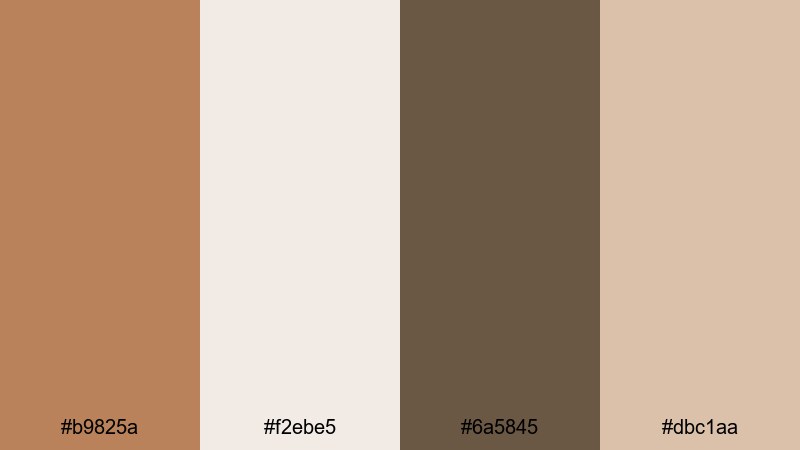
- HEX Codes: #b9825a, #f2ebe5, #6a5845, #dbc1aa
- Mood: Productive, focused, and subtly luxurious.
- Use for: Great for productivity content, workspace tours, and SaaS explainer videos.
Soft Leather Workspace balances refined leather browns with light, clean neutrals. It feels like a carefully curated desk: warm wood, tan notebook covers, and soft diffused light. The deep accent #6a5845 adds a touch of seriousness, making the palette feel more executive than casual.
Use this for career advice channels, productivity vlogs, Notion or workspace walkthroughs, and portfolio intros. In thumbnails, you can let #f2ebe5 dominate the background with a slim banner or shape in #b9825a to frame your subject. For branding, apply the lighter browns to icons and call-to-action buttons, and use the deeper brown for key headings and timeline markers in Filmora.
Clay Loft Aesthetic
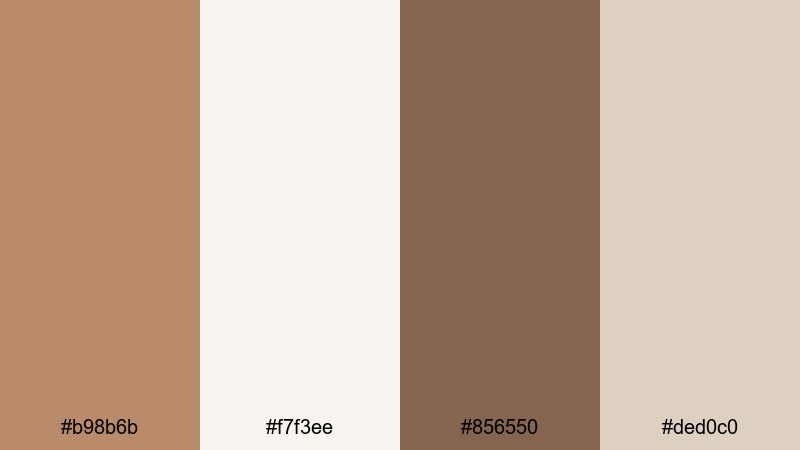
- HEX Codes: #b98b6b, #f7f3ee, #856550, #ded0c0
- Mood: Stylish, calm, and design-forward.
- Use for: Use in lookbooks, design tutorials, and aesthetic reels focused on interiors.
Clay Loft Aesthetic draws inspiration from pottery, linen, and high-ceiling loft apartments. The light clay browns and soft off-whites feel curated and intentional, while #856550 offers a stylish anchor shade that keeps the palette from feeling washed out.
Apply this palette to interior tours, design breakdowns, lookbooks, and brand-building content. Use #f7f3ee as your blank canvas for typography and motion graphics in Filmora, then layer shapes or borders in #ded0c0 and #b98b6b to create subtle depth. It is especially strong for Instagram Reels or Pinterest-friendly vertical videos where negative space and clean lines are part of the aesthetic.
Muted Amber Grid
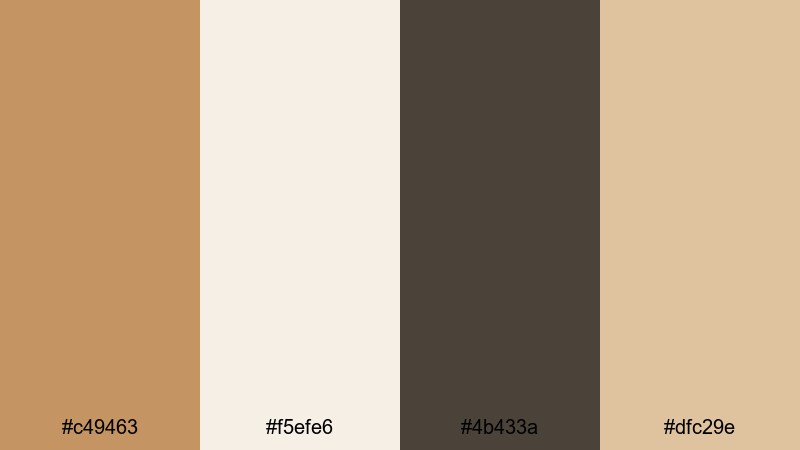
- HEX Codes: #c49463, #f5efe6, #4b433a, #dfc29e
- Mood: Balanced, muted, and visually organized.
- Use for: Perfect for UI overlays, motion graphics, and infographic segments in videos.
Muted Amber Grid brings together a soft amber-brown with off-whites and a clean, deep accent. It feels organized and calm, ideal for on-screen data, charts, and explainer segments where clarity matters as much as style.
Use #f5efe6 as the main background for infographics, with #c49463 and #dfc29e marking key sections or bars. #4b433a is strong enough for small text, icons, and line art, ensuring good readability even on mobile. In Filmora, you can design reusable lower-thirds and info cards in this palette, then drag them into tutorials, marketing videos, or course content to keep your visual language consistent.
Earthy & Organic Light Brown Color Palettes
Driftwood Shoreline
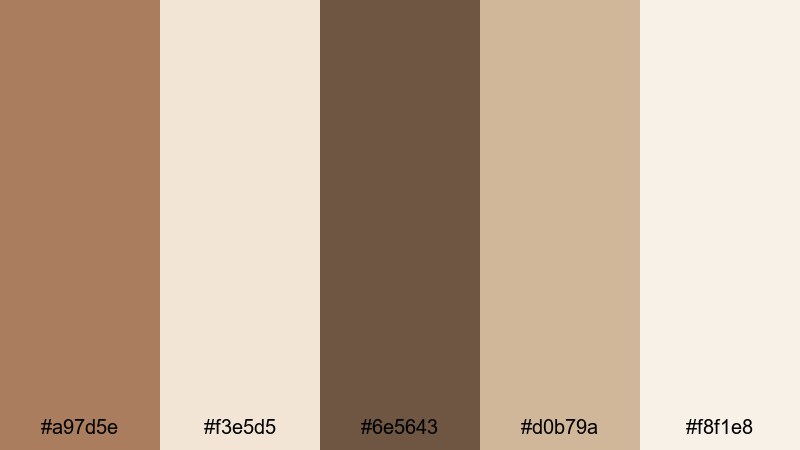
- HEX Codes: #a97d5e, #f3e5d5, #6e5643, #d0b79a, #f8f1e8
- Mood: Natural, grounded, and reflective.
- Use for: Great for travel vlogs, outdoor b-roll, and nature-focused storytelling.
Driftwood Shoreline combines weathered browns with sandy creams and foam-like highlights. It feels like quiet beaches, seaside walks, and reflective solo trips. The palette is earthy without being too dark, which helps maintain detail in your shadows while preserving a calm, meditative mood.
Use it in travel diaries, eco-documentaries, slow cinematic b-roll, and voice-over stories. In thumbnails, a gradient from #f8f1e8 to #f3e5d5 can mimic soft sky and sand, while #a97d5e and #6e5643 frame your subject or text. For branding, keep titles in the darker brown and use the mid-tone #d0b79a for icons, map graphics, or chapter dividers in Filmora.
Autumn Wheat Fields
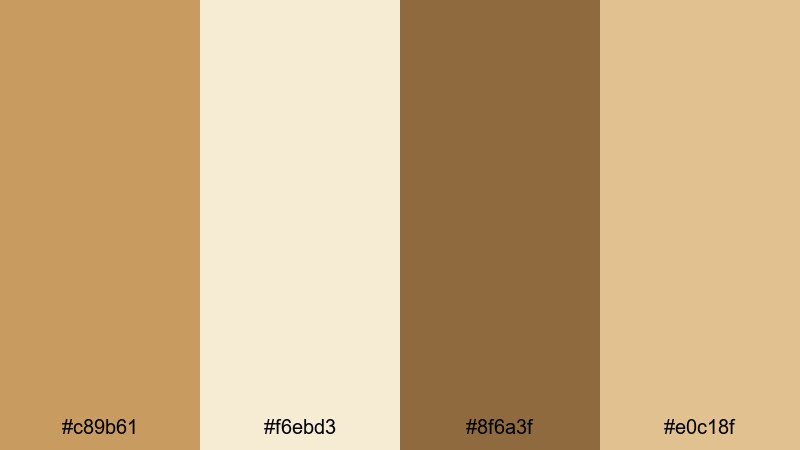
- HEX Codes: #c89b61, #f6ebd3, #8f6a3f, #e0c18f
- Mood: Warm, nostalgic, and expansive.
- Use for: Ideal for seasonal content, harvest themes, and countryside travel edits.
Autumn Wheat Fields is all about golden light and open spaces. The wheat-inspired browns and soft creams create a timeless countryside feeling, especially when paired with backlit shots and gentle lens flares.
Use this palette for fall vlogs, family trips, farm visits, and drone footage over fields or hills. Let #f6ebd3 handle your main text backgrounds or caption blocks, with #c89b61 and #e0c18f accenting titles, dividers, and map markers. #8f6a3f works well for strong text or logo elements. In Filmora, you can echo this palette in your color grading by gently warming the mid-tones and lifting the highlights for that endless-autumn atmosphere.
Cocoa Clay Market
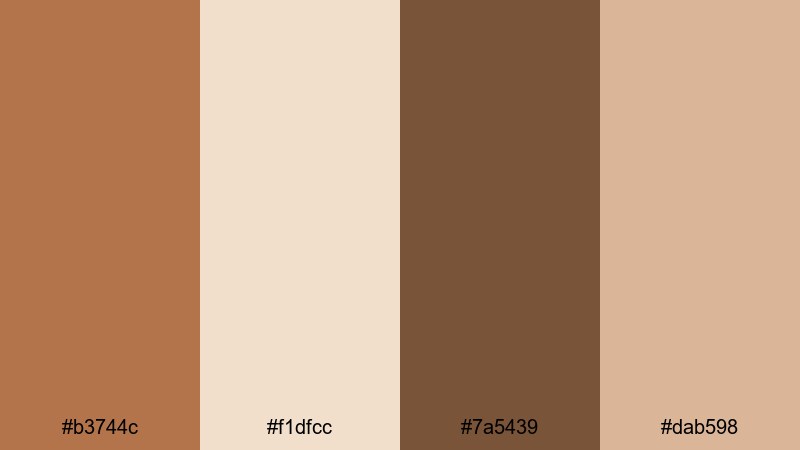
- HEX Codes: #b3744c, #f1dfcc, #7a5439, #dab598
- Mood: Earthy, lively, and artisanal.
- Use for: Use for food markets, craft fairs, and documentary-style city scenes.
Cocoa Clay Market centers on cocoa-tinted browns paired with clay and neutral market tones. It feels bustling but grounded, capturing the textures of handmade goods, wooden stalls, and fresh produce under warm light.
Apply this palette to food tours, city markets, artisan profiles, or behind-the-scenes studio content. Use #f1dfcc for subtle overlays and subtitles, #b3744c and #dab598 to frame prices, names, or location tags, and #7a5439 for bold logo locks or section titles. In Filmora, a slight boost to contrast and saturation within this palette can make ingredients and crafts look rich without oversaturating skin tones.
Terracotta Mist Trail
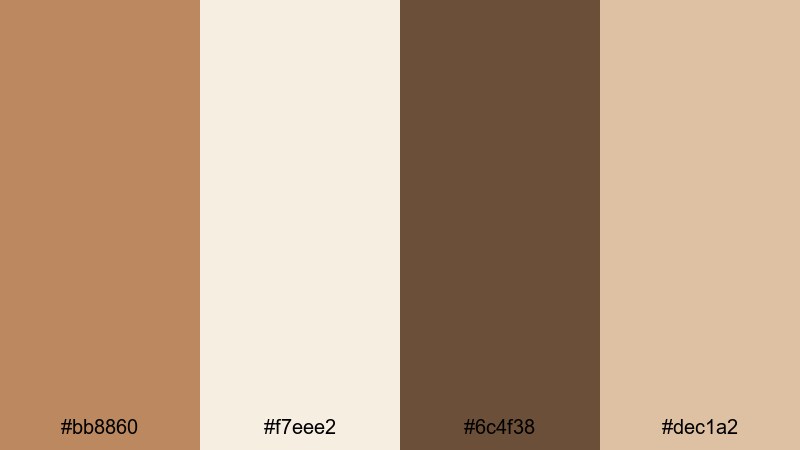
- HEX Codes: #bb8860, #f7eee2, #6c4f38, #dec1a2
- Mood: Adventurous, serene, and organic.
- Use for: Perfect for hiking vlogs, camping content, and eco-brand intros.
Terracotta Mist Trail merges soft terracotta browns with misty, pale creams, suggesting early hikes, mountain trails, and slow foggy mornings. The deeper #6c4f38 adds enough depth for dramatic silhouettes and shadows, while the lighter tones keep everything relaxed.
Use this palette for outdoor adventures, glamping content, and environmental storytelling. In motion graphics, #f7eee2 can be your map or route background, with #bb8860 and #dec1a2 drawing attention to stats like distance, elevation, and time. For eco-brand intros built in Filmora, this palette signals nature-first values without relying on the typical green-dominant look.
Cinematic Warm Light Brown Color Palettes
Vintage Film Cafe
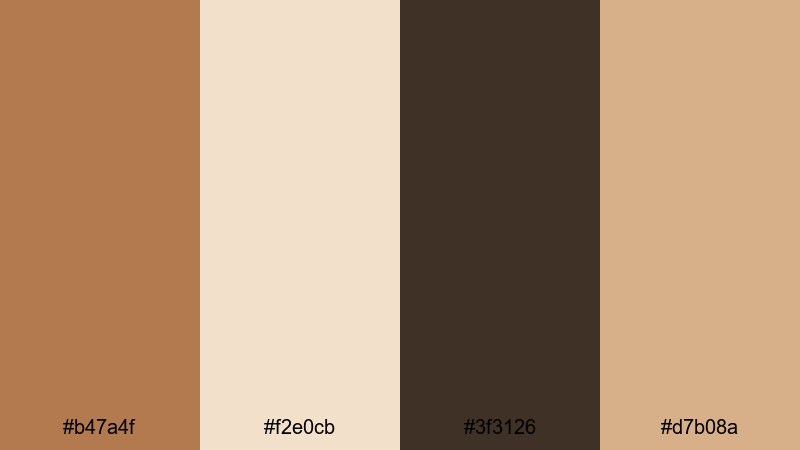
- HEX Codes: #b47a4f, #f2e0cb, #3f3126, #d7b08a
- Mood: Cinematic, nostalgic, and intimate.
- Use for: Great for short films, dialogue scenes, and narrative-driven vlogs.
Vintage Film Cafe echoes classic film stocks, combining caffeinated light browns with creamy highlights and deep, moody shadows. The darker #3f3126 simulates the richness of old celluloid, while #f2e0cb and #d7b08a keep skin tones warm and flattering.
Choose this palette for narrative vlogs, short films, coffee shop scenes, and quiet city nights. In Filmora, you can apply a subtle vignette and grain to push the vintage vibe. Use the darkest tone for letterbox bars and titles, the mid browns for overlays, and the lighter shades for credits or delicate opening text.
Amber Frame Glow
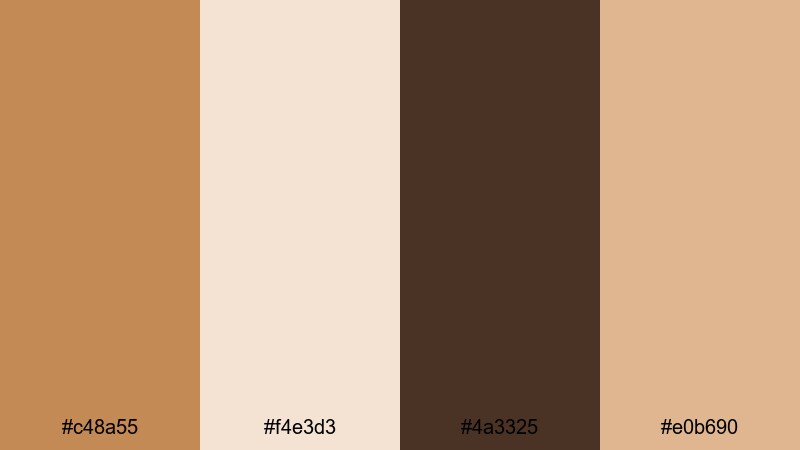
- HEX Codes: #c48a55, #f4e3d3, #4a3325, #e0b690
- Mood: Glowing, emotional, and story-focused.
- Use for: Use for wedding films, highlight reels, and emotional montage sequences.
Amber Frame Glow bathes your footage in warm amber light, with deep chocolate shadows anchoring each frame. It feels romantic and emotional, perfect for storytelling moments where you want viewers to feel close to the subjects.
Apply this palette to wedding videos, proposal edits, family highlight reels, and nostalgic recap montages. Let #f4e3d3 carry soft text and title cards, while #c48a55 and #e0b690 add glowing accents to frames, transitions, and on-screen quotes. In Filmora, slow-motion clips paired with this palette can create a cinematic, tear-jerker effect without overdoing saturation.
Studio Sand Spotlight
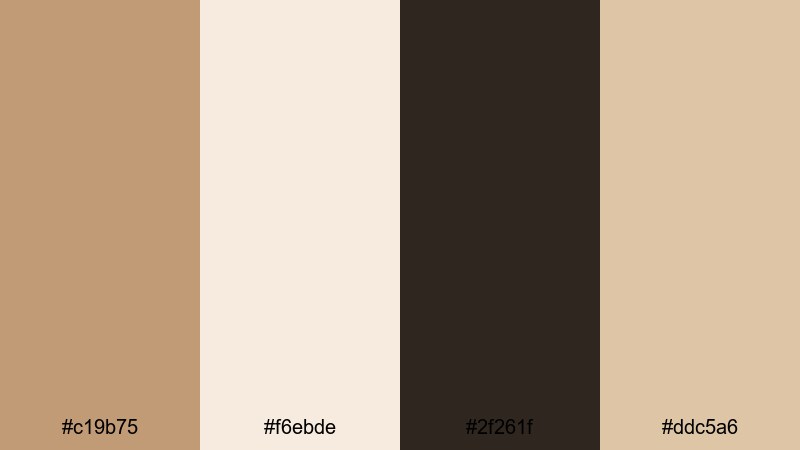
- HEX Codes: #c19b75, #f6ebde, #2f261f, #ddc5a6
- Mood: Polished, dramatic, and professional.
- Use for: Perfect for channel trailers, branded intros, and product hero shots.
Studio Sand Spotlight is tailored for polished, high-impact visuals. The sand-toned light browns and controlled darks give your footage a premium, studio-lit feel without tipping into harsh contrast. It is ideal when you want your content to look ready for a brand campaign.
Use #f6ebde and #ddc5a6 as smooth backgrounds behind products or logos, reserving #2f261f for bold titles, logo text, and key callouts. In Filmora, this palette works especially well with sharp transitions, subtle lens blur, and clean motion graphics in intros, product demos, and channel trailers that need to impress at first glance.
Tips for Creating Light Brown Color Palettes
When building your own light brown color palette for video and design, combine warm neutrals with thoughtful accents so your content looks intentional, readable, and on-brand across every platform.
- Pair light brown with off-white or cream backgrounds to keep the frame airy and avoid muddy, low-contrast visuals.
- Always reserve a darker shade (charcoal, deep brown) for text and key icons so titles stay readable on mobile thumbnails.
- Use one signature light brown as your brand anchor color, then keep it consistent across intros, lower-thirds, end screens, and social posts.
- Let skin tones guide your grading: nudge light browns slightly toward neutral if faces start to look too orange or too yellow.
- Mix textures in your footage wood, fabric, paper, ceramics to make light brown palettes feel rich instead of flat.
- Test your thumbnail designs in both light and dark mode interfaces to make sure the browns do not blend into the background.
- Create separate variants of your palette for day and night footage by slightly cooling highlights at night and warming mid-tones during the day.
- Save your favorite color settings, filters, and LUT combinations in Filmora so you can apply your signature light brown look with one click in future projects.
Light brown color palettes are a powerful way to shape mood, from cozy and nostalgic to modern and cinematic. The right mix of creams, tans, and deeper browns can make your channel feel more professional, more personal, or more premium, depending on the story you want to tell.
Use these 15 palettes as ready-made starting points, or as inspiration while you build your own combinations inside Filmora. Once you lock in your favorite light brown look, apply it across intros, thumbnails, reels, shorts, and long-form edits so your viewers recognize your style instantly.
Experiment with AI Color Palette, HSL adjustments, and LUTs until your visuals feel exactly right, then save your presets and make that warm light brown aesthetic your trademark.
secure downloadNext: Lime Green Color Palette
