

 TL;DR:
Wondershare Filmora utilizes the Sora 2 AI model featuring Multi-Shot Sequencing to generate visually consistent, step-by-step cooking videos without requiring physical filming, kitchen setups, or actual ingredients.
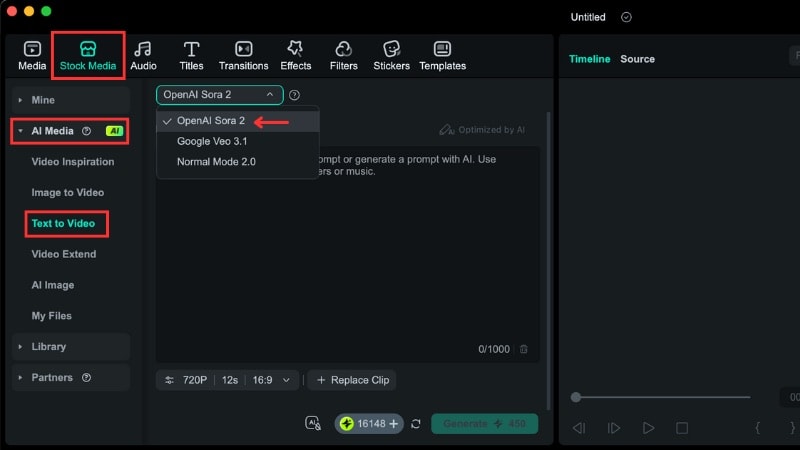
● The integrated Text to Video tool generates clips strictly in duration increments of 4, 8, or 12 seconds, supporting 9:16 aspect ratios for short-form mobile feeds and 16:9 for horizontal layouts.
● To bypass the creative control limitations typical of free generators, users must access the generation feature via the Stock Media panel to seamlessly insert resulting clips into the timeline for applying AI captions and voiceovers.
● The sequencing technology ensures the correct chronological order of recipe actions across scenes, making the tool suitable for specialized formats like AI mukbang eating sequences, daily food vlogs, and close-up ASMR loops.
Ask AI for a summary
 ChatGPT
 Perplexity
 Gemini
 Claude
 Grok
Grok
Do you want to post a cooking video without filming, cooking, or setting up a kitchen? An AI cooking video helps turn text prompts into visual recipe scenes made for short video platforms.
On TikTok, YouTube, and Instagram, AI food video content keeps growing. Many creators post step-by-step recipes, food loops, and cooking concepts without real cooking. An AI food video generator helps them produce food visuals faster.
This guide shows how to create your own AI cooking video and what types of food videos you can make. Let's get started!
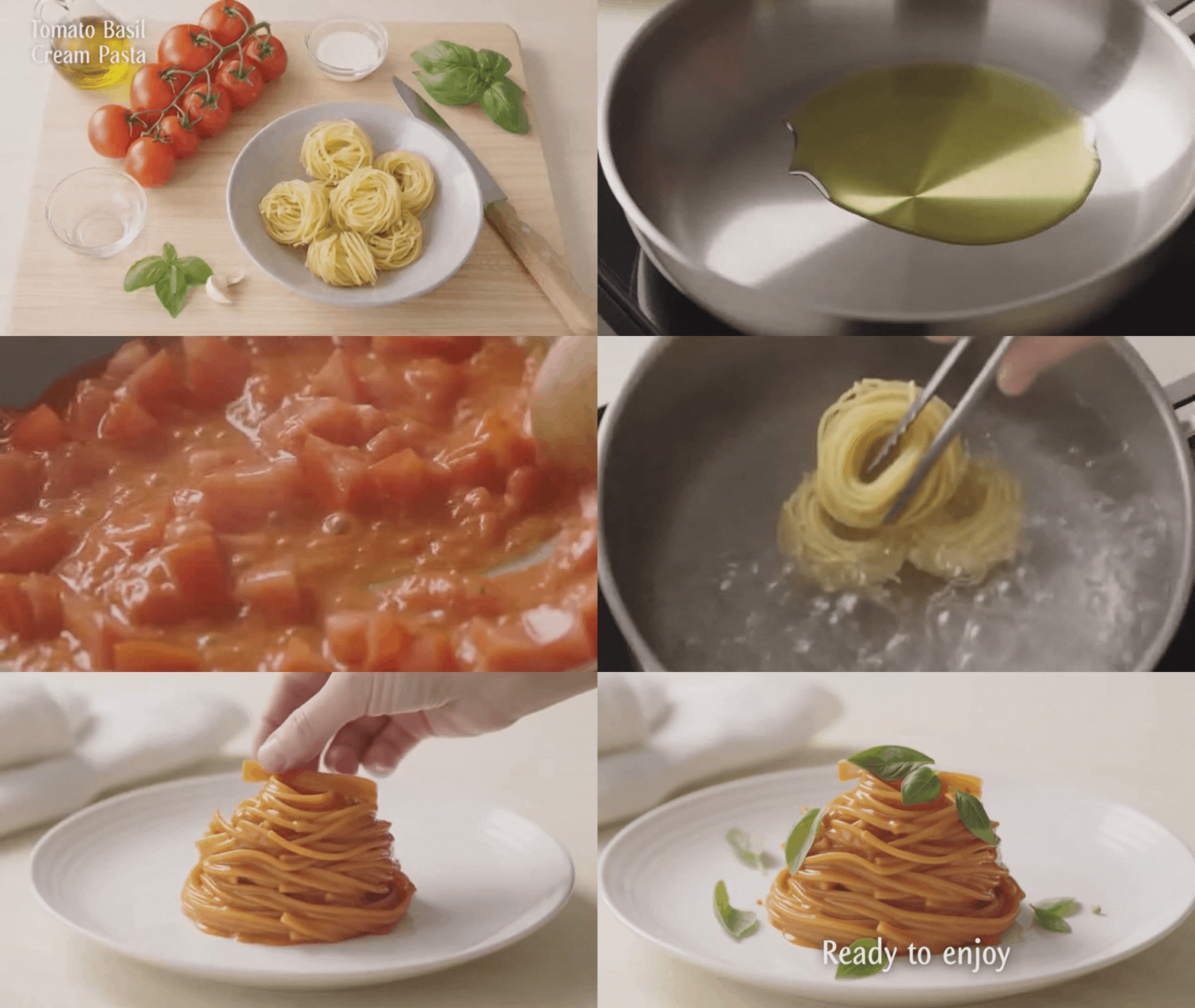
Generated by Filmora Text to Video
Part 1. What AI Cooking Videos Are and Why They're Trending
An AI cooking video is a food video created with AI. Creators use text prompts to generate visuals of ingredients, cooking actions, hands, and finished dishes. This approach allows them to share recipes and food ideas without filming a real cooking show.
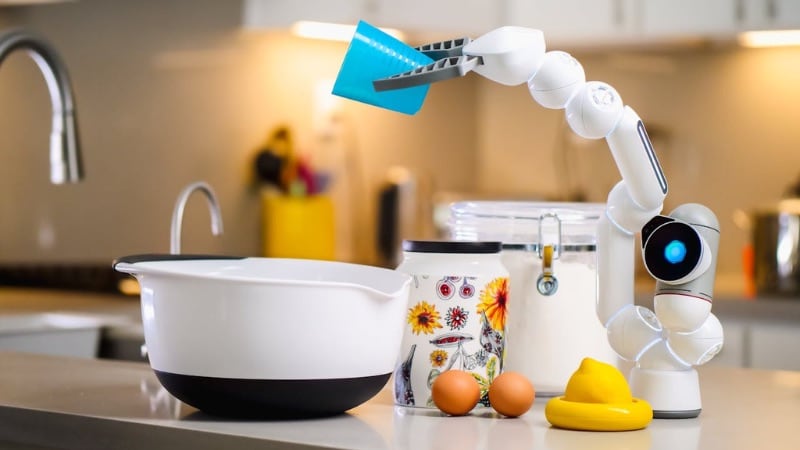
Common examples of cooking videos you can create using AI include recipe demos, close-up food shots, and AI mukbang videos. Many creators also mix these styles into short content for social platforms.
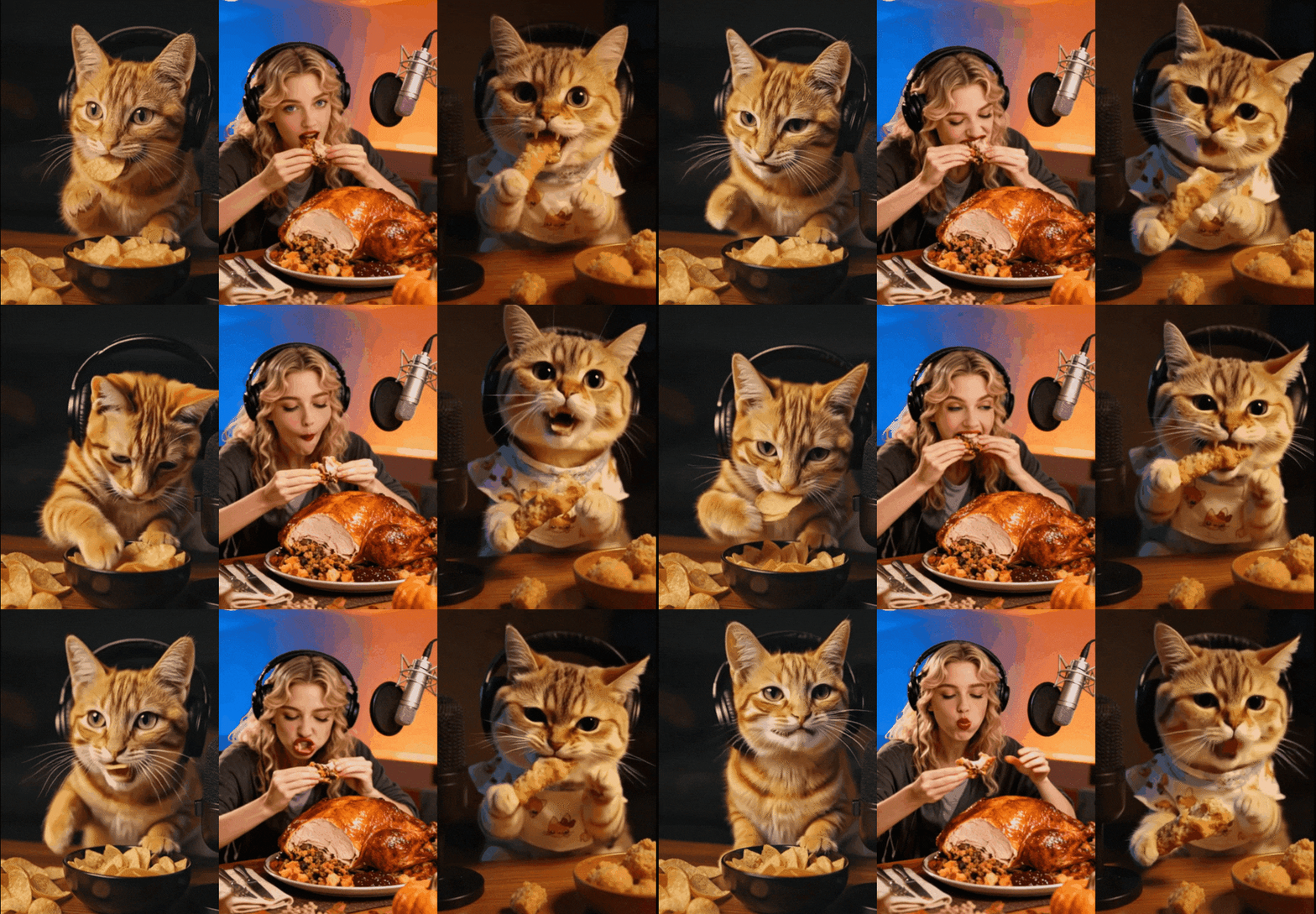
Generated by Filmora Image to Video
AI food videos keep trending across TikTok, YouTube Shorts, and Instagram Reels for clear reasons:
- No filming or kitchen setup: Creators do not need cameras, lighting, or a cooking space. The entire video is generated by using text prompts, which replaces filming, saving time and effort.
- No ingredients or cooking tools needed: AI generates visuals of food, utensils, and cooking actions. This helps creators post food content without having to shop or cook.
- Lower production cost compared to real food shoots: As traditional cooking videos require ingredients, retakes, and setup, you need to spend money. An AI food video reduces these costs.
- Strong visual appeal that fits short video feeds: AI cooking videos can maintain the same composition across clips. This helps creators build a recognizable food content style.
- Matches short-form viewing habits: Cooking videos made by AI have clear visuals and simple steps that fit short-form food content.

From Idea to Video.
Your AI Creative Studio.
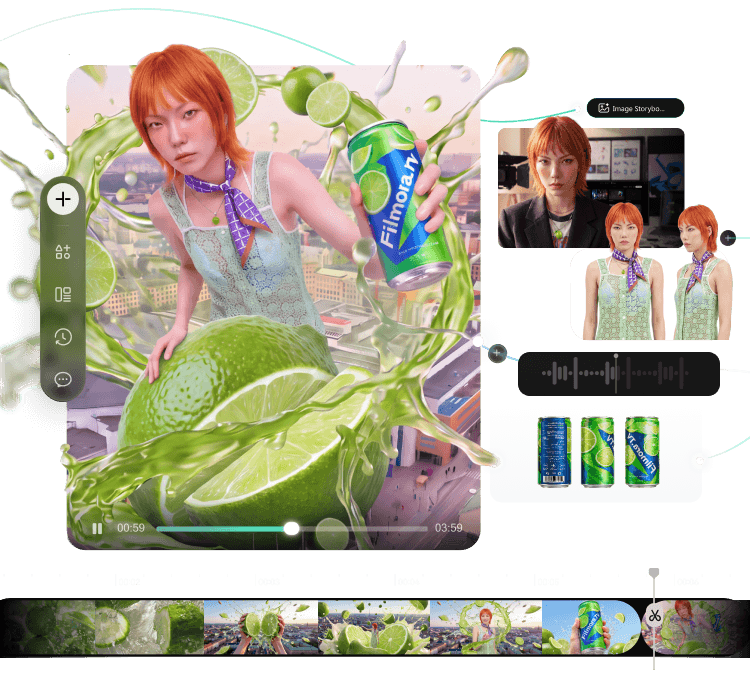
- Turn briefs into scripts, storyboards, and references
- Generate and compare across AI models in one project
- Move your best takes to the timeline for rough cuts
- Keep projects, assets, and feedback connected
Part 2. Step-by-Step: How to Create an AI Cooking Video
Many people search for a free AI cooking video generator because they want to test AI video creation without paying upfront. However, free tools often come with limits on duration, quality, or creative control, which can make AI cooking videos difficult to manage—especially when you want clear steps and consistent visuals.
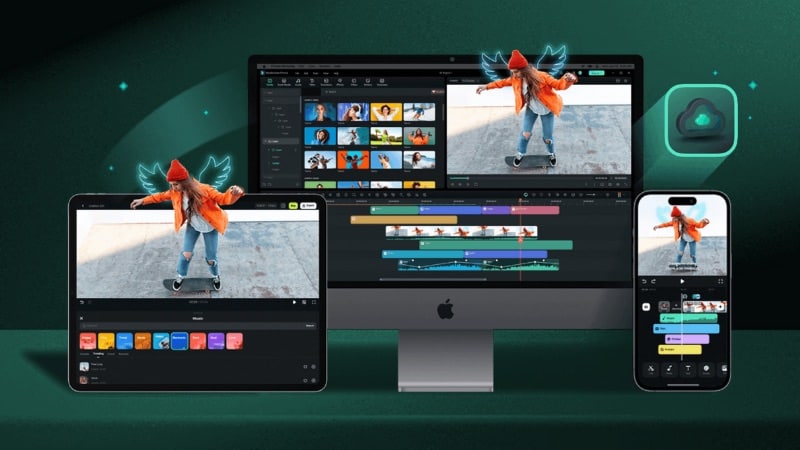
When you need more structure and editing flexibility, relying on generation alone is often not enough. In this case, tools like Wondershare Filmora provide a more complete workflow. It can work as an AI food video generator while also giving you full control over editing in the same workspace.
 Secure Download
Why Filmora Works Well for AI Cooking Videos
Filmora's Text to Video tool is powered by Sora 2, an AI video generation model from OpenAI. It supports Multi-Shot Sequencing, helping maintain consistency across ingredients, actions, and visuals throughout different scenes.
Filmora also includes tools that support food content creation from start to finish:
- Combines AI generation and timeline-based video editing in one editor.
- Allows you to add captions, voiceover, and background music using AI-powered tools.
- Supports short-form video formats for TikTok, YouTube Shorts, and Instagram Reels.
How to Create AI Cooking Videos Using Filmora
Follow the steps below to use Filmora as an AI cooking video generator through its Text to Video feature:
 Secure Download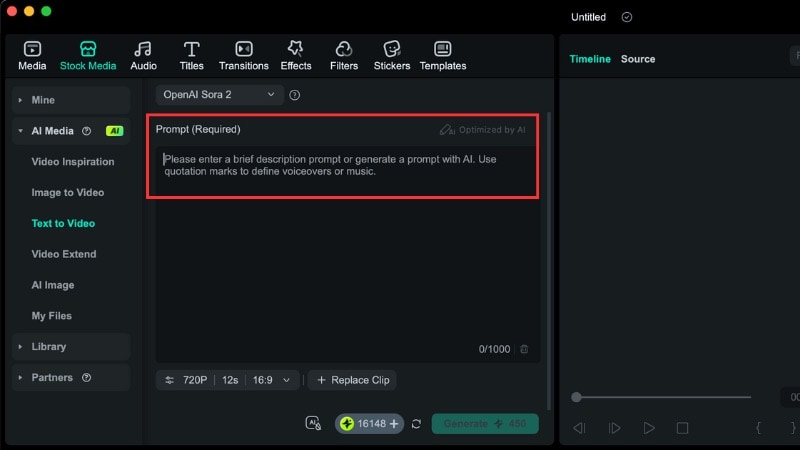
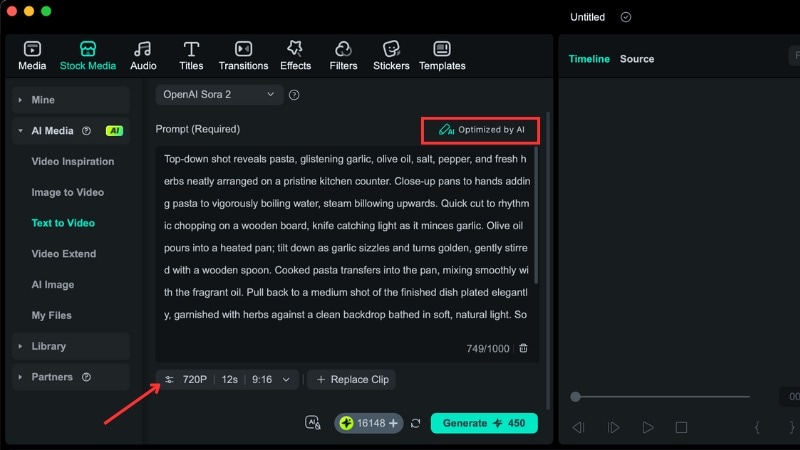
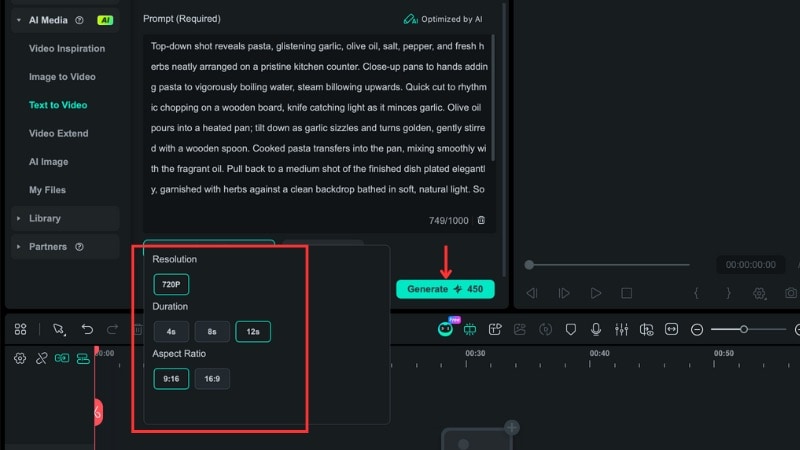
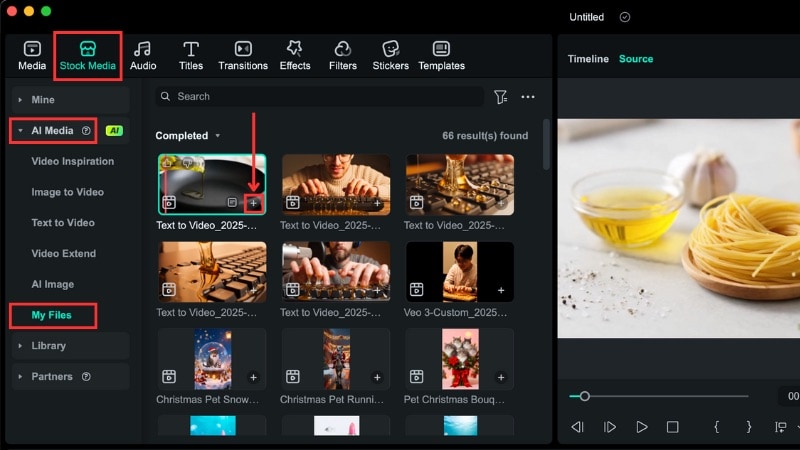
Here is the result of the AI food video we've just created in Filmora:
You can also watch this YouTube video for more insight into AI video generation inside Filmora.
Part 3. Other AI Food Videos You Can Create With Sora 2
Besides recipe tutorials, an AI food video can take many other forms. With Sora 2 inside Filmora, you can generate food content without filming while keeping visual consistency across scenes. Below are other food content ideas you can create in Filmora for inspiration.
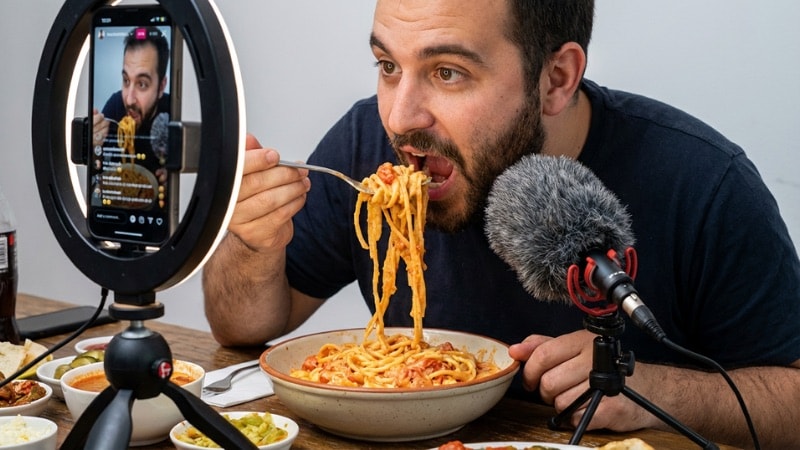
AI Mukbang Video
An AI mukbang video focuses on eating scenes rather than cooking steps. It can show close-up views of food bites, chewing actions, and repeated eating moments.
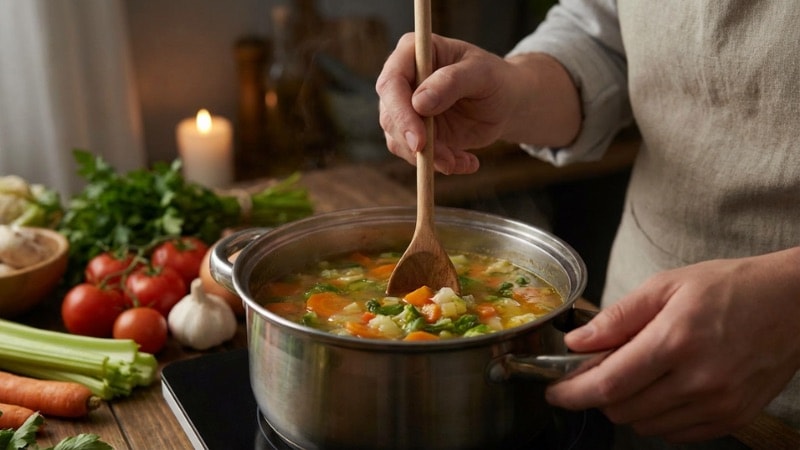
AI Food Aesthetic B-Roll
Food aesthetic videos highlight visual details such as textures, colors, and plating. You can generate B-roll clips like slow pours, sliced ingredients, plated dishes, and table setups.
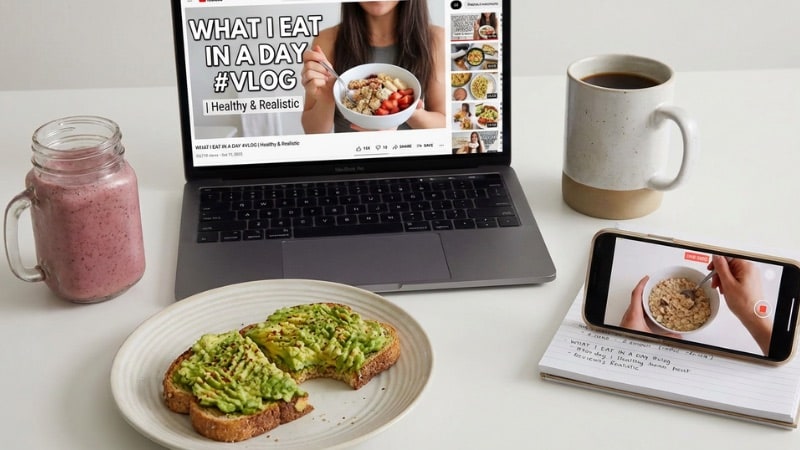
AI Food Vlog or What I Eat in a Day
This format shows a sequence of meals across a day, such as breakfast, lunch, snacks, and dinner. Creators often use this style to post daily food routines without filming or planning real meals.
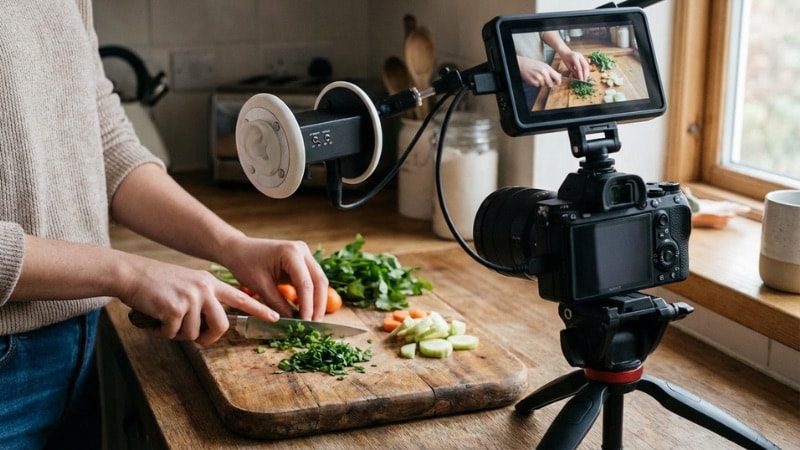
ASMR Cooking Video
ASMR AI cooking videos focus on cutting, pouring, and stirring actions. AI can create close-up scenes that highlight motion and texture, which works well for short looping clips.
Conclusion
An AI cooking video lets creators share recipes and food ideas without filming or cooking. With the right setup, an AI video can follow clear steps and keep visual consistency across scenes.
Many people start by searching for a free AI food video generator, but free tools often limit control and output quality. Filmora offers a stronger workflow that combines AI generation and editing in one place. It helps creators produce AI food videos with more flexibility.
Try using Filmora as an AI food video generator and share food content across your social media channels.

FAQs
-
Can I use Filmora as an AI cooking video generator for free without a watermark when exporting?
You can try Filmora's basic video editing features for free, but exports include a watermark. AI cooking video generation in Filmora requires AI credits, which are not free. As a result, Filmora works as a paid AI cooking video generator rather than a free one. -
Can I mix photos of my own kitchen or ingredients with Filmora's Sora 2 to make a more personalized AI cooking video?
Yes, you can. Filmora's Image to Video feature lets you upload an image and combine it with text prompts to create AI cooking videos. This allows you to mix photos of your kitchen or ingredients with AI-generated cooking scenes. -
Can AI cooking videos include text overlays, timer animations, or step numbers?
Yes, Filmora lets you to add text overlays, step numbers, and timer-style elements to AI food videos. You can label ingredients, mark each cooking step, and guide viewers through the recipe using Filmora's text and animation tools.
