

 100% Security Verified | No Subscription Required | No Malware


 ChatGPT
 Perplexity
 Gemini
 Claude
 Grok
Grok
The use of AI in the music industry is becoming more common every day, and people are finding new ways to make it part of their creative process. One of the most exciting uses is extending parts of your music without re-recording or mixing from scratch.
You heard it right, with an AI song extender, you can now lengthen a track naturally and keep the same rhythm and mood. The only challenge is finding the right audio extender tool that matches your style and workflow.
And that's why we're here to help! We'll guide you to choose the best AI music extender for your projects.
In this article
Part 1. Filmora: The All-in-One AI Song Extender That Does It All
The first solution to extend your song with AI is by using a tool that goes beyond basic editing. And if you want one platform that can stretch songs, polish videos, and spark new ideas, Wondershare Filmora is the perfect starting point.
It now includes an AI-powered Audio Extend and Video Extend feature that also works beautifully for music. With just a few clicks, this AI song extender keeps your rhythm smooth and your vibe consistent while giving your track more length and depth.
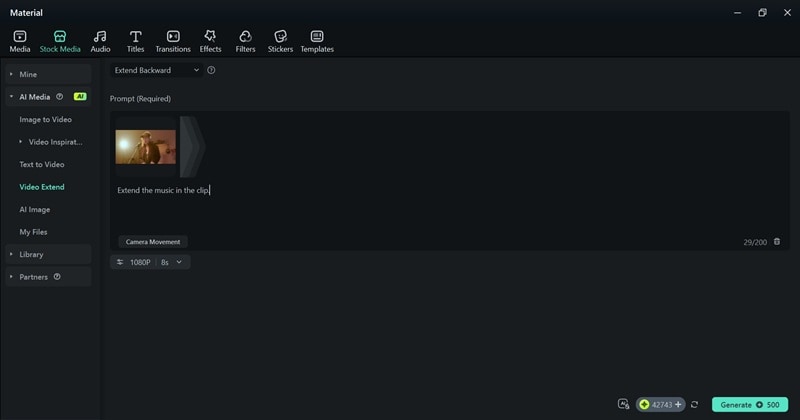
Why Filmora Makes Music Extension Easier:
- AI Prompts That Understand You: Filmora lets you describe what you want in plain language. Just tell the AI to “add 10 seconds” or “loop this part,” and it smoothly extends your track while keeping the same tone and rhythm.
- Extend Forward or Backward: You can decide where the music grows. With flexible extension options, you can stretch the intro for a slower build or give the outro a little more space so your video ends naturally.
- AI Music Maker That Fits Your Mood: Filmora’s AI Music Generator helps you create custom tracks that perfectly match your video tone, from chill background vibes to powerful upbeat energy.
- Beyond Just an Extender: Filmora isn’t only about lengthening audio. It also brings AI Audio Denoise, Auto Beat Sync, Voice Enhancement, and Audio Stretching together in one creative hub, making it a complete tool for every creator.

 secure download

Part 2. Best Practical AI Music Extenders for Quick Fixes and Fast Loops
As you can see, Filmora can handle everything from music extension to full video edits, it’s easy to see why creators love it. But sometimes, you don’t need the whole studio setup. Maybe you’re just fixing a short clip, looping background music, or extending a simple beat for a quick project.
In that case, there are plenty of AI music extenders online for quick fixes. And below, we'll break down some of the best practical tools to try when you want results right away:
1. Singify AI: Best for Quick and Seamless Song Loops
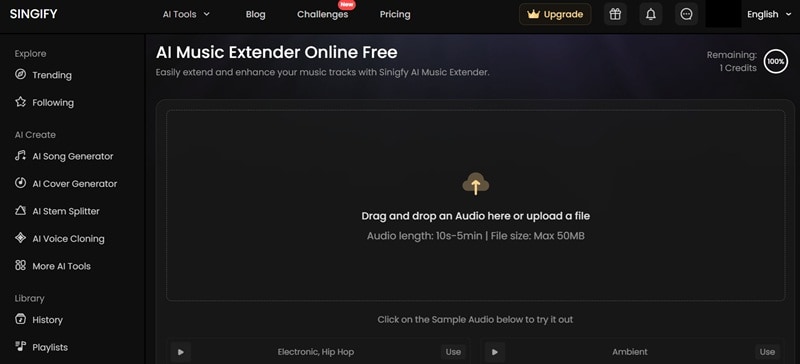
The first AI music extender we'd like to recommend is Singify AI. It’s fast, reliable, and feels effortless for quick fixes. You just need to upload your audio file, hit extend, and the tool automatically adds smooth loops that blend naturally with your original sound.
Pricing: Free version available, with paid plans starting at $8.99 per month.
Use Cases: Perfect for YouTubers looping background music and podcasters extending intros.
Highlights:
- Extends music by up to 30 seconds.
- Supports files up to 50 MB.
- Comes with sample tracks to use across genres.
2. Audjust: Best for Free, No-Login Song Extension
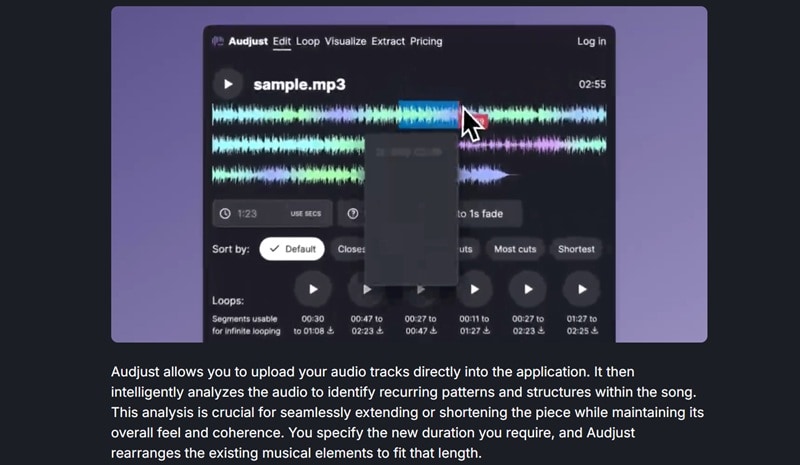
Audjust is another great pick for anyone looking for a simple and reliable AI song extender. Even the free version delivers excellent results for quick music fixes. Just upload your audio, set the duration, and the tool will automatically create a smooth extended version that keeps the same flow and rhythm.
Pricing: Free version available, with paid plans starting at $9 per month.
Use Cases: Ideal for creators who need to extend background music for YouTube, social media clips, or short projects.
Highlights:
- Extend music up to more than one minute.
- Choose from multiple generated versions of extended audio.
- Extract clean, seamless loops with ease.
3. MusicExtend: Best for Simplicity and One-Click Editing
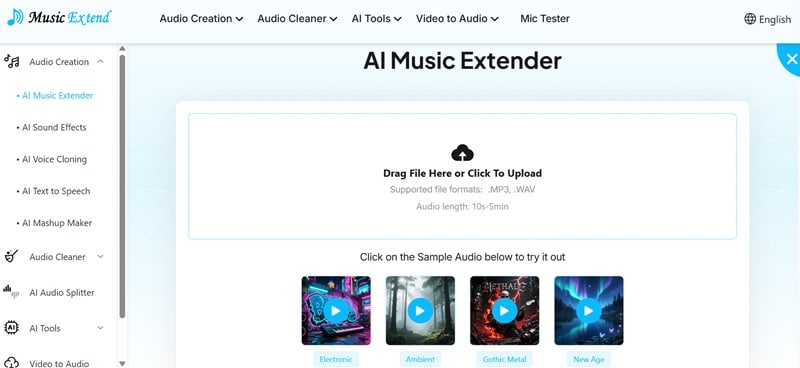
MusicExtend lives up to its name and deserves a top spot among AI music extenders online. What makes it stand out is how you can guide the AI using simple prompts to shape how your extended music should sound. With just one click, it smoothly adds more length to your song while keeping the same vibe.
Pricing: Free.
Use Cases: Perfect for creators who want customizable audio for song ideas, short videos, or background tracks.
Highlights:
- Includes sample audios across multiple genres.
- Supports MP3 and WAV uploads.
- Lets you customize music freely using text prompts.
Part 3. AI Music Extenders Online for Creative Continuations and Pro-Level Sound
Once you’ve played around with the quick tools above, you might feel ready to push things further. After all, some projects need more than a simple loop. They need new layers, fresh transitions, and music that grows naturally instead of just repeating.
If you’re after tools that don’t just loop music but actually create new sections that sound like part of the original, these advanced song extender AI tools will take your sound to the next level.
1. Soundverse AI: Best for Artists Who Want Creative Control
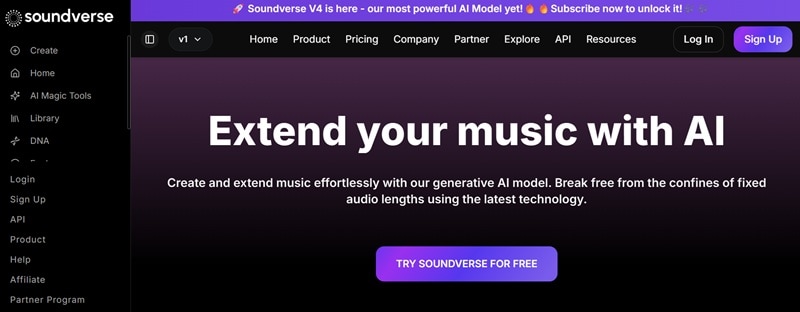
Soundverse AI sits among the most advanced AI song extenders available today. It doesn’t just stretch your audio, it helps you create entirely new musical sections across different genres. You can pick the vibe, instruments, or even use prompts to shape how your extended track should sound.
Pricing: Free version available, with paid plans starting at $12.49 per month.
Use Cases: Ideal for music producers building new ideas, songwriters expanding demos, and creators experimenting with full-length compositions.
Highlights:
- Generate music by choosing genres, vibes, and instruments.
- Use prompts for more personalized control.
- Generate lyrics to match your extended music.
2. ExtendMusic.AI: Best for Realistic, Long Extensions
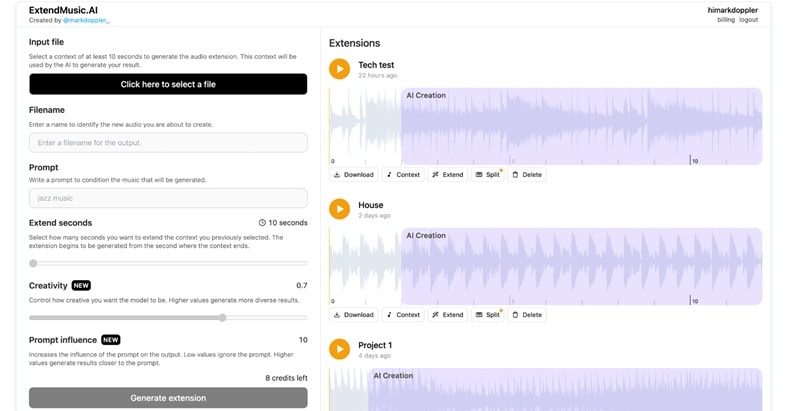
Moving on, another great AI music extender online with strong customization options is ExtendMusic.AI. It uses prompts to lengthen your uploaded track and match the original style as closely as possible.
Pricing: Free.
Use Cases: Great for musicians and sound designers who need longer, realistic music extensions.
Highlights:
- Choose your preferred duration starting from 10 seconds.
- Use prompts to set the genre or overall vibe of your extended music.
- Adjust how closely the AI should follow your creative direction.
3. Vozart AI: Best for AI-Generated Song Length Doubling
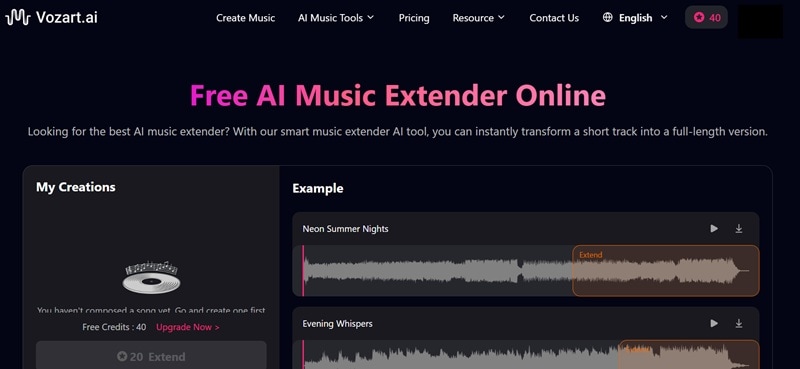
Vozart AI wraps up our list of advanced audio extenders with a strong focus on creativity and flexibility. This platform goes beyond simple looping by letting you build a song from scratch and then expand it using AI. You can create a track, double its length, and even tweak the flow to make it sound fuller and more dynamic.
Pricing: Free version available, with paid plans starting at $12 per month.
Use Cases: Great for background music for videos, podcasts, or games.
Highlights:
- Preview sample outputs before generating your own.
- Choose between smooth looping, extended choruses, or full-length tracks.
- Use prompts to guide the tone and structure of your music.
Part 4. Creative Ways to Use AI Music Extenders in Real Projects
After breaking down all these tools, it’s easy to see how AI music extenders can do more than just stretch a track. They give your sound new life and sometimes lead you to ideas you didn’t expect.
So, to give you ideas for your project, check out these inspiring ways creators are using AI song extenders to make their projects sound bigger, smoother, and more complete.
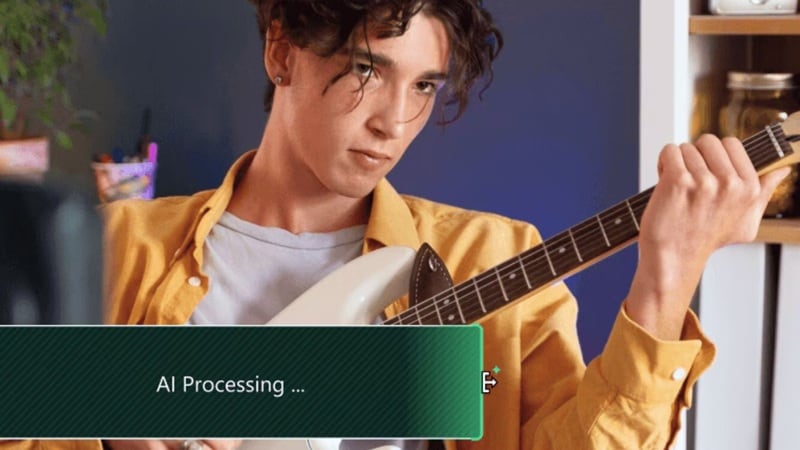
- For Vlog Backgrounds: You can take a short 10-second loop and stretch it to match your travel montage or talking segment. For example, if you’re editing a beach vlog, you can extend a chill lo-fi beat so it carries the same relaxed energy all the way through.
- For Podcasts: With an audio extender, you can keep your podcast sounding clean and polished. It fills quiet gaps, smooths transitions, and keeps the background ambience steady.
- For Music Practice: You can take a short guitar riff or drum groove and turn it into a full practice track. Say you’re working on improvisation, just extend your favorite loop to a few minutes and jam freely without hitting replay every few seconds.
- For Film Scenes: You can stretch a tense string section during a chase scene or hold a soft piano melody through a heartfelt dialogue. It keeps the soundtrack perfectly in sync with the story’s pacing.
- For AI-Generated Vocals: Pair your extended track with AI vocals to create a complete, AI-powered demo. For instance, if you’ve written a short verse, you can extend the background music and let an AI voice carry the full song. It’s a simple yet creative way to bring your musical ideas to life.
Conclusion
There are plenty of AI music extenders online that you can use for all kinds of creative projects. That’s why we’ve rounded up the best ones, from quick tools like Singify, Audjust, and MusicExtend, to advanced options such as Soundverse AI and ExtendMusic.AI. Each tool brings something unique, whether you just want a smooth loop or a full-length remix with new sections.
Out of them all, the best AI song extender that truly stands out is Wondershare Filmora. Its new Video Extend feature works perfectly for extending music while keeping the flow natural and professional. On top of that, Filmora includes powerful AI features like AI Music Generator, AI Voice Enhancement, and smart editing tools that help you fine-tune your entire project after extending your audio.
secure download 