



 100% Security Verified | No Subscription Required | No Malware


 ChatGPT
 Perplexity
 Gemini
 Claude
 Grok
Grok
Social media is all about grabbing attention, and nothing does it faster than a little sparkle. From TikTok dance reels to Instagram fashion edits, glitter effects instantly make videos feel glamorous, fun, and eye-catching. These filters aren’t just trendy—they’re timeless. Whether you want to highlight a party moment, add shine to a makeup tutorial, or simply make your clips look magical, glitter overlays are the perfect shortcut.
In this guide, we’ll look at the best glitter filters available in Wondershare Filmora, walk you through a simple step process for adding them, and share extra tools and tips to make your videos shine on any platform.
Part 1. What Is a Glitter Filter?
Trends come and go on social media, but one effect always finds its way back—the glitter filter. These sparkly overlays turn ordinary clips into dazzling, eye-catching moments. From subtle shimmers to bold spark explosions, glitter filters add a layer of fun, glam, and even magic to your edits.
The Snapchat glitter filter started the craze years ago, with TikTok and Instagram quickly picking it up. Today, creators use sparkles to highlight everything from party nights to makeup tutorials. Glitter effects make celebrations feel more festive and add that extra wow-factor to lifestyle and fashion content.
The good news? You don’t need special apps or heavy editing knowledge. With Wondershare Filmora, you can instantly apply glitter overlays, adjust their intensity, and even layer them for a stronger effect. Whether you’re editing a TikTok reel, an Instagram story, or a full YouTube fashion vlog, Filmora’s glitter resources make sure your videos shine as bright as your creativity.
Part 2. Filmora Glitter Filter Resources
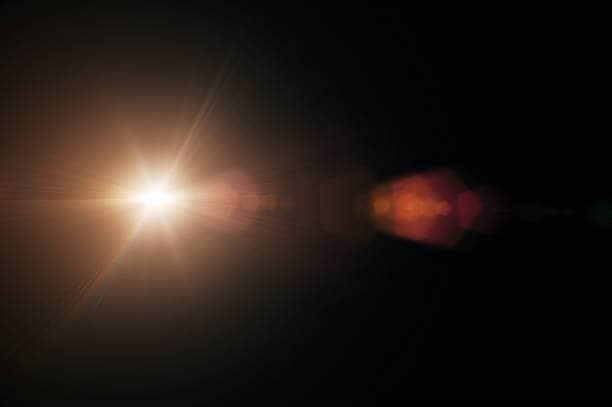
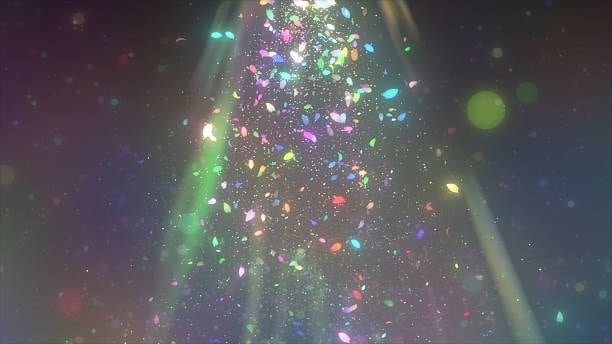
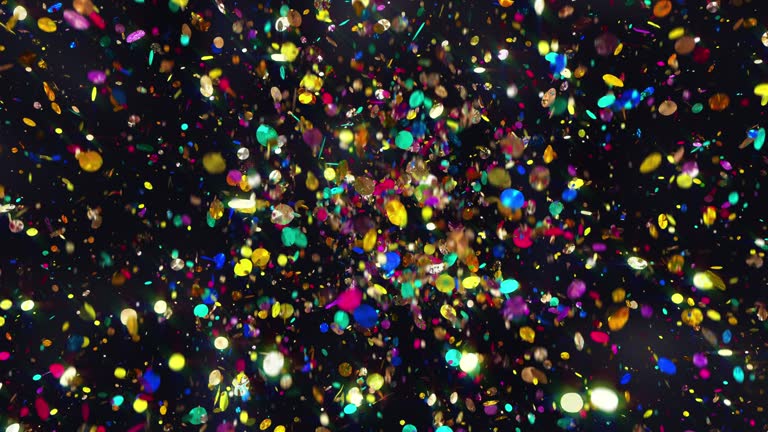
Filmora offers a wide variety of glitter and sparkle effects that are beginner-friendly yet polished enough for professional-style edits. Here are 10 of the best glitter filter options to try:
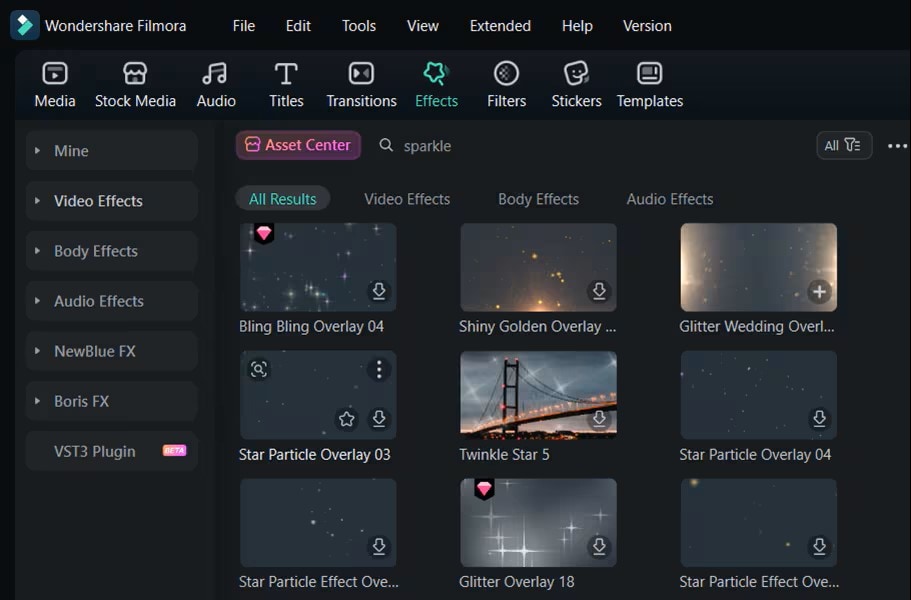
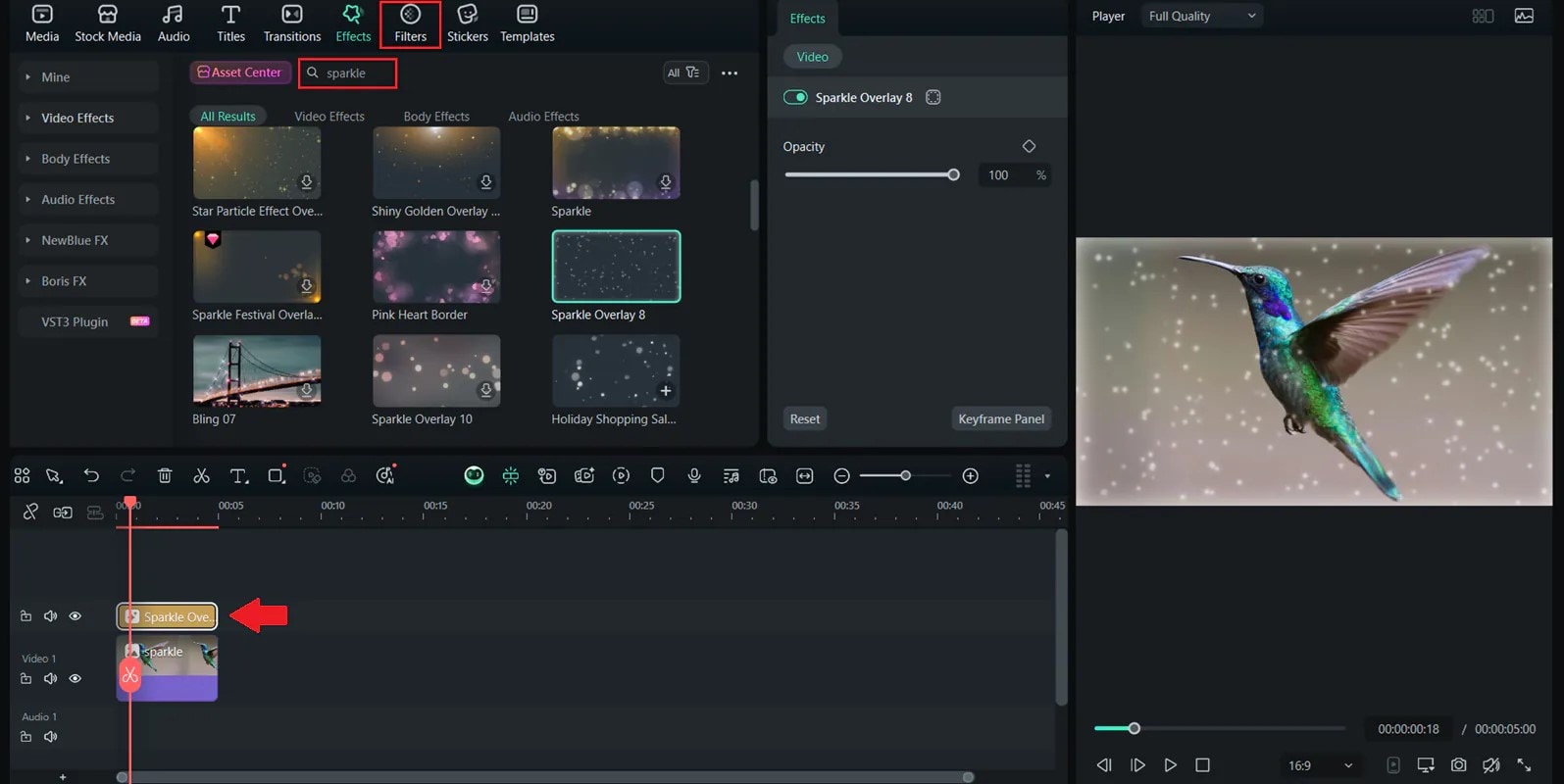



Part 3. Simple Step Guide
Glitter filters may look fancy, but Filmora makes them easy. Follow these five steps:
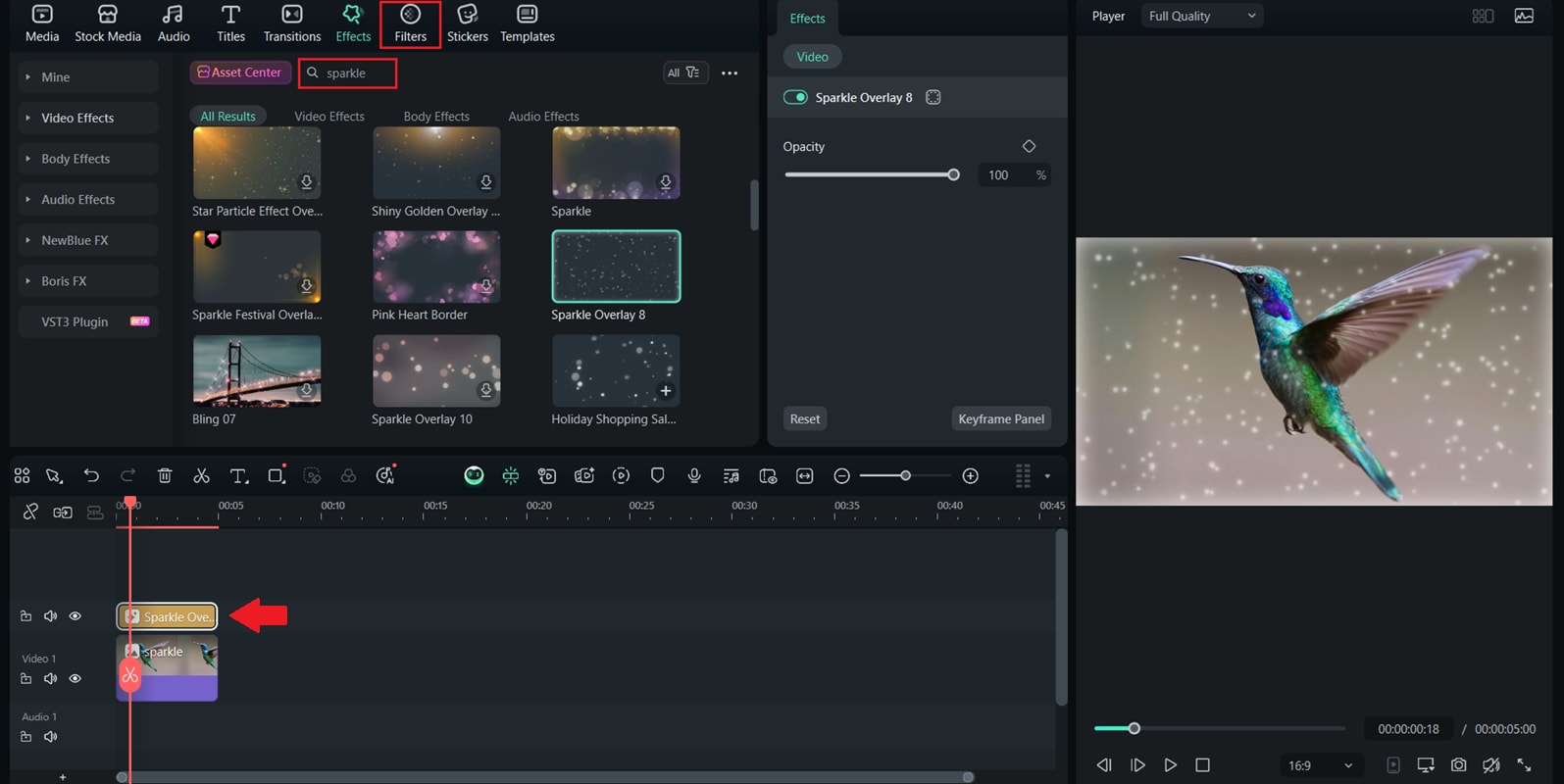
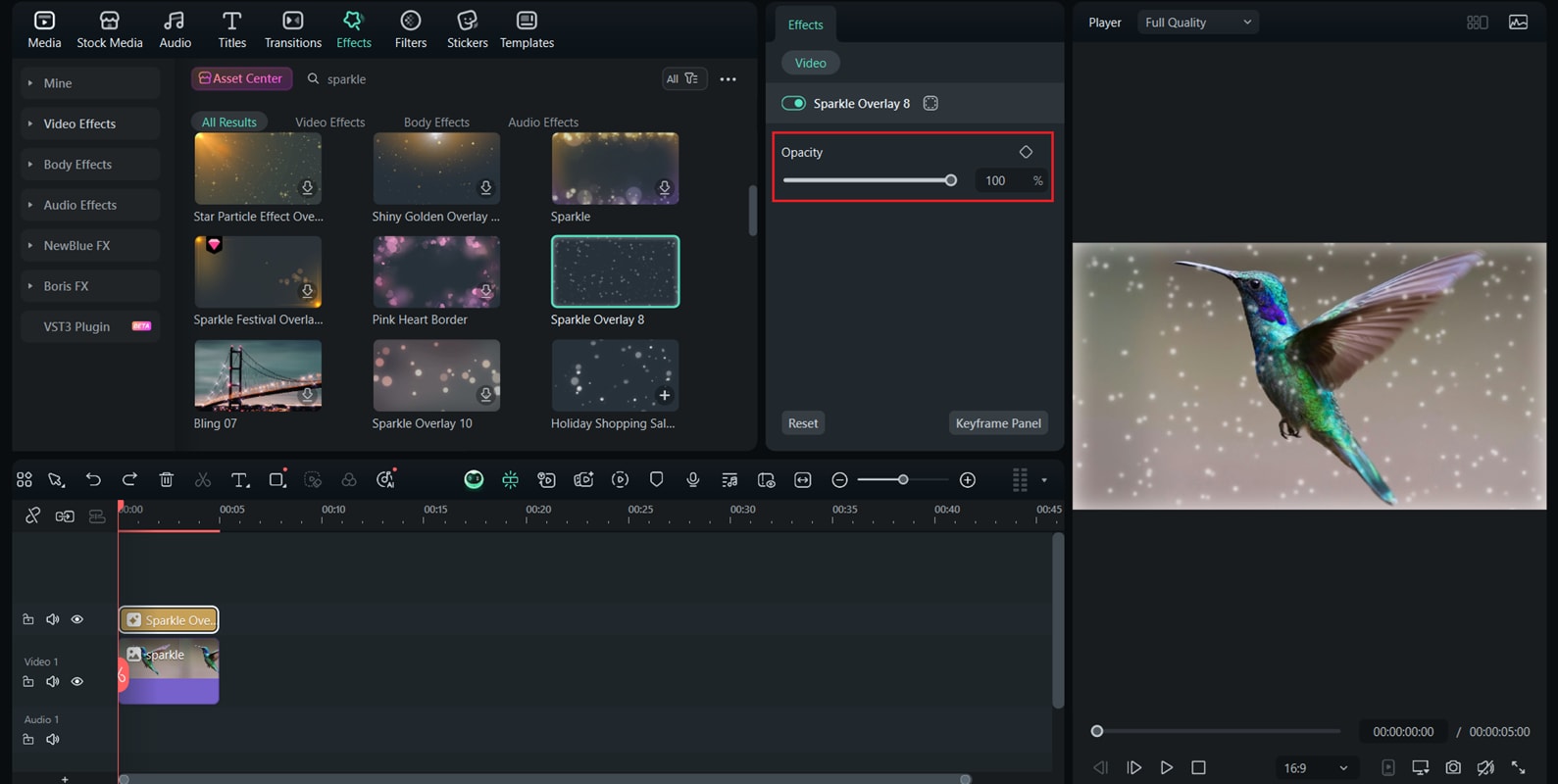
Part 4. Further Info
Other Apps to Try
- Snapchat Glitter Filter – The OG sparkle effect for quick, casual shine.
- TikTok Sparkle Filter – Built-in shimmer for beauty shots and transitions.
- KiraKira+ – Influencer-favorite app for glossy, high-quality sparkles.
Filmora Features to Boost Sparkle Edits
- Keyframing – Animate glitter to grow, fade, or follow motion.
- Masking – Apply sparkles to specific areas (jewelry, makeup, clothing).
- Blend Modes – Use Screen or Overlay to integrate glitter naturally.
Pro Tips for Creative Use
- Use slow motion for extra dreamy sparkle—great for weddings and fashion.
- Pair with upbeat music for party edits and dance reels.
- Keep it balanced—too much glitter can distract from the subject.
- Try darker or warm backgrounds to make sparkles stand out or feel cozy.
Conclusion
The glitter filter is one of the most versatile, fun effects you can add. From subtle shimmer to full-on party sparkles, it helps content stand out on TikTok, Instagram, and YouTube.
With Wondershare Filmora’s glitter overlays and filters, you don’t need extra apps—just drag, adjust, and export for instant magic. Whether it’s a party reel, fashion vlog, or lifestyle TikTok, add some glitter and let your creativity sparkle!
