



 100% Security Verified | No Subscription Required | No Malware


 ChatGPT
 Perplexity
 Gemini
 Claude
 Grok
Grok
The overall feeling, theme, and professional finish of a video comes from the color grading. Adjusting tones could take a very long time, however, LUT filters allow you to change cinematic styles in a few seconds. Whether your video needs soft, warm tones, or bold, cinematic styles, LUT filters quickly change basic video clips to visually professional clips. Using Filmora, LUTs can be applied in a fast, efficient, and easy manner, perfect for creators and beginners.
Intro: What Are LUT Filters?
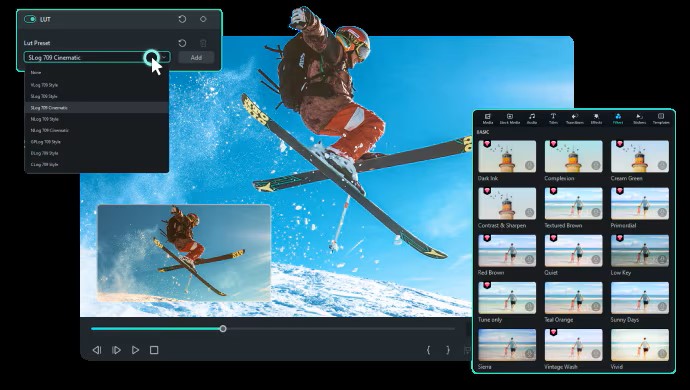
Trends in video may change fast, but color grading has always been the key to cinematic storytelling. One of the most popular tools for this is the LUT filter, short for Look-Up Table. In simple terms, LUTs are color grades that change your footage in a moment. If you need a warm vintage glow, a gritty thriller appearance, or that classic orange-and-teal movie style, LUTs allow you to do that in a matter of seconds.
These tools are utilized in YouTube vlogs, Hollywood movies, and even in wedding films—accompanied with consistent and stylized color to enhance the experience. Instead of spending hours manually adjusting curves and color wheels, you can drop in a LUT filter and get a professional-grade result.
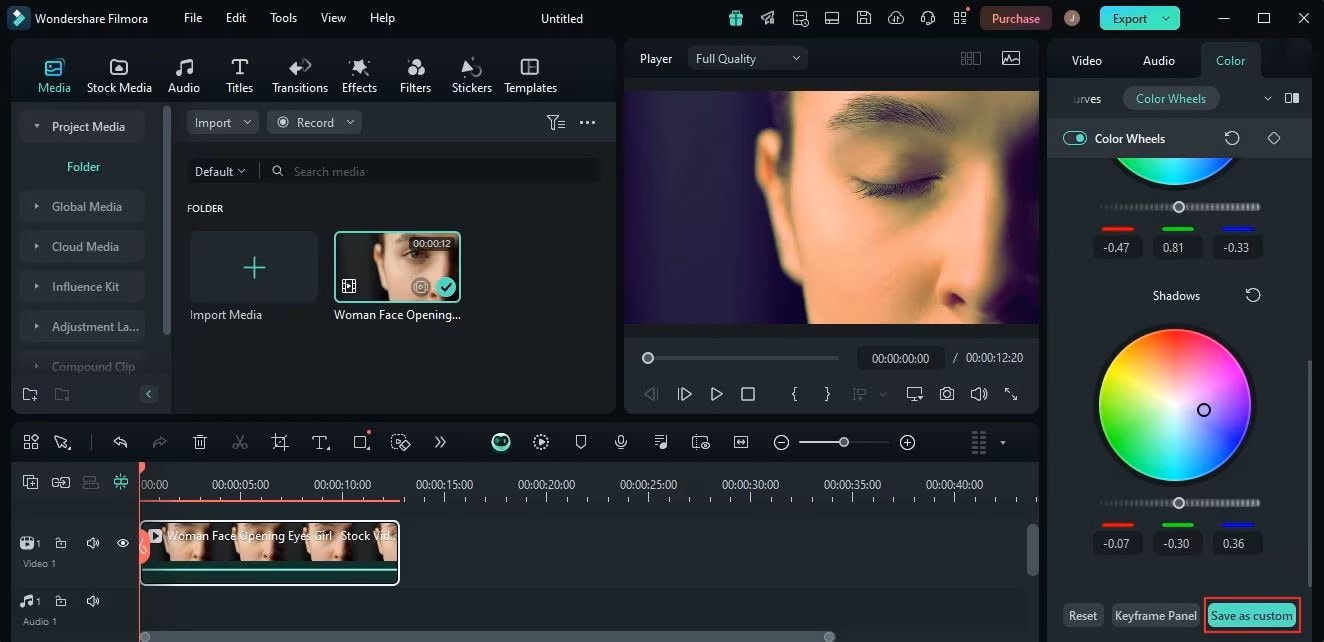
With Wondershare Filmora, you don’t need expensive software to access LUTs. The editor comes with built-in LUT packs and also supports importing external LUT files (like .CUBE). This means you can use Filmora’s presets or import free LUTs you’ve downloaded online to match your creative style.
Part 1. Filmora LUT Filter Resources
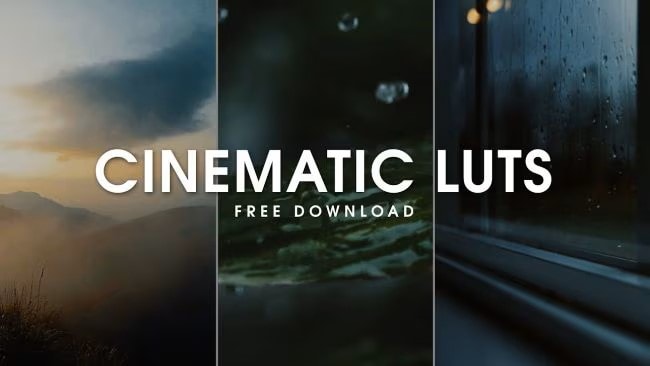
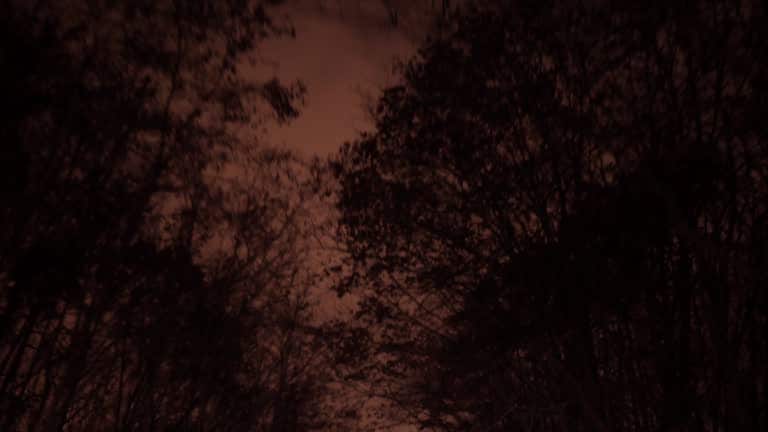
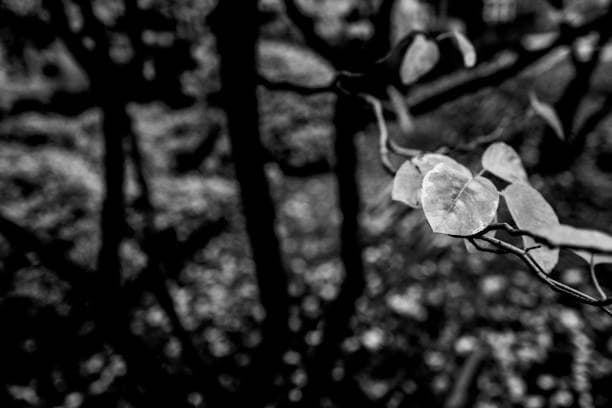
Filmora includes a variety of LUT filters to cover every mood, aesthetic, and storytelling style. Whether you’re aiming for a Hollywood-inspired edit, a nostalgic throwback, or a vibrant travel vlog, LUTs make color grading quick and professional. Here are ten standout options you can use right away:






Part 2. Simple Step Guide
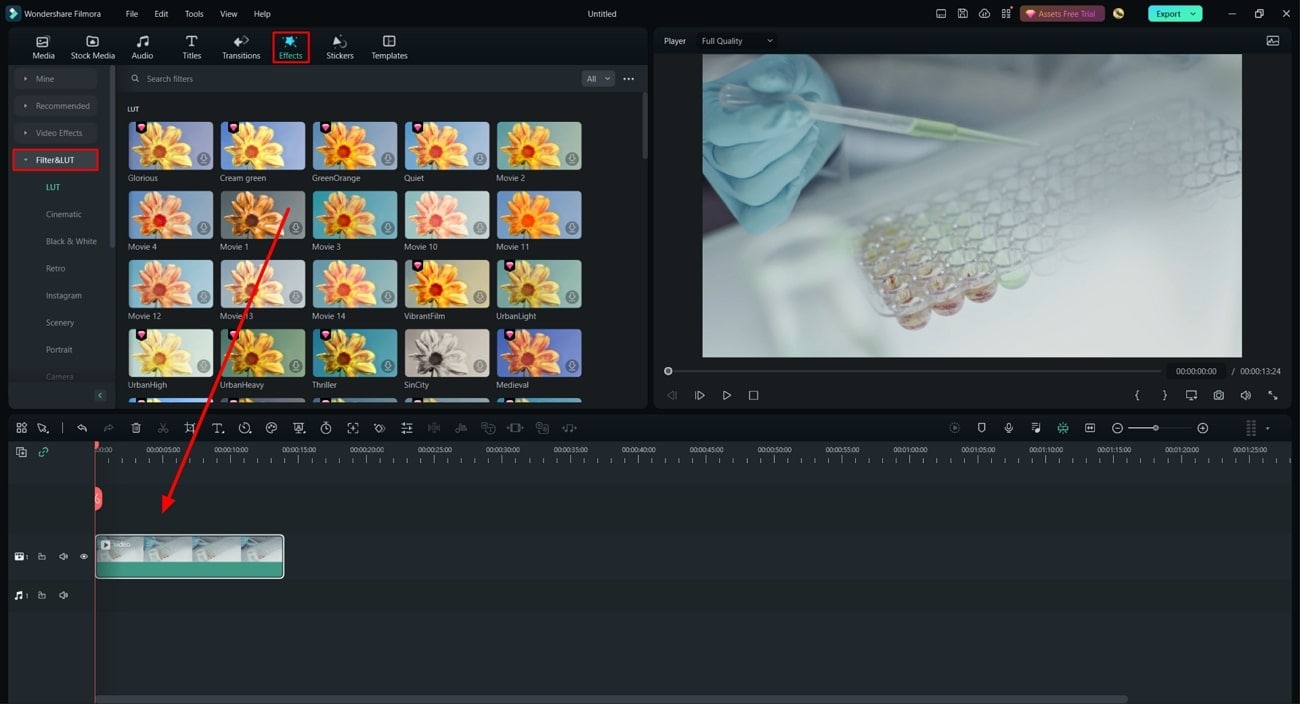
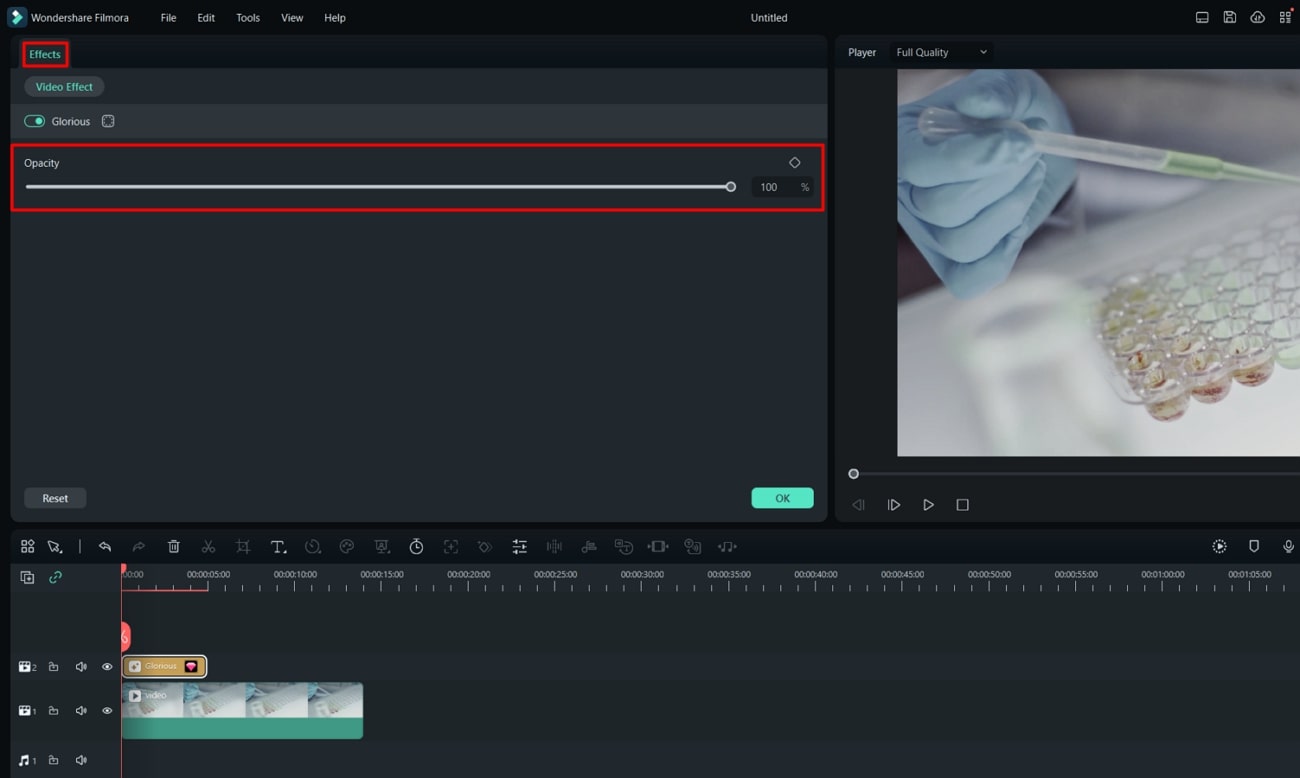
LUT filters may sound technical, but Filmora makes the process beginner-friendly. With just a few clicks, you can transform your footage into something cinematic and polished. Here’s how:
Part 3. Further Info
- Lutify – Premium LUT packs for filmmaking and photography.
- IWLTBAP – Free and paid LUTs for different moods and genres.
- Cinematic Free LUT Packs – Available on Behance and Creative Cloud communities.
Filmora Features to Enhance LUT Grading
- AI Color Match – Apply consistent LUT tones across multiple clips with one click.
- Split-Screen LUT Preview – Compare before-and-after looks side by side.
Pro Tips for LUT Success
- Color correct first (exposure and white balance) for the best LUT results.
- Don’t overdo it—subtle adjustments usually look more professional.
- Match LUTs to your story: warm for joy, cool for suspense, pastel for romance.
Conclusion
LUT filters are one of the fastest ways to elevate your videos from ordinary to cinematic. With Filmora’s built-in packs and custom upload support, you can apply professional-grade color in seconds—no complex workflows required.
Whether you’re editing YouTube vlogs, wedding highlights, or short films, Filmora’s LUT filters help you set the perfect mood. Add features like AI Color Match and Split-Screen Preview, and you’ll have complete control of your video’s look—with unlimited creative potential from imported LUTs.
