



 100% Security Verified | No Subscription Required | No Malware


 ChatGPT
 Perplexity
 Gemini
 Claude
 Grok
Grok
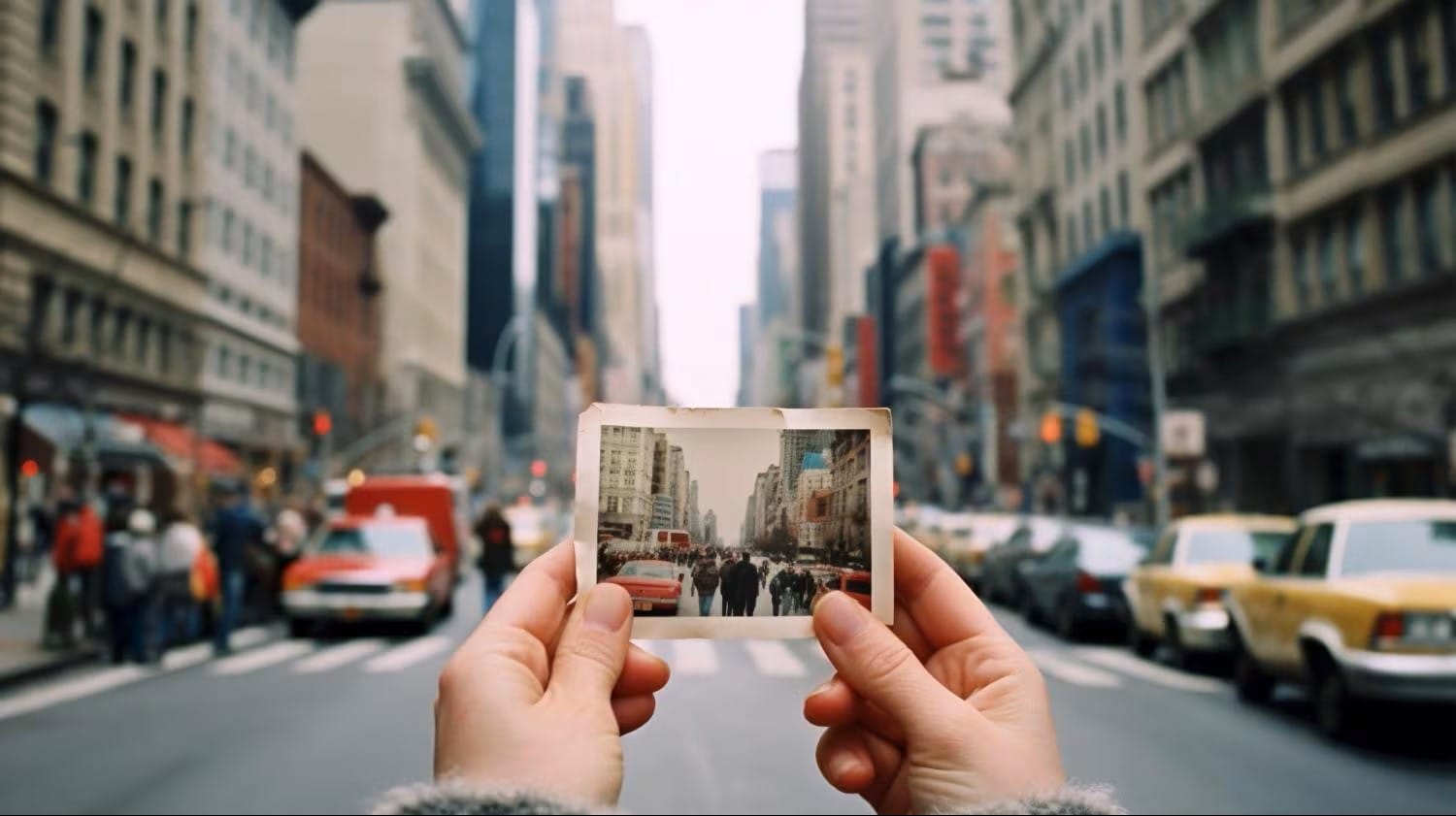
Trends may come and go, but the charm of retro never fades. From TikTok edits to Instagram reels, creators everywhere are turning to vintage-inspired filters to add personality to their videos. Among the most popular choices are polaroid-style effects, which bring back the cozy, nostalgic feeling of instant film.
The good news? You don’t need expensive cameras or physical lens filters to achieve this look. With Filmora’s built-in resources, you can get the same timeless vibe in just a few clicks. In this guide, we’ll walk through the best polaroid filter effects in Filmora, show you how to use them with a simple step process, and share extra tips to make your edits stand out even more.
Part 1. What Are Polaroid Filters?

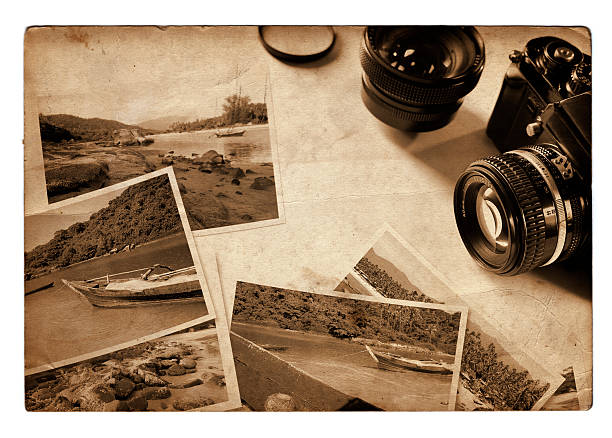
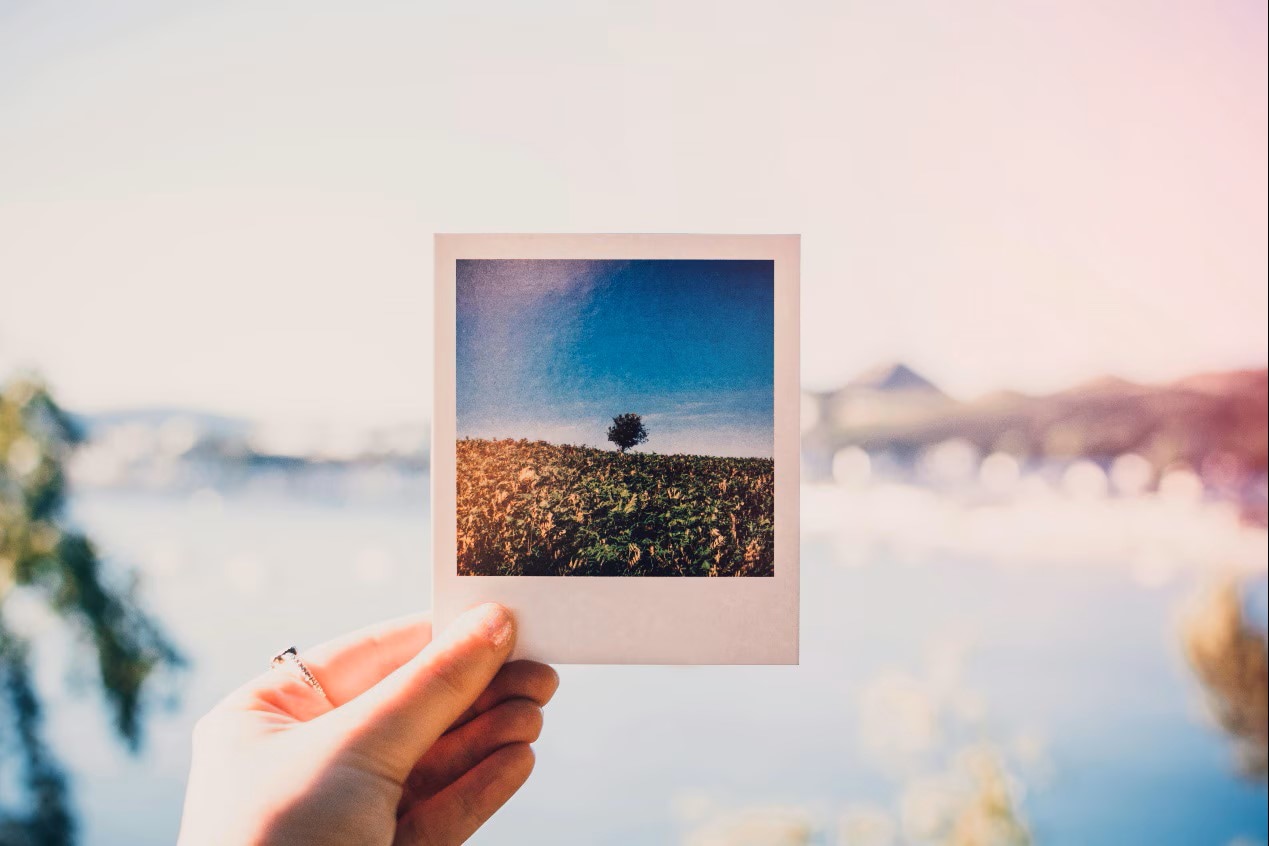
Polaroid filters are retro-style effects that mimic the look of instant film photos. They add a soft, dreamy finish with muted tones, film grain, and vintage borders—just like pictures from a classic Polaroid camera. These filters are especially popular on Instagram and TikTok, where creators use them to add personality and nostalgia to short videos.
Instead of buying a physical polaroid lens filter or using a film camera, you can now achieve the same effect digitally. With apps such as Wondershare Filmora, applying polaroid effects is now as simple as a few clicks. If you want to achieve that aesthetic for Instagram Stories, TikTok edits, or even YouTube vlogs, these filters grant you the ability to snap that instant ‘vintage vibe’ without the extra equipment.
Part 2. Filmora Polaroid Filter Resources
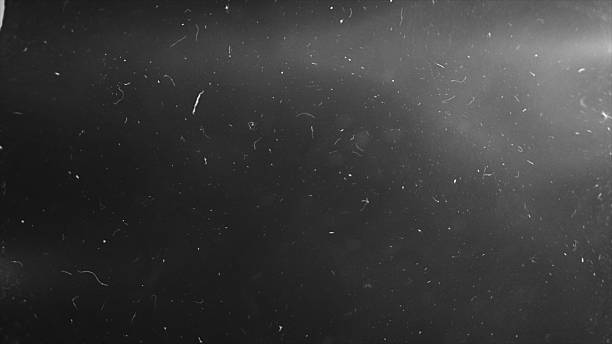
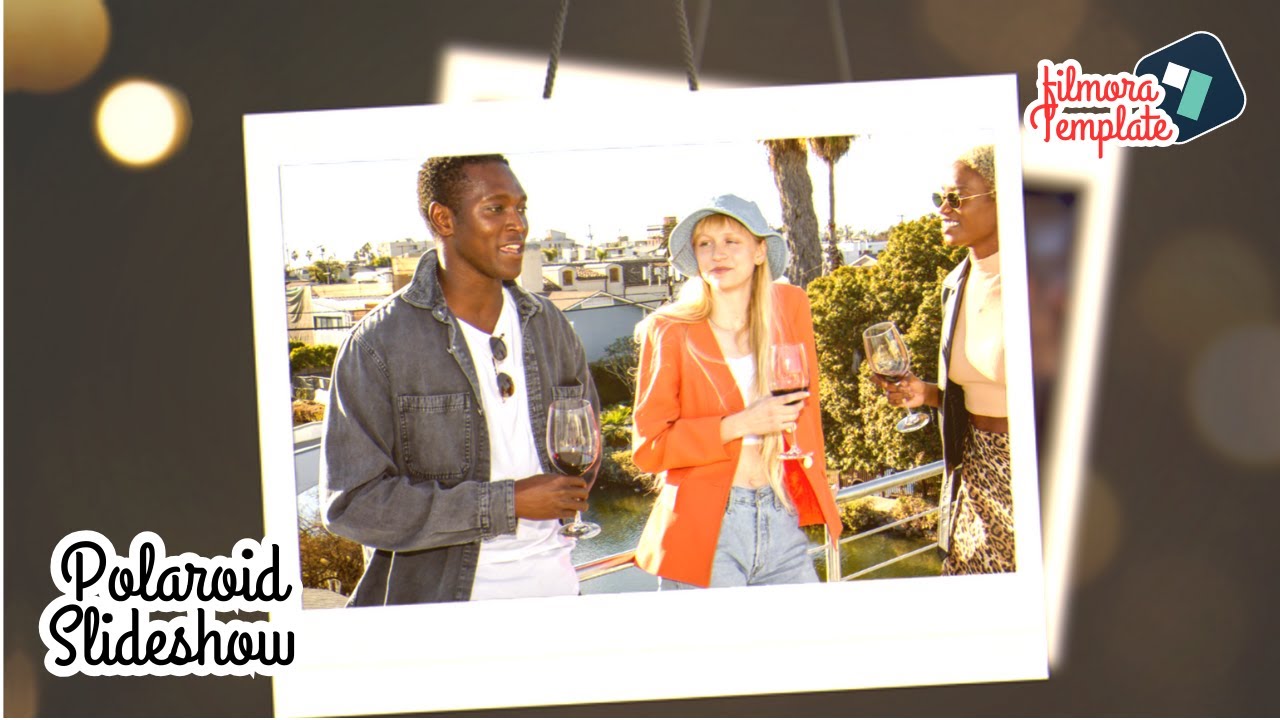
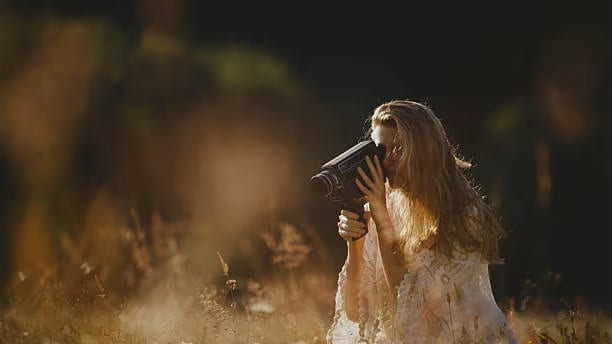
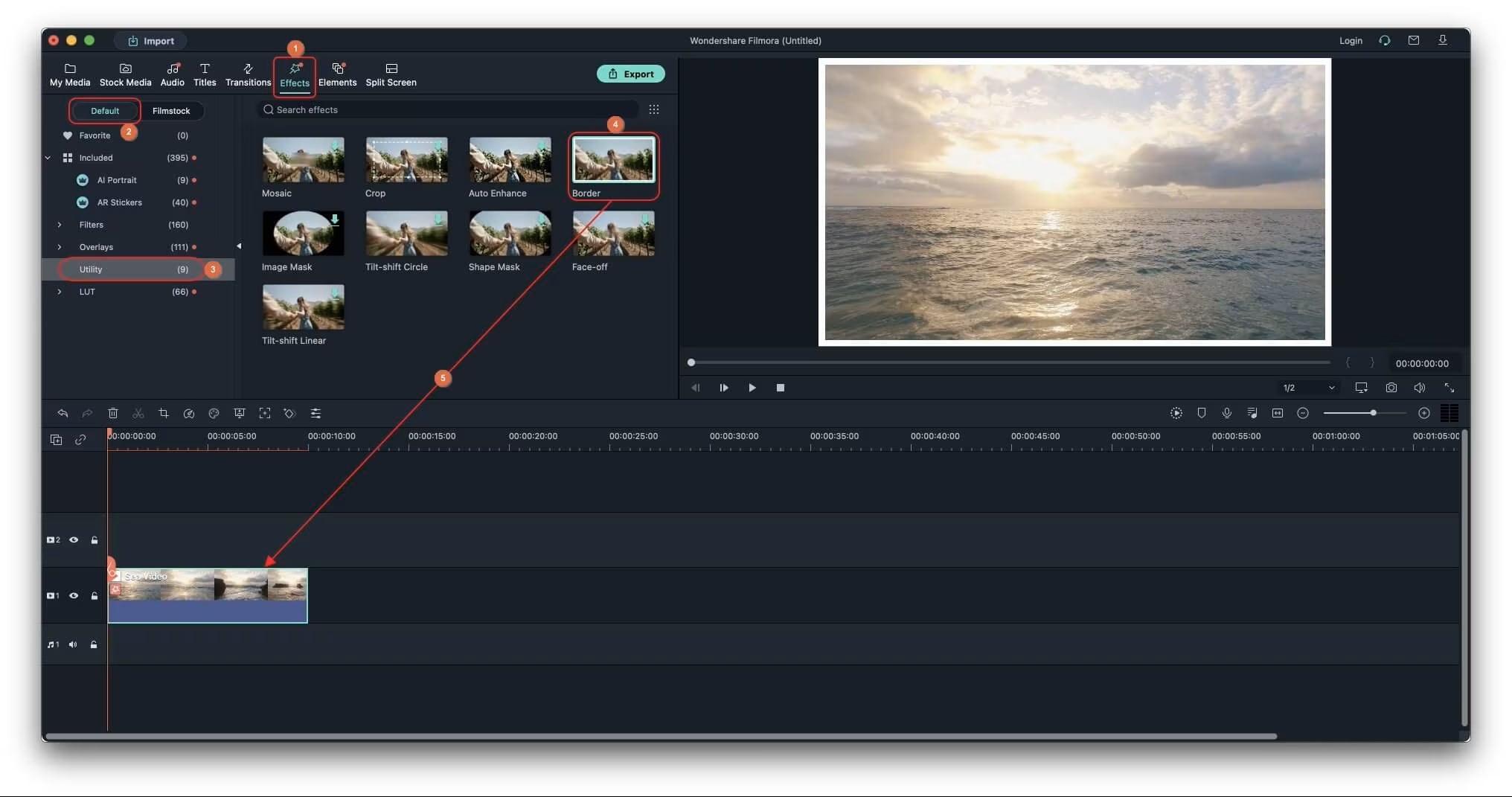
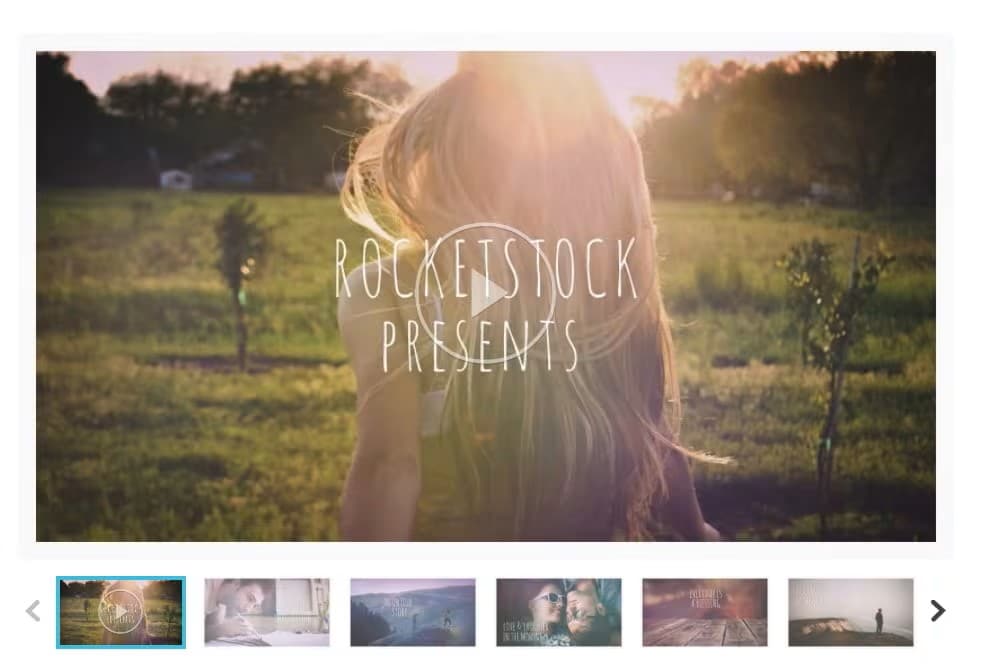
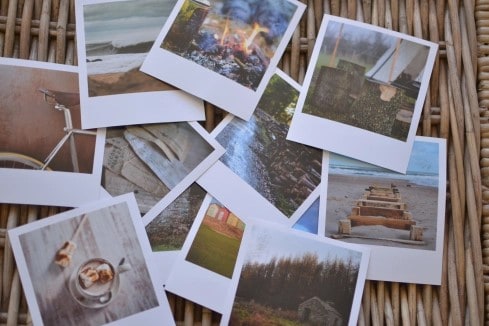
Part 3. Simple Step Guide
Polaroid-style effects may look complex, but Filmora makes them easy. Follow these five steps:
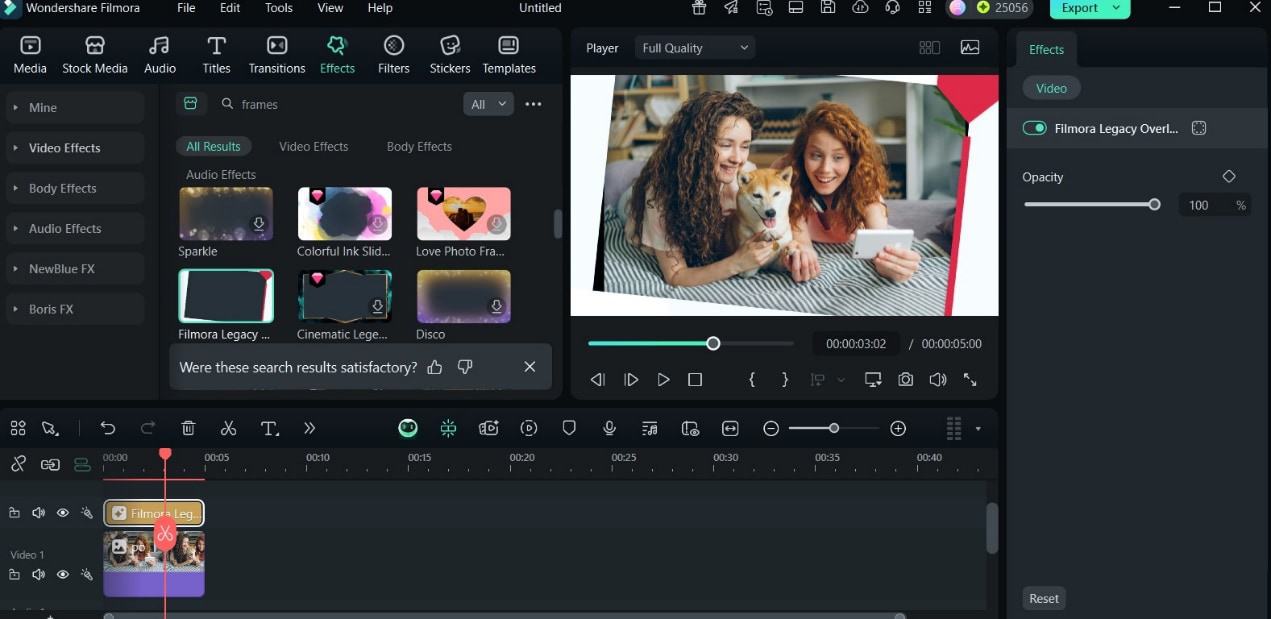
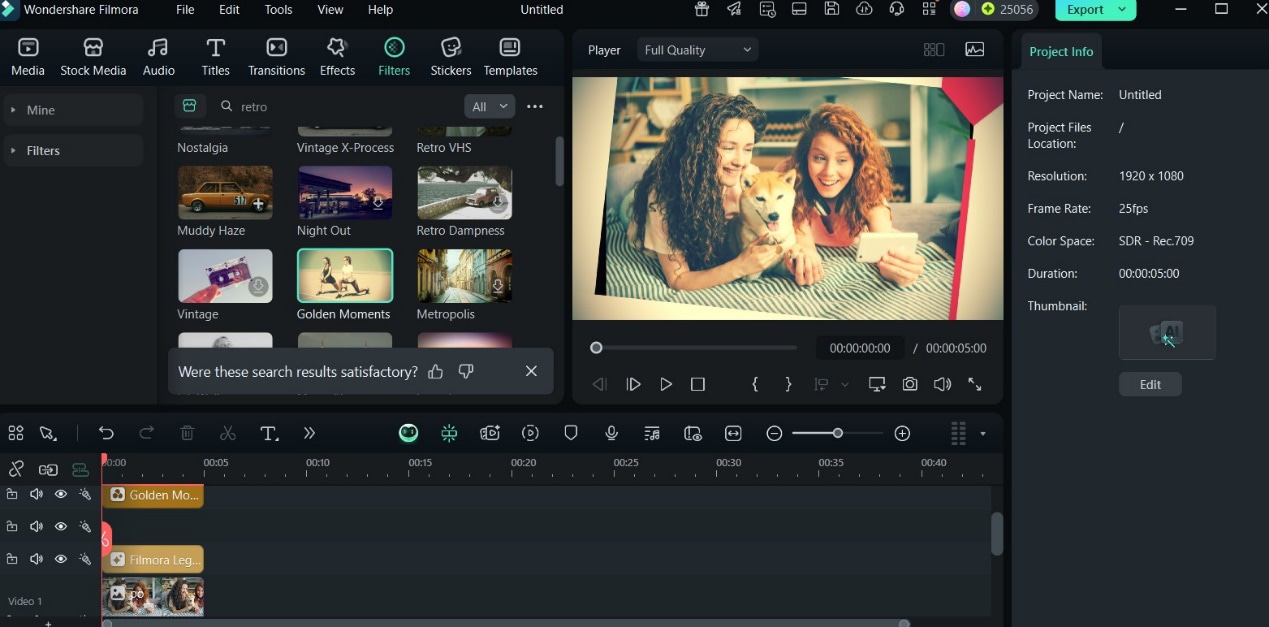
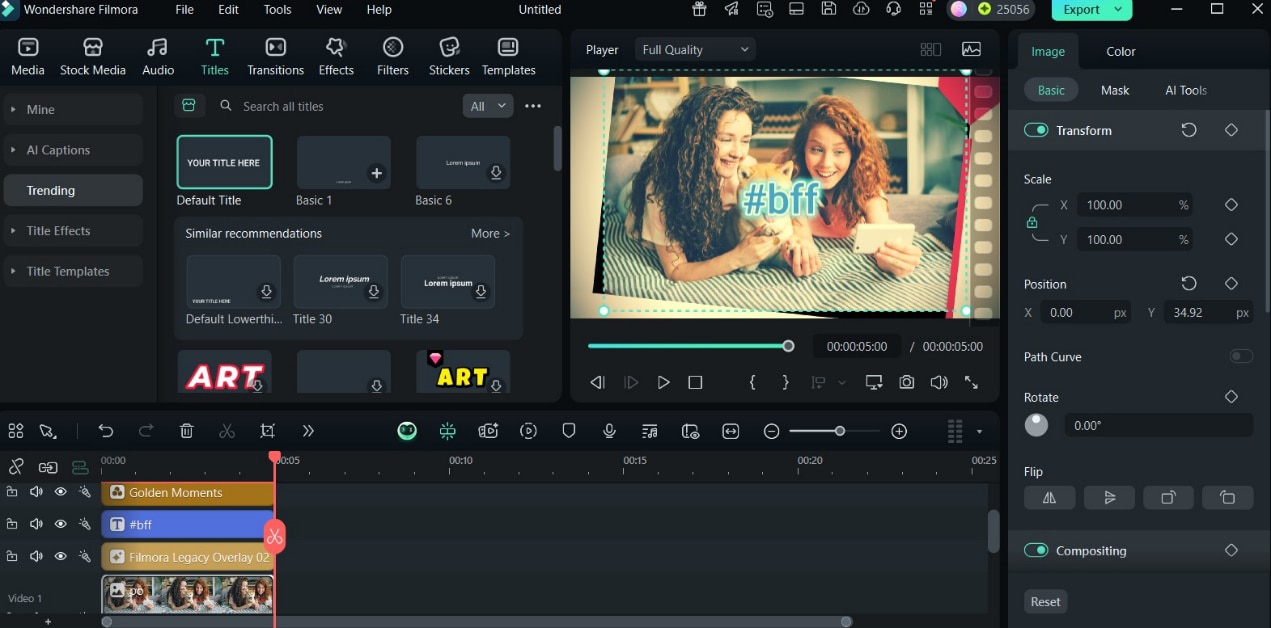
Part 4. Further Info
- VSCO – Retro polaroid-like presets with grain and fade controls.
- Afterlight – Popular instant film borders and analog textures.
- Instagram Polaroid Filter Effects – Built-in camera effects that mimic instant film.
Filmora Features to Enhance Polaroid Style
- AI Color Matching – Keep vintage tones consistent across multiple clips.
- Background Blur – Create soft, dreamy depth-of-field.
- Light Flares – Add cinematic glow to emulate natural film exposure.
Pro Tips for Authentic Vintage Vibes
- Use handwritten-style text overlays to recreate classic polaroid captions.
- Add lo-fi or retro music to reinforce nostalgia.
- Try slow zooms or subtle film-jitter for instant-camera character.
Conclusion
Polaroid filters remain a popular way to give videos a nostalgic, timeless aesthetic. Instead of buying a polaroid lens filter or film camera, you can recreate the look in minutes using Wondershare Filmora’s polaroid-style templates and overlays.
From vintage frames and film grain to warm tones and light leaks, Filmora gives you all the tools to craft Instagram-ready edits and TikTok retro videos with ease. Add captions, music, or collages, and you’ll have digital “instant memories” that feel as magical as holding a real polaroid print.
