

 100% Security Verified | No Subscription Required | No Malware


 ChatGPT
 Perplexity
 Gemini
 Claude
 Grok
Grok
Thanksgiving isn't complete without sharing some laughter and love online. And what's a better way to do that than sending some fun Happy Thanksgiving GIFs? These animated clips can perfectly capture the warmth, humor, and gratitude of the holiday.
We have gathered some of the best animated Happy Thanksgiving GIFs you can enjoy, download, and share this year, and even guide you on how to make a custom one yourself!
In this article

Part 1. Best Happy Thanksgiving Animated GIFs
To make it easier for you, we've categorized these animated GIFs for Thanksgiving based on how you want to share them with, whether it's something classic for family, funny for friends, or cute for someone special.
Classic Happy Thanksgiving GIFs for Your Family and Colleagues
1. Have a Happy Thanskgiving from All Around the World!

2. Gobble ‘Til You Wobble
3. Kick off Thanksgiving with a Dancing Turkey GIF

4. Get Ready for That Turkey Food Coma

5. Happy Thanksgiving from the Whole Harvest Bunch!
Funny Thanksgiving GIFs to Share with Your Friends
6. Throwback to That Iconic F.R.I.E.N.D.S. Episode
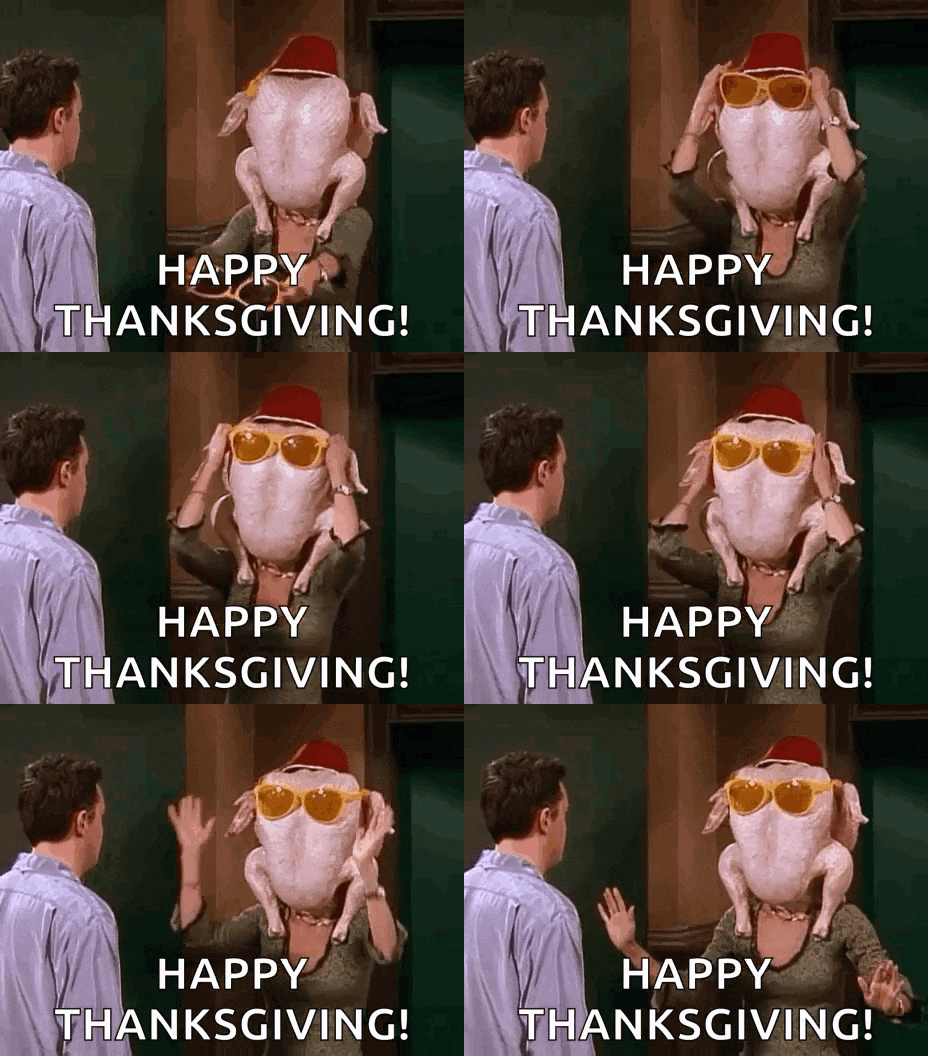
7. Happy Needless Turkey Murder Day!

8. Where's That Turkey?
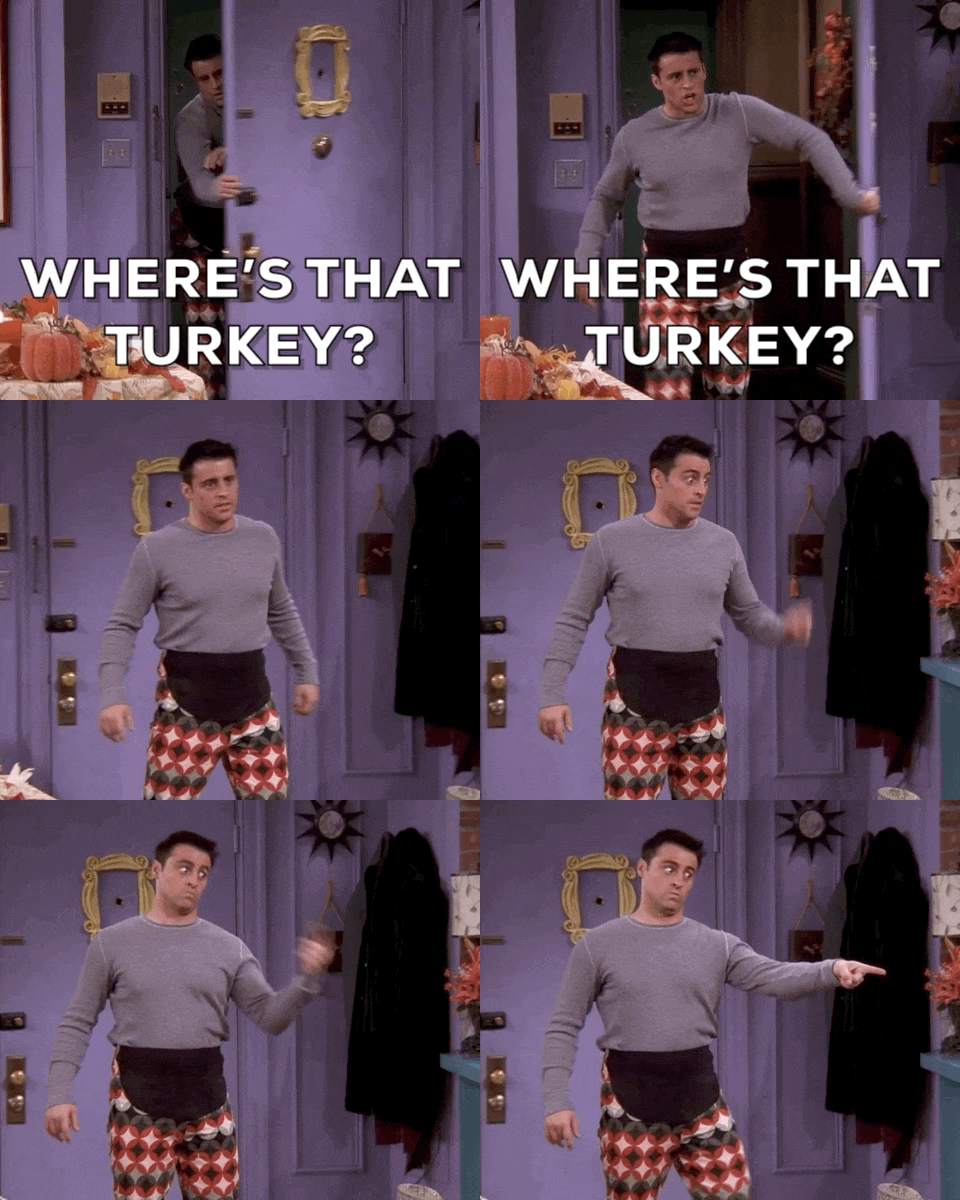
9. Ready for Thanksgiving!

10. Sneering Cat in a Turkey Costume is Wishing You Happy Thanksgiving

Cute Thanksgiving GIFs for Your Boyfriend/Girlfriend
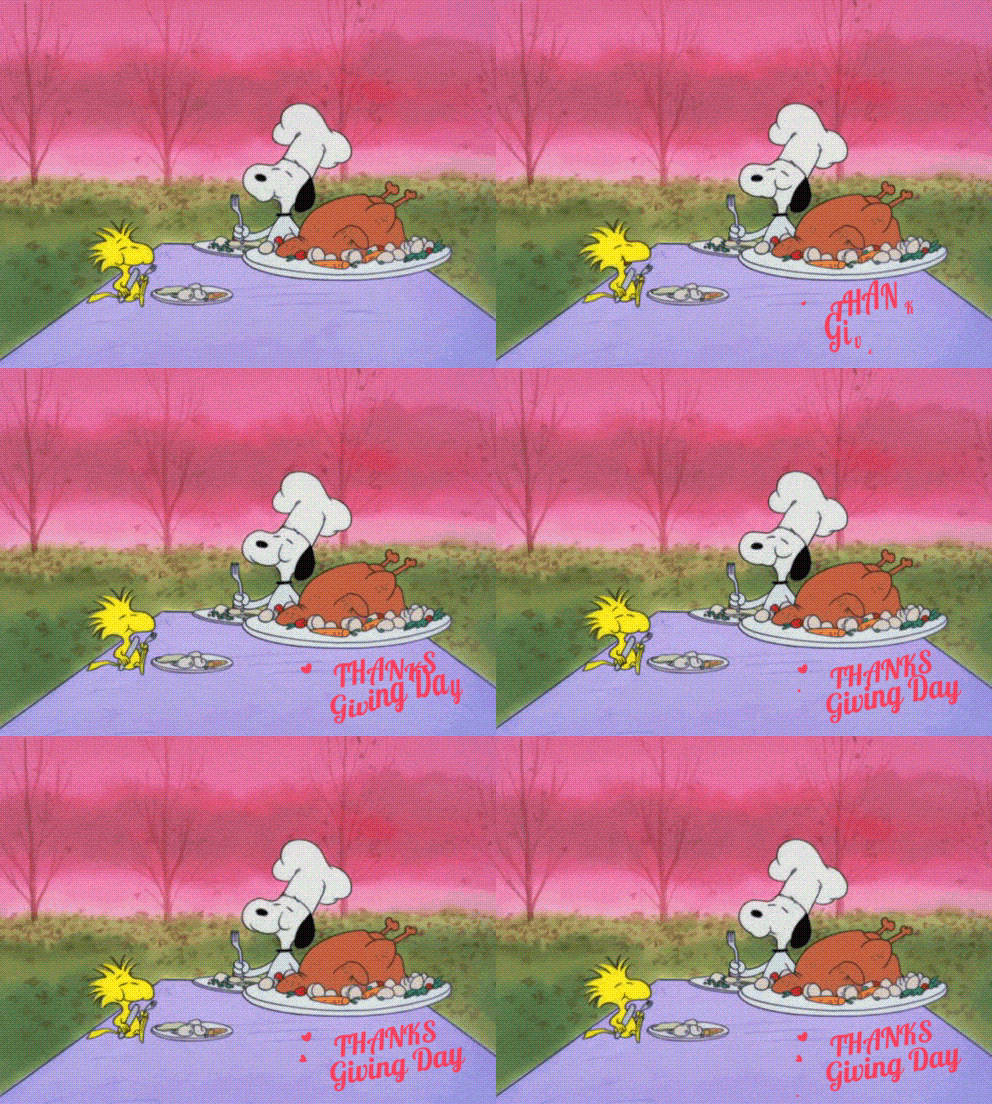
11. Snoopy and Woodstock Eating a Turkey
12. Pusheen is Thankful for You!

13. Even the Cat and Dog Are in on the Thanksgiving Spirit

14. I am Most Thankful for You!

15. Thanksgiving is All About Sharing~❤️

Part 2. How to Make a Custom Animated GIF for Thanksgiving
Did you enjoy our animated GIF for Thanksgiving above? Now it's your turn to make one that's completely your own! You can add a personal message, send a unique greeting that no one has ever seen before, and make it totally yours.
Don't worry about having advanced editing skills; you can make eye-catching Thanksgiving GIFs with ease using Wondershare Filmora. It's one of the best video editors for creating animated GIFs for any special event, including Thanksgiving.
Packed with many creative tools that make editing fun and effortless, Filmora gives you everything you need to design your own Happy Thanksgiving Day GIFs in any style you are after:
- Creative Assets: Explore a huge library of stickers, filters, and festive effects to decorate your GIF with turkeys, pumpkins, and fall leaves.
- Built-in Overlays and Effects: Easily add seasonal overlays, warm tones, or cinematic filters to give your GIF a Thanksgiving vibe.
- Text Animations and Fonts: Add your "Happy Thanksgiving" message with built-in animated text and stylish fonts that match your theme.
- Easy Layer Control: Arrange and adjust multiple clips, text, and effects with simple drag-and-drop controls.
- Flexible Export: Export your final design as a looping GIF or short video. Ready to share across all your favorite platforms.
 secure download

On top of that, you can also try Filmora's AI Image to Video to make funny Thanksgiving clips from ready-made templates, and turn your photos into short, animated moments full of life.
How to Make a Happy Thanksgiving GIF Using Filmora
Step 1: Import or Create Your Base GIF
You can import a base clip if you already have one prepared. But for this tutorial, we'll use the Image to Video feature to create an animated base from a still image.
- Open Filmora and select the Toolbox Panel. Search for and open the Image to Video feature.

- Under the AI Media panel, go to Video Inspiration and browse through the available templates that match the style of GIF you want to create. For this example, we'll use the "Subject 3 Flowe" template.

- Once selected, click on it and upload your image. Here, we're using a picture of a turkey to match the Thanksgiving theme. Then, hit Generate to start creating your animated clip.

- After the video is generated, you'll find it in the My Files panel. Simply drag it onto the timeline to begin editing and customizing your GIF.

Step 2: Add an Animated Happy Thanksgiving Text Overlay
- Go to the Titles tab and type "Thanksgiving" in the search bar to browse themed text templates. Drag your selected title onto the timeline above your base clip.
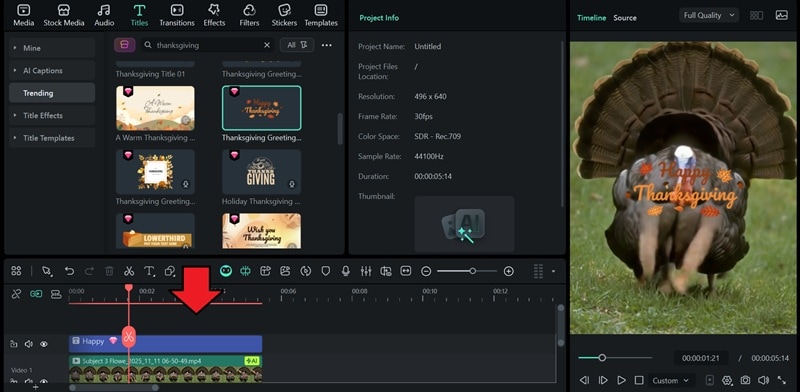
- Select the Title track on the timeline to edit the text. You can also adjust the position, font, color, size, and animation style

Step 3: Enhance with Stickers or Effects (Optional)
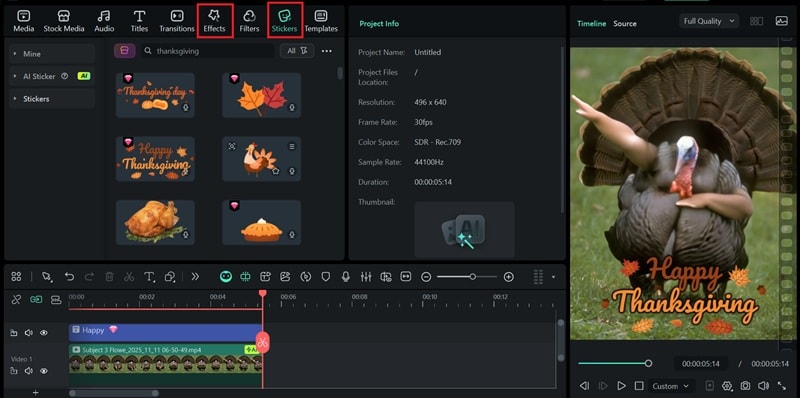
If you want to make your GIF more lively, head to the Stickers or Effects tab. Find any Thanksgiving-themed elements and drag them onto the timeline.
Step 4: Export as a GIF
Finally, click the Export button at the top once you're happy with your edits.
- In the export window, select GIF as the output format.
- You can adjust the resolution and frame rate if needed.
- Then, click Export again to save your animated Thanksgiving GIF.

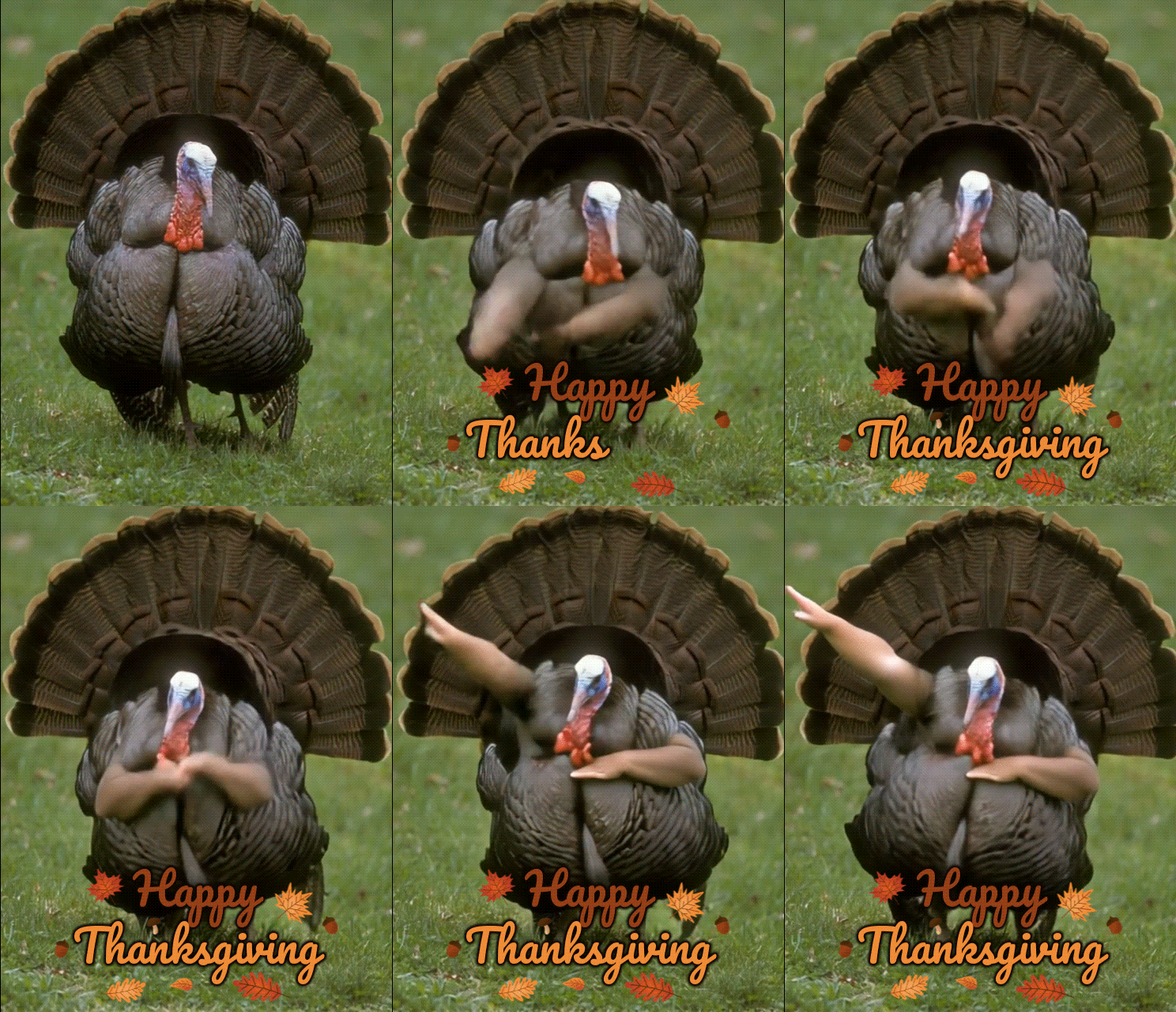
Here is the exported GIF.
secure download
Conclusion
Now, you're not short on animated Happy Thanksgiving GIF ideas to share with everyone you love. Even if you can't find the one that perfectly captures what you want to say or how you feel, you can always make one yourself with Filmora.
With Filmora's AI tools and creative editing features, anyone can create fun, heartfelt, or even funny Thanksgiving GIFs without advanced editing skills. You can turn photos into moving clips with AI Image-to-Video, add animated text that says "Happy Thanksgiving" in your own style, and decorate it with seasonal stickers, filters, and overlays to match the autumn vibe.
