
Movie Poster Text Examples & Guides
Explore popular cinematic text applications and professional typography guides
Loading more movie poster text template examples...
 Category:
 Duration:
 Aspect Ratio:
Everything You Need to Design a Movie Poster Title
A striking movie poster title sets the tone for your entire visual narrative. Filmora provides an extensive library of professional typography and effects. Whether you are generating a classic film poster text or experimenting with a bold movie poster text template, you have everything you need to make your production look like a Hollywood hit. Explore creative assets to match your genre perfectly.
AI-Powered Cinematic Typography Generation
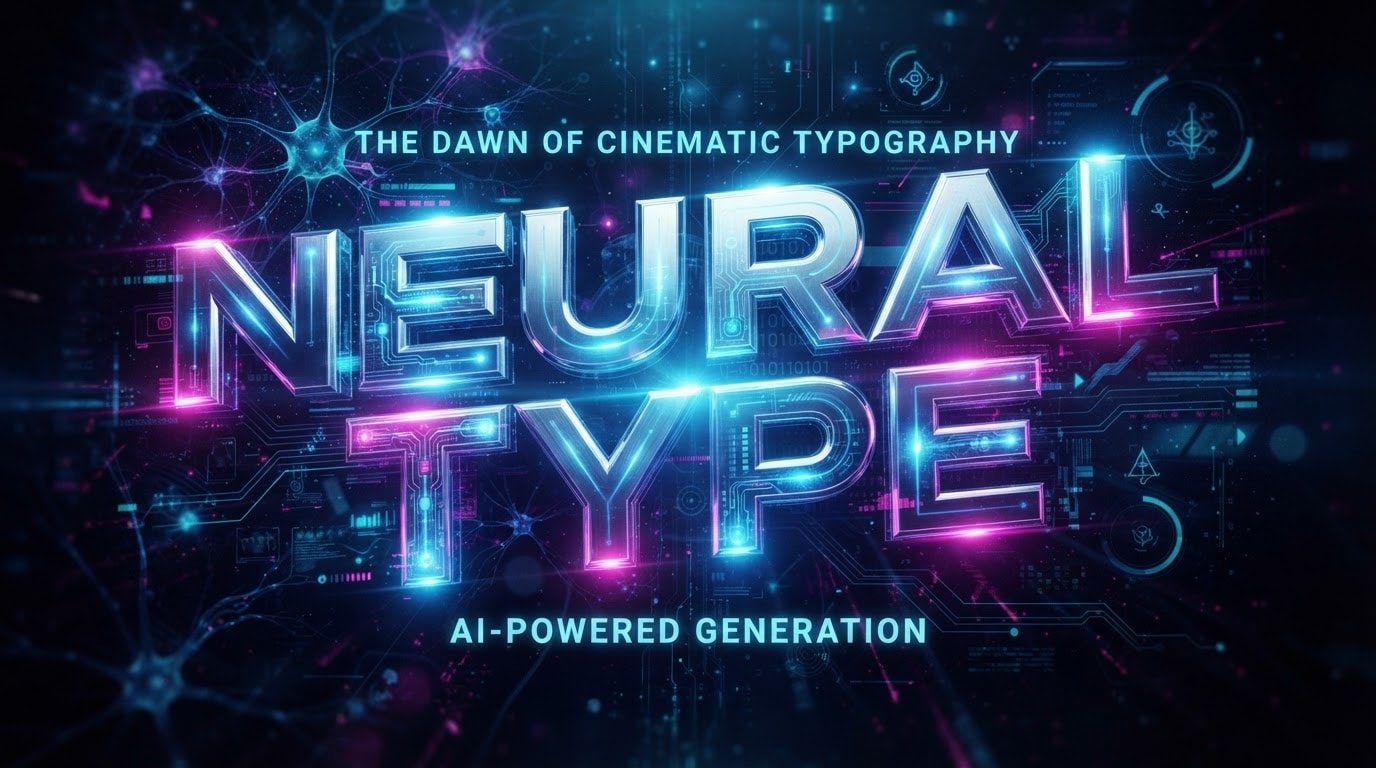
AI-Powered Cinematic Typography Generation
Why scroll through endless fonts when Filmora's AI can do the heavy lifting? By leveraging advanced models like Nano Banana, you can instantly generate a breathtaking movie poster title that perfectly fits your genre.
- Let the AI Copywriting feature craft the perfect film poster text for your storyline.
- Switch between internal models to achieve different visual aesthetics effortlessly.
- Generate titles that blend seamlessly with your dramatic or action-packed footage.
Dynamic Layering and 3D Text Effects
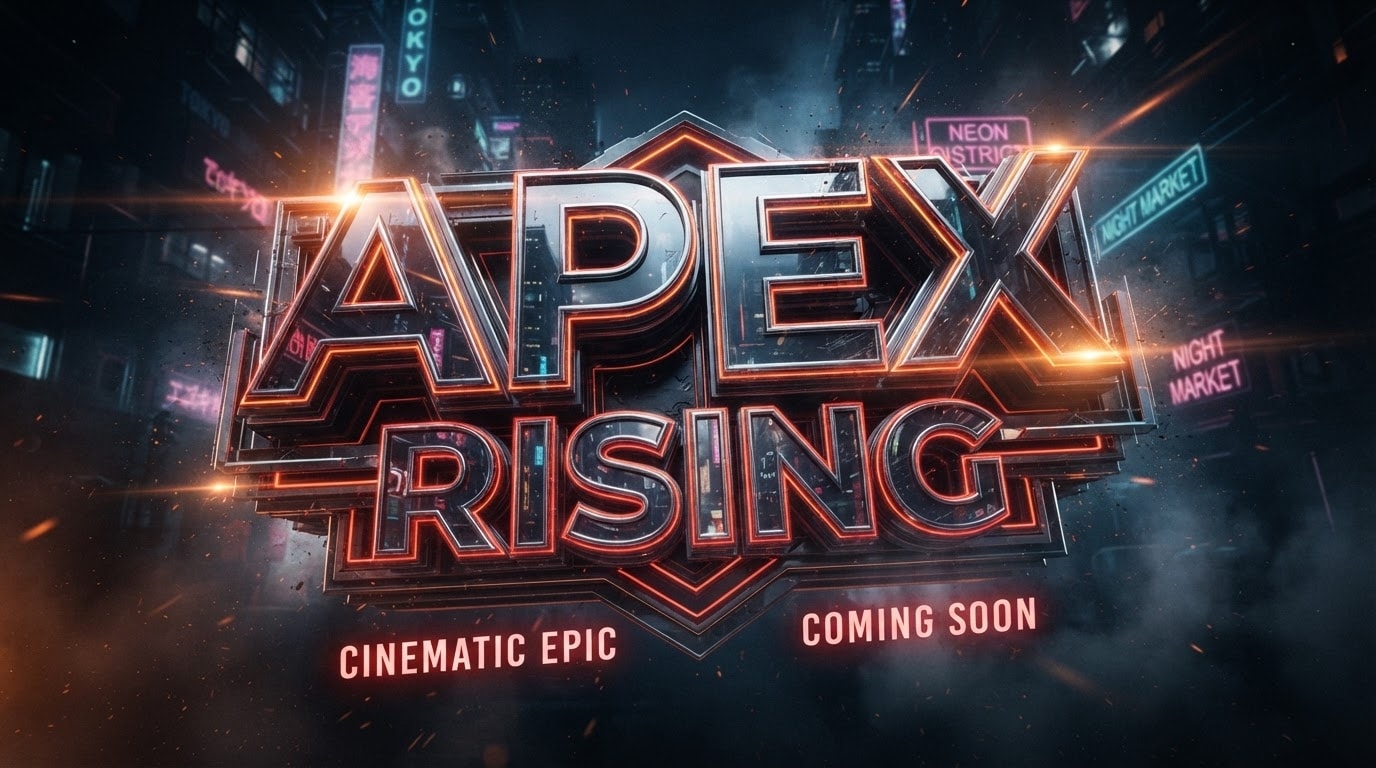
Dynamic Layering and 3D Text Effects
Elevate your movie poster text beyond flat 2D designs. With Filmora, you can apply intricate 3D extrusions, glowing neon outlines, and metallic reflections to make your title pop off the screen. Stack multiple text elements and blend them with immersive video effects to build visually rich intro sequences.
- Seamlessly integrate your movie poster text template into any background environment.
- Apply rich, hyper-realistic materials to your typography for maximum impact.
- Animate your text character by character for a dramatic blockbuster reveal.
Atmospheric Enhancements with AI Assets
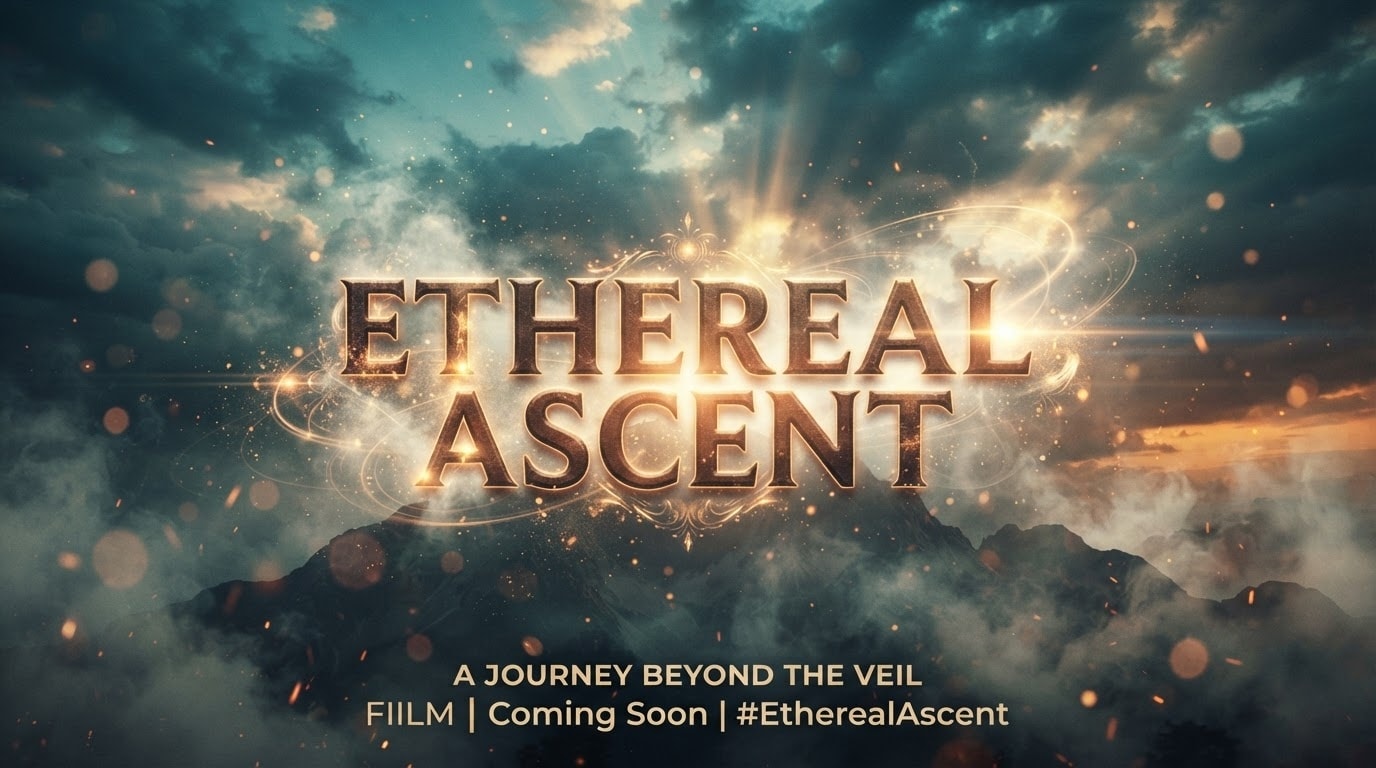
Atmospheric Enhancements with AI Assets
A movie poster title thrives on atmosphere. Enhance your typography by incorporating atmospheric elements generated by the Filmora AI Image Generator. Add cinematic lens flares, fog, or use the AI Sticker tool to place intricate embellishments around your text.
- Easily create fog, smoke, or light rays behind your movie poster title.
- Decorate your text with unique, prompt-generated visual accents to build tension.
- Use the Filmora video editor to color-grade and polish the entire dramatic scene.
Frequently Asked Questions About Movie Poster Titles
How to Create a Movie Poster Title in Filmora
Open Filmora, select a movie poster text template, customize the typography to fit your cinematic vision, and export your epic title sequence.
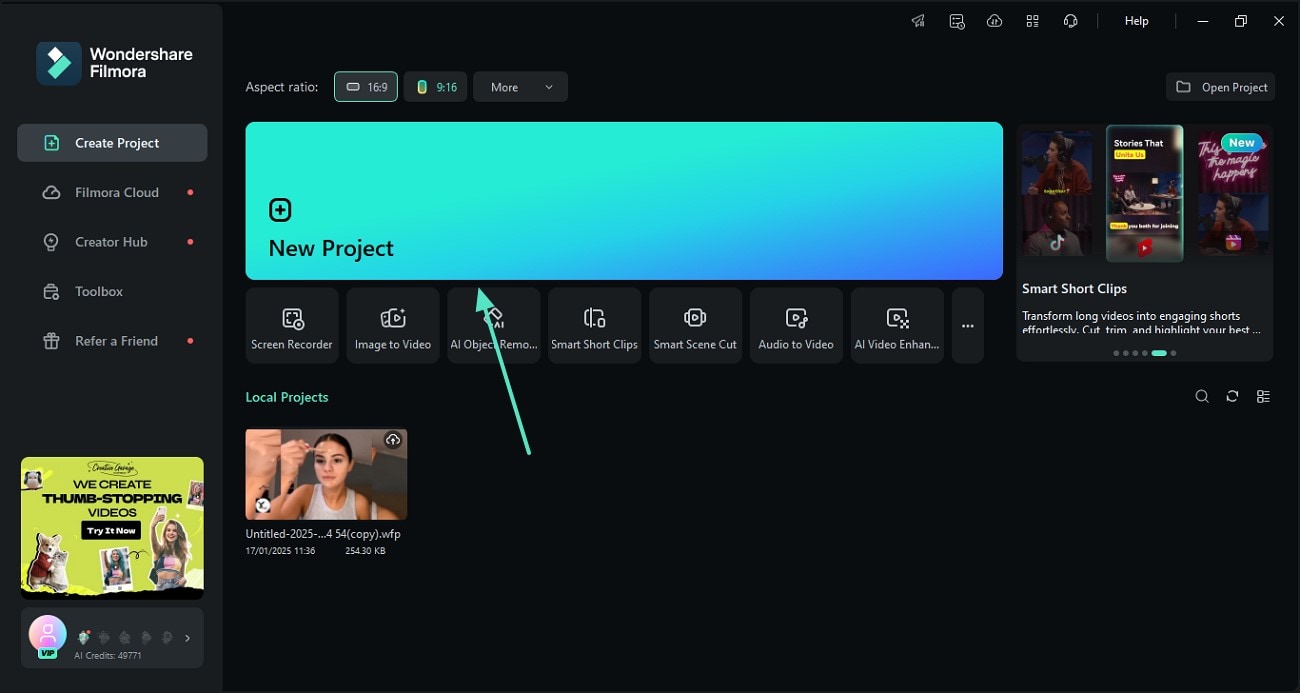
Step 1 Open Filmora and Import Your Cinematic Footage
Step 2 Select a Movie Poster Text Template
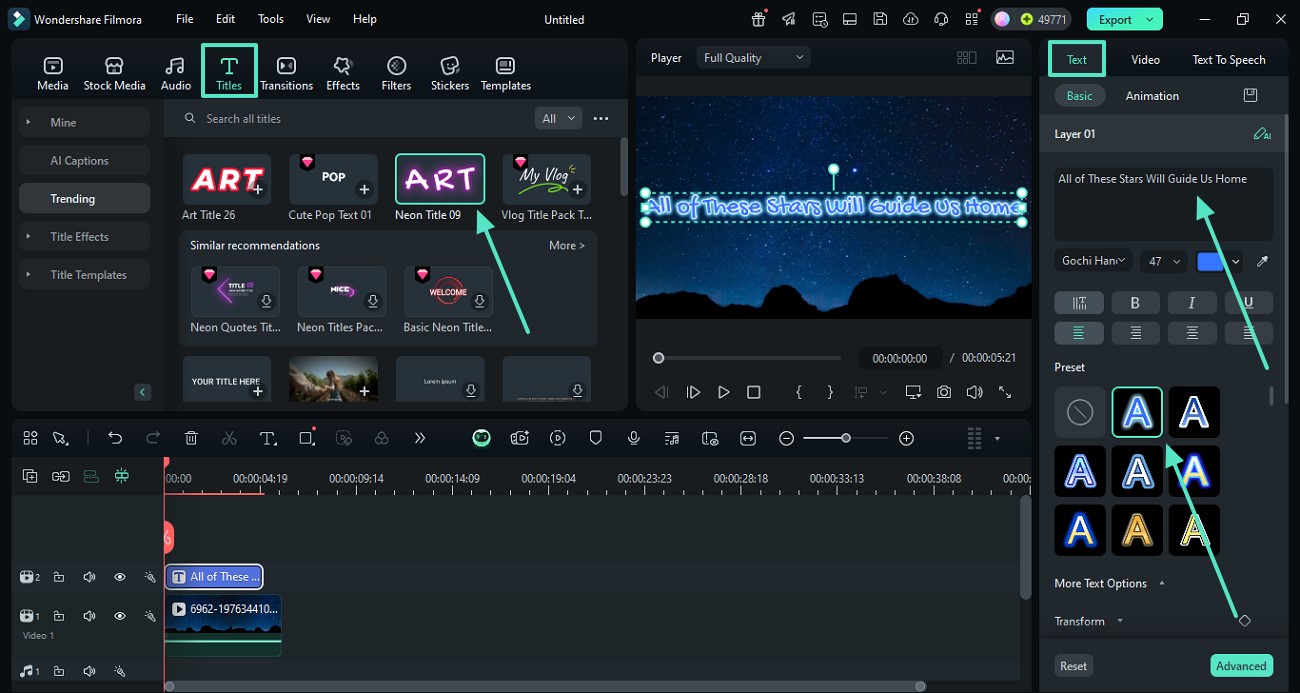
Step 3 Customize Typography and Export
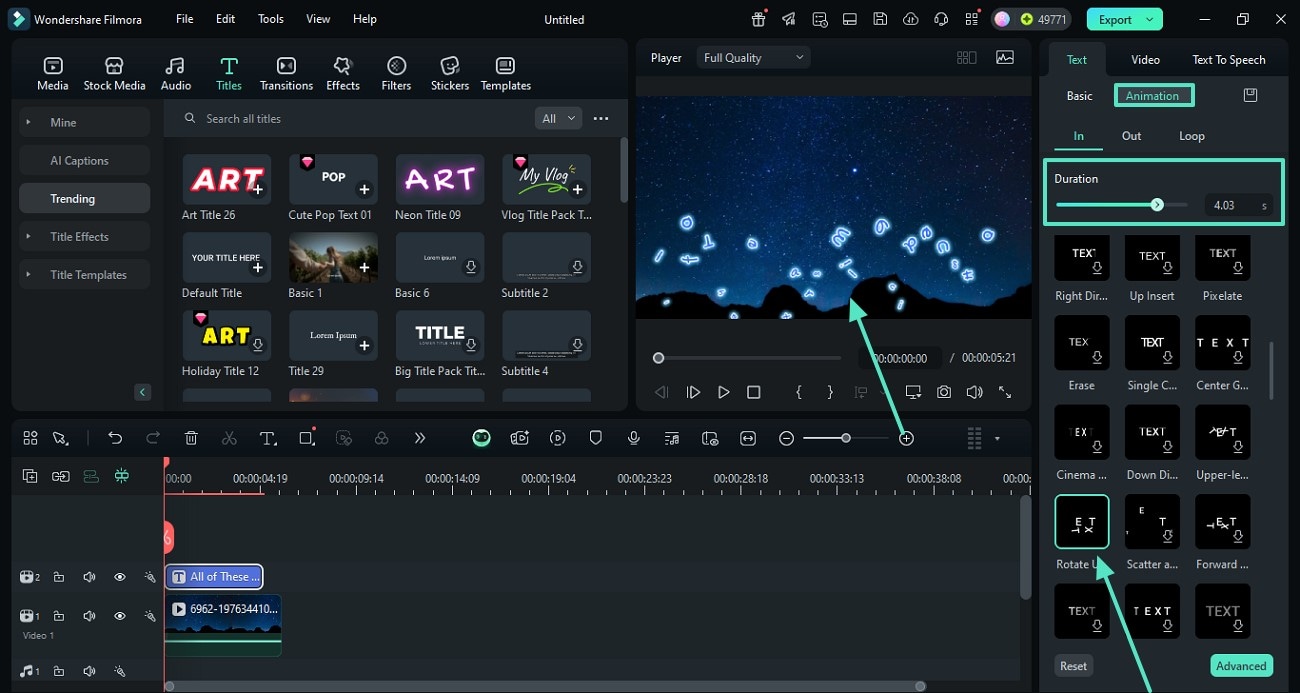
-
1: Open Filmora and Import Your Cinematic Footage
Launch the editor, create a new project, and drop your raw clips into the timeline. Use the robust AI video editing panel to begin crafting your movie poster title effortlessly. -
2: Select a Movie Poster Text Template
Browse through the cinematic library and pick a movie poster text template. Drag it onto your timeline and tweak the film poster text to reflect your movie's bold narrative. -
3: Customize Typography and Export
Adjust the shading, 3D depth, and motion of your movie poster text. Preview the final cinematic impact, then export your masterpiece for the big screen or social platforms.
Elevate Your Edits Beyond a Basic Movie Poster Title
A stunning movie poster title is just the beginning of your cinematic journey. Filmora offers an all-in-one suite to push your creativity further. Enhance the drama by utilizing an AI music generator to score your intro, apply sweeping visual effects, and craft breathtaking atmospheres. With integrated AI generation tools, you can easily produce striking visuals, refine your narrative flow, and build a world that mesmerizes your audience from the very first frame.








