

 100% Security Verified | No Subscription Required | No Malware


 ChatGPT
 Perplexity
 Gemini
 Claude
 Grok
Grok
Black, blue, and green together create a versatile visual language: black brings contrast and drama, blue signals trust and depth, and green adds freshness and energy. When you combine them, you get palettes that feel cinematic, modern, and techy, but can also lean natural and calm depending on how bright or muted the tones are.
For video creators, YouTubers, and designers, a strong Black Blue Green color palette is perfect for intros, lower thirds, thumbnails, titles, overlays, and branding systems that carry across platforms. Below you will find 15 ready-made Black Blue Green color combinations with HEX codes that you can easily apply in Filmora for color grading, graphic elements, and cohesive channel aesthetics.
In this article
Cinematic Black Blue Green Color Palettes
Midnight Circuit Glow
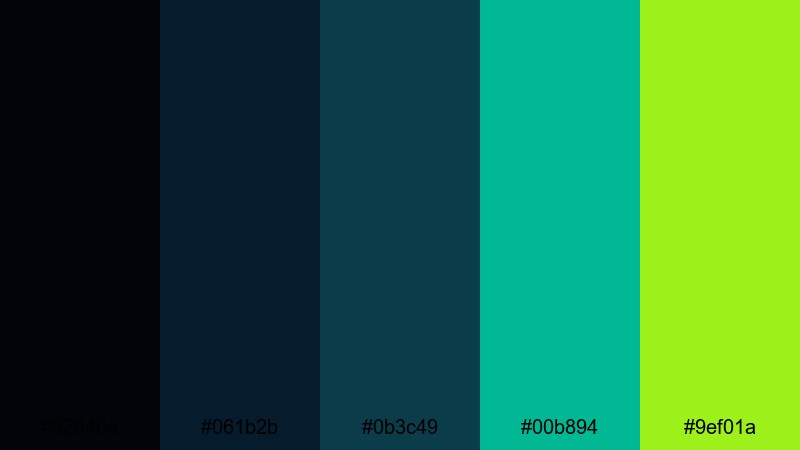
- HEX Codes: #02040a, #061b2b, #0b3c49, #00b894, #9ef01a
- Mood: Futuristic, tense, and cinematic with electric accents cutting through deep shadows.
- Use for: Perfect for tech intros, sci-fi vlog sequences, or dramatic title cards that need a high-tech edge.
This Black Blue Green palette dives into almost-black navy tones and deep teal shadows, then slices through them with neon mint and electric lime accents. It feels like standing in a dark server room lit only by LED strips and holographic interfaces.
Use the darker shades as your base for backgrounds, cinematic color grading, and letterboxed frames, while the bright greens highlight key text, UI-style overlays, and animated callouts. It works especially well for glitch transitions, cyberpunk thumbnails, and bold motion graphics in Filmora where you want a clean but intense tech aesthetic.
Pro Tip: Build a Cinematic Black Blue Green Look in Filmora
To keep this Midnight Circuit Glow palette consistent across your entire edit, start by basing your footage on the dark blues (#061b2b, #0b3c49) and then reserve the neon greens (#00b894, #9ef01a) for accents only. In Filmora, you can color grade your clips so that shadows lean toward blue-black while midtones stay neutral, making any overlays or titles in green pop off the screen.
Create a simple style system in Filmora: use one shade for your main titles, another for subtitles or lower thirds, and a third for buttons or subscribe CTAs. When you reuse that system in intros, b-roll overlays, and social cutdowns, your Black Blue Green visual identity will feel instantly recognizable.
AI Color Palette
If you have a reference frame or thumbnail mockup using this Black Blue Green scheme, you can quickly apply it to the rest of your video with Filmora. Filmora's AI Color Palette feature analyzes the colors in a source clip or image and automatically matches the look across other shots.
Import your hero frame with perfect Midnight Circuit Glow grading, then use AI Color Palette to push your entire timeline toward the same dark blues and neon greens. This keeps your intros, talking-head shots, and b-roll clips visually unified without manual tweaking on every single clip.
 secure download

HSL, Color Wheels & Curves
Once you have the base match, refine your Black Blue Green tones using Filmora's HSL sliders, color wheels, and curves. Slightly darken the blues and cyans in HSL to deepen the shadows, then use color wheels to add a hint of teal into midtones while keeping skin tones natural. Curves let you increase contrast so that bright greens hit harder without crushing detail.
For more control, you can follow Filmora's in-depth color correction guide and adapt the techniques to this cinematic palette. A gentle S-curve and subtle saturation boost in the greens is often enough to give your edit a polished, high-tech finish.
secure download1000+ Video Filters & 3D LUTs
If you want to stylize your Black Blue Green footage even faster, explore Filmora's ready-made filters and LUTs. Many of them lean into teal-and-orange or sci-fi tones that you can adapt by nudging the blues toward navy and shifting accent colors toward green.
Filmora's video filters and 3D LUTs make it easy to test multiple cinematic looks on the same clip, then fine-tune until your blacks, blues, and greens feel cohesive. Once you find a look that fits your brand, save it as a custom preset and apply it to every intro, outro, or recurring segment.
secure downloadDeep Ocean Skyline
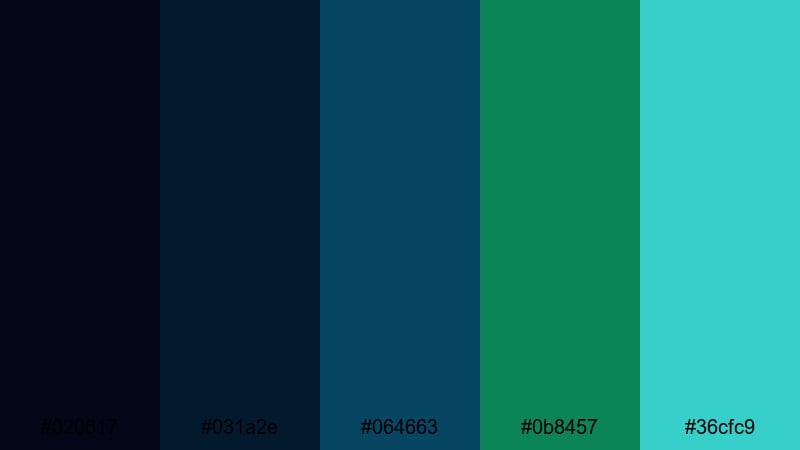
- HEX Codes: #020617, #031a2e, #064663, #0b8457, #36cfc9
- Mood: Immersive, mysterious, and quietly powerful like a city silhouetted over deep water.
- Use for: Use in travel vlogs, underwater montages, or moody city night b-roll to keep visuals rich yet cohesive.
Deep Ocean Skyline blends inky blues with emerald and aqua accents to mimic reflections on dark water. The Black Blue Green mix is cool and immersive, with a subtle glow that feels like distant harbor lights.
Use the darkest blue as your base grade for night footage, then bring in the green and aqua tones in titles, maps, location tags, or animated lines. It is ideal for travel vlogs, cinematic b-roll, underwater footage, and thumbnails that hint at mystery without looking overly neon.
Neon Harbor Night
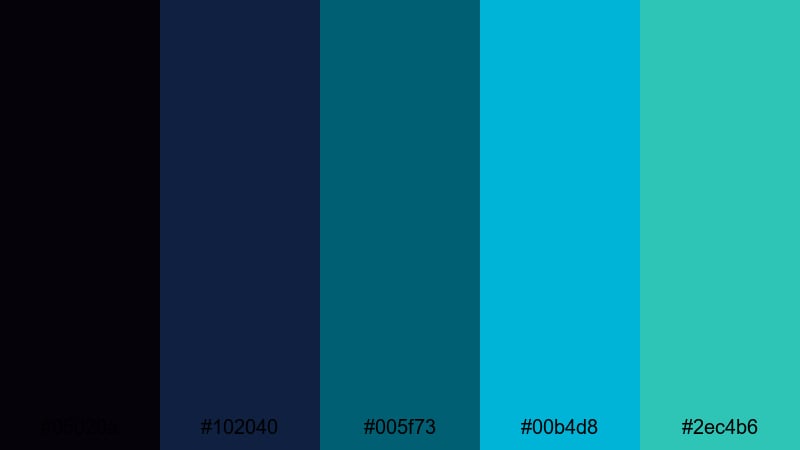
- HEX Codes: #05020a, #102040, #005f73, #00b4d8, #2ec4b6
- Mood: Lively, urban, and energetic with a neon harbor glow.
- Use for: Great for nightlife recaps, music videos, and energetic shorts where signs, reflections, and water play a key role.
Neon Harbor Night takes deep indigo and teal and charges them with bright aqua and turquoise. The result is a Black Blue Green palette that feels alive with reflections, bar signs, and city lights bouncing off wet streets or water.
Grade your footage slightly cooler to support this palette, then use the bright shades in overlay shapes, waveform equalizers, and animated titles. It works beautifully for music videos, club vlogs, party recaps, or any YouTube thumbnail where you want bright neon on a dark base.
Cyber Noir Depths
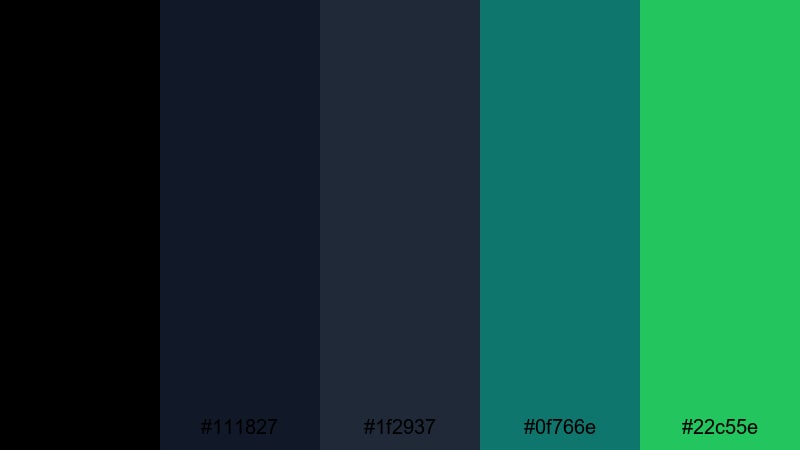
- HEX Codes: #000000, #111827, #1f2937, #0f766e, #22c55e
- Mood: Moody and cyber-noir with subtle futuristic confidence.
- Use for: Use for tech reviews, software tutorials, and brand intros where you want sleek modern depth without oversaturated color.
Cyber Noir Depths mixes pure black with charcoal blue-grays and controlled teal and green accents. It feels like a serious, modern interface rather than a flashy neon scene, which is perfect when you want a professional but still futuristic Black Blue Green aesthetic.
Use the blacks and dark blues as your main background for screen captures, UI overlays, and product shots. The greens (#0f766e, #22c55e) fit well for buttons, progress bars, subscribe graphics, and key labels in tutorials or tech explainers.
Modern Neon Black Blue Green Color Palettes
Electric Tide Fusion
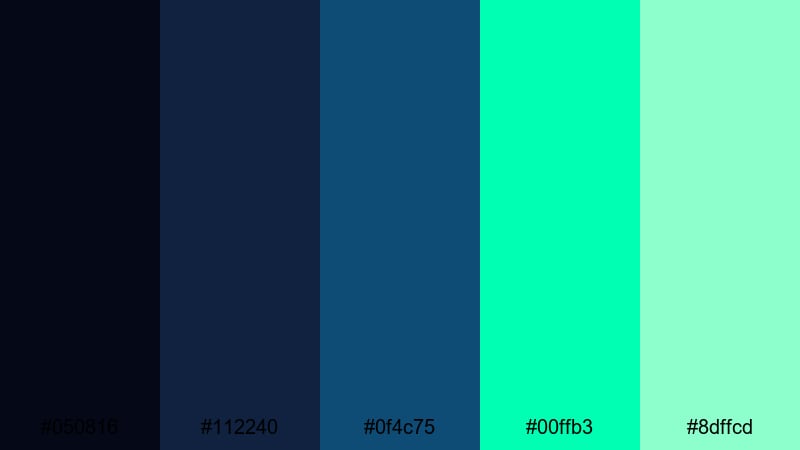
- HEX Codes: #050816, #112240, #0f4c75, #00ffb3, #8dffcd
- Mood: High-energy and futuristic with a crisp, electric edge.
- Use for: Ideal for gaming intros, motion graphics, and fast-paced montage edits that need bold, readable contrast.
Electric Tide Fusion pushes dark navy tones against almost fluorescent mint and teal highlights. This Black Blue Green palette is sharp and high-contrast, giving your visuals a crisp, competitive energy that suits esports and gaming content.
Use the darker colors for backgrounds and shadow-heavy footage grading, then let the neon greens drive text, HUD elements, and animated transitions. It keeps usernames, stats, and calls to action readable even on small mobile screens.
Glitch Grid Energy
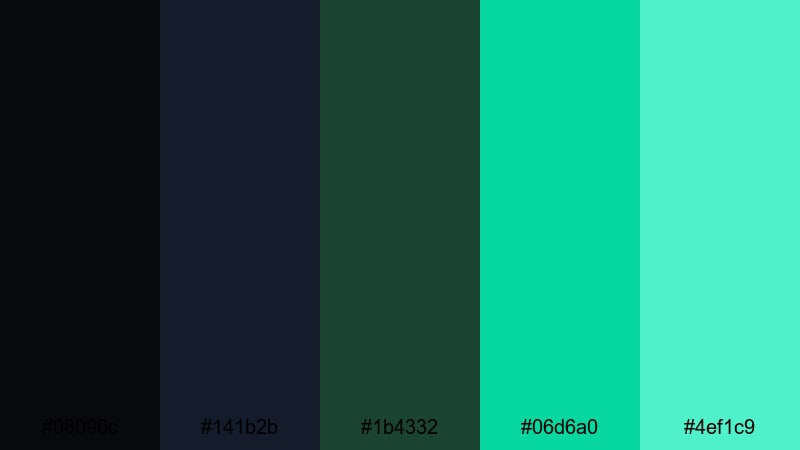
- HEX Codes: #08090c, #141b2b, #1b4332, #06d6a0, #4ef1c9
- Mood: Edgy, digital, and glitchy with a playful cyber vibe.
- Use for: Perfect for esports branding, stream overlays, and kinetic typography in shorts or reels.
Glitch Grid Energy balances charcoal blacks and deep digital greens with bright mint highlights. The palette feels like a gaming lobby screen or retro computer grid reimagined for modern content.
Use the dark shades for full-frame backgrounds, then introduce the bright greens in pixel graphics, glitch transitions, and animated subtitles. For stream overlays and YouTube banner art, combine the grid-like feel with diagonal lines and glitch blocks in these HEX colors.
Laser Aurora Stream
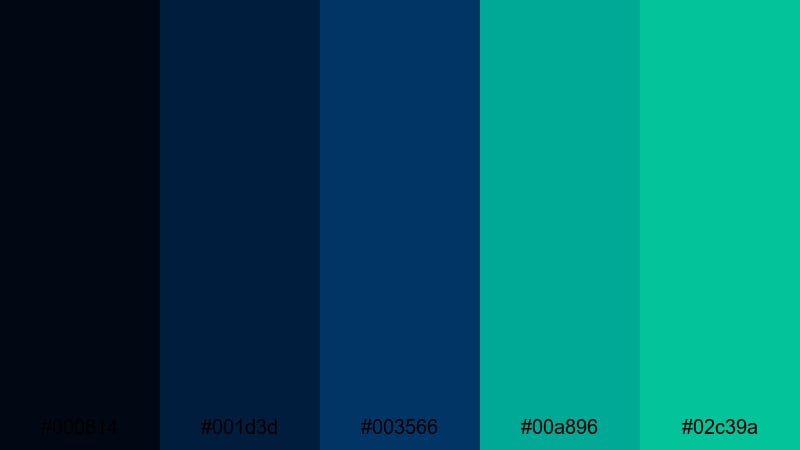
- HEX Codes: #000814, #001d3d, #003566, #00a896, #02c39a
- Mood: Sleek and focused, like laser beams slicing through a cool aurora.
- Use for: Use in tech promos, startup explainers, and stylish product spots that need modern polish.
Laser Aurora Stream layers deep midnight blues with saturated teal greens, evoking an aurora across a night sky. The Black Blue Green combination feels smooth and streamlined rather than chaotic.
Use the dark tones for gradient backgrounds and to shape your footage shadows, then apply the teal hues to flowing lines, animated graphs, and highlight text in promos and launch videos. It is ideal when you need your brand to look modern and precise without going full neon.
Arcade Jungle Pulse
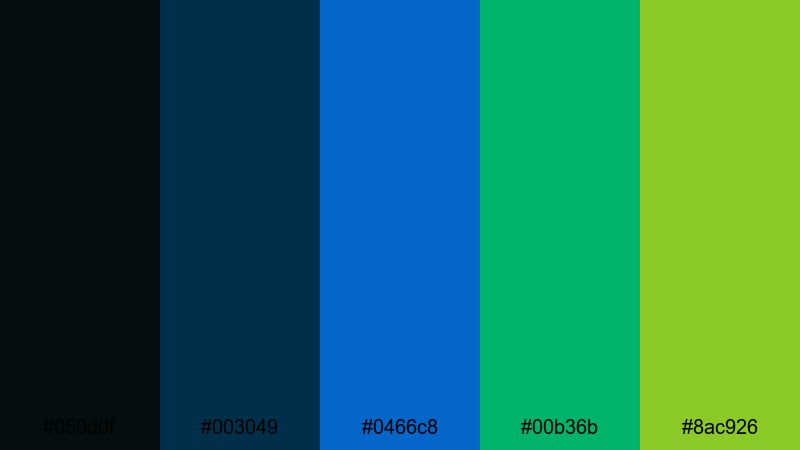
- HEX Codes: #050d0f, #003049, #0466c8, #00b36b, #8ac926
- Mood: Retro-arcade bright with a punchy jungle twist.
- Use for: Ideal for energetic channel branding, gaming highlight reels, and bold thumbnail text blocks.
Arcade Jungle Pulse mixes rich blues and saturated greens to create a playful yet intense arcade feel. It blends nostalgic game-room colors with a more natural green twist, making the palette memorable for channel branding.
Use the blues for UI panels, frames, and background bars, and bring in the greens for player names, scores, and call-to-action buttons. On thumbnails, block out strong diagonal shapes in these HEX colors, then overlay bold white text for instant readability.
Minimal Black Blue Green Color Palettes
Monochrome Tidal Calm
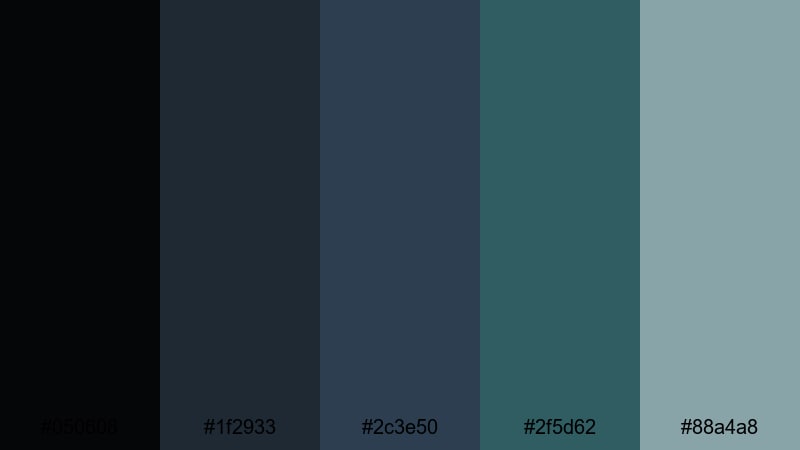
- HEX Codes: #050608, #1f2933, #2c3e50, #2f5d62, #88a4a8
- Mood: Calm, restrained, and professional with a hint of ocean depth.
- Use for: Use for corporate explainers, portfolio reels, and UI showcases that need subtle motion and clean typography.
Monochrome Tidal Calm uses desaturated blues and greens on a dark neutral base, creating a soft, ocean-inspired Black Blue Green palette. It feels trustworthy and low-key, ideal when your content is information-heavy.
Design clean lower thirds and infographics with these tones, keeping the darker shades for backgrounds and the lighter ones for icons and accent text. It works well for corporate explainers, case-study videos, and minimalist portfolio reels where content clarity matters most.
Urban Screen Static
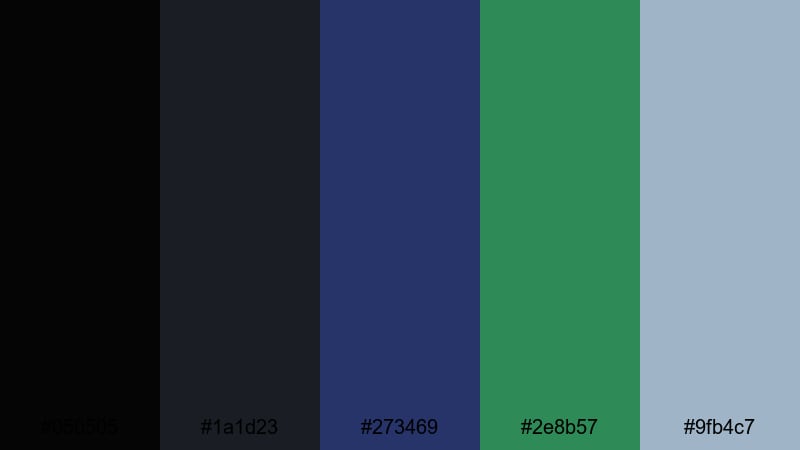
- HEX Codes: #050505, #1a1d23, #273469, #2e8b57, #9fb4c7
- Mood: Modern and understated, reminiscent of a city skyline on an overcast night.
- Use for: Perfect for tech channels, productivity content, or app demos where clarity and focus come first.
Urban Screen Static blends soft blacks and muted blues with a grounded green accent. It has the feel of a dimmed monitor or a city under cloud cover, giving a modern but calm environment for tutorials and productivity content.
Use the softer tones behind screen recordings, UI callouts, and text overlays to avoid eye strain, then add the green as a subtle highlight for click hotspots, buttons, or checkmarks. This Black Blue Green combination keeps your visuals clean and professional without feeling sterile.
Muted Pixel Forest
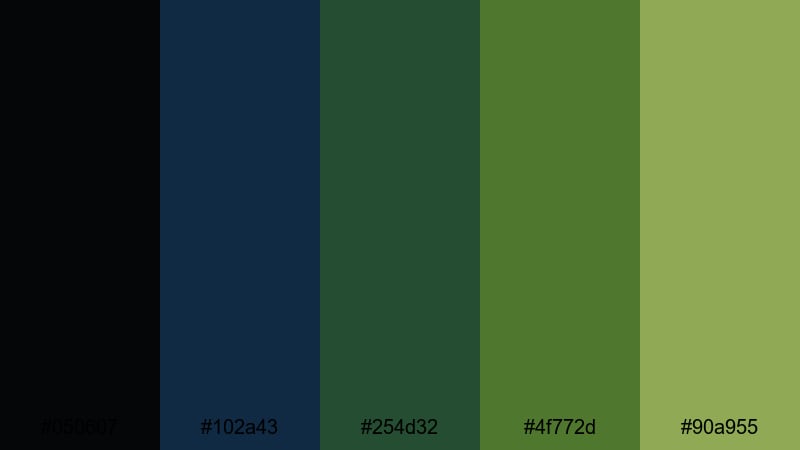
- HEX Codes: #050607, #102a43, #254d32, #4f772d, #90a955
- Mood: Grounded and organic with a modern digital softness.
- Use for: Use for nature vlogs, slow-living content, and brands that mix tech with sustainability themes.
Muted Pixel Forest combines deep blue with forest greens that have been softened and slightly desaturated. This Black Blue Green palette feels natural and grounded, but still structured enough for modern digital design.
It is a strong fit for eco-tech brands, nature vlogs with subtle motion graphics, and mindful lifestyle content. Use the darker shades for background and frame elements, and the lighter green for gentle highlight text, icons, or badges like "eco," "sustainable," or "calm edit."
Clean Slate Horizon
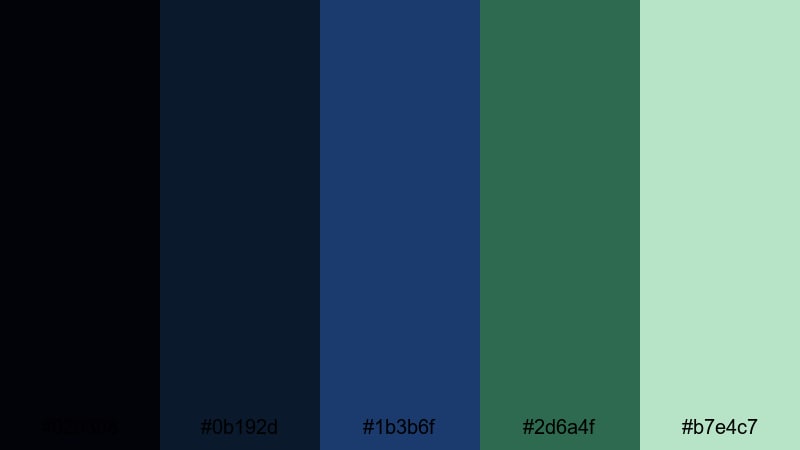
- HEX Codes: #020308, #0b192d, #1b3b6f, #2d6a4f, #b7e4c7
- Mood: Fresh, optimistic, and clear like a cool morning over the sea.
- Use for: Ideal for educational videos, tutorials, and minimalist brand intros with plenty of white space.
Clean Slate Horizon uses dark navy and spruce green as a base, brightened by a soft mint highlight. The Black Blue Green trio here feels fresh and optimistic without becoming overly playful.
Use darker colors for thin frames, titles, and section headers, then drop the mint into icons, bullet markers, or progress indicators. This palette supports white or light backgrounds nicely, making it perfect for clean tutorial layouts, lesson slides, and minimalist channel branding.
Moody Nature Black Blue Green Color Palettes
Stormfront Pine Lake
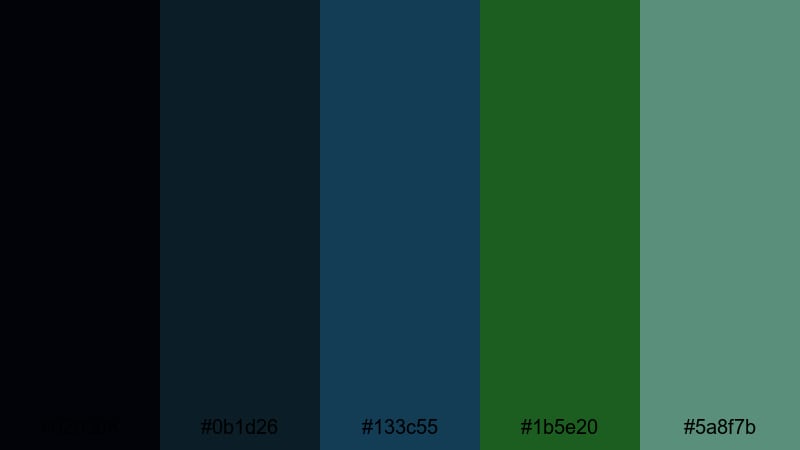
- HEX Codes: #020308, #0b1d26, #133c55, #1b5e20, #5a8f7b
- Mood: Brooding yet natural, like a storm rolling over a pine-lined lake.
- Use for: Great for cinematic travel films, outdoor gear promos, and dramatic documentary scenes.
Stormfront Pine Lake pulls together inky blacks, stormy blues, and pine greens, creating a rugged, atmospheric Black Blue Green palette. It feels like a cold front passing over a forested lake.
Grade your footage toward the blues and greens to emphasize mist, rain, or overcast conditions, then use the softer green tone in lower thirds or chapter markers. It works very well for outdoor vlogs, hiking documentaries, and gear reviews that lean into a dramatic mood.
Twilight Harbor Mist
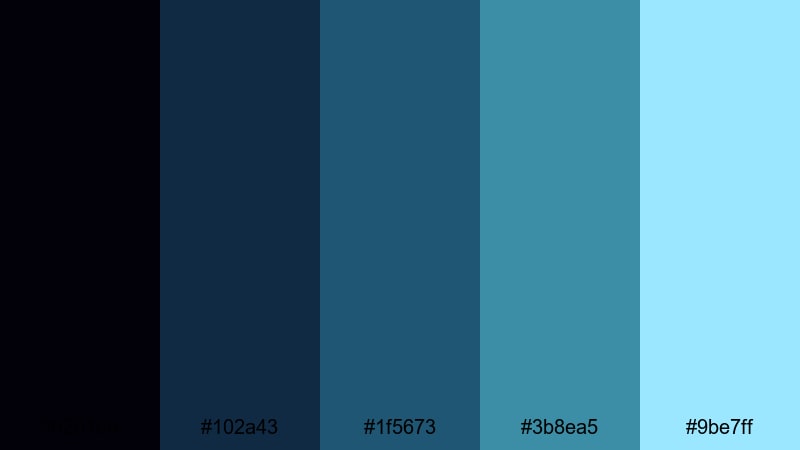
- HEX Codes: #02010a, #102a43, #1f5673, #3b8ea5, #9be7ff
- Mood: Softly melancholic and cinematic with cool twilight light.
- Use for: Use in emotional storytelling, reflective vlogs, and calm b-roll sequences over water or cityscapes.
Twilight Harbor Mist transitions from deep twilight blues into misty cyan highlights, echoing distant harbor lights seen through fog. This Black Blue Green palette is more emotional and reflective than high-energy.
Apply it to narrative vlogs, reflective monologues, or gentle b-roll of harbors and waterways. Keep titles understated in the mid-blues and use the lightest cyan for soft glows, line accents, or subtle lens flare effects in Filmora.
Evergreen Nightfall
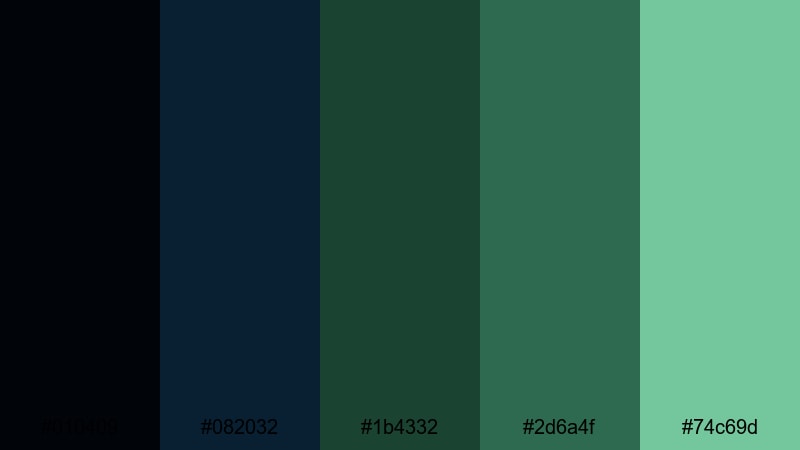
- HEX Codes: #010409, #082032, #1b4332, #2d6a4f, #74c69d
- Mood: Quiet, grounded, and reassuring like evergreen trees at dusk.
- Use for: Perfect for outdoor storytelling, mindfulness content, and brands focused on calm resilience or sustainability.
Evergreen Nightfall frames near-black blue with rich forest greens and a soft mint highlight. It is a tranquil Black Blue Green color scheme that feels stable and reassuring, like camping in a dense forest at dusk.
Use it on outdoor storytelling channels, meditation or mindfulness content, and sustainability-focused brands. Dark tones make excellent letterbox bars or title cards, while the lighter greens gently highlight quotes, logos, or subscribe prompts without breaking the calm mood.
Tips for Creating Black Blue Green Color Palettes
When you build your own Black Blue Green color combinations for video and design, you want them to look stylish and stay readable across different screens and formats. These tips will help you get there faster inside Filmora or any design tool.
- Decide on your base mood first: darker blues and blacks for cinematic and techy looks, lighter greens and cyans for fresh, optimistic vibes.
- Limit your bright accents: choose one or two vivid greens or aquas and keep everything else deep or muted so your text and buttons stand out.
- Check contrast for readability: test white text on dark blues and blacks, and dark text on light mints; adjust brightness or add subtle drop shadows if needed.
- Stick to 3 to 5 key HEX codes per project: one background color, one main text color, one accent color, and optionally two supporting shades.
- Match your grade to your graphics: if your overlays use teal and green, nudge your footage shadows slightly toward blue and tone down warm highlights.
- Keep brand elements consistent: reuse the same Black Blue Green colors for logos, lower thirds, end screens, and thumbnails so viewers recognize your channel instantly.
- Test on multiple devices: preview your edit on a phone, laptop, and TV to make sure dark blues are not too crushed and neon greens are not oversaturated.
- Use Filmora presets as a baseline: start from an existing teal, cinematic, or nature LUT, then fine-tune HSL and curves to lock in your exact Black Blue Green palette.
Black Blue Green color palettes are powerful tools for shaping your channel mood, from cyberpunk and neon intros to calm nature storytelling and minimalist tutorials. Once you pick a palette that matches your brand voice, you can use it everywhere: in color grading, titles, icons, overlays, and thumbnails.
Filmora makes it easy to apply these 15 palettes or build your own variations, then keep them consistent across intros, long-form videos, Shorts, and social promos. Save your favorite combinations, turn them into presets, and experiment with filters and LUTs until your Black Blue Green aesthetic feels uniquely yours.
Open a project in Filmora, drop in one of the HEX sets from this guide, and test how it looks on your next thumbnail, title card, or sequence. Small color decisions add up quickly, and a cohesive palette can give your content a professional, cinematic edge without changing your shooting style.
secure download