

 100% Security Verified | No Subscription Required | No Malware


 ChatGPT
 Perplexity
 Gemini
 Claude
 Grok
Grok
Pop Art color is all about loud contrasts, punchy primaries, and high-impact visuals that feel straight out of a comic panel or gallery wall. These combinations instantly communicate energy, fun, and confidence, which is why they work so well for modern creators, brands, and channels that want to stand out in a crowded feed.
If you are designing YouTube thumbnails, video intros, lower thirds, or a full channel brand, the right Pop Art color palette can turn casual viewers into instant fans. Below you will find 15 ready-made Pop Art color palettes with HEX codes, tailored for creators and Filmora users who want bold, consistent color across every edit.
In this article
Bold & Graphic Pop Art Color Palettes
Primary Punch Headlines
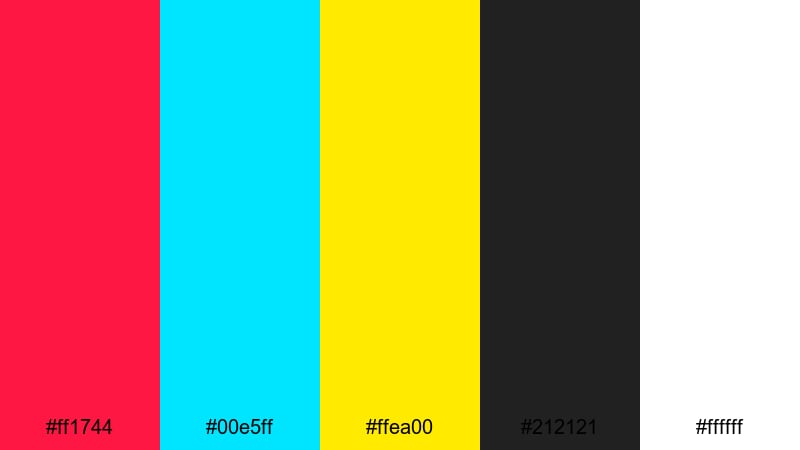
- HEX Codes: #ff1744, #00e5ff, #ffea00, #212121, #ffffff
- Mood: Confident, high-energy, and unmistakably bold.
- Use for: Perfect for attention-grabbing YouTube thumbnails, bold openers, and dynamic lower thirds.
Primary Punch Headlines is a classic comic-inspired mix of hot red, electric cyan, and spotlight yellow anchored by deep charcoal and clean white. It feels like a big headline on a poster or a title card that you simply cannot scroll past.
Use this palette for high-impact video titles, bold YouTube thumbnails, and strong branding moments like end screens and subscribe buttons. In Filmora, you can pair the bright tones with simple shapes and thick outlines to keep everything readable, even on small mobile screens.
Pro Tip: Lock In A Bold Pop Art Look Across Your Edit With Filmora
When you use ultra-bright colors like these primaries, consistency is what makes your channel feel professional instead of chaotic. In Filmora, you can create a custom color style for your titles, overlays, and lower thirds, then reuse it across intros, b-roll captions, and social cut-downs.
Set up one base title with your red for main text, cyan or yellow for accents, and #212121 for outlines. Save it as a preset, then drop that style onto every text layer in your timeline so your Pop Art branding stays locked in from the opening frame to the end card.
AI Color Palette
If you already have a reference image that nails this Pop Art look, you can push that style across your whole edit with Filmora. Filmora's AI Color Palette feature analyzes the colors in your reference frame and automatically matches your other clips to it.
Import a thumbnail mockup, poster, or freeze frame that uses these reds, yellows, and cyans. Then let AI Color Palette transfer that mood to your talking-head shots, b-roll, and overlays, so every scene feels like part of the same bold universe.
 secure download

HSL, Color Wheels & Curves
Pop Art colors can easily clip or look too harsh on skin tones. In Filmora, you can soften or amplify this palette by using HSL sliders and color wheels. For example, nudge the reds slightly toward magenta for a more stylish headline color, or darken the yellows in the shadows so they do not overpower faces.
Combining HSL with curves and the built-in color correction tools in Filmora lets you keep your blacks rich, your whites clean, and your primaries punchy without losing detail. This is ideal when you want a comic-book feel that still looks polished and modern on 4K displays.
secure download1000+ Video Filters & 3D LUTs
If you want this palette to feel even more stylized, Filmora’s video filters and 3D LUTs make it easy to create a Pop Art signature look in seconds. You can stack comic-style or halftone-inspired filters with bold contrast LUTs to transform flat footage into something gallery-ready.
Apply a LUT to unify your overall contrast, then add a filter that boosts saturation or sharpens outlines. This workflow helps your reds, yellows, and cyans pop in a way that feels intentional, ideal for vlog intros, product highlights, or creator branding reels.
secure downloadHigh Contrast Street Pop
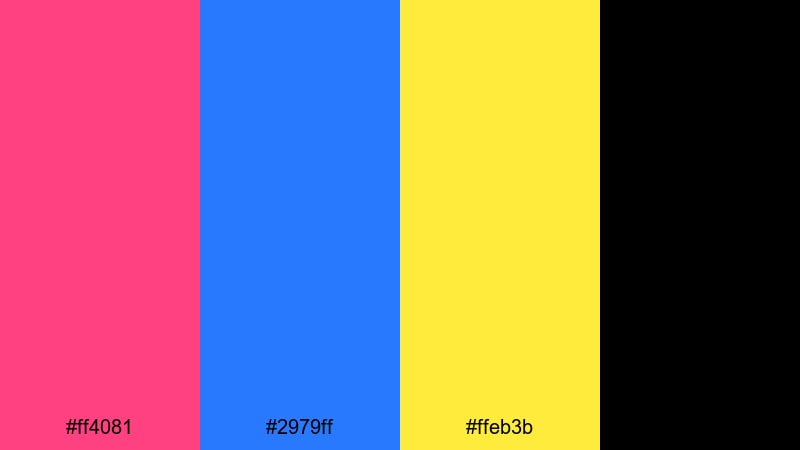
- HEX Codes: #ff4081, #2979ff, #ffeb3b, #000000
- Mood: Urban, edgy, and punchy with strong contrast.
- Use for: Use this palette for street-style edits, glitchy transitions, and bold title cards that demand attention in busy feeds.
High Contrast Street Pop pulls from neon signage and graffiti walls: hot pink, electric blue, and warning-yellow on pure black. It feels edgy and urban, perfect for creators who want that city-night energy in their visuals.
Use it in Filmora for kinetic text, glitch transitions, and bold overlays on music videos or hype reels. The black base makes it easy to keep text readable while your background footage or b-roll throws in extra motion and texture.
Gallery Wall Impact
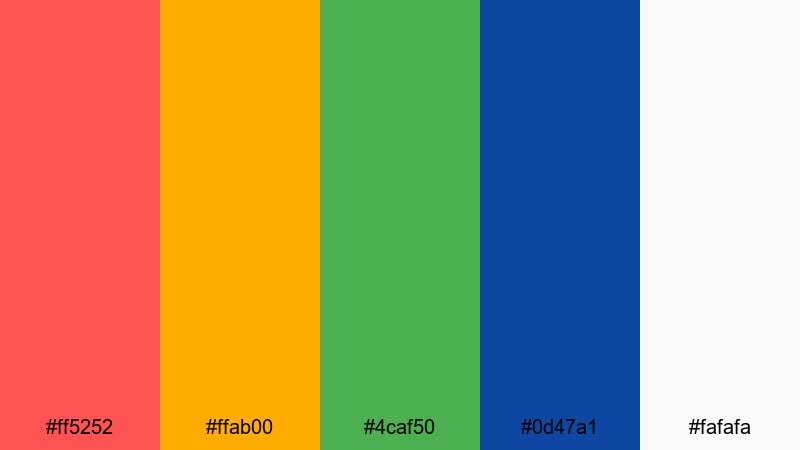
- HEX Codes: #ff5252, #ffab00, #4caf50, #0d47a1, #fafafa
- Mood: Artful, modern, and energetic yet balanced.
- Use for: Great for animated titles, brand intros, and creator logos that need a modern Pop Art twist without feeling chaotic.
Gallery Wall Impact mixes strong primaries and secondaries with a soft off-white background. The result feels curated, like a row of bold prints in a design studio rather than a chaotic collage.
Apply this palette to channel logos, clean thumbnail layouts, or animated title sequences where you want color to feel intentional. In Filmora, you can alternate these hues across text blocks, shapes, and icons to create a structured, editorial-style grid that still screams Pop Art.
Spotlight Comic Burst
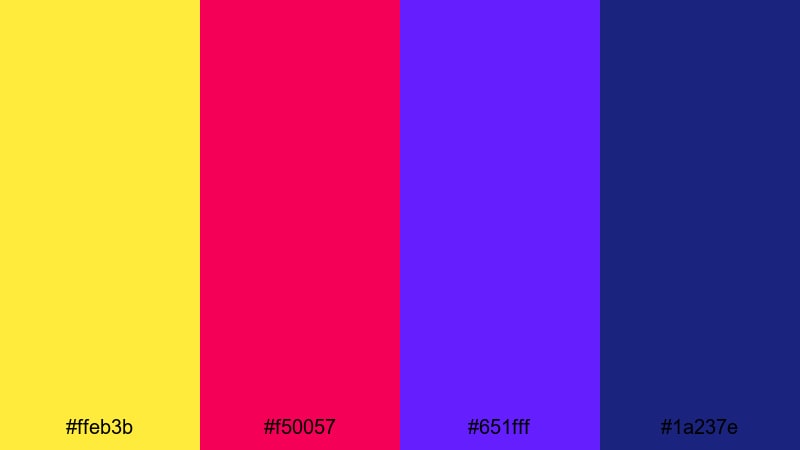
- HEX Codes: #ffeb3b, #f50057, #651fff, #1a237e
- Mood: Explosive, theatrical, and full of motion.
- Use for: Best for comic-style motion graphics, impact frames, and animated callouts in high-energy edits.
Spotlight Comic Burst centers on a bright, punchy yellow that feels like a stage light, backed by rich magentas and purples. It has the energy of a freeze-frame comic punch with movement frozen at its peak.
Use it for impact frames, transitions, and callout graphics in Filmora. A quick zoom, a speech-bubble shape, and this palette are enough to turn ordinary reaction clips or commentary videos into comic-style moments that viewers remember.
Retro Comic Pop Art Color Palettes
Vintage Halftone Heroes
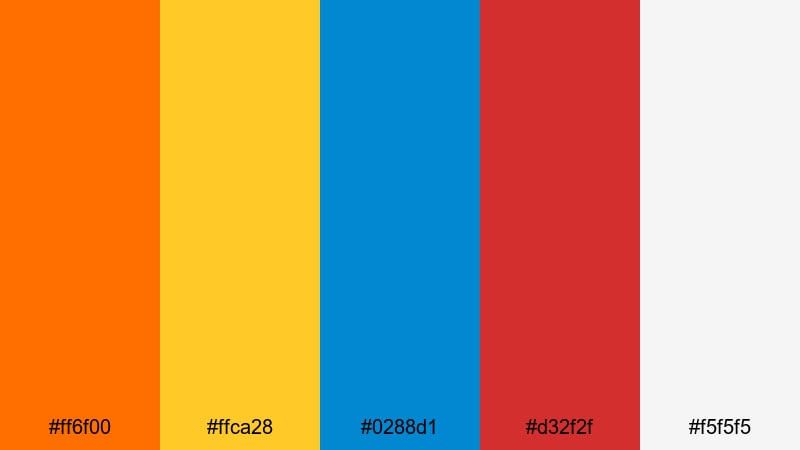
- HEX Codes: #ff6f00, #ffca28, #0288d1, #d32f2f, #f5f5f5
- Mood: Nostalgic, heroic, and slightly gritty.
- Use for: Ideal for retro comic sequences, character intros, and nostalgic explainer videos.
Vintage Halftone Heroes leans into slightly muted oranges, yellows, blues, and reds on a paper-like off-white. It instantly calls to mind worn comic pages, halftone dots, and classic superhero covers.
This palette is a strong fit for character intros, origin-story segments, or explainer videos that lean on nostalgia. In Filmora, combine it with halftone overlays, film grain, and subtle noise to make your montage feel like it was printed on old newsprint, then brought to life.
Retro Print Dots
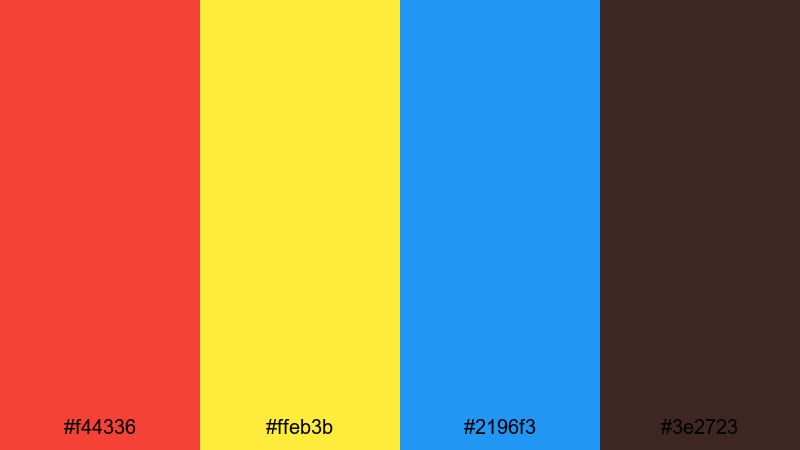
- HEX Codes: #f44336, #ffeb3b, #2196f3, #3e2723
- Mood: Warm, retro, and slightly worn-in.
- Use for: Great for textured overlays, retro title cards, and channel art that leans into print-inspired aesthetics.
Retro Print Dots pairs warm red and golden yellow with a strong Pop Art blue and an inky brown-black. It feels like classic ads and comic strips that have aged a little but still pack a punch.
Use this palette for retro-style title cards, transitions that mimic printed posters, or channel art with a throwback vibe. In Filmora, you can layer paper textures or subtle vignette effects over these colors to finish the analog, print-inspired look.
Newsstand Sunday Funnies
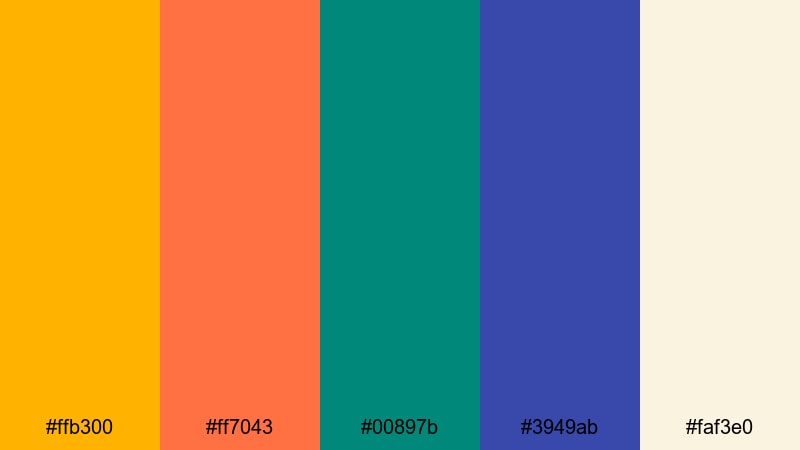
- HEX Codes: #ffb300, #ff7043, #00897b, #3949ab, #faf3e0
- Mood: Playful, cozy, and storytelling-focused.
- Use for: Use this for vlog openers, storytelling animations, and nostalgic lifestyle content.
Newsstand Sunday Funnies blends warm oranges with cozy off-white, teal, and a friendly blue. The result feels like flipping through the comic section on a weekend morning, relaxed but still colorful.
This palette is ideal for family-friendly content, lifestyle vlogs, and storytelling animations where you want warmth without overwhelming contrast. In Filmora, you can use the soft off-white as your background for titles, then sprinkle the oranges and blues into icons, lower thirds, and chapter markers.
Bubblegum Speech Bubbles
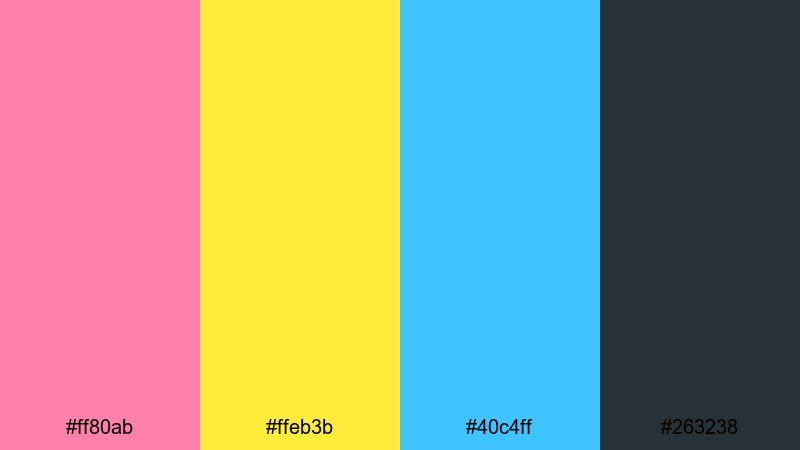
- HEX Codes: #ff80ab, #ffeb3b, #40c4ff, #263238
- Mood: Cute, cheeky, and dialogue-driven.
- Use for: Perfect for chat-style overlays, subtitles, and pop-up comments in commentary or reaction videos.
Bubblegum Speech Bubbles throws together candy pink, bright yellow, and sky blue with a dark slate outline. It instantly suggests speech bubbles, chat windows, and playful comment pop-ups.
Use this palette in Filmora to design subtitle bars, reaction callouts, and chat overlays for commentary or gaming videos. Let the dark slate act as your outline or text color, while the pastels become fun background blocks that make every line of dialogue easy to follow.
Playful Neon Pop Art Color Palettes
Arcade Candy Glow
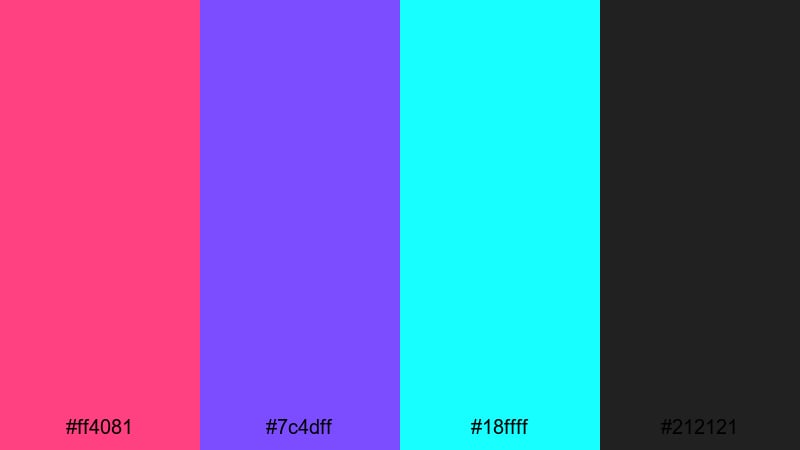
- HEX Codes: #ff4081, #7c4dff, #18ffff, #212121
- Mood: Electric, nostalgic, and neon-soaked.
- Use for: Use this palette for gaming intros, synthwave edits, and late-night vlog segments.
Arcade Candy Glow feels like walking into a retro arcade at night: neon pink, violet, and cyan glowing over dark charcoal. It is perfect when you want your footage to look like it is lit by LED signs and game screens.
In Filmora, combine this palette with light leaks, glow effects, and animated shapes for gaming intros, synthwave edits, or late-night city vlogs. Use #212121 as your base for text or panels, then add neon outlines and accents to create that glowing Pop Art atmosphere.
Neon Splat Party
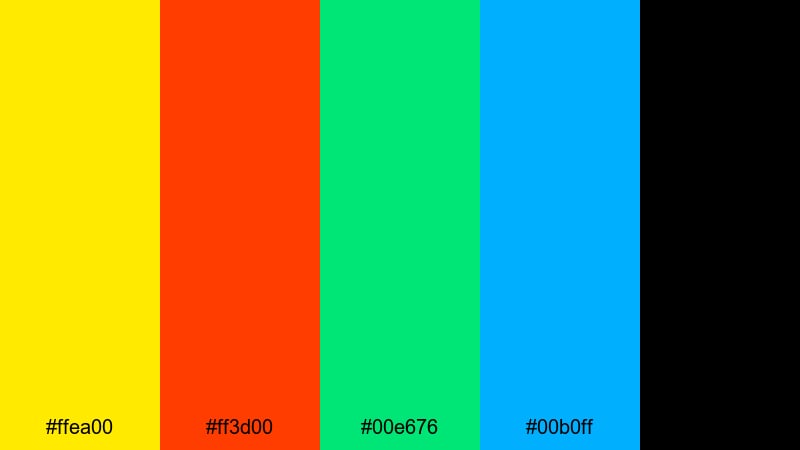
- HEX Codes: #ffea00, #ff3d00, #00e676, #00b0ff, #000000
- Mood: Chaotic, youthful, and festival-ready.
- Use for: Best for dance edits, party highlight reels, and fast-cut social shorts.
Neon Splat Party is a riot of hyper-bright yellow, orange, green, and blue on solid black. It feels like paint splats frozen mid-air or glow sticks captured by a strobe light.
Use this palette for dance covers, festival recaps, or TikTok-style highlight reels with fast cuts and jumpy transitions. In Filmora, let black act as a clean canvas for motion graphics, then drop these neons into text, shapes, and animated stickers so your edits feel like a digital party.
Sticker Bomb Pop
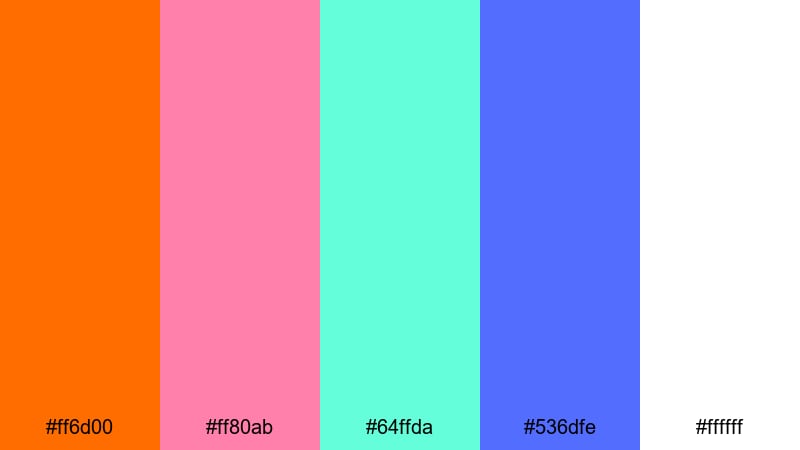
- HEX Codes: #ff6d00, #ff80ab, #64ffda, #536dfe, #ffffff
- Mood: Playful, rebellious, and collage-like.
- Use for: Great for creator branding, animated sticker overlays, and channel trailers.
Sticker Bomb Pop feels like a laptop or skateboard covered in bright stickers. Oranges, pinks, teals, and blues sit on a clean white background for a busy yet fresh collage look.
Use this palette for channel trailers, creator logos, and animated sticker overlays in Filmora. White can be your thumbnail background, while the colorful tones become badges, labels, and animated icons that stack or scatter across the frame like a sticker explosion.
Roller Rink Lights
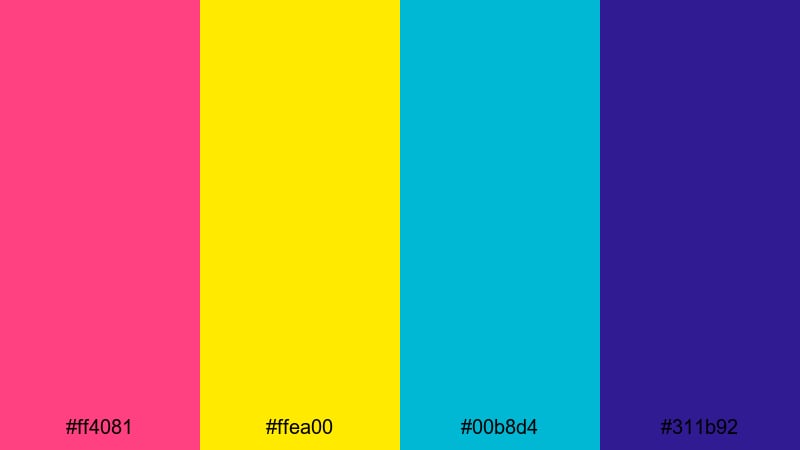
- HEX Codes: #ff4081, #ffea00, #00b8d4, #311b92
- Mood: Fun, nostalgic, and full of motion and rhythm.
- Use for: Use this for dance covers, lifestyle montages, and upbeat travel vlogs.
Roller Rink Lights mixes bright pink and yellow with cool teal and deep purple, echoing disco balls and glowing rink floors. It instantly adds rhythm and motion, even to static images.
In Filmora, pair this palette with whip pans, speed ramps, and beat-synced cuts for dance covers or travel montages. Use the darker purple for text or overlays so the neons can shine without sacrificing readability on phones.
Minimal Modern Pop Art Color Palettes
Monochrome Pop Blocks
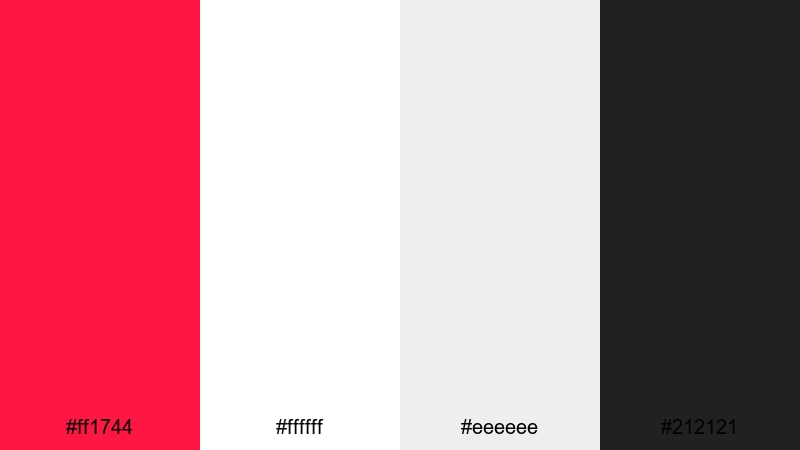
- HEX Codes: #ff1744, #ffffff, #eeeeee, #212121
- Mood: Clean, graphic, and editorial with a Pop Art twist.
- Use for: Ideal for minimalist thumbnails, typography-driven edits, and logo reveals.
Monochrome Pop Blocks keeps things crisp and modern with a mostly black, white, and gray scheme plus a single, powerful red accent. It nods to Pop Art posters but feels like a sleek magazine layout.
This palette is great for review videos, tutorials, or any channel that wants a premium look with just a hint of Pop Art attitude. In Filmora, make your main text and backgrounds monochrome, then reserve the red for calls to action, logo hits, and key keywords in your titles.
Muted Gallery Pop
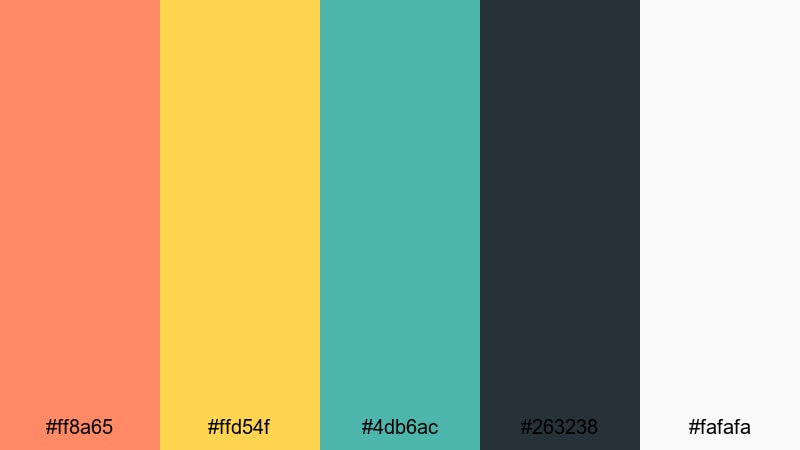
- HEX Codes: #ff8a65, #ffd54f, #4db6ac, #263238, #fafafa
- Mood: Sophisticated, warm, and gallery-ready.
- Use for: Great for brand films, product promos, and creator channels with a design-focused aesthetic.
Muted Gallery Pop takes Pop Art shapes and contrast but softens the colors into warm oranges, gentle yellow, and calm teal, grounded by charcoal and off-white. It feels curated and tasteful rather than loud.
This is a strong choice for brand films, product demos, or design-led channels where you want personality without neon intensity. In Filmora, you can use the light tones for backgrounds and UI elements, and keep the charcoal for titles and key product information.
Clean Editorial Pop Lines
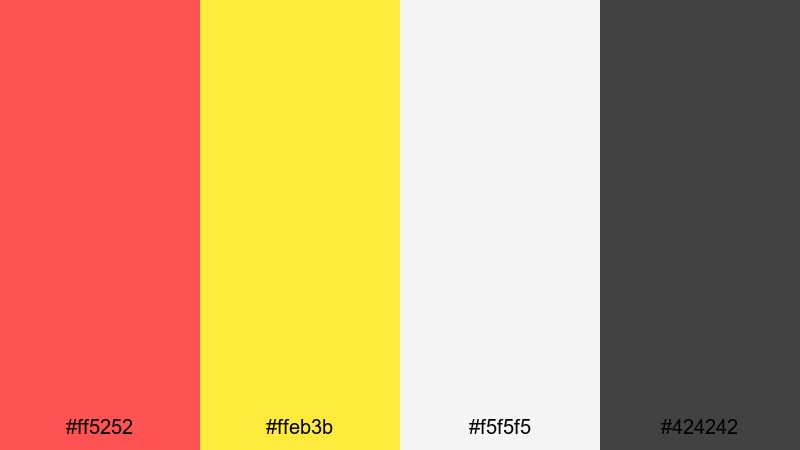
- HEX Codes: #ff5252, #ffeb3b, #f5f5f5, #424242
- Mood: Editorial, structured, and crisply modern.
- Use for: Use this palette for title sequences, lower thirds, and on-screen graphics in review or tutorial videos.
Clean Editorial Pop Lines combines a strong red and yellow with soft off-white and charcoal. It brings Pop Art energy into a grid-based, magazine-style layout that works especially well for informational content.
Use it in Filmora when designing title sequences, lower thirds, and info cards for tutorials or reviews. The off-white background keeps things bright, while the charcoal lines and text keep everything legible and structured even when your footage is busy.
Tips for Creating Pop Art Color Palettes
Pop Art color is all about contrast, clarity, and personality. When you build your own palettes or adapt the ones above for video and design, a few simple rules will keep your visuals bold but still viewer-friendly.
- Pair bright colors with neutrals. Use white, off-white, charcoal, or black as a base so your neons and primaries have room to breathe.
- Protect readability. Always test text on both light and dark parts of your thumbnails and lower thirds to make sure headlines stay legible on phones.
- Limit your heroes. Pick one or two standout colors as your main accents, and let the others support, so your brand feels recognizable at a glance.
- Match color to mood. Use neon palettes for party, gaming, and dance edits; use muted or retro palettes for storytelling, reviews, and nostalgic content.
- Keep skin tones natural. In Filmora, use HSL to pull back oversaturated reds and oranges so faces do not look sunburned under Pop Art colors.
- Stay consistent across platforms. Reuse the same HEX codes in your video titles, channel banner, social posts, and end screens for strong brand identity.
- Use color to guide the eye. Reserve your boldest hue for CTAs like Subscribe, Watch Next, or Download so viewers always know what to do next.
- Test on multiple backgrounds. Drop your graphics on dark, light, and midtone footage inside Filmora to make sure your palette works in real edits, not just on a flat canvas.
Pop Art color palettes are powerful tools for shaping how viewers feel about your channel and your content. From explosive neons to refined gallery combinations, each palette here can define a different mood, story, or brand identity.
Try importing these HEX codes into Filmora and build title templates, lower third packs, and thumbnail layouts around them. Once your colors are dialed in, you can reuse them across every upload so your audience recognizes your style instantly in their feed.
Combine Filmora’s color tools, AI features, and filters with these Pop Art palettes, and you have a fast way to turn everyday footage into bold, on-brand visuals that look like they were designed in a studio.
secure downloadNext: Drab Color Palette
