

 100% Security Verified | No Subscription Required | No Malware

Vintage Coral sits between soft peach and warm pink, with a slightly retro, sun-faded feel. It suggests warmth, nostalgia, and intimacy, which is why it works so well for storytelling, lifestyle content, and brands that want to feel human and welcoming. In color psychology, this family of tones can hint at optimism and comfort without the aggressive energy of pure red or orange.
On screen, Vintage Coral is a versatile hero: it looks great in YouTube thumbnails, lower thirds, intro screens, and channel branding, and it can be pushed toward dreamy pastels or bold cinematic looks in grading. Below you will find 15 ready-made Vintage Coral color palettes with HEX codes, tailored for creators and Filmora users who want consistent, eye-catching visuals for videos, social edits, and design assets.
In this article
Soft And Romantic Vintage Coral Color Palettes
Blush Coral Daydream
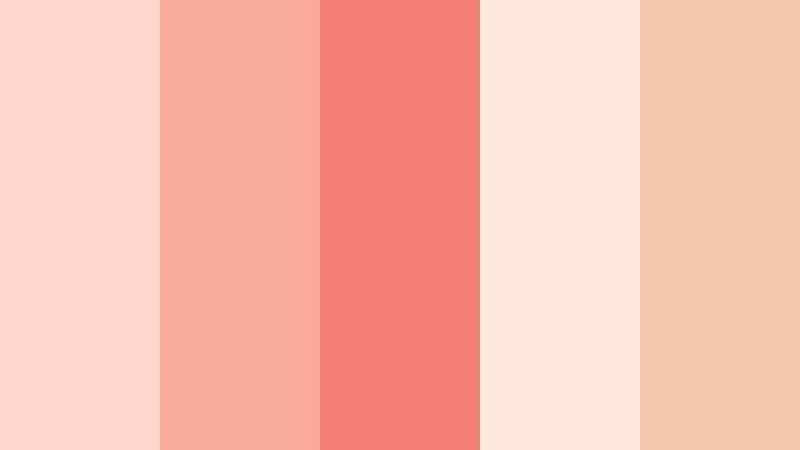
- HEX Codes: #fdd7cc, #f9a999, #f27d72, #ffe9df, #f6c9b3
- Mood: Gentle, nostalgic, and tender with a dreamy glow.
- Use for: Perfect for romantic vlogs, travel diaries, and soft lifestyle thumbnails that need a warm but airy touch.
Blush Coral Daydream is a floaty mix of powdery blush and Vintage Coral that feels like late-afternoon light on film. The softer tones (#fdd7cc and #ffe9df) give you creamy backgrounds and subtle overlays, while #f27d72 brings a gentle focal accent for titles, icons, and key moments in your edit.
Use this palette for couple vlogs, nostalgic travel montages, or cozy lifestyle intros where you want warmth without heavy saturation. In thumbnails, combine the lighter shades behind text and use the deeper coral for buttons or outlines. For branding, this palette works beautifully for creators who want their channel to feel intimate, dreamy, and softly romantic.
Pro Tip: Build A Cinematic Vintage Coral Glow In Filmora
To keep Blush Coral Daydream consistent across your edit, build a simple style system in Filmora. Set your title presets, lower thirds, and call-to-action cards using the lighter blush tones for backgrounds and the stronger #f27d72 for text or icons. Save these as custom presets so your intros, b-roll overlays, and end screens always share the same Vintage Coral glow.
You can also add a subtle warm filter or LUT on top of your footage so skin tones lean toward soft coral instead of harsh orange. This creates a filmic, cohesive look where your graphics and graded footage live in the same gentle color world.
AI Color Palette
If you have a reference image for Blush Coral Daydream, such as a screenshot, moodboard, or brand card, you can turn it into a video-wide style using Filmora. Filmora's AI Color Palette feature lets you sample the color mood from one clip or image and apply it across your whole timeline.
Import your reference, match one key shot to it, and then use AI Color Palette to propagate that look to all your scenes. This is an easy way to keep your Vintage Coral tones stable between A-roll, B-roll, and cutaways, especially for vlogs and romantic highlight reels.
 secure download

HSL, Color Wheels & Curves
To refine a delicate palette like Blush Coral Daydream, use Filmora's color tools to shape the tones. In HSL, gently lower the saturation of oranges and reds to avoid overcooked skin tones while nudging the hue slightly toward pink for that romantic blush. With color wheels, warm up midtones and keep highlights softly neutral, then use curves to add a subtle S-curve for contrast without crushing shadows.
You can follow along with Filmora's YouTube tutorials on creative color grading to see how small HSL and curves adjustments can lock your Vintage Coral aesthetic into place from first frame to last.
secure download1000+ Video Filters & 3D LUTs
Once your base colors are set, you can quickly stylize them using Filmora's ready-made looks. Filmora's video filters and 3D LUTs make it easy to add vintage softness, light leaks, or pastel toning that complements Blush Coral Daydream without rebuilding a grade from scratch.
Stack gentle filters, reduce their intensity, and combine them with vignettes or grain to create a cohesive Vintage Coral visual signature across all your vlogs, reels, and short films.
secure downloadCoastal Keepsake Coral
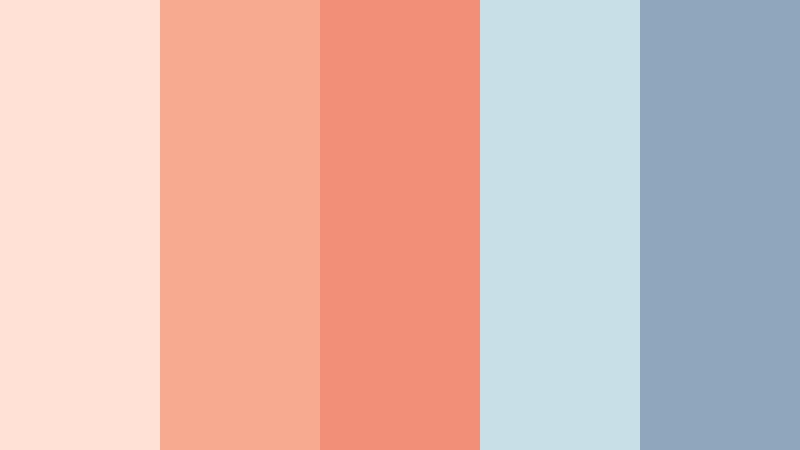
- HEX Codes: #ffe2d5, #f7aa8f, #f28f79, #c9dfe7, #8fa7bd
- Mood: Soft seaside nostalgia with a salty breeze.
- Use for: Great for beach weddings, coastal travel videos, and mellow channel intros with a wistful tone.
Coastal Keepsake Coral blends warm Vintage Coral with misty blues for a beach-polaroid vibe. The gentle coral tones (#f7aa8f, #f28f79) feel like sun on skin, while the cool sea-glass shades (#c9dfe7, #8fa7bd) balance things with a breezy calm.
Use this palette in beach vlogs, elopement films, or destination intros where you want viewers to feel the ocean air and late-summer nostalgia. In thumbnails and titles, pair coral text over soft blue backgrounds for high readability and a clear coastal identity. For branding, this mix works well for travel channels, surf shops, or photography portfolios with soft, romantic seaside shots.
Antique Rose Glow
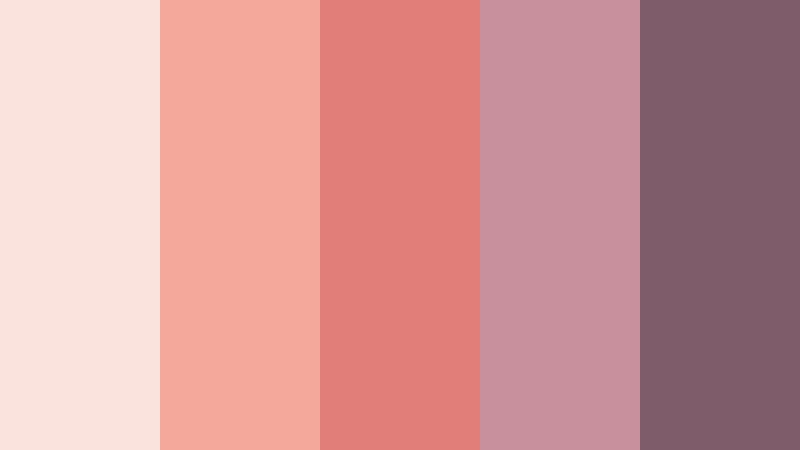
- HEX Codes: #fbe3dd, #f4a89b, #e27e7a, #c88f9c, #7f5c6a
- Mood: Romantic and timeless, like faded love letters.
- Use for: Best for wedding highlight reels, poetry shorts, and cinematic reels that blend tenderness with depth.
Antique Rose Glow leans into dusty mauves and deeper rose tones, wrapping your Vintage Coral core in an aged, cinematic atmosphere. The softer pink-beige base (#fbe3dd) contrasts with deeper shades like #7f5c6a, giving you built-in depth for text, frames, and overlays.
This palette is ideal when you want romantic content with a touch of drama: wedding highlight edits, spoken-word clips, or moody reels with slow motion and lens flare. Use the darker mauve shades for lower thirds and title bars, and keep the light tones for backgrounds in end screens or Instagram story covers so your style feels cohesive across platforms.
Coral Lace Morning
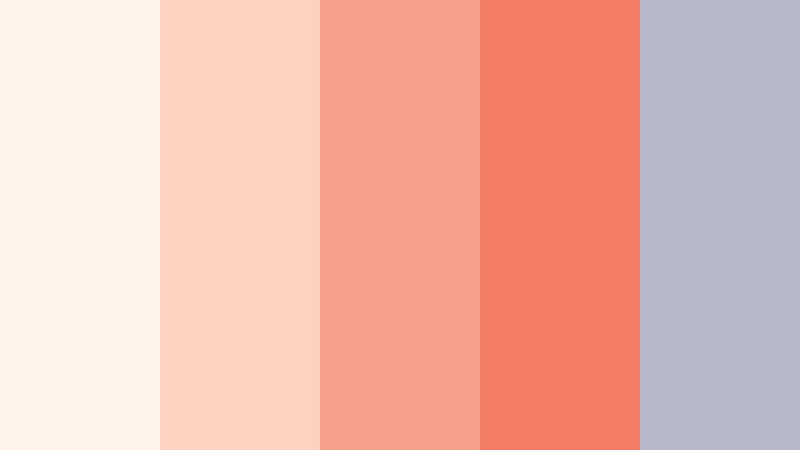
- HEX Codes: #fff3eb, #ffd1c1, #f6a08a, #f27c65, #b6b7c9
- Mood: Fresh, hopeful, and softly radiant like early morning light.
- Use for: Use for morning routines, cozy home content, and gentle beauty tutorials that need brightness without harsh contrast.
Coral Lace Morning mixes airy neutrals with Vintage Coral to create a bright, delicate aesthetic. The pale shades (#fff3eb, #ffd1c1) keep your frames feeling light and clean, while #f27c65 adds just enough warmth to draw attention to buttons, badges, or key text.
It is perfect for early morning routines, home reset videos, or skincare and beauty content that looks best in soft natural light. Use the lightest tones behind text-heavy overlays, and reserve the coral accents for subscribe buttons, thumbnails, and title sequences to keep your visuals easy to read but still warmly branded.
Apricot Letters
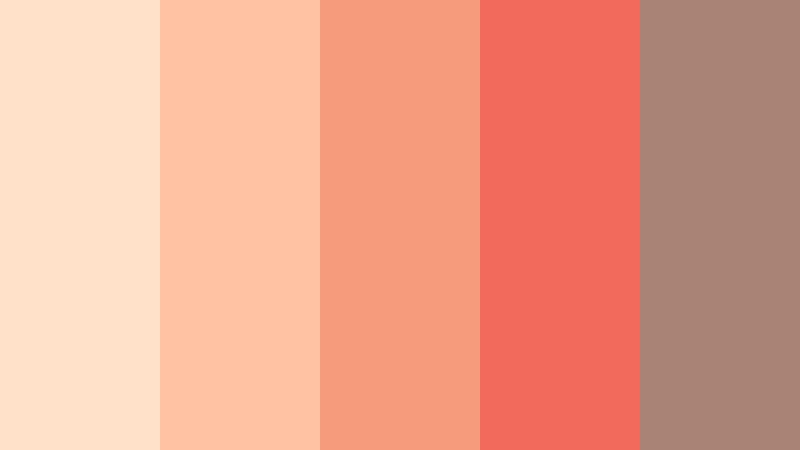
- HEX Codes: #ffe0c9, #ffc2a3, #f79b7d, #f26a5b, #a98374
- Mood: Warm, handwritten, and intimate.
- Use for: Perfect for journaling videos, talking-head confessions, and channel branding that feels personal and approachable.
Apricot Letters wraps Vintage Coral in soft apricot and toasty neutrals for a diary-like feel. Shades like #ffe0c9 and #ffc2a3 work beautifully as paper-style backgrounds, while #f26a5b gives you a rich, inviting accent for handwriting fonts and icons.
Use this palette in sit-down videos, storytime content, or mental health and journaling channels where trust and intimacy matter. In thumbnails, pair the warm background tones with darker text (#a98374) and coral accents for hearts, doodles, or underlines to create a cohesive, handwritten brand style.
Bold And Vibrant Vintage Coral Color Palettes
Neon Market Coral
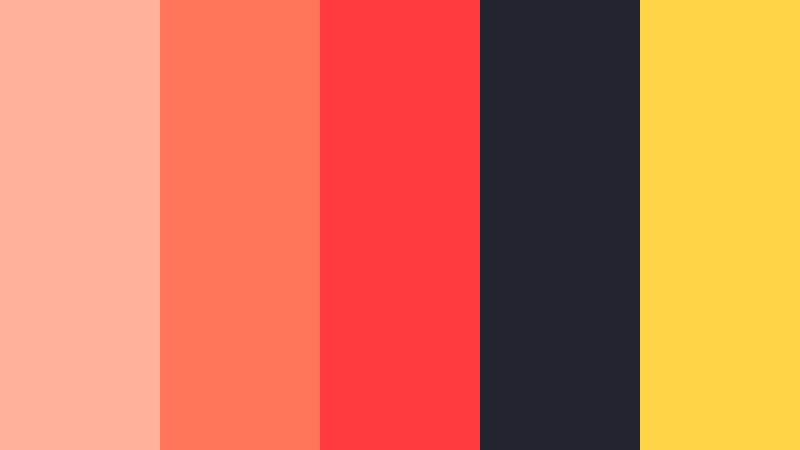
- HEX Codes: #ffb39a, #ff7559, #ff3b3f, #22252f, #ffd447
- Mood: Electric, fast-paced, and playful with urban energy.
- Use for: Great for street-food vlogs, city travel videos, and punchy thumbnails that must pop in crowded feeds.
Neon Market Coral turns Vintage Coral up to full volume with hot accents and deep charcoal. The bright tones (#ff7559, #ff3b3f) are made to grab attention, while #22252f grounds the look and helps your vibrant elements stand out without overwhelming the eye.
Use this palette for night market tours, food vlogs, city challenges, or any high-energy content that competes in busy YouTube or TikTok feeds. Place neon corals over dark backgrounds in intros and end cards, and use the yellow accent #ffd447 sparingly for call-to-action buttons or key words that you want viewers to notice instantly.
Coral Pop Retro Arcade
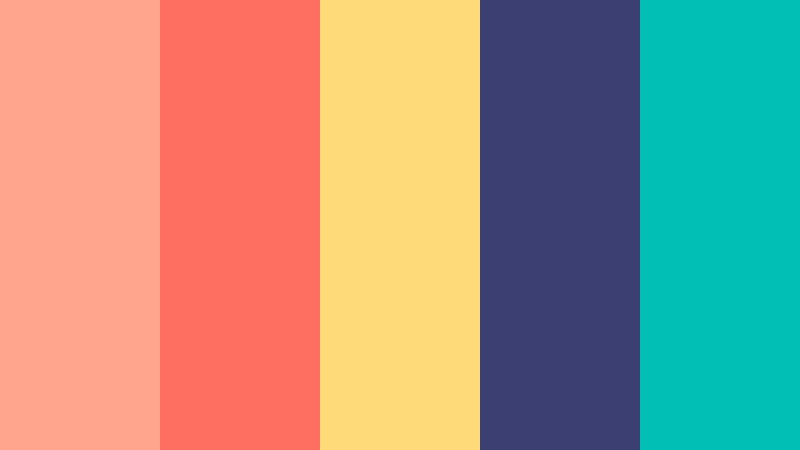
- HEX Codes: #ffa58d, #ff6f61, #ffda79, #3b3f72, #00c0b5
- Mood: Playful, nostalgic, and highly saturated with retro fun.
- Use for: Best for gaming intros, pop-culture commentary, and upbeat reels needing a punchy throwback palette.
Coral Pop Retro Arcade fuses high-contrast Vintage Coral with teal and deep indigo, instantly evoking arcade cabinets and neon-lit nights. #ff6f61 and #ffa58d handle your coral base, while #3b3f72 and #00c0b5 create that cool, retro contrast.
Use it for gaming overlays, channel logos, or commentary thumbnails where nostalgia and energy are the main hook. Let the darker blue shade carry your background or frame elements, and let the coral and yellow (#ffda79) tones highlight scores, titles, and reaction text for maximum click appeal.
Festival Lantern Coral
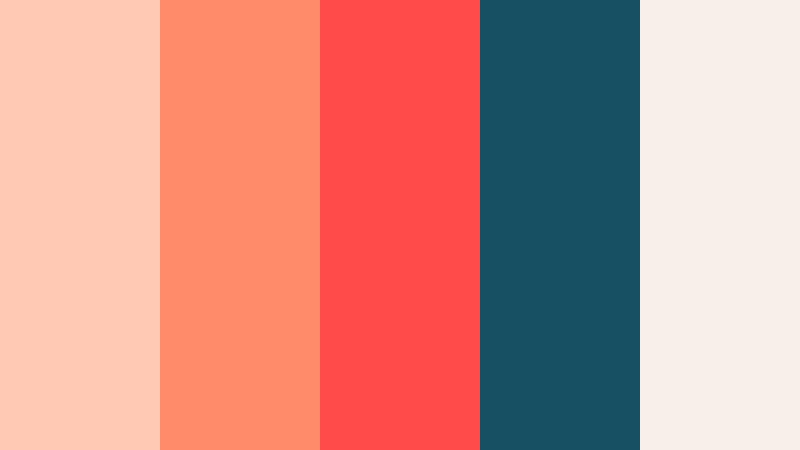
- HEX Codes: #ffc9b3, #ff8b6a, #ff4c4a, #174f63, #f6f0e8
- Mood: Festive, cinematic, and glowing like lantern-lit streets.
- Use for: Perfect for festival recaps, concert highlights, and high-energy travel edits shot at golden hour or night.
Festival Lantern Coral pairs luminous coral lights with deep teal shadows and creamy neutrals. #ff8b6a and #ff4c4a feel like glowing lanterns or stage lights, while #174f63 acts as the inky evening sky that makes them pop.
Use this palette in festival recaps, concert highlight reels, or travel sequences where you capture city lights at dusk. Build your lower thirds and title screens on the cream base #f6f0e8, then add coral and teal as gradient overlays and accents to give everything a cinematic, event-film look.
Tropical Coral Splash
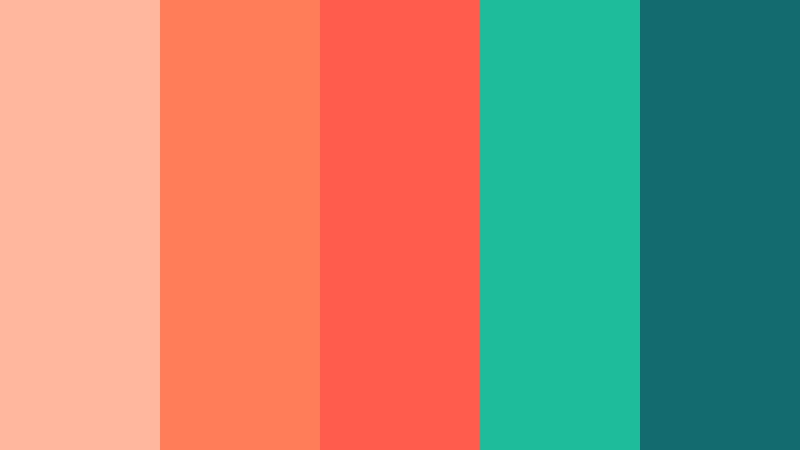
- HEX Codes: #ffb89e, #ff7e5a, #ff5c4d, #1ebc9b, #146b6f
- Mood: Refreshing, adventurous, and sun-drenched.
- Use for: Great for summer travel vlogs, surf edits, and brand intros for energetic lifestyle channels.
Tropical Coral Splash pits juicy Vintage Coral against turquoise greens to make every frame feel like vacation. #ff7e5a and #ff5c4d carry the sun-kissed warmth, while #1ebc9b and #146b6f bring in poolside and ocean tones.
Use this palette for beach trips, island adventures, or fitness and lifestyle intros that live outdoors. In thumbnails, alternate coral and teal blocks or borders to create dynamic contrast. In your video UI (subtitles, chapter markers, stickers), keep important text on the lighter coral base and use the deeper teal for icons and badges that call out key moments.
Street Sunset Coral
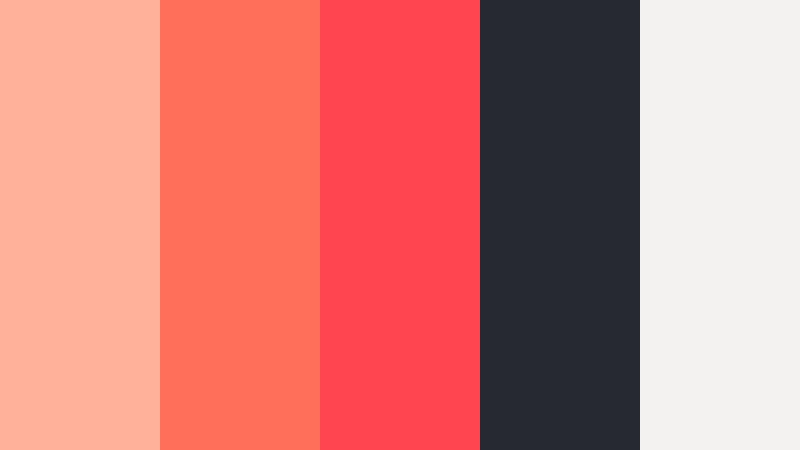
- HEX Codes: #ffb29a, #ff6f5a, #ff4550, #272932, #f4f2f0
- Mood: Moody yet vibrant, like city sunsets over asphalt.
- Use for: Ideal for cinematic b-roll, fashion lookbooks, and edgy lifestyle edits that mix grit with warmth.
Street Sunset Coral captures the moment when warm sky color hits cool concrete. The coral shades (#ff6f5a, #ff4550) burn brightly against the asphalt-inspired #272932, while #f4f2f0 gives you a neutral off-white for balance.
Use this palette in street-style lookbooks, skate edits, or cinematic B-roll where you want an urban edge but still crave warmth. Place coral accents over dark footage in your intro slates and keep your logo or channel tag in off-white for clean contrast that is easy to read on mobile.
Pastel And Airy Vintage Coral Color Palettes
Powder Coral Cloudscape
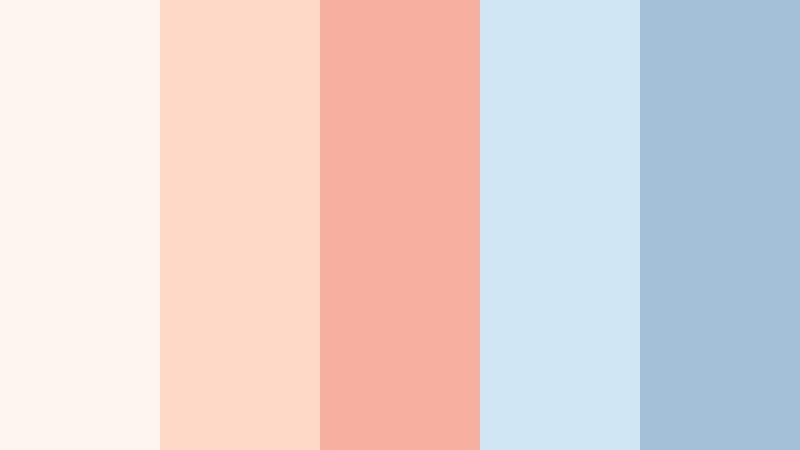
- HEX Codes: #fff5ef, #ffd9c8, #f7b0a0, #d0e6f5, #a4bfd8
- Mood: Light, dreamy, and floaty like pastel skies.
- Use for: Use for aesthetic vlogs, studio desk tours, and soft branding for channels focused on productivity and journaling.
Powder Coral Cloudscape blends whisper-soft Vintage Coral with feathery blues to create a floating, cloud-filter effect. #fff5ef and #ffd9c8 make gentle bases for slides and overlays, while the pastel blues (#d0e6f5, #a4bfd8) add a calm, focused feel.
Use this palette for desk tours, study-with-me videos, or productivity and journaling content where you want viewers to relax and stay a while. In thumbnails, try a split background of pastel coral and blue, then place your subject or title in the center for a clean, airy look that feels both aesthetic and organized.
Macaron Coral Mix
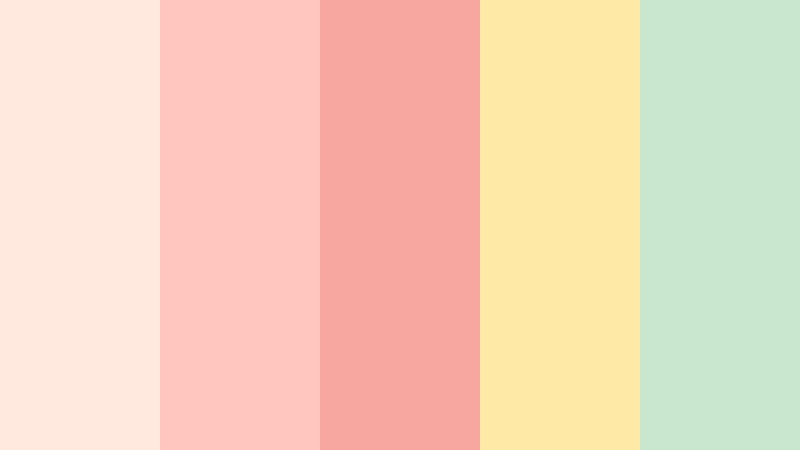
- HEX Codes: #ffe8dd, #ffc6c0, #f7a6a0, #ffe9a7, #c8e7cf
- Mood: Sweet, playful, and lighthearted like a dessert shop window.
- Use for: Great for baking tutorials, craft channels, and kawaii style content that leans cute and friendly.
Macaron Coral Mix looks like a tray of pastel desserts: creamy coral, soft yellow, and minty green. The Vintage Coral center (#f7a6a0) is supported by #ffe9a7 and #c8e7cf to keep everything bright, sweet, and non-threatening.
Use this palette for baking content, DIY crafts, stationery hauls, or kawaii edits where friendliness and approachability are key. Build thumbnails with overlapping pastel circles or boxes in these colors, and use simple sans serif or handwritten fonts to keep the overall aesthetic cute but readable.
Studio Coral Minimal
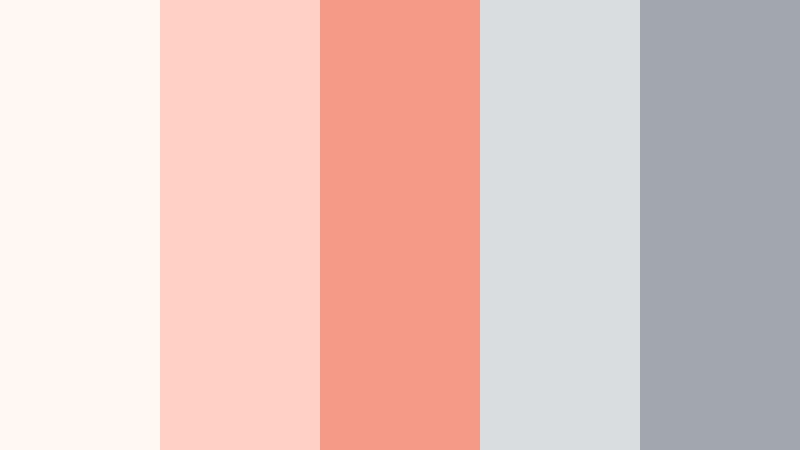
- HEX Codes: #fff8f3, #ffd1c4, #f49a87, #d9dddf, #a1a6af
- Mood: Clean, modern, and softly professional.
- Use for: Ideal for tech explainers, minimalist channels, and UI overlays where clarity matters as much as warmth.
Studio Coral Minimal pairs muted greys with a soft Vintage Coral core for a refined yet friendly look. The light neutrals (#fff8f3, #d9dddf) make excellent backgrounds for UI overlays and text, while #f49a87 adds a warm accent that keeps everything from feeling cold.
This palette is a great fit for tutorials, SaaS explainers, productivity tools, or minimalist lifestyle channels. Use the greys for interface elements and the coral only for key highlights, buttons, and call-to-action text in your intros and lower thirds so that your viewer always knows where to focus.
Elegant And Modern Vintage Coral Color Palettes
Coral And Charcoal Luxe
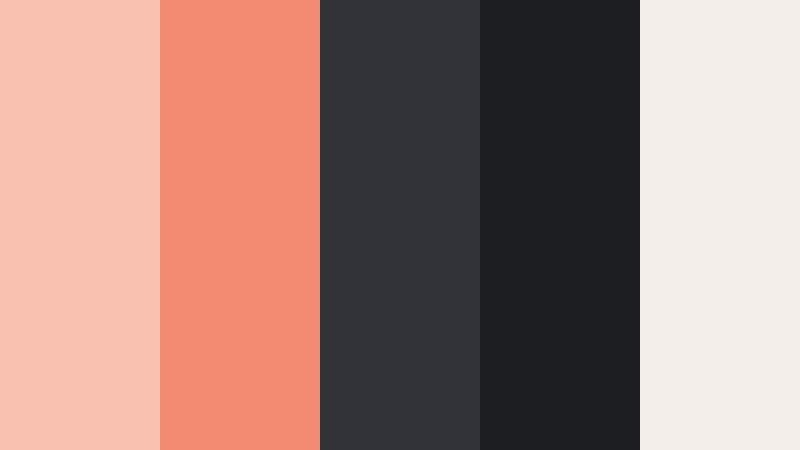
- HEX Codes: #f9c2b0, #f18a71, #313339, #1d1e22, #f3eee9
- Mood: Sophisticated, confident, and editorial.
- Use for: Best for branding packages, cinematic trailers, and premium product promos where you want luxury with warmth.
Coral And Charcoal Luxe lets Vintage Coral act as a refined accent against deep charcoals and creamy highlights. #f18a71 and #f9c2b0 bring approachable warmth, while #313339 and #1d1e22 supply the editorial, high-end backbone.
Use this palette for trailers, product launches, and premium service promos where you want to look elevated but not icy. Place your titles or logos in coral on dark backgrounds, and reserve the cream #f3eee9 for elegant end screens or packaging mockups within your video frames.
Gallery Wall Coral
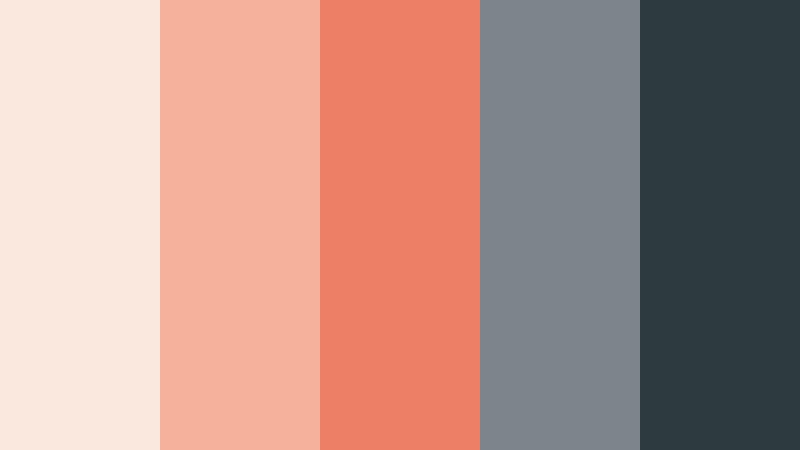
- HEX Codes: #fae8de, #f6b19d, #ed7f65, #7b858b, #2d3a40
- Mood: Artful, curated, and quietly bold.
- Use for: Perfect for interior design content, portfolio reels, and talking-head videos filmed in styled spaces.
Gallery Wall Coral frames Vintage Coral with soft neutrals and layered greys, like a carefully arranged art wall. Coral tones (#f6b19d, #ed7f65) play the role of key artwork, while #7b858b and #2d3a40 support as frames and shadows.
Use this palette for interior design tours, portfolio reels, or creative business channels. Apply the darker greys to your lower thirds and graphic frames, and let the coral show up in accent elements like section titles, icons, or thumbnail borders for a curated yet approachable feel.
Midnight Loft Coral
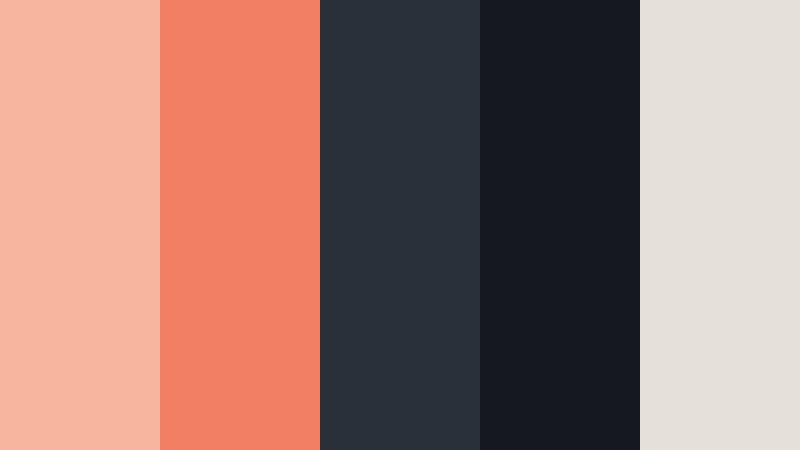
- HEX Codes: #f7b5a0, #f27f63, #2a3039, #151820, #e5e1da
- Mood: Moody, cinematic, and modern with a warm heartbeat.
- Use for: Great for cinematic b-roll, tech lifestyle promos, and fashion content shot in low light or moody interiors.
Midnight Loft Coral sets Vintage Coral against deep midnight tones, like warm light spilling across a dark loft. #f27f63 glows as your main accent, while #2a3039 and #151820 keep things sleek and cinematic, with #e5e1da adding a soft neutral for balance.
Use this palette in fashion films, tech lifestyle promos, or urban cinematic B-roll shot in low light. Put titles and UI elements in off-white or coral on dark backgrounds, and let the deep shades dominate your frames to maintain a bold, modern contrast that still feels inviting.
Tips for Creating Vintage Coral Color Palettes
When you build your own Vintage Coral color palette for video and design, think about contrast, emotion, and how the colors will look on different screens and platforms.
- Pair Vintage Coral with a grounding neutral, such as warm cream, soft grey, or deep charcoal, so your accents have room to breathe.
- Check text readability by testing white, dark grey, and deep navy over your chosen coral shade in thumbnail-size previews.
- Decide on your mood first: use pastels and light neutrals for romantic or airy content, and deeper blues or charcoals for cinematic or urban edits.
- Limit your bright accent colors to one or two per palette so your Vintage Coral remains the star and your frames do not feel chaotic.
- Match your color grading to your graphics: if your overlays lean warm-coral, gently warm your footage in Filmora so the image and UI feel like one world.
- Build a simple style guide for your channel with HEX codes for backgrounds, text, and buttons, and reuse them in intros, lower thirds, and end screens.
- Test your palette on both light and dark footage to ensure your titles and icons stay readable in different lighting conditions.
- For branding, choose one core Vintage Coral tone and 2 to 3 supporting colors, then save them as presets or favorites in your editing and design tools.
Vintage Coral palettes can instantly shape mood, from soft nostalgia to bold city energy, and they are strong tools for building a recognizable brand identity. Whether you are designing thumbnails, intros, or full cinematic edits, choosing the right combination of coral, neutrals, and contrast colors will help your content feel intentional and memorable.
Try these 15 palettes as starting points, then tweak them inside Filmora to match your footage and style. With consistent HEX codes across your overlays and grading, your channel can develop a cohesive Vintage Coral visual signature that viewers recognize in an instant.
Open a new project in Filmora, import a few of your favorite clips, and start applying these palettes to titles, color grading, and filters. A few small color decisions can turn an ordinary edit into something that feels curated, warm, and uniquely yours.
secure download