Explore Popular Bohag Bihu Beauty Prompts
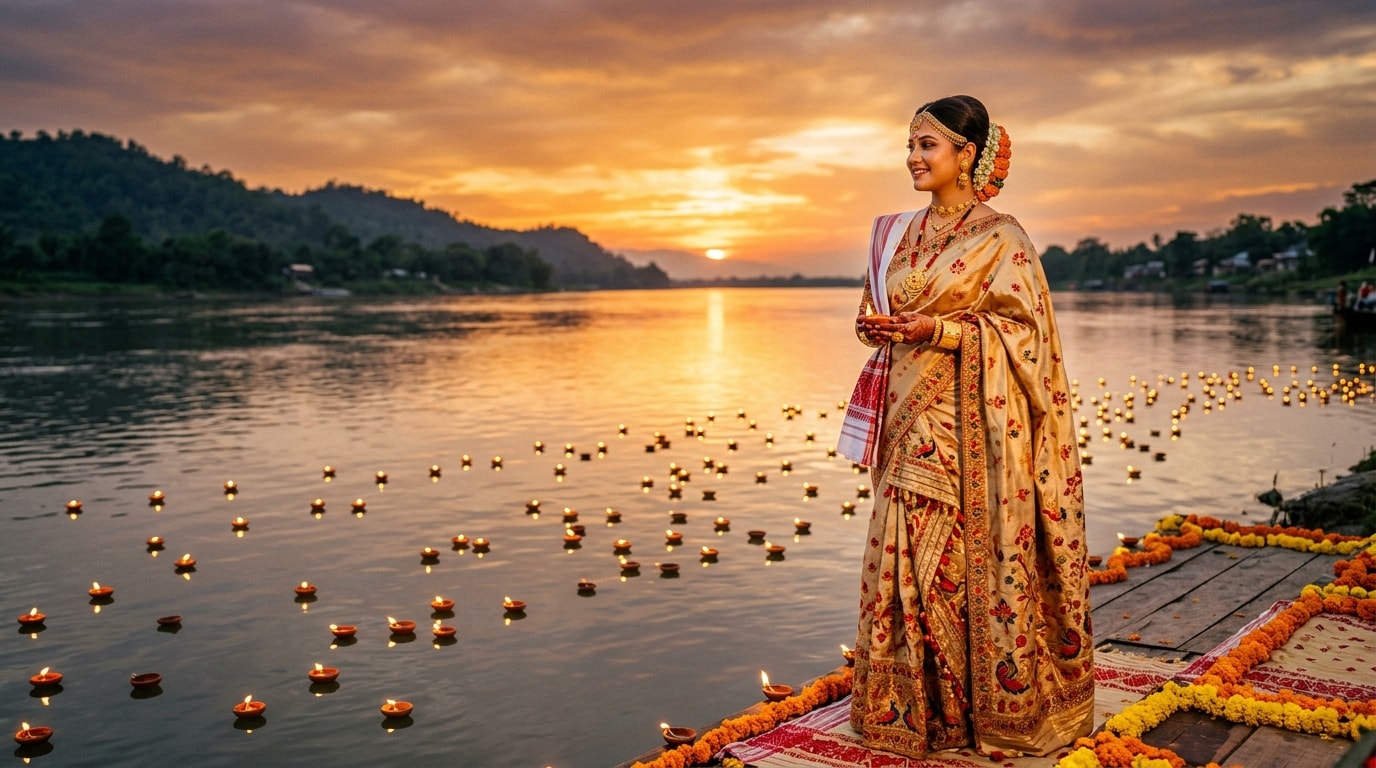
Finding the perfect Bohag Bihu bridal makeup AI style has never been easier. Dive into our rich library of Bohag Bihu makeup prompts to craft your ideal festive avatar, complete with striking 3D emoji maker elements for extra flair. Whether you need a simple look or a grand Bohag Bihu makeup transformation AI, we have the best ideas for you.
Loading more Bohag Bihu makeup examples...
 Category:
 Duration:
 Aspect Ratio:
Why Create Bohag Bihu Makeup AI Photos?
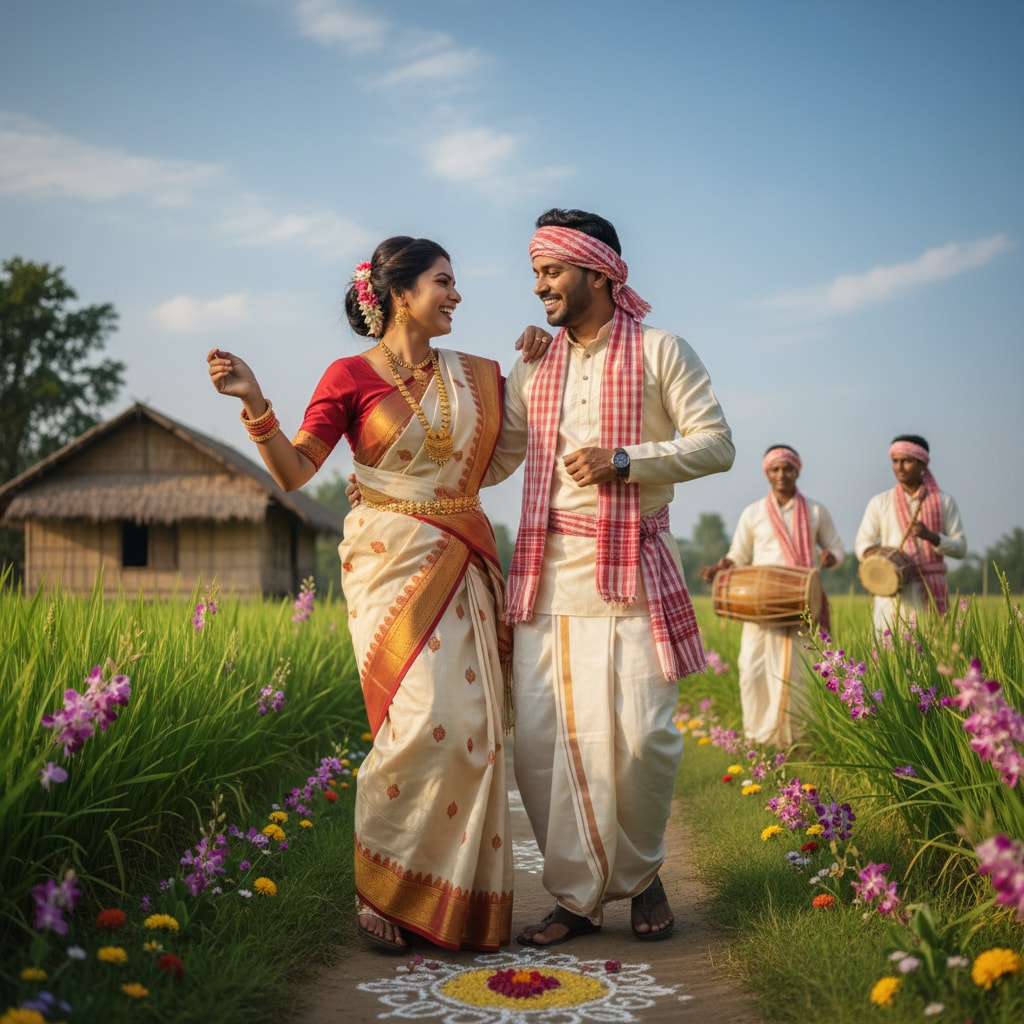
A flawless traditional Assamese makeup AI prompt is your ticket to breathtaking festive aesthetics. Whether you want to preview a Bohag Bihu bridal makeup AI look or simply embrace the spirit of Rongali Bihu digitally, AI-generated portraits make celebrating effortless and stunning.
Perfect Your Assamese Traditional Look
Perfect Your Assamese Traditional Look
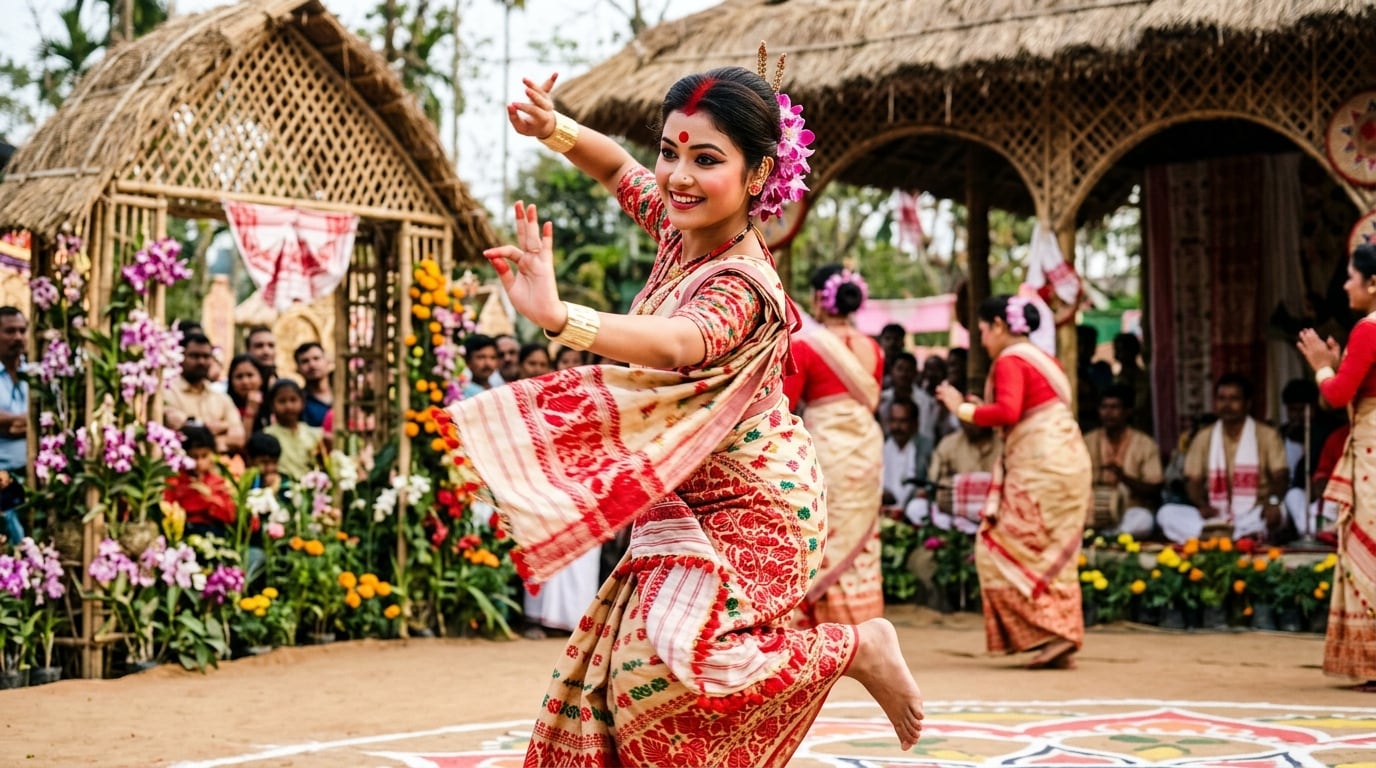
Want to envision yourself in authentic Assamese attire? Using a Bohag Bihu beauty AI photo generator lets you experiment with flawless kopou phool adornments and Bohag Bihu eye makeup AI styling before getting ready for the Bihu naas! 💃 Integrate 3D luts to make those red and gold hues pop perfectly in your portrait.
- 🔴 Authentic Detailing - Generate a beautiful Bohag Bihu bindi kumkum AI photo effortlessly.
- ✨ Glowing Skin - Achieve that radiant, flawless festive glow instantly.
- 🎨 Color Matching - Find the perfect lip shade to match your muga silk mekhela chador.
Create Trendsetting Festive Content
Create Trendsetting Festive Content
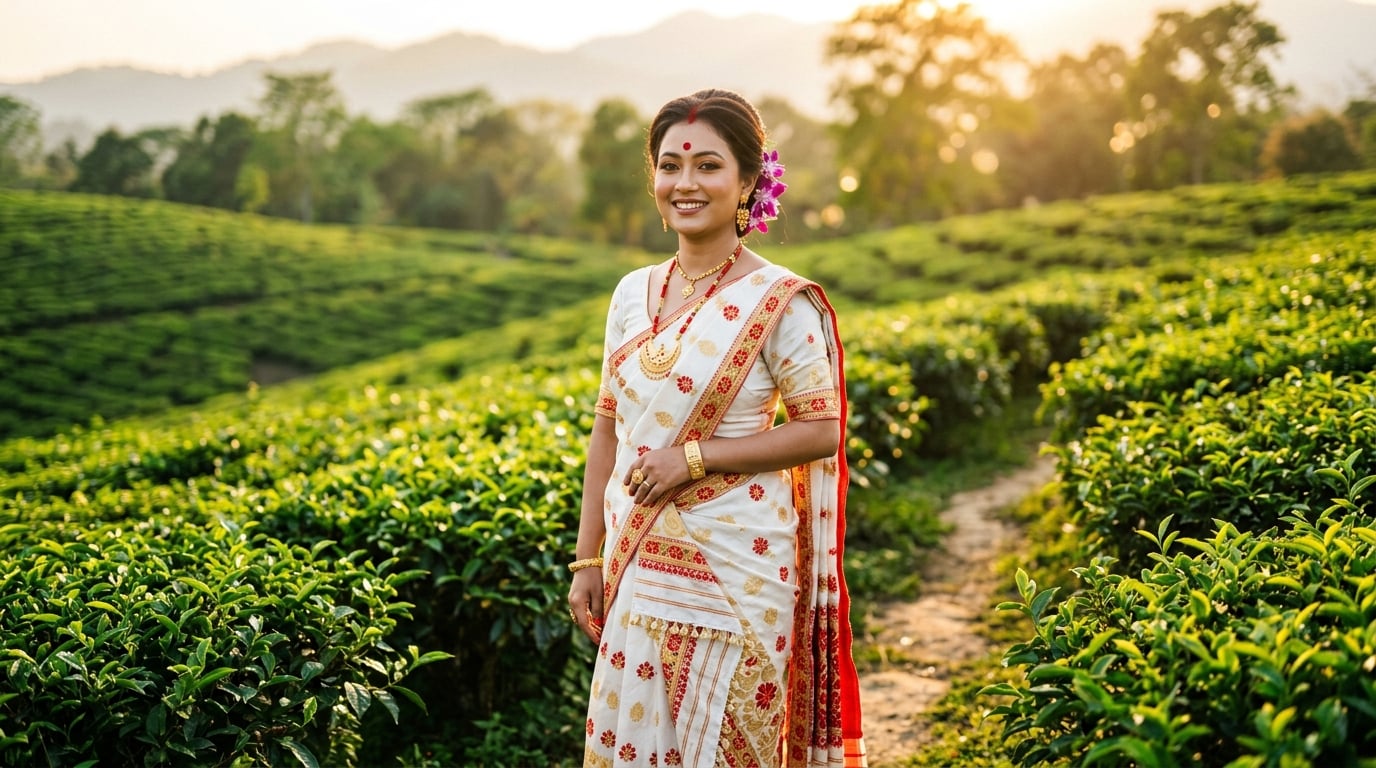
Take the internet by storm this festive season. By generating a hyper-realistic traditional Assamese makeup AI prompt, you can easily create viral videos on TikTok and Instagram. Add some retro video effects to give your portraits a nostalgic, cinematic vibe.
- 📱 Social Ready - Export high-quality Bohag Bihu makeup style AI photo formats for all platforms.
- 🎬 Seamless Edits - Combine your photos with top-tier video templates resources.
- 🌟 Stand Out - Showcase your Bohag Bihu makeup editing prompts to inspire others online.
Experiment With Gemini AI Beauty
Experiment With Gemini AI Beauty
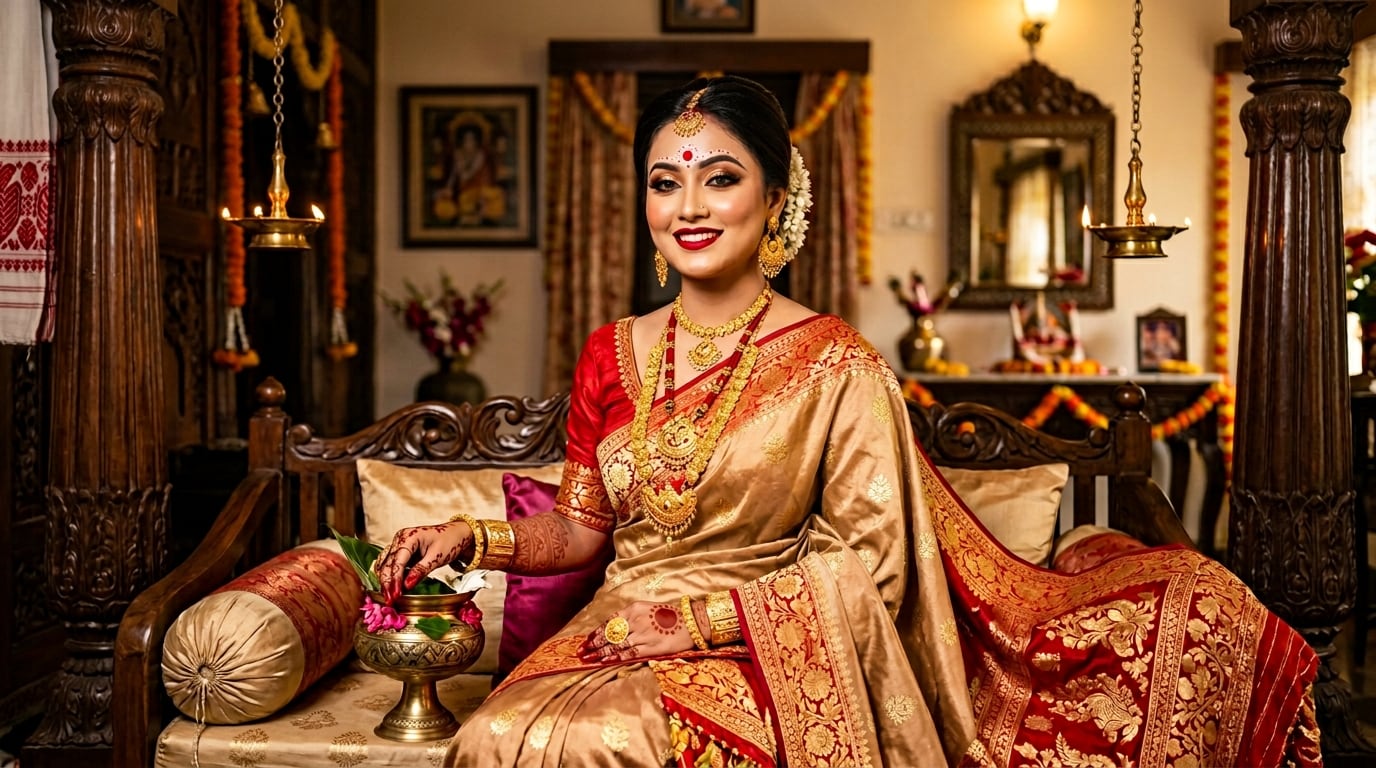
Not sure which style suits you best? Try generating Bihu makeup with Gemini AI! From soft, natural daytime looks to heavy evening glam, explore limitless variations. Use our vast library of creative assets to enhance your digital portraits with traditional Assamese motifs.
- 🎭 Endless Options - Switch between subtle elegance and dramatic glam in seconds.
- 💡 Smart Prompts - Use our curated list of the best Bohag Bihu beauty prompts.
- 📝 Easy Text Tools - add and edit titles in video to describe your AI makeup steps perfectly.
Professional Edits Without the Studio
Professional Edits Without the Studio
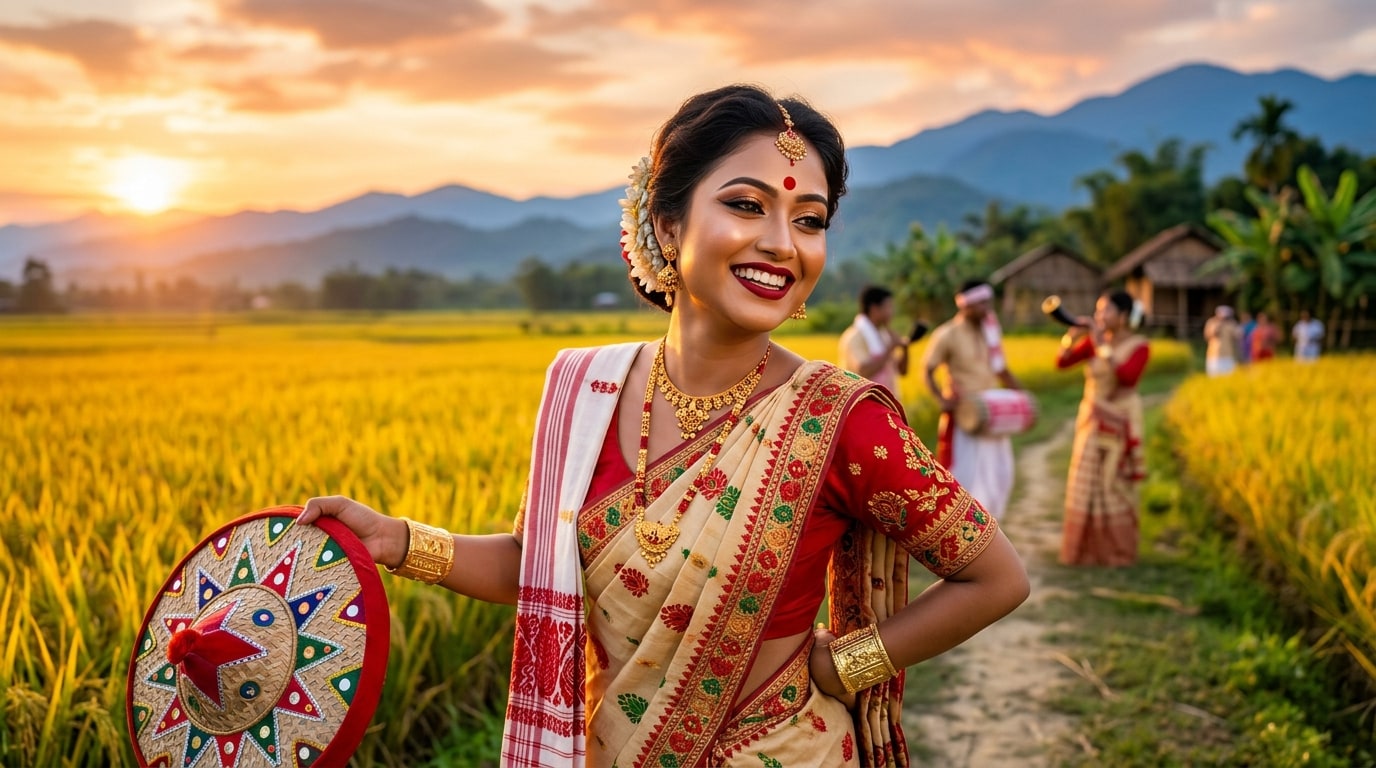
You don't need a high-end salon or an expensive photoshoot to get the perfect festive portrait. Whether you are wondering how to create Bohag Bihu makeup photo magic or just want a quick profile picture update, Filmora has you covered. Just add luts to video and let the AI do the heavy lifting! 🌸
- ⏱️ Time-Saving - Skip hours of physical makeup trials and expensive bookings.
- 🎛️ Total Control - Fine-tune every aspect of your portrait using the advanced timeline editor.
- 🎥 Screen Capture - Record your generation process easily with a reliable screen recorder to share tutorials.
Frequently Asked Questions About Bohag Bihu Makeup AI Photos
How to Create Bohag Bihu Makeup AI Photos
Master the art of the traditional Assamese makeup AI prompt and transform your selfies into breathtaking festive portraits in three simple steps! ✨
Step 1 Choose Your Festive Prompt

Step 2 Upload Your Selfie
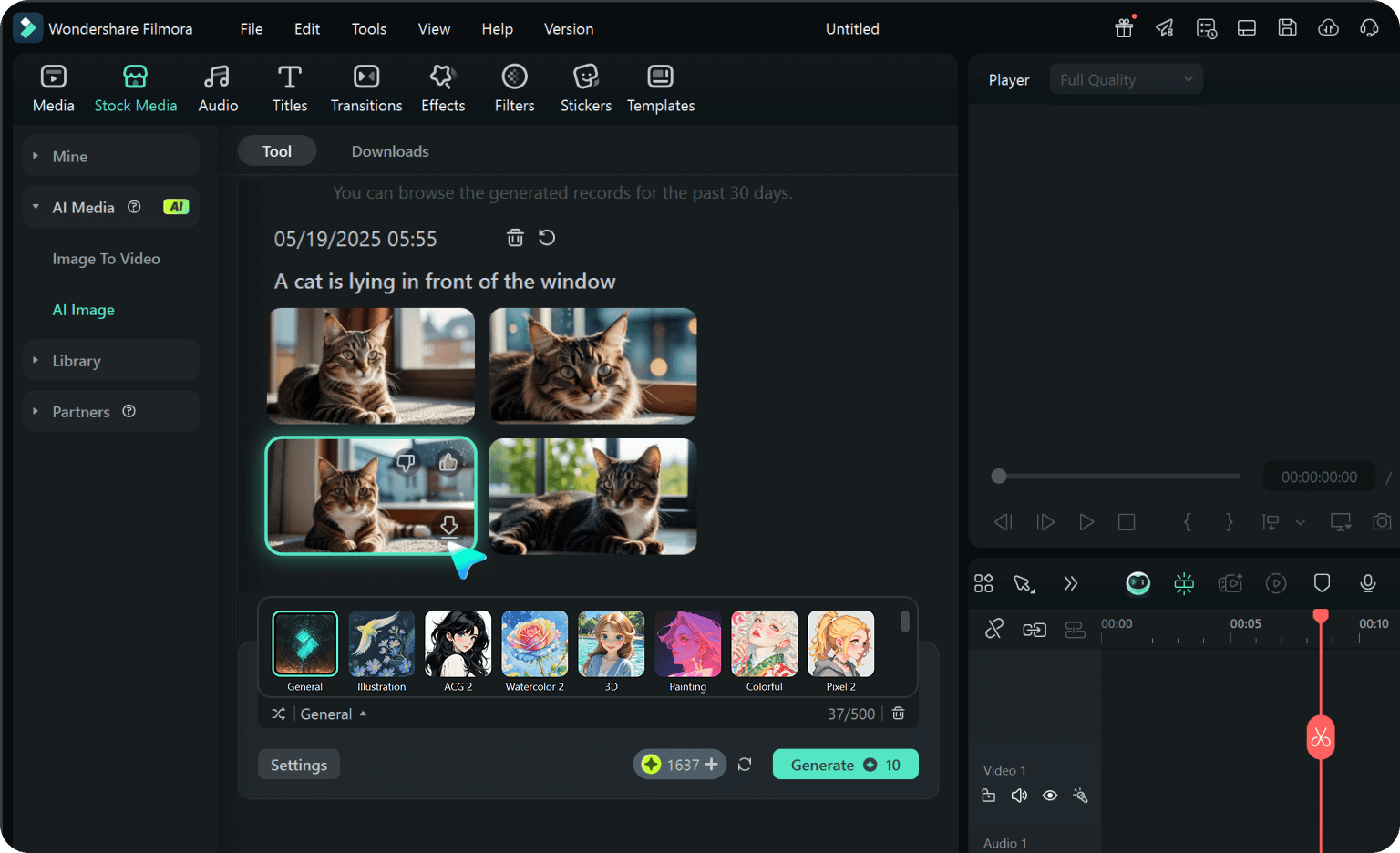
Step 3 Generate & Download
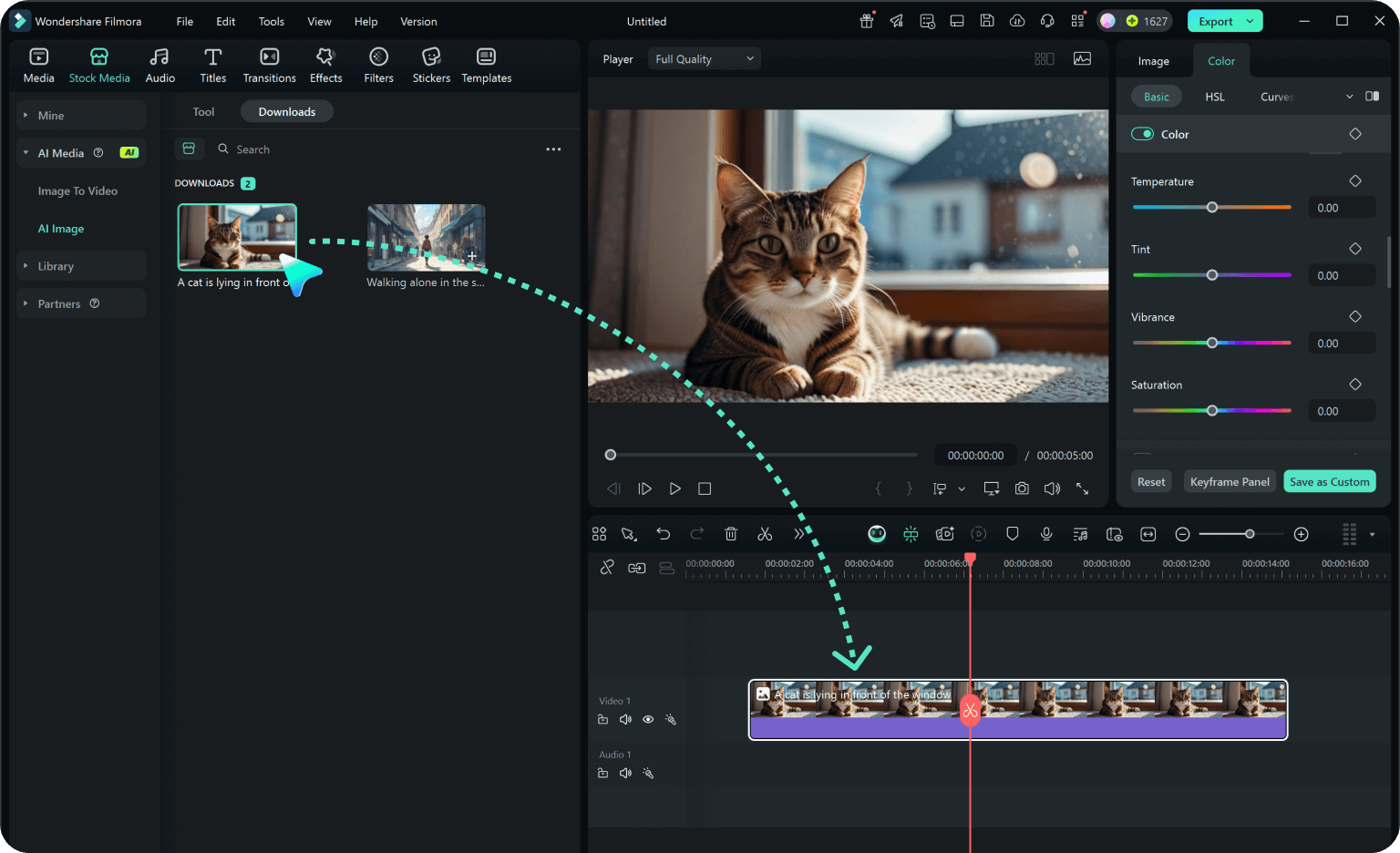
-
1:Choose Your Festive Prompt
Browse our collection of the best Bohag Bihu beauty prompts. Select a style, whether you want a grand Bohag Bihu bridal makeup AI look or a simple Bohag Bihu bindi kumkum AI photo. -
2:Upload Your Selfie
Import a clear, well-lit photo into the Bohag Bihu beauty AI photo generator. For the most accurate Assamese makeup AI portrait, use a front-facing headshot. -
3:Generate & Download
Apply your chosen Bohag Bihu makeup editing prompts, generate your stunning Bohag Bihu makeup style AI photo, and download it! Share your flawless Bohag Bihu eye makeup AI looks on social media, or use it as your profile picture.