
35+ Bohag Bihu Image Prompts:
Instant AI Copy & Paste
Want something more than a basic greeting card? These AI prompts are inspired by the most searched Bohag Bihu 2026 trends—from traditional dance scenes to modern digital art. Simply pick your favorite Bohag Bihu template, paste it into Gemini, and generate a festive image that celebrates the spirit of Assam. Perfect for social posts, WhatsApp status updates, or personalized family greetings.
Loading more templates...
 Category:
 Duration:
 Aspect Ratio:
Create Trending Bohag Bihu AI Photos
with Nano Banana Pro Prompts
A perfect Bihu celebration isn't just about tradition—it's about sharing that joy with the world. With Filmora's AI tools and Gemini-style prompts, you can create everything from detailed traditional attire close-ups to energetic dance illustrations. Generate a stunning Bohag Bihu AI photo, then refine it with cinematic lighting, festive color grading, and realistic detail enhancement.
Generate Lifelike Bohag Bihu Portraits with Advanced AI
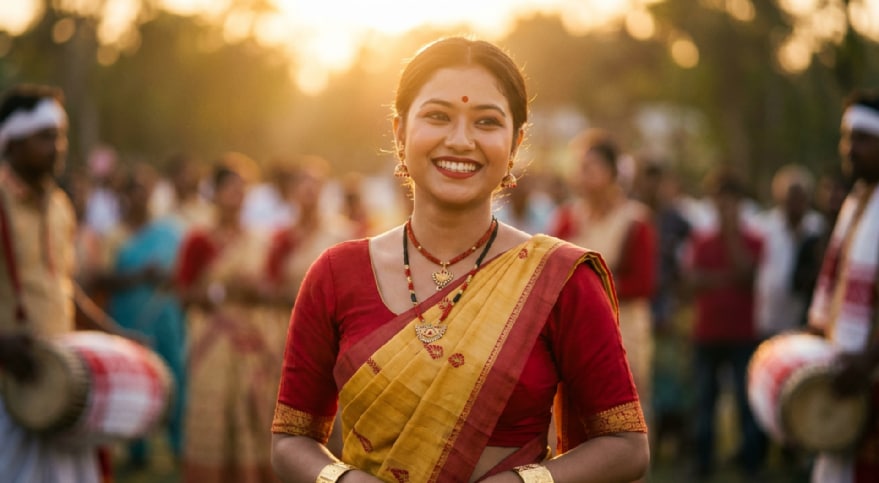
Generate Lifelike Bohag Bihu Portraits with Advanced AI
Bring your festive imagination to life using the advanced Nano Banana Pro Mode. Simply describe a scene featuring traditional Mekhela Chador, the rhythm of the Dhol, or the beauty of Kopou Phool, and watch as the AI generates high-fidelity, photorealistic Bohag Bihu images.
- High-Resolution Cultural Details – Accurately render traditional Assamese jewelry and fabrics.
- Customizable Lighting – Create warm, golden-hour festive atmospheres instantly.
- Nano Banana Pro Precision – Enhanced prompt understanding for specific cultural nuances.
Animate Your Bihu Memories with AI Image to Video
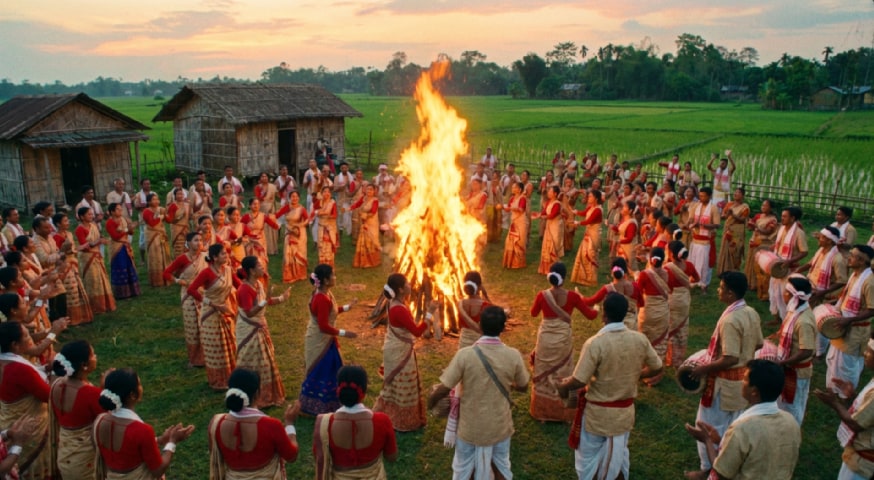
Animate Your Bihu Memories with AI Image to Video
Static images are beautiful, but Bihu is about movement and dance. Transform your generated Bohag Bihu AI photos into dynamic videos. Add subtle motion to the Gamusa swaying in the breeze or animate a dancer's pose to create engaging content for TikTok and YouTube Shorts.
- Static to Dynamic Conversion – Turn portraits into moving Bihu dance clips.
- Automated Motion Effects – Add natural sway and movement without manual keyframing.
- Social Media Ready – Export in 9:16 vertical format for Reels and Status updates.
- Photo-to-Video Magic – Make any static Bihu image into a shareable video experience.
- Built-In Music – Add traditional Bihu tunes to complete the vibe.
Instant Festive Aesthetics with Nano Banana 2 Templates
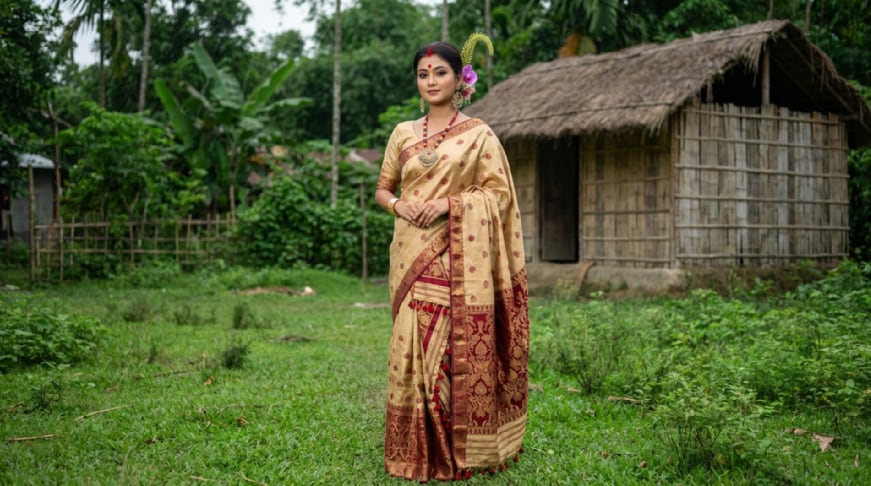
Instant Festive Aesthetics with Nano Banana 2 Templates
Don't know where to start? Use our pre-configured Bohag Bihu prompt templates designed for instant success. These templates are optimized to work seamlessly with Gemini, ensuring you get the perfect composition and color palette for your New Year greetings without trial and error.
- 🎨 One-Click Prompt Copying – Instantly access prompts for "Husori Dance," "Village Feast," and "Traditional Prayers."
- 🔤 Diverse Art Styles – Switch between realistic photography, oil painting, or 3D animation styles effortlessly.
- 🚀 Optimized for Gemini – Prompts are tuned to produce the best results with current AI models.
Enhance Traditional Photos with Bohag Bihu AI Effects
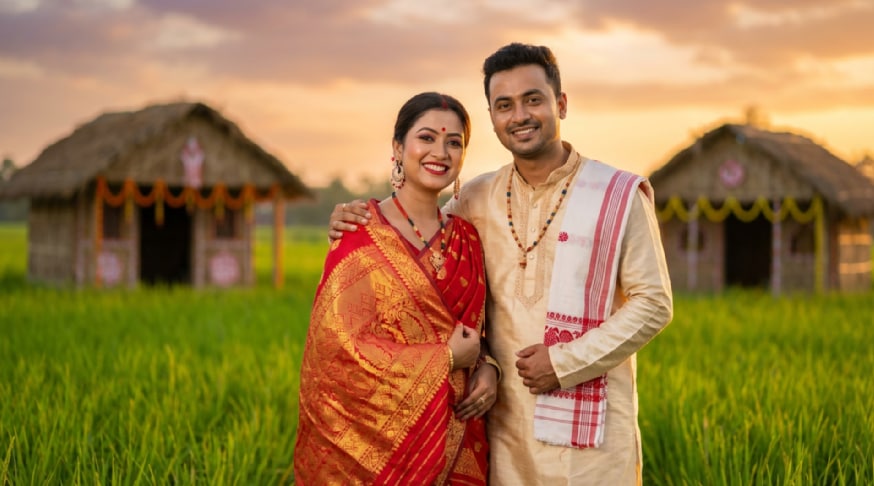
Enhance Traditional Photos with Bohag Bihu AI Effects
Already have a photo from the festivities? Take your raw images to the next level by adding festive typography and color grading. Filmora allows you to overlay "Happy Bohag Bihu" text, adjust the vibrancy of the red and white traditional colors, and remove unwanted artifacts for a flawless finish.
- Assamese Text & Typography – Add culturally relevant greetings and fonts.
- Festive Color Grading – Enhance the vibrancy of traditional red (Xeng) and white tones.
- Object Removal – Clean up background distractions from your festival photos instantly.
FAQs About Bohag Bihu AI Photos & Prompts
How to Create a Bohag Bihu AI Photo with Filmora
Popular on TikTok and Instagram, Bohag Bihu AI photo effects let you make trending, romantic proposal photos or videos in seconds. This guide shows beginners how to generate a personalized Bohag Bihu AI photo using AI tools—no design experience required!
Step 1 Open the AI Image Generator

Step 2 Enter Your Bohag Bihu AI Photo Prompt

Step 3 Download and Edit Your Bohag Bihu AI Photo

-
1:Open the AI Image Generator
Start Filmora, create a new project, go to "Stock Media", and select "AI Image" to get started. -
2:Enter Your Bohag Bihu AI Photo Prompt
Select the AI model, enter your Bohag Bihu AI photo prompt (such as a romantic proposal theme), and click "Generate" to instantly create your image. -
3:Download and Edit Your Bohag Bihu AI Photo
Preview the generated proposal image, click download, drag it into your project for further editing, or export/share it directly.
More Than Just Bohag Bihu AI Photos
Filmora isn't just for making Bohag Bihu AI photos—it also generates stunning romantic photos, AI-powered videos, and lets you edit heartfelt moments all in one simple tool.








