
Create Stunning Gudi Padwa Couple Photoshoots
with AI-Powered Prompt Templates
Going viral on couple content isn't just about the moment — it's about the aesthetic. Filmora's Gudi Padwa couple AI prompts are engineered to match the authentic cultural energy of a Marathi New Year celebration. Whether you're capturing a romantic couple embrace, a traditional bride & groom couple moment, a playful couple dance celebration, or an intimate couple close-up, our AI-powered tools give your couple portrait the professional polish it deserves.
Loading more templates...
 Category:
 Duration:
 Aspect Ratio:
Instant Gudi Padwa Couple Photoshoot Results
in Every Trending Style
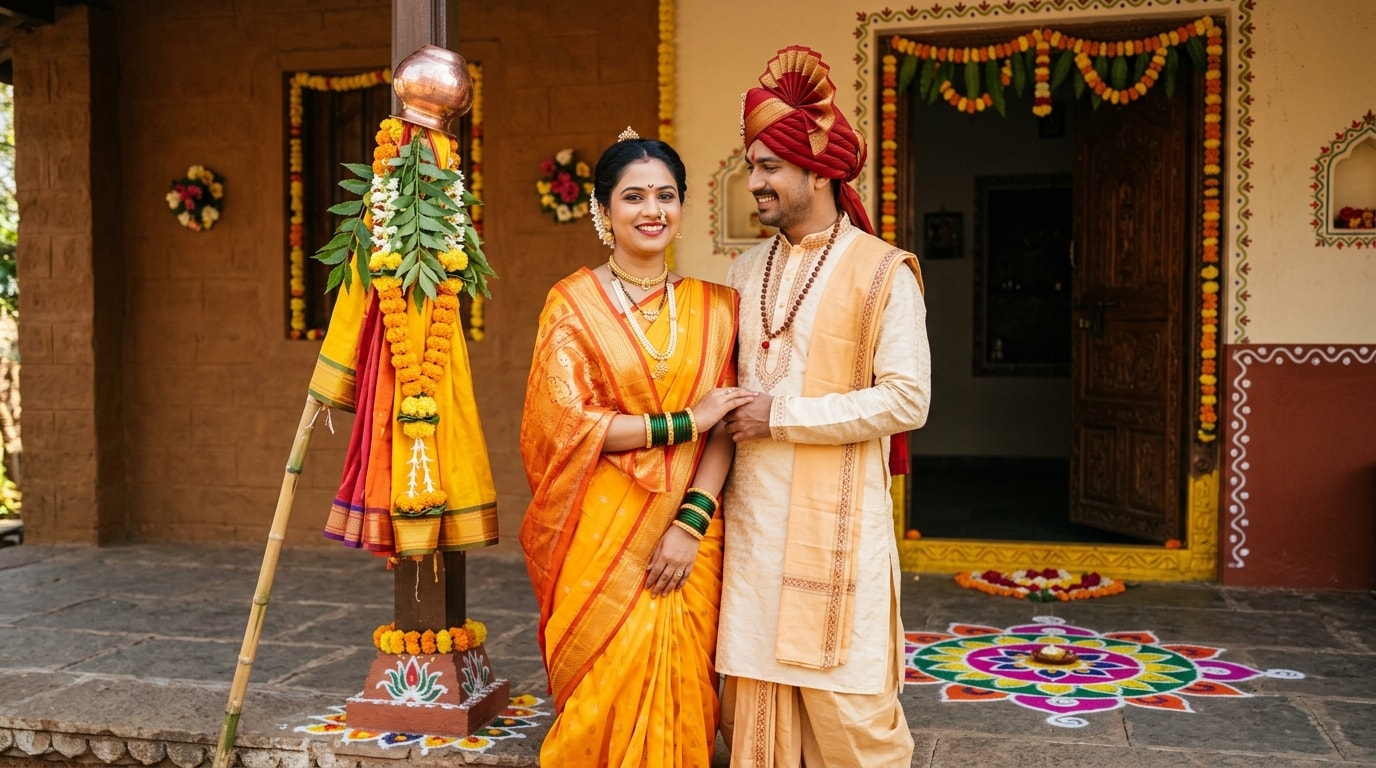
Create authentic Gudi Padwa couple photoshoot results in every trending style—from romantic couple in matching paithani sarees to traditional bride & groom celebration looks. Simply browse our Gudi Padwa couple AI prompt collection, select your style, and let Filmora's AI generator deliver cinematic 4K results instantly.
✨ Instant Gudi Padwa Couple Photoshoot Results in Every Trending Style
✨ Instant Gudi Padwa Couple Photoshoot Results in Every Trending Style
Create authentic Gudi Padwa couple photoshoot results in every trending style—from romantic couple in matching paithani sarees to traditional bride & groom celebration looks. Simply browse our Gudi Padwa couple AI prompt collection, select your style, and let Filmora's AI generator deliver cinematic 4K results instantly.
- 15+ Tested Gudi Padwa Couple Prompts - Ready-to-use templates optimized for festive Maharashtrian couple portraits, traditional matching dress, Gudi decor background setups.
- Multiple Romantic Styles - Couple in nauvari sarees, couple in traditional pheta & saree, bridal couple with Gudi setup, anniversary couple celebration, pre-wedding couple photoshoot, newlywed couple with Gudi flag.
- Photo Reference Support - Upload your couple photo to maintain facial features while applying festive AI effects—perfect for seeing yourself in traditional attire.
- 4K Cinematic Quality - High-resolution output for Instagram Reels, couples' WhatsApp sharing, anniversary cards, and viral social media couple content.
🎬 Transform Couple Photos Into Viral Gudi Padwa Video Reels & Couple Celebration Videos
🎬 Transform Couple Photos Into Viral Gudi Padwa Video Reels & Couple Celebration Videos
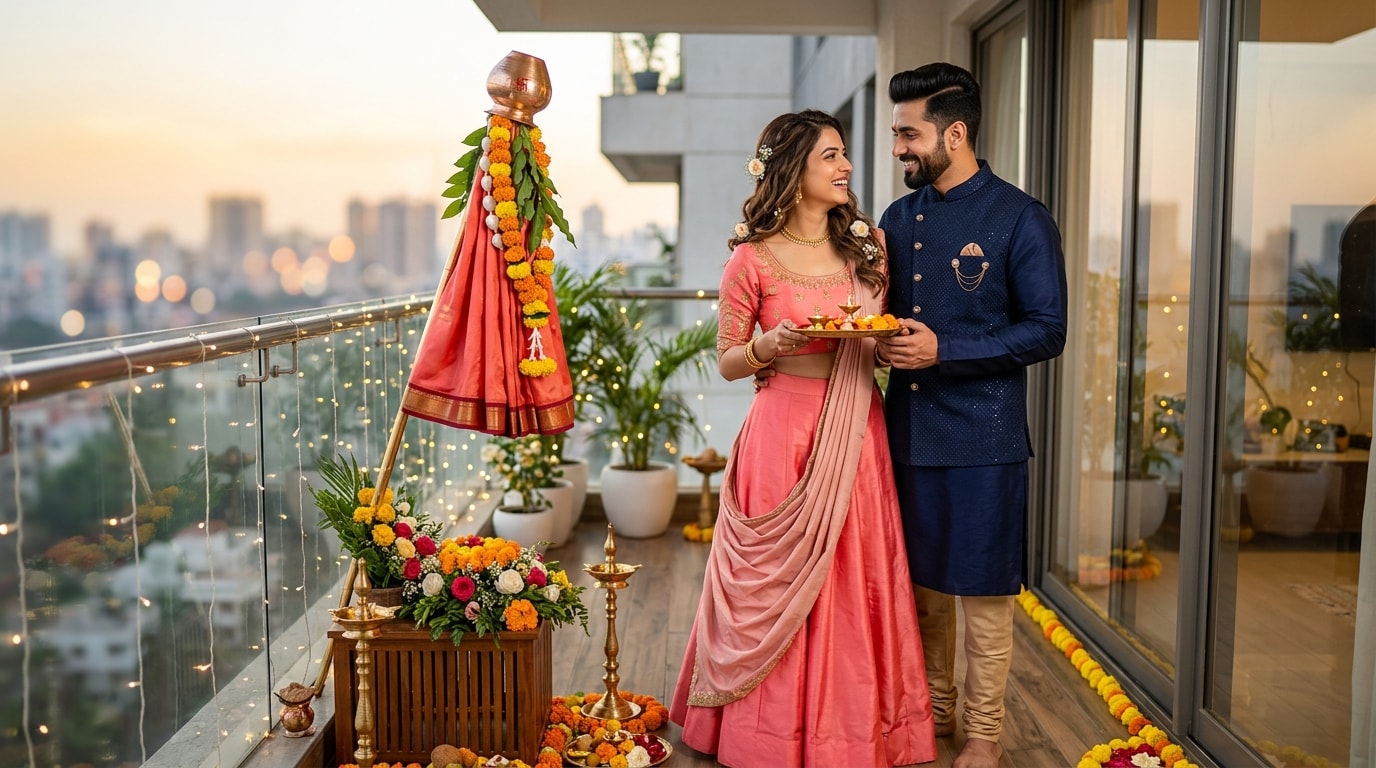
Filmora's mobile app lets you transform your Gudi Padwa couple AI photos into viral video content perfect for Instagram Reels, couples' YouTube Shorts, and WhatsApp couple status.
- Gudi Padwa-Optimized Couple Templates - Pre-designed video templates with festive transitions, marigold animations, couple dance effects, and Gudi flag reveals.
- One-Tap Photo Animation - Convert AI couple portraits into animated celebration reels with cinematic effects and romantic music.
- Social Media Ready - Export for Instagram Reels (9:16), WhatsApp Status (couples' stories), YouTube Shorts, TikTok couple content.
- Custom Couple Text & Marathi Music - Add couple names, "Happy Gudi Padwa" titles, captions, and traditional Dhol-tasha couple celebration music.
- Advanced Couple Effects - Marigold bokeh, golden flares, heart animations, and festive color grading perfect for romantic couple content.
🎨 Professional Gudi Padwa Couple Photo Editing with Filmora's Advanced Tools
🎨 Professional Gudi Padwa Couple Photo Editing with Filmora's Advanced Tools
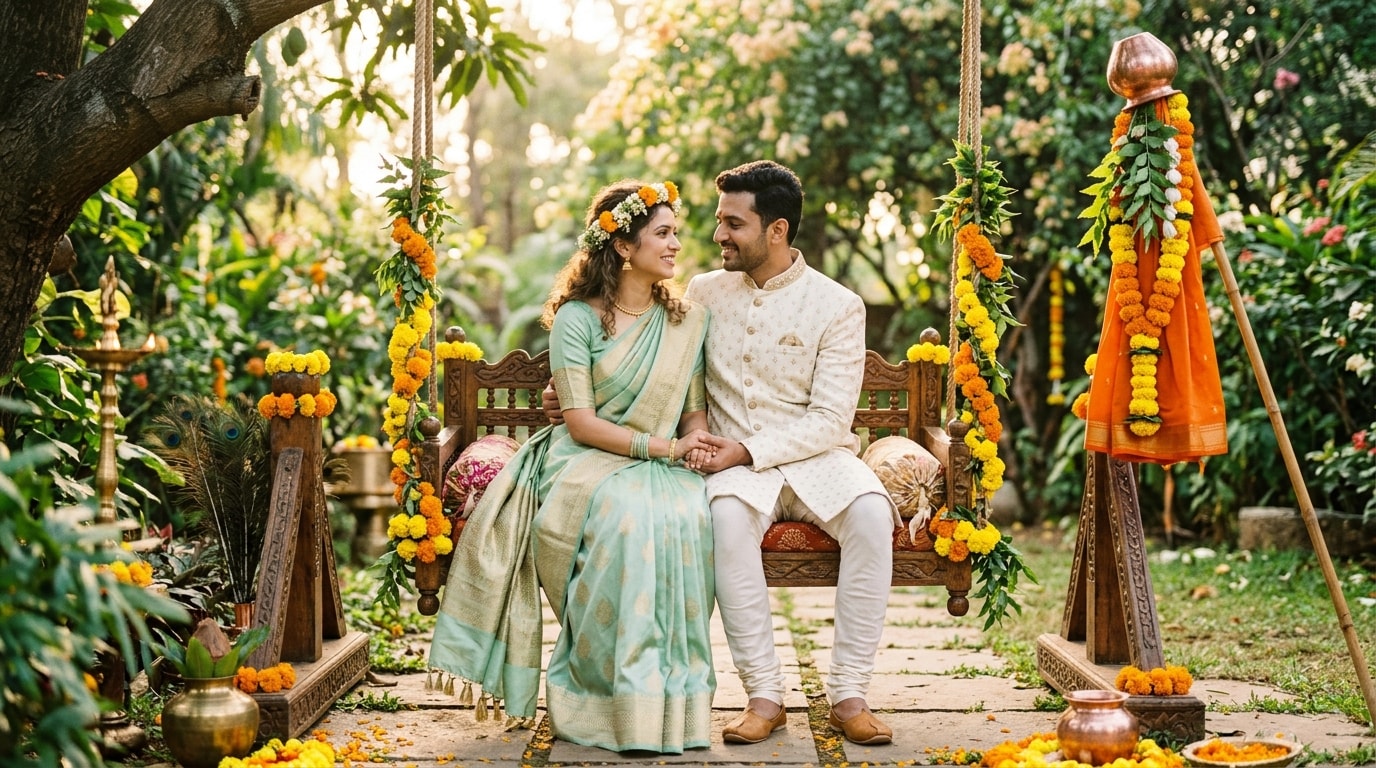
Take your AI couple photos to the next level with Filmora's editing suite. Enhance Gudi Padwa couple portraits with Marathi typography, Celebration Overlays, romantic custom effects, and wedding-style color grading.
- Marathi Festival Couple Typography - Add couple names, custom captions, and romantic greeting overlays.
- Advanced Color Grading - Warm saffron-gold palette perfect for couples, enhanced marigold tones, and festive romantic vibrancy.
- Custom Couple Graphics & VFX - Mango leaf torans, marigold showers, Gudi flag reveals, heart transitions, and couple-focused romantic effects.
- Precise Editing Controls - Adjust jewelry highlights on both partners, saree textures, soft romantic bokeh backgrounds, and couple pose lighting.
FAQs About Gudi Padwa Couple Photoshoot AI Prompts
How to Create a Gudi Padwa Couple Photo with Filmora
Popular on Instagram and WhatsApp, custom festival images let you share unique, personalized greetings. This guide shows beginners how to generate a stunning Gudi Padwa image using AI tools—no graphic design skills required!
Step 1 Open the AI Image Generator

Step 2 Enter Your Gudi Padwa Prompt

Step 3 Download and Edit Your Festival Image

-
1:Open the AI Image Generator
Start Filmora, create a new project, go to "Stock Media", and select "AI Image" to get started. -
2:Enter Your Gudi Padwa Prompt
Select the AI model, enter your Gudi Padwa couple photoshot prompt, and click "Generate" to instantly create your image. -
3:Download and Edit Your Festival Image
Preview the generated image, click download, drag it into your project to add text or music, or export/share it directly.
More Than Just Gudi Padwa Couple Photoshoot Generator
Filmora isn't just for making festival greetings—it also generates stunning romantic photos, AI-powered videos, and lets you edit heartfelt moments all in one simple tool.








