
Multi Frame Video Effects & Guides
Explore popular multi frame applications and dynamic layout how-to guides
Loading more multi frame effects...
 Category:
 Duration:
 Aspect Ratio:
Meet the New Multi-Frame System: Flexible, Scalable, and Creator-Friendly
The enhanced Multi-Frame Effects are designed to accelerate your workflow. Whether you're adding a beat-sync split for a music video, creating a reaction-style gaming clip, or building a photo wall, you can apply effects with a single drag. And because it's a scalable resource system, our design team will continuously deliver new layouts and themed collections.
Seamless Split Screen Effects for Dynamic Storytelling
Seamless Split Screen Effects for Dynamic Storytelling
Stop struggling with manual masking and positioning. The advanced multi frame video effects in Filmora allow you to instantly drop your media into precise, pre-designed grids. Enhance your project further by pairing these layouts with stunning video filters to unify the aesthetic across all frames.
- Drag and drop your clips into perfectly aligned multi screen layouts effortlessly.
- Adjust borders, spacing, and corner rounding to create a customized look for every grid.
- Animate individual frames independently to draw viewer attention exactly where you want it.
Advanced Multi Frame Animation and Keyframing
Advanced Multi Frame Animation and Keyframing
Take full control over your layout by animating how each frame enters and exits the screen. With intuitive keyframing, your video frame animation becomes a fluid, captivating sequence rather than a static collage. You can even generate unique background textures for your frames using the GPT Image 2 model within the AI Image Generator.
- Apply dynamic motion presets to slide, fade, or zoom your frames into the scene seamlessly.
- Utilize advanced keyframing to adjust the scale and position of multiple screens over time.
- Enhance visual flow by placing smooth video transitions between your layered clips.
AI-Powered Assets to Enhance Multi Screen Layouts
AI-Powered Assets to Enhance Multi Screen Layouts
Elevate your multi frame editing workflow by integrating Filmora's powerful AI tools. Generate custom visual elements using the Nano Banana Pro or ChatGPT Image 2 models, ensuring your split screen layouts are filled with highly original content. This comprehensive approach to AI video editing ensures your projects stand out in a crowded digital landscape.
- Generate highly specific background images for your grids using powerful built-in AI models.
- Automatically balance the lighting across all your distinct clips using intelligent color correction tools.
- Access millions of royalty-free clips from integrated stock media libraries directly within the interface.
Frequently Asked Questions About Multi Frame Effects
How to Apply Multi Frame Effects in Filmora
Create professional split screen looks in just a few simple steps, no advanced technical skills required.
Step 1 Get Your Clips Ready
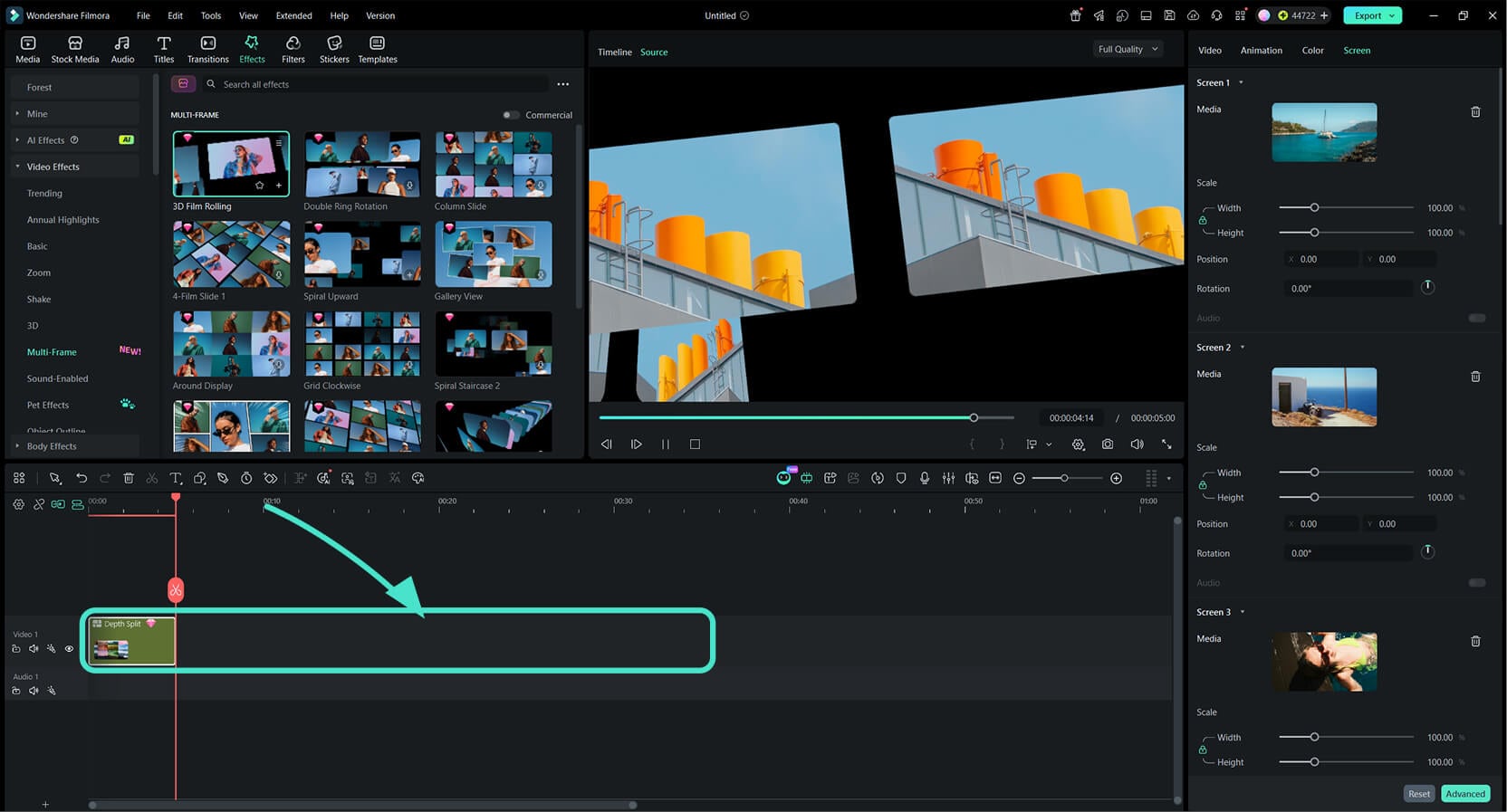
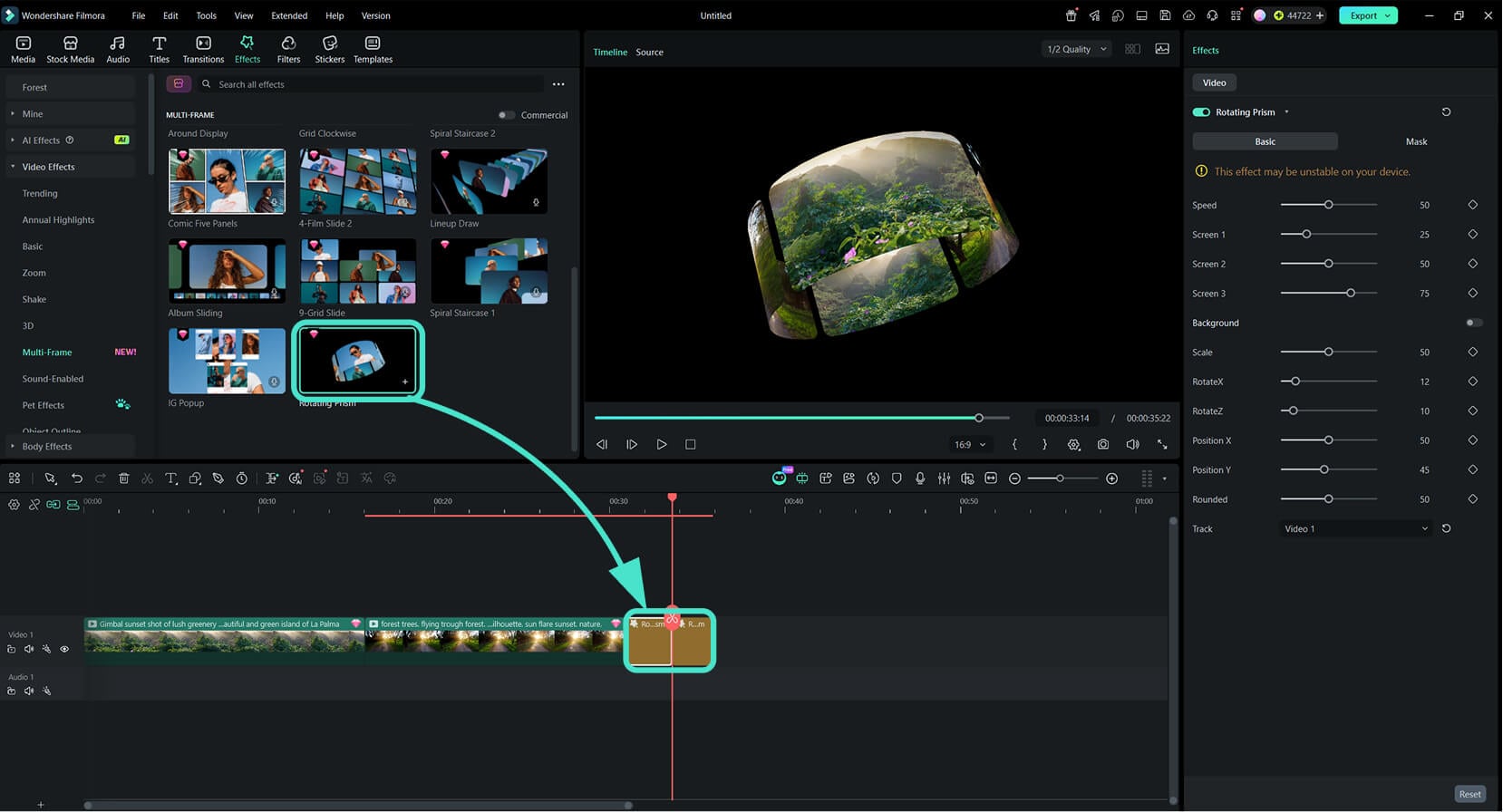
Step 2 Choose a Multi-Frame Effect
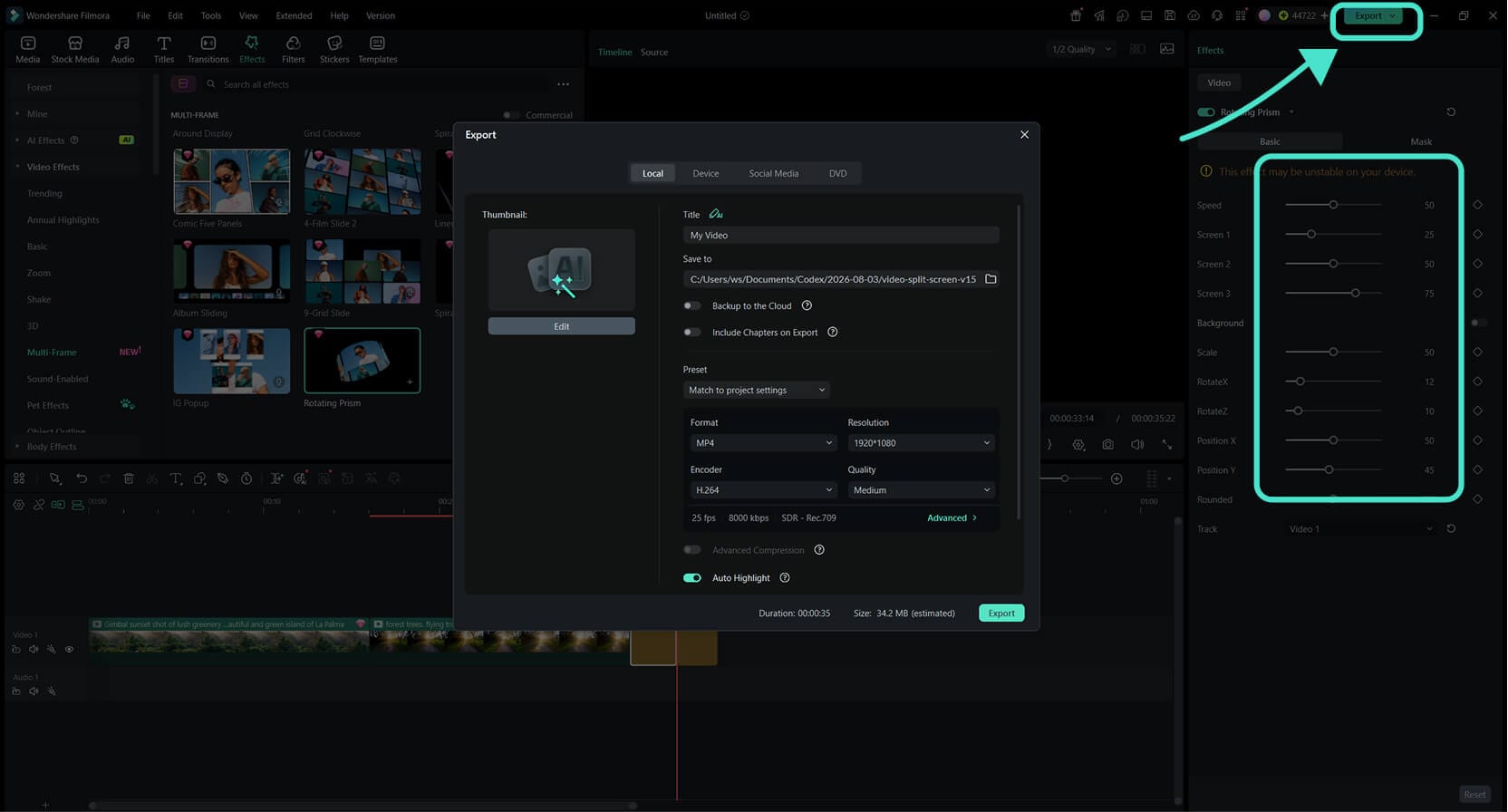
Step 3 Fine-Tune and Export
-
1: Get Your Clips Ready
Import your footage and arrange the clips on the timeline. Multi-Frame Effects can be added to a compatible clip, track, or compound clip. -
2: Choose a Multi-Frame Effect
Open Effects > Video Effects > Multi-Frame and preview the available options. Drag your preferred effect onto the clip, track, or compound clip you want to edit. -
3: Fine-Tune and Export
Adjust the effect duration and available settings, such as Speed and Screen. Add filters or transitions if needed, then preview and export your finished video.
