
Real Estate Sticker Examples & Ideas
Discover professional real estate stickers and dynamic visual assets for property videos
Loading more real estate sticker examples...
 Category:
 Duration:
 Aspect Ratio:
Everything You Need to Create Custom Real Estate Stickers
A well-placed real estate sticker can turn an ordinary property walkthrough into a high-converting, professional listing video. Filmora gives you a massive library of ready-to-use house stickers and realtor stickers that drop straight into your timeline. Whether you're highlighting a "Sold" sign, calling out modern amenities, or labeling rooms, Filmora's real estate sticker design tools provide the ultimate flexibility.
Pre-Animated Realtor Stickers for Any Listing
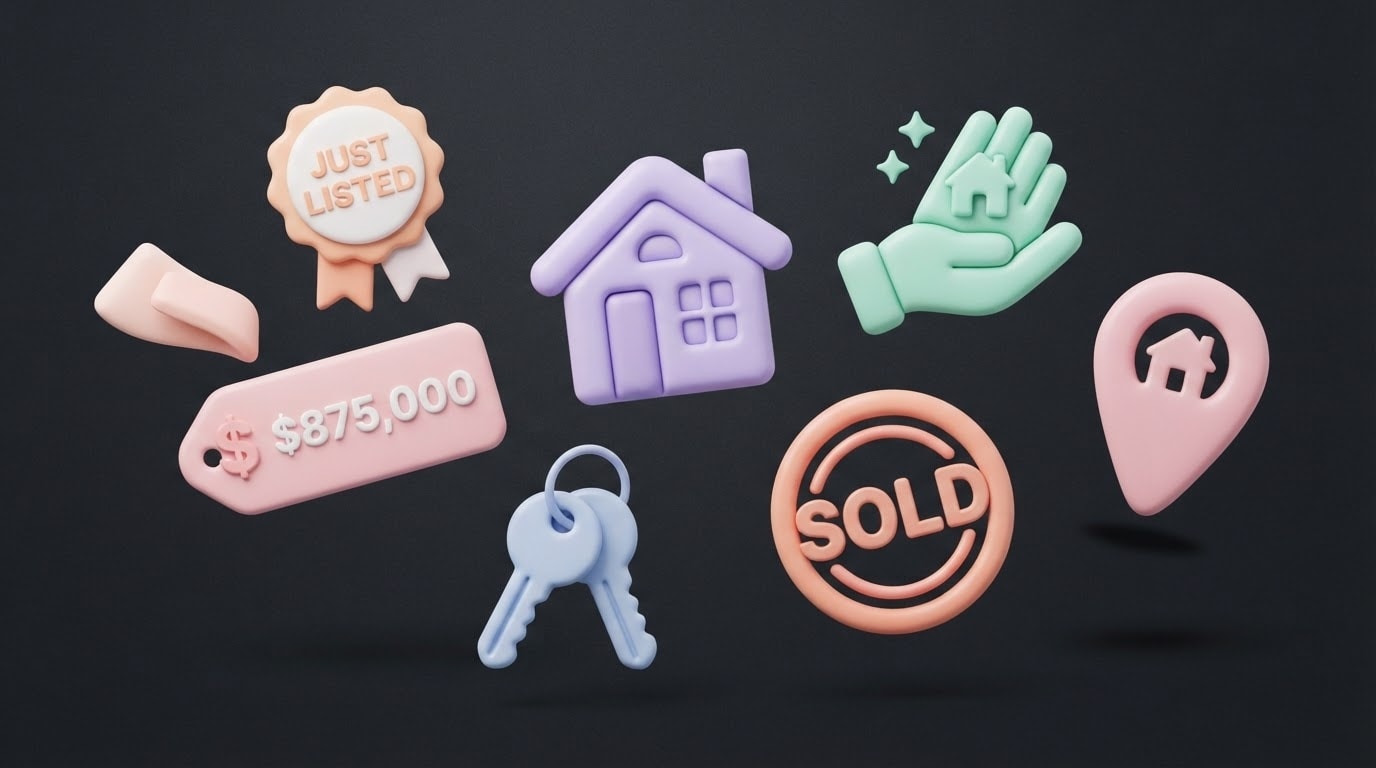
Pre-Animated Realtor Stickers for Any Listing
Stop spending hours creating graphics from scratch. Filmora's library covers every essential real estate sticker you need. Perfect for adding visual flair to virtual tours on any platform, seamlessly integrated with Filmora's video templates.
- Place house stickers onto your footage instantly.
- Built-in entrance and exit animations keep viewers engaged.
- Perfectly optimized for vertical reels and property shorts.
Generate Custom Real Estate Stickers With AI
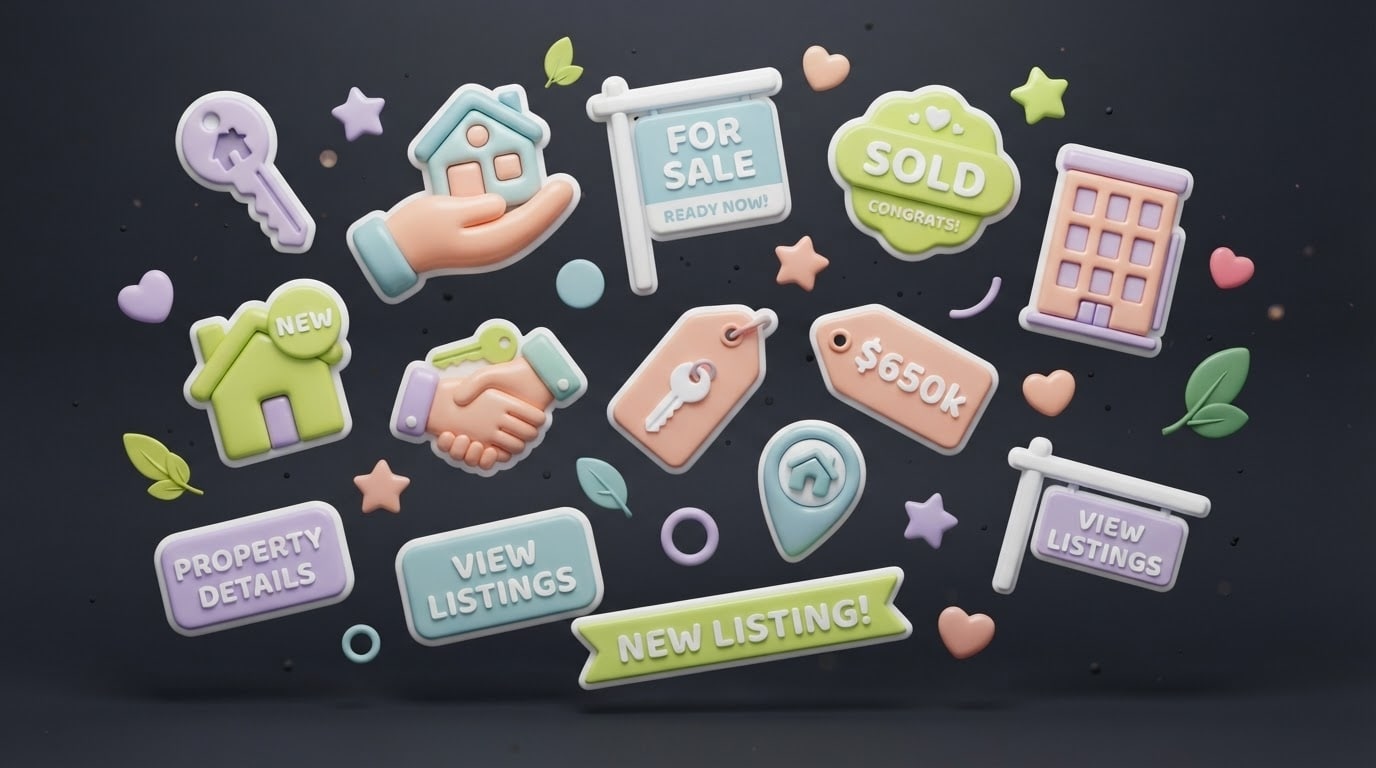
Generate Custom Real Estate Stickers With AI
Need a specific real estate sticker design that isn't in the library? Filmora's AI Image Generator lets you create entirely custom real estate stickers from simple text prompts. Just type your real estate sticker ideas, and watch the AI bring them to life instantly.
- Choose between Nano Banana Pro and other top models for flawless sticker generation.
- Isolate generated assets to use them as transparent overlays.
- Create unique house stickers matched to your brand identity.
Pin Real Estate Stickers With AI Motion Tracking
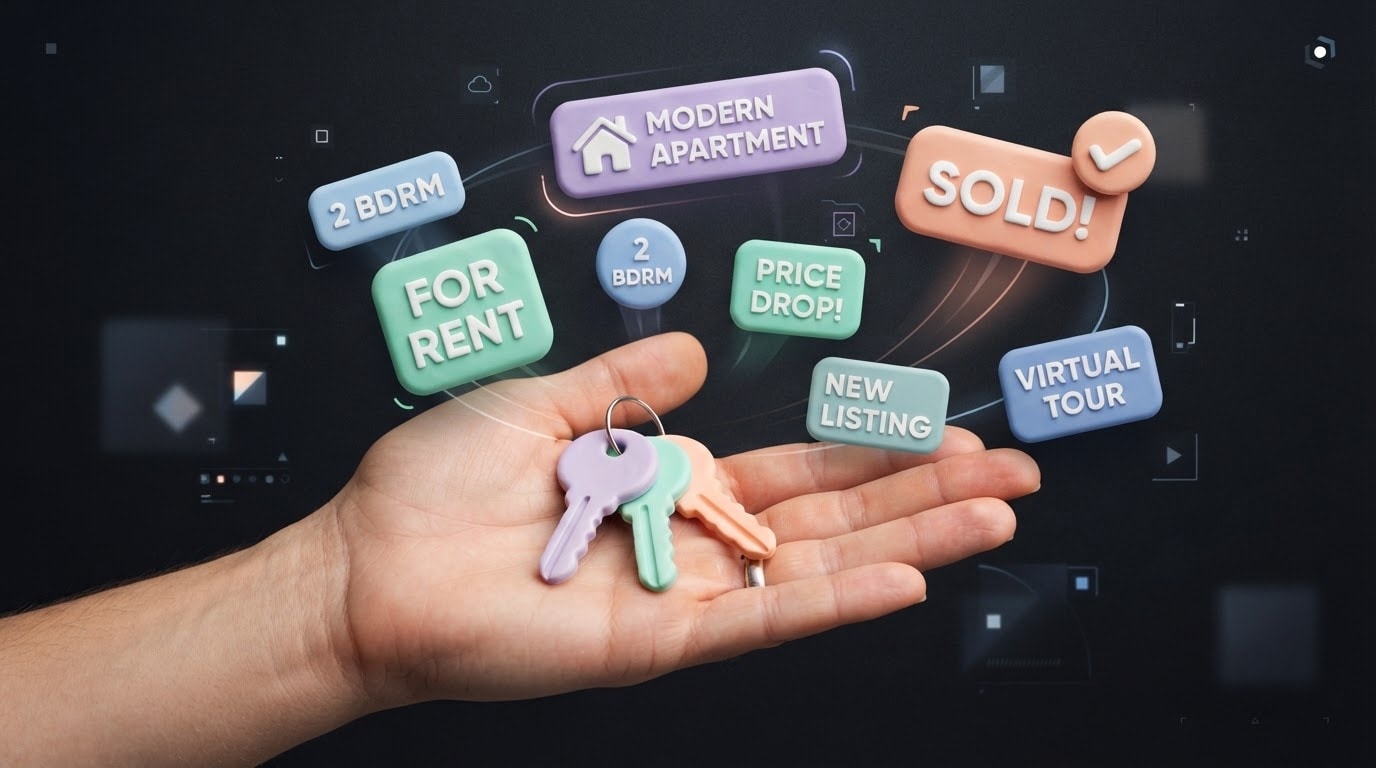
Pin Real Estate Stickers With AI Motion Tracking
Make your realtor stickers interact naturally with the environment. Using Filmora's AI video editing capabilities, you can pin a real estate sticker to a specific element in the room. The sticker will automatically follow the camera movement, providing a highly professional, augmented reality feel to your property tours.
- Attach badges seamlessly to moving objects.
- Combine stickers with stunning video effects for maximum impact.
- Import your own agency logos and seamlessly track them in your scenes.
Frequently Asked Questions About Real Estate Stickers
How to Add a Real Estate Sticker to Your Property Video
Looking to make your listings stand out? It only takes three easy steps to enhance your property tours with dynamic house stickers using Filmora's intuitive interface.
Step 1 Access the Assets Library
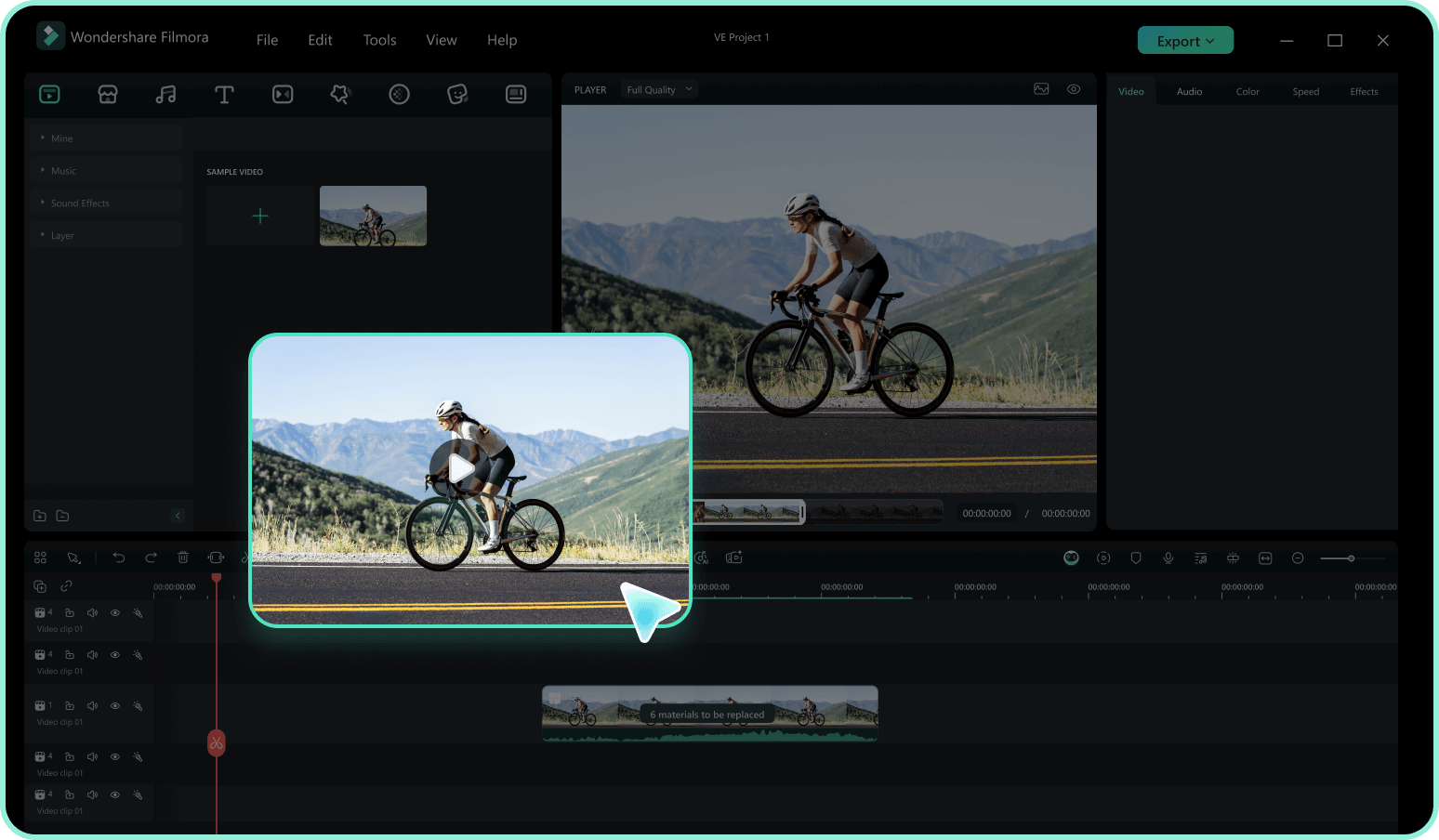
Step 2 Search for Real Estate Elements
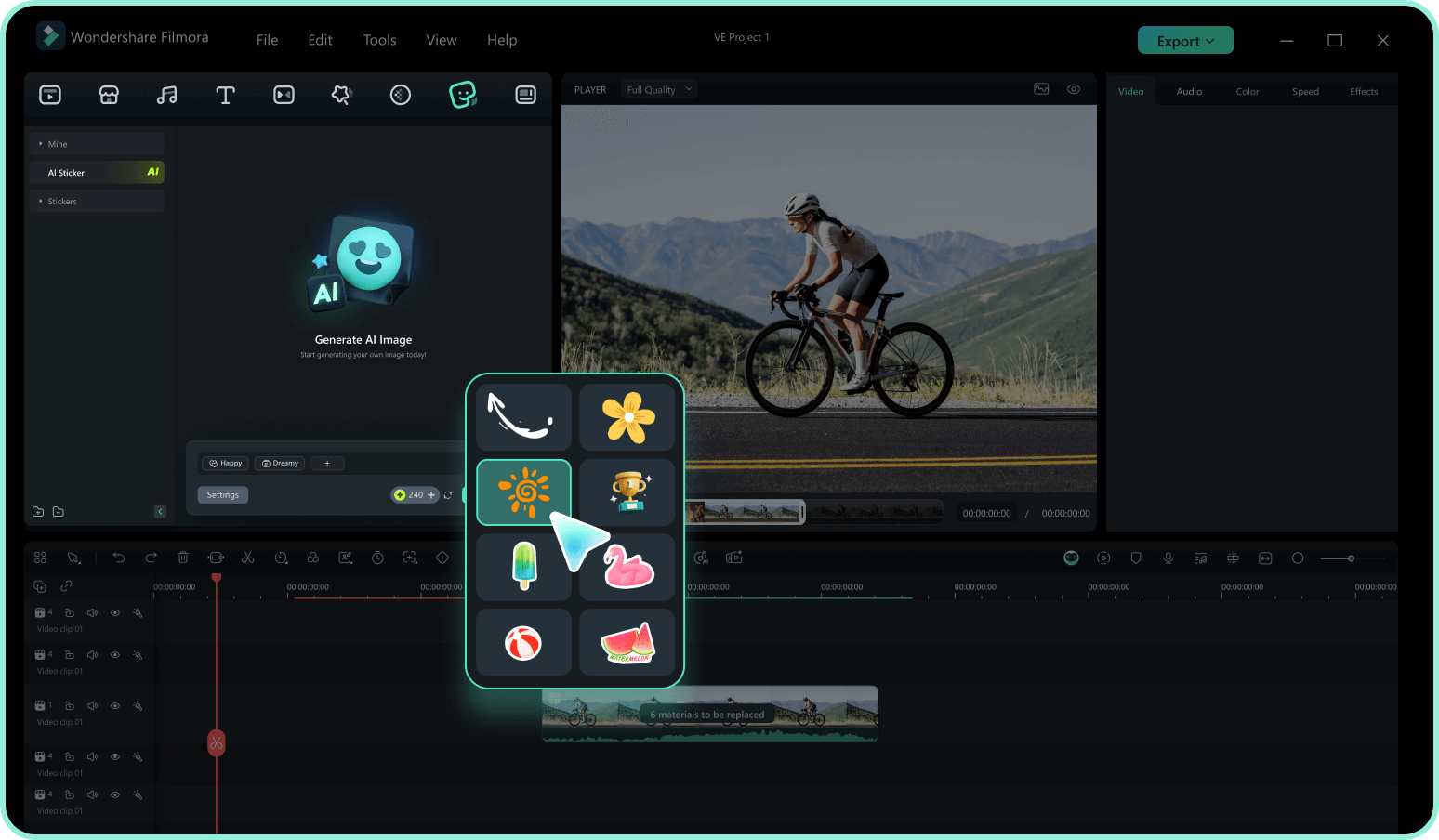
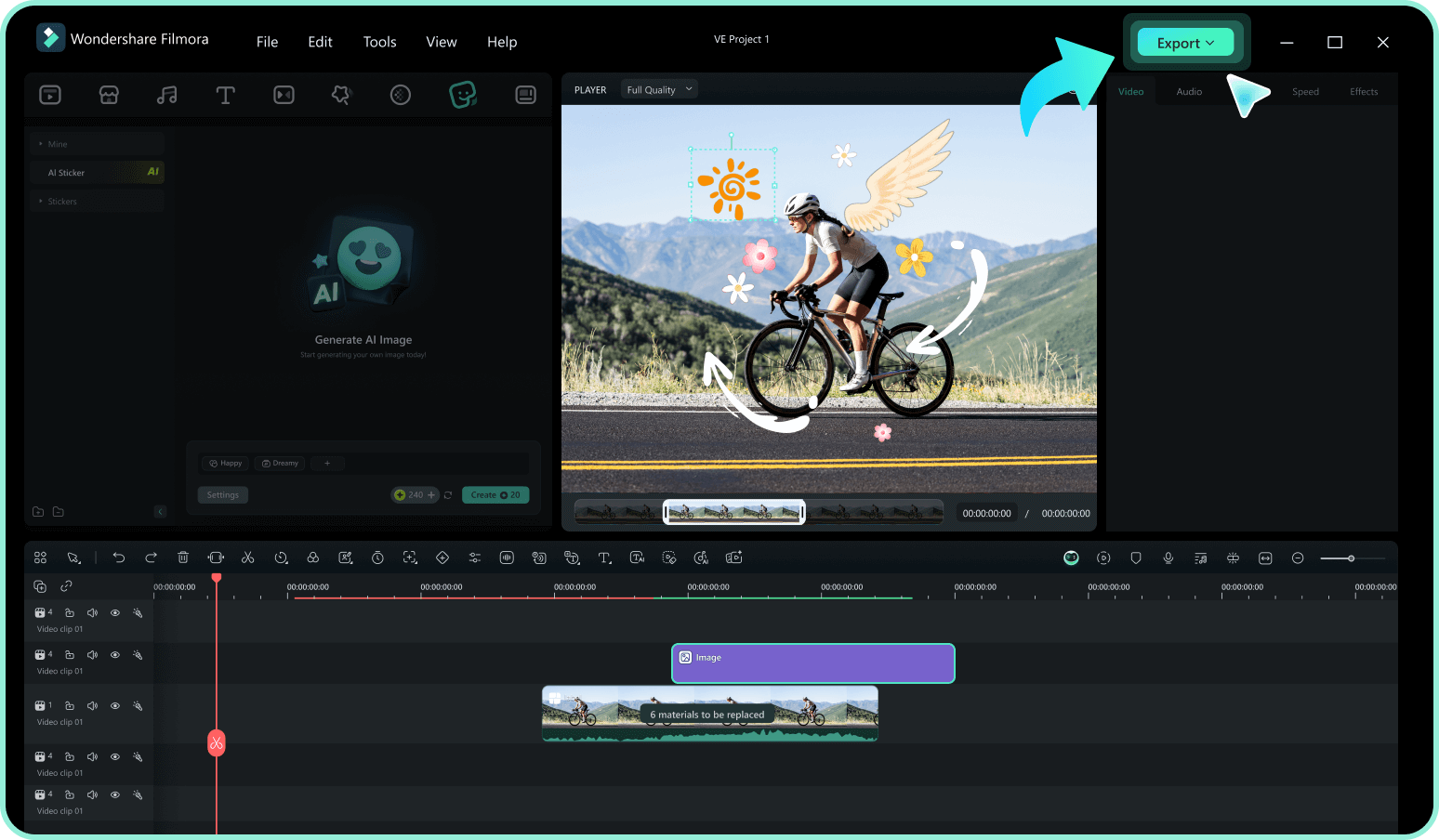
Step 3 Drag, Drop, and Animate
-
1:Access the Assets Library
Open Filmora and import your property footage. Navigate to the "Stickers" tab in the top menu to access thousands of creative assets designed for realtors. -
2:Search for Real Estate Elements
Search for real estate sticker ideas by typing keywords like "House," "Sold," or "Realtor" in the search bar. Hover to preview the animations before making your choice. -
3:Drag, Drop, and Animate
Drag your chosen real estate sticker onto the timeline. Adjust its scale, apply smooth video transitions, or pin it using motion tracking to finalize your tour.
Elevate Your Brand With Advanced Real Estate Tools
Filmora offers much more than just a standard real estate sticker library. To truly captivate potential buyers, you can layer crisp add titles to showcase property stats, or utilize pristine color correction to make those listing photos pop. Generate immersive virtual tours with professional-grade overlays and soundscapes. Whether you are brainstorming new real estate sticker ideas or producing a cinematic neighborhood showcase, Filmora equips you with the complete creative arsenal to close the deal faster.








