
Featured Music Festival Stickers
Discover our most popular music festival stickers for TikTok, Instagram, and more
Loading more music festival stickers...
 Category:
 Duration:
 Aspect Ratio:
Why Choose Our Music Festival Stickers?
Professional quality meets effortless creativity for your festival content
Professional Quality
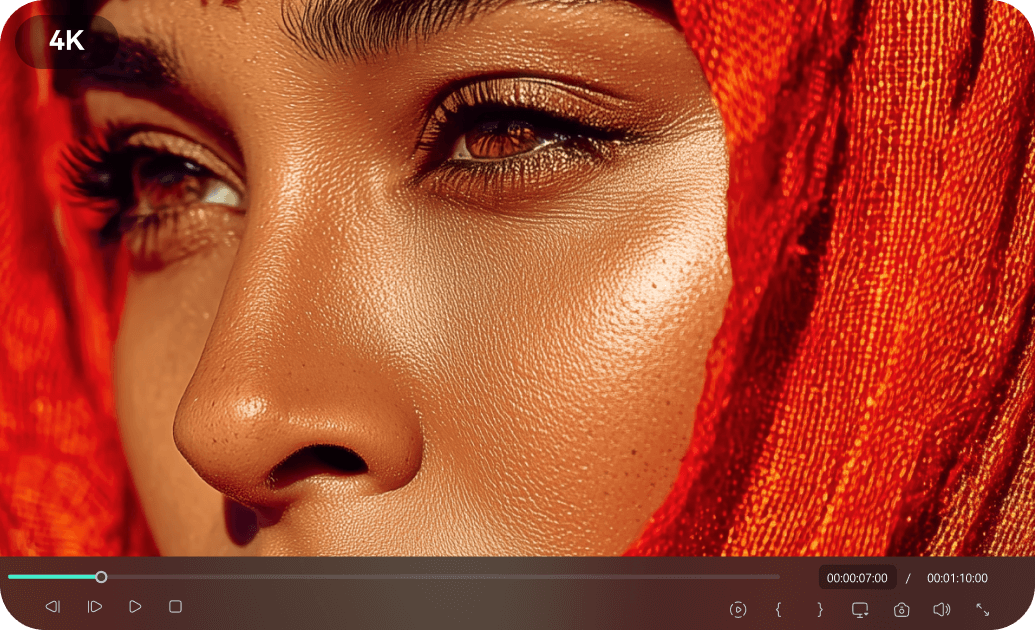
Professional Quality
Studio-grade music festival stickers crafted by talented designers with attention to every detail. Each sticker undergoes rigorous quality control to ensure vibrant visuals and trending effects.
- High-resolution stickers for crisp visuals on any screen
- Eye-catching animations that stand out on social media
- Compatible with popular editing tools and platforms
Easy Customization
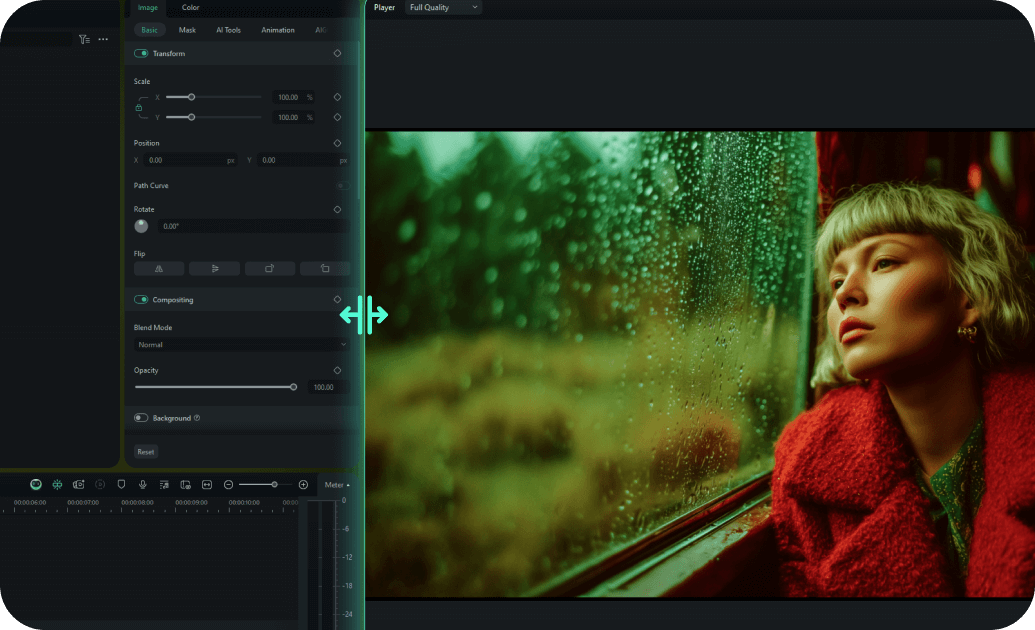
Easy Customization
Drag-and-drop interface allows you to customize any sticker in minutes, not hours. Our intuitive design system makes adding trending music festival stickers accessible to creators of all skill levels.
- One-click color and size adjustment
- Smart effects matching that adapts to your content
- Pre-built animation presets for quick customization
- Real-time preview with instant feedback
Multiple Formats

Multiple Formats
Every sticker is available in various aspect ratios for all platforms. Create content that looks perfect whether it's for YouTube Shorts, Instagram Reels, TikTok, or Snapchat stories.
- Automatic aspect ratio adaptation for social media
- Platform-optimized export settings for seamless sharing
- Responsive design elements that adapt to any format
- Cross-platform compatibility guaranteed
Instant Download

Instant Download
Download and start using music festival stickers immediately with lifetime access and updates. No waiting, no subscriptions - just instant access to premium stickers whenever you need them.
- Immediate download after purchase confirmation
- Lifetime access with free sticker updates
- Cloud storage backup for easy re-downloading
- No recurring fees or subscription requirements
Frequently Asked Questions About Music Festival Stickers
How to Add Music Festival Stickers to Your Video With Filmora
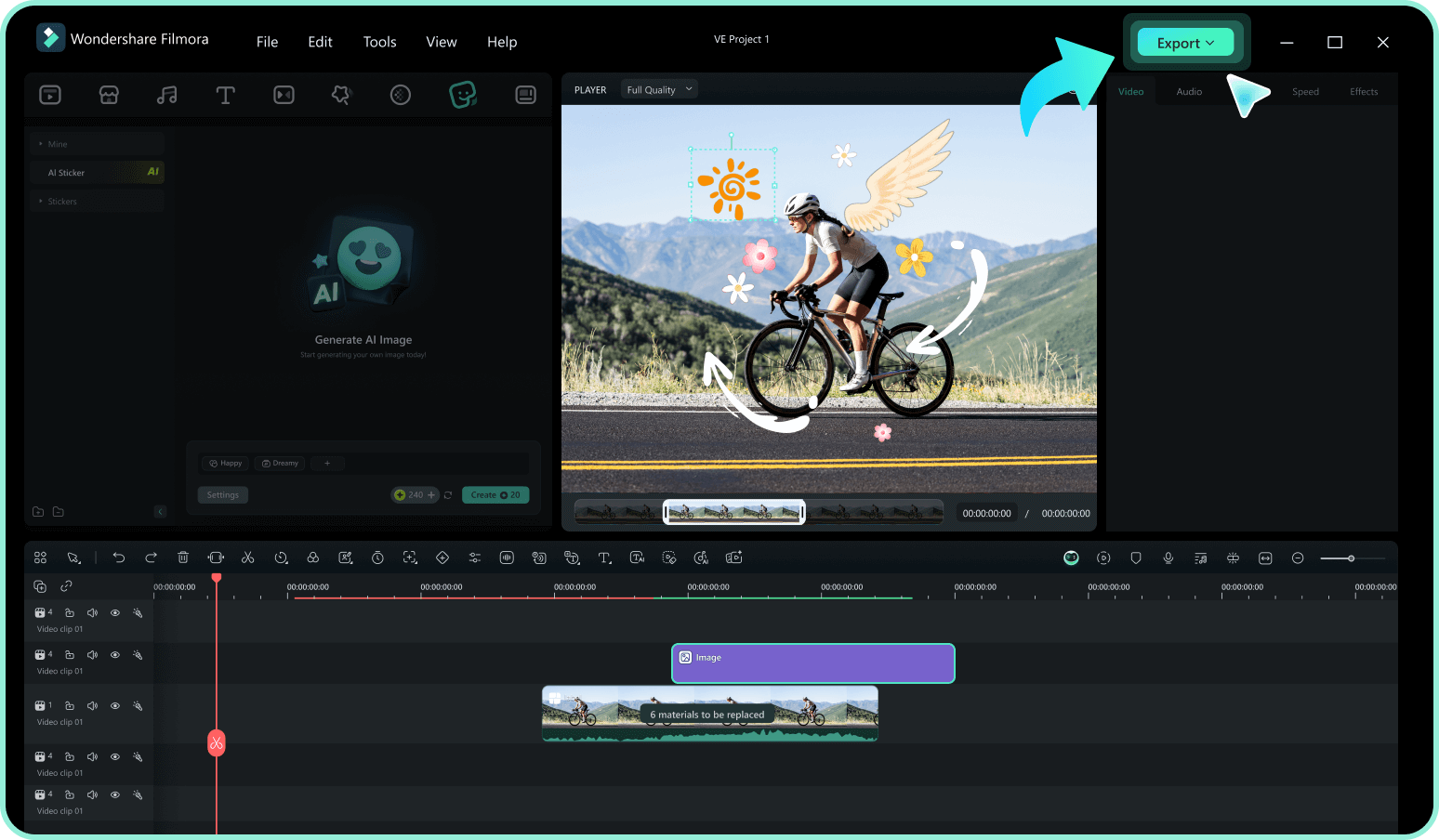
Want to give your concert vlog an energetic boost? It only takes three simple steps to transform raw event footage into a vibrant, hype-filled masterpiece using Filmora's drag-and-drop music festival stickers.
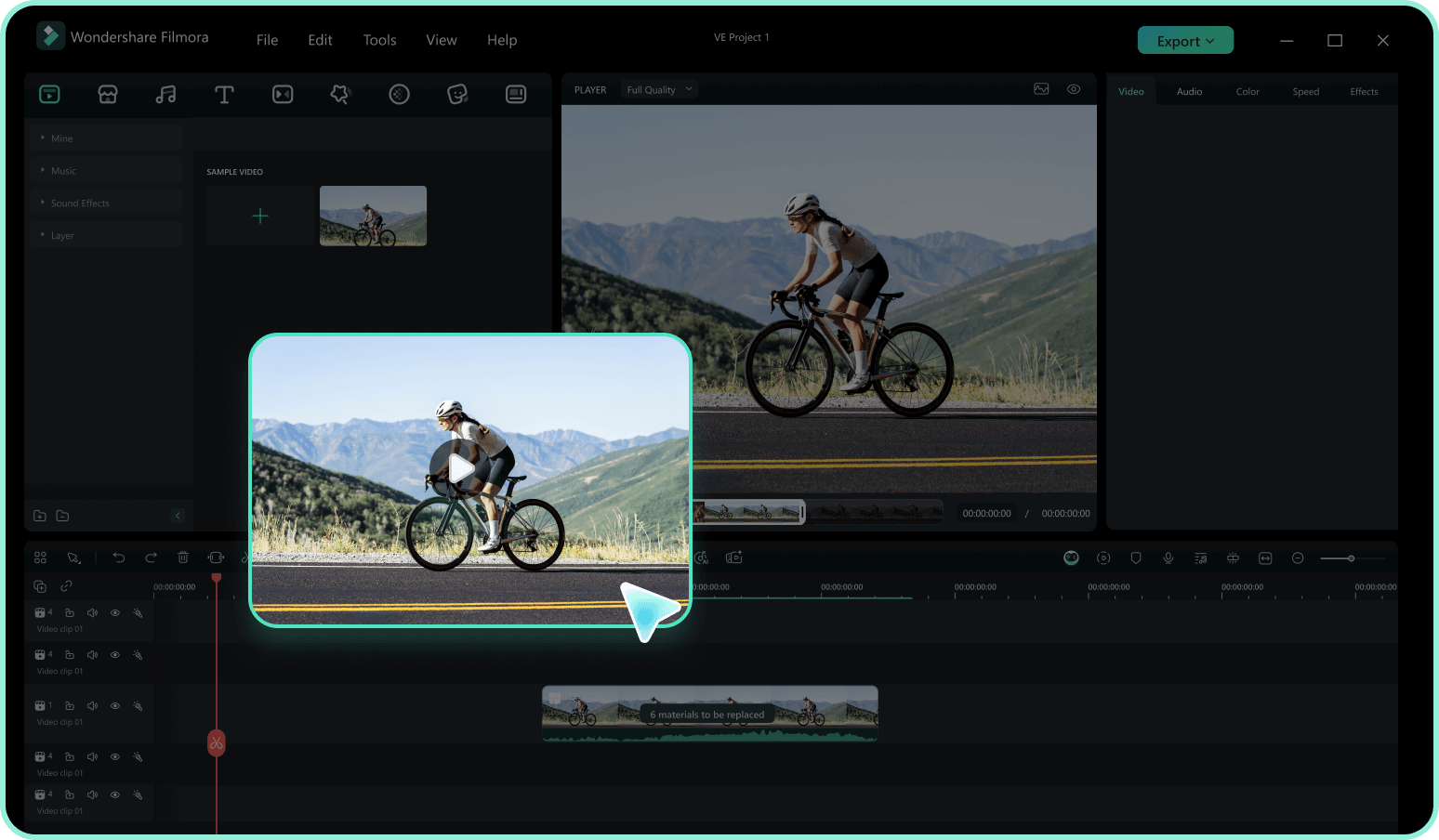
Step 1 Access the Festival Graphics
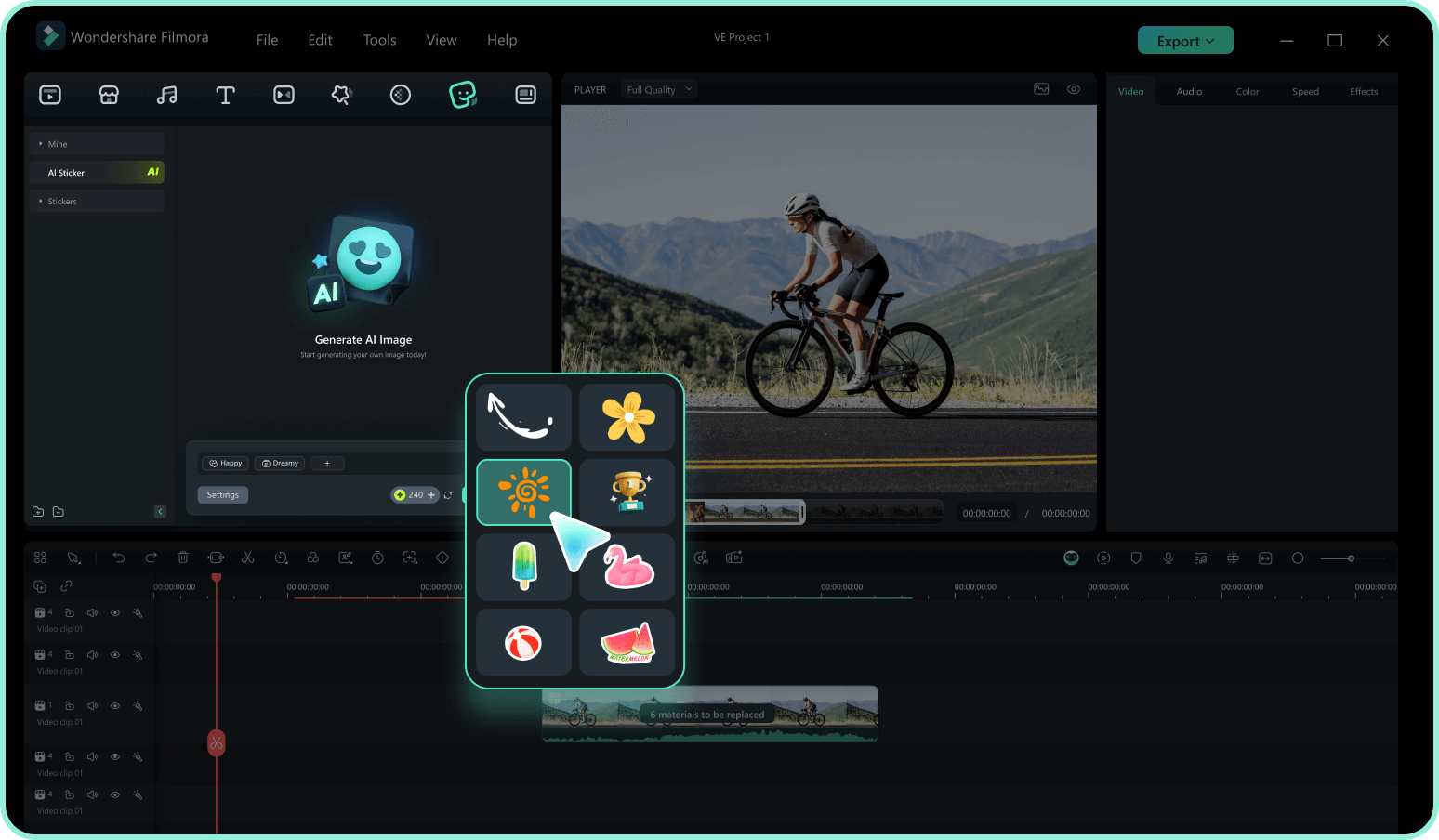
Step 2 Search for High-Energy Elements
Step 3 Drag, Drop, and Animate
-
1:Access the Festival Graphics
Open Filmora and import your concert or rave footage. Navigate to the "Stickers" tab in the top menu to access a massive library of energetic event assets. -
2:Search for High-Energy Elements
Type keywords like "Music Festival," "Neon," "EDM," or "Concert" into the search bar. Preview the animations by hovering over them to find the perfect match for your bass drop. -
3:Drag, Drop, and Animate
Drag your selected music festival stickers onto the timeline above your video. Resize, rotate, or add motion tracking to attach it to a dancer, then export your dynamic new edit.
Explore More Sticker Themes
Discover other sticker categories for every occasion




