
Featured Question Mark Stickers
Discover popular question mark stickers on TikTok and Instagram
Loading more question mark stickers...
 Category:
 Duration:
 Aspect Ratio:
Why Use Question Mark Stickers?
Boost engagement and curiosity effortlessly
Boost Engagement
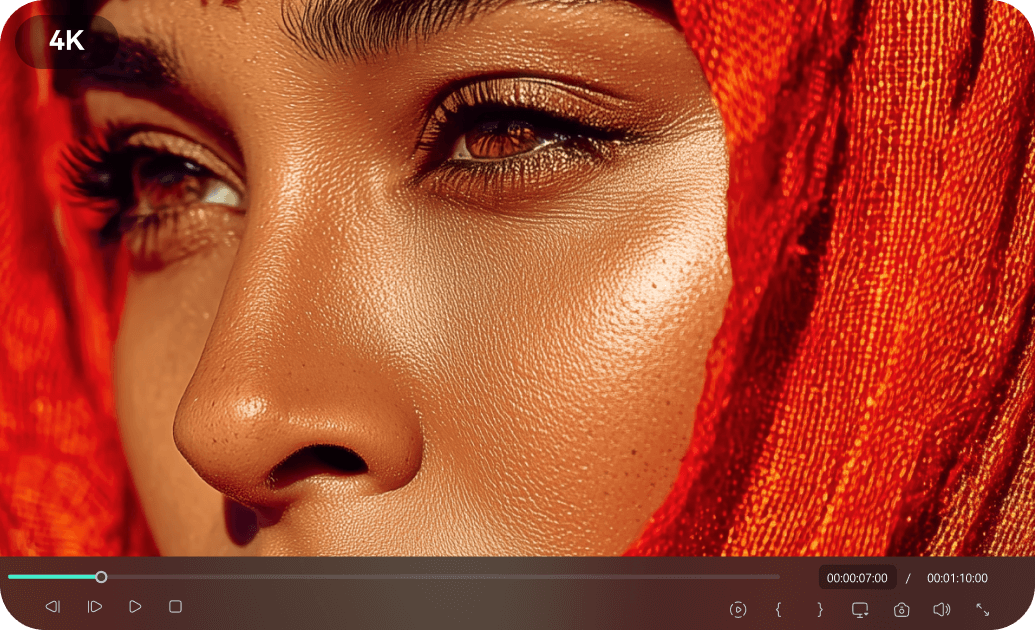
Boost Engagement
Question mark stickers instantly grab attention and encourage viewers to interact with your content. They're perfect for Q&A sessions, polls, or just sparking curiosity.
- Increase comments and shares on social media
- Drive curiosity and watch time
- Create interactive stories and posts
Easy to Add & Customize
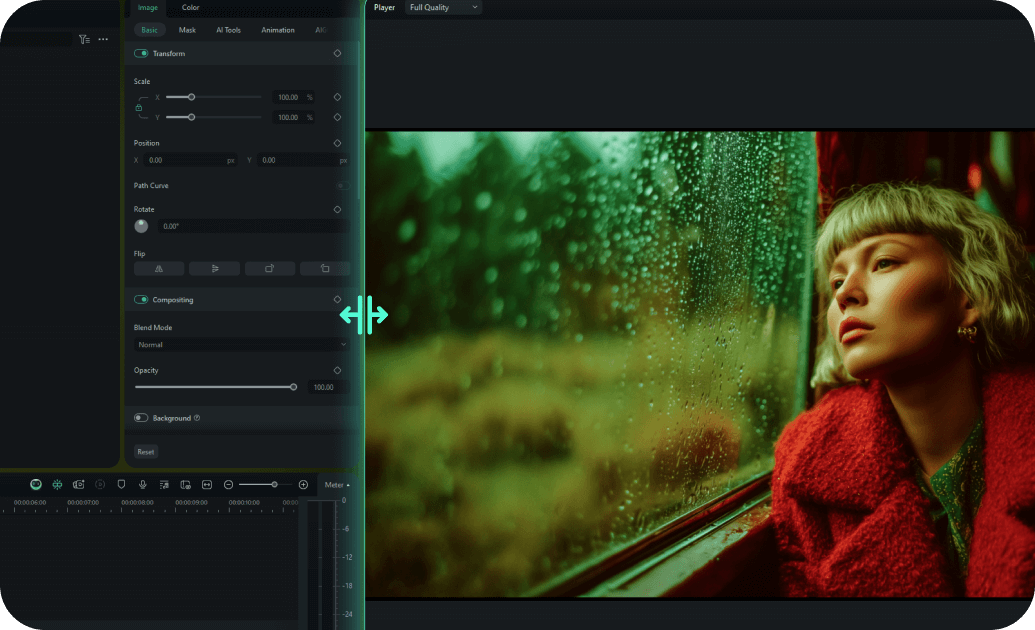
Easy to Add & Customize
Easily drag and drop question mark stickers into your videos and images. Customize their size, color, and animation to match your brand or content style.
- One-click placement and resizing
- Smart color matching options
- Pre-built animation effects for quick use
- Real-time preview for instant adjustments
Perfect for All Platforms

Perfect for All Platforms
Our question mark stickers are designed to look great on any platform, from TikTok and Instagram Stories to YouTube and Snapchat. Create consistent branding across all your channels.
- Optimized for vertical video on TikTok/Instagram Reels
- High-resolution for YouTube and longer formats
- Compatible with all popular social media platforms
- Cross-platform compatibility guaranteed
Stay Trending

Stay Trending
Access an always-updated library of question mark stickers, including the latest viral designs and interactive elements. Keep your content fresh and relevant with trending assets.
- Regular updates with new sticker designs
- Access to popular social media effects
- Curated selection of viral content patterns
- No recurring fees or subscription requirements for basic use
Frequently Asked Questions about Question Mark Stickers
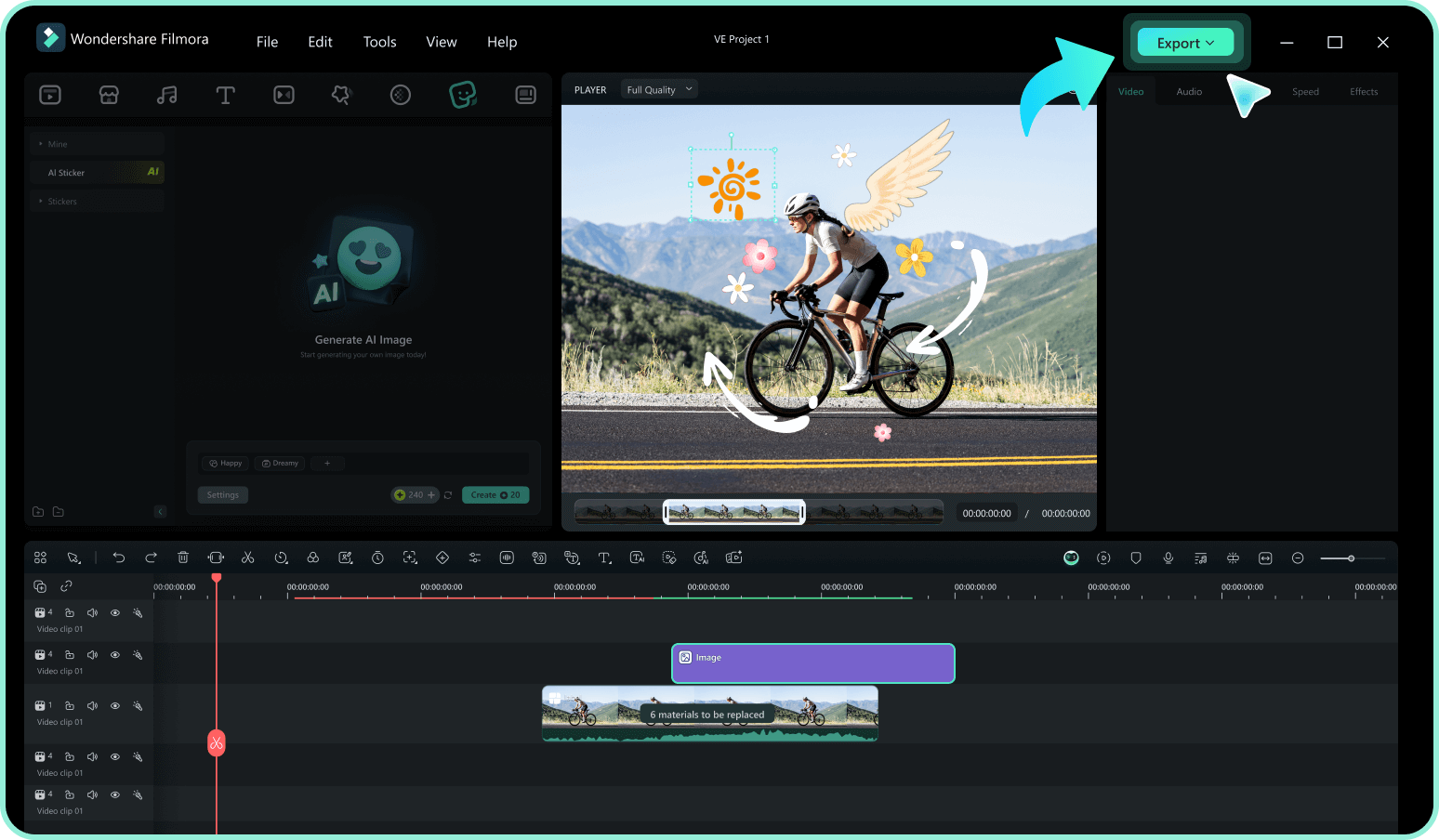
How to Add Question Mark Stickers to Your Video With Filmora
Ready to make your content more interactive? It only takes three simple steps to highlight mysteries, Q&As, or comedic confusion using Filmora's drag-and-drop animated sticker library.
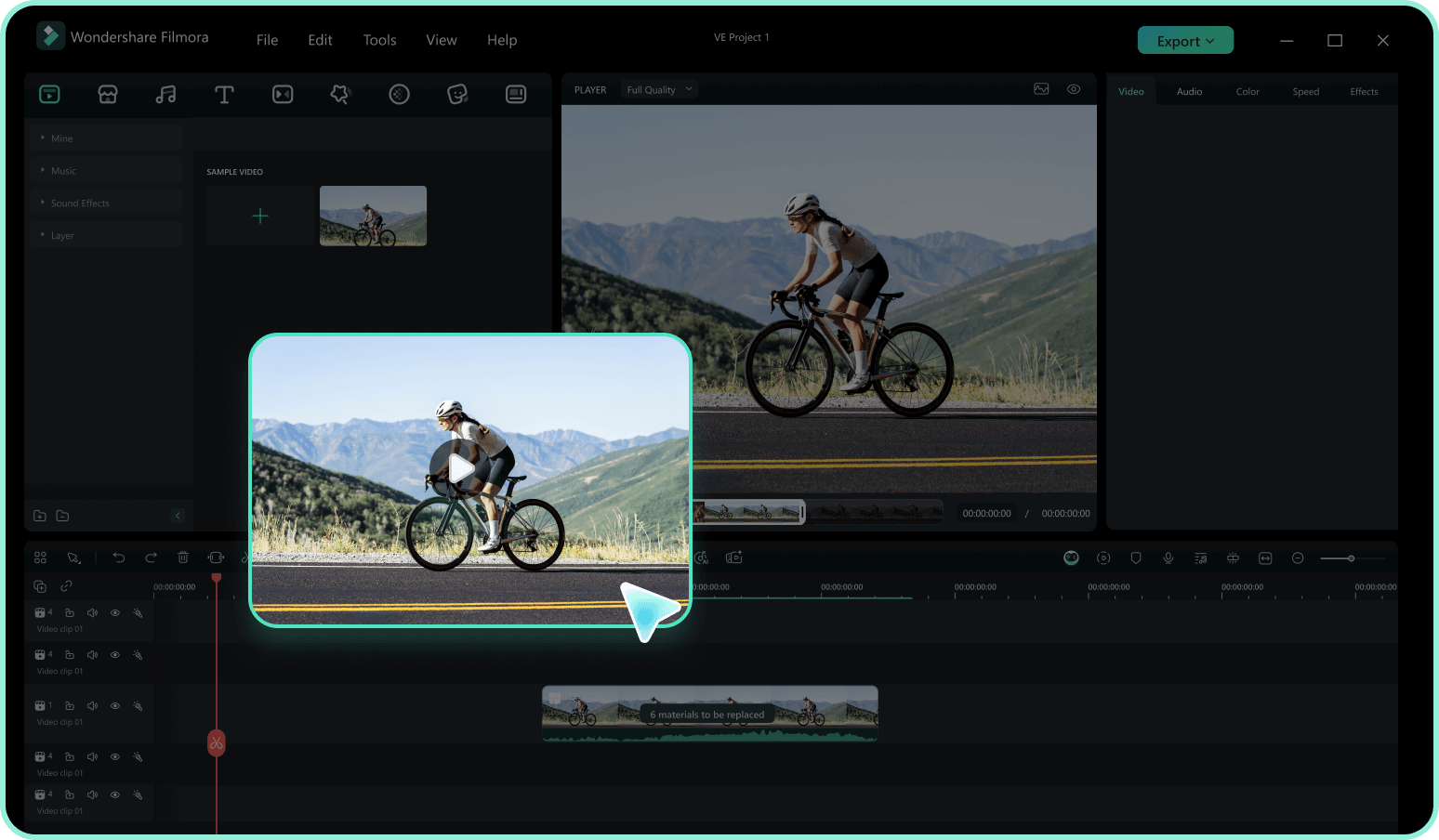
Step 1 Access the Sticker Library
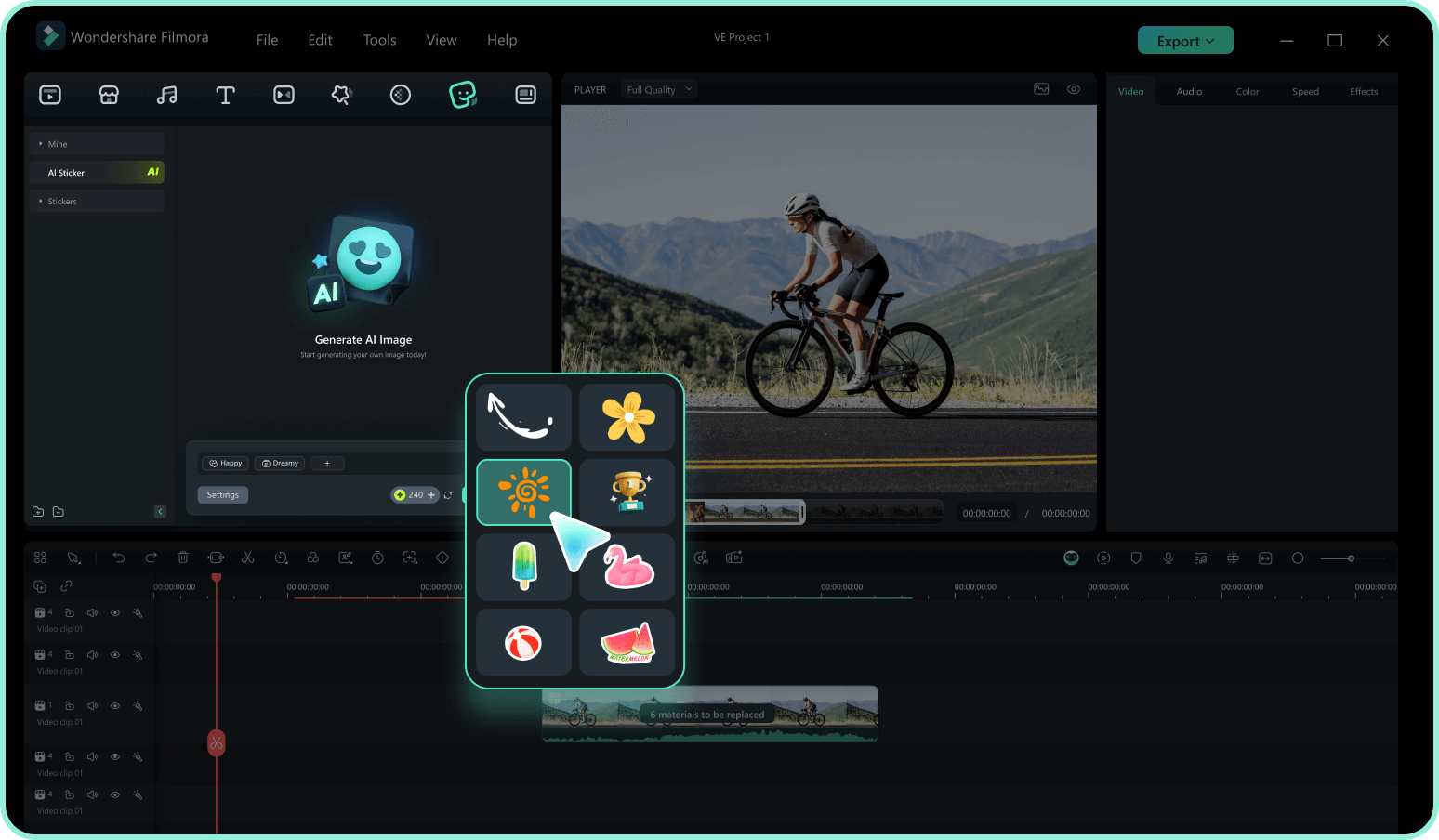
Step 2 Search for Question Mark Elements
Step 3 Drag, Drop, and Track
-
1:Access the Sticker Library
Open Filmora and import your footage. Navigate to the "Stickers" tab in the top menu to access a vast collection of creative, interactive elements. -
2:Search for Question Mark Elements
Type keywords like "Question Mark," "Quiz," "Trivia," or "Confusion" into the search bar. Hover over the thumbnails to preview the dynamic animations and find the perfect match. -
3:Drag, Drop, and Track
Drag your chosen question mark stickers onto the timeline. Resize, rotate, or use the motion tracking tool to attach the sticker question mark to a moving subject, then export your highly engaging video.
Question Everything. Decorate Everything.
More sticker themes to spark your curiosity




