
Featured Season Stickers
Discover our most popular season stickers for your content
Loading more season stickers...
 Category:
 Duration:
 Aspect Ratio:
Why Use Filmora for Season Stickers?
Easy-to-use tools for trending season stickers on any platform
Trending Designs
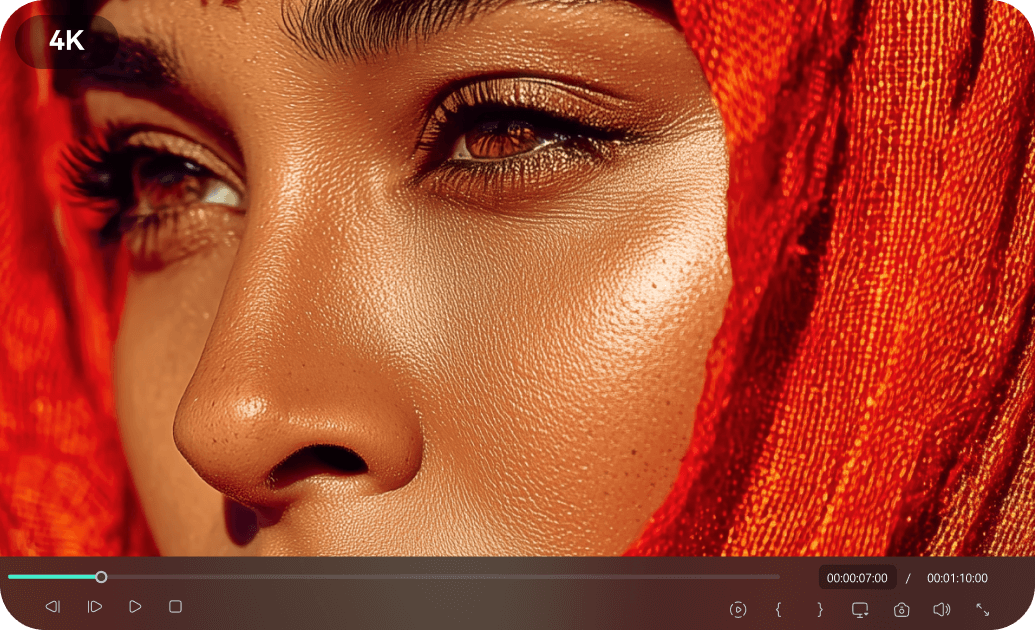
Trending Designs
Access a vast library of season stickers updated with the latest trends for TikTok, Instagram, and more. Our designs are crafted to get your content noticed and increase engagement.
- Seasonal collections for every holiday and occasion
- Popular styles for social media content
- Regular updates to keep up with viral trends
Easy Customization
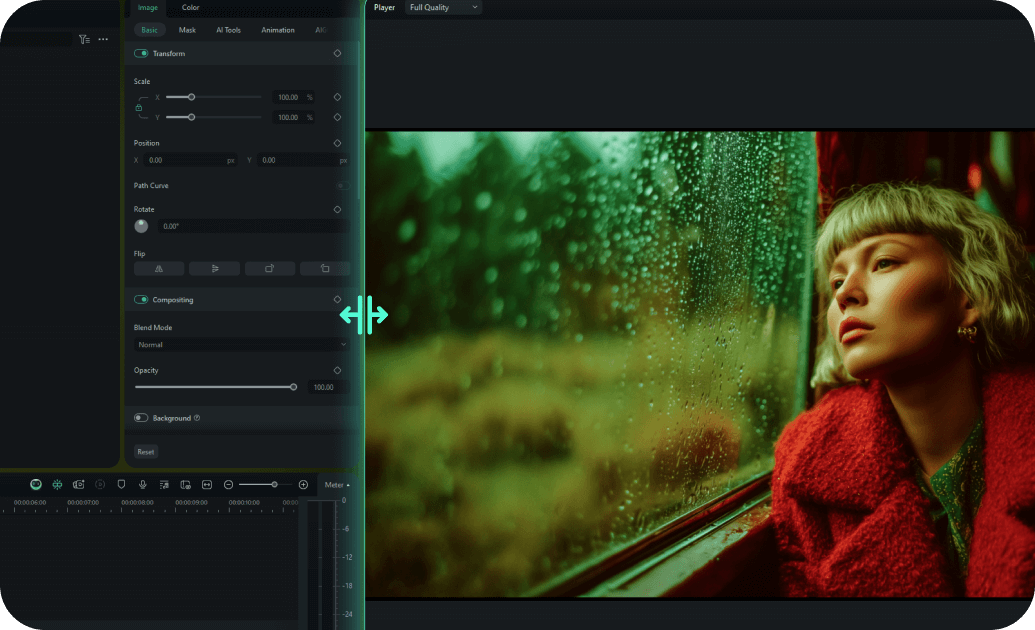
Easy Customization
Create custom season stickers with simple drag-and-drop tools. Adjust colors, text, and animations to perfectly match your brand or personal style for any season.
- One-click text and media replacement system
- Smart color matching that adapts to your brand
- Pre-built animation presets for quick customization
- Real-time preview with instant feedback
Multi-Platform Ready

Multi-Platform Ready
Our season stickers are designed for optimal display on all platforms – TikTok, Instagram, YouTube, Snapchat, and more. Ensure your content looks great everywhere.
- Automatic aspect ratio conversion with smart cropping
- Platform-optimized export settings for social media
- Responsive design elements that adapt to any format
- Cross-platform compatibility guaranteed
Instant Access

Instant Access
Download and start using your favorite season stickers immediately. Get lifetime access and updates to keep your content fresh and engaging year-round.
- Immediate download after purchase confirmation
- Lifetime access with free sticker updates
- Cloud storage backup for easy re-downloading
- No recurring fees or subscription requirements
Frequently Asked Questions About Season Stickers
How to Add Season Stickers to Your Video With Filmora
Want to give your content a seasonal refresh? It only takes three simple steps to transform raw footage into a vibrant masterpiece using Filmora's drag-and-drop library of four seasons stickers.
Step 1 Access the Sticker Library
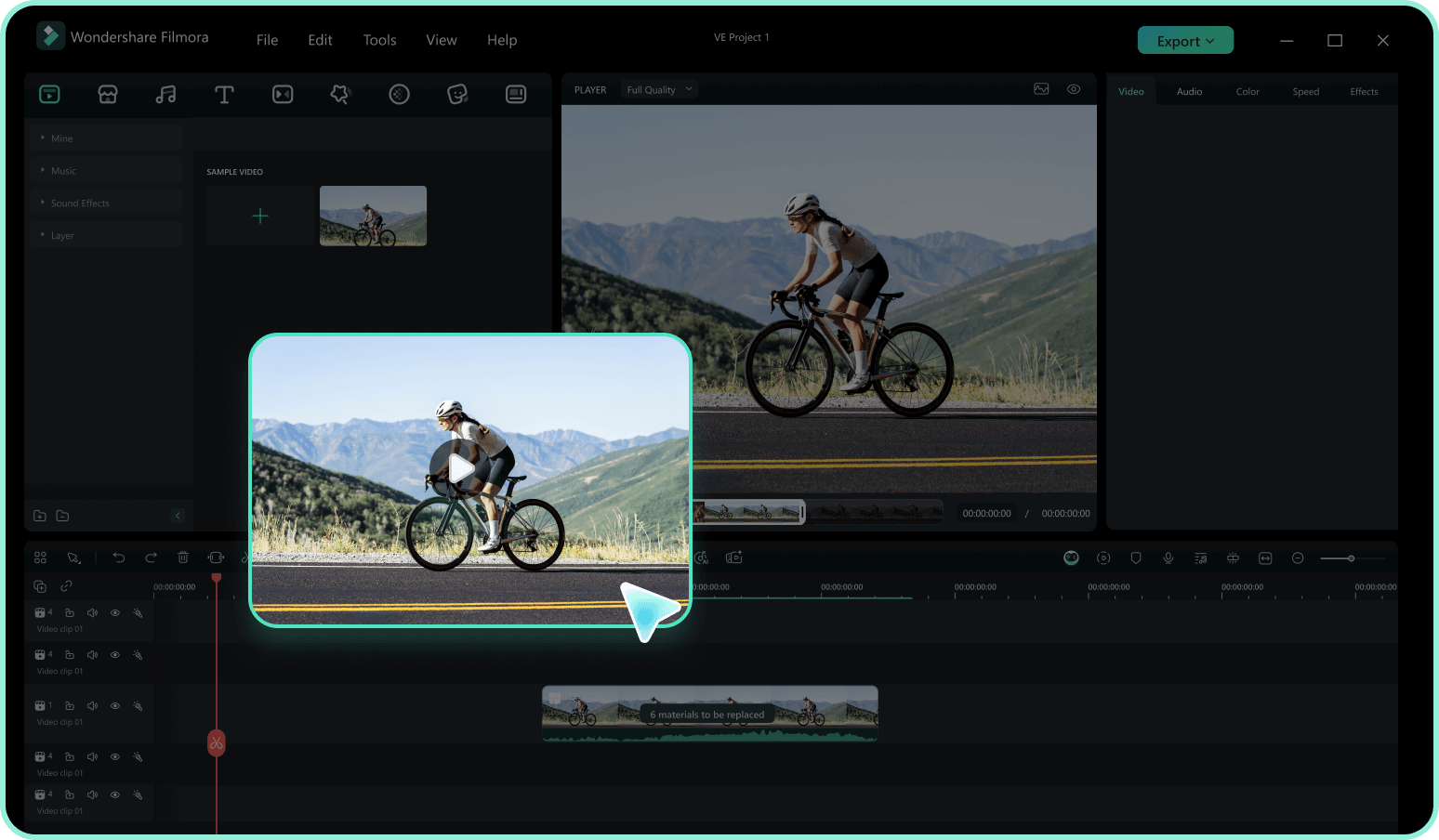
Step 2 Search for Seasonal Elements
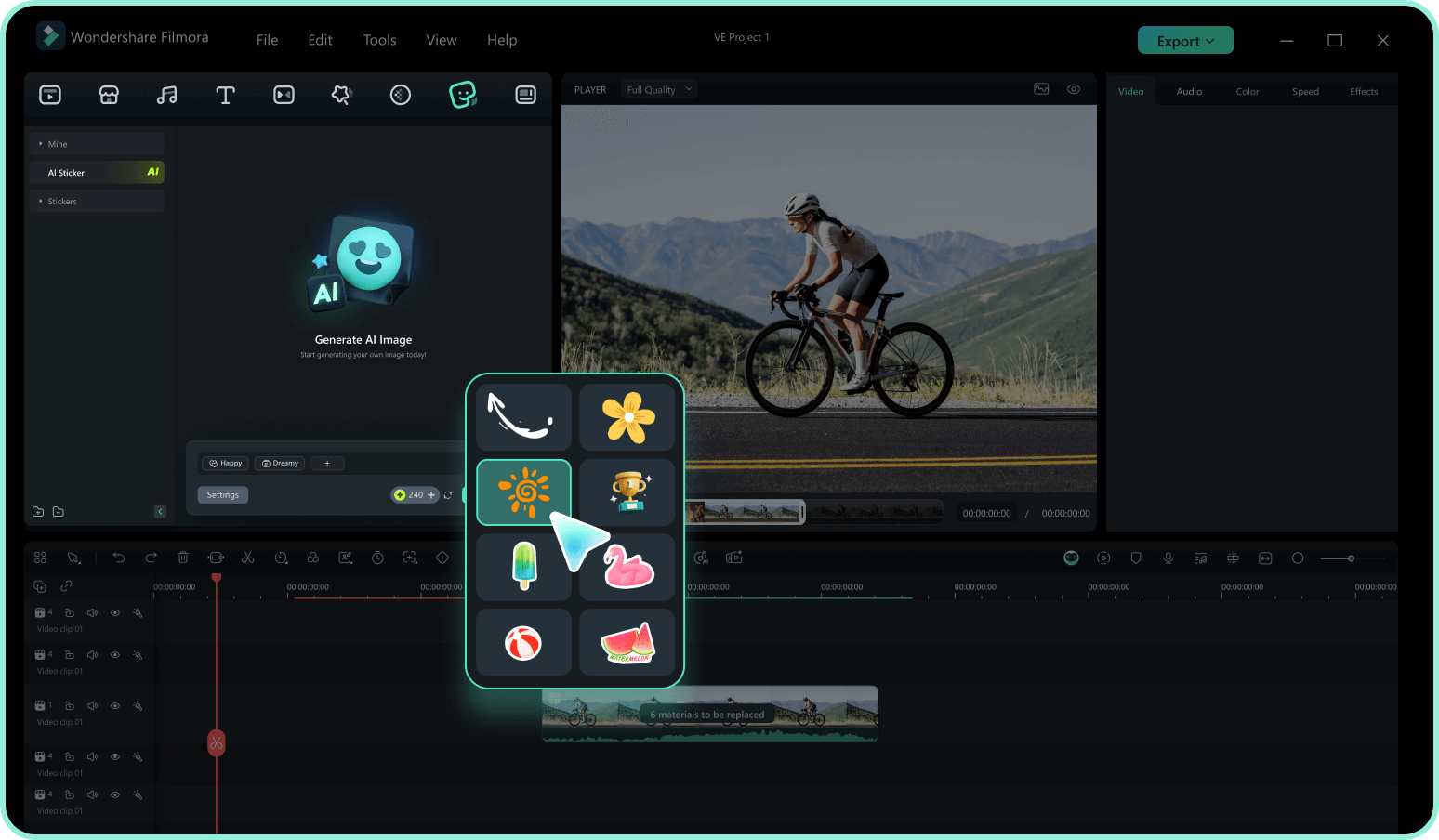
Step 3 Drag, Drop, and Customize
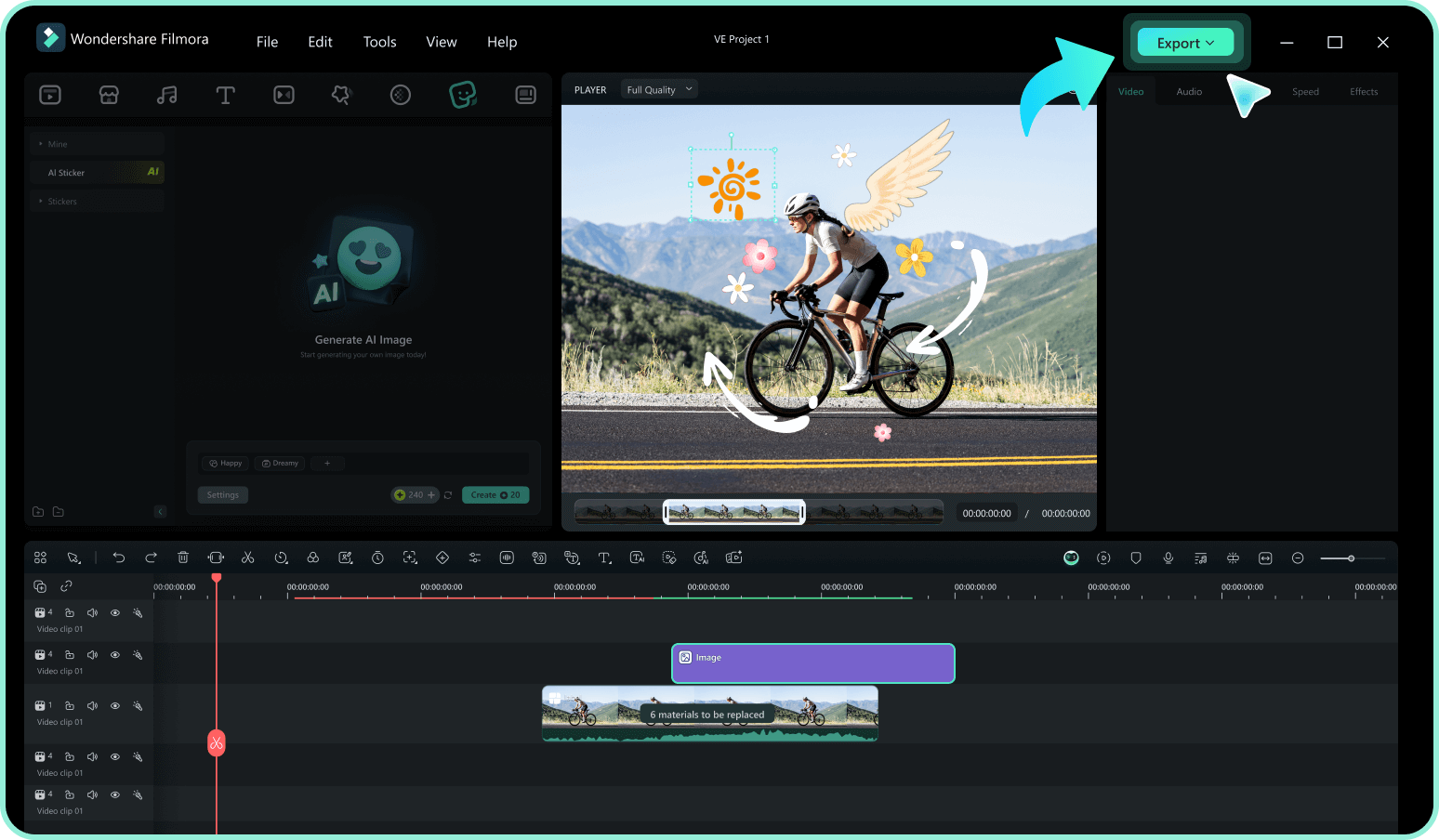
-
1:Access the Sticker Library
Open Filmora and import your video footage. Navigate to the "Stickers" tab in the top menu to access our vast collection, including everything from summer stickers to autumn stickers. -
2:Search for Seasonal Elements
Type keywords like "fall theme stickers," "winter season sticker," or "spring season stickers" into the search bar. Preview the animations by hovering over them to find the perfect match for your vibe. -
3:Drag, Drop, and Customize
Drag your selected season stickers onto the timeline above your video. Resize, rotate, or add motion tracking to blend an autumn leaf sticker perfectly, then export your fresh new content.
Explore More Sticker Themes
Discover other sticker categories for every occasion




