
Featured Subscribe Stickers
Discover our most popular subscribe stickers for YouTube, TikTok, and Instagram
Loading more subscribe stickers...
 Category:
 Duration:
 Aspect Ratio:
Why Use Our Subscribe Stickers?
Engage your audience and grow your subscribers effortlessly
Boost Engagement
Boost Engagement
Our subscribe stickers are designed to grab attention and encourage viewers to subscribe. With dynamic animations and eye-catching designs, your call to action will never be missed.
- Animated subscribe buttons for YouTube and Twitch
- Trendy effects for TikTok and Instagram subscribe stickers
- Customizable calls to action that convert
Easy to Create
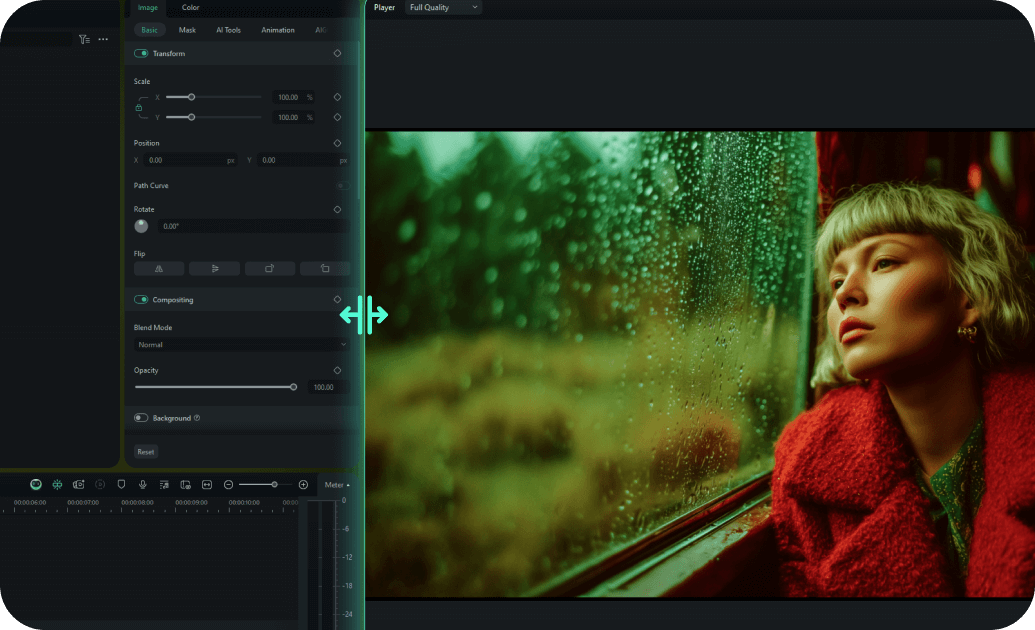
Easy to Create
Create your own unique subscribe stickers in minutes with our intuitive tools. No design skills needed – just pick a template, customize, and download!
- One-click text and color customization
- Drag-and-drop interface for quick editing
- Pre-built animation styles for instant professional look
- Real-time preview to perfect your subscribe stickers
Multi-Platform Ready

Multi-Platform Ready
Our subscribe stickers are optimized for all popular social media platforms. Whether it's YouTube, TikTok, Instagram, or Snapchat, your stickers will look perfect.
- Aspect ratios for YouTube (16:9), TikTok/Reels (9:16), and Instagram (1:1)
- Platform-specific design elements
- Export settings tailored for each social media site
- Cross-platform compatibility for maximum reach
Instant Download

Instant Download
Download and start using your customized subscribe stickers immediately. Get lifetime access and updates to ensure your content always stays fresh and on-trend.
- Immediate download after creation
- Lifetime access with free sticker updates
- Cloud backup for easy re-downloading
- No recurring fees or subscription requirements
Frequently Asked Questions About Subscribe Stickers
How to Add Subscribe Stickers to Your Video with Filmora
Want to boost your channel's subscriber count? It only takes three simple steps to add high-converting subscribe stickers to your footage using Filmora's drag-and-drop library.
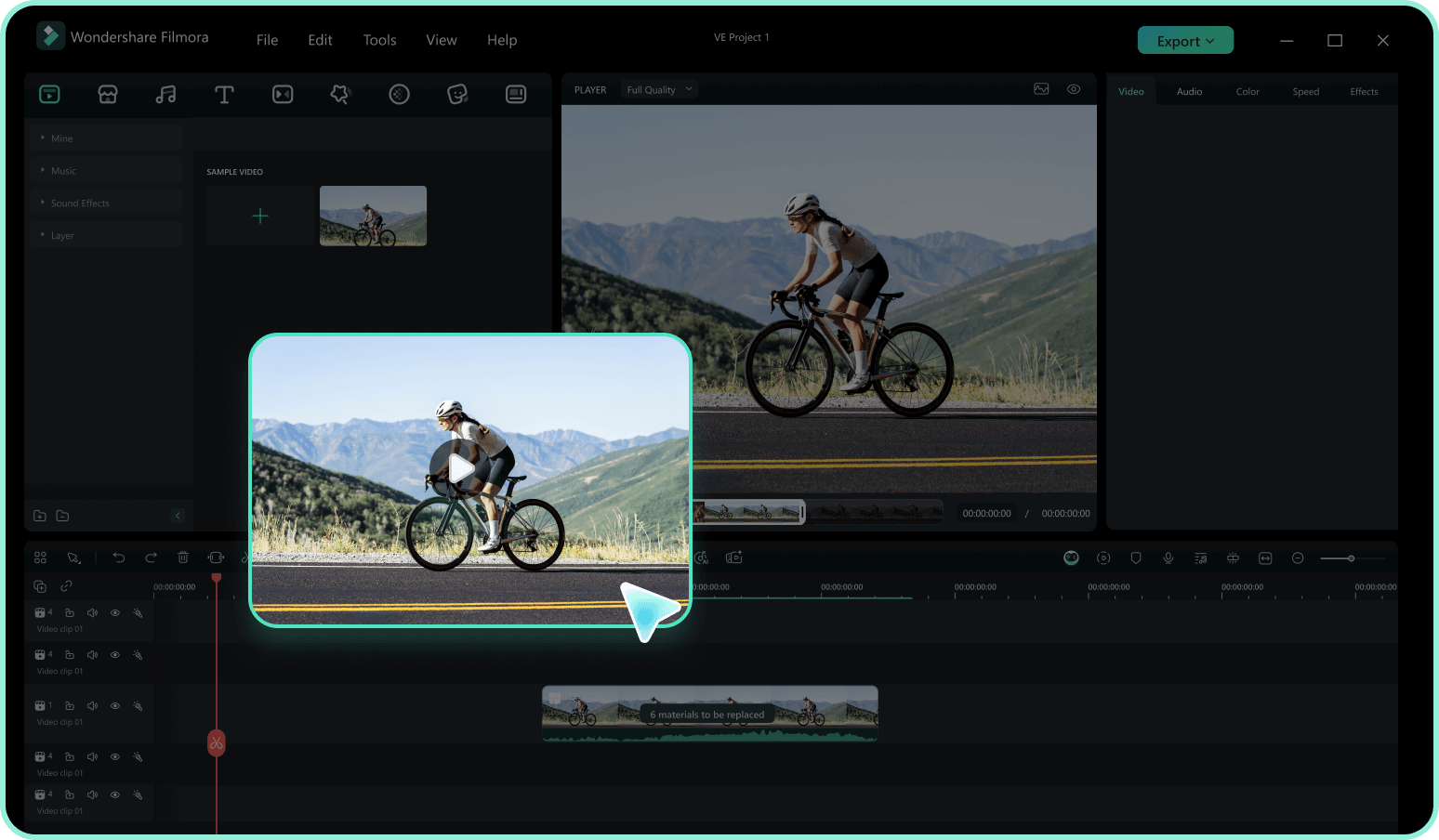
Step 1 Access the Sticker Library
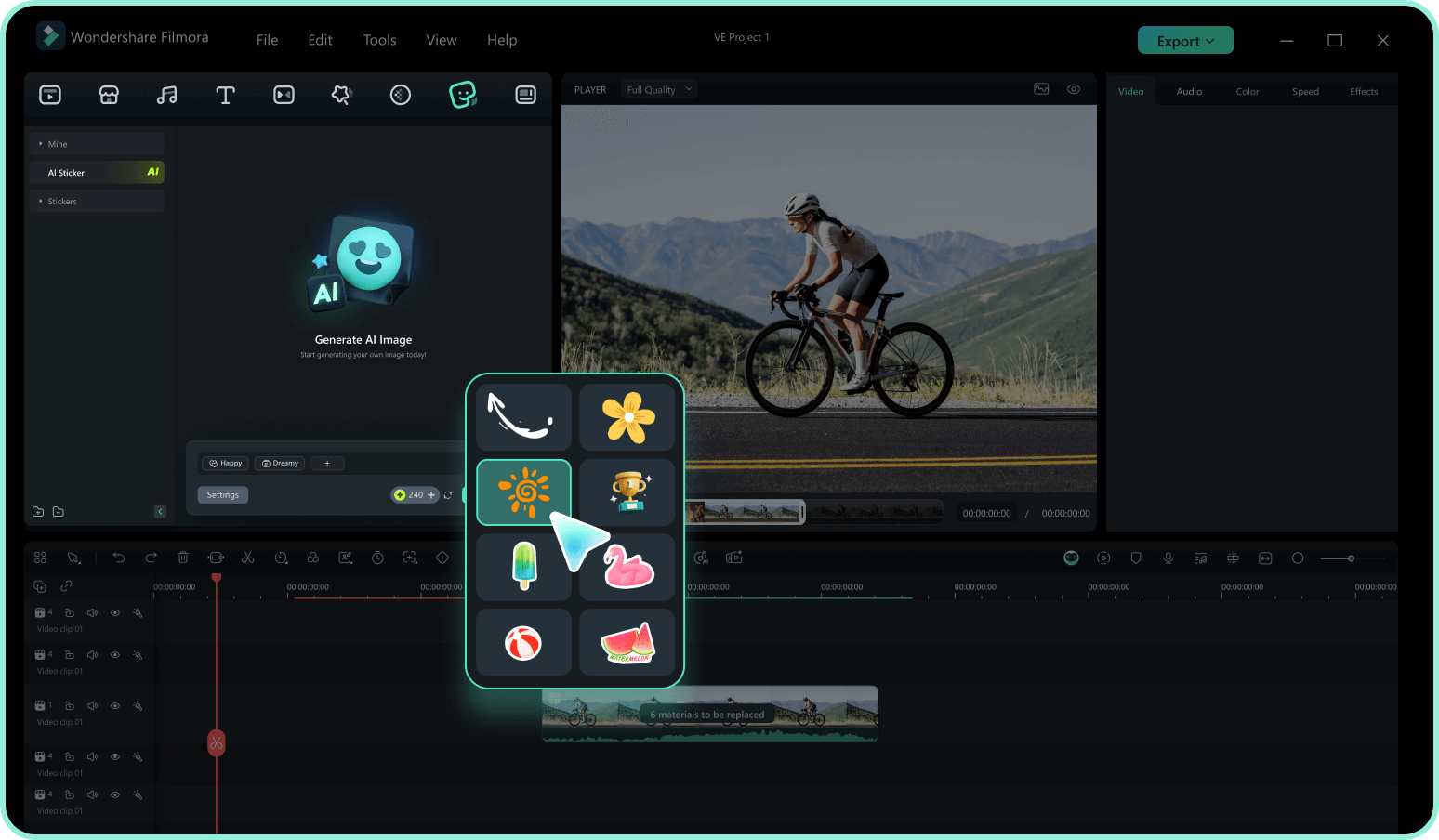
Step 2 Search for Subscribe Elements
Step 3 Drag, Drop, and Customize
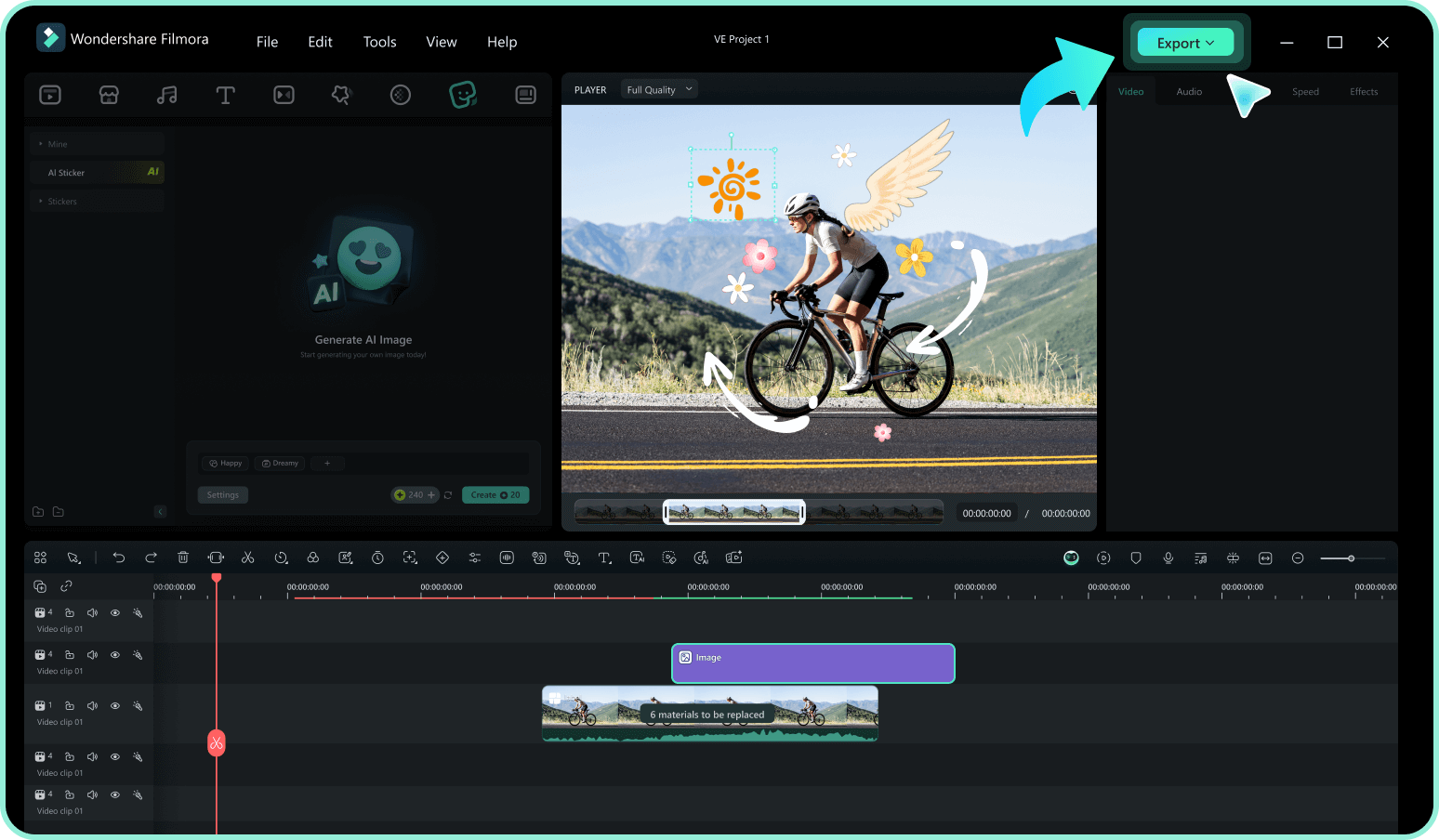
-
1:Access the Sticker Library
Open Filmora and import your video footage. Navigate to the "Stickers" tab in the top menu to access over 180+ creative assets. -
2:Search for Subscribe Elements
Type keywords like "Subscribe," "Bell," or "Follow" into the search bar. Preview the sticker subscribe animations by hovering over them. -
3:Drag, Drop, and Customize
Drag your chosen subscribe stickers onto the timeline. Resize, reposition, or add a pop sound effect to make it stand out, then export your video.
Explore More Sticker Themes
Discover other sticker categories for every content creator




