
Movie Sticker Examples & Guides
Explore popular film stickers applications and how-to guides
Loading more movie sticker examples...
 Category:
 Duration:
 Aspect Ratio:
Everything You Need to Master Cinematic Overlays
A well-placed movie sticker can turn an ordinary clip into a polished, engaging piece of content. Filmora gives you a full library of cinema stickers with built-in animation presets that drop straight into your timeline—no complex keyframing needed.
Whether you're framing a director's cut, opening a vlog, or adding a scene title to a short film, Filmora's movie film stickers give you the control to match any visual style. Pick a layout, place your graphics, and publish directly to your preferred platform.
Director-Approved Film Stickers — Ready For Action
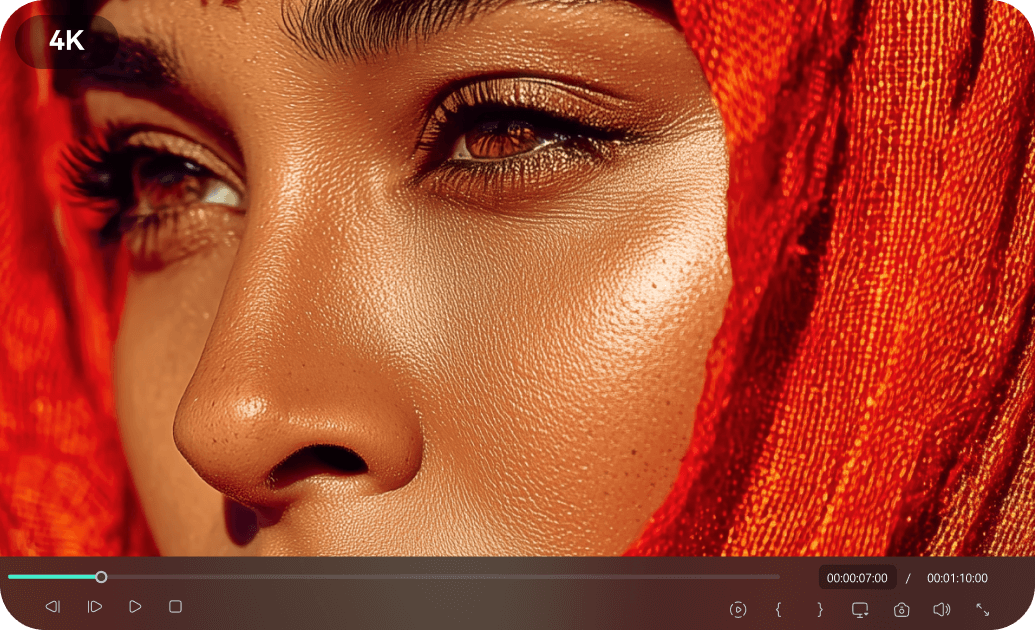
Director-Approved Film Stickers — Ready For Action
Stop searching for transparent PNGs online. Filmora's library covers everything from vintage film reel overlays to funny movie stickers for comedy sketches. Each element comes ready-to-use so your visuals hit the mark exactly when they should. It works across all major short-form platforms, providing seamless motion graphic options for vertical and widescreen video alike.
- 🎬 Instant Cinematic Vibe - Drag any movie sticker onto your footage to immediately elevate the production value.
- 🎞️ Authentic Film Overlays - Enhance your narrative using genuine-looking movie film stickers and vintage countdowns.
- 🤣 Engaging Comedy Accents - Drop in funny movie stickers to boost viewer retention and add personality to your edits.
Motion Track Your Sticker Cinema Elements
Motion Track Your Sticker Cinema Elements
Static graphics can look out of place. With advanced motion tracking, pin your filmy sticker directly to a moving subject. Once your film stickers are on the timeline, their motion property is fully editable—scale the size, shift the position, or let it follow the action smoothly. The result looks dynamic and deeply professional, not templated.
- 🎯 Precision Motion Tracking - Attach your sticker cinema elements to moving subjects for a seamless integration.
- 📐 Scale and Rotation Automation - As your subject moves, your film stickers scale naturally to match the perspective.
- ⏱️ Keyframe Animation Control - Customize the entrance, exit, and exact path of any filmy sticker across your screen.
Seamless Blending and Layer Control
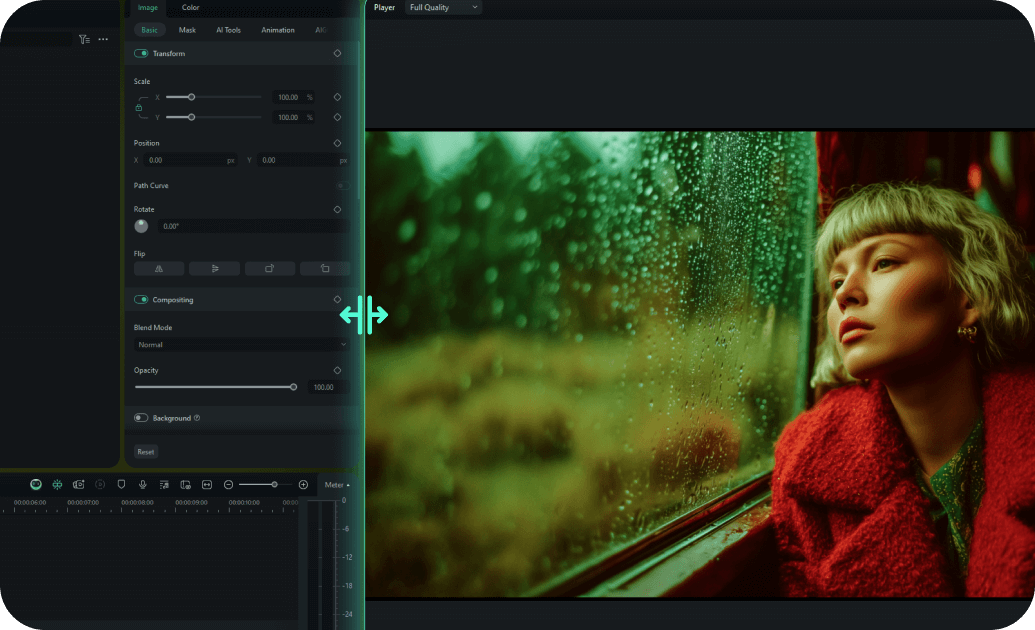
Seamless Blending and Layer Control
Adding home movie stickers should feel natural, not pasted on. Filmora lets you adjust the opacity, blending modes, and color grading of every movie film stickers you apply. Make modern digital overlays look like retro projector glitches, or match a vibrant sticker to the exact mood of your scene.
- 🎭 Advanced Blend Modes - Use screen, multiply, or overlay modes so your cinema stickers melt perfectly into the background.
- 📼 Nostalgic Home Video Looks - Layer home movie stickers with color grading tools for that classic VHS aesthetic.
- 🎨 Custom Color Correction - Match the color temperature and contrast of your movie sticker to your base footage effortlessly.
Frequently Asked Questions About Movie Stickers
How to Add a Movie Sticker to Your Video With Filmora
Want to give your content a cinematic aesthetic? It only takes three simple steps to transform raw footage into a Hollywood-style masterpiece using Filmora's drag-and-drop movie film stickers.
Step 1 Access the Sticker Library
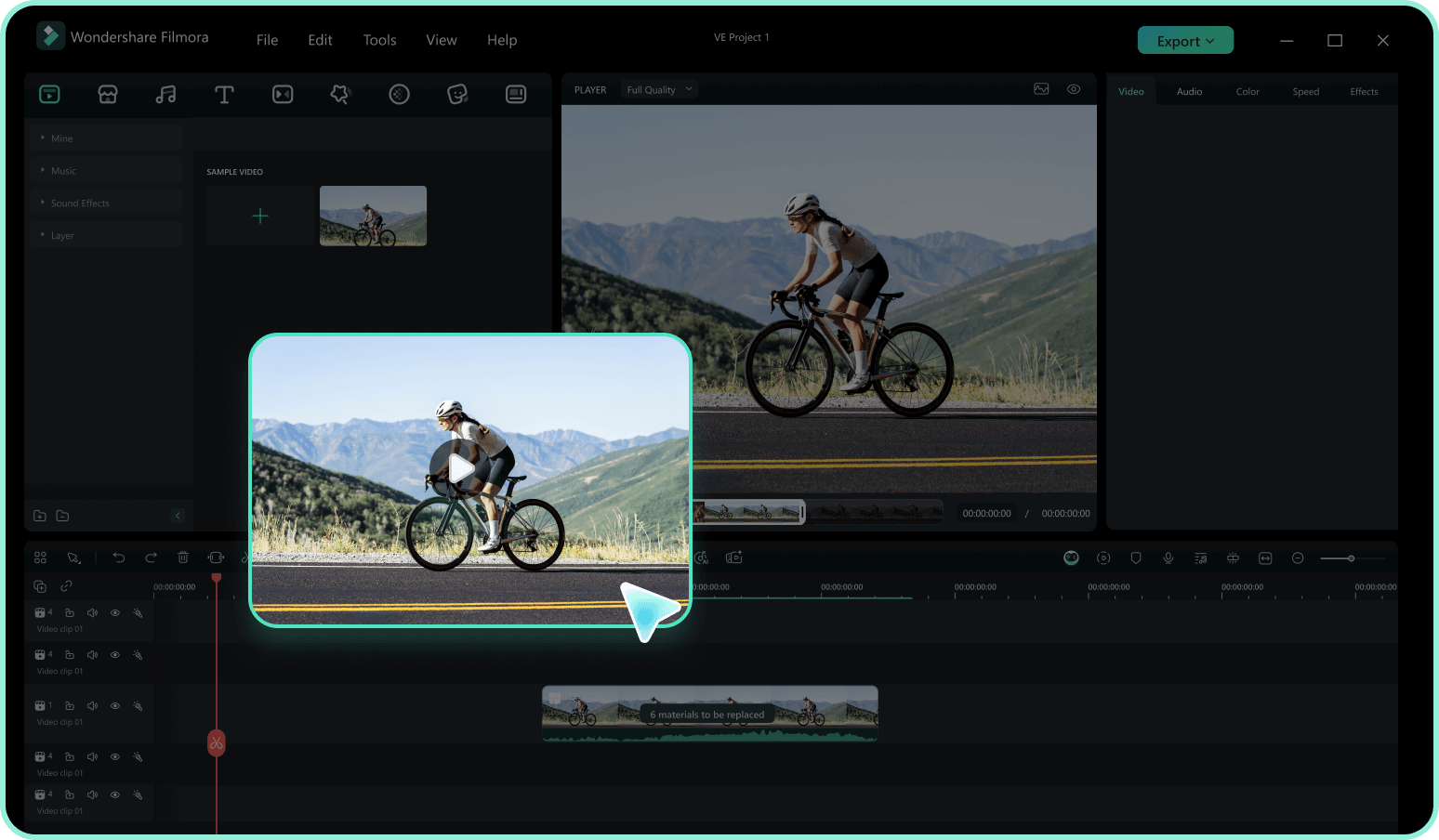
Step 2 Search for Cinema Elements
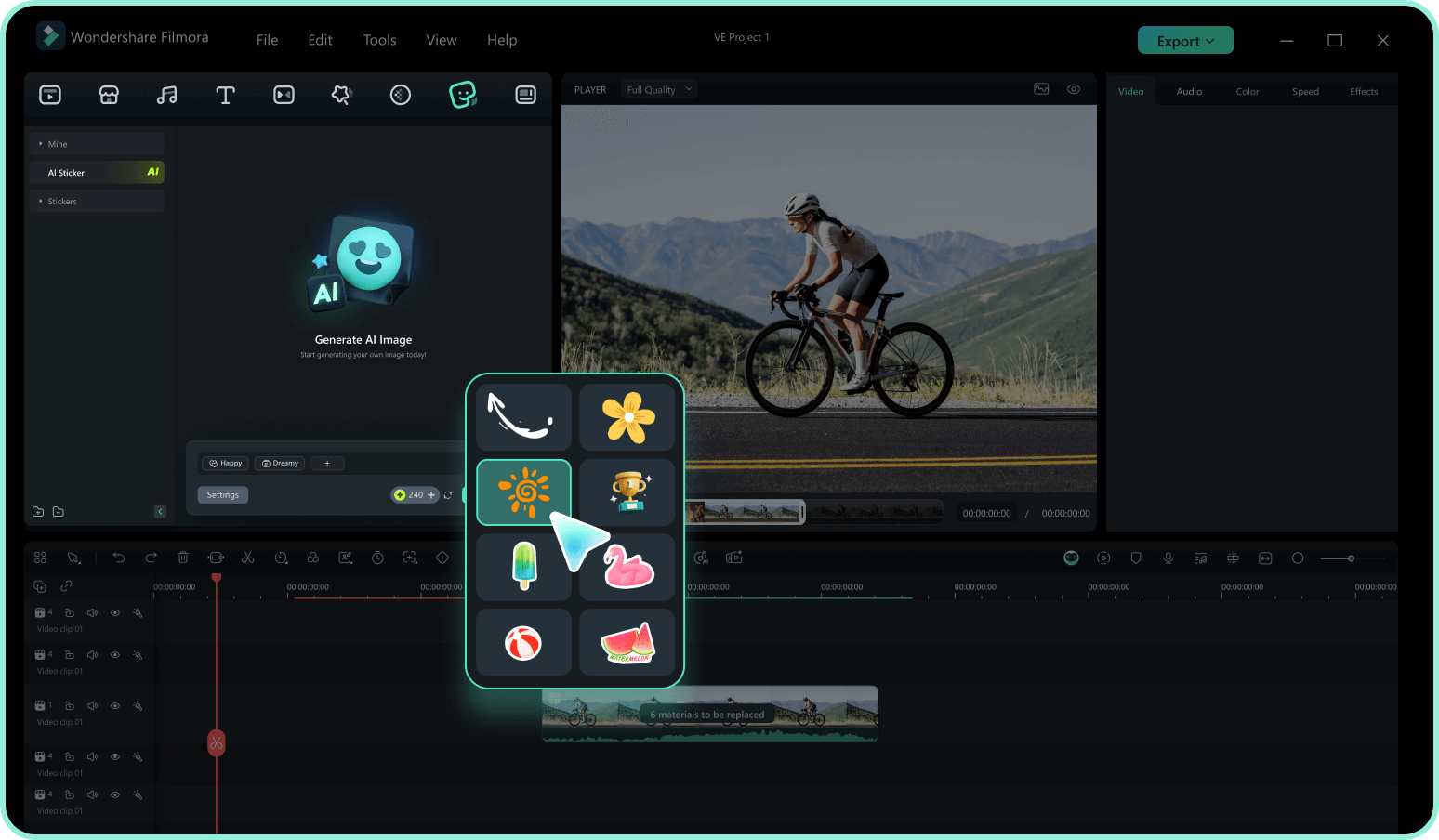
Step 3 Drag, Drop, and Animate
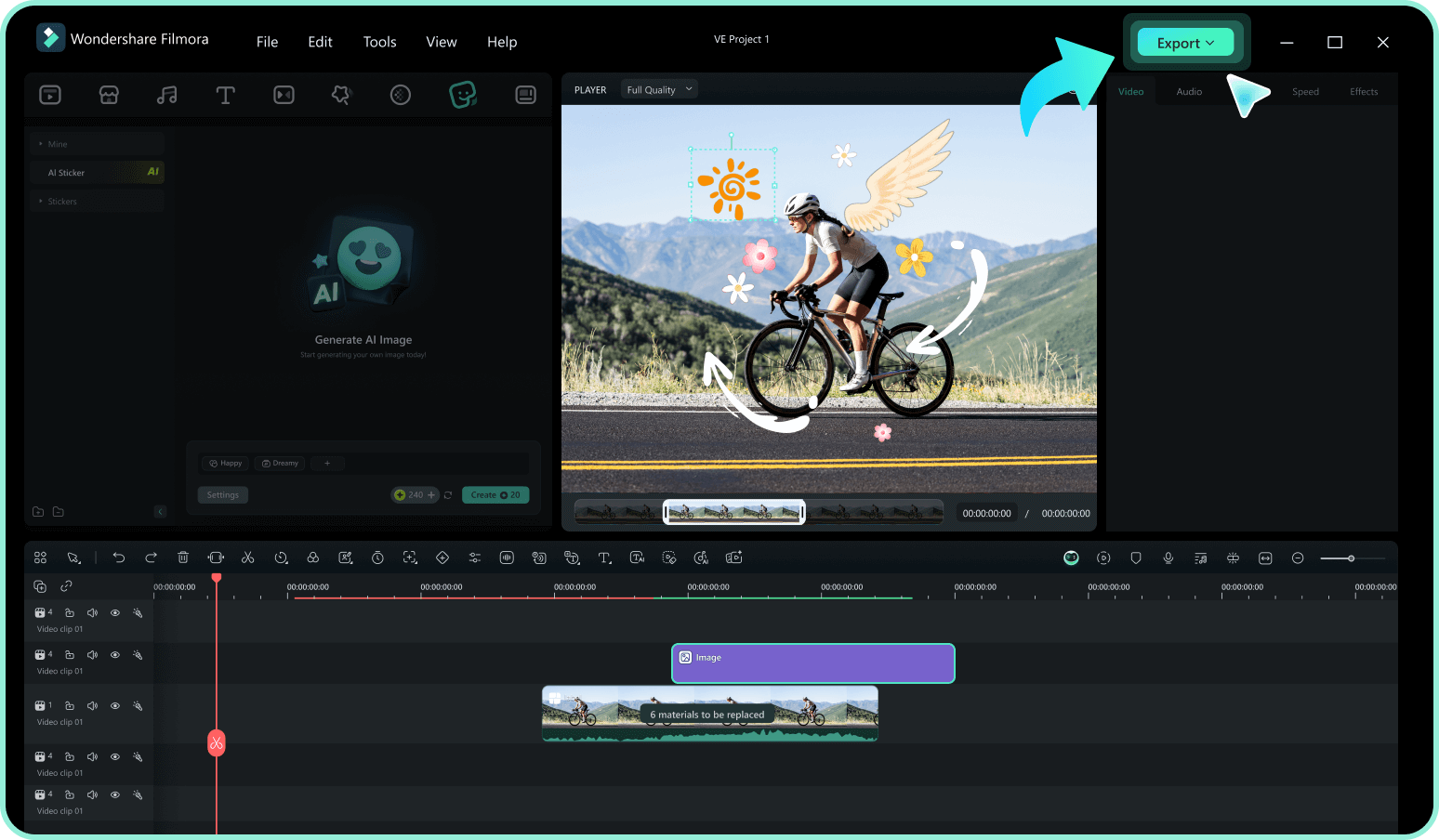
-
1:Access the Sticker Library
Open Filmora and import your video footage. Navigate to the "Stickers" tab in the top menu to access the vast library of creative assets. -
2:Search for Cinema Elements
Type keywords like "movie sticker", "cinema", or "film" into the search bar. Preview the animations by hovering over them to find the perfect match for your vibe. -
3:Drag, Drop, and Animate
Drag your selected filmy sticker onto the timeline above your video. Resize, rotate, or add motion tracking to blend it perfectly, then export your cinematic content.
Explore More Sticker Themes
Find the perfect sticker for your next video project




