
Popular Social Media Stickers
Discover our most popular social media stickers for all platforms
Loading more social media stickers...
 Category:
 Duration:
 Aspect Ratio:
Why Use Filmora for Social Media Stickers?
Easy tools for creating viral content and trending effects
Trending Sticker Library
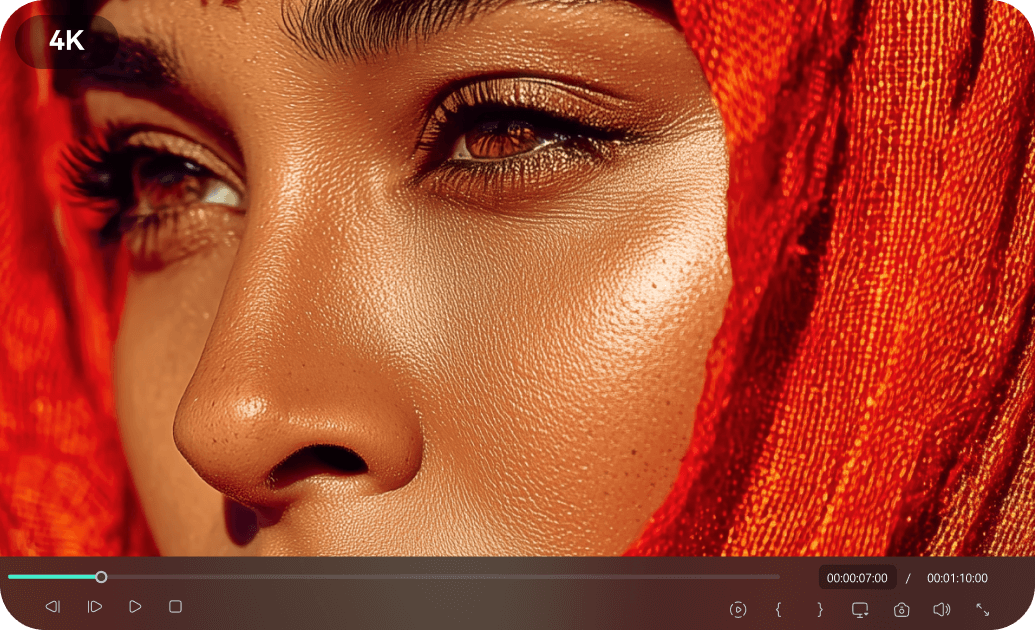
Trending Sticker Library
Access a constantly updated library of popular social media stickers. Stay on top of trends for TikTok, Instagram, and YouTube with fresh, engaging sticker content.
- Regular updates with the latest viral social media stickers
- Curated collections for specific platforms like TikTok and Instagram
- High-resolution and animated sticker options
Easy Customization for Social Media Stickers
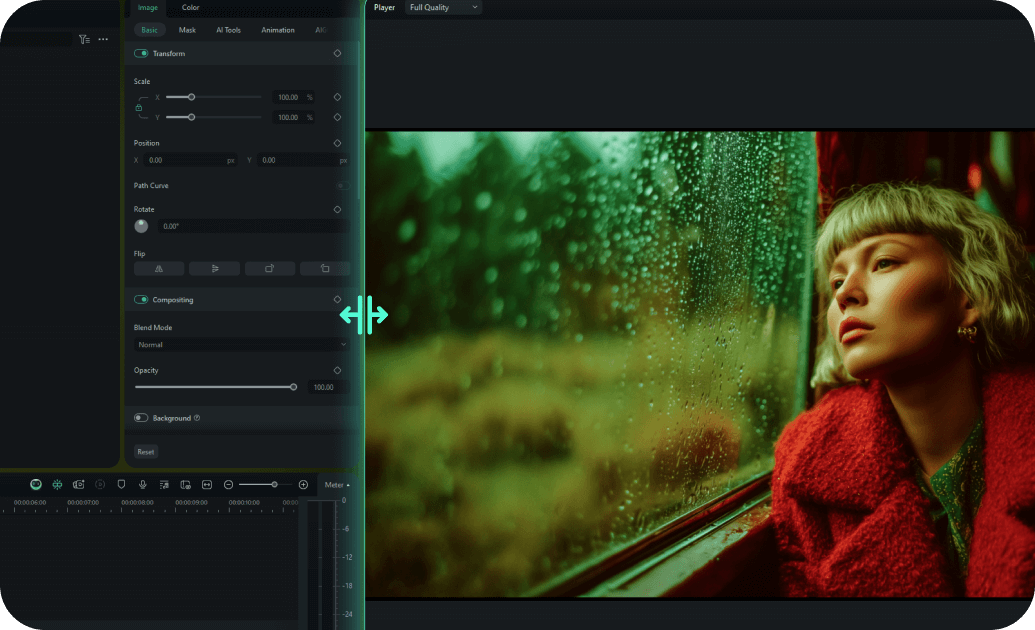
Easy Customization for Social Media Stickers
Drag-and-drop social media stickers onto your videos with ease. Customize size, position, and animation to perfectly match your content for any platform.
- One-click placement and resizing
- Pre-built animation presets for quick customization
- Real-time preview to see how your stickers look
- Compatible with all video aspect ratios for social media
Optimized for All Platforms

Optimized for All Platforms
Our social media stickers are designed to look great on 16:9, 9:16, and 1:1 aspect ratios, ensuring your content stands out on YouTube, Instagram, TikTok, and more.
- Automatic aspect ratio adjustments for stickers
- Seamless integration with platform-specific video formats
- High-quality renders for crisp visuals on any device
- Cross-platform compatibility guaranteed
Instant Access & Tutorials

Instant Access & Tutorials
Download and start using social media stickers immediately. Access how-to guides and video tutorials to quickly master creating viral content.
- Immediate download after purchase confirmation
- Lifetime access with free sticker updates
- Comprehensive tutorials on how to use social media stickers
- No recurring fees or subscription requirements
Frequently Asked Questions about Social Media Stickers
How to Add Social Media Stickers to Your Video With Filmora
Want to boost your engagement? It only takes three simple steps to transform raw footage into a highly interactive experience using Filmora's drag-and-drop sticker library.
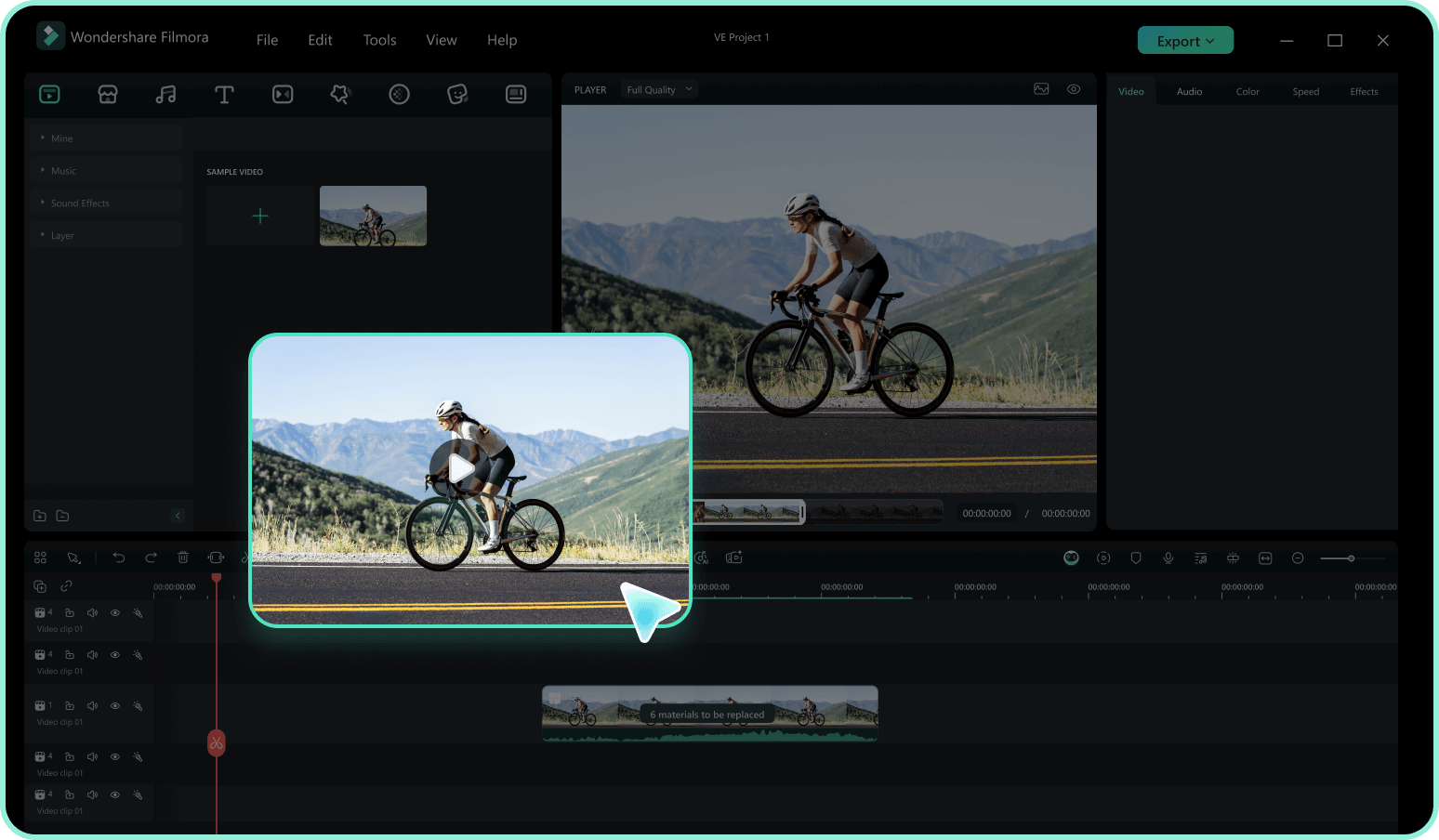
Step 1 Access the Sticker Library
Step 2 Search for Social Media Elements
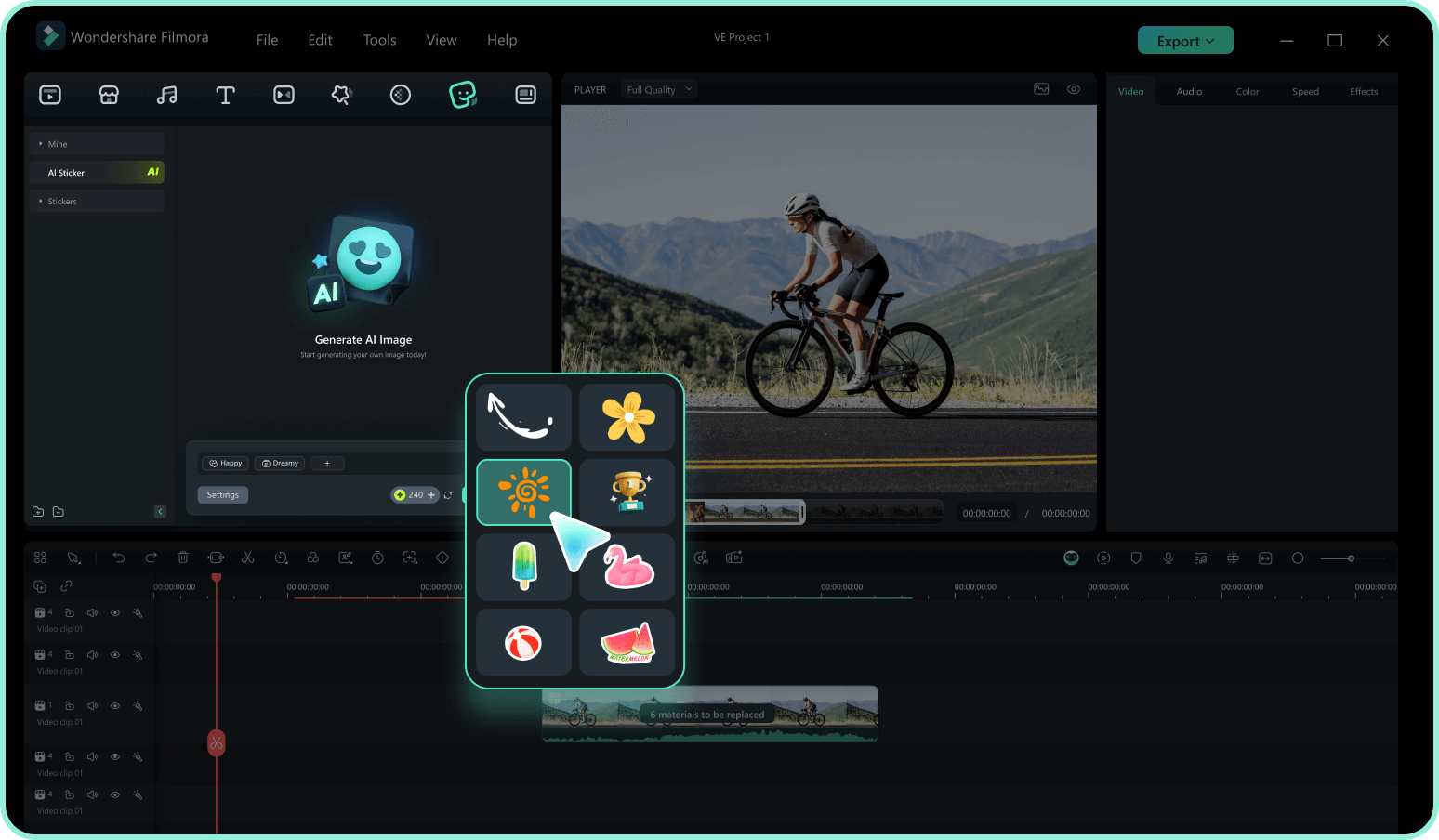
Step 3 Drag, Drop, and Customize
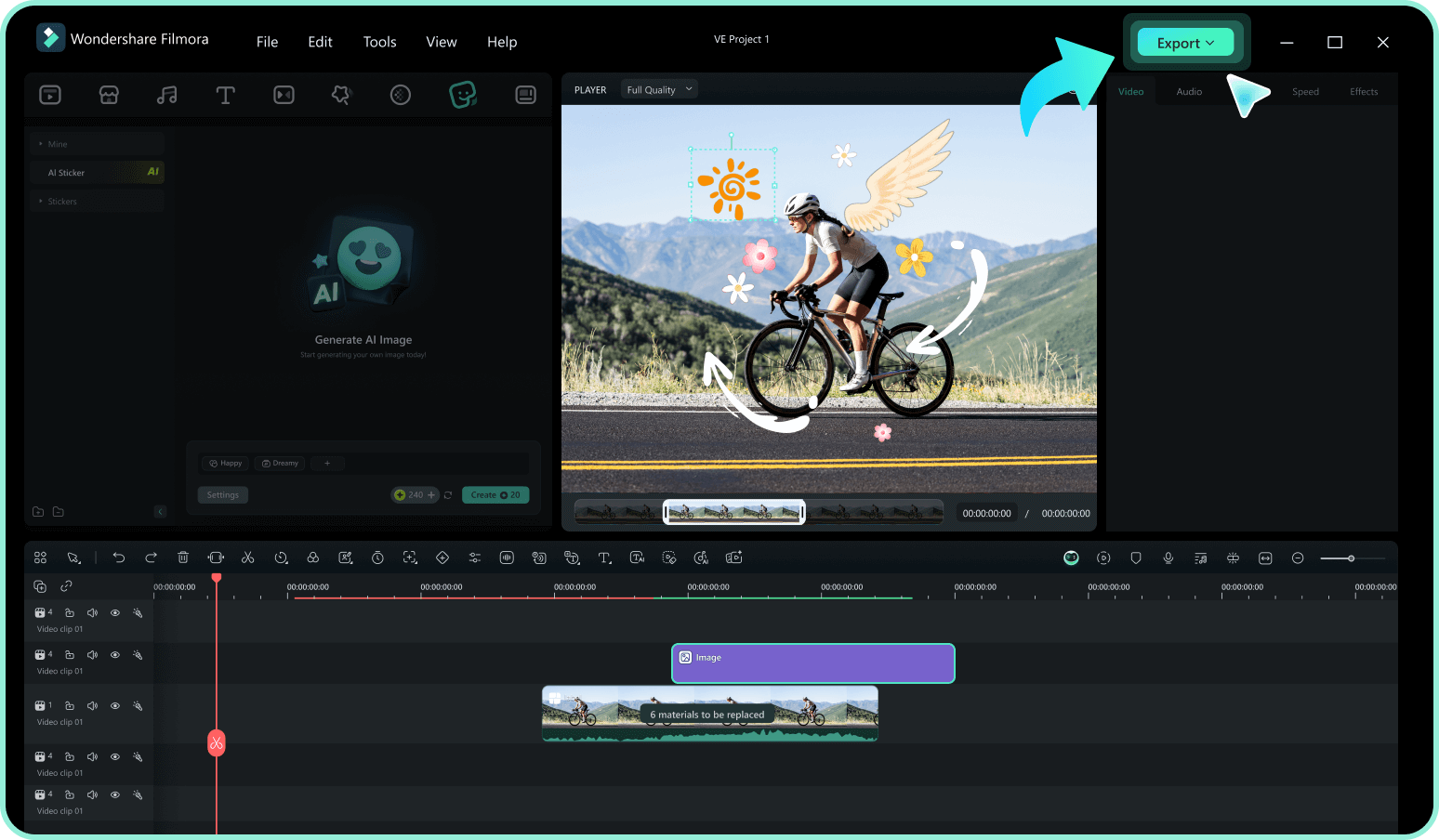
-
1:Access the Sticker Library
Open Filmora and import your video footage. Navigate to the "Stickers" tab in the top menu to access the vast library of creative assets. -
2:Search for Social Media Elements
Type keywords like "Subscribe," "Like," "Follow," or "Social" into the search bar. Preview the animations by hovering over them to find the perfect match for your vibe. -
3:Drag, Drop, and Customize
Drag your selected social media stickers onto the timeline above your video. Resize, rotate, or add motion tracking to blend it perfectly, then export your fresh new content.
Explore More Sticker Themes
Discover other sticker categories for every occasion




