


 TL;DR:
Dreamega AI is a browser-based platform aggregating over 50 generative models for fast media creation, but creators needing precise control should use a timeline-based editor like Wondershare Filmora to avoid wasting paid credits on minor adjustments.
● The platform executes text-to-image, image-to-video, and text-to-audio workflows directly in the browser by utilizing notable AI models like FLUX.2 Pro, Veo 3.1, Sora 2, Kling 2.6 Pro, and Suno AI.
● Free trial generations include watermarks and trigger frequent check-in reminders, requiring an upgrade to the $19.99 Lite or $29.99 Pro monthly plans that reset monthly without rolling over unused points.
● While Dreamega AI suits fast multi-model generation, Wondershare Filmora is recommended for end-to-end production on Windows, macOS, Android, and iOS because it integrates AI models with a manual editing timeline, eliminating the need to spend generation credits on post-production cleanup.
Ask AI for a summary
 ChatGPT
 Perplexity
 Gemini
 Claude
 Grok
Grok
It seems like the AI video generator market is getting fiercer as new platforms keep popping up every week. According to The Business Research Company, the AI video generator market is expected to grow from $0.39 billion in 2025 to $0.47 billion in 2026, which explains why new platforms keep showing up so fast.
The latest option trying to win your attention is Dreamega AI by bringing multiple AI images, videos, audio, and creative models into one place. But with so many tools already promising “all-in-one” creation, the real question is simple: does Dreamega AI make your workflow easier? That’s what we’re about to find out!.
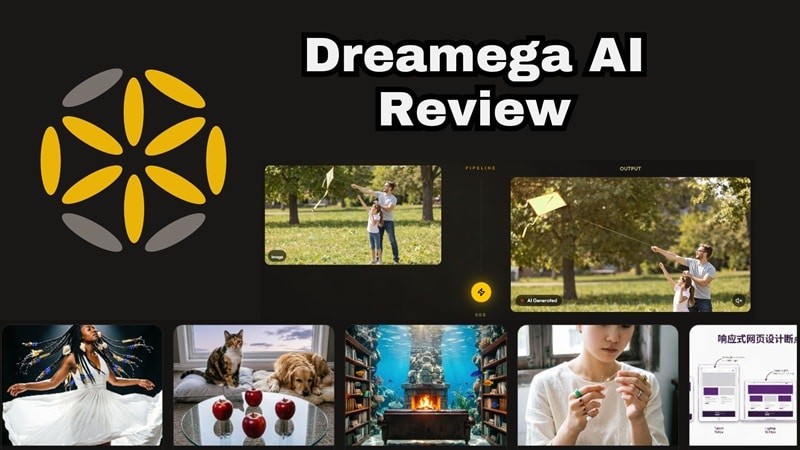
Part 1. Meet Dreamega AI: Another AI Tool, or Something Bigger?
Dreamega AI is an online creative platform that gives users access to many generative AI models from one dashboard. The platform focuses on fast creative generation. You can write a prompt, upload a reference image or video, choose a model, and generate content directly in the browser.
It covers a lot of ground: still images, animated videos, music, and editing tools, which puts it in a slightly different category than tools that only do one or two things well.
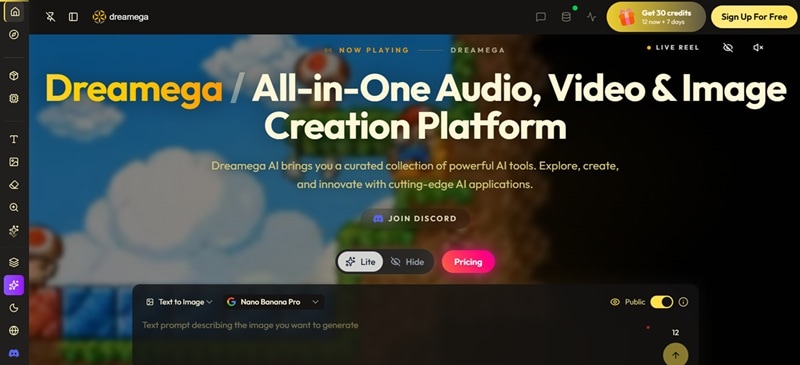
Accessing Dreamega
Dreamega is 100% browser-based. You don't need to install anything. Just sign up, open the dashboard, and start generating. It also has a Discord community, which is useful if you want updates, support, or examples from other creators. This matters because many AI tools change quickly. A community space can help users keep up with new models, pricing changes, prompt tips, and feature updates.
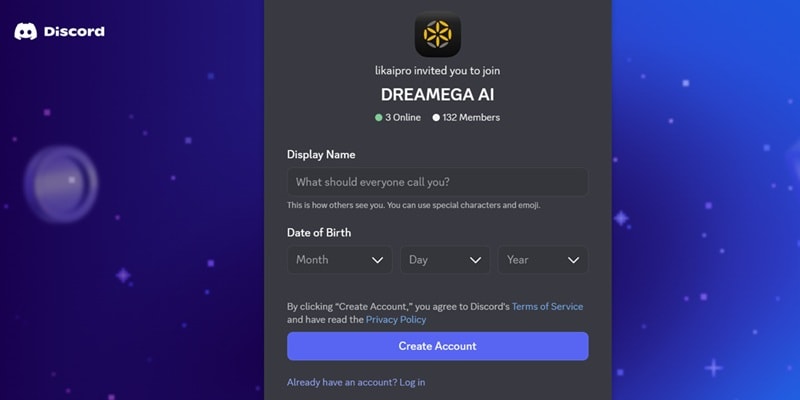
Part 2. Features Breakdown: Inside Dreamega’s Creative Toolbox
Dreamega’s biggest selling point is its model variety. It doesn't rely on only one AI system. Instead, it brings together multiple models for different creative tasks, from still images to animated videos and music generation. Here is a clearer breakdown.
Image Generation
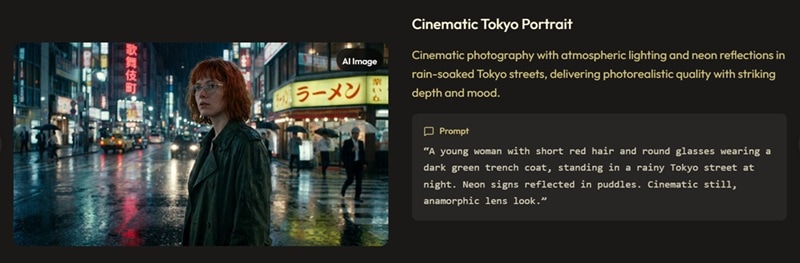
Dreamega covers two core image workflows.
- Text-to-Image lets you describe what you want, and the AI builds it.
- Image-to-Image takes a reference photo and transforms it based on your prompt.
Both workflows support multiple models, so you can swap between different styles and quality tiers without leaving the platform.
Notable AI Models:
- FLUX.2 Pro / Max / Flex.
- GPT Image 2 / 1.5.
- GPT-4o Image.
- Nano Banana 2.
- Seedream 5.0.
- Ideogram V3.
- Qwen Image 2.0.
- Grok Imagine.
Video Generation
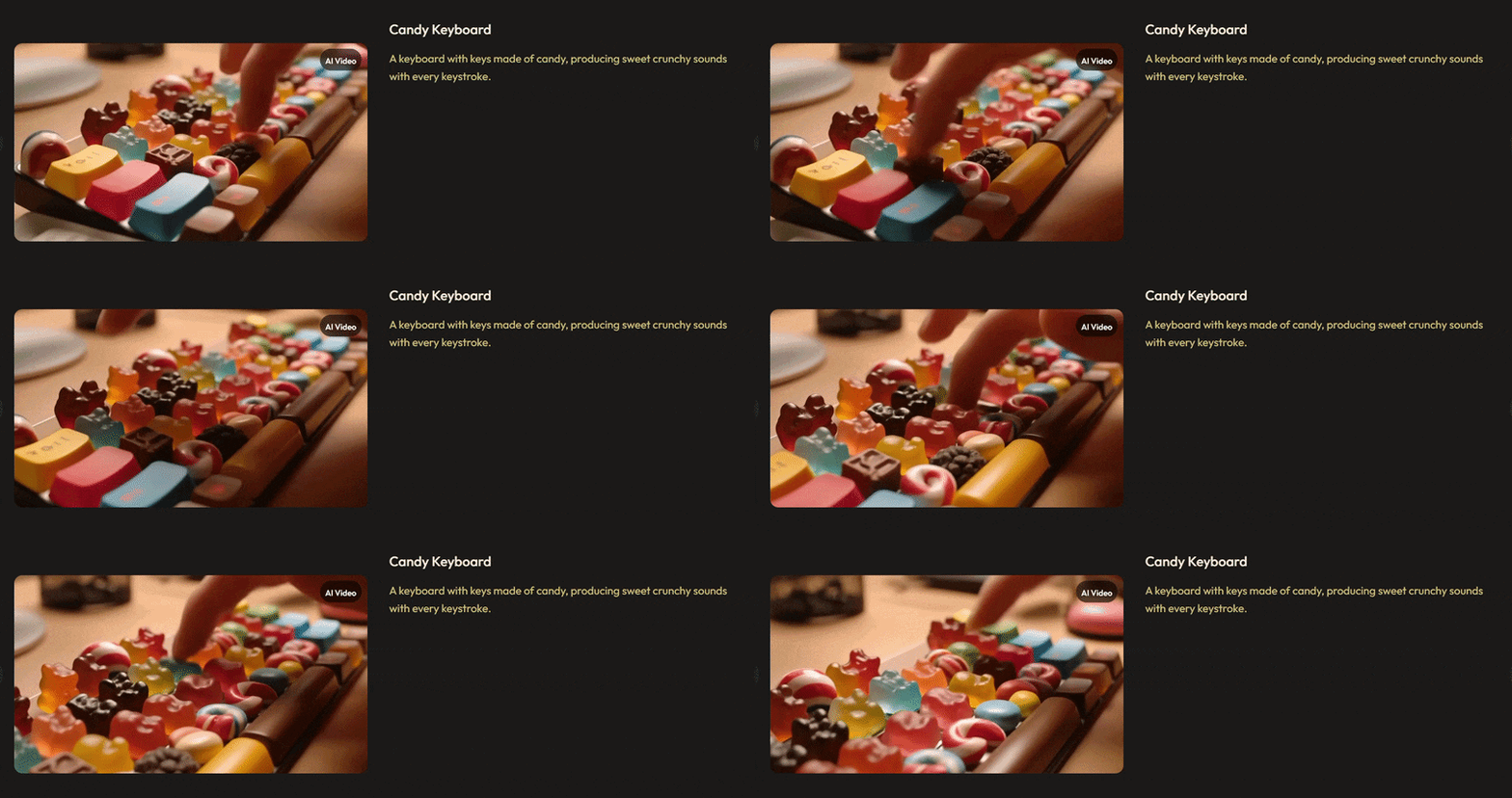
The video is where Dreamega really flexes. You get Text-to-Video (describe a scene and watch it render), Image-to-Video (bring a still image to life), and Video-to-Video (transform existing footage using AI). Some models even generate synchronized audio alongside the video, which removes a whole extra step from your workflow.
Notable AI Models:
- Veo 3.1.
- Sora 2.
- Seedance 2.0.
- Kling 2.6 Pro / O3.
- Hailuo 2.3.
- WAN 2.7.
- PixVerse C1 / V6.
- LTX-2.3.
- Vidu Q3.
Sound Generation
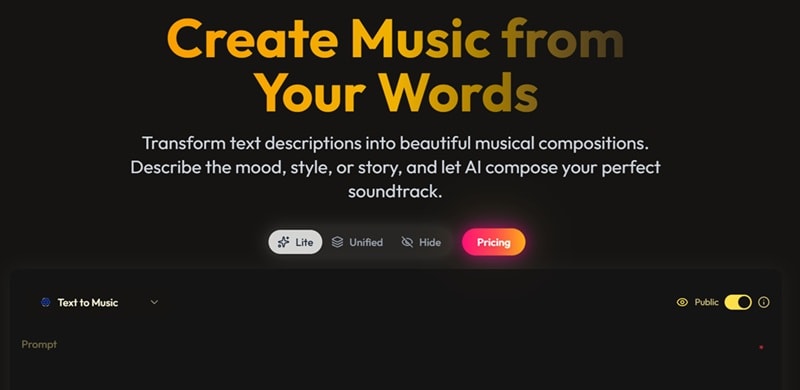
Dreamega's audio suite covers Text-to-Music and Text-to-Speech workflows. If you need a quick lo-fi background track or an eerie cinematic ambient drone to back up your newly rendered video clip, you can type out the mood and tempo to get a completely unique audio file.
Notable AI Models:
- Suno AI.
- Minimax Music.
Image & Video Editing
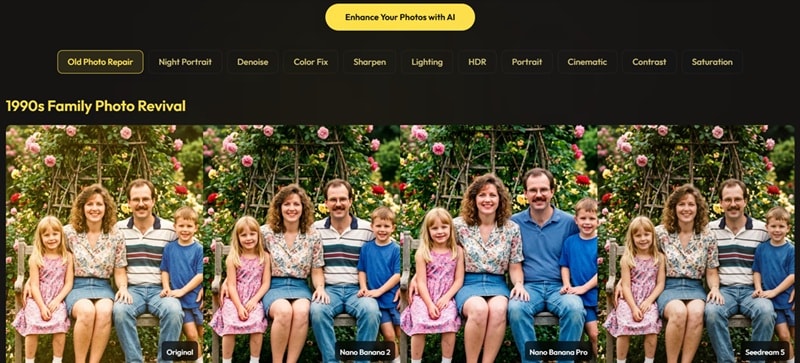
Beyond generation, Dreamega includes AI-powered enhancement tools for both images and video. On the image side, you get background removal, photo restoration, AI upscaling, denoising, color correction, relighting, and sharpening. For video, there's a Video Upscaler, Video Eraser, Watermark Remover, and AI video effects.
Part 3. Dreamega Pricing Explained
Now for the elephant in the room: how much is this going to cost you? Dreamega uses a credit-based system. Each generation costs credits, and the amount depends on the model, tool, and output type you choose.
You can get 12 credits after signing up and up to 30 credits overall through daily check-ins over the next 7 days. If you decide to step up to paid access, Dreamega offers Lite and Pro tiers, which can be purchased monthly, quarterly, yearly, or as a one-time option.
| Lite Plan | Pro Plan | |
| Monthly Cost | $19.99 / month | $29.99 / month |
| Yearly Cost | $119.99 / Year | $179.99 / Year |
| Allotted Points | 300 points | 800 points |
| Est Video Output | Up to 30 videos | Up to 80 videos |
| Est Image Output | Up to 300 images | Up to 800 images |
| Parallel Task Processing | 3 tasks at once | 3 tasks at once |
Part 4. Dreamega Pros and Cons: Honest Benefits and Drawbacks
Dreamega looks strong on paper because it gives users many AI models in one place. But like most AI creative platforms, it is not perfect. Some parts are convenient, while others may become frustrating if you generate a lot or need precise editing control.
- Strong Video Model Selection: The platform includes popular video models such as Veo, Sora, WAN, Kling, Seedance, Hailuo, and more.
- Supports Multiple Workflows: It covers text-to-image, image-to-image, text-to-video, image-to-video, video-to-video, and music generation.
- Clean Organization: The interface separates tools logically so you do not get overwhelmed by options.
- Constant Check-in Reminder is Annoying: The daily pop-ups pushing you to claim credits get old very fast.
- Limited Public User Reviews: currently shows no user reviews, so there is not enough independent feedback to judge reliability yet.
- Not a Full Editing Replacement: Dreamega can generate and enhance content, but it is not the same as editing inside a professional timeline.
Part 5. Create and Edit with More Control Using Filmora
Dreamega’s access to many AI models is definitely convenient. However, relying purely on a cloud platform can become expensive, as you need to keep spending credits and generating brand new files to make even the slightest adjustment to your work. If that workflow limitation bothers you, there is no harm in looking at other options like Wondershare Filmora.
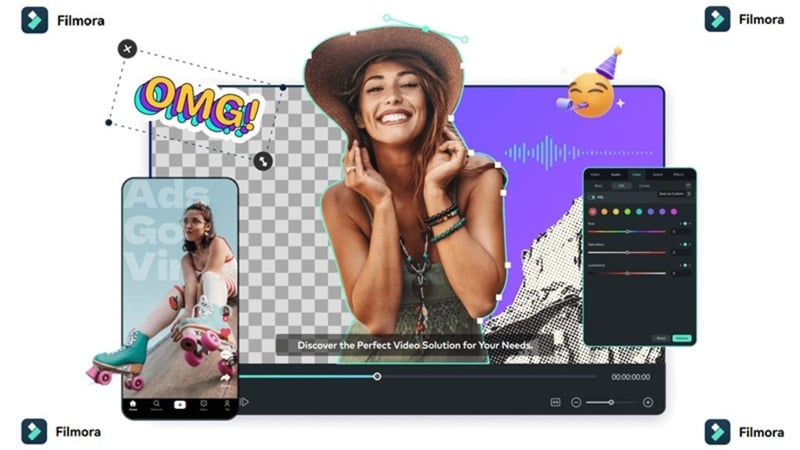
This all-in-one video editor is home to notable AI models too, like Veo 3.1, Sora 2, Seedance 2.0, Tomoviee 2.5, GPT Image 2, and more. The big difference is that it combines those smart engines with a professional, local desktop editing environment, giving you the best of both worlds.
 Secure Download
What Filmora Offers That Dreamega Does Not Fully Replace
1. Professional Editing Timeline
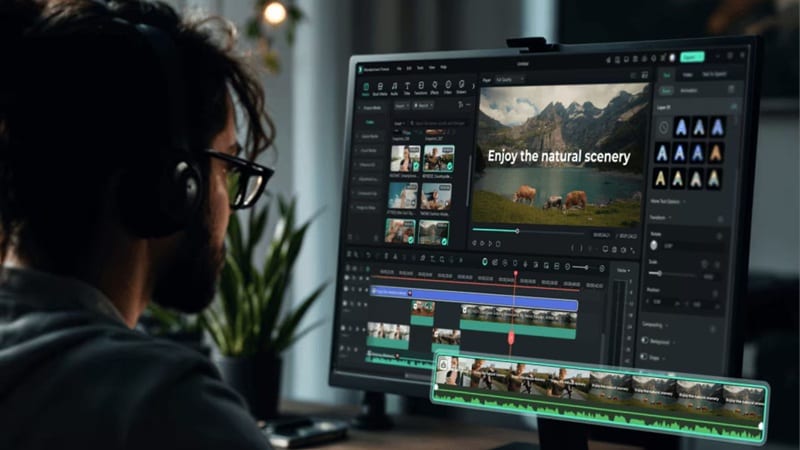
Filmora gives you a timeline where you can cut, trim, layer, adjust, and arrange clips manually. This matters because AI-generated clips often still need cleanup. With a timeline, you can fix pacing, remove weak parts, add B-roll, sync music, and create a complete video instead of relying only on regeneration.
2. Wide Range of AI Features
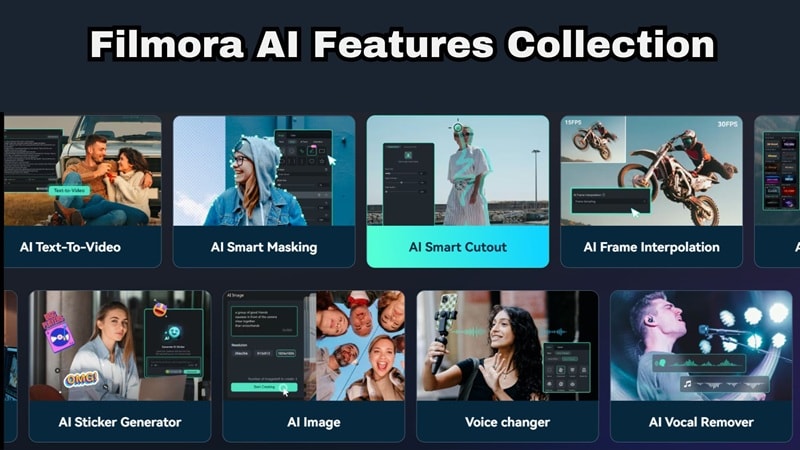
Filmora includes AI tools that help with both creation and post-production. These include AI subtitles, speech-to-text, AI translation, AI voice tools, AI music, AI Video Enhancer, AI Denoise, AI Eye Contact, Smart Cutout, and Auto Reframe.
This matters because not every problem needs a new AI generation. Sometimes you only need cleaner audio, better captions, sharper footage, or a quick social media resize.
3. Extensive Media Library

Filmora also includes built-in effects, transitions, stickers, stock assets, music & sound effects, templates, and titles. This helps creators finish a full video faster because they do not need to search for every visual element manually.
For AI-generated videos, this is especially useful. You can generate the main clip with AI, then use Filmora’s media assets to make the final edit look more complete.
4. Social Media Workflow
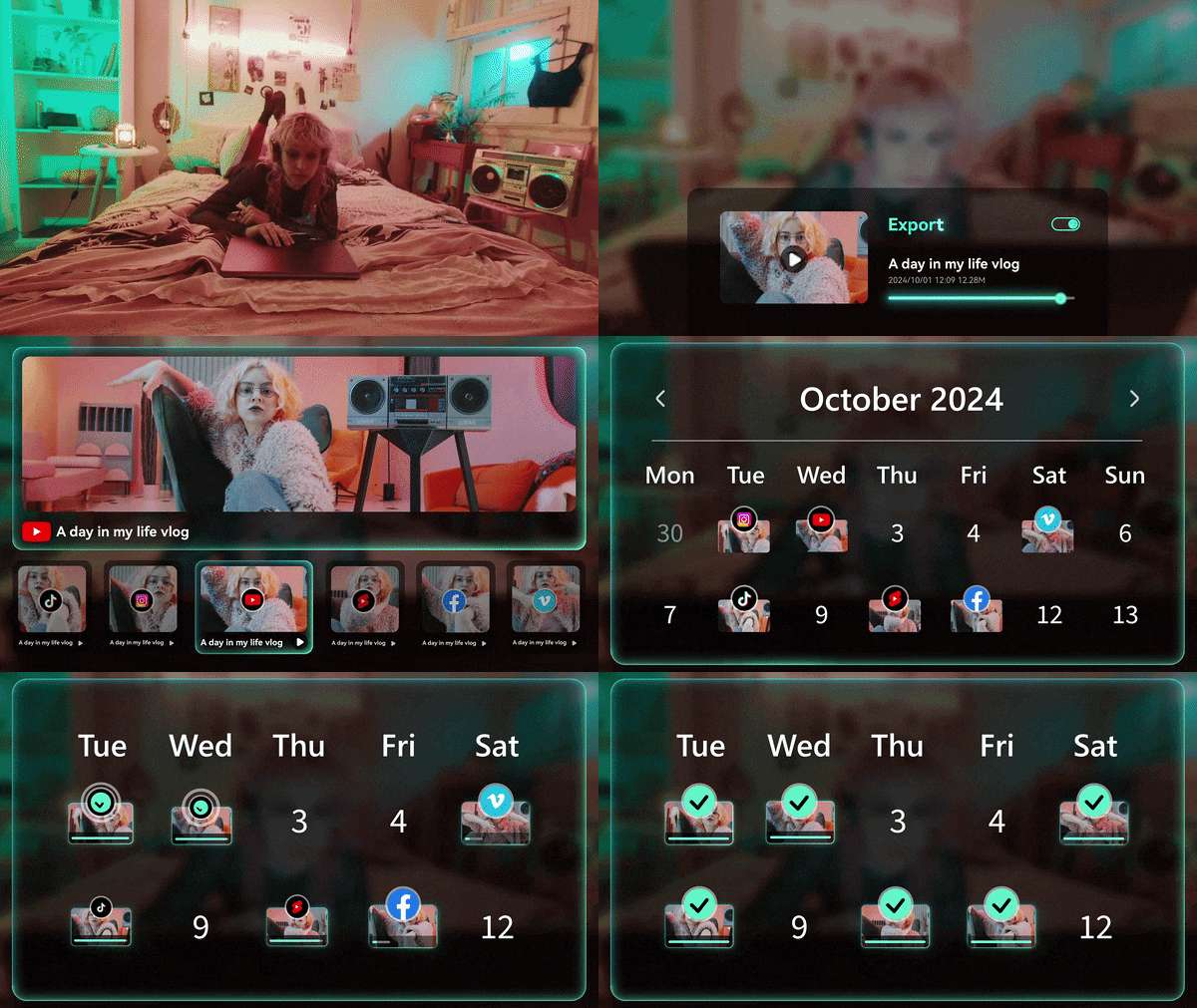
Filmora is also useful for creators who publish regularly on TikTok, YouTube Shorts, Instagram Reels, and other platforms. Features like Smart Short Clips and Social Content Planner can help turn one video idea into multiple social-ready versions.
This matters because generating a clip is only one part of content creation. You still need to format, polish, schedule, and publish it properly.
5. Flexible Access
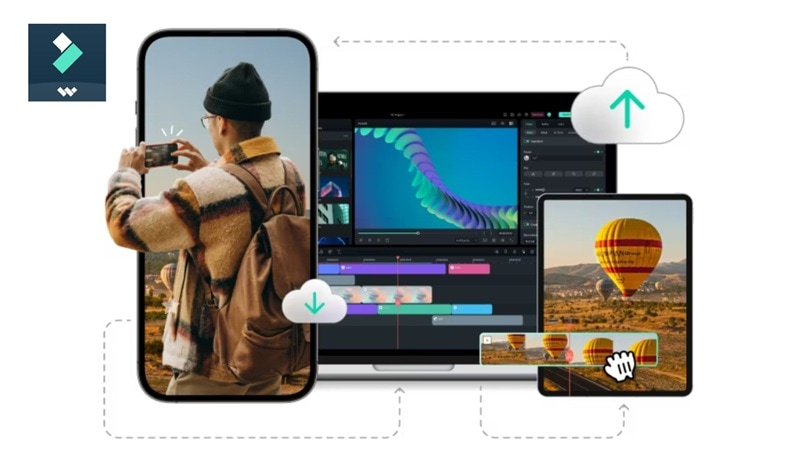
Filmora is available on Windows, macOS, Android, and iOS. This gives users more flexibility if they want to edit across desktop and mobile devices. For creators who start ideas on mobile and finish edits on desktop, this is more practical than relying only on a browser-based generator.
Filmora vs Dreamega AI: Head-to-Head Comparison
| Category | Dreamega | Filmora |
| Platform | Browser only (online) | Desktop + Mobile (Win/Mac/iOS/Android) |
| Main Focus | Multi-model AI generation | Full video editing with AI tools |
| Workflow Style | Prompt-based cloud generation | Timeline editing + AI generation and editing tools |
| AI Model Count | 50+ models across all creative tasks | Multiple (Veo 3.1, Sora 2, Seedance 2.0, Tomoviee 2.5, etc.) |
| Built-in Media Library | ✗ Generate only | ✓ Stock assets, transitions, stickers, titles |
| Social Media Tools | ✗ Limited post-gen workflow | ✓ Auto Reframe, Smart Shorts, Social Planner |
| Best For | Fast multi-model AI generation | End-to-end video production |
Secure DownloadConclusion
Dreamega AI is a genuinely impressive option if you want to experiment with the absolute latest generative models without paying for five different website accounts. It keeps things fast, fun, and centralized. However, relying purely on text prompts to fix tiny visual mistakes will quickly drain your credit balance and your patience.
If you want to actually turn those AI concepts into high-yield social media videos, combining your favorite models with a tool like Filmora is the way to go. Filmora takes those raw AI generations and surrounds them with a professional timeline, built-in transitions, and intelligent audio tools, giving you the precision control that cloud browsers simply can't match.
FAQs About Dreamega AI
-
Is Dreamega AI good for beginners?
Yes, it is very beginner-friendly. The interface uses clear categories and simple text boxes, so you don't need to know how to code or use complex software to get great results. -
Does Dreamega AI add watermarks?
If you are on the free trial version, your generated videos and images will include watermarks. Upgrading to the paid Lite or Pro plans removes the watermarks completely. -
Do my unused credits roll over to the next month on a paid plan?
Based on the current pricing structure, Dreamega operates on a monthly credit reset model, which means unused points generally don't carry over. This is pretty standard for credit-based AI platforms.
